 ShizuStore
XtMapper
2.5.0 · GitHub
More about this app
Keymapper for Android x86
XtMapper
XtMapper, a free and open source keymapper.
Play your Android games with keyboard and mouse

About and features
https://xtr126.github.io/XtMapper-docs/guides/about
Watch video on YouTube
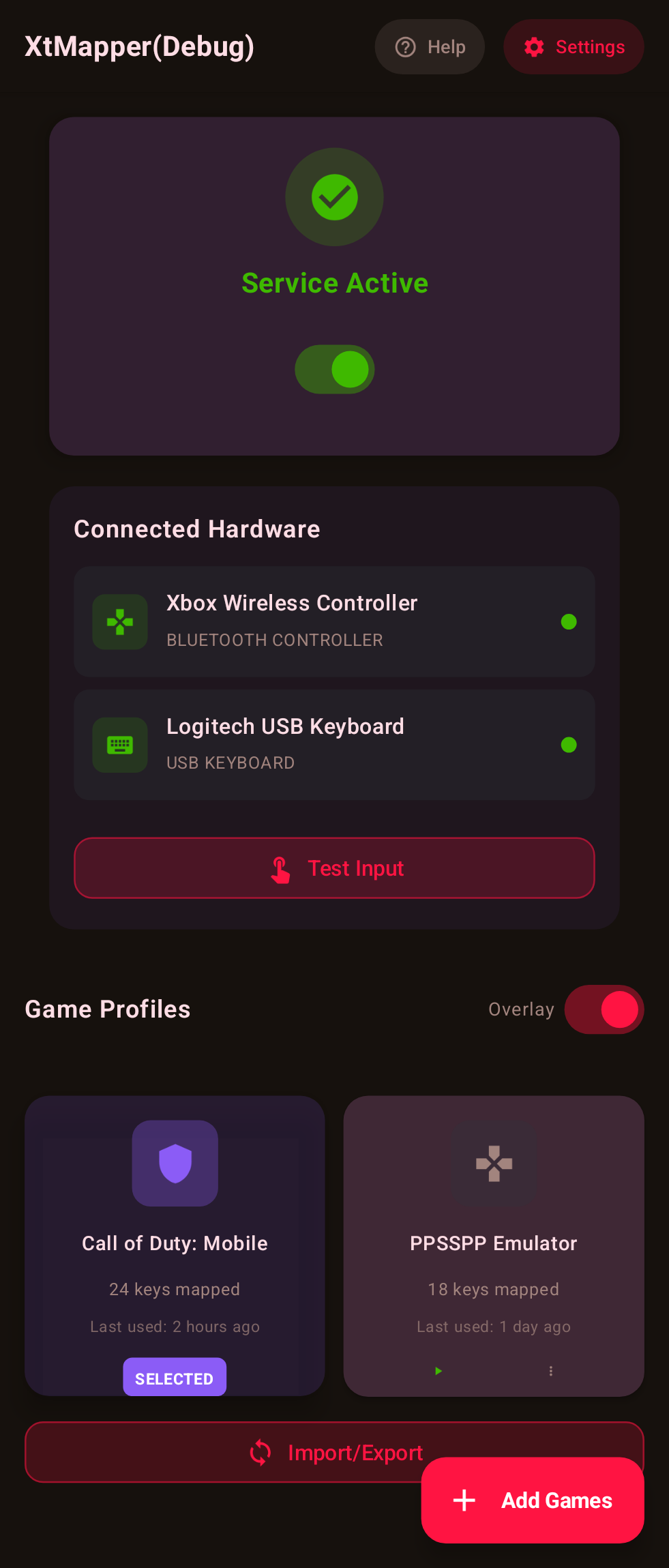
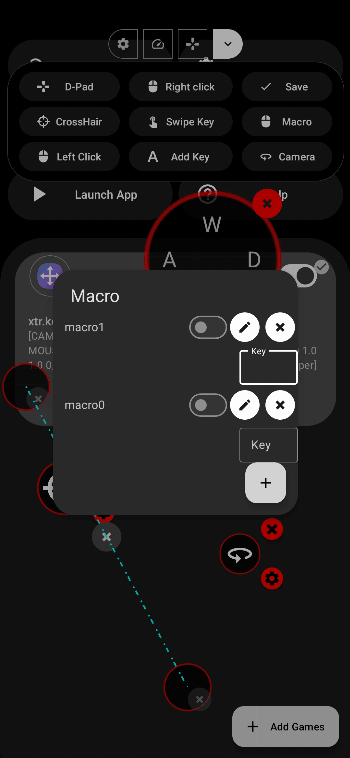
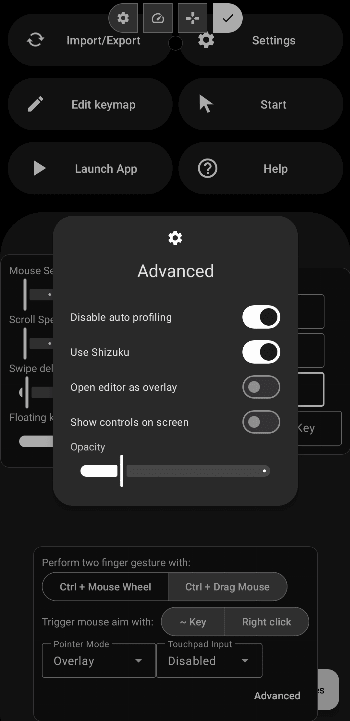
Screenshots
Click to expand
| | | |
| ------------- | ------------- | ------------- |
|  |
| |
|
|
|
|
|
Development
Build
- Run
./gradlew assembleDebugor./gradlew.bat assembleDebugat the base directory of the project
Help and support
To report any bugs to help improve XtMapper please create an issue at https://github.com/Xtr126/XtMapper/issues
To share your thoughts on XtMapper/ ask any questions please create a post at https://github.com/Xtr126/XtMapper/discussions
Using on waydroid
https://xtr126.github.io/XtMapper-docs/waydroid/1-overview/
Credits
@guobao2333 - Chinese translation
@muhammadbahaa2001 - Arabic translation
@KSMaan45 - Punjabi translation
Help us translate on Crowdin or GitHub
And everyone else not mentioned here who took their time reporting bugs and making suggestions.
Open source libraries used:
- Starlight - Documentation framework
- Material Design Components - User interface
- FloatingActionButtonSpeedDial - Controls in editor
- libsu - RootService
- Logo - Made with Blender
Some code from the scrcpy project was used for implementing multi-touch support in the keymapper.

Copyright and License
The source code is licensed under the GPL v3.
XtMapper
Copyright (C) 2022 Xtr126

This program is free software; you can redistribute it and/or modify
it under the terms of the GNU General Public License as published by
the Free Software Foundation; version 3.

This program is distributed in the hope that it will be useful,
but WITHOUT ANY WARRANTY; without even the implied warranty of
MERCHANTABILITY or FITNESS FOR A PARTICULAR PURPOSE.  See the
GNU General Public License for more details.

You should have received a copy of the GNU General Public License
along with this program. If not, see https://www.gnu.org/licenses/.
Do not publish unofficial APKs to the play store. It hurts open source projects like ours.
How Shizuku is used
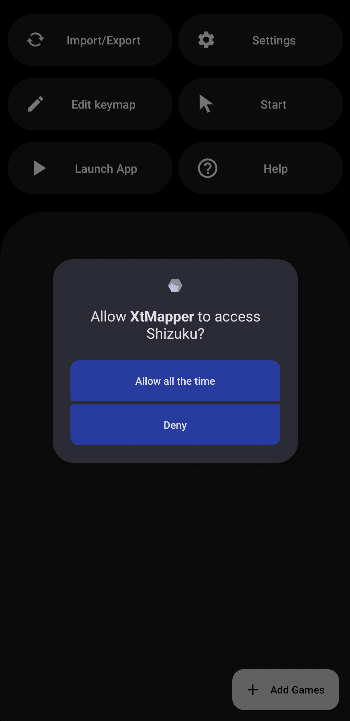
Can map keyboard and mouse to touch in games via Shizuku service using `InputManager.injectInputEvent`, `getevent` and `am start`.
This is an AI-assisted analysis of Shizuku-related usages in the app's public source code. It is best effort, so it may not catch every single usage.
How this app uses Shizuku
XtMapper uses Shizuku to run its keymapping server with elevated privilege so physical keyboard and mouse can drive touch games on Android x86.
- Map keys to touch: keyboard input read from raw evdev events is translated by the active keymap profile into taps, holds and multi-touch gestures injected as touchscreen and mouse events through the system input manager.
- Move mouse and click: relative mouse motion, left, right and middle clicks and wheel scroll are converted into cursor movement and injected mouse and scroll events, with a custom cursor shown over games.
- Read raw input devices: the privileged service streams
getevent -qloutput (with a preloaded helper library) to detect mice, handle buttons and feed the key and mouse handlers. - Auto switch profiles: the service polls the current foreground task to learn the top app package and automatically starts the matching keymap profile for that game.
- Show secure cursor overlay: the cursor window is created as a secure system overlay on the selected display so it stays visible above games while mapping is active.
- Launch games for mapping: when a profile starts, the service launches the mapped game package with the
am startshell command.
Android APIs or commands used
android.hardware.input.InputManager.injectInputEventandroid.hardware.input.InputManagerGlobal.injectInputEventandroid.view.MotionEvent.obtainandroid.view.MotionEvent.setDisplayIdandroid.view.MotionEvent.setActionButtonandroid.app.IActivityManager.getTasksandroid.view.WindowManager.LayoutParams.TYPE_SECURE_SYSTEM_OVERLAYandroid.view.WindowManager.setDefaultTokenandroid.content.Context.createDisplayContextandroid.content.Context.createWindowContextgetevent -qlam start
Changelog
What's new for version 2.5.0
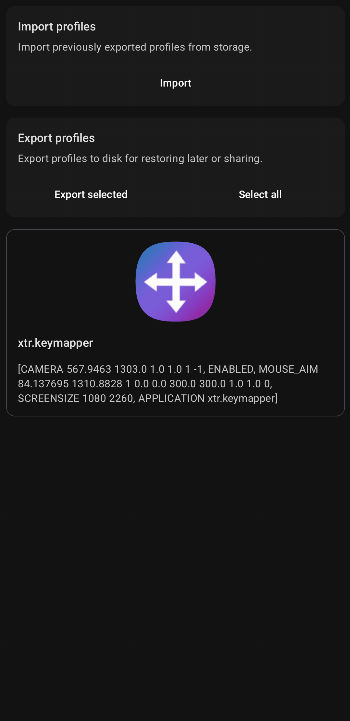
- You can now import or export the currently active keymap from the editor #211
- Added reset button to editor to revert the edits made
- Fixed a crash when using mouse aim #210
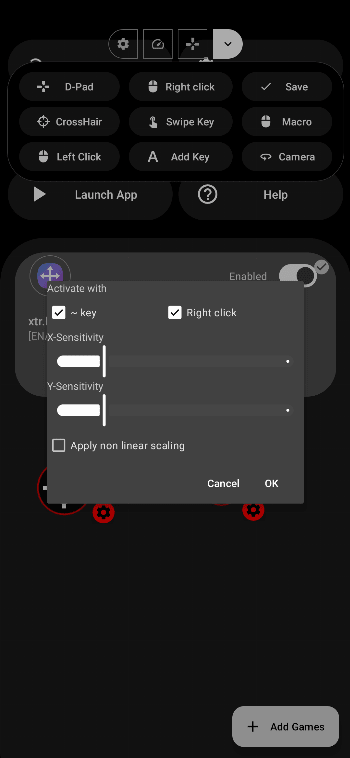
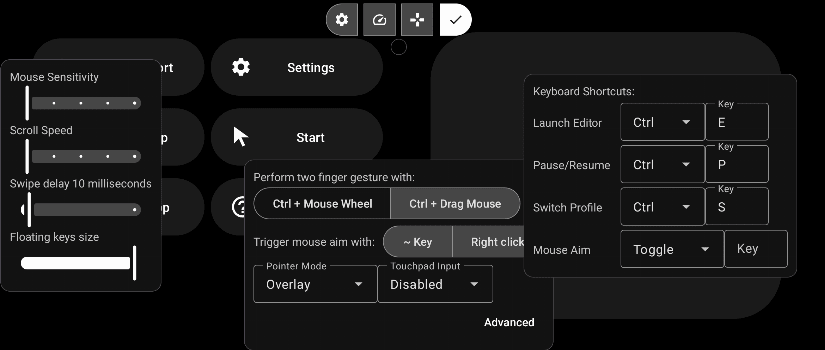
- Accept mouse right click from keyboard shortcuts editor
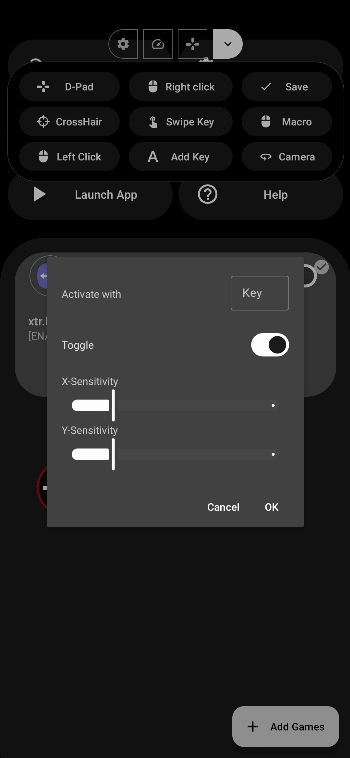
- Middle click to activate camera
- New redesigned UI
Permissions
11 permissions requested
More from this category
 Key Mapper
 BiBi Keyboard
 GameShift
 OpenMapper
 Joycon2Android
 Steam Controller
 Key Sync
 Button Silencer
 GIP Bridge
 Pastiera Nightly (pastiera)
 TitanPad
 C9
C9