 ShizuStore
Xhizuku
2.0.0.r1.4e4577a · GitHub
More about this app
Maintained Shizuku fork with Material 3 Expressive UI, ADB module runner, onboarding wizard, server monitor and built-in diagnostics
Xhizuku 
Xhizuku is a fork of Nightzuku, maintained by xeonleonreal. It provides a robust, high-performance interface for applications to use system APIs directly with elevated permissions (root/ADB).
This project tracks the latest Android platform developments, including Android 16/17 target stability, introduces a revamped Modern Material 3 Expressive UI using Jetpack Compose, includes a full ADB-backed ZIP modules runner, onboarding wizard for new users, XStatus monitor and Magisk-style bottom menu.
Important
Migration Action Required: Due to the package identity upgrade (moe.shizuku.privileged.api -> xeonleon.xhizuku), you MUST UNINSTALL any older official Shizuku Manager app from your device before installing Xhizuku. Otherwise, they will conflict.
Upstream project reference: https://github.com/RikkaApps/Shizuku
Fork additions
Nightzuku
- Jetpack Compose manager UI with Material 3 Expressive components, motion, switches, and rounded icon treatment.
- Android 16/17 target work with current preview SDK/build tooling in this fork.
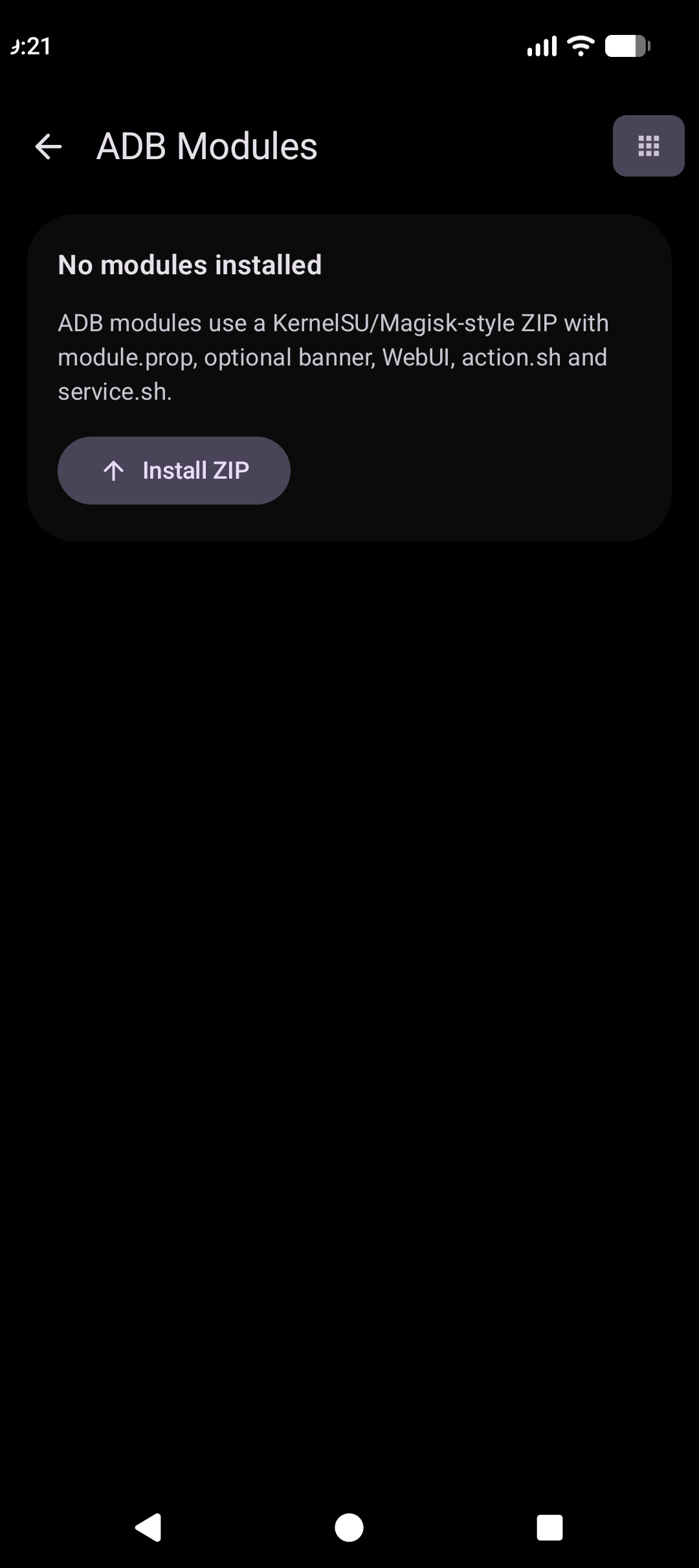
- ADB Modules screen for installing and managing ZIP modules.
- Module features:
module.prop, banner, enable/disable switch,action.sh, policy-gatedservice.sh, local WebUI, delete, path checks, size limits, output limits, and last-run logs. - Module policy settings: Safe mode, Full access, and background action control.
- Debug test module under
test-modules/adb-test-module.
Xhizuku
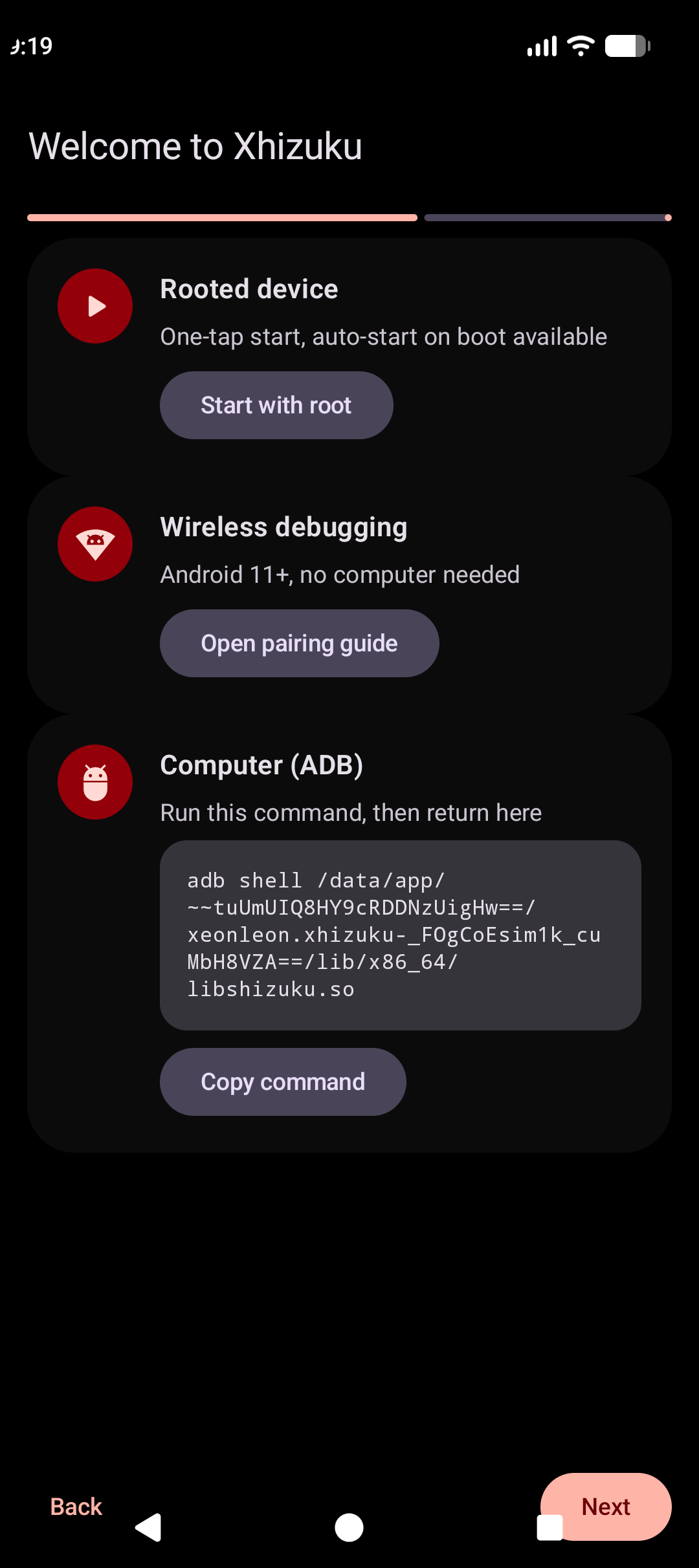
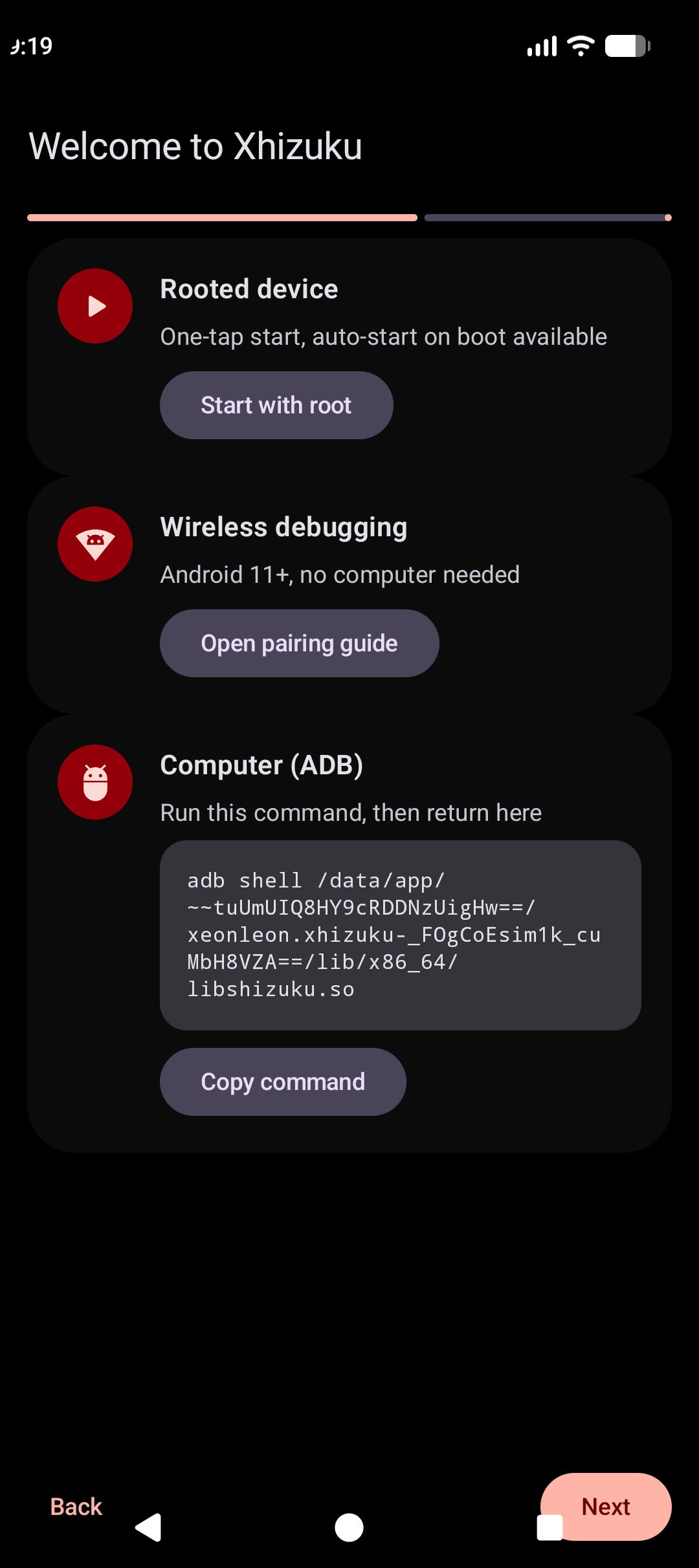
- Onboarding wizard, that helps users to migrate from shizuku
- Magisk style menu
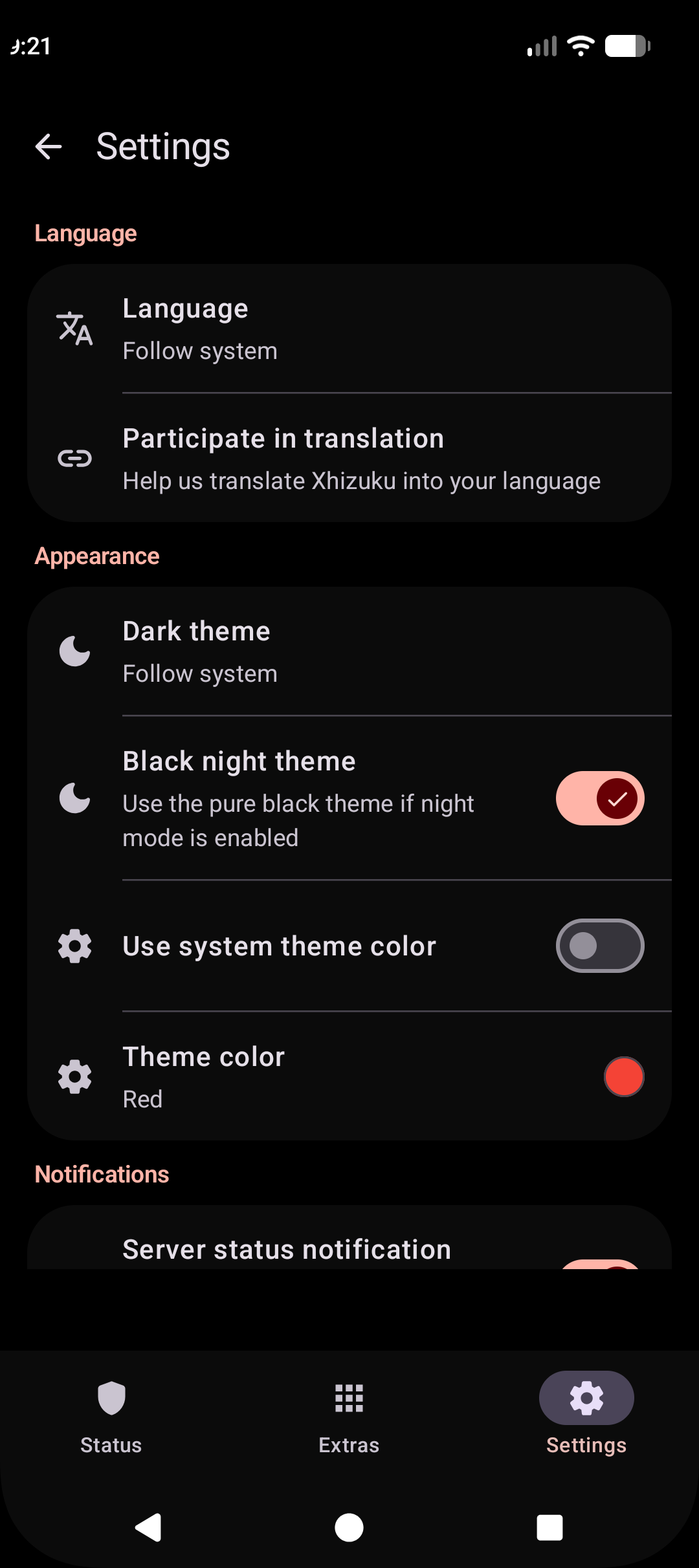
- Theme color overide in Xhizuku
- XStatus: CPU, GPU, memory and swap usage in an ongoing notification
- Expandable card descriptions on the status page (tap the arrow to show or hide long explanations)
- ..and many more! See full additions
Documentation
- ADB Modules guide
- ADB Modules API reference
- Xhizuku Connectors API
- Android 17 Compatibility
- Wear OS Compatibility*
- Wear OS Pairing Guide*
- Android TV Support*
- NightDog Watchdog
- *Please be aware that this is a new fork and I didnt check for these yet
Background
When developing apps that require root, the standard approach is running commands in a su shell. This is slow, unreliable due to text processing, and limited to available commands. Even with ADB, apps often require root for privileged operations.
Xhizuku provides a high-performance alternative by allowing apps to use system APIs directly with elevated permissions.
How does Xhizuku work?
Android uses binder for interprocess communication (IPC) between apps and the system server. The system server checks the UID/PID of the client to enforce permissions.
Xhizuku guides users to start a Xhizuku server process with root or ADB. When an authorized app starts, it receives a binder to the Xhizuku server.
Xhizuku acts as a proxy, receiving requests from the app and forwarding them to the system server. This allows apps to use system APIs with the server's elevated permissions (root or ADB), making it almost identical to using system APIs directly.
Screenshots
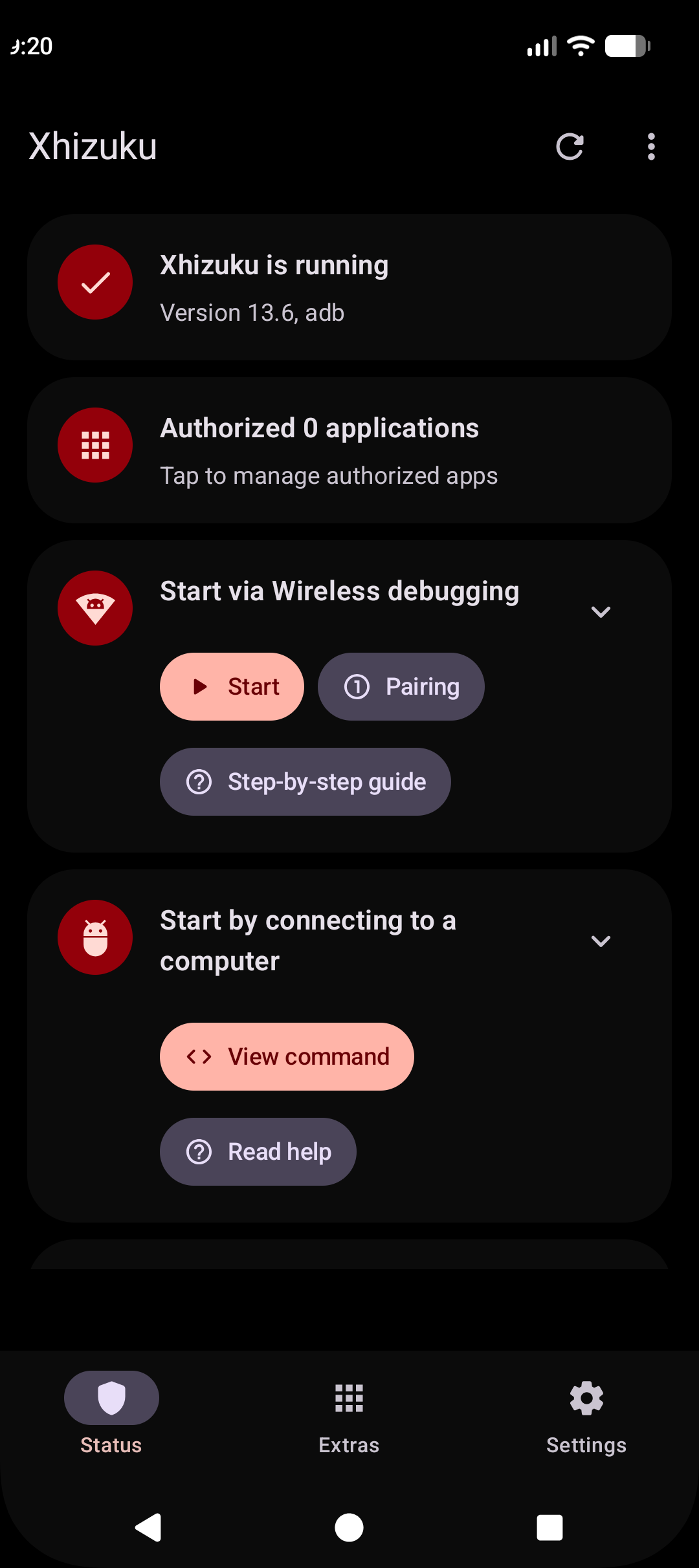
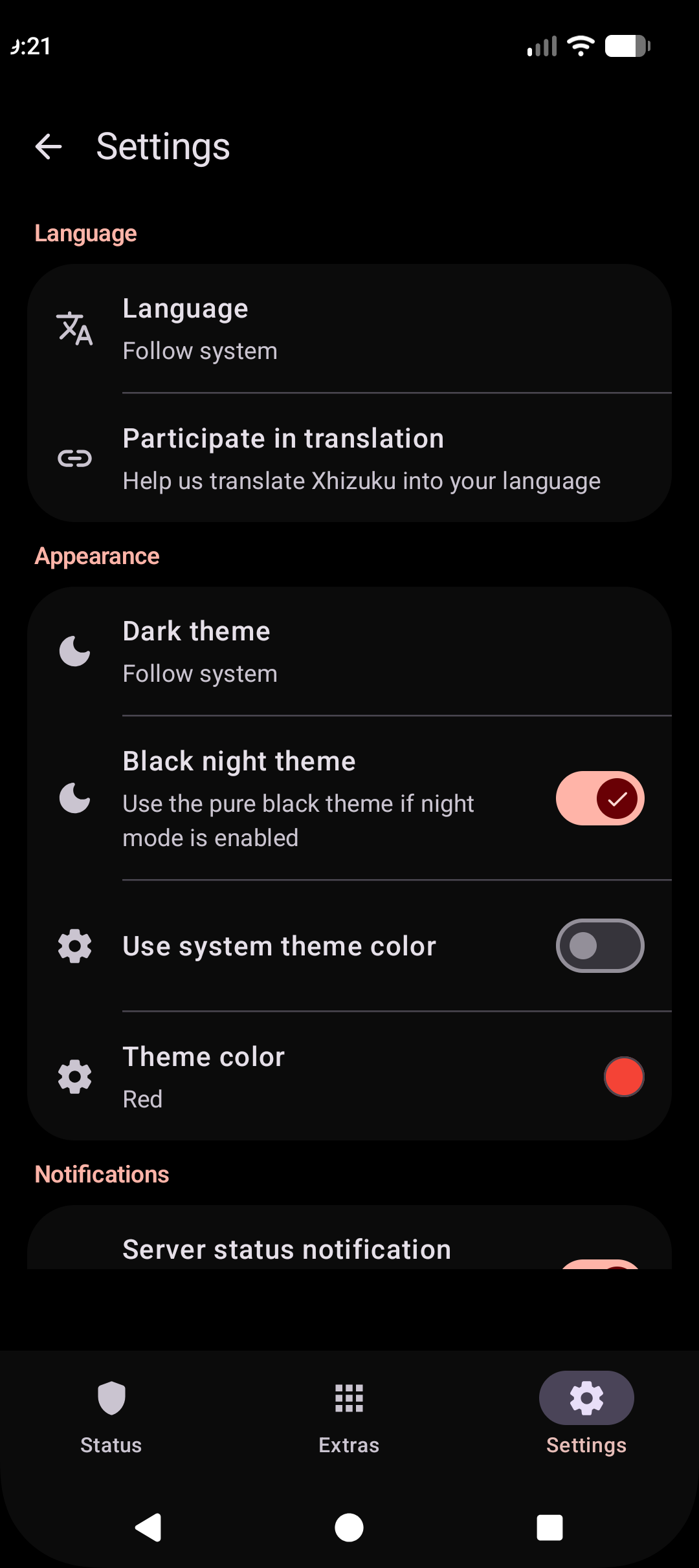
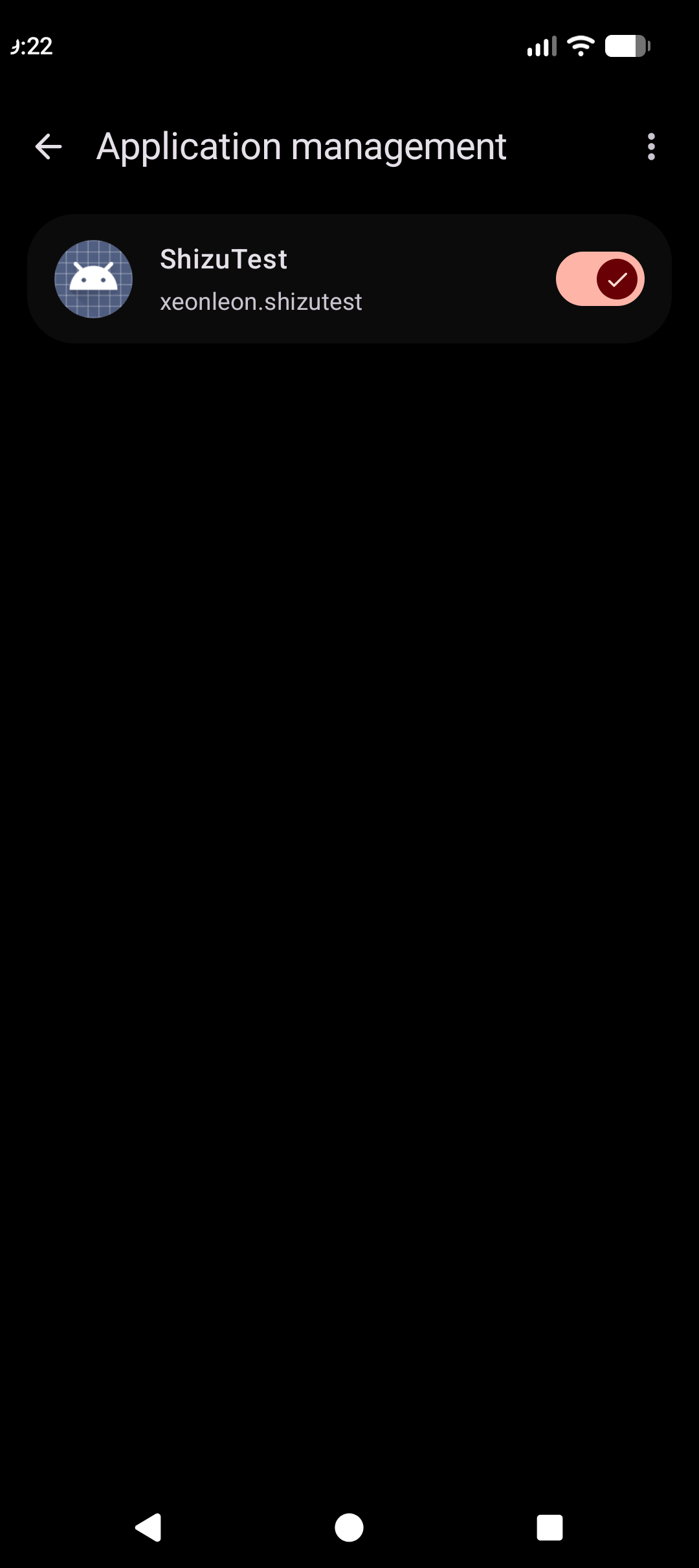
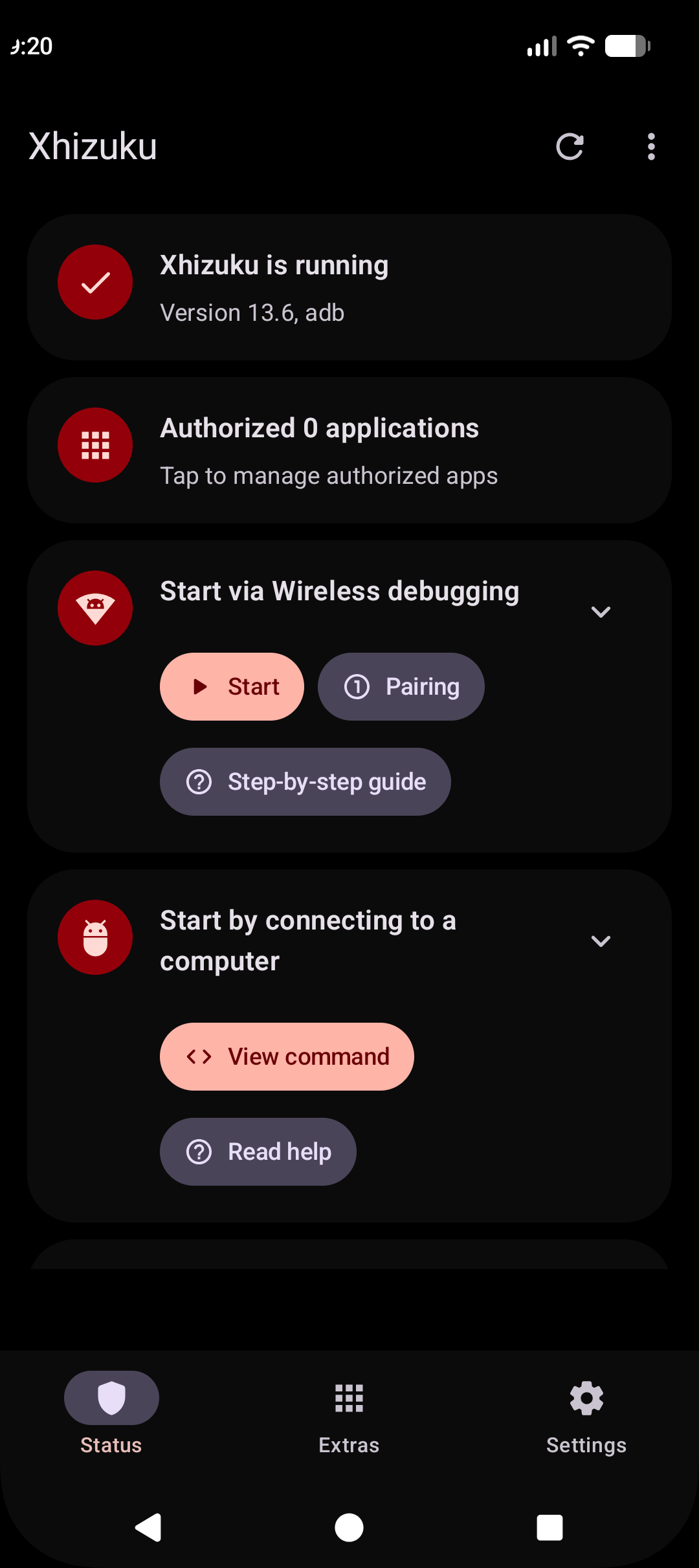
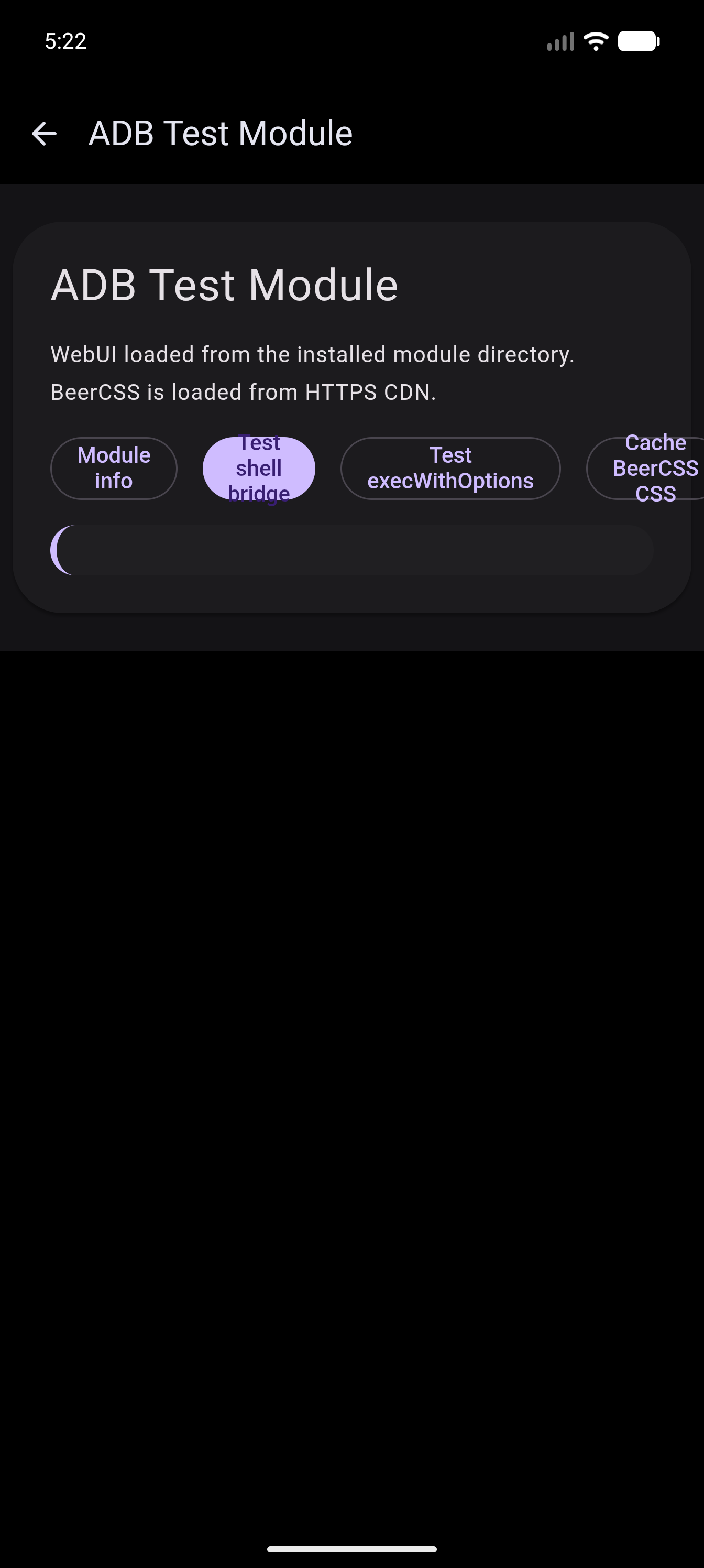
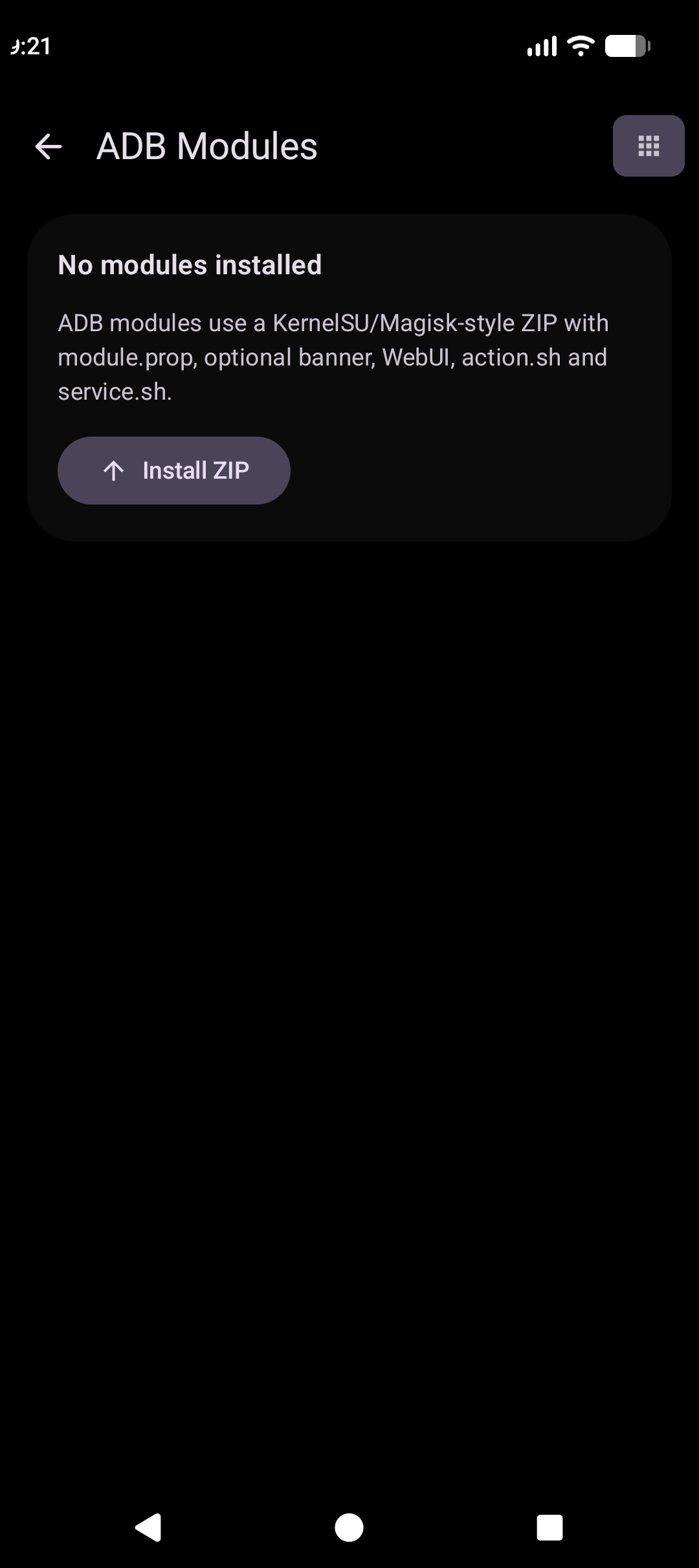
📸 Click to open Screenshot Gallery
Phone UI
 Main Screen |
 Authorized Apps |
||
 ADB Modules |
 Module WebUI |
||
 Settings |
 Onboarding Wizard |
||
Developer guide
API & sample
Official API and samples are available at: https://github.com/RikkaApps/Shizuku-API
Technical Details
ADB Permissions: ADB permissions vary by system version. Check available permissions in the Shell AndroidManifest. Use
ShizukuService#getUidorShizukuService#checkPermissionto verify server capabilities.Hidden API Restrictions: From Android 9, hidden API usage is restricted. Use tools like AndroidHiddenApiBypass if necessary.
Android 8.0 & ADB: On API 26, ADB lacks permissions to use
registerUidObserver. If your app process is not started by an Activity, you may need to start a transparent activity to trigger binder transmission.Direct
transactRemoteUsage: Signatures for hidden APIs change between Android versions. WhileShizukuBinderWrapperhandles most cases, direct transaction calls must be carefully verified against the target platform's AIDL definitions.
Developing Xhizuku
Build
- Clone with
git clone --recurse-submodules - Build with Gradle:
./gradlew :manager:assembleDebug
The :manager:assembleDebug task generates a debuggable server. Ensure "Always install with package manager" is checked in Android Studio to use the latest server code during debugging.
License
All code is licensed under Apache 2.0.
- Icon Usage: You may not use
manager/src/main/res/mipmap*/ic_launcher*.pngfor anything other than displaying Xhizuku. - Identity: You may not use
Shizukuas an app name or usemoe.shizuku.privileged.apias an application ID in derived works. The current package identity isxeonleon.xhizuku.
Credits
- RikkaApps for Shizuku itself
- Razgame for app list fix
- kerneldroid for Nightzuku
How Shizuku is used
Can run ADB modules, monitor server stats, view server logs and run diagnostics via `sh` shell and system services
This is an AI-assisted analysis of Shizuku-related usages in the app's public source code. It is best effort, so it may not catch every single usage.
How this app uses Shizuku
This fork uses Shizuku as its privileged backend to run modules, inspect server health and review diagnostics.
- Run module scripts: users can install module ZIPs and run their included action and background service scripts, executed as a privileged shell through Shizuku with results and logs shown in the modules list.
- Power module Web UIs: a module web interface that declares shell support can run shell commands through Shizuku and return output, exit code and timeout status to the Web UI.
- Monitor server status: users can see CPU usage, memory and swap use, load average and GPU use collected through privileged shell reads of
cat /proc/stat,cat /proc/meminfo,cat /proc/loadavgand GPU nodes. - View server logs: users can open a filtered server log view that runs
logcat -d -t 800through Shizuku and shows only lines related to Shizuku, with copy and share actions. - Run diagnostics checks: users can run built in tests that spawn
idin a privileged shell, count packages through the privileged package service and read device model, brand and build fingerprint values through Shizuku.
Android APIs or commands used
IPackageManager.getInstalledPackagesIPackageManager.getPackageInfoIPackageManager.getApplicationInfoUserManager.getUserssh -ccat /proc/statcat /proc/meminfocat /proc/loadavglogcat -d -t 800getprop service.adb.tcp.portgetprop persist.adb.tcp.portid
Notable details
Server status and ADB port lookup fall back to a local shell and direct file reads when the privileged shell is unavailable.
Changelog
What's new for version 2.0.0.r1.4e4577a
What's new
- Battery exemption - Some phones kills the service without any warning and xhizuku dies. This should help keeping server alive
- Console tab - You can run shell commands in Xhizuku!
- Fixed starter - Sometimes when starting the server it will say "Starting..." infinite time even after the server started
Permissions
13 permissions requested
More from this category
 Shizuku+
 Shevery
 Porter
 Stellar
 Shizuku-Next
 Shizako