 ShizuStore
WADBS
1.3 · GitHub
More about this app
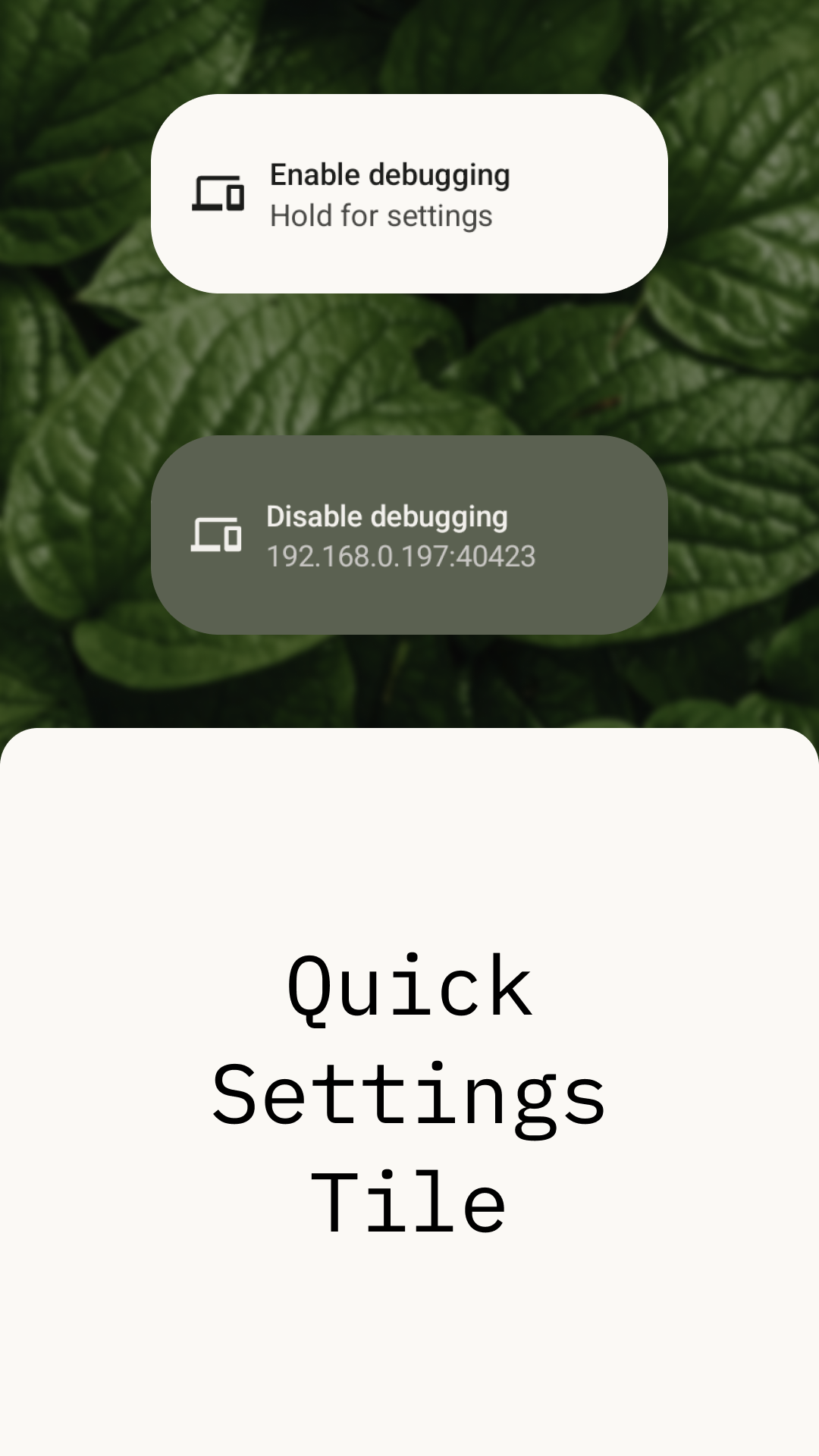
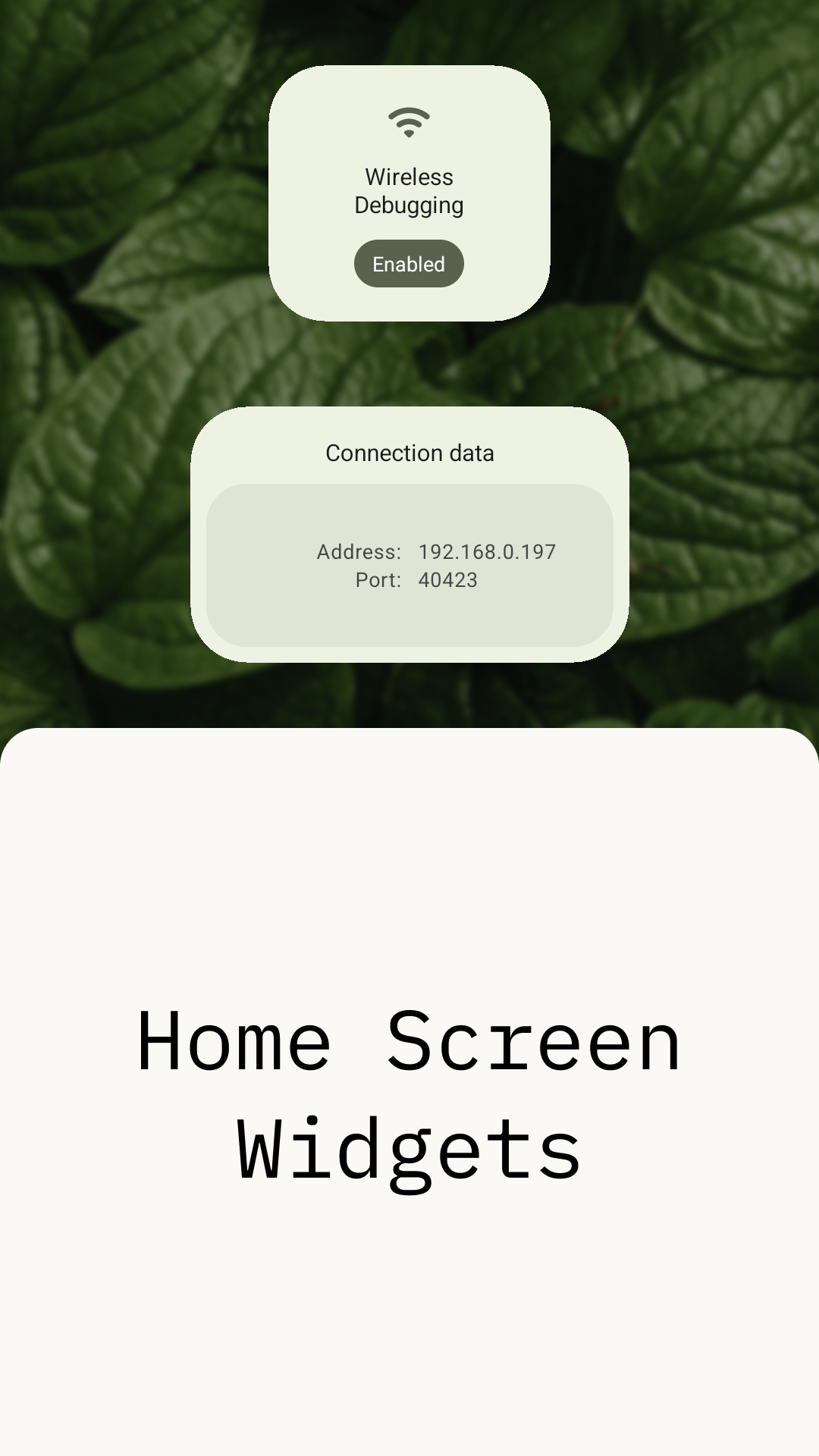
Widgets & quick settings tile to toggle wireless debugging (with KDE Connect integration)


Read in other languages:
🇷🇺🇧🇷🇨🇳Translate into your language!
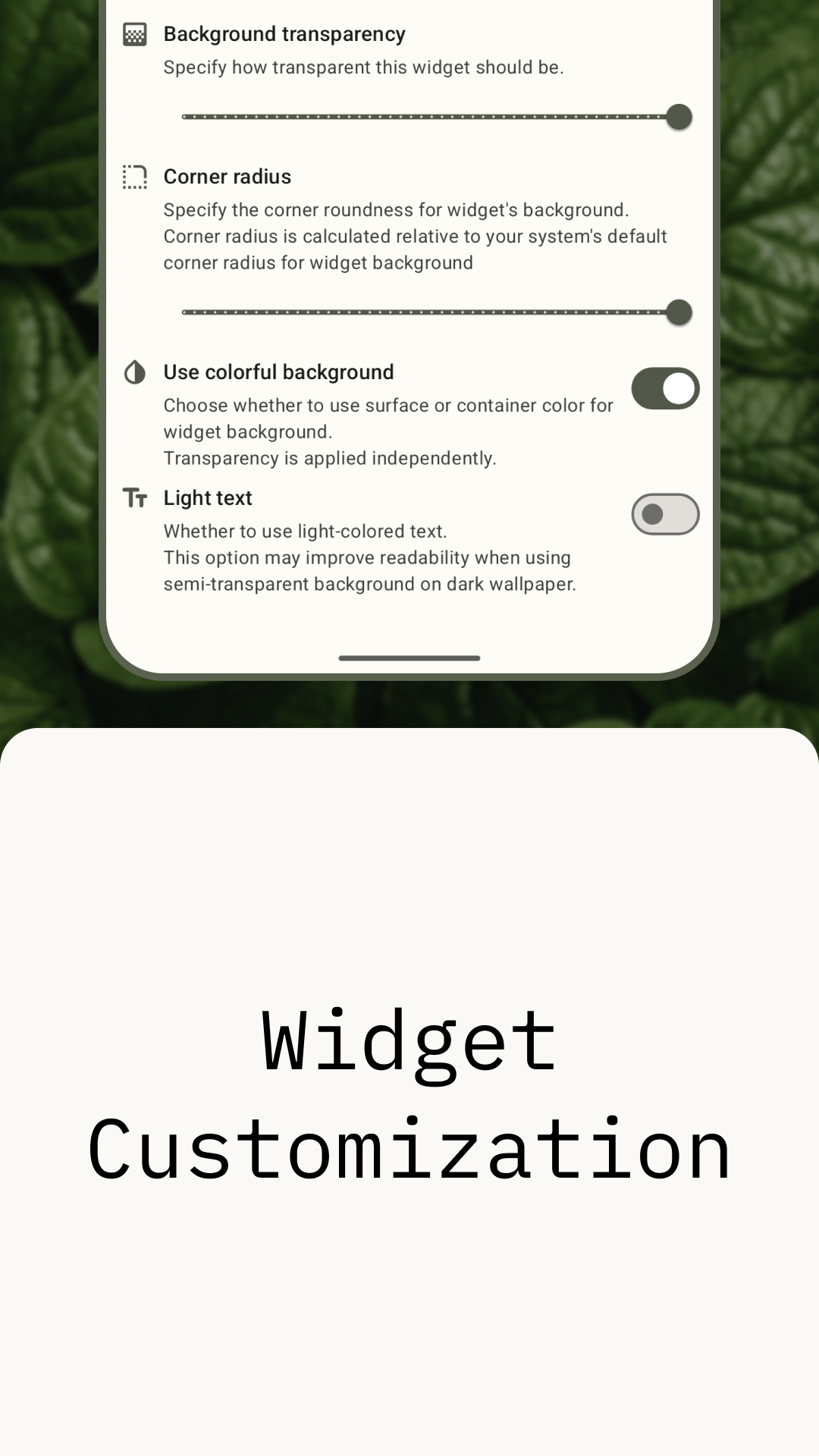
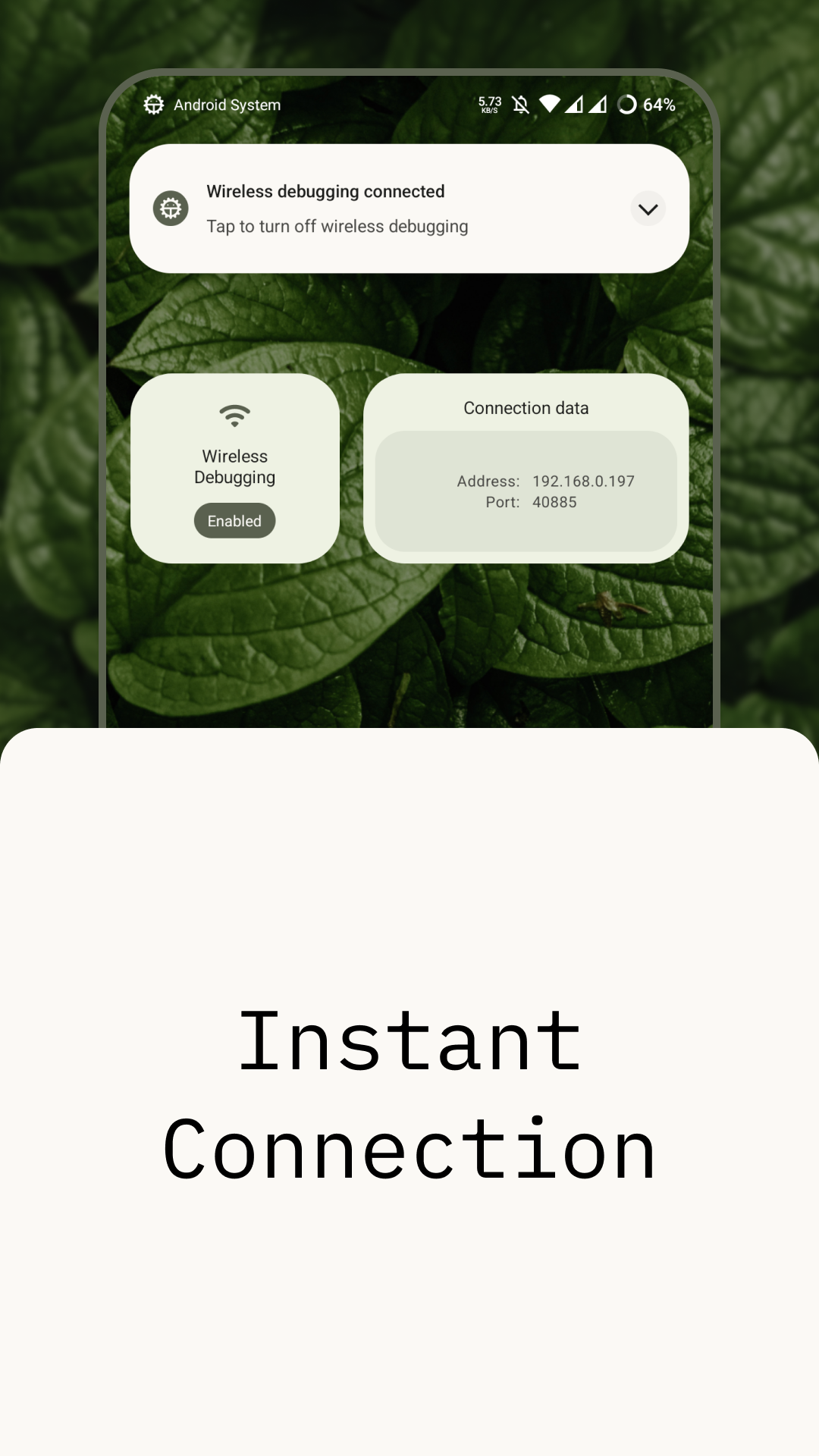
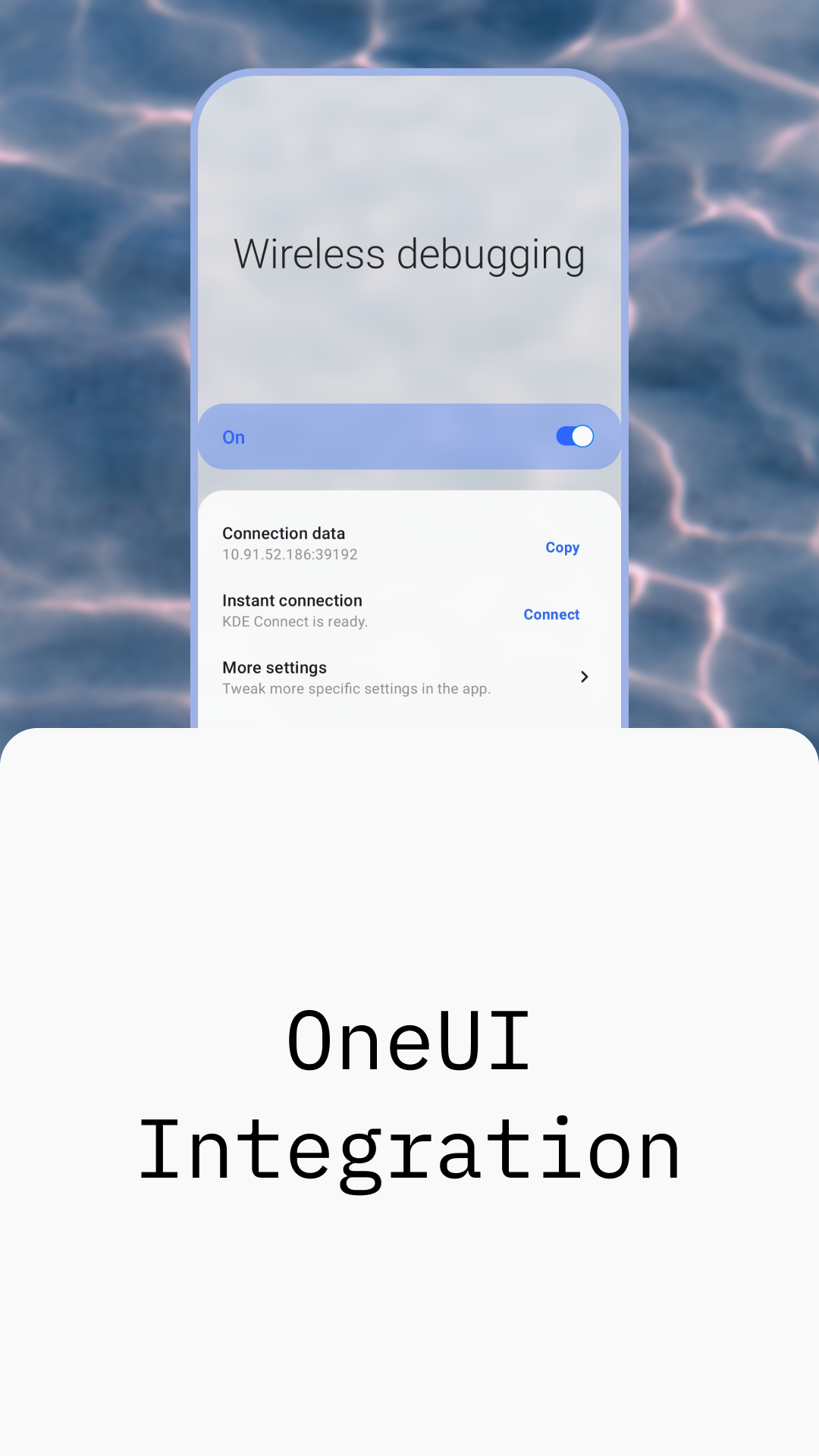
WADBS (short or Wireless Android Debugging Bridge Switch) is an app that allows you to switch Android's Wireless Debugging feature on and off quickly. It provides several widgets and a quick settings tile to do this. You can also instantly connect to your PC using KDE Connect's clipboard sharing feature (see scripts).
Features


Credits
libsu - a library that makes performing root-requiring operations easier.
Shizuku - a framework WADBS can use as an alternative to root access.
IBM Plex Mono - font used in my designs for this app.
HarmonyOS Sans - font used for promotional imagery in Simplified Chinese.
Leaves - an amazing photo of leaves I used as a background for my designs was made by Aedrian.
Waves - an amazing photo of waves I used for the promo picture for OneUI integration was made by Michał Bińkiewicz.
License
WADBS is a free software. It was made with the intention to make developers' lives easier. It is licensed under GNU General Public License version 3. In short - you can redistribute and modify it, but should give a credit to the original author.
WADBS is distributed "as is". Developers of this app are not responsible for any kind of damage or harm made by the content of this repository or materials related to it directly or not.
How Shizuku is used
Can toggle wireless debugging and show its connection address and port via Shizuku with `settings` commands and `IAdbManager`.
This is an AI-assisted analysis of Shizuku-related usages in the app's public source code. It is best effort, so it may not catch every single usage.
How this app uses Shizuku
Shizuku is used to read and change the system wireless debugging state and to look up its connection port for display and sharing.
- Toggle wireless debugging: turn wireless debugging on or off from the quick settings tile, home screen widgets or settings screen, applied with the
settings put global adb_wifi_enabledshell command through Shizuku. - Check debugging status: show whether wireless debugging is currently enabled in the tile, widgets and settings screen, read with the
settings get global adb_wifi_enabledshell command through Shizuku. - Show connection details: display, copy and share the current address and port in the form
address:portin the tile details, settings screen and widgets, with the port obtained through Shizuku from the privilegedadbsystem service.
Android APIs or commands used
settings get global adb_wifi_enabledsettings put global adb_wifi_enabledandroid.debug.IAdbManager.getAdbWirelessPort
Changelog
What's new for version 1.3
This is more of a maintenance release, although it adds new translations.
- Added (partial) Simplified Chinese translations by @Jesse205 (#27)
- Added Portuguese Brazilian translations by @igormiguell (#25)
- Updated the Material Components library
- Updated other internal components
Permissions
9 permissions requested
Sources
2 sources
Sources
2 sources
More from this category
 ADB Captain
 80bee
80bee
 Activity Manager
 Android Code Studio
 ActivityLauncherShizukuPlugin
 FPS Meter
 FrameX
 LogFox
 开发助手
开发助手
 LibChecker
 DSU Sideloader
App data transfer
DSU Sideloader
App data transfer