 ShizuStore
wakelogs
0.18.1 · GitHub
More about this app
Analyzes display wakeups, CPU activity, alarms and device rest with Shizuku-based system diagnostics.
wakelogs
wakelogs is an open-source Android app for analyzing display wakeups, CPU wakeups, background activity, and periods of device rest.
The app helps users understand why an Android device became active and which system or app activity may have contributed.
Features
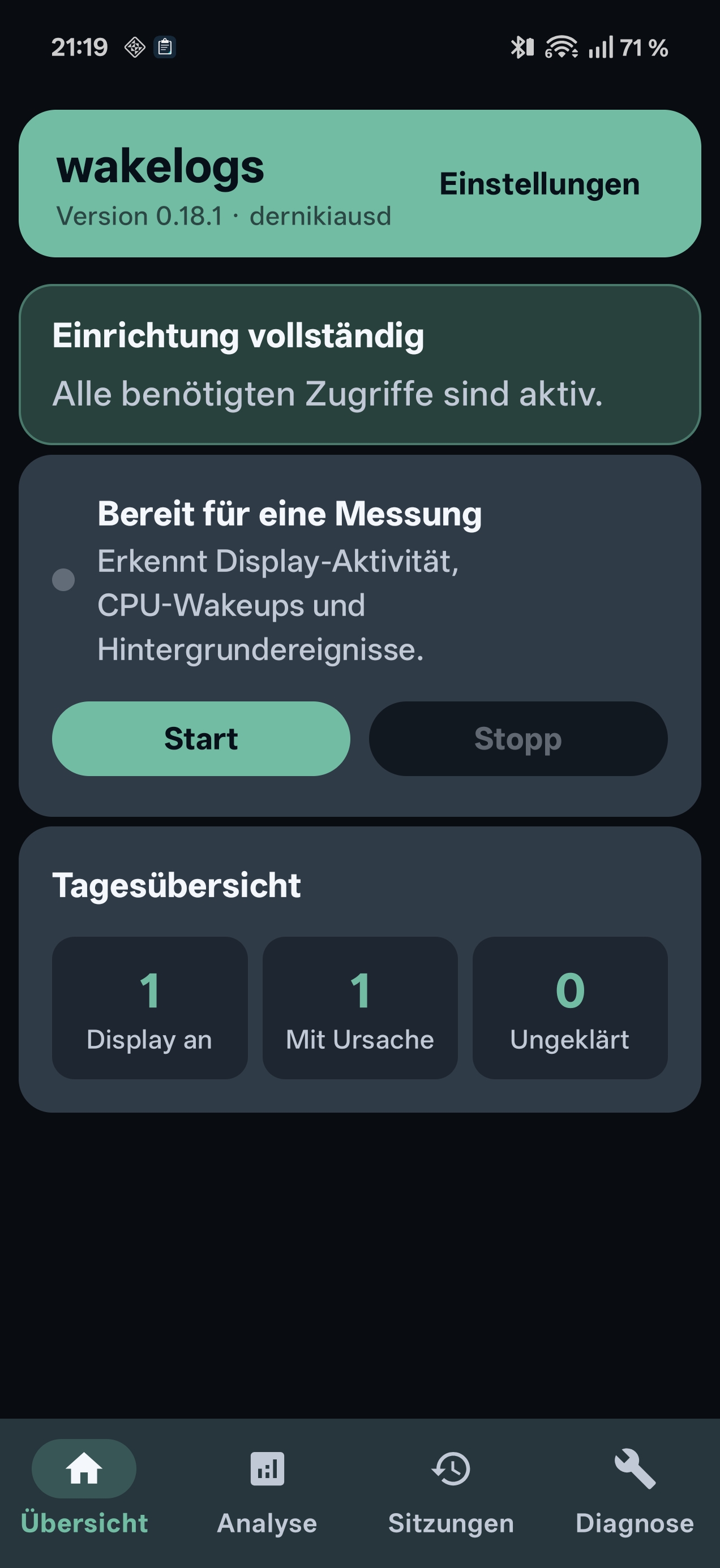
- Display wakeup detection
- CPU and background wakeup analysis
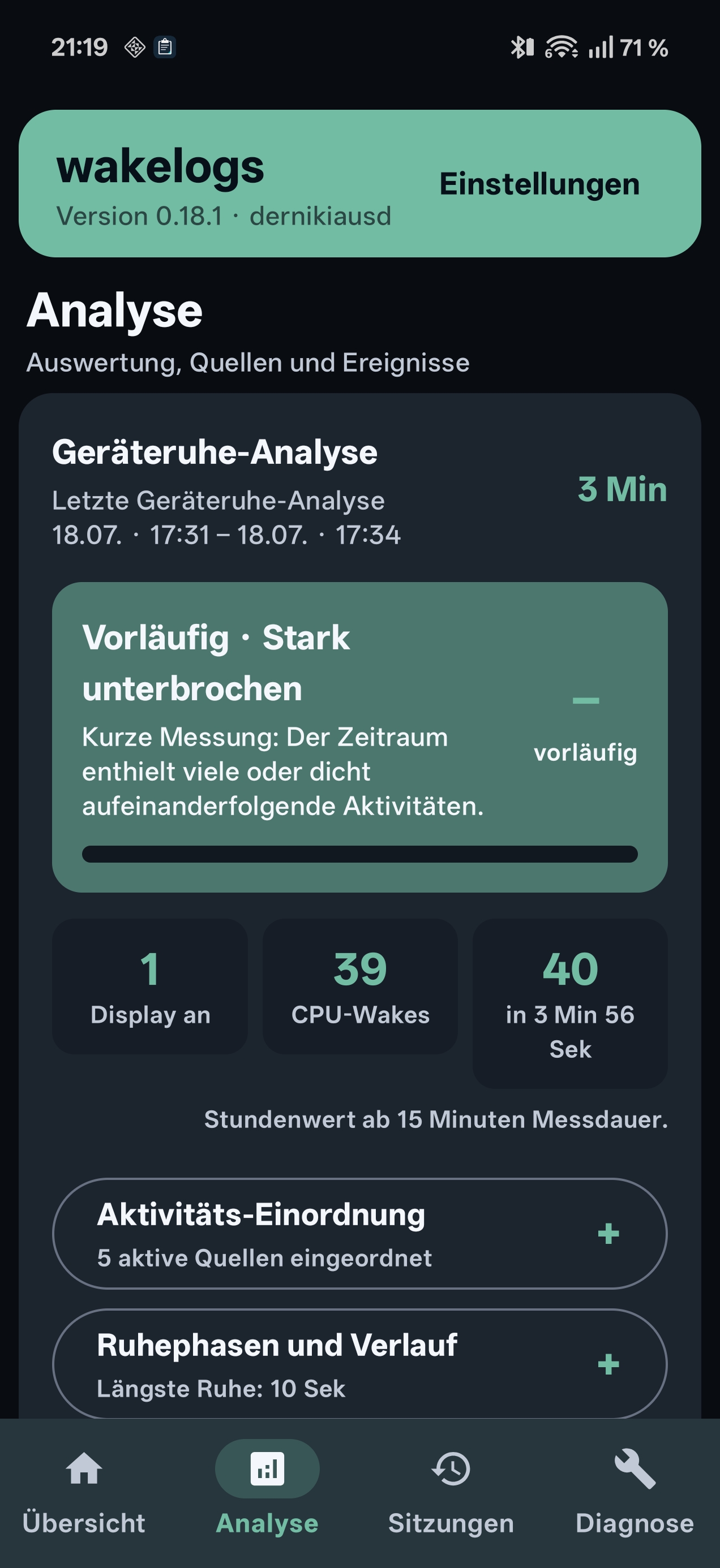
- Device-rest analysis
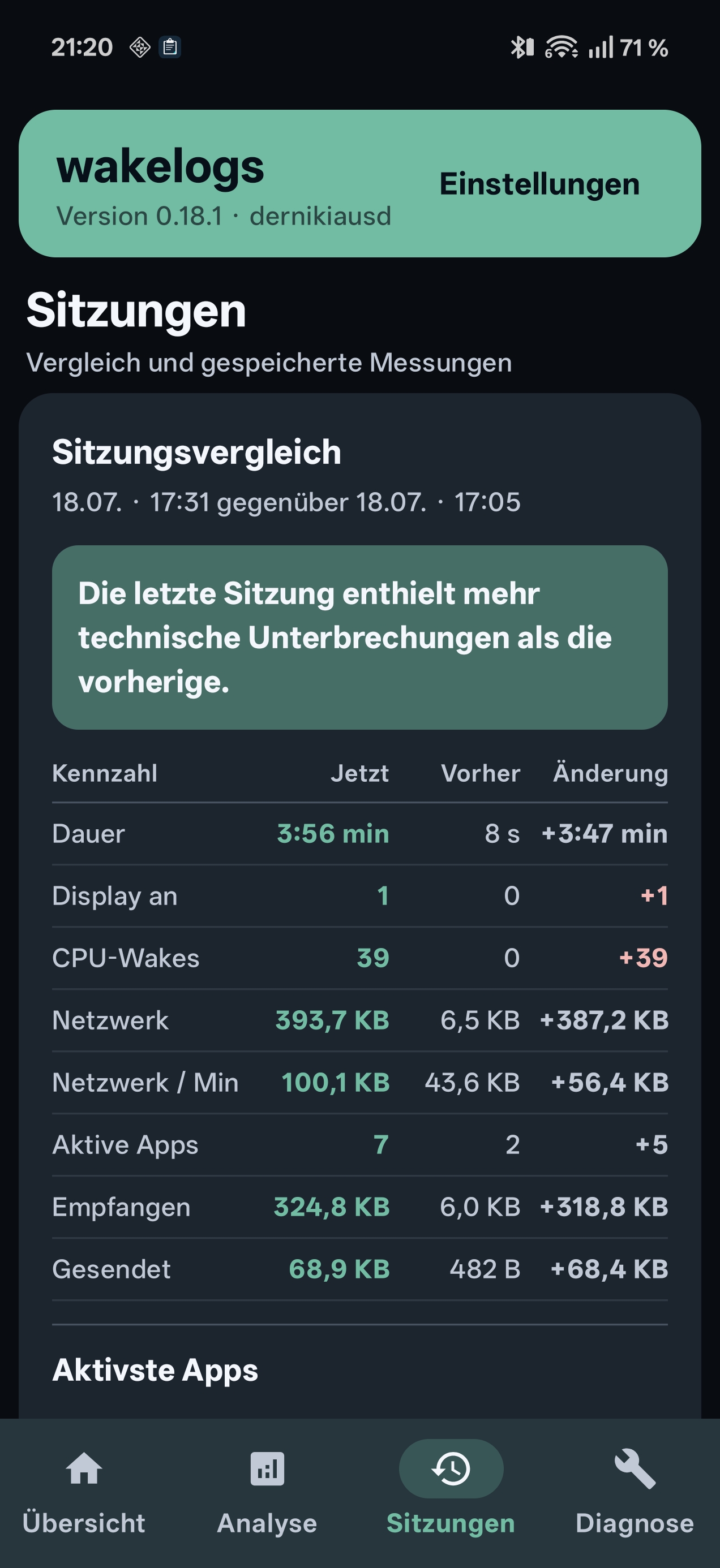
- Source statistics and event timeline
- Shizuku-based system diagnostics
- Local report export
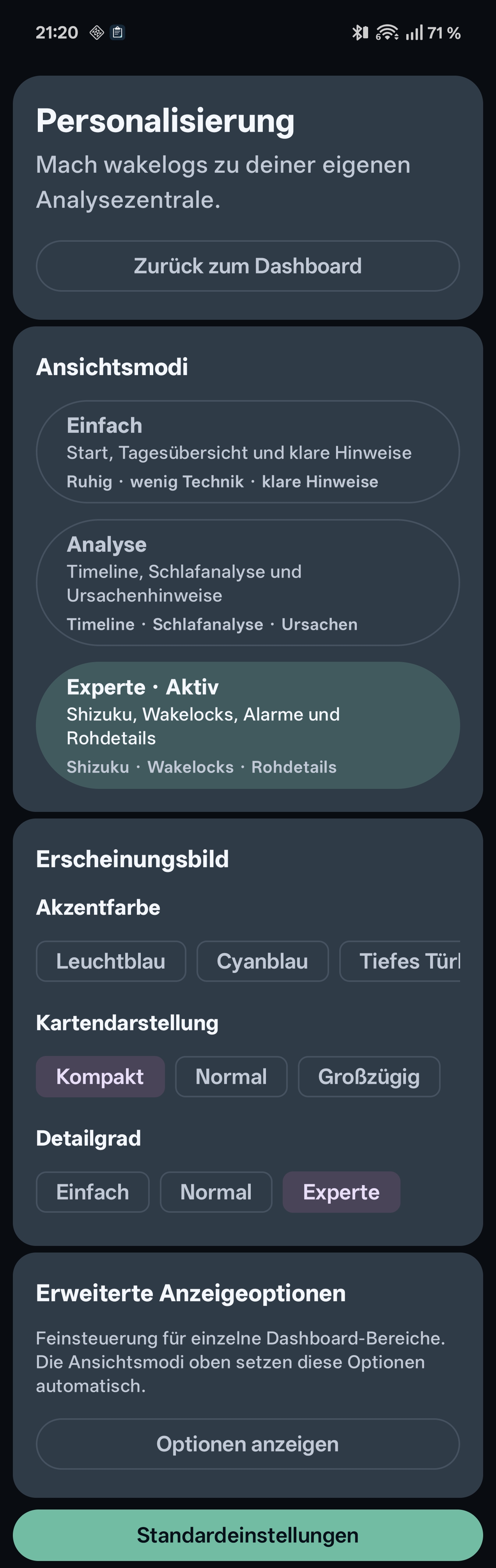
- Configurable detail levels and appearance
Privacy
wakelogs processes diagnostic and event information locally on the Android device.
The app contains no advertising, analytics, or tracking.
Reports are shared only when the user explicitly chooses to export or share them.
Requirements
- Android 8.0 or newer
- Notification access for notification-related analysis
- Shizuku for extended system diagnostics
Some features remain available without Shizuku, but system-level diagnostic information may be limited.
Build
Build the debug APK with:
./gradlew assembleDebug
The APK is created at:
app/build/outputs/apk/debug/app-debug.apk
Build the release APK with:
./gradlew assembleRelease
Package name
de.sanniki.wakesleuth
The visible app name is wakelogs.
License
wakelogs is licensed under the GNU General Public License, version 3 or later.
SPDX-License-Identifier: GPL-3.0-or-later
How Shizuku is used
Can analyze display wakeups, wake locks, alarms, jobs and network use via `dumpsys` and `logcat` through Shizuku.
This is an AI-assisted analysis of Shizuku-related usages in the app's public source code. It is best effort, so it may not catch every single usage.
How this app uses Shizuku
Shizuku is used to run read only system diagnostics that explain why the display turns on and what keeps the device busy.
- Inspect wake locks: shows which apps recently held wake locks, when they started and ended, and whether they can wake the display, using the
dumpsys powershell command through Shizuku. - Analyze wakeup alarms: shows recent alarm wakeups with app, timing and wake counts, using the
dumpsys alarmshell command through Shizuku. - Review background jobs: shows recent scheduled job starts that ran around wakeups, using the
dumpsys jobschedulershell command through Shizuku. - Check network activity: shows mobile and WiFi traffic per app to spot companion activity around wakeups, using the
dumpsys netstatsandcmd package list packages -Ushell commands through Shizuku. - Find wake reasons: shows the last system wakeup reasons from the system log, using the
logcat -d -b systemshell command filtered for wakeup messages through Shizuku. - Track battery history: records display and sleep transitions in the background for timeline analysis, using the
dumpsys batterystats --historyshell command through Shizuku. - Run expert checks: adds location, sensor and connectivity context to wakeup investigations, using the
dumpsys location,dumpsys sensorserviceanddumpsys connectivityshell commands through Shizuku. - Capture system state: saves power and idle state around screen on events for later review, using the
dumpsys poweranddumpsys deviceidleshell commands through Shizuku.
Android APIs or commands used
dumpsys powerdumpsys alarmdumpsys jobschedulerdumpsys netstatscmd package list packages -Ulogcat -d -b systemdumpsys batterystats --historydumpsys locationdumpsys sensorservicedumpsys connectivitydumpsys deviceidle
Changelog
What's new for version 0.18.1
Debug APK for wakelogs v0.18.1.
Permissions
6 permissions requested
More from this category
 Battery Health Tracker
 Amply
Amply
 NoMoreBackground
 电池统计
电池统计
 RebootNya
 BatStats
 EnforceDoze
 Volt
Volt
 usb pd bs
 Batt
Batt
 DozeTap
 Battery Monitor