 ShizuStore
ShizuCoreFetch
2.4.0 · GitHub
More about this app
Shizuku-powered app manager with silent installs, updates, and batch operations

🌟 Shizu CoreFetch 🌟
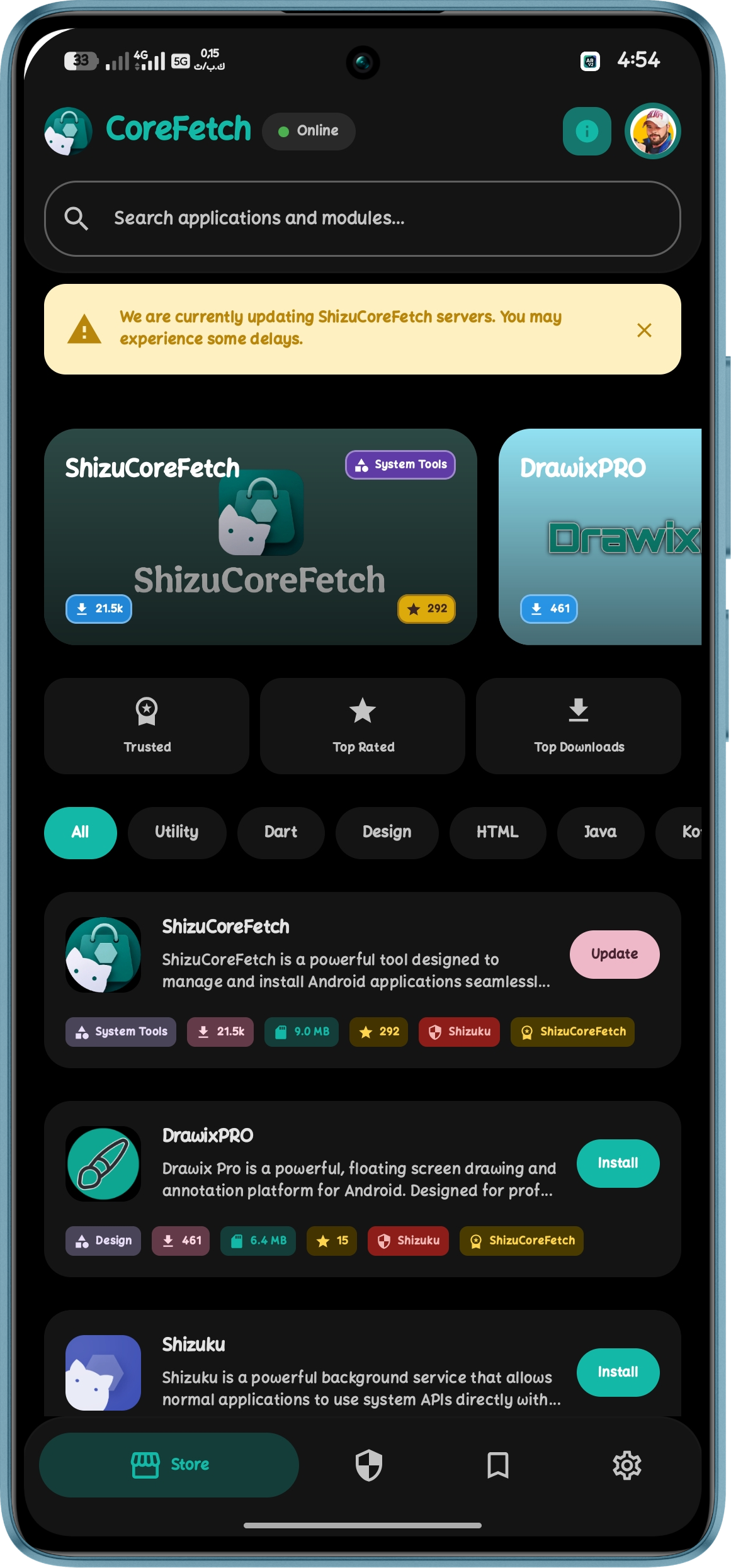
An advanced, Shizuku-powered application hub for Android.
Fetch, manage, and silently update your apps with system-level privileges — entirely open source.






📢 Attention Developers: Stand Out in the Store!
With Shizu CoreFetch rapidly expanding, now is the perfect time to optimize how your application is presented. Our smart store engine automatically scans for custom metadata. By simply adding a shizu_store.json file to the root of your repository, you can display elegant, tailored information, localized descriptions, and custom developer details directly inside our store.
Find the full documentation on how to structure your JSON file at the bottom of this page.
📺 Featured On
We are incredibly proud to have Shizu CoreFetch discovered and reviewed by:

HowToMen
"Top 15 Best Shizuku Apps to Use in 2026!"
- 🇪🇸 El Androide Feliz – 10 NUEVAS APKs para SHIZUKU que ponen tu Android al 100%
- 🌍 TechyNoob – Top 3 Shizuku Apps to Unlock Android's True Power!
- 🇲🇦 Mounir Tech – افضل 7 تطبيقات الجيل الجديد 2026 | تطبيقات شيزوكو
- 🇮🇳 Karan Arora – 🚀 Shizuku supported Apps? Grab here 🔥
✨ Next-Generation Features
|
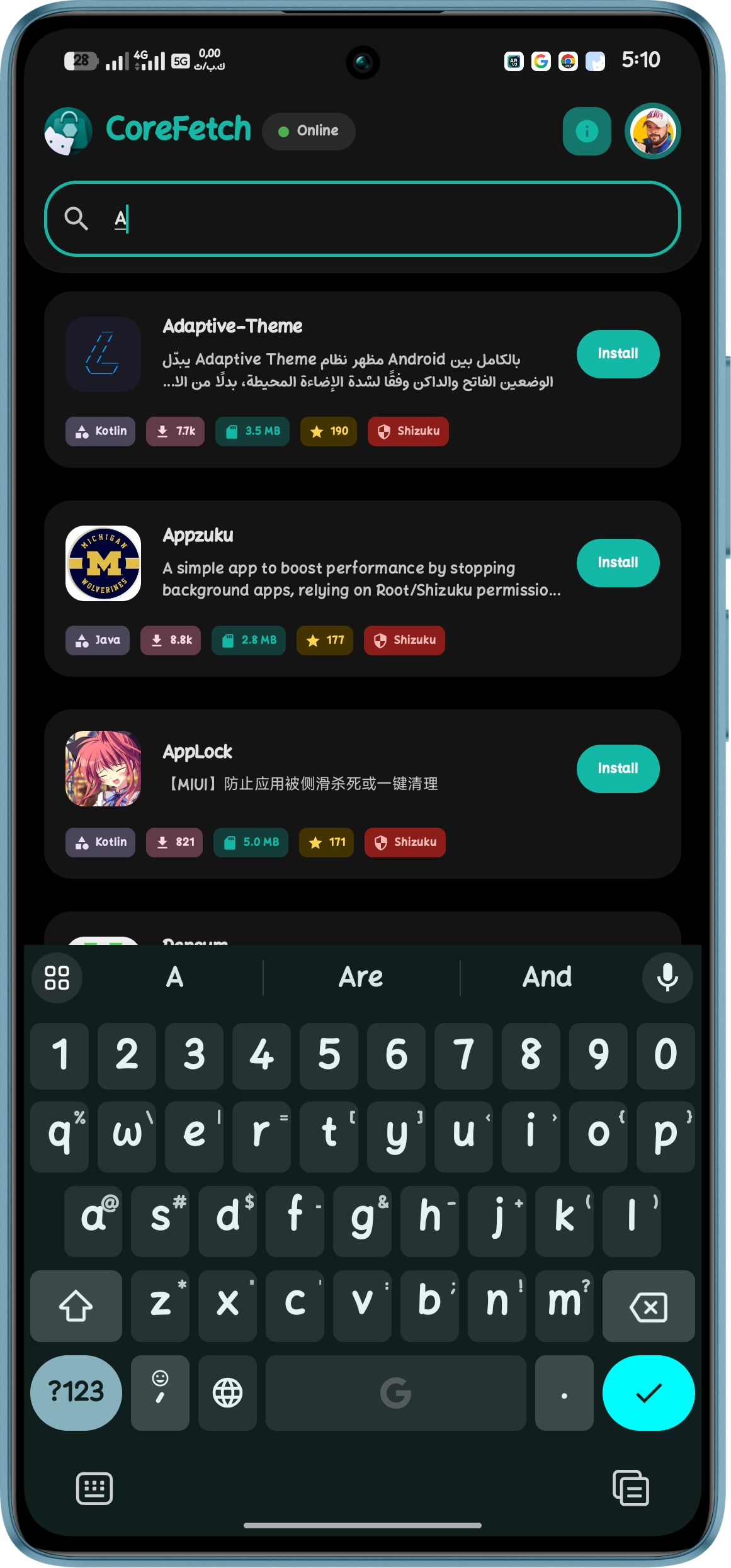
🎯 Smart App Matching A deep device scanner intelligently maps all apps directly from the repo tree without extra API calls. Action buttons are always 100% accurate. |
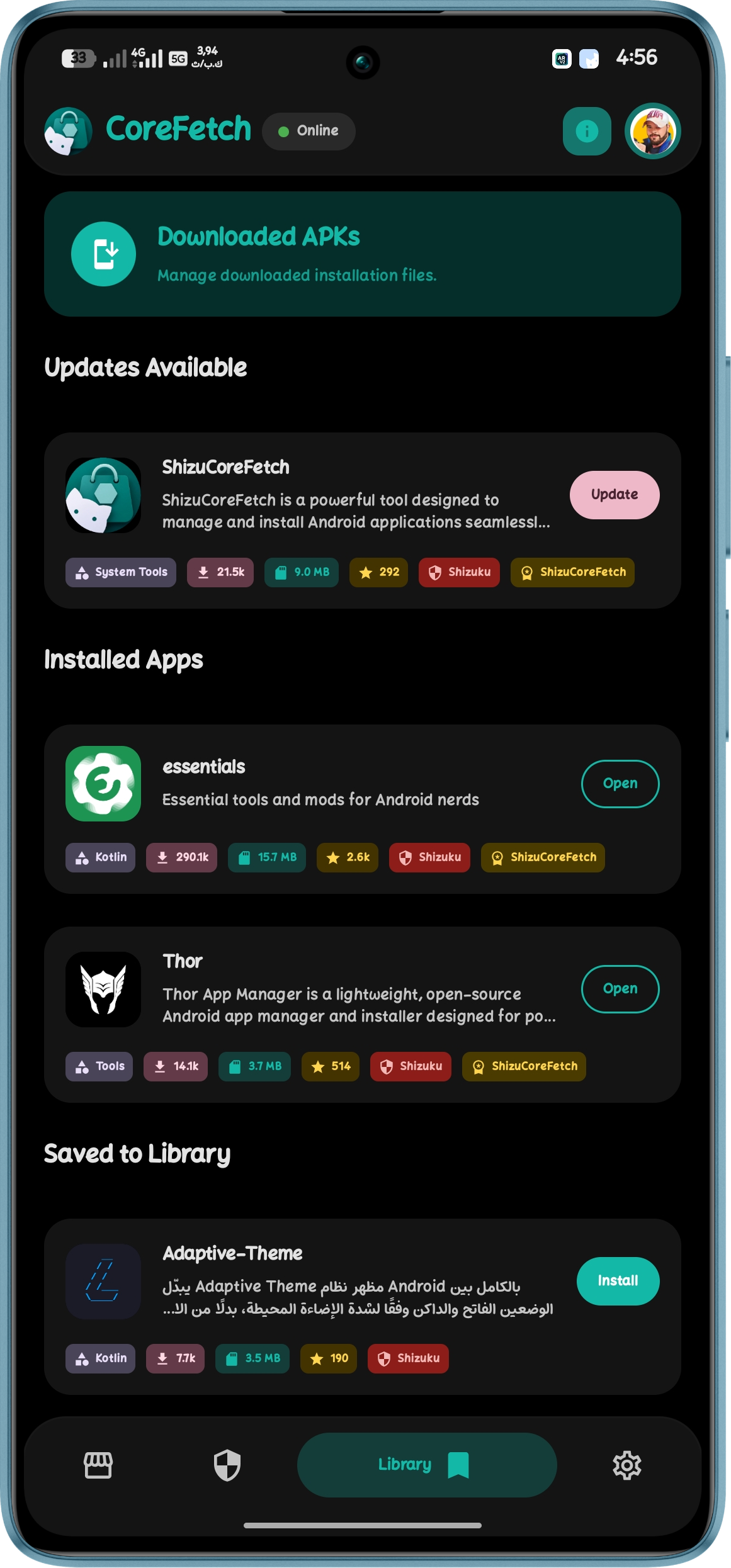
⚡ Persistent Background Engine Downloads and installations run on a standalone Foreground Service. Switch screens or minimize the app flawlessly. |
|
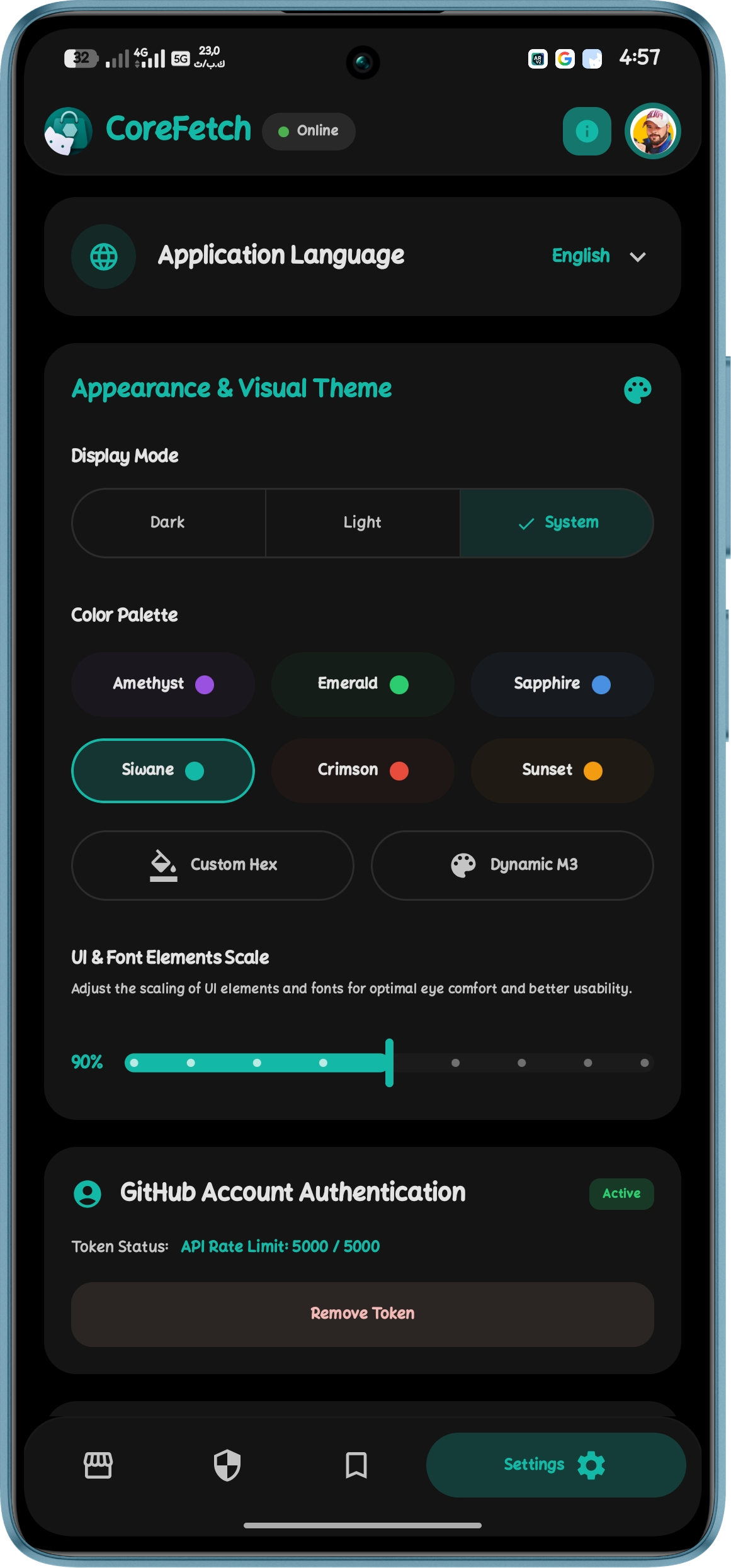
🎨 Modern Compose UI Rebuilt from the ground up with Jetpack Compose and Material Design 3 for fluid shimmer animations and seamless screen transitions. |
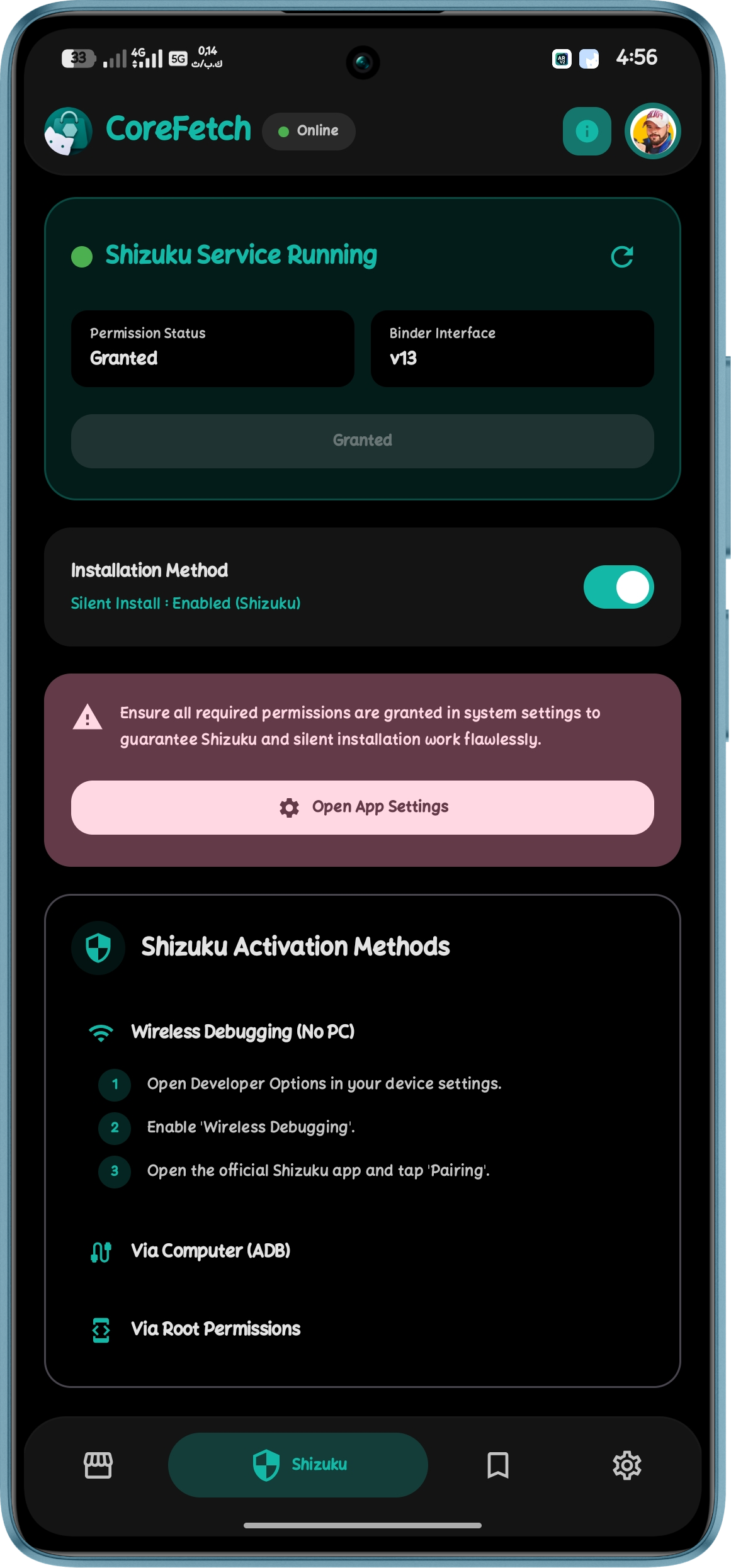
🛡️ Silent Operations Install, uninstall, and update apps directly at system level via Shizuku. Fully supports Root, Wireless Debugging, and Test-Only packages. |
|
☁️ Zero-Quota Architecture Browse and download seamlessly without hitting GitHub API rate limits. The smart cloud engine handles high traffic effortlessly. |
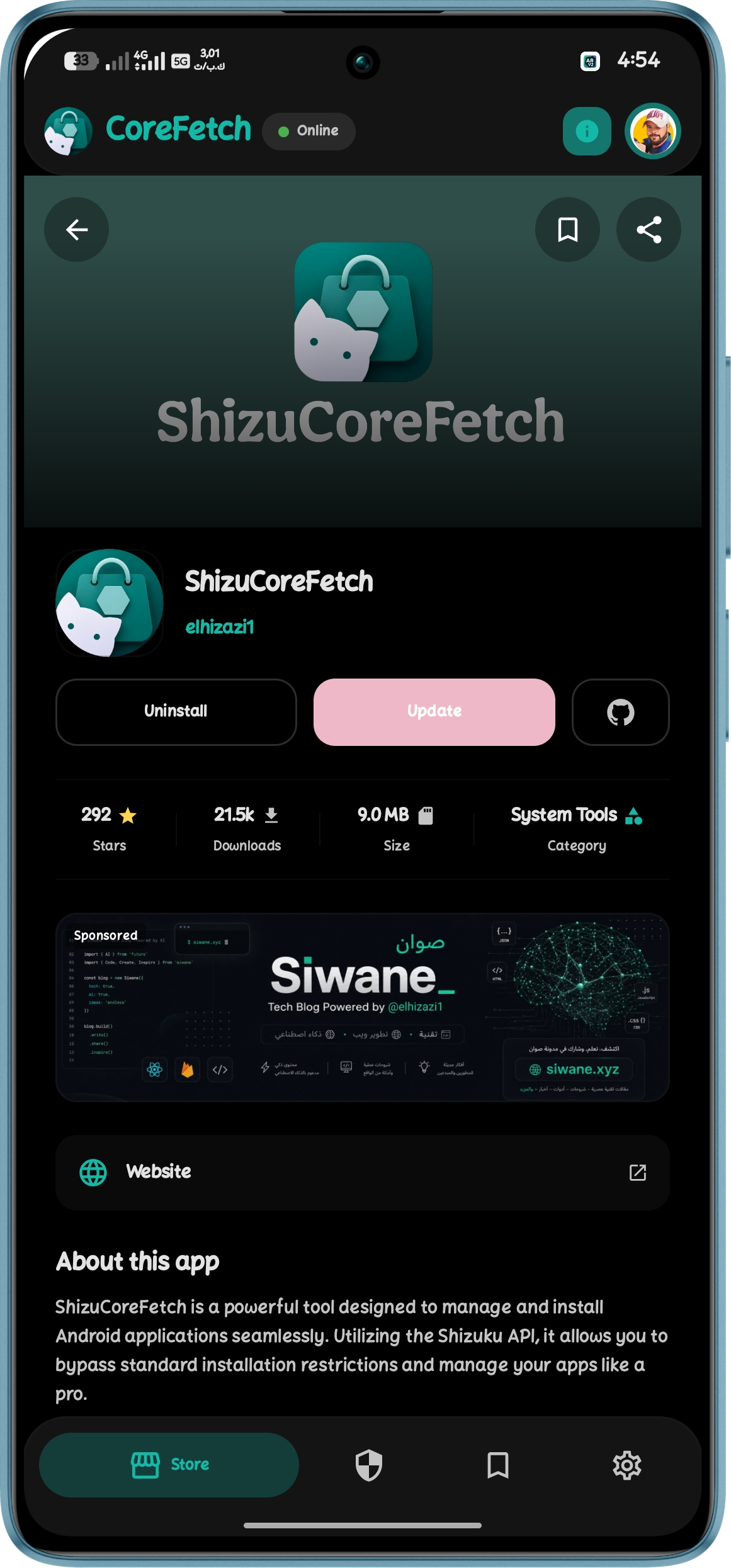
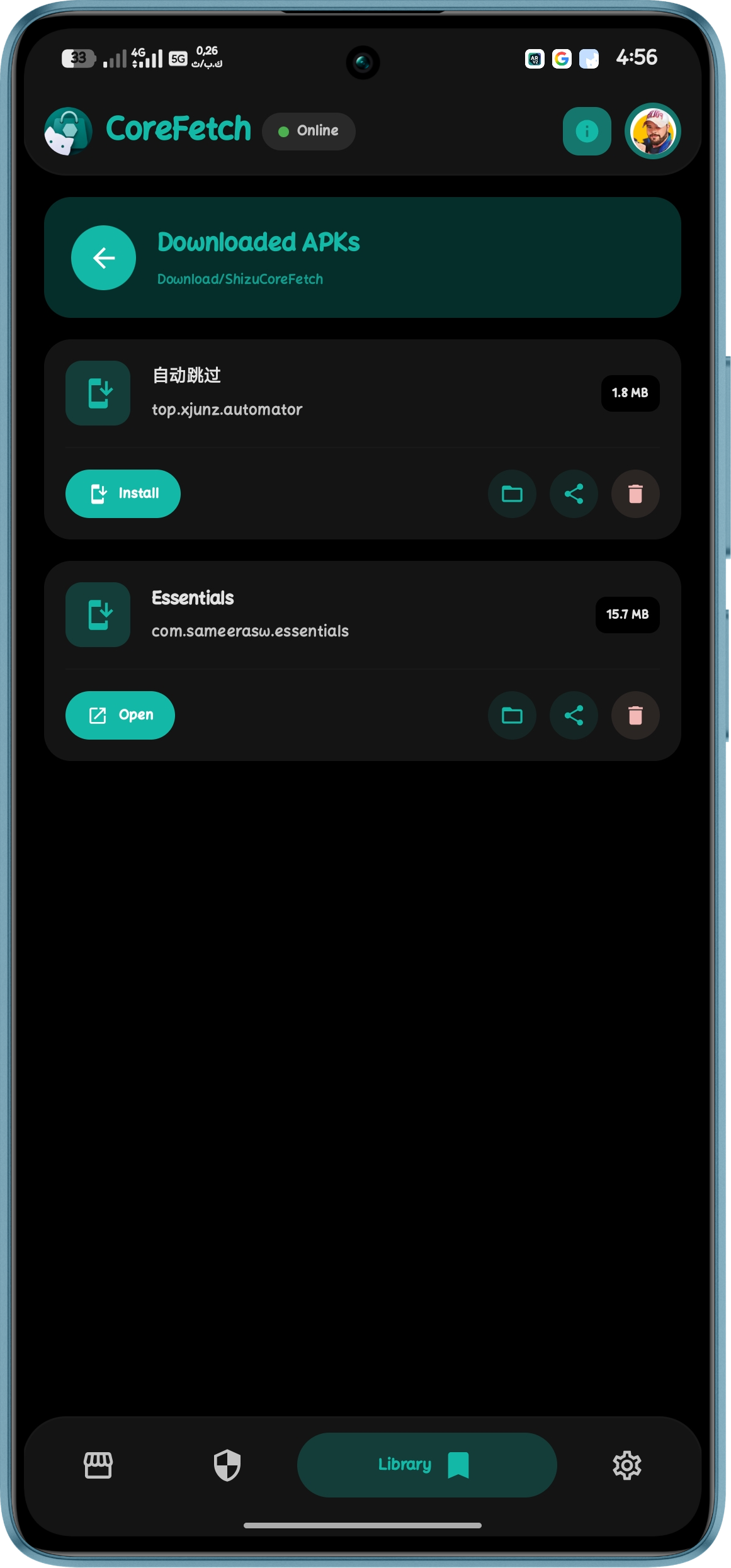
📦 Local Storage Wallet Store downloaded APKs locally, share them via any app, or open them with external file viewers. Delete packages with a single tap. |
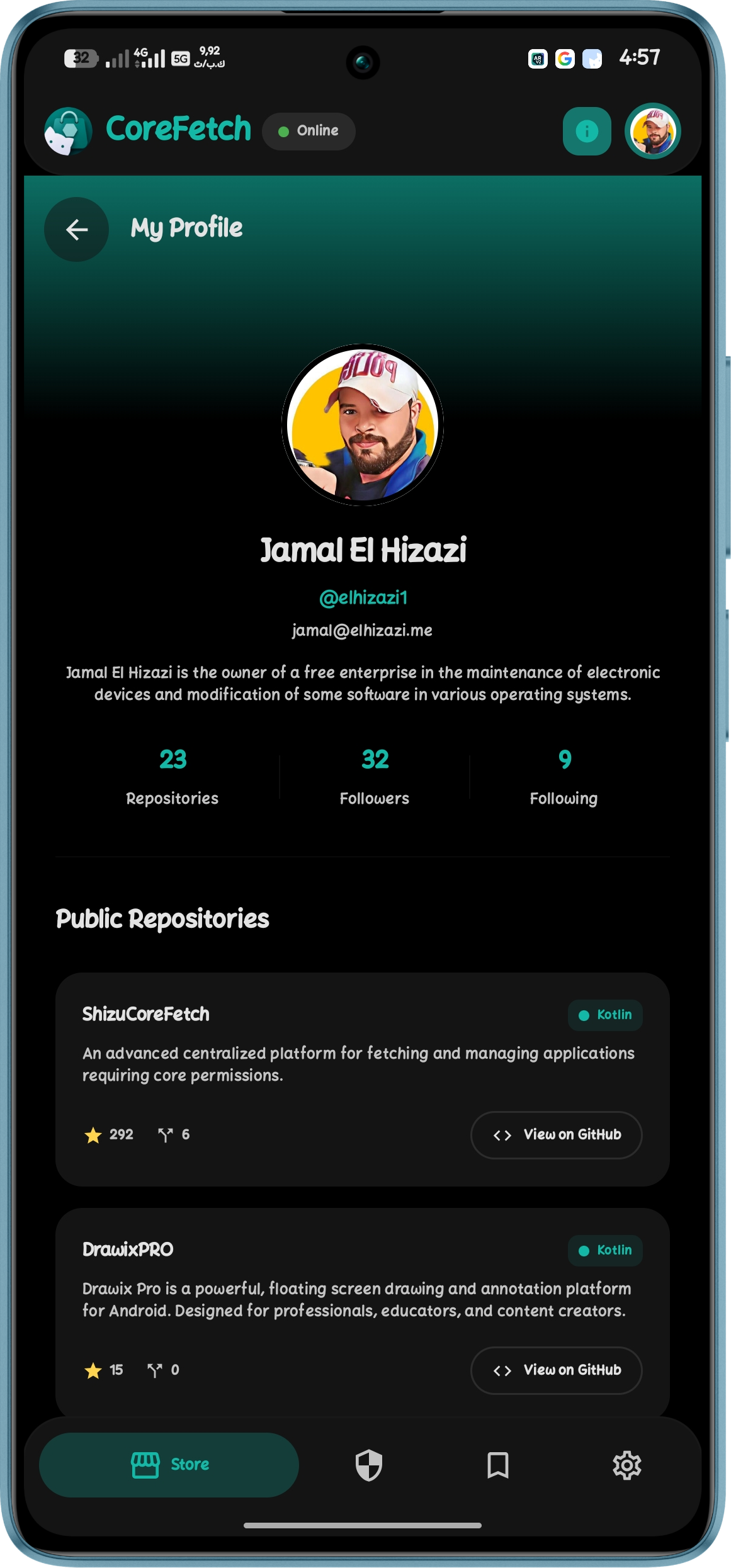
📱 A Stunning Experience


🧠 Architecture & Stack
Shizu CoreFetch uses the Shizuku Binder API to execute privileged commands directly on the Android package manager. The app itself runs without root, making it safe and compliant with modern Android security policies.
graph LR
   A[User Action] --> B{Shizuku Service}
   B -- Binder IPC --> C[System Server]
   C --> D[Package Manager]
   D --> E[Install/Uninstall/Update]
🛠️ Click to view Technical Stack
- Language: Kotlin
- UI Architecture: Jetpack Compose + Material Design 3 Components
- Networking: Retrofit 2 + OkHttp + Java HttpURLConnection
- Local Caching: SharedPreferences Architecture (instant load cache)
- Concurrency: Native Kotlin Threads + DownloadForegroundService
- Backend: Google Apps Script + Google Sheets API (Smart package mapping)
🚀 Get Started
📦 Installation Guide
- Download the latest APK from the Releases page.
- Install the APK on your Android device.
- Open Shizuku and start the service (Root or Wireless ADB).
- Launch Shizu CoreFetch and grant the Shizuku permission.
- You’re all set! Browse and manage your packages silently.
🌍 Supported Languages
Available in 11 languages with automatic system language detection: العربية, English, Français, Español, Português, Русский, हिन्दी, 中文, 日本語, Türkçe, Čeština.
🤝 Community & Acknowledgments
We welcome contributions! Read our Contribution Guidelines for details on coding conventions.
A massive thank you to our incredible open-source community! To everyone who has opened an issue, suggested a feature, or tested a release—thank you. (Individual credits for testing and feedback are always highlighted in our Release Notes).
- Turkish (Türkçe): Translated by AhmetCanArslan
- Czech (Čeština): Translated by Jakub K. (@kouzelnik3)
📜 Documentation & Developer Integration
For complete documentation on every field, locale, and best practice, visit the official docs:
🔗 https://docshizu.siwane.xyz/
You don't need to send anything or register. Just add a valid shizu_store.json file at the root of your repository!
How Shizuku is used
Can silently install and uninstall apps via `pm install` and `pm uninstall` through Shizuku.
This is an AI-assisted analysis of Shizuku-related usages in the app's public source code. It is best effort, so it may not catch every single usage.
How this app uses Shizuku
Shizuku is used to install and remove store apps silently in the background without system prompts.
- Install apps silently: downloaded store APKs, including the latest release or a chosen older version, are installed in the background with the
pm installshell command run through Shizuku, including reinstall, downgrade and test only support. - Uninstall apps silently: an installed store app is removed in the background with the
pm uninstallshell command run through Shizuku when silent mode is enabled.
Android APIs or commands used
pm installpm uninstall/system/bin/pm install/system/bin/pm uninstall
Notable details
When silent install is turned off, or Shizuku is not running, not authorized or the silent attempt fails, the app falls back to the normal system install dialog and uninstall dialog.
Changelog
What's new for version 2.4.0
🚀 ShizuCoreFetch v2.4.0 (Stable) — Store Curation & Smart Profiles
This release focuses on quality-of-life improvements, bringing highly requested features for better app discovery, a cleaner storefront, and rock-solid stability.
✨ Discovery & Curation
- The "Newest" Filter: Discover fresh tools instantly! We implemented a surgical backend update that leverages GitHub's native
created_atmetadata. This allows the app to accurately display applications released within the last 14 days without consuming any additional GitHub API quota. - Decluttered Storefront: To keep the focus on new discoveries, the core apps "Shizuku" and "ShizuCoreFetch" are now officially hidden from the main feed via backend configuration, heavily reducing redundancy.
🛠️ Stability & UI Polish
- Crash-Proof Developer Links: Completely rebuilt the social link parsing in the Developer Profile screen. Whether a developer enters a full URL (
https://x.com/user) or just a bare username (user), the app now intelligently constructs the correct, safe link for GitHub, Telegram, YouTube, X, and Instagram, completely eliminating theActivityNotFoundExceptioncrash. - Balanced UI Skeletons: The store filter buttons and their loading shimmer effects have been redesigned into a perfectly balanced 2x2 grid, ensuring a seamless, jitter-free visual transition when data loads.
🙏 Community Credits
A special thank you to the users whose feedback directly shaped this update:
- @source-sketch — For the great suggestion to hide Shizuku and ShizuCoreFetch, keeping the storefront clean and focused on third-party tools.
- @wizzwuz — For proposing the highly useful "Newest Apps" section to drastically improve project discovery.
Thank you to everyone who continues to test, report issues, and contribute ideas to the project.
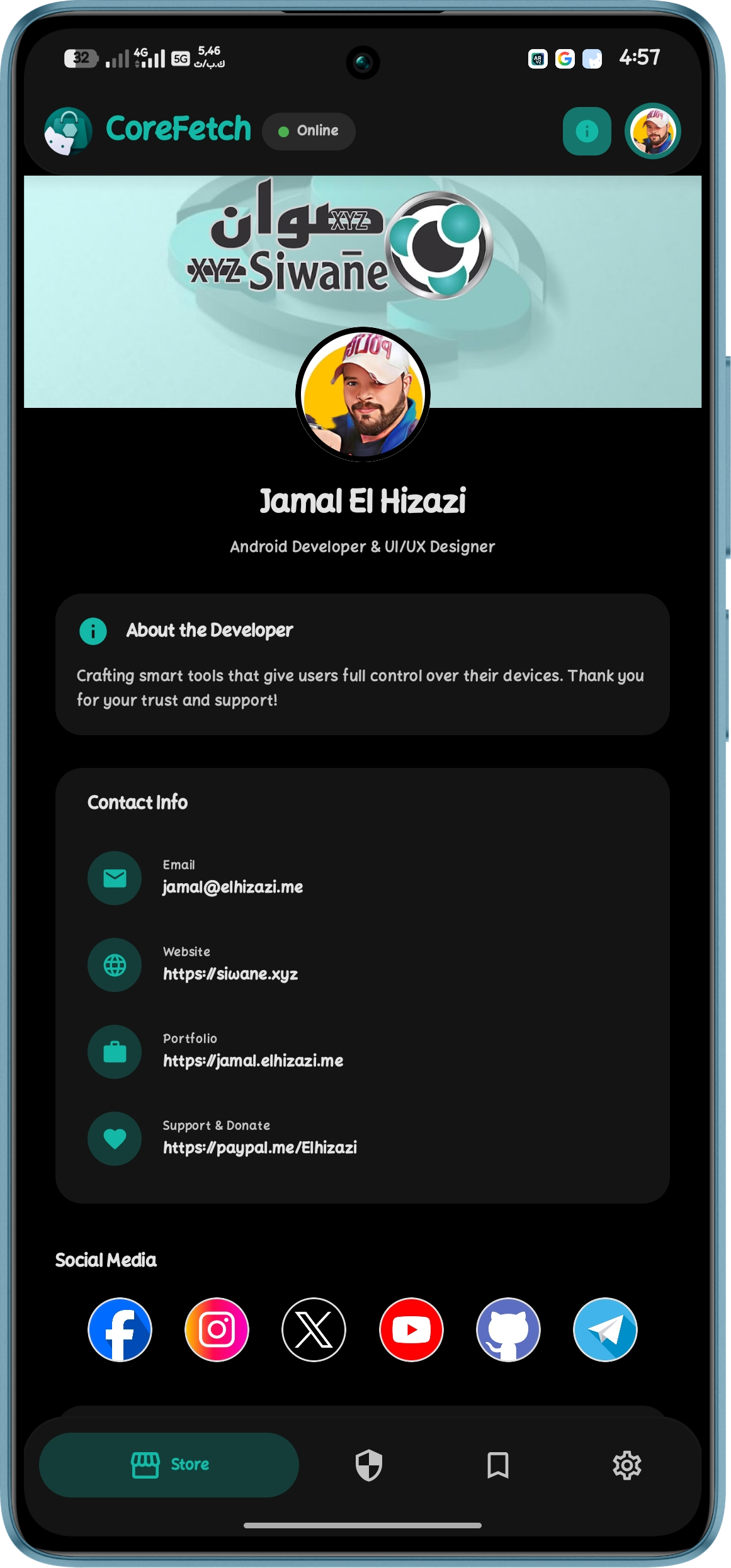
👨💻 Developed by Jamal El Hizazi (@elhizazi1) Nurturing the open-source Android landscape.
Permissions
13 permissions requested
More apps from this developer
 Castix
More from this category
 ShizuStore
 Droid-ify
 InstallerX Revived
 Universal Installer
 Komi Store
 Vyxel Apps
 APKUpdater
 Neo Store
 Orion Store
 ObtainX
 Aurora Store
 MultiStore