 ShizuStore
Shappky
2.0.0 · GitHub
More about this app
A simple app to boost performance by stopping background apps.
Shappky




What is Shappky?
Shappky, short for Shell App Killer, is an app that stops background applications using either Shizuku or Root permissions, improving device performance, reducing memory usage, and lowering heat in a lightweight and safe way.
How does Shappky work?
Shappky relies heavily on shell commands to identify and kill applications. You can read more about it here: how_shappky_works.md
Features
- Flexible Permissions: Works with either Shizuku or Root access.
- Simplified User Interface: Practical and easy-to-use design.
- Fast Performance: Stops applications with high efficiency.
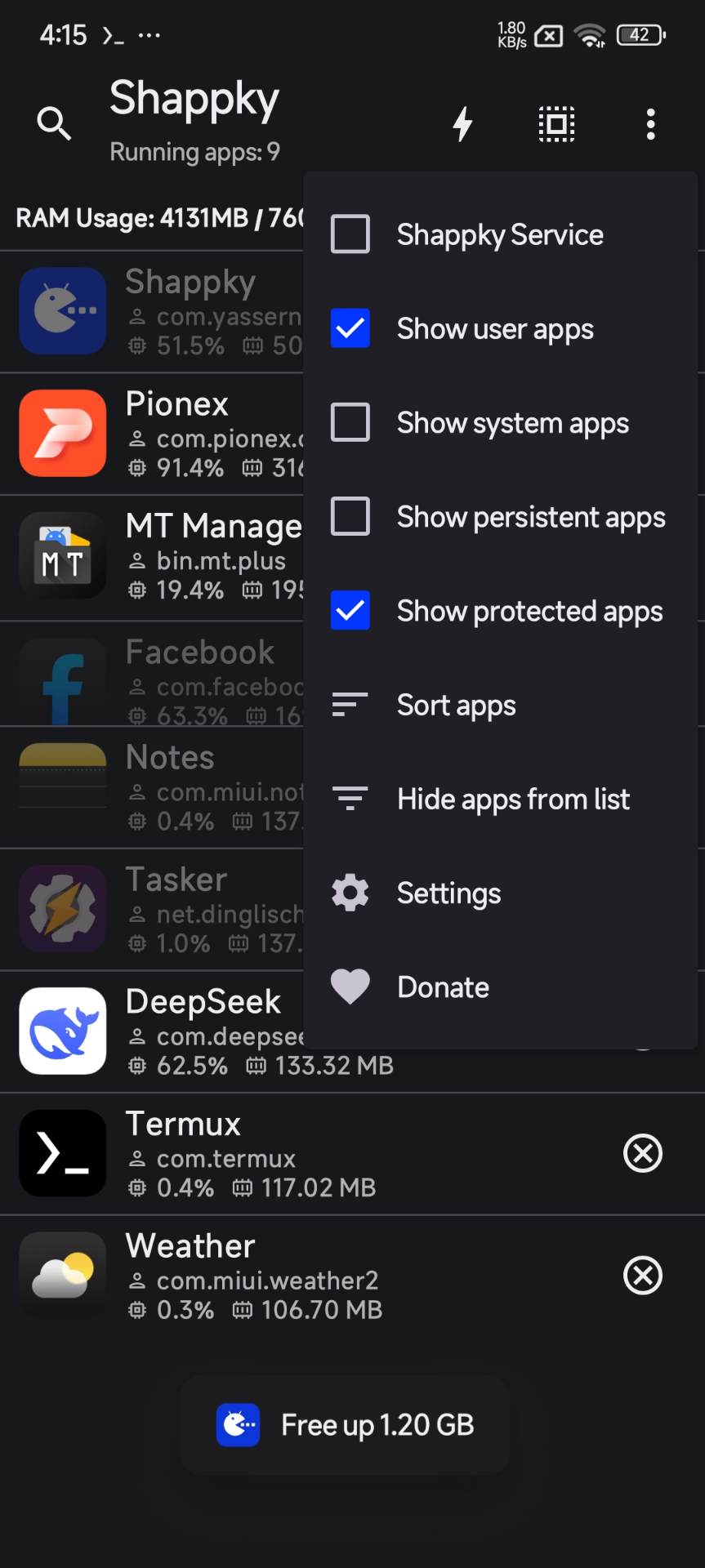
- App Protection: Ability to protect certain apps from being killed, such as Keyboard, Launcher, and core system services.
- Quick Tile: Activate the background service that automatically kills unused apps via a Quick Tile.
- Trigger Support:
- Service triggers: Customize a new background service through rules.
- Profile triggers: Instant execution to kill specific apps with one tap.
- Tasker compatible: Full support for integration and custom actions.
- Intent: Send commands from external apps.
- Widgets: Home screen widgets for quick control.
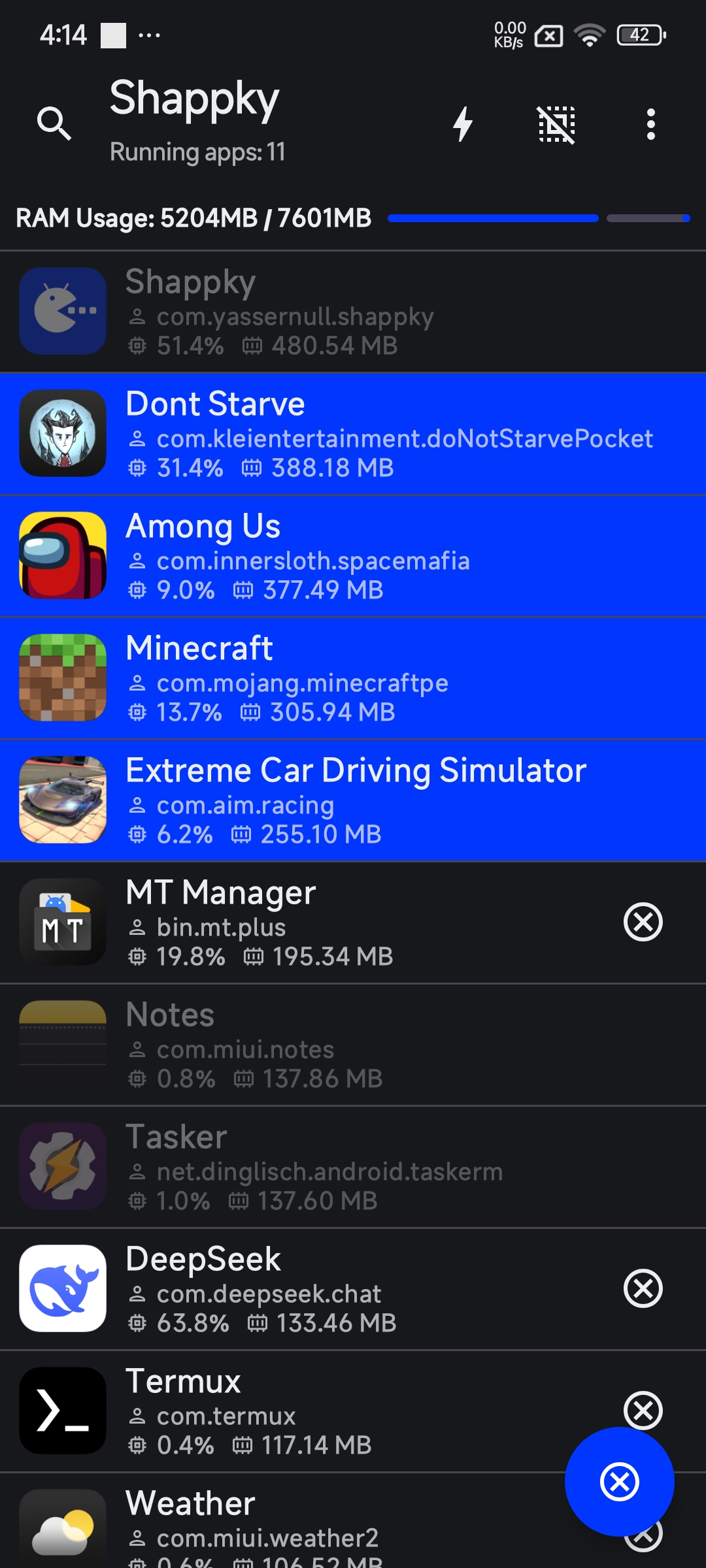
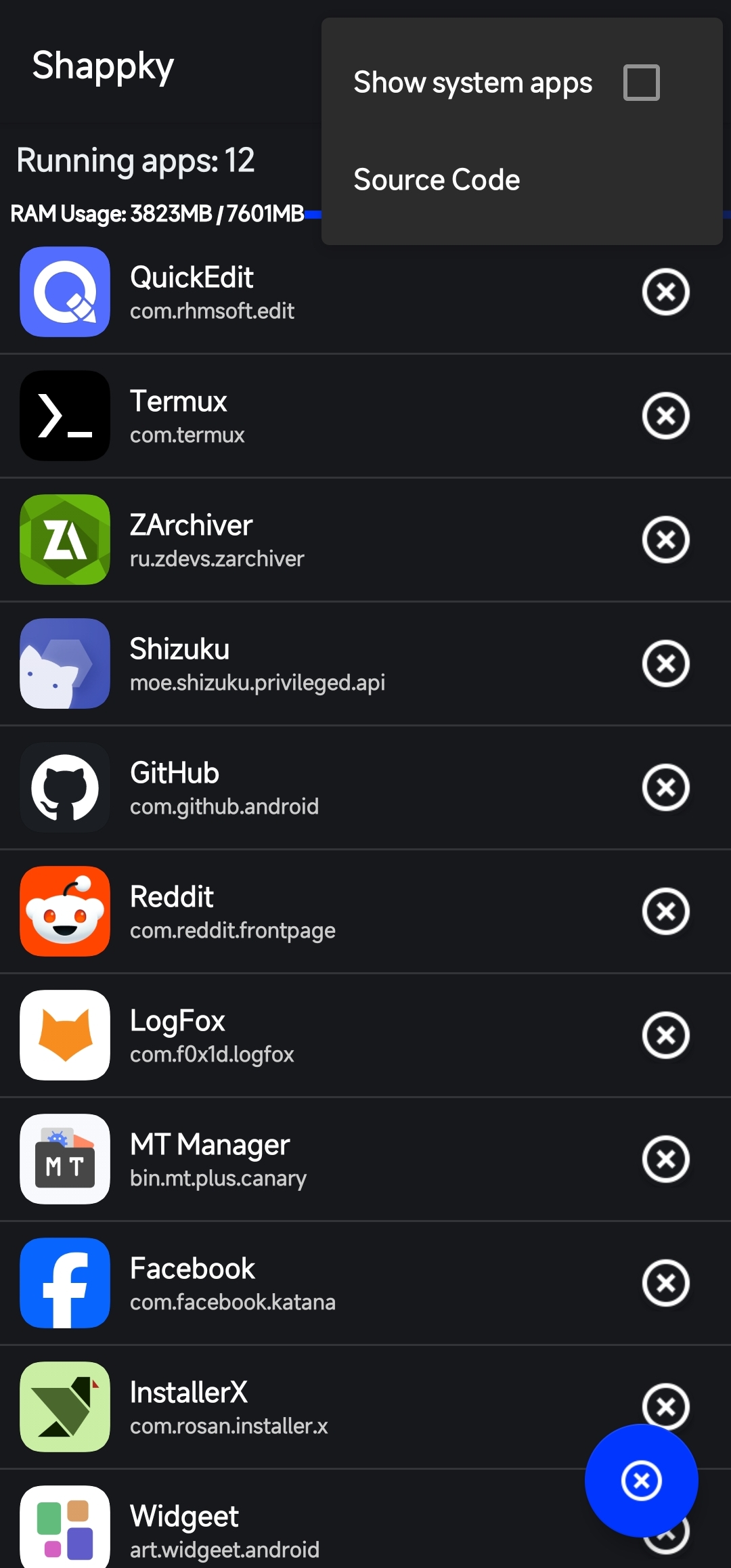
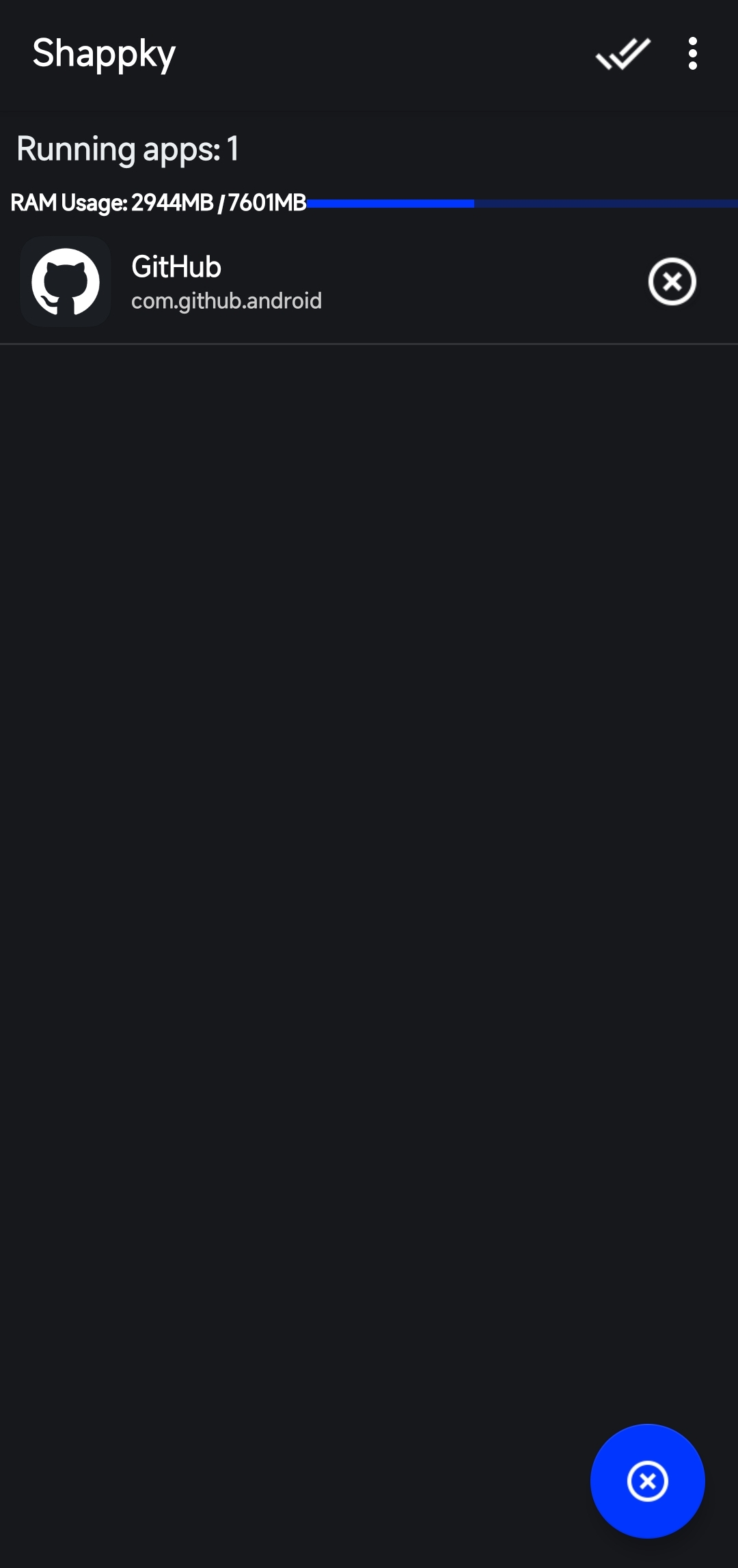
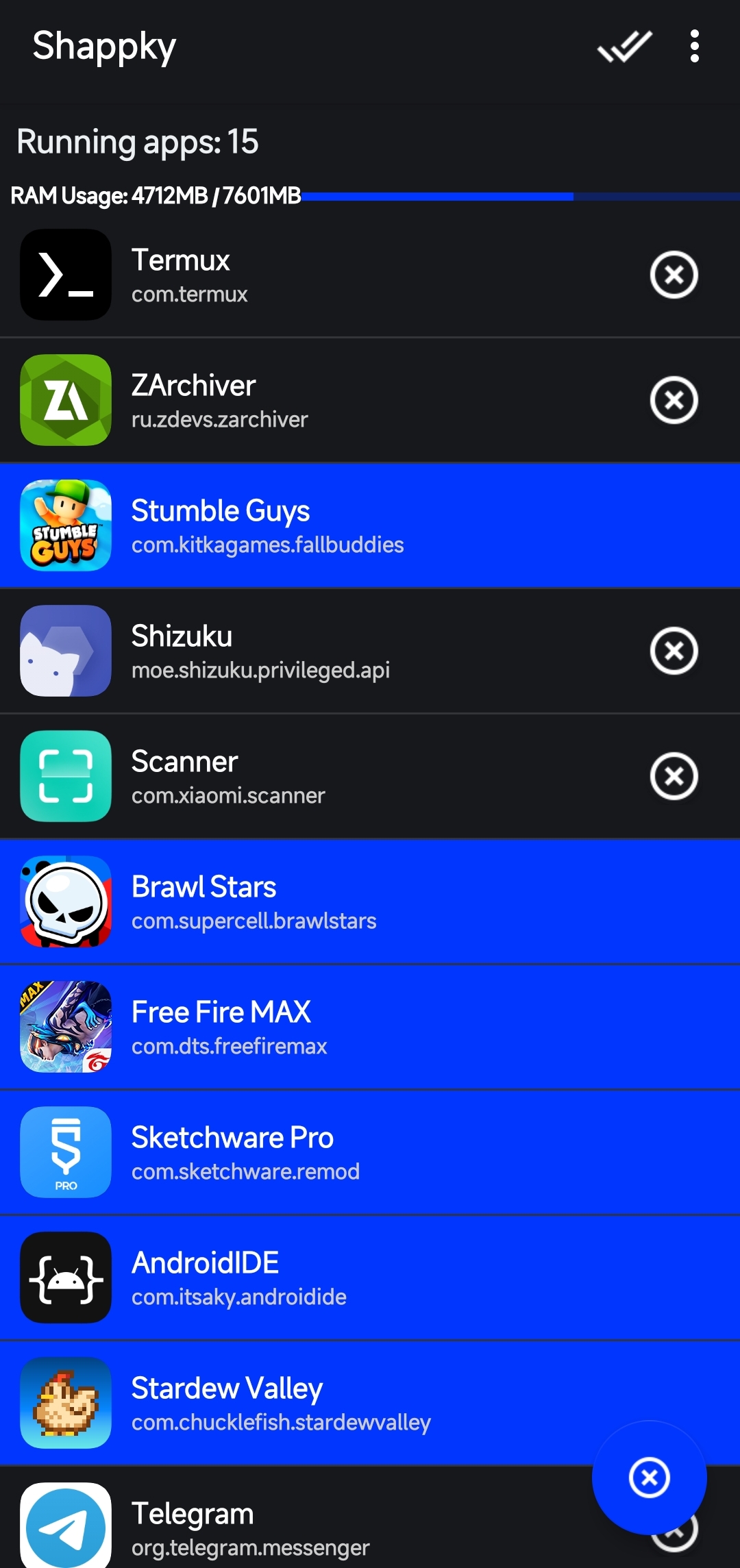
Screenshots


Shappky Service
The Shappky background service runs in the background to automatically stop active apps once enabled. General service options can be customized, though app-killing rules are not customizable within the service itself.
Note: You can create a Service Trigger to customize app-killing rules if you want full control over the service behavior.
Triggers
Triggers come in two types:
- Profile trigger: This trigger must be executed manually, allowing you to select a specific group of apps.
- Service trigger: This lets you create and customize a background service using available rules, with automatic enable/disable options based on those rules.

Intent & Tasker Integration
Intent
The app also supports Broadcast Intent.
- Select Intent type : Broadcast Intent.
- Package:
com.yassernull.shappky - Select an Action:
- To execute a profile trigger:
com.yassernull.shappky.EXECUTE_TRIGGER - To enable a service trigger:
com.yassernull.shappky.ENABLE_TRIGGER - To disable a service trigger:
com.yassernull.shappky.DISABLE_TRIGGER - To enable Shappky service:
com.yassernull.shappky.ENABLE_SHAPPKY_SERVICE - To disable Shappky service:
com.yassernull.shappky.DISABLE_SHAPPKY_SERVICE
- To execute a profile trigger:
- Extra Key:
TRIGGER_NAME(enter the trigger name).
Tasker
The app includes a plugin for Tasker integration.

- Create a new Task.
- Select the Shappky plugin.
- Tap Configure.
- Choose the action that suits your needs.
Widgets
The app features 2 widgets:
Action Widget: You can create a 1x1 shortcut and assign a profile trigger to it. Tapping the widget will execute the trigger.

App List Widget: You can display a list of running background apps directly on your home screen with a one-tap kill feature.

Requirements
- Android Version: 7.0 or higher.
- Shizuku or Root: Shappky requires Root or Shizuku permissions to work.
Installation
You can download and install Shappky via one of the following methods: GitHub Releases: Download the latest APK from the Releases page.
License
Shappky is licensed under the GNU General Public License v3.0.
Donate
If you want to support me, I would be very grateful.
How Shizuku is used
Can stop background apps and inspect running processes via Shizuku shell commands with `am kill`.
This is an AI-assisted analysis of Shizuku-related usages in the app's public source code. It is best effort, so it may not catch every single usage.
How this app uses Shizuku
Shizuku is used to run privileged shell commands that find, inspect and stop background apps to boost performance.
- Stop background apps: selected or automatically detected apps are stopped with
am kill, escalated toam force-stopwhen still running, with remaining processes ended bykill -9, plusam kill-allfor system-wide trimming. - List running processes: the current process table is read with the bundled toybox
pscommand to build the app list with RAM and CPU usage. - Show app details: per app process info, thread counts from
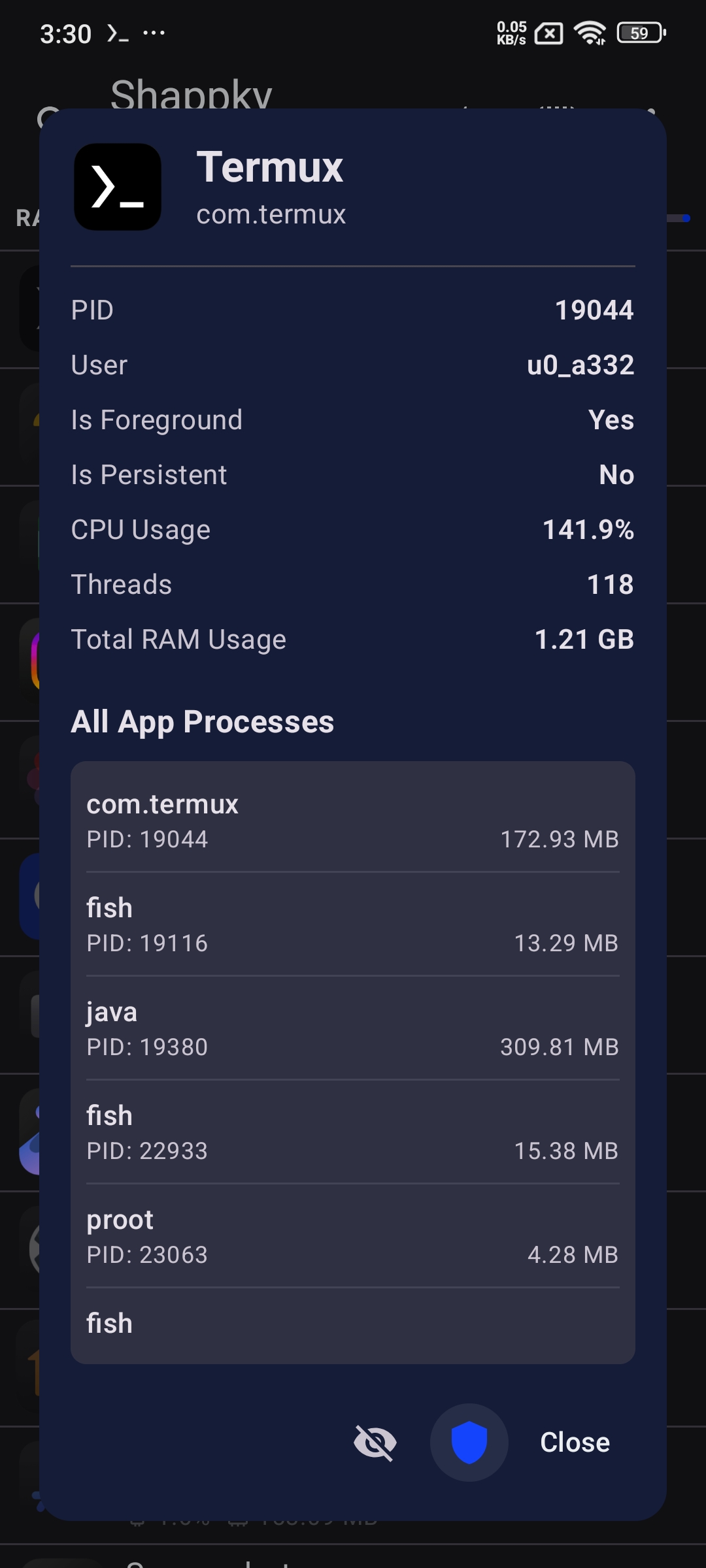
cat /proc/[pid]/statand foreground state fromdumpsys activity servicesare shown in the detail view. - Skip recent apps:
dumpsys activity recentsanddumpsys activity activitiesare read to detect recent and foreground apps so the automatic killer and triggers do not stop apps in use. - Protect special apps:
dumpsys wallpaperanddumpsys appwidgetare read to identify the current wallpaper and active widget packages so they can be excluded from killing. - Prepare helper binary: a bundled toybox binary is copied to temporary storage and made executable so the process and detection commands above can run.
Android APIs or commands used
am killam force-stopam kill-allkill -9ps -A -o %cpu,pid,user,rss,name,uidpidofgrepawkdumpsys activity recentsdumpsys activity activitiesdumpsys activity servicesdumpsys wallpaperdumpsys appwidgetcat /proc/[pid]/statcpchmod 755
Changelog
What's new for version 2.0.0
Changelog
About the App
- Updated app icon to support monochrome dynamic icons (#6).
- Changed app package name from
com.yn.shappytocom.yassernull.shappky. - Raised minimum supported Android version from 6.0 to 7.0 due to Shizuku library updates.
- Migrated codebase and tech stack from XML & Java to Kotlin & Jetpack Compose.
- The app now builds multiple APK files per architecture: Universal, arm64-v8a, armeabi-v7a, x86, and x86_64.
User Interface
Numerous UI improvements and visual enhancements, including:
- Added icons to buttons.
- Added type-specific indicators/icons for apps.
- Added app search bar, which was also integrated into the "Hide App" menu (#17).
- Fixed layout and design bugs (#13, #15).
- Added smooth animations across the app list.
- Added a long-press context dialog showing detailed app information with direct actions to mark an app as protected or hidden (#17).
App-Killing Algorithm & Background Detection
- Enhanced the app-killing algorithm to intelligently stop applications and terminate stubborn background processes if an application fails to stop normally.
- Improved background app detection logic to identify individual sub-processes rather than monitoring only the main process.
- For full technical details, see
docs/how_shappky_works.md.
Settings
Introduced a dedicated Settings screen featuring multiple customization options:
- Language: Added support for English and Arabic, with community localization support.
- Theme: Added Light, Dark, and OLED Black themes (#9).
- Dynamic Colors: Added Material You dynamic color scheme support based on system wallpaper (#6).
- Permission Switching: Seamlessly toggle between Root and Shizuku authorization modes.
- Protected Apps: Manage protected applications globally to exempt them from background termination.
- Backup & Restore: Export and import application settings (#17).
Shappky Service
- Added configuration options to customize the Shappky background service, preventing performance issues or system lag caused by killing essential background tasks (#12).
Triggers
Implemented trigger features (#4, #16):
- Profile Trigger: A manual trigger allowing instant termination of a predefined group of apps with one tap.
- Service Trigger: A rule-based background service trigger that automatically enables or disables execution based on customizable conditions.
Tasker Integration
- Added Tasker plugin support for seamless integration and custom automated workflows (#2).
Intent
- Added Broadcast Intent support to enable external apps and automation tools to trigger commands directly (#17, #21).
Widgets
- Added 2 interactive home screen widgets: Action Widget and App List Widget (#19).
Other Fixes & Improvements
Permissions
13 permissions requested
Sources
5 sources
Sources
5 sources
More from this category
 Pensum
 Running Services Monitor
 KillMyApps
 memhogs
 ReAppzuku
 ProcessLens
 TaskManager
 RvSystem Monitor
 Recents
 内存快照
内存快照