 ShizuStore
Screen Recorder
5.0 · GitHub
More about this app
Screen recorder with internal audio capture routed through Shizuku.

ScreenRecorder






Minimal • Fast • Material 3 Expressive Screen Recorder for Android
📸 Screenshots
 |
 |
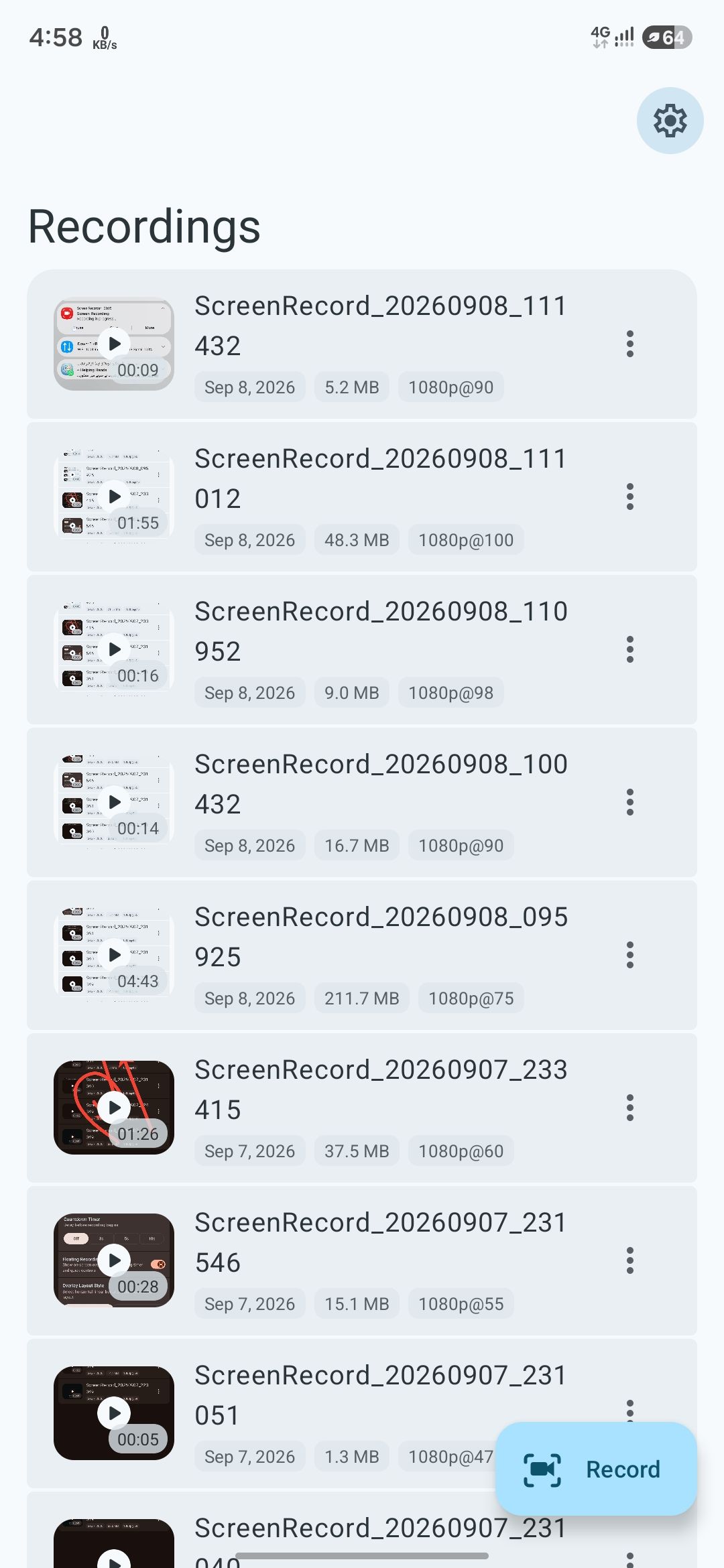
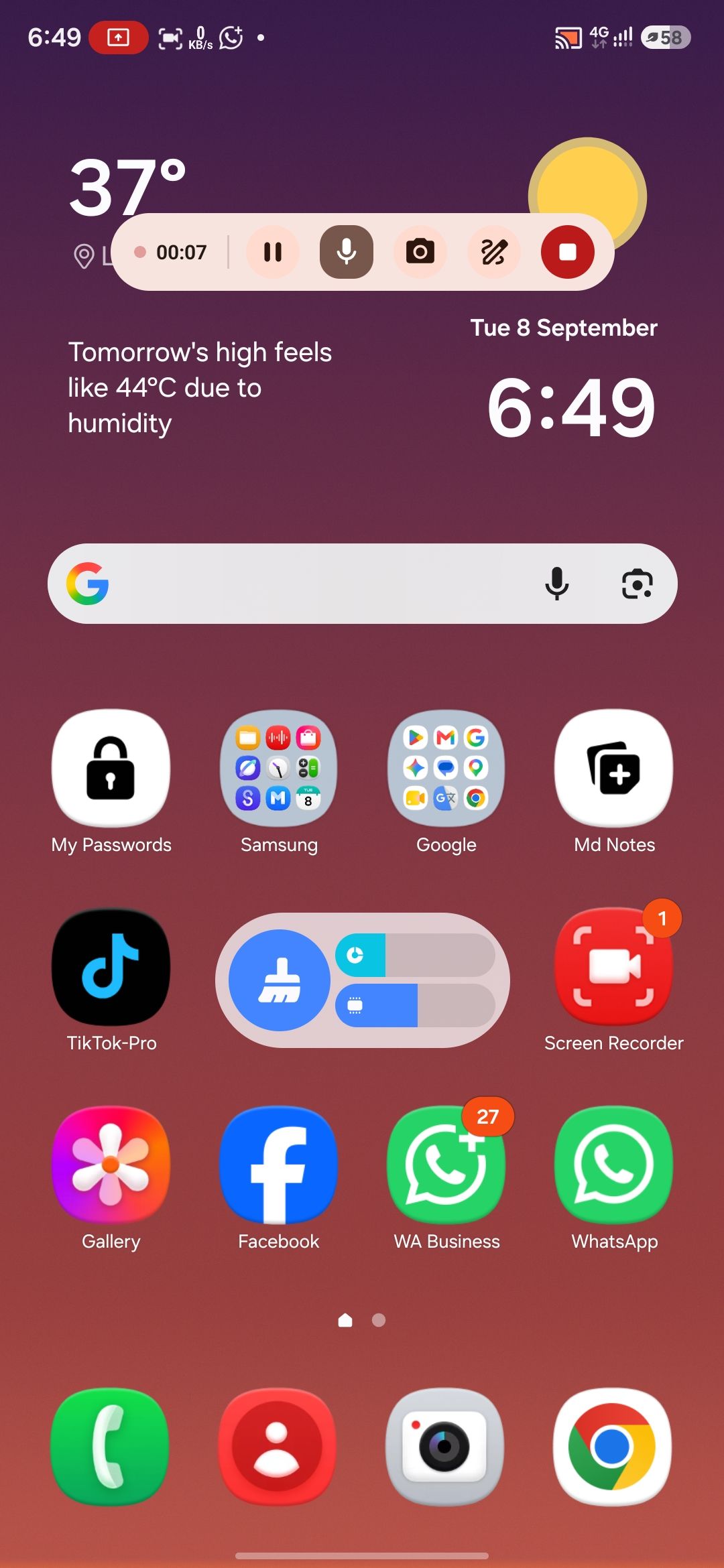
| Home & Library | Floating Overlay |
 |
 |
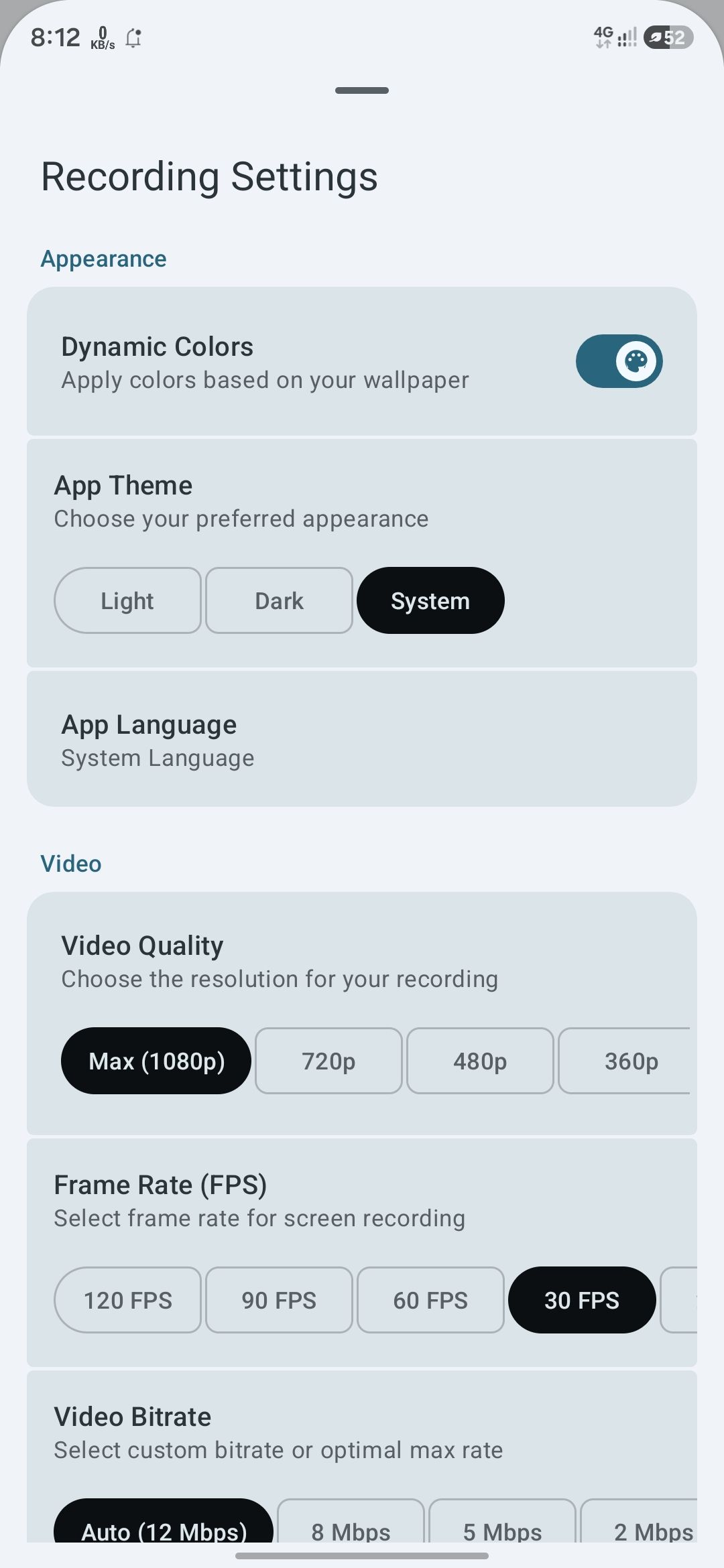
| Countdown | Recording Settings |
 |
 |
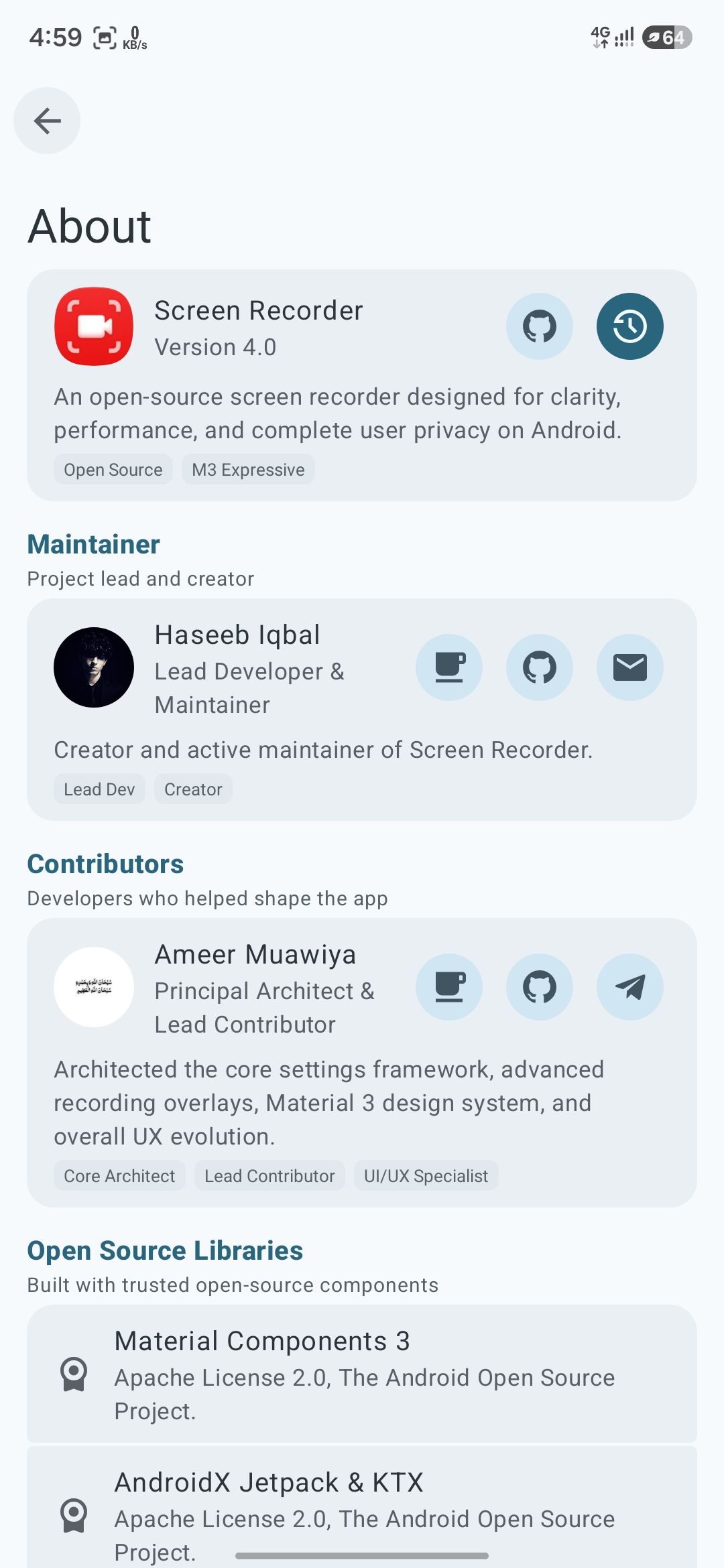
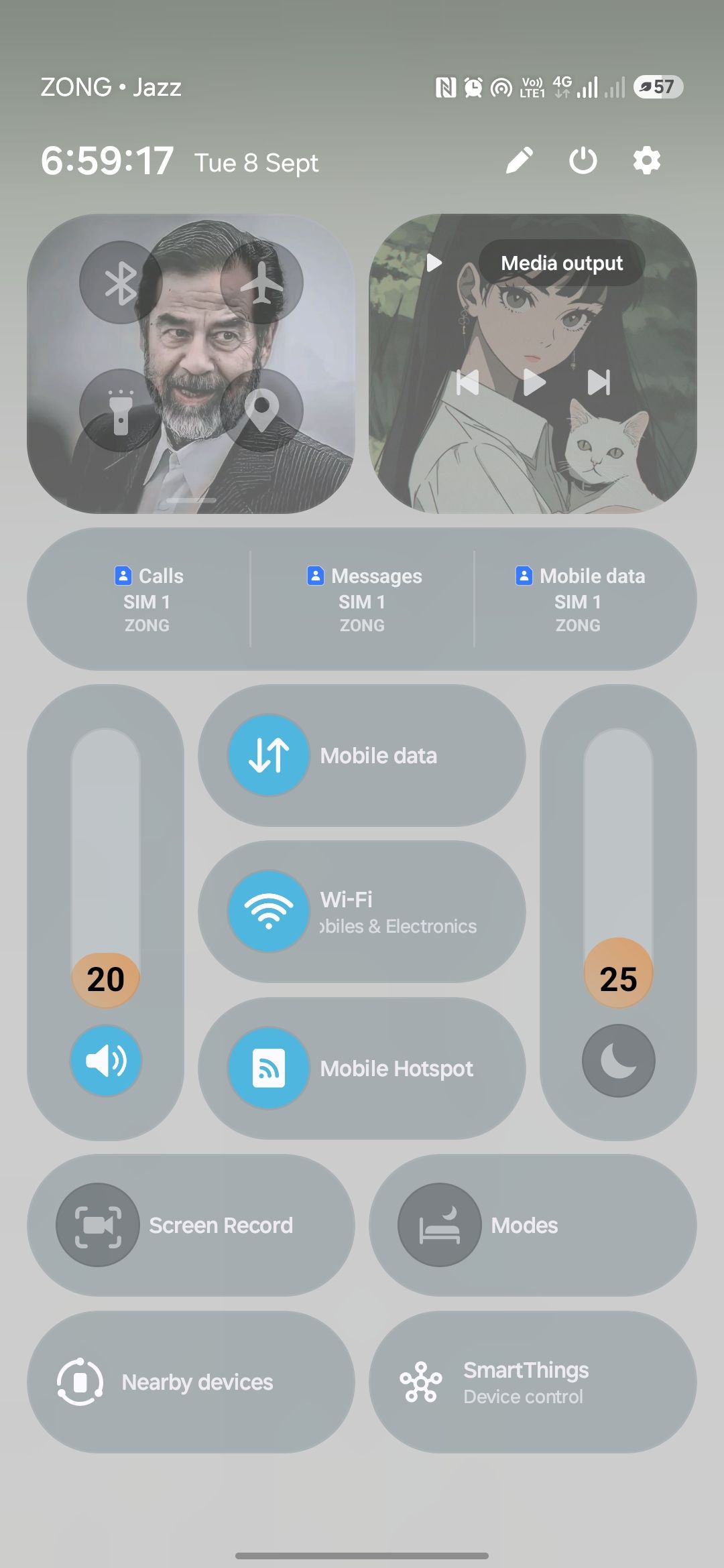
| Quick Settings | About |
 |
|
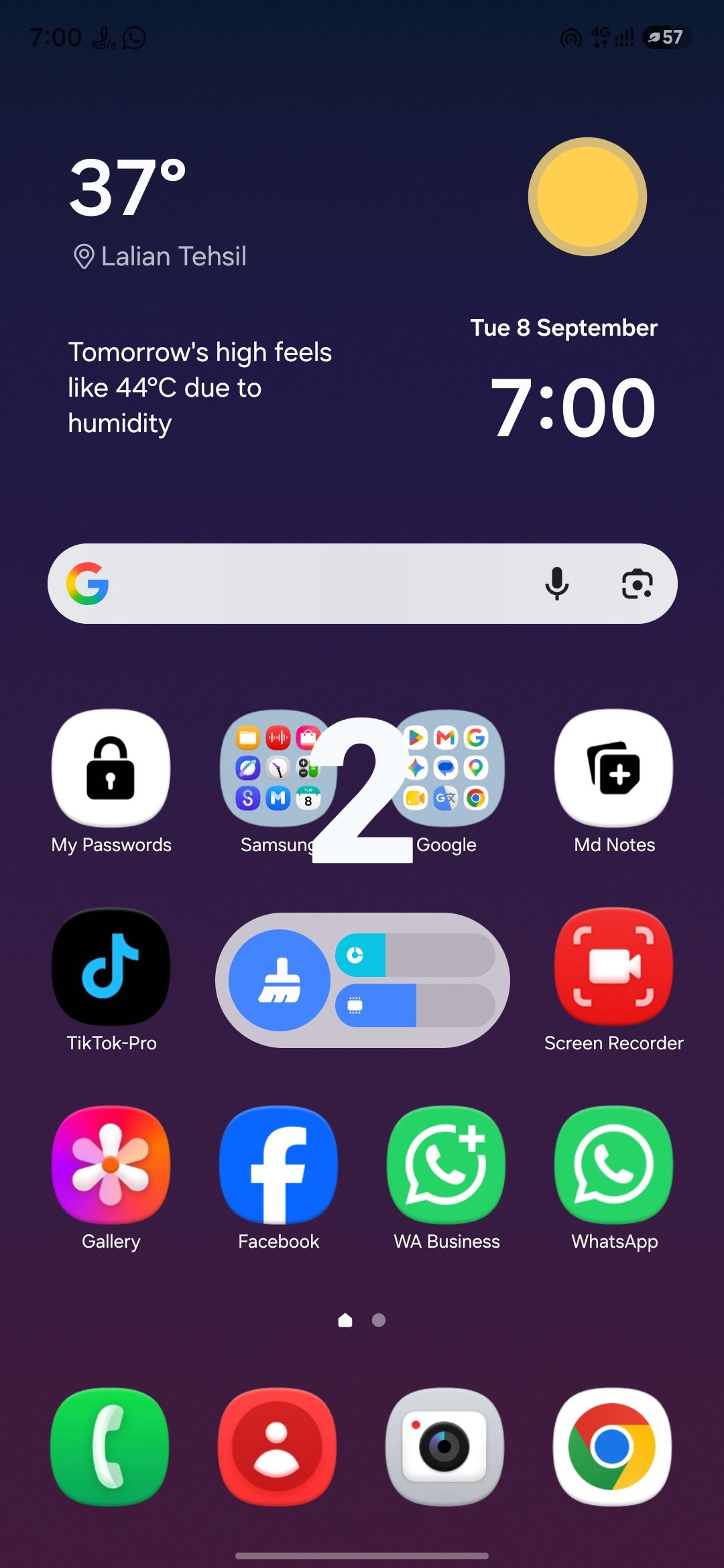
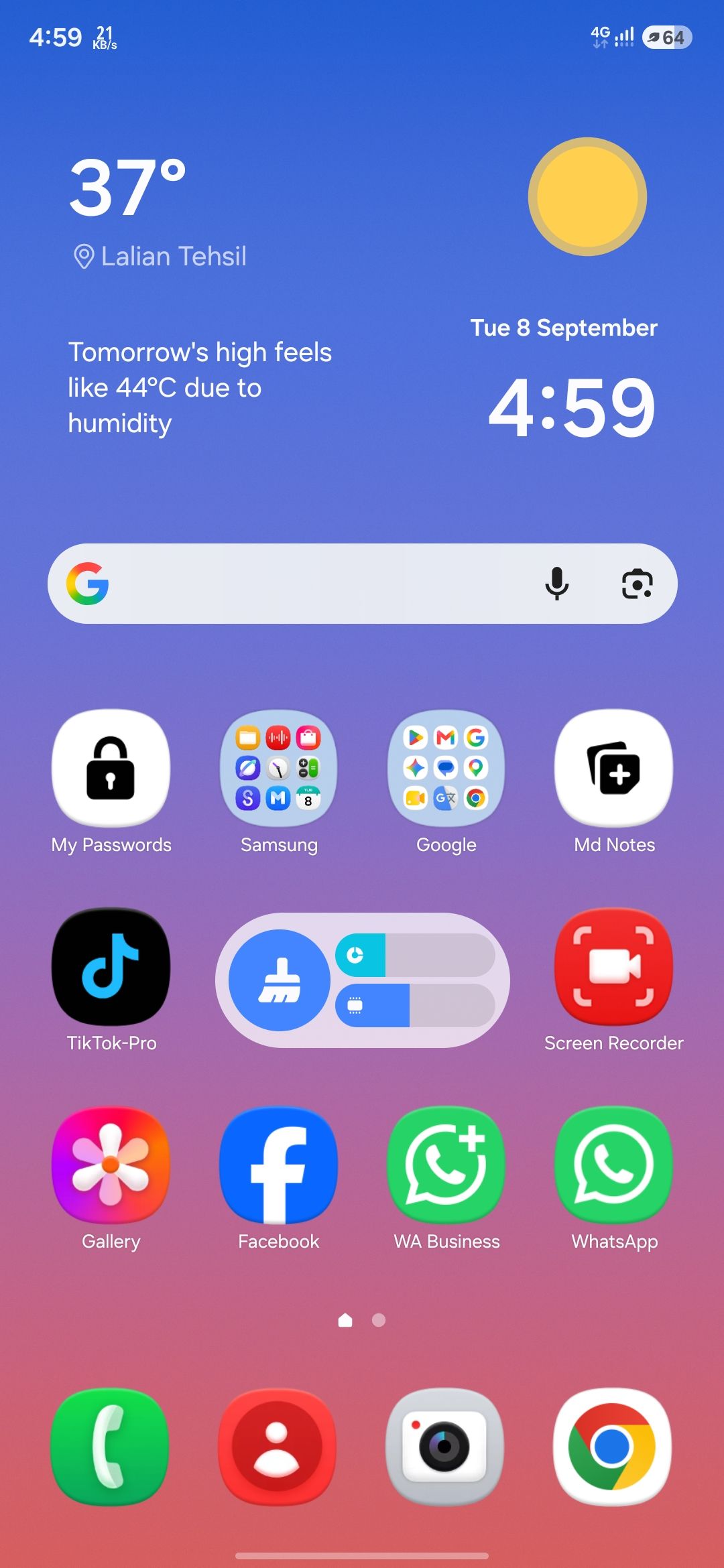
| Adaptive Icon | App Icon |
Features
Recording
- 🎥 High-quality screen recording with flexible recording options
- 🎞️ Multiple video codec options for better compatibility and compression
- 🎚️ FPS controls with multiple frame rate options
- 📊 Bitrate controls with automatic and manual settings
- 🔄 Screen orientation controls for different recording layouts
- 🎙️ Audio source controls for internal audio and microphone recording
- 🎚️ Audio quality controls with multiple sample rate options
- ⏱️ Customizable countdown before recording starts
- ⏸️ Pause and resume recordings whenever you need
- 📁 Custom storage location for easy file management
Floating Controls
- 🧭 Radial floating controls with a smooth circular layout
- ↔️ Horizontal floating controls with a compact docked layout
- 🎛️ Custom overlay controls to show only the buttons you need
- 📍 Edge docking keeps the floating controls out of the way
- ⏱️ Live recording timer displayed directly on the overlay
- 🔘 Quick controls for pause, mute, camera, drawing, and stopping
Screen Drawing
- ✏️ Draw directly on the screen while recording
- 🖌️ Multiple drawing tools including pen, arrow, shapes, and eraser
- ↩️ Undo and redo support for quick corrections
- 🎨 Custom color selection for screen annotations
- 📏 Adjustable brush size for different drawing needs
- 👆 Touch-through mode lets you use the app underneath your annotations
Shizuku Integration
- 👆 Automatically enable Show Taps while recording
- 📱 Automatically enable immersive mode for cleaner recordings
- 🔊 Enhanced internal audio routing through Shizuku
- 🚀 Start recording with fewer system confirmation steps
Android Integration
- ⚡ Quick Settings tile for fast access to screen recording
- 🔔 Recording controls directly from the Android notification
- 📲 Native MediaProjection-based screen recording
- 🎨 Material 3 Expressive interface with dynamic system colors
- 🌐 Built-in language selection for supported languages
- ℹ️ About screen with app information, licenses, contributors, and updates
Languages
- 🌍 Multiple language support with easy in-app language switching
- English
- اردو (Urdu)
- العربية (Arabic)
- Español (Spanish)
- Français (French)
- Deutsch (German)
- 日本語 (Japanese)
- Português (Portuguese)
- Русский (Russian)
- Türkçe (Turkish)
- हिन्दी (Hindi)
- 简体中文 (Simplified Chinese)
Build Requirements
- Android Studio: Latest build
- Android SDK 37
- Minimum SDK 26
- Gradle 9+
- Java 17
Support & Contributions
If you find ScreenRecorder useful, you can support its development.
|
Muhammad Haseeb Founder & Lead Developer 
|
Ameer Muawiya Principal Architect & Lead Contributor 
|
License
MIT License

Copyright (c) 2024 Muhammad Haseeb

Permission is hereby granted, free of charge, to any person obtaining a copy
of this software and associated documentation files (the "Software"), to deal
in the Software without restriction, including without limitation the rights
to use, copy, modify, merge, publish, distribute, sublicense, and/or sell
copies of the Software, and to permit persons to whom the Software is
furnished to do so, subject to the following conditions:

The above copyright notice and this permission notice shall be included in all
copies or substantial portions of the Software.

THE SOFTWARE IS PROVIDED "AS IS", WITHOUT WARRANTY OF ANY KIND, EXPRESS OR
IMPLIED, INCLUDING BUT NOT LIMITED TO THE WARRANTIES OF MERCHANTABILITY,
FITNESS FOR A PARTICULAR PURPOSE AND NONINFRINGEMENT. IN NO EVENT SHALL THE
AUTHORS OR COPYRIGHT HOLDERS BE LIABLE FOR ANY CLAIM, DAMAGES OR OTHER
LIABILITY, WHETHER IN AN ACTION OF CONTRACT, TORT OR OTHERWISE, ARISING FROM,
OUT OF OR IN CONNECTION WITH THE SOFTWARE OR THE USE OR OTHER DEALINGS IN THE
SOFTWARE.
How Shizuku is used
Can enable internal audio capture, auto recording setup, touch indicators and hidden system bars via Shizuku shell commands.
This is an AI-assisted analysis of Shizuku-related usages in the app's public source code. It is best effort, so it may not catch every single usage.
How this app uses Shizuku
Shizuku is used to unlock enhanced recording options by running privileged system commands at recording time and from settings toggles.
- Capture internal audio: grants the app system audio capture and related audio permissions with
pm grantandappopscommands through Shizuku so recordings can include app and system sound. - Enable direct recording: grants media projection related permissions with
pm grantandappopscommands through Shizuku so recording can start with fewer prompts. - Show touch indicators: turns the system touch feedback setting on during recording and off afterward with the
settings put system show_touchescommand through Shizuku. - Hide system bars: turns on full immersive mode for clean recordings and restores normal bars afterward with the
settings put global policy_controlcommand through Shizuku.
Android APIs or commands used
settings put system show_touchessettings put global policy_control immersive.full=*settings put global policy_control null*settings delete global policy_controlpm grant android.permission.CAPTURE_AUDIO_OUTPUTpm grant android.permission.PROJECT_MEDIAcmd appops set CAPTURE_AUDIO_OUTPUT allowcmd appops set RECORD_AUDIO allowcmd appops set PROJECT_MEDIA allowappops set 46 allow
Notable details
Touch indicators and hidden system bars are applied when recording starts and restored to normal when recording stops, based on the toggles chosen in settings.
Changelog
What's new for version 5.0
🚀 What's New
🎥 Recording & Capture Enhancements
- Customizable countdown: Added a flexible countdown timer before starting any recording session.
- Orientation freedom: Added native support for Auto, Portrait, and Landscape orientation options.
- Storage management: Added the ability to choose a custom recording storage location of your choice.
🎨 Overlay & Screen Tools
- On-screen drawing: Added a robust drawing engine featuring multiple annotation tools, Undo/Redo actions, rich color palettes, adjustable brush sizes, and a dedicated touch-through mode.
- Radial Orbital mode: Added an advanced floating window mode for smoother overlay navigation.
- Control toggles: Added quick toggles to completely hide or show floating recording controls.
- Visibility settings: Added separate visibility controls to manage both Radial and Horizontal overlay buttons.
⚙️ Performance & Advanced Video Controls
- Encoder selection: Added toggles between highly efficient H.264 and H.265 video encoders.
- Refresh rate matching: Added custom FPS controls that adapt natively to your device’s peak refresh rate.
- Smart bitrates: Added video bitrate controls paired with an automatic bitrate calculation engine.
- Shizuku integration: Added deep system-level Shizuku support to seamlessly toggle Show Touches, Immersive Mode, enhanced audio routing, and quick one-click recording.
- Notification utility: Added interactive notification actions to instantly trigger Pause/Resume, Camera toggle, and Stop.
🌐 Localization & Bug Fixes
- Multi-language support: Added full localization support for 12 new languages.
- In-app language switcher: Added the ability to change app languages on the fly without changing system settings.
- Toolbar translations: Localized all functional toolbar items and individual screen titles.
- Stability fixes: Fixed core settings crashes triggered when using specific localized languages.
💅 Polish & Performance
- Visual redesign: Greatly improved the overall design and aesthetic layout of the About screen.
- Under-the-hood optimization: Improved global app performance, system stability, and fine-tuned recording configurations.
Permissions
12 permissions requested
More from this category
 VineOS
 Phone Diagnostic
 OptiDroid
 Screen Translator
 KeiOS
KeiOS
 雨晴截屏
雨晴截屏
 CaptureCap
 Kiosk Satellite
 Iris长截图
 Fern
Fern
 GhostLock
 PoC-Deployer-System