 ShizuStore
QuickDash
5.2.3 · GitHub
More about this app
Floating productivity dashboard with UPI/PayPal collection and chat shortcuts; a Shizuku bridge unlocks privileged system capabilities.



The Ultimate Floating Productivity Hub for Android
100% On-Device Processing · Zero Trackers · Material Design 3 · Fluid 120Hz Animations
















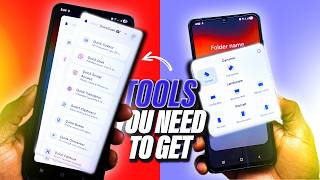
🎬 Featured in Tech Reviews: "I Found 5 CLEVER Android Apps You'll Use Everyday"

⚡ What is QuickDash?
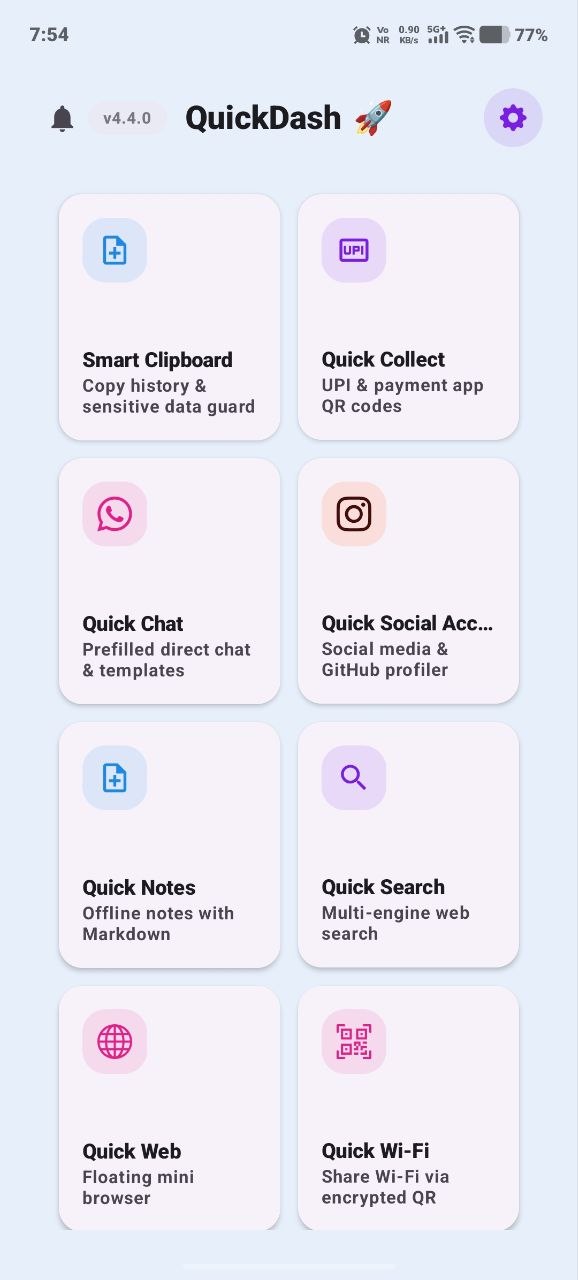
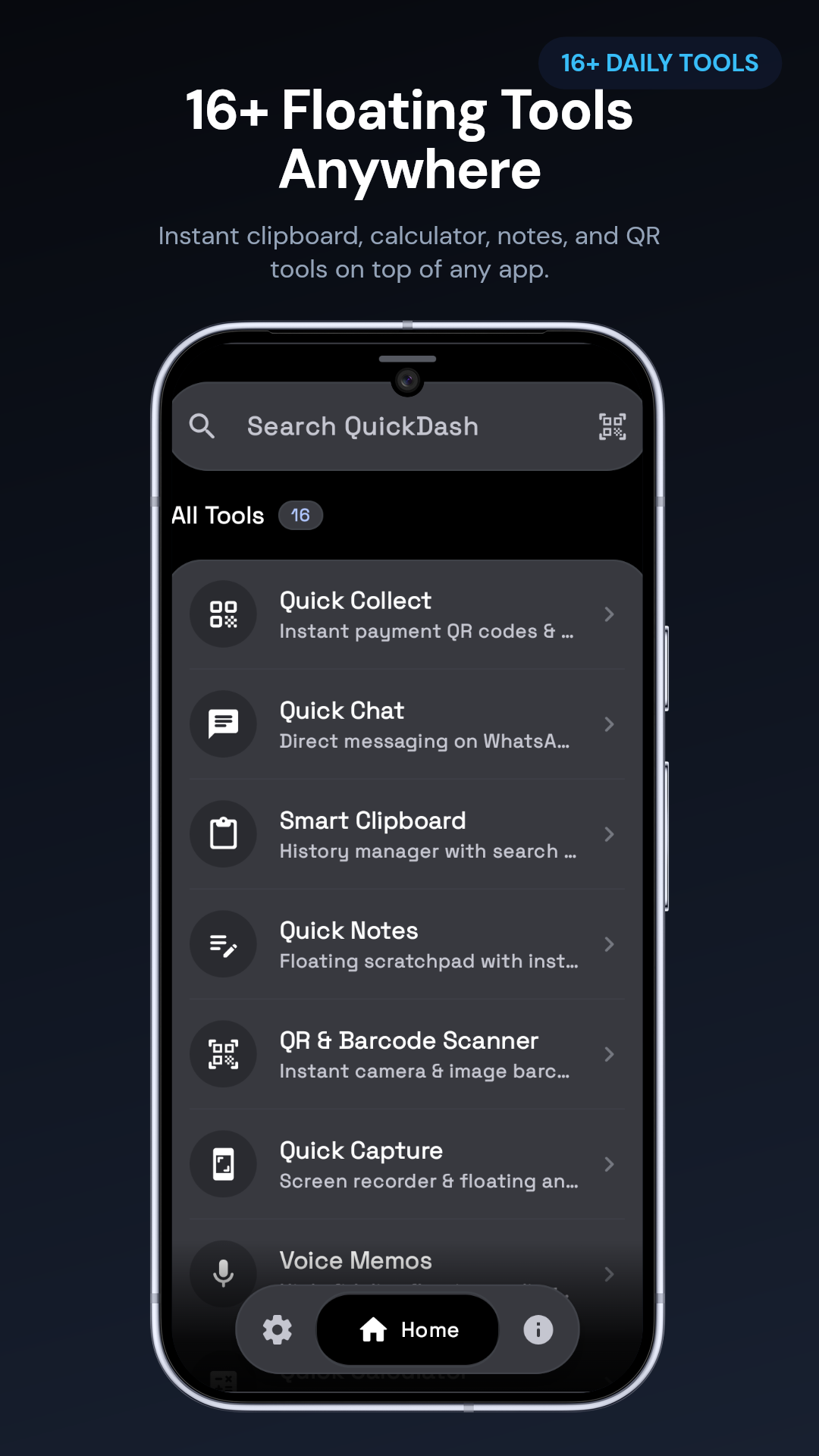
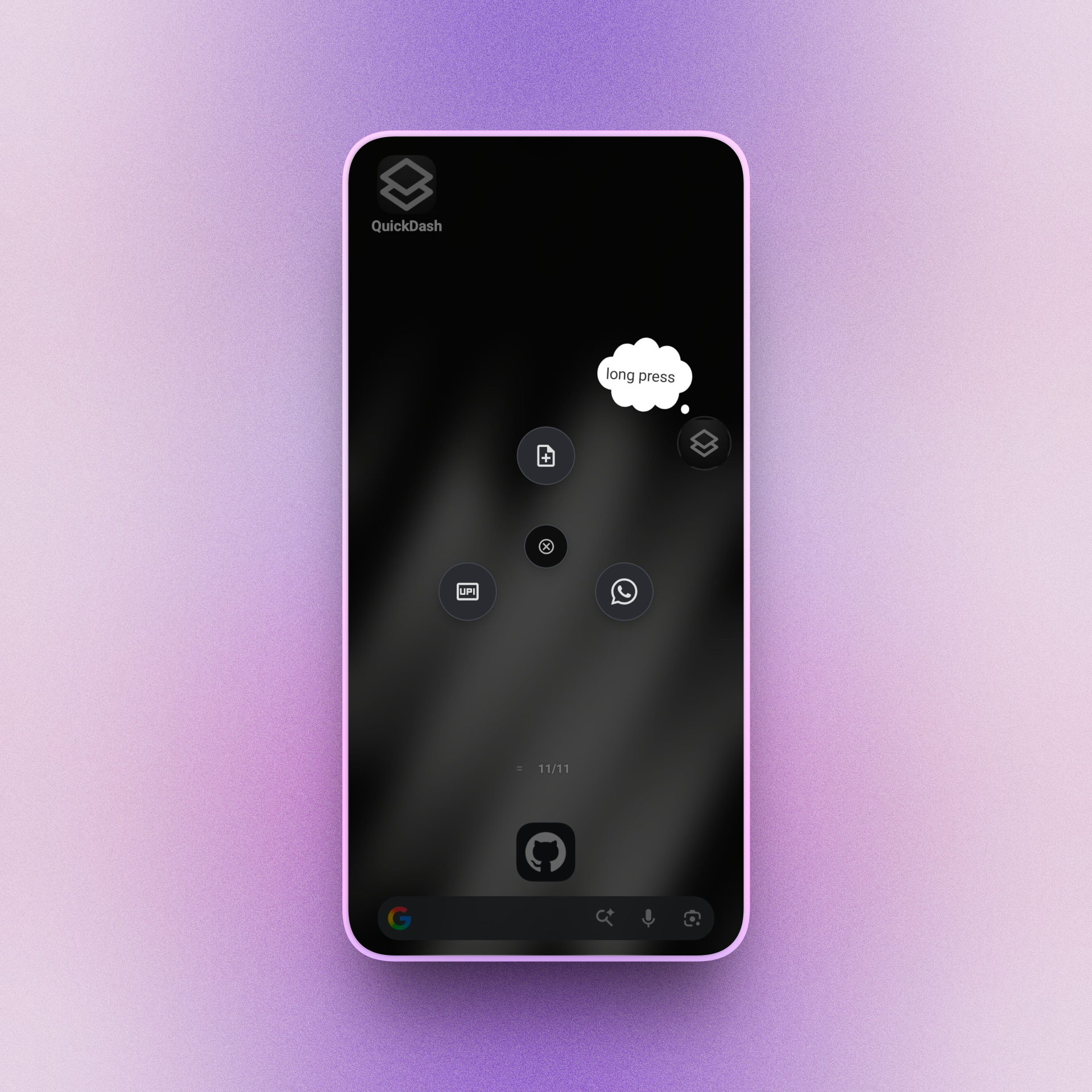
QuickDash transforms your Android experience with a lightweight, customizable floating overlay that brings 20+ essential productivity utilities to your fingertips - accessible from any app without context-switching.
Whether you need to generate a UPI QR code, manage clipboard history, translate on-screen text, jot down a note, or set a Pomodoro timer, QuickDash makes it instantaneous.
Key Highlights
- Floating Capsule & Bubble — Draggable gesture window with spring-physics dismiss.
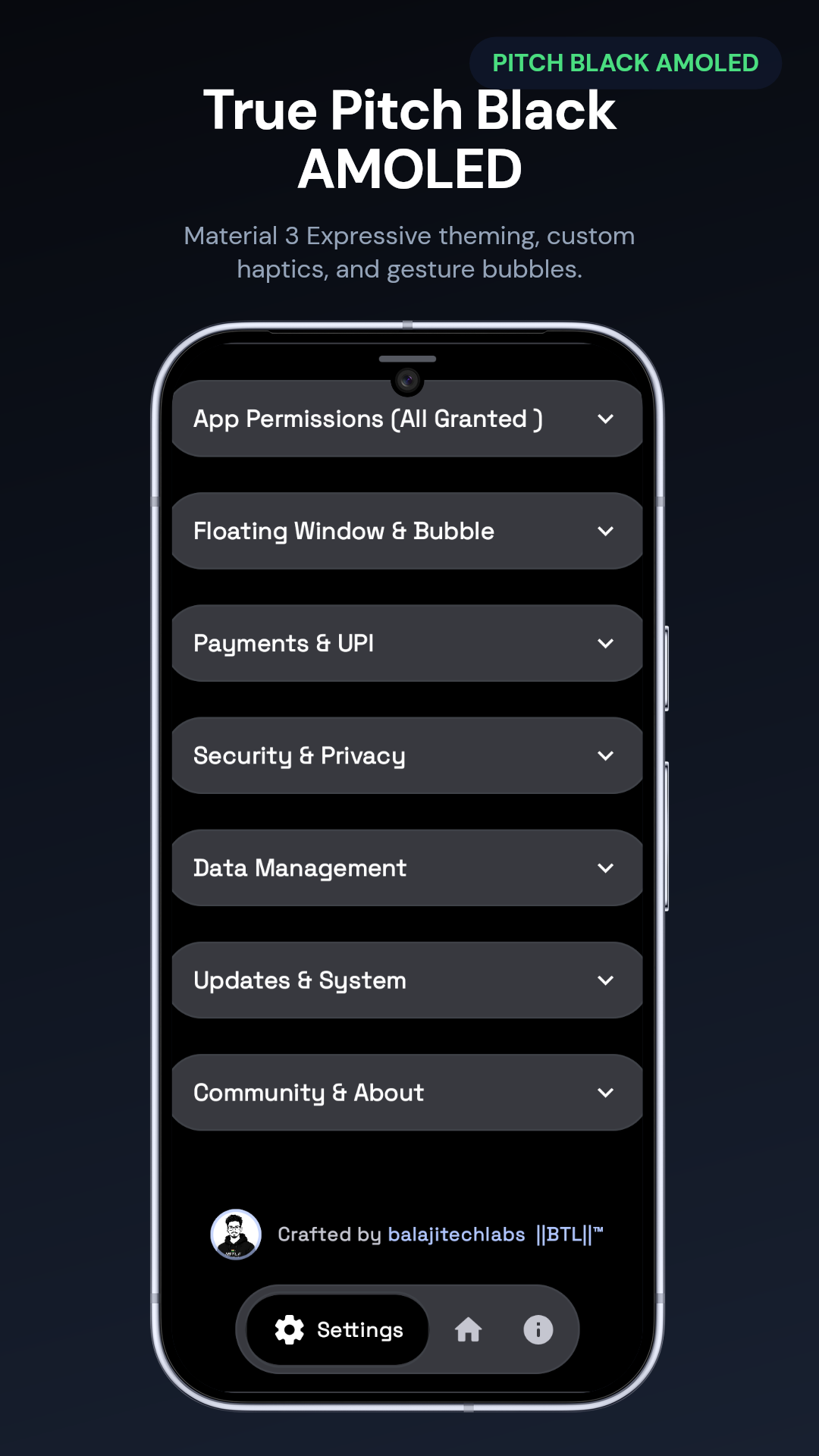
- Material 3 Expressive — Pitch-black AMOLED palette with fluid 120Hz motion.
- Offline QR & Barcode — Rapid 1D/2D scanning with flashlight & gallery decode.
- 100% On-Device Privacy — Zero Firebase, zero ads, and zero analytics.
- Encrypted Local Backups — Secure AES-256-GCM export and password restore.
Built-in Tool Suite
QuickDash features 17 built-in floating productivity tools, each accessible anywhere over any application without context switching:
| Tool | Preview | Focus Area | Description |
|---|---|---|---|
| Floating Bubble & Capsule |  |
System | Draggable floating capsule with spring-physics swipe-to-dismiss & gesture bubble handoff |
| Smart Clipboard |  |
Productivity | Searchable clipboard history with sensitive OTP auto-masking & quick eye toggle |
| Quick Notes |  |
Productivity | Floating scratchpad with Room DB auto-sync and instant markdown copy |
| Quick Calculator |  |
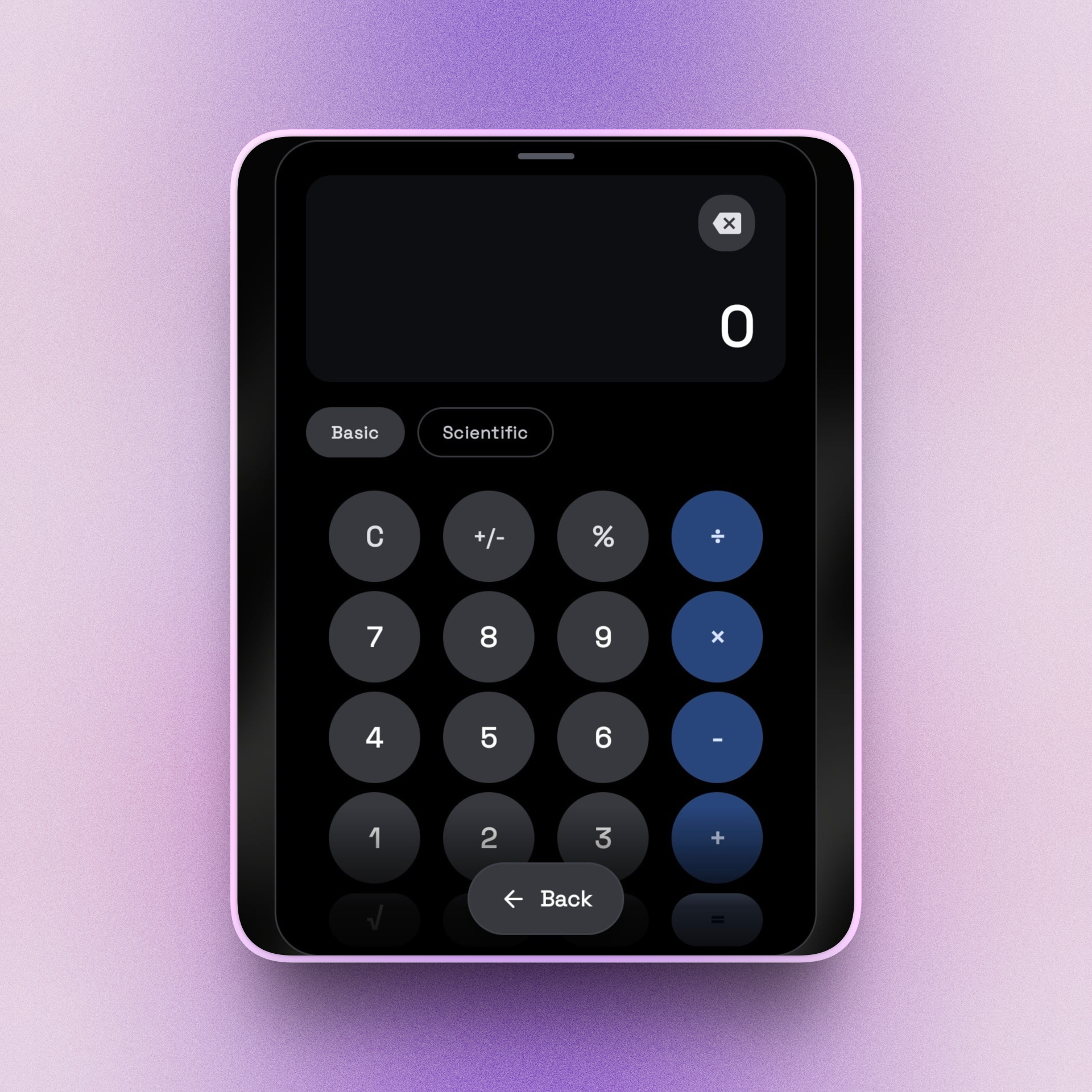
Utilities | Floating basic & scientific arithmetic calculator with live expression history |
| Quick Collect (UPI) |  |
Payments | Instant UPI QR code generator with custom amounts and direct payment handoff |
| QR & Barcode Scanner |  |
Utilities | Universal offline 1D/2D scanner with camera flashlight & gallery image decoding |
| Quick Chat |  |
Messaging | Direct messaging launcher for WhatsApp & Telegram without saving contacts |
| Currency & Unit Converter |  |
Utilities | Multi-category unit converter with live currency exchange rates & quick swap |
| Timer & Stopwatch |  |
Utilities | Floating countdown timers and precision lap stopwatch backed by AlarmManager |
| Focus & Pomodoro |  |
Productivity | Distraction-free focus sessions with custom work/break intervals and session stats |
| Voice Memos |  |
Media | Background floating audio recorder with high-fidelity local voice memo storage |
| Wi-Fi Hub |  |
Connectivity | Current network diagnostics, transfer speed tests, and instant Wi-Fi QR sharing |
| Quick Translator |  |
Productivity | Fast multi-language on-device translation for instant phrase and text conversion |
| Quick Contact |  |
Utilities | Instant vCard generator, business card QR share, and fast direct phonebook dialing |
| Password Generator |  |
Security | Cryptographically secure password generator with entropy strength rating |
| Screen Recorder & Capture |  |
Media | Floating screen video recording and instant screenshot annotation companion |
| Quick Reminders |  |
Productivity | Floating sticky reminders and scheduled alerts that stay persistent on screen |
Installation Options
1. Direct GitHub Releases (Recommended)
Download the latest signed release APK directly from GitHub Releases.
2. Google Play Store
Official production builds and beta channel updates are available on Google Play.
3. Orion Store
4. Obtainium & F-Droid
- Obtainium: Add
https://github.com/balajitechlabs/quickdashfor automated release updates. - F-Droid: Build recipe metadata maintained in
metadata/com.balajitechlabs.quickdash.yml.
Build from Source
# Clone the repository
git clone https://github.com/balajitechlabs/quickdash.git
cd quickdash

# Build Debug APK
./gradlew :app:assembleDebug

# Run Unit Tests
./gradlew :app:testDebugUnitTest

# Install to connected device via ADB
adb install -r app/build/outputs/apk/debug/app-arm64-v8a-debug.apk
Requirements: Android Studio Meerkat+, JDK 17+, Android SDK 37 (Android 16).
️ Technology Stack
| Layer | Technologies |
|---|---|
| Language | Kotlin 2.4.10 |
| UI Framework | Jetpack Compose + Material Design 3 Expressive |
| Architecture | MVVM / UDF + Clean Architecture |
| Dependency Injection | Dagger Hilt 2.59 (Pure KSP) |
| Local Storage | Room Database 2.8.4 + Proto DataStore + Preferences DataStore |
| Security & Crypto | AndroidX Security Crypto (EncryptedSharedPreferences, AES-256-GCM) |
| Barcode / QR | ZXing Core 3.5.3 + ZXing Android Embedded 4.3.0 |
| Networking | OkHttp 5.5.0 + GitHub Releases API |
| Build System | Gradle 9.3 + Kotlin DSL + Version Catalog (libs.versions.toml) |
Project Architecture
quickdash/
├── app/ # Main Android application module
│ ├── src/main/java/ # Kotlin source code (core, features, widgets)
│ └── src/main/res/ # Material 3 drawables, layouts, and strings
├── docs/ # Engineering documentation, ADRs, and developer setup
├── website/ # Showcase landing website (React + Vite)
├── workers/ # Cloudflare Workers API proxy
├── metadata/ # F-Droid store listing metadata
├── .github/ # Workflows, security policy, and code of conduct
├── ARCHITECTURE.md # Architecture and data-flow specifications
├── CHANGELOG.md # Version release history
├── CONTRIBUTING.md # Contributor guidelines
├── THIRD_PARTY_NOTICES.md # Open-source licenses and third-party notices
└── LICENSE # Open source license
Contributing
Contributions, bug reports, and feature proposals are warmly welcomed! Please read our Contributing Guide before submitting pull requests.
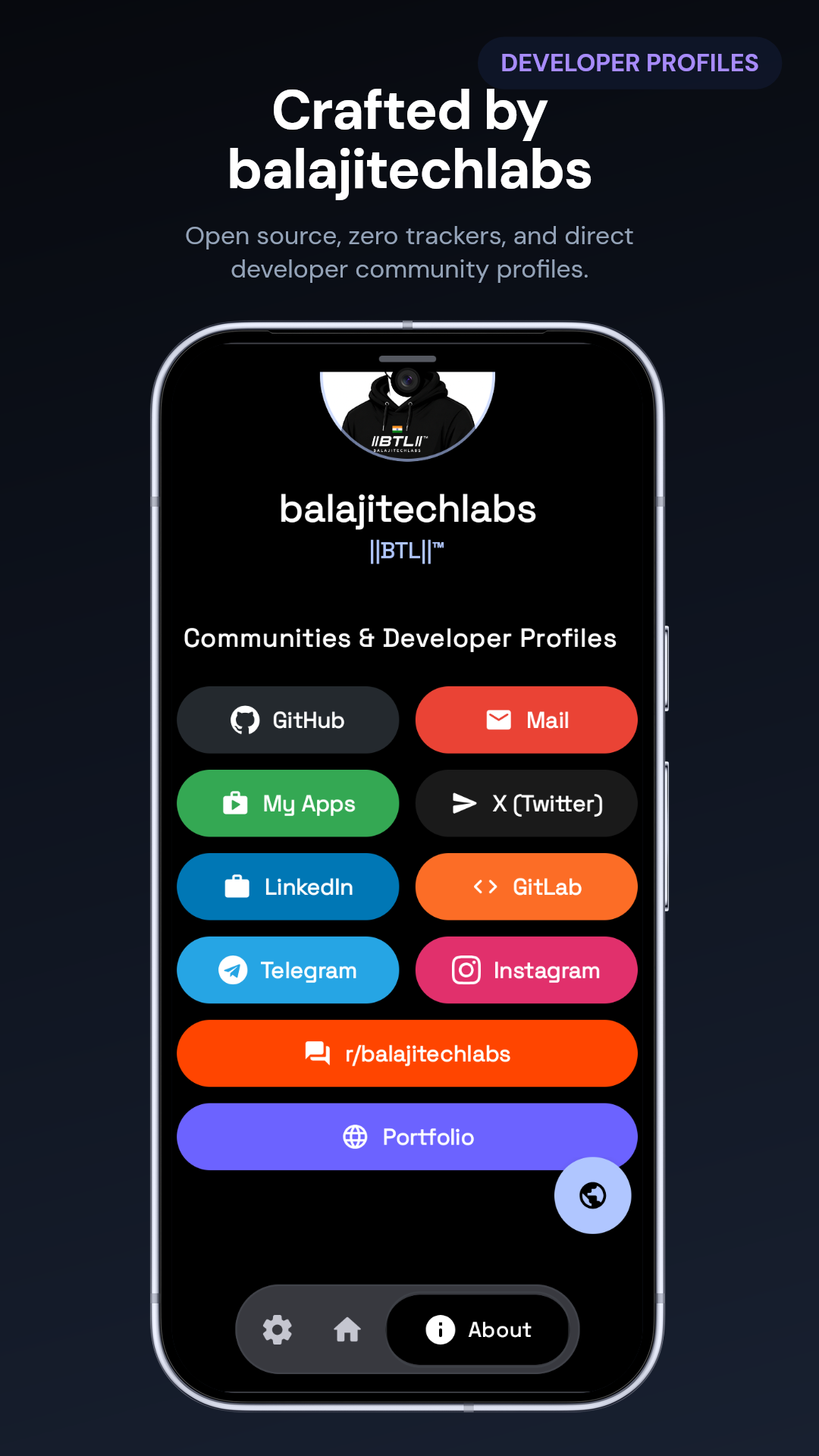
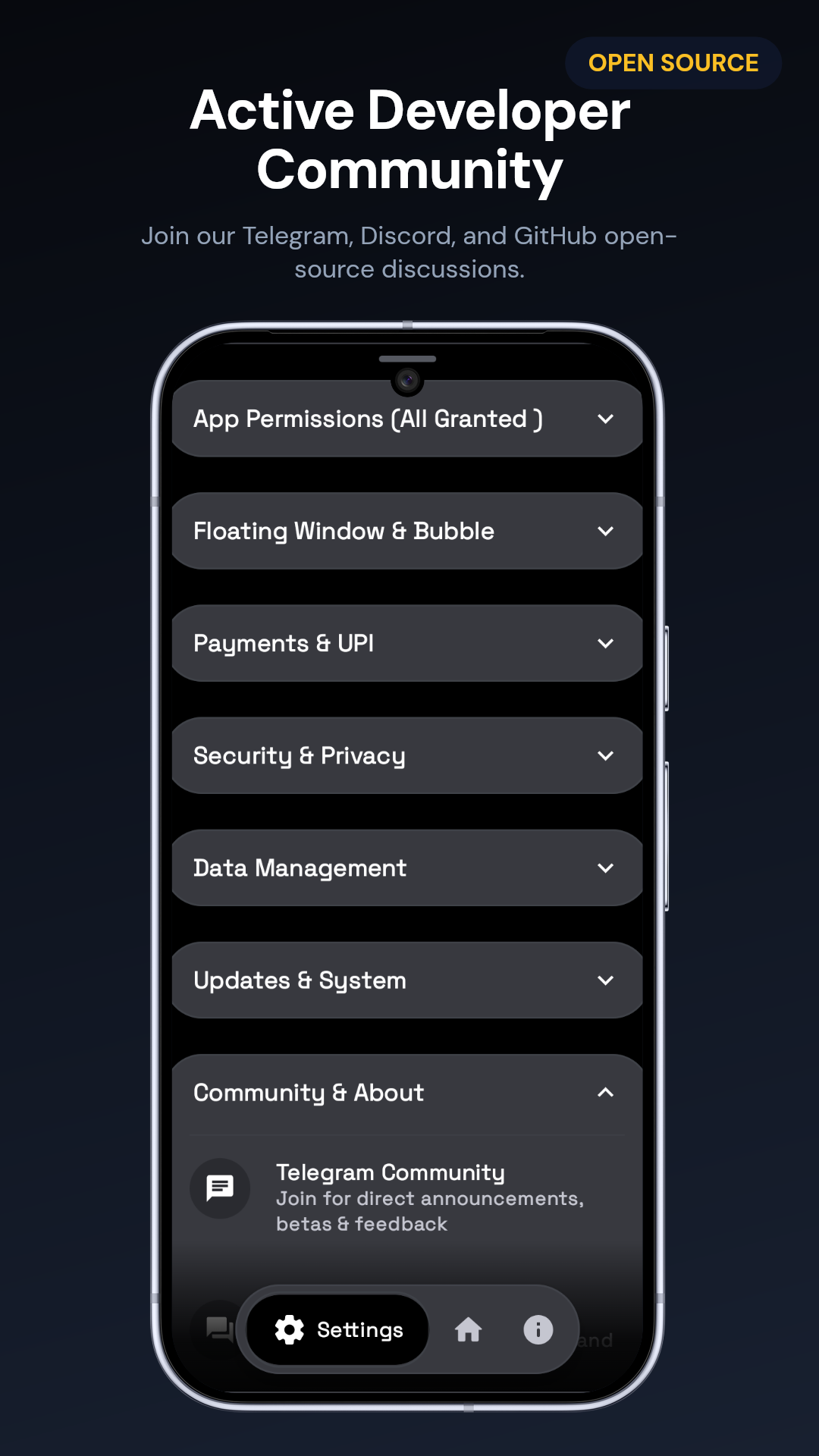
- ✈️ Telegram Community: t.me/+FYlt5cBA29Q0ZWJl
- 🤖 Reddit: r/balajitechlabs
🚀 Latest Updates (v5.2.3)
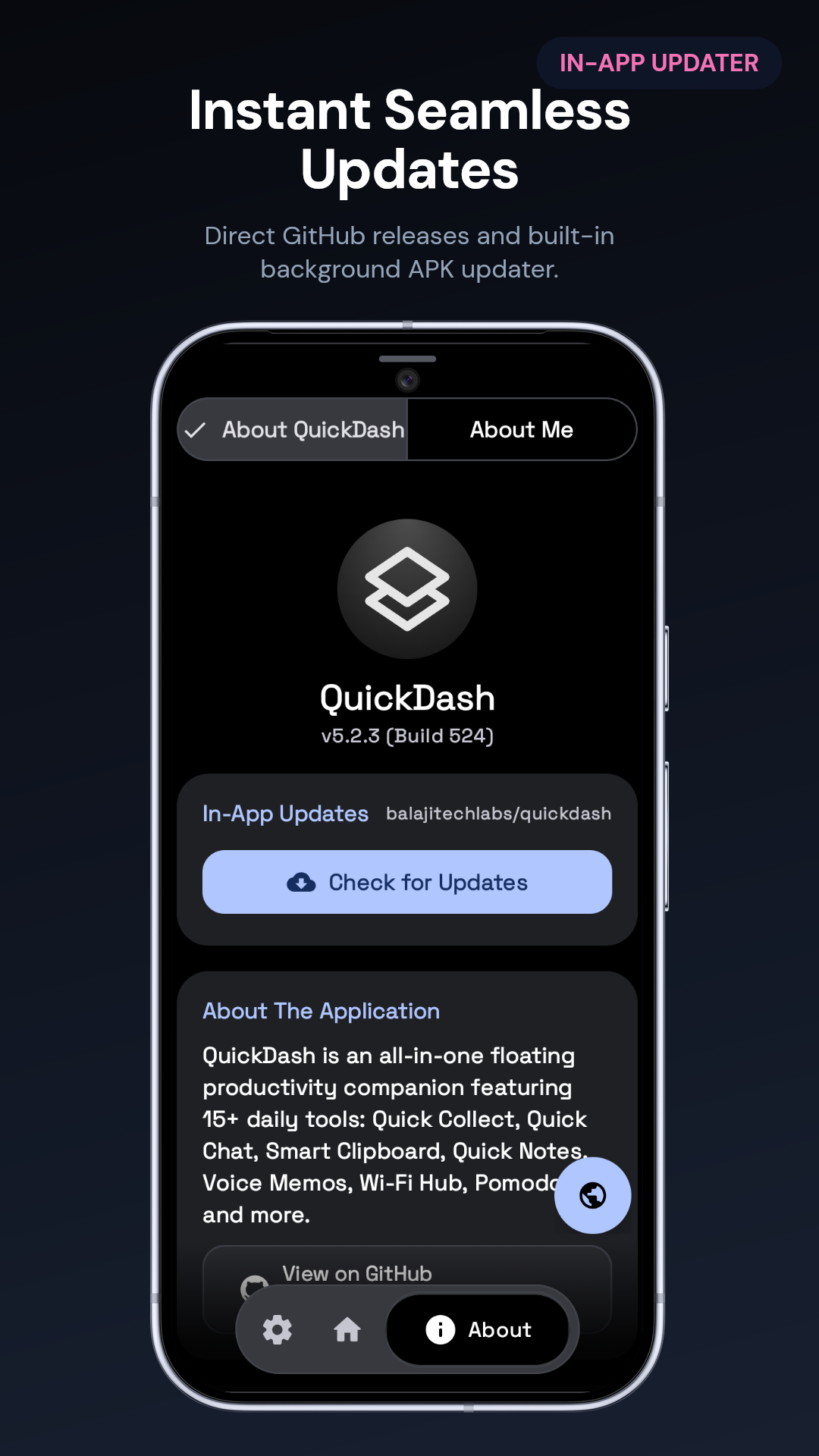
- ⚡ Semantic In-App Updater — Real-time update checks, ABI matching, and clean GitHub release tagging.
- 100% Zero-Tracker Architecture — Removed Firebase Crashlytics & ML Kit; binary size dropped by over 30MB.
- Sensitive Clipboard Shield — Auto-masking for OTPs and credentials with interactive eye toggle.
- Essentials Floating Dock — Unified bottom dock with spring-animated [Settings, Home, About] navigation.
📖 For complete version history and historical releases, see the Changelog.
License & Attribution
QuickDash is licensed under the PocketOps Custom Open Source Fork License.
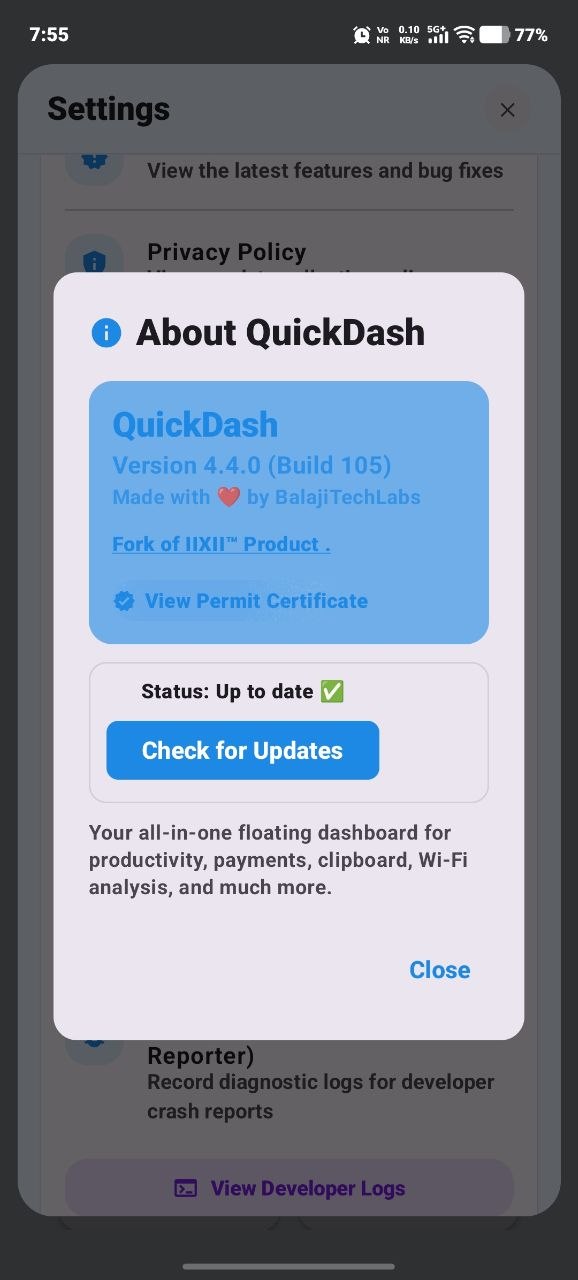
- Original Base: Forked from PocketOps by Aakarsh (L192) / IIXII™.
- Modifications: Over 40% major architectural rebuild, modern Compose M3 Expressive UI, ZXing integration, in-app semantic updater, and security hardening (see LICENSE).
- Third-Party Notices: Open-source libraries and component attributions are documented in THIRD_PARTY_NOTICES.md.
- Compliance: All original notices, licenses, and attributions are strictly preserved in full.
© 2026 ||BTL||™. Free to use, modify, and distribute.
Website •
Orion Store •
balajitechlabs •
Changelog •
Third-Party Notices
Designed & Developed with precision by balajitechlabs in 🇮🇳
Copyright © 2026 ||BTL||™ (balajitechlabs) • All Rights Reserved
Last updated: September 5, 2026 at 19:16 IST
How Shizuku is used
Can inspect saved Wi-Fi networks via `sh -c` through Shizuku.
This is an AI-assisted analysis of Shizuku-related usages in the app's public source code. It is best effort, so it may not catch every single usage.
How this app uses Shizuku
Shizuku is used to unlock privileged inspection beyond public APIs.
- Inspect saved networks: View saved Wi-Fi network details using a privileged shell command through Shizuku.
Android APIs or commands used
sh -c
Changelog
What's new for version 5.2.3
QuickDash v5.2.3
📦 Downloads
app-foss-release.apk— 🌿 100% Zero-Tracker FOSS Edition (for F-Droid & IzzyOnDroid)app-universal-release.apk— Universal APK (works on all Android devices)app-arm64-v8a-release.apk— 64-bit ARM for modern devices (2020+)app-armeabi-v7a-release.apk— 32-bit ARM for older devicesapp-release.aab— Google Play App Bundlechecksums.txt— Cryptographic SHA-256 file hashes
📲 Install Instructions
- Download the APK for your device.
- On Android, enable Settings → Install unknown apps for your browser.
- Open the file and tap Install.
Permissions
20 permissions requested
Sources
3 sources
Sources
3 sources
More from this category
 Curbox
 Cresto
 DetoxDroid
 HyperCopy
 Blink
Blink
 Sefirah
 Input Leaf