 ShizuStore
Private DNS Quick Setting
3.0 · GitHub
More about this app
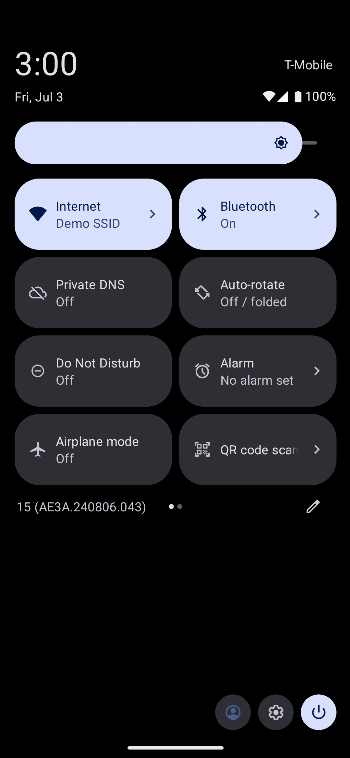
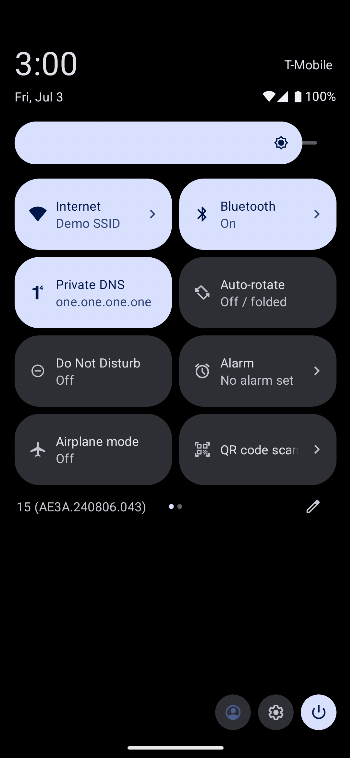
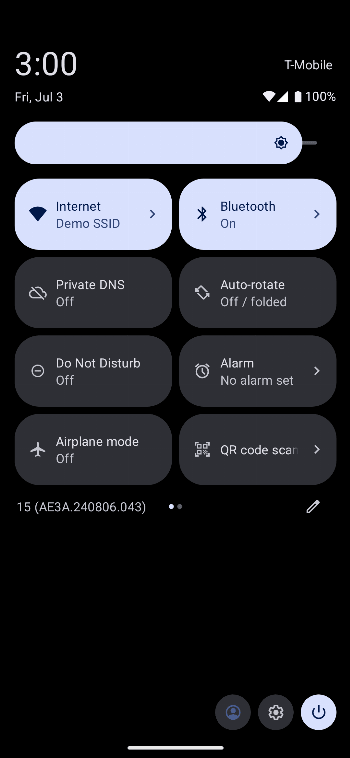
QS tile for toggling the private DNS setting on or off
Private DNS Quick Setting

Toggle and configure your Private DNS settings on Android 9+ from the comfort of your quick settings panel.
This is a fork of joshuawolfsohn/Private-DNS-Quick-Tile with changes to add the following features:
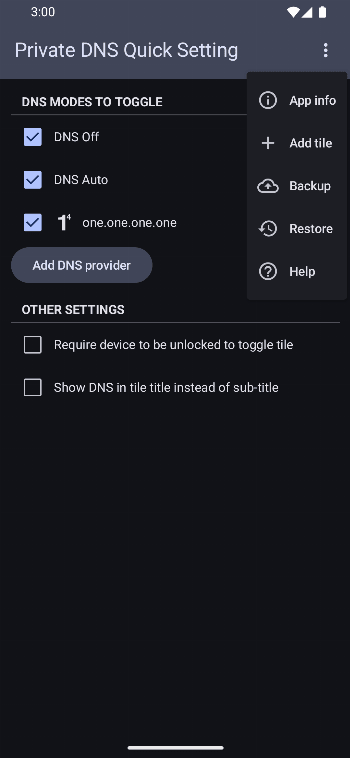
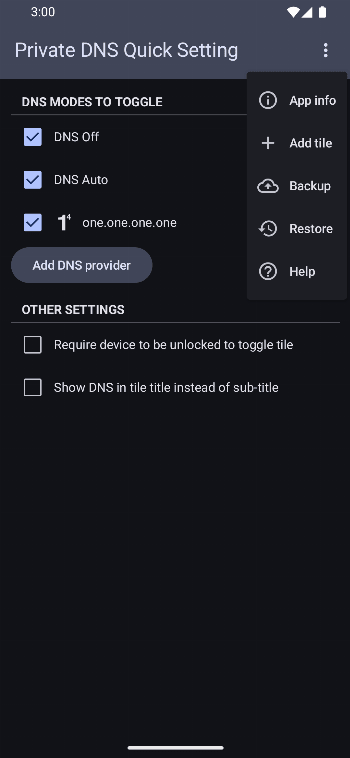
- Add "Require device to unlock" setting to toggle tile
- Shizuku support
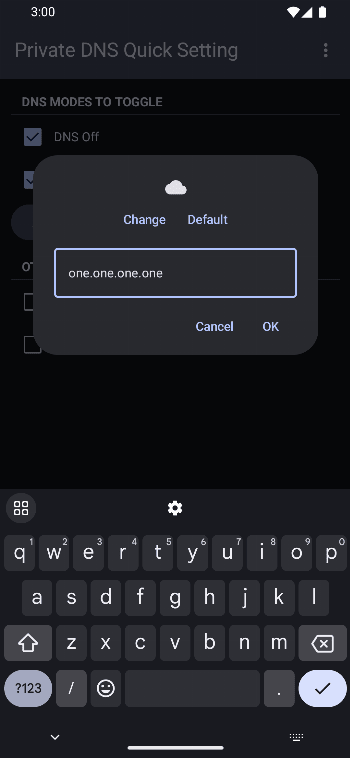
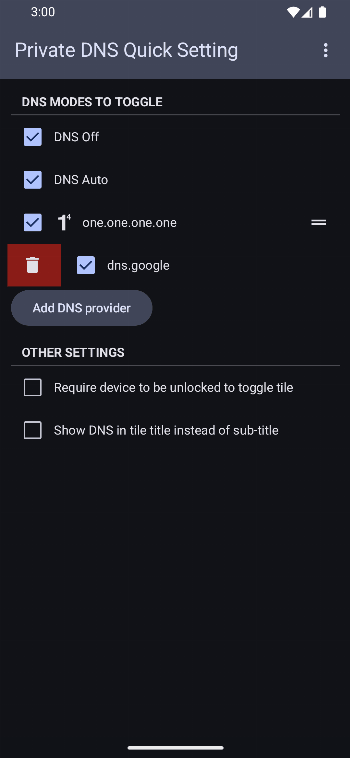
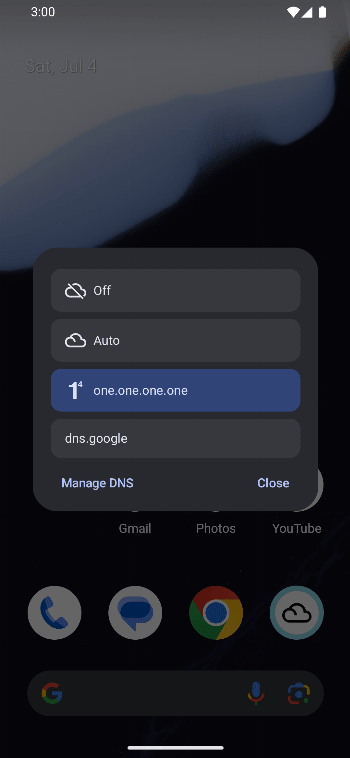
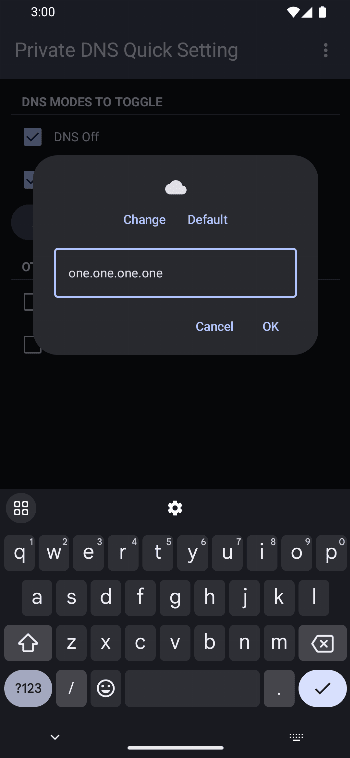
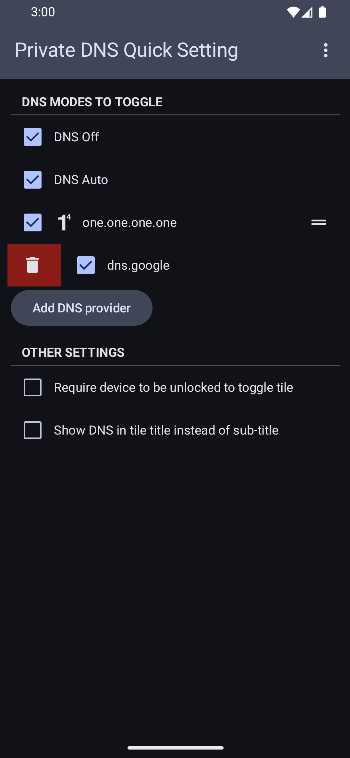
- Configure multiple DNS
- Custom tile icon (.png and .svg only) for each DNS
- Manual backup and restore
Setup
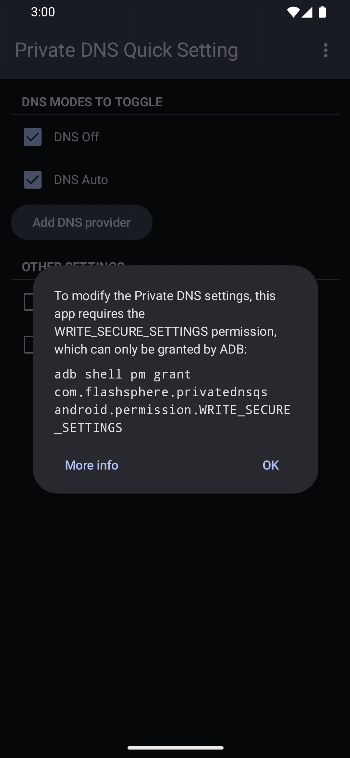
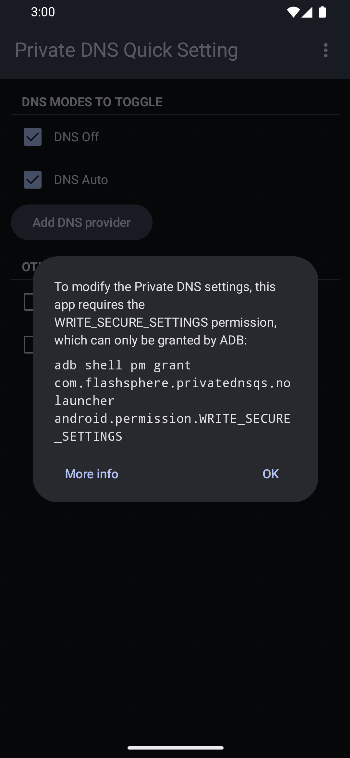
In order to change the Private DNS settings, this app requires the
WRITE_SECURE_SETTINGS permission. It can be granted either by Shizuku or ADB.
1. Shizuku
As of v1.23, the permission can be granted automatically if you have Shizuku installed and started.
2. ADB
The permission can be granted using ADB with the command:
If you're using the launcher (Play Store) version:
adb shell pm grant com.flashsphere.privatednsqs android.permission.WRITE_SECURE_SETTINGS
If you're using the no-launcher version:
adb shell pm grant com.flashsphere.privatednsqs.nolauncher android.permission.WRITE_SECURE_SETTINGS
Check out https://private-dns-qs.web.app/help on how to use adb to grant the permission.
Download
Launcher (Play Store) version



No-launcher version
Contributing
Translations
Thanks to Weblate gratis hosting for open-source projects. You can submit translations on their website.

How Shizuku is used
Can switch Private DNS off, automatic, and hostname modes via `Settings.Global` through Shizuku
This is an AI-assisted analysis of Shizuku-related usages in the app's public source code. It is best effort, so it may not catch every single usage.
How this app uses Shizuku
Shizuku is used to unlock changing the system Private DNS setting directly from the app, tile, and shortcuts.
- Switch Private DNS settings: Users can turn Private DNS off, set it to automatic, or turn it on with a chosen hostname from the quick tile, shortcut, or app list, applied to the system DNS settings after the app gives itself the system settings permission through Shizuku.
Android APIs or commands used
IPackageManager.grantRuntimePermissionIPermissionManager.grantRuntimePermissionSettings.Global.putStringSettings.Global.getString
Notable details
The same system settings permission can also be granted once with an ADB command, after which Private DNS switching works without Shizuku.
Changelog
What's new for version 3.0
- Configure which app shortcuts for DNS entries that you want to use, as well as pin them to home screen: thanks @Eselter.
Permissions
3 permissions requested
Sources
2 sources
Sources
2 sources
More from this category
 QuickTile Settings
 Tooler
 DNS Toggle
 Data SIM
 Better Internet Tiles
 SensorsOff
 ManualRotate
 Private DNS Quick Toggle
 Display Toggle
 Always on display toggle
 Ultimate Settings
 Ultimate Settings PRO