 ShizuStore

Pixel IMS 5G
2.2.10 · GitHub
More about this app
Enable 5G standalone (5G SA) and VoNR on Google Pixel devices
Pixel IMS 5G
IMS controls, radio configuration and live network diagnostics for Google Tensor Pixel phones, with Root and Shizuku backends.
Download 2.2.10 · Release notes · Install and update guide · Changelog · Report an issue

Watch the promo with sound · 9:16 vertical
Current release: 2.2.10
2.2.10 adds KernelSU late-load (temporary root) support to the regional modem patch: the same verified single-file bind now runs when temporary root is applied after boot. Toggle airplane mode or reinsert the SIM afterwards, and reapply temporary root after each reboot. It uses version code 42 and updates existing public installations in place.
2.2.9 makes the radio log summary readable: a 5G / EN-DC timeline of real changes only, plus the last boot time and when each modem capability log was written.
2.2.8 added root radio log capture to Field Test: one tap saves the vendor RIL logs, the modem's capability logs and radio state to a ZIP in Downloads, shows the modem's EN-DC capability events with cause codes, and redacts identifiers by default. Application ID com.nirmala.pixel5gims.
2.2.7 Liquid, included in this release, was a complete redesign with a far more detailed live network monitor:
| Included changes | What they do |
|---|---|
| Liquid Glass redesign | New Home and Network screens with translucent glass panels, clear type and plain-language explanations, in light and dark |
| Live carrier aggregation | Every current LTE CA carrier with its own band, channel, PCI, bandwidth and signal readings, visible without extra panels; totals follow each sample |
| Honest 5G status | Separates the LTE anchor, active 5G carrier and nearby cells; shows 5G advertised · LTE only when the modem reports EN-DC unavailable |
| Clean carrier names | Fixes raw service-state text and numeric titles such as 413-02 |
| Setup-focused Home | Access, enabled settings and modem compatibility on Home; live readings on Network |
| More supported Pixels | Adds Pixel 8a, Pixel 9a, Pixel 10 and Pixel 10a to the modem-patch device list |
Known limitation: some Pixel 10 Pro XL users still stay on LTE where other phones on the same SIM and tower get n78. The patch is active and the phone advertises n78 capability, but the network does not add the 5G leg. This is not fixed yet; use Field Test → Radio log capture right after reproducing it to collect the evidence.
The optimized release APK is signed with the established public release identity and verified after publication; see the verification details.
Requirements and access
The app targets Tensor Pixels from Pixel 6 through Pixel 10 and includes support for Android 16 and Android 17. Device, firmware and carrier behavior varies. Development and field testing have included a Pixel 7 Pro running Android 17; this does not establish validation of every model or carrier.
| Backend | Available scope |
|---|---|
| Root: Magisk, KernelSU / KernelSU Next, or APatch | Supported IMS and radio controls, privileged diagnostics, and regional modem patch installation through the module manager |
| Shizuku | Supported Android-side IMS and radio configuration and diagnostics; cannot install or mount the vendor modem database |
KernelSU users must grant Superuser access to Pixel IMS 5G. This app's single-file modem module does not require a mounting metamodule. Band and radio requests still depend on what the firmware exposes and accepts.
Install or update
- Download Pixel-IMS-5G-v2.2.10.apk.
- Install it over an existing public GitHub release, or install it as a new app.
- Open Pixel IMS 5G, choose Root or Shizuku and approve access in that manager.
- Select the intended SIM and review Setup. Start with Automatic bands and a normal LTE + NR preference.
- Use the action offered for a failing Setup check, then inspect the actual network state.
Locally signed test builds need an APK signed with their original local key. Android will reject the public APK as an in-place update if the installed app uses a different certificate. See the update guide before uninstalling anything.
Regional modem patch
The experimental patch validates the current Tensor firmware database, patches a copy and stages a reversible module. It does not write modem NV/EFS or spoof SIM, PLMN or Wi-Fi country values.
- KernelSU / KernelSU Next: the boot module binds only
/vendor/firmware/carrierconfig/cfg.db, validates hashes and SELinux labels, and remounts it read-only. Mount validation failures trigger rollback and a recorded status. - Magisk / APatch: the existing systemless module installation path is retained.
- Firmware changes or an inactive old KernelSU overlay: use Revalidate for this firmware, review the confirmation, install and reboot when requested.
- After reboot: require Patch active in the app before treating the patch as mounted. An installed module alone does not prove activation.
Mounting the database does not prove the network accepted an NR connection. Coverage, carrier provisioning, hardware support and network policy still determine whether 5G attaches.
Features
- Setup checks: access, SIM and IMS readiness, NR settings, band selection, modem patch state and observed connectivity, with actions for checks that need attention.
- Per-SIM controls: VoLTE, VoWiFi, VoNR, NSA/SA configuration, CarrierConfig editing, IMS restart and recovery.
- Bands and LTE+: automatic bands, supported LTE/NR restrictions, carrier-aggregation diagnostics and Easy Mode. The modem and network select the actual serving bands and CA combination.
- Live network monitoring: serving and nearby cells, LTE anchors and NR evidence, signal measurements and history, and radio-state transitions.
- Field-test exports: timed samples, callback timelines, NR/EN-DC state, relevant CarrierConfig values and available sanitized root diagnostics.
- Root tools: VoWiFi repair, status-bar indicators, privileged evidence and reversible Android-side radio configuration.
- Updates and interface: GitHub release checks and downloads, light/dark/system themes and the liquid-glass interface.
Check whether 5G is connected
Use Network monitoring or the standard field test while mobile data is enabled. The app distinguishes LTE carrier aggregation, advertised NR availability, active NSA and active SA.
A 5G status-bar icon, NR available flag or mounted patch alone does not establish an active 5G connection. Look for connected NR state or serving NR evidence. Field-test reports now explain missing observations, cross-SIM conflicts and unmatched physical-channel snapshots separately.
Keep bands automatic for initial testing. SA/NR-only settings can remove calls, SMS or data where standalone service is unavailable. Use Undo or the app's recovery controls if a change removes service.
Earlier field result
An earlier Dialog Sri Lanka capture on a Pixel 7 Pro recorded LTE B3 + B1 + B41 aggregation with an n78 NSA secondary cell. These images are historical field evidence, not a new 2.2.6 acceptance test or a speed guarantee.
| NSA field capture | Speed test from that field session |
|---|---|
 |
 |
Troubleshooting
| Symptom | First checks |
|---|---|
| Root does not connect | Confirm the app's Superuser permission and profile in the root manager, then retry |
| KernelSU patch installed but inactive | Read the boot-mount status; revalidate an old overlay or changed firmware, then reboot |
| APK will not update the installed app | Check signing identity; a locally signed test build needs its original key |
| 5G icon but LTE measurements | Run a field test and inspect connected NR / serving NR evidence |
| Service lost after changing bands or mode | Restore Automatic bands or use Undo/recovery |
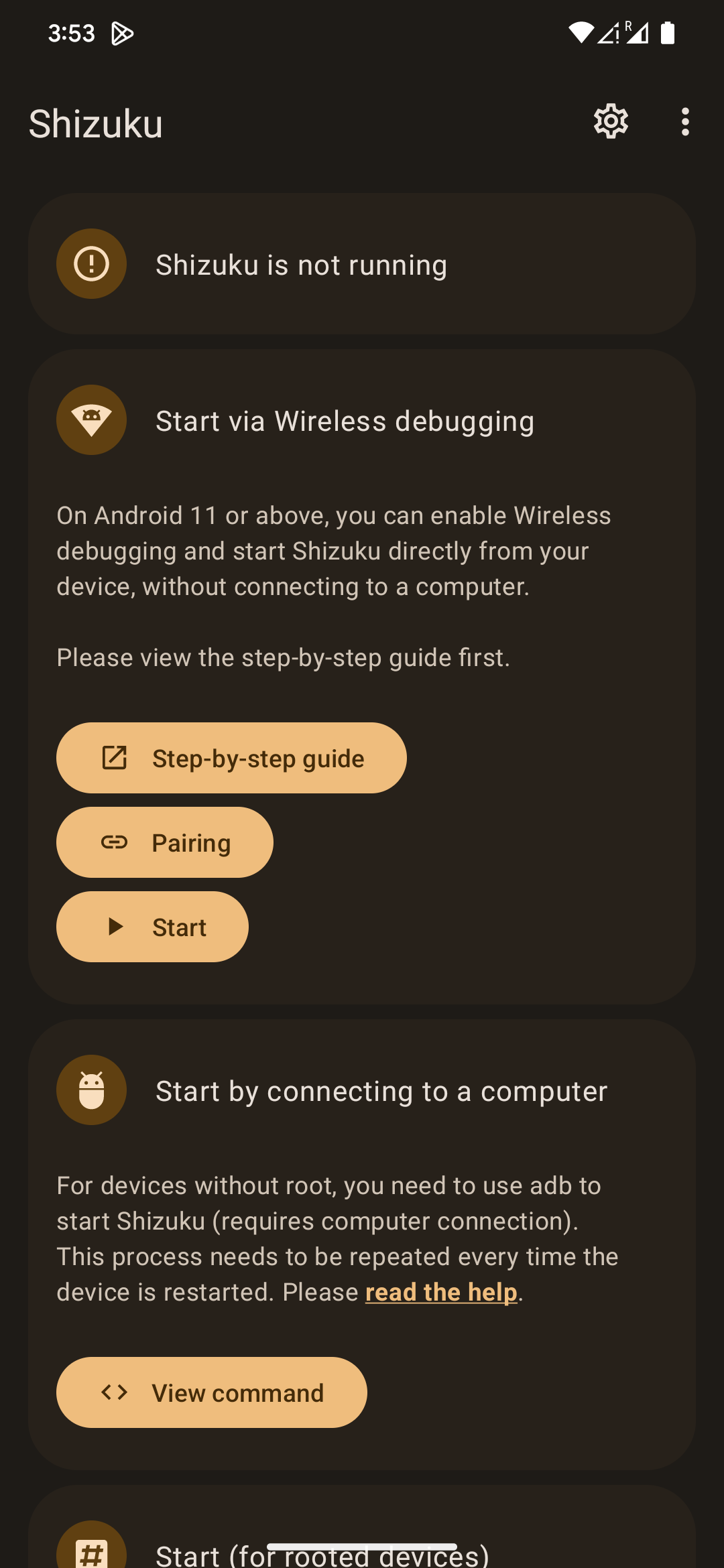
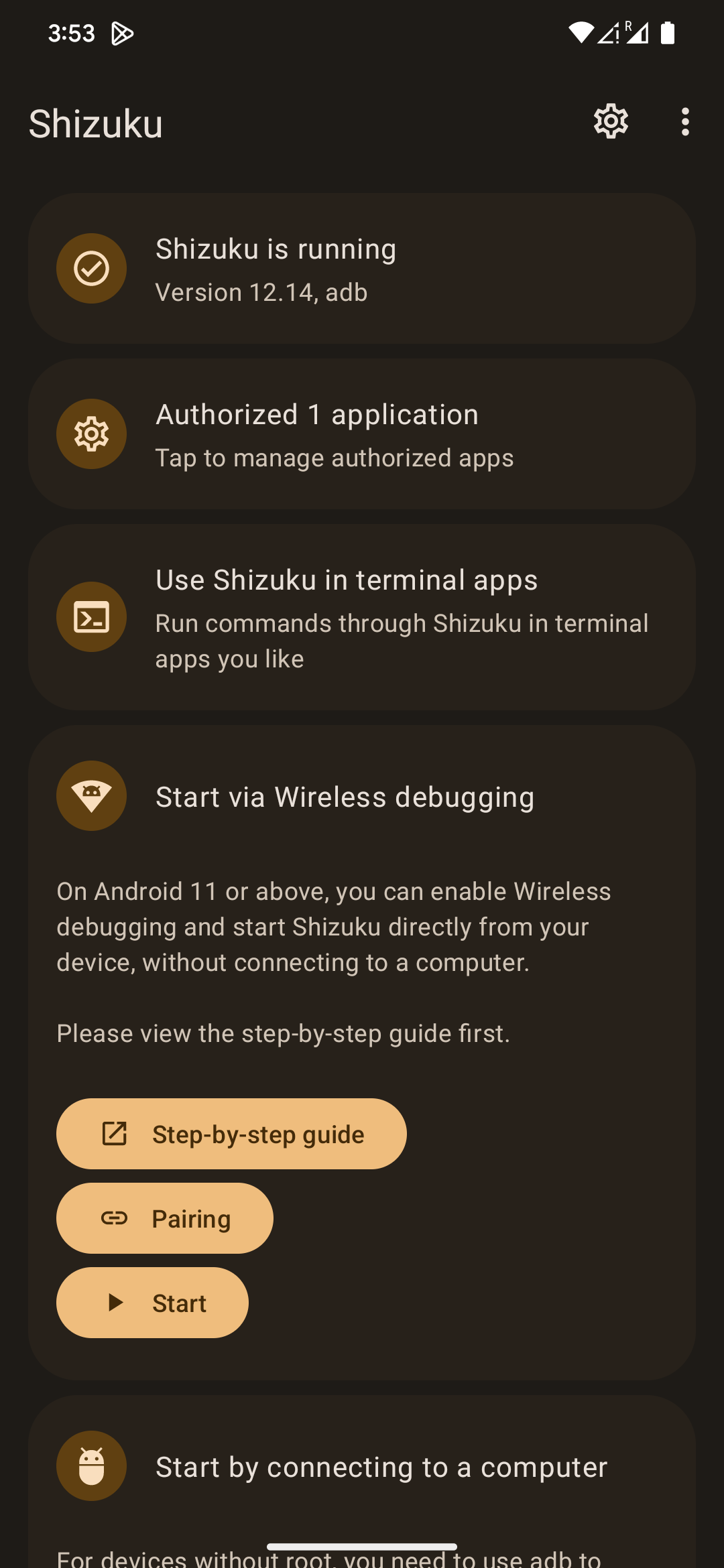
| Shizuku settings unavailable | Start Shizuku and confirm the app has permission |
Reports exclude phone number, IMSI and ICCID, but cell IDs and measurements can indicate approximate location. Review exports before sharing them in issues.
Build and documentation
Build with JDK 17, Android SDK 36, build tools 36.0.0 and the full Android 36 API jar required for hidden telephony APIs. The release variant uses R8 and resource shrinking.
- Build and signing instructions
- Install, update and APK verification
- Complete changelog
- 2.2.6 source reconciliation and validation
- Technical overview
Developer and support
Developed by Nadeeja Nirmala.
GitHub · Facebook · Bug reports and feedback
Origin and license
Pixel IMS 5G is based on the original GPL project kyujin-cho/pixel-volte-patch and the work of its community contributors. Tensor wildcard/PTCRB cfg.db mapping research is credited to vchikalkin/Pixel-Modem-Fix and Displax/modem-fix. This app independently validates and patches the current firmware database and does not redistribute either project's database or binary tools.
This modified project remains licensed under the GNU General Public License v3.0. See LICENSE. Pixel is a trademark of Google LLC. This is an unofficial community project and is not affiliated with Google or any mobile carrier.
How Shizuku is used
Can enable VoLTE, VoNR and 5G modes, manage bands and LTE aggregation, restart IMS and isolate WiFi via `Shizuku`.
This is an AI-assisted analysis of Shizuku-related usages in the app's public source code. It is best effort, so it may not catch every single usage.
How this app uses Shizuku
Through Shizuku the app applies Pixel IMS, 5G and field test controls with shell level telephony access.
- Enable VoLTE and VoNR: turns on carrier voice over LTE and 5G calling plus related display and WiFi calling options by overriding carrier configuration through a broker with delegated shell identity.
- Control 5G SA and NSA: switches between automatic, LTE plus 5G and 5G only operation and applies a reversible regional 5G profile by updating allowed network types and carrier 5G availability through Shizuku.
- Manage LTE and 5G bands: reads the current selection and restricts or restores automatic LTE and NR bands through Shizuku.
- Control LTE aggregation: checks and switches the Tensor modem LTE carrier aggregation node through Shizuku on supported Pixels.
- Control dual connectivity: enables and checks NR dual connectivity (EN-DC) state through Shizuku where the modem exposes it.
- Restart IMS registration: refreshes IMS registration after applying voice and radio changes through Shizuku.
- Run field diagnostics: shows serving cells, signal, service state, dual connectivity status and IMS registration state by querying telephony and subscription state through Shizuku.
- Isolate mobile radio: turns WiFi off and back on for mobile only monitoring sessions through Shizuku.
- Restore and reboot: clears managed voice and radio settings and reboots the device to apply the restore through Shizuku.
Android APIs or commands used
ICarrierConfigLoader.overrideConfigCarrierConfigManager.overrideConfigIActivityManager.startDelegateShellPermissionIdentityIActivityManager.stopDelegateShellPermissionIdentityIActivityManager.startInstrumentationITelephony.setAllowedNetworkTypesForReasonITelephony.getAllowedNetworkTypesForReasonITelephony.setSystemSelectionChannelsITelephony.getSystemSelectionChannelsITelephony.setNrDualConnectivityStateITelephony.isNrDualConnectivityEnabledITelephony.isRadioInterfaceCapabilitySupportedITelephony.resetImsITelephony.requestCellInfoUpdateITelephony.getAllCellInfoITelephony.getServiceStateForSlotITelephony.isImsRegisteredISub.getActiveSubscriptionInfoListISub.getActiveSubscriptionInfoForSimSlotIndexISub.getSlotIndexIWifiManager.setWifiEnabledIWifiManager.getWifiEnabledStateIPowerManager.rebootcom.samsung.slsi.telephony.oem.oemrilhook
Notable details
The Shizuku regional 5G profile is reversible and leaves automatic band selection unchanged when the modem band API is unavailable.
Changelog
What's new for version 2.2.10
Pixel IMS 5G 2.2.10
Adds KernelSU late-load (temporary root) support to the regional modem patch. Version code 42 updates existing public GitHub installations in place.
- Temporary root works with the modem patch: With KernelSU late-load, the patch used to stop with late-load unsupported (#23). It now runs the same verified steps as a normal boot: checksum checks, SELinux label copy, read-only bind of
cfg.dbonly, and a restore to stock if anything fails. - After a late-load: The modem reads its database at boot, before temporary root applies the patch. The app says so and asks you to toggle airplane mode or reinsert the SIM before judging the result. Temporary root has to be reapplied after every reboot. Whether the modem fully picks up the patch without a reboot is not yet confirmed; reports are welcome on #23.
- Corrected capability log wording: In the radio log summary, a modem capability log without band combinations is now described as a feature/bandwidth table. Earlier versions wrongly called it an empty capability and a key lead.
Known limitation: Pixel 10 Pro XL 5G
Some Pixel 10 Pro XL users stay on LTE where other phones get n78 5G. 2.2.10 does not fix this. Recent captures at a strong LTE anchor show the network offering EN-DC while the phone reports no 5G measurements, so the cause is still being investigated.
Updating
Existing public GitHub builds update in place with Pixel-IMS-5G-v2.2.10.apk, signed with the established public release identity.


Permissions
13 permissions requested
More from this category
 Smartspacer
 Carrier IMS
 TensorIMS
 Root My Pixel
Pixel IMS
 Turbo IMS
 PixelCarrierSettings
 Video Boost AO
 HiLight Studio