 ShizuStore
Package Manager
v8.0 · F-Droid
More about this app
A powerful app to manage both system and user apps
📦 Package Manager
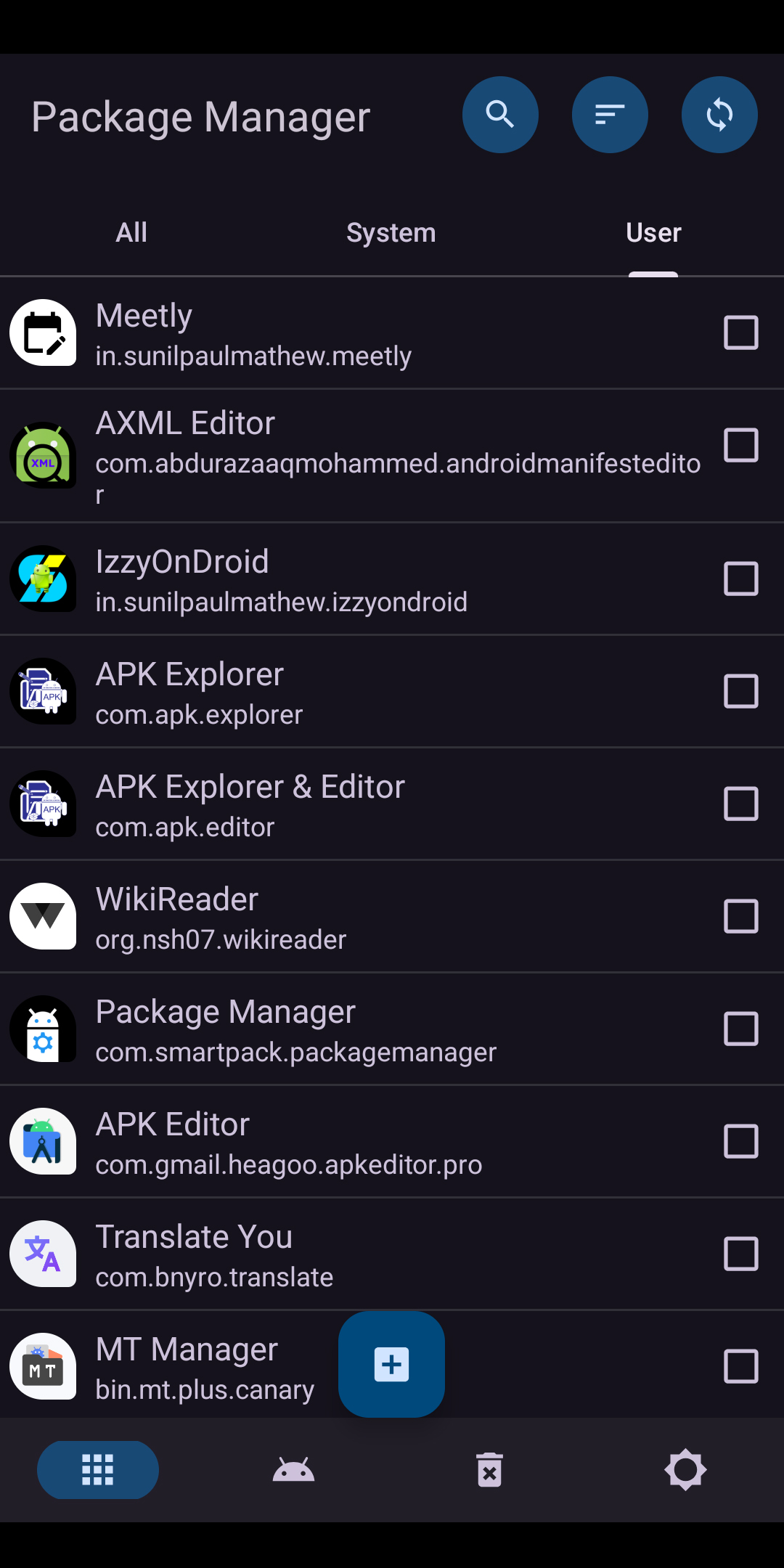
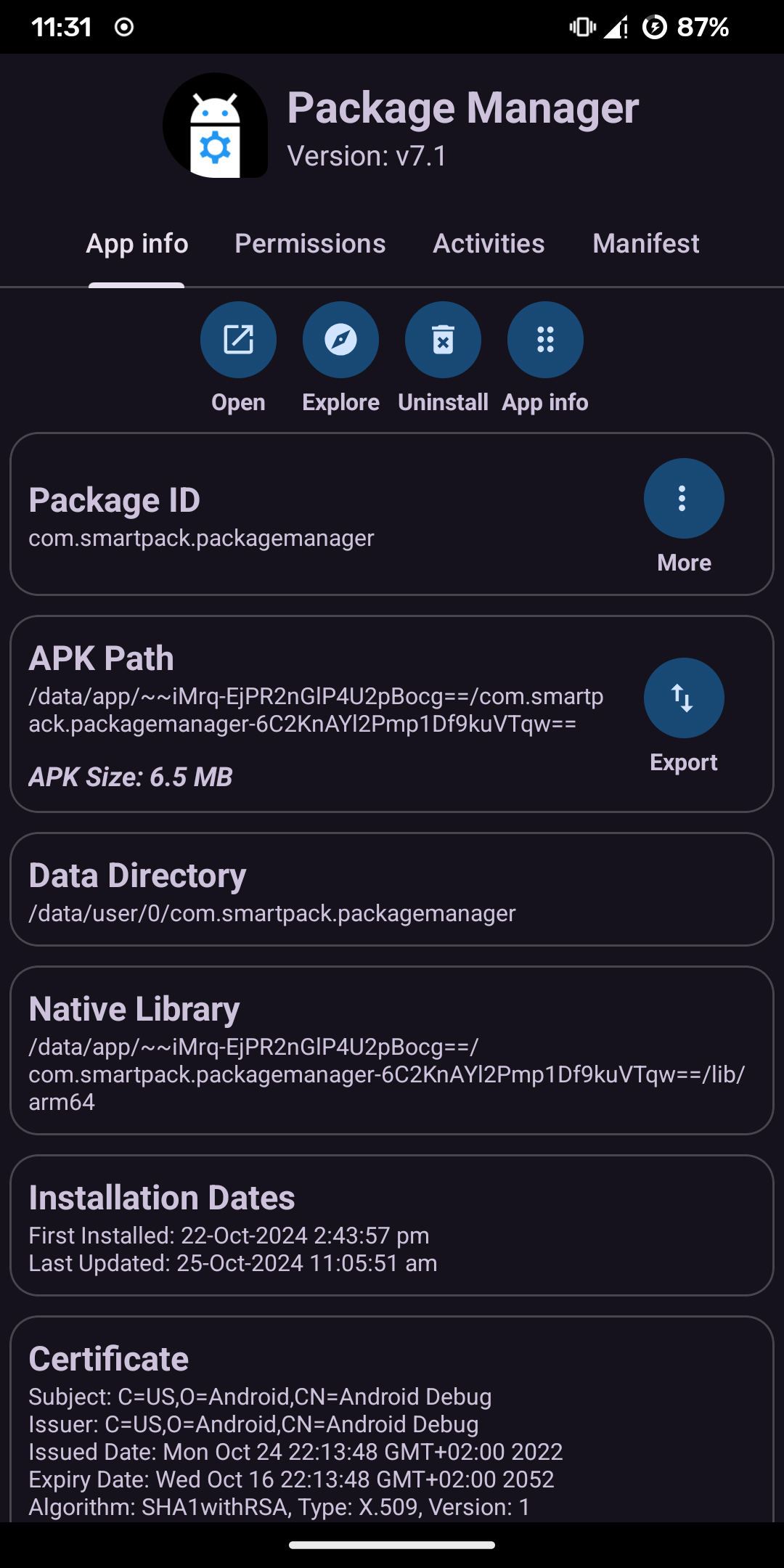
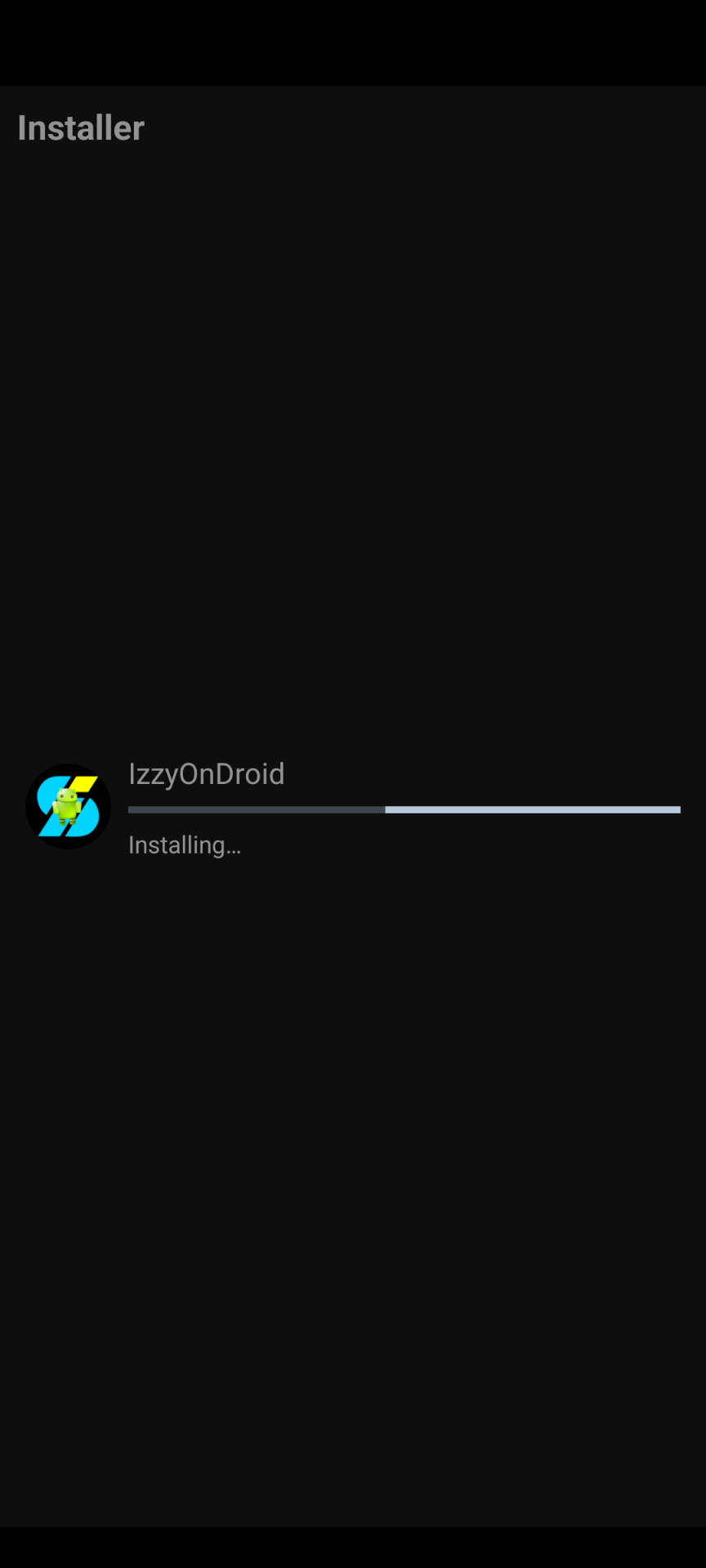




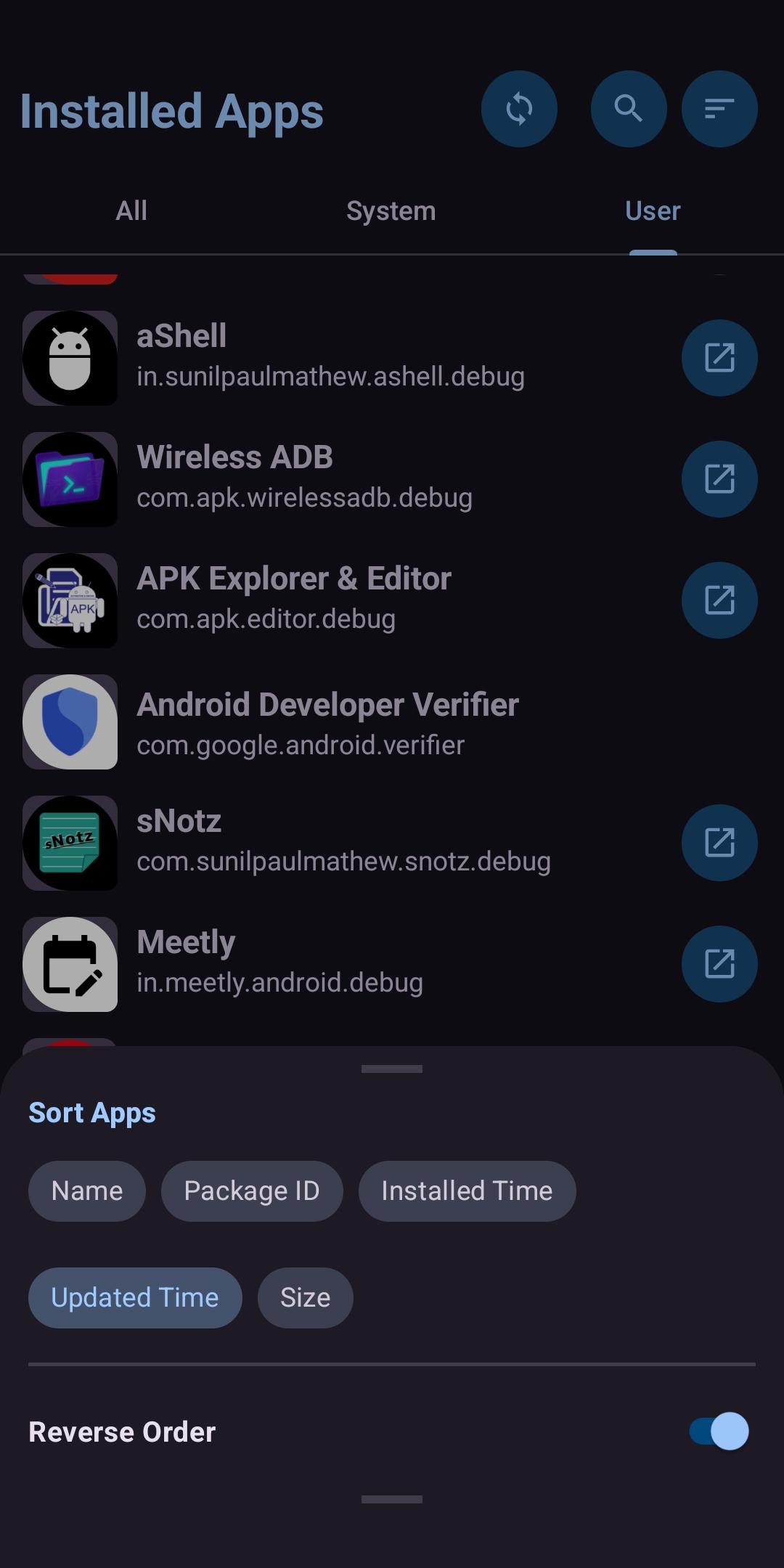
A simple yet powerful Android app for managing both system and user applications — free, ad-free, and open source.
📥 Download
| Platform | Link |
|---|---|
| 🟢 Google Play (Pro) | Download Pro version from Google Play |
| 🟢 Google Play (free) | Download free version from Google Play |
| 🔵 F-Droid | Download from F-Droid |
📱 Requirements
- 📲 Android device
- 🔓 Root access or Shizuku integration required for some advanced features
✨ Features
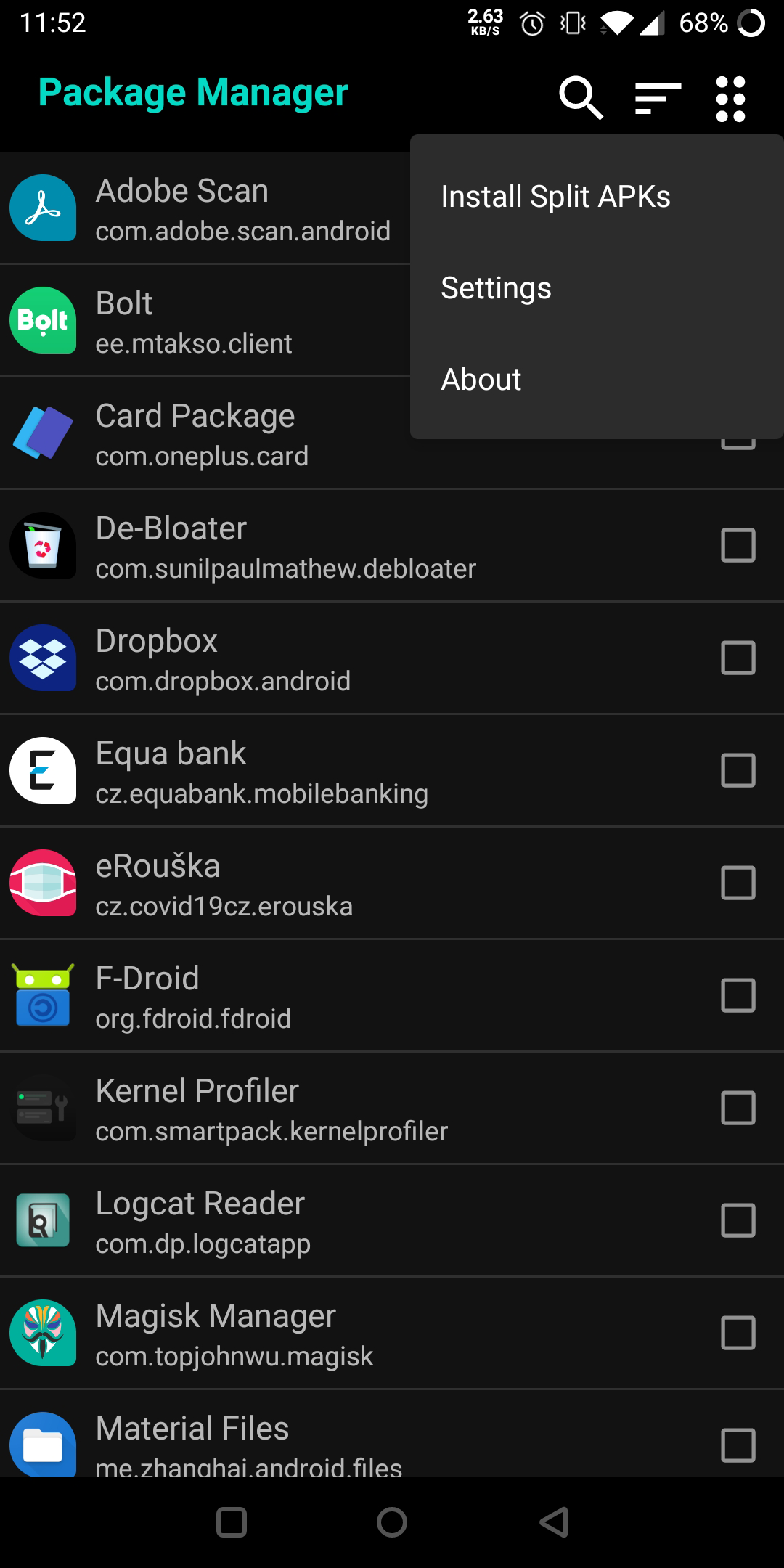
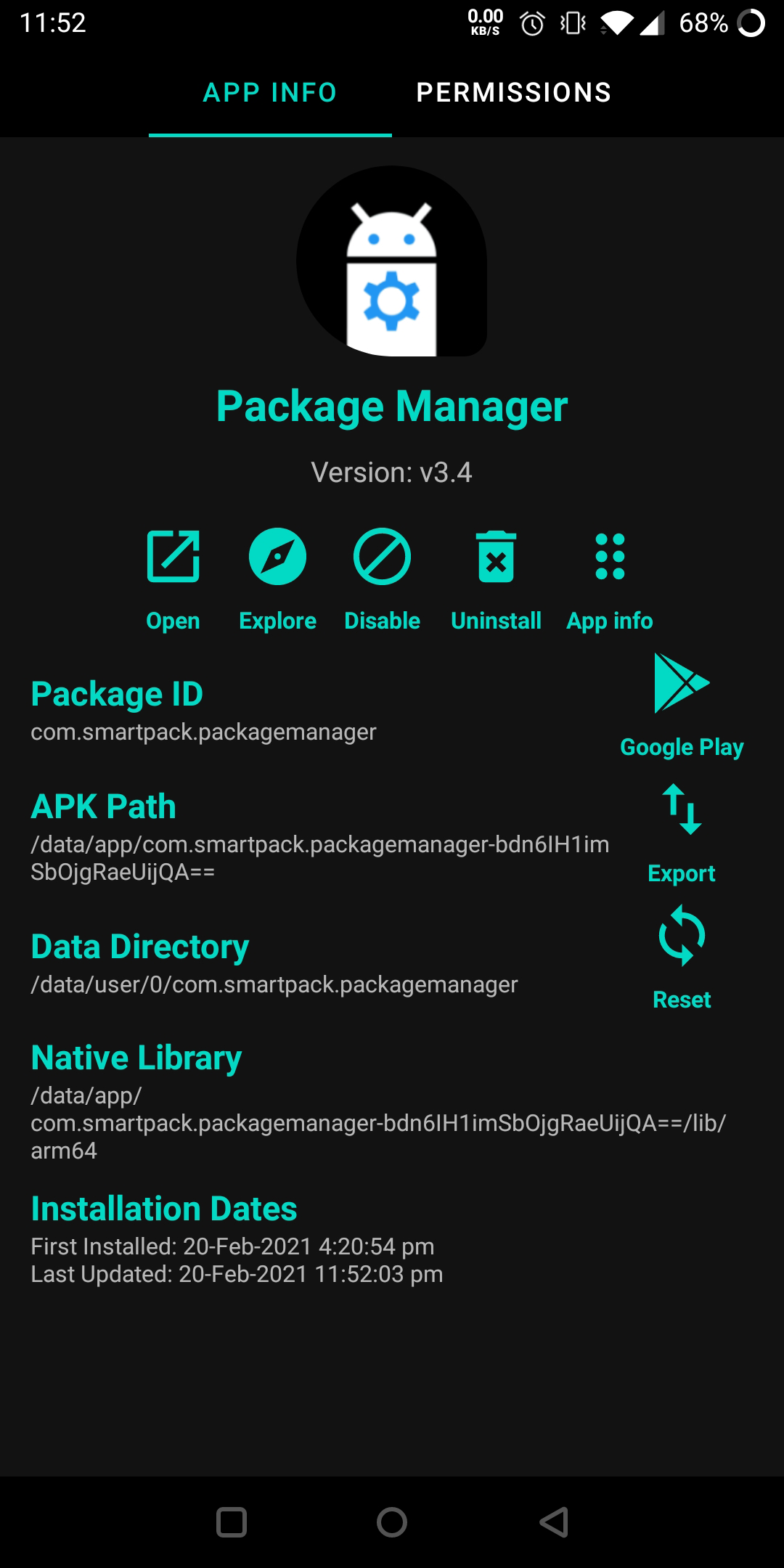
- 🔹 Clean UI with separate views for System and User apps
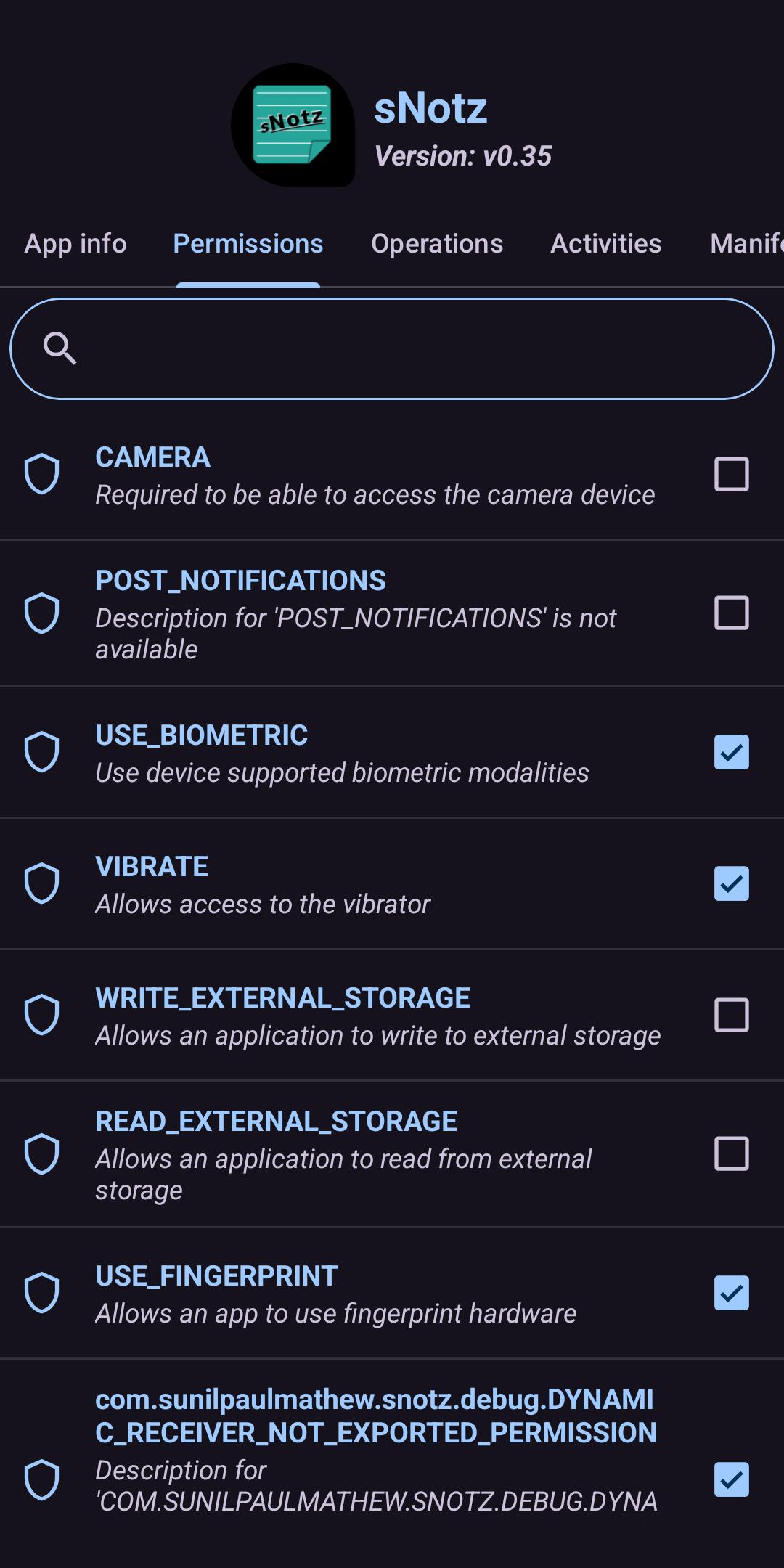
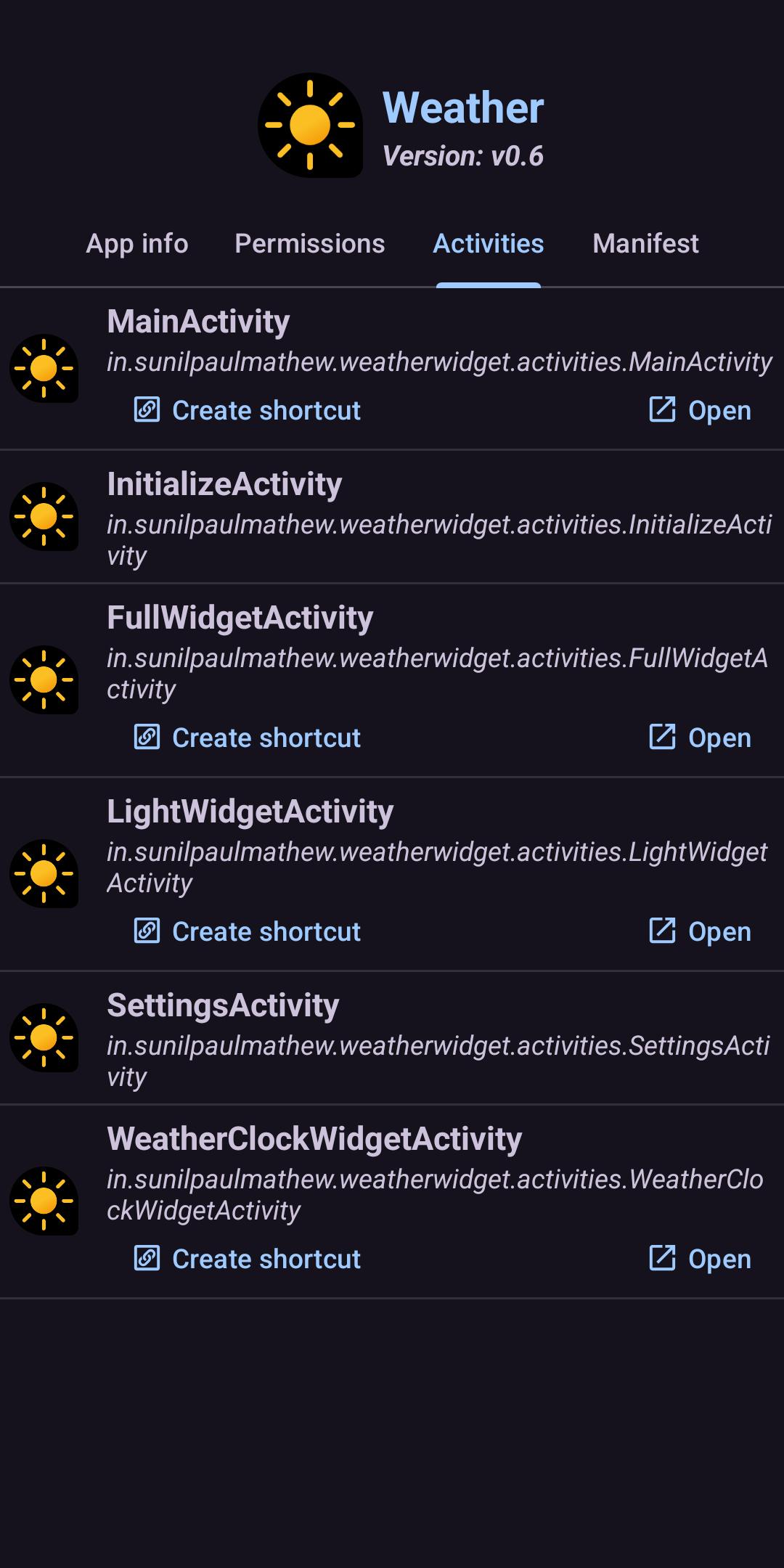
- 🔹 Rich app details:
- 📦 Package & app names
- 🗂️ APK path (.apk/.apks/.apkm/.xapk)
- 🔐 Permissions (granted/denied)
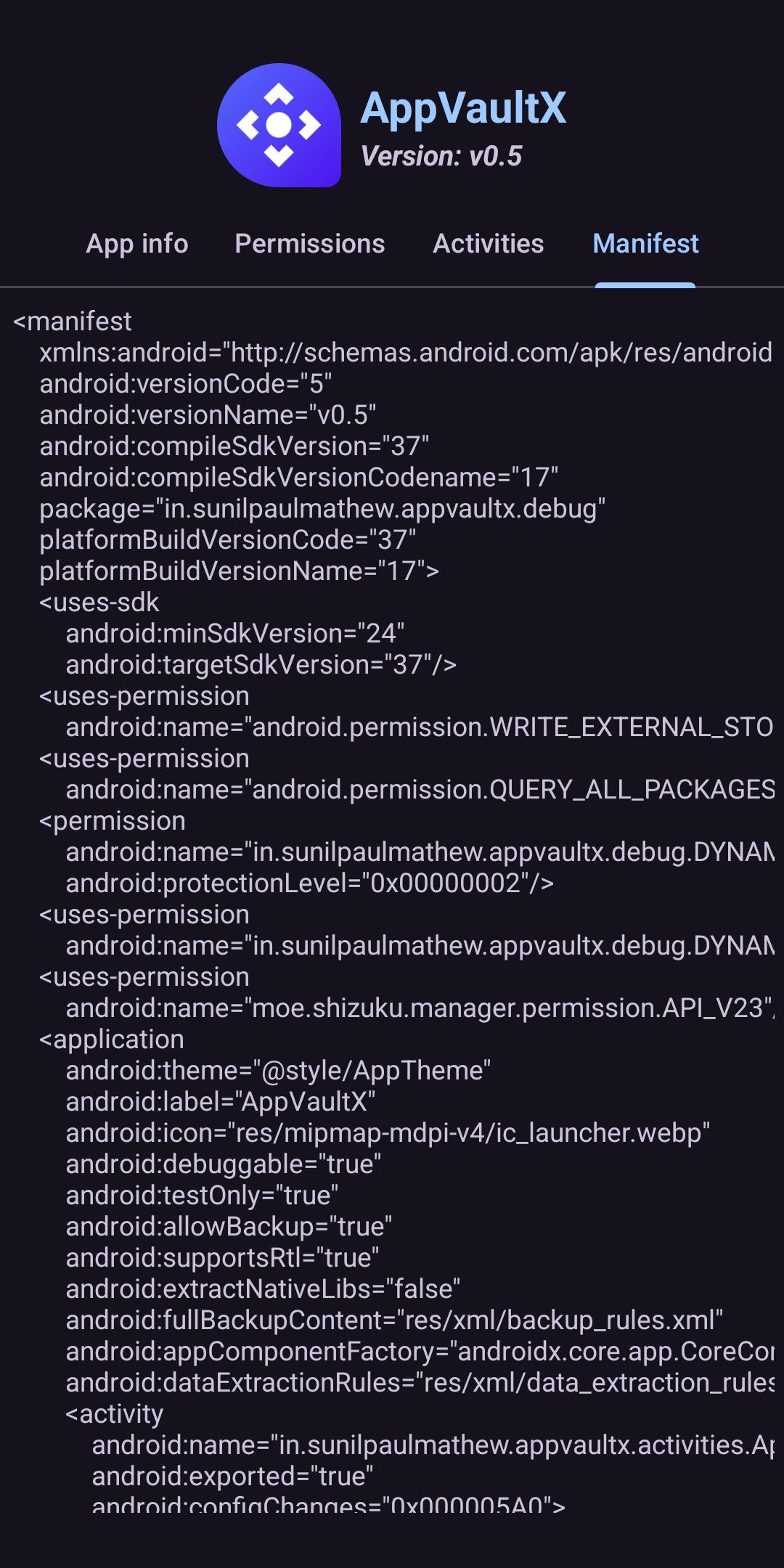
- 📋 App manifest & certificate info
- 🕒 Install/update dates
- 📁 Data & native library paths
- 🔹 Common actions:
- 🚀 Launch apps
- 🛒 Open Play Store links
- 🗑️ Uninstall (for user apps)
- 🔹 Advanced features:
- 📦 Install app bundles / split APKs
- 🔍 Explore APK contents (experimental)
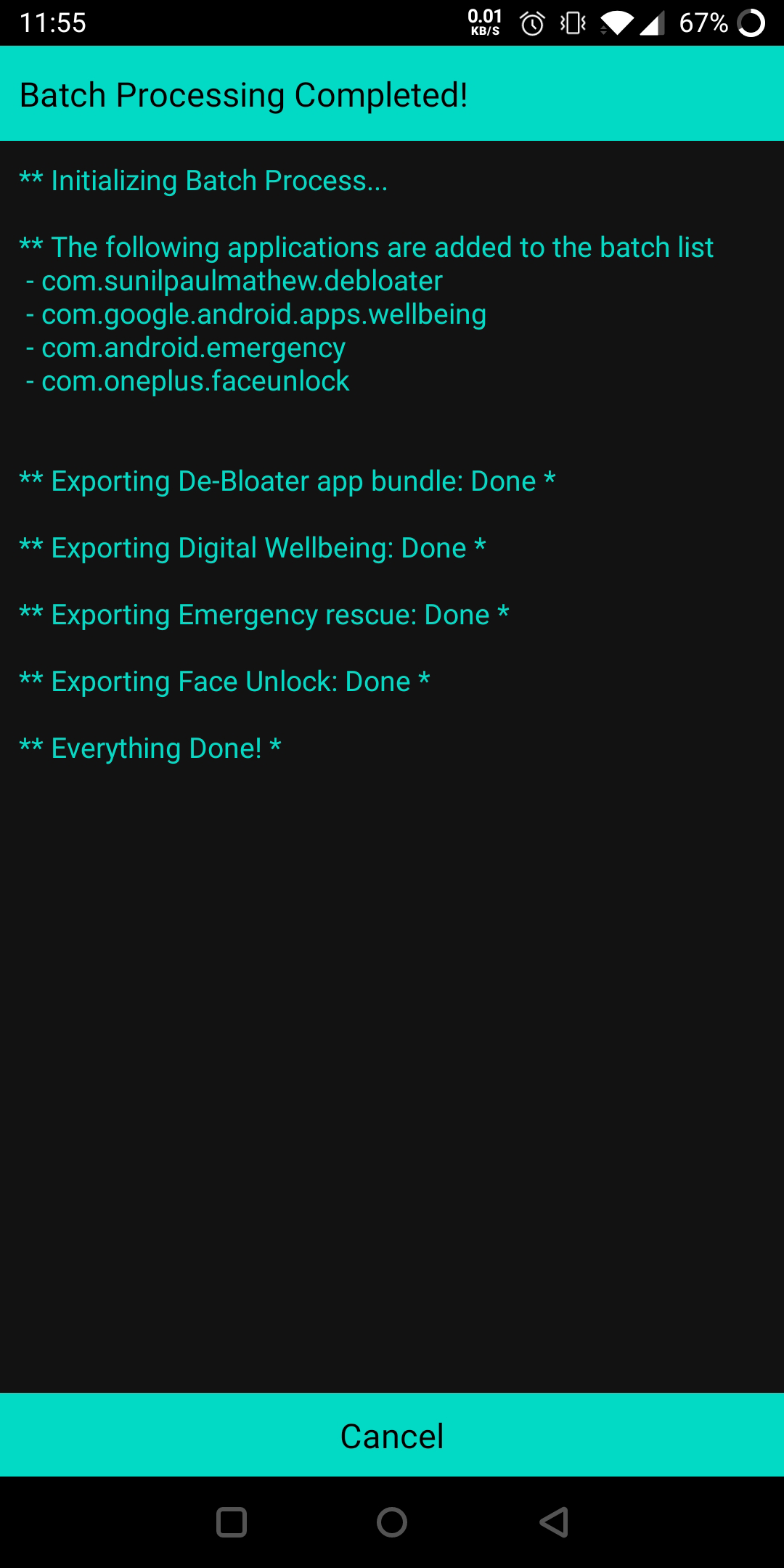
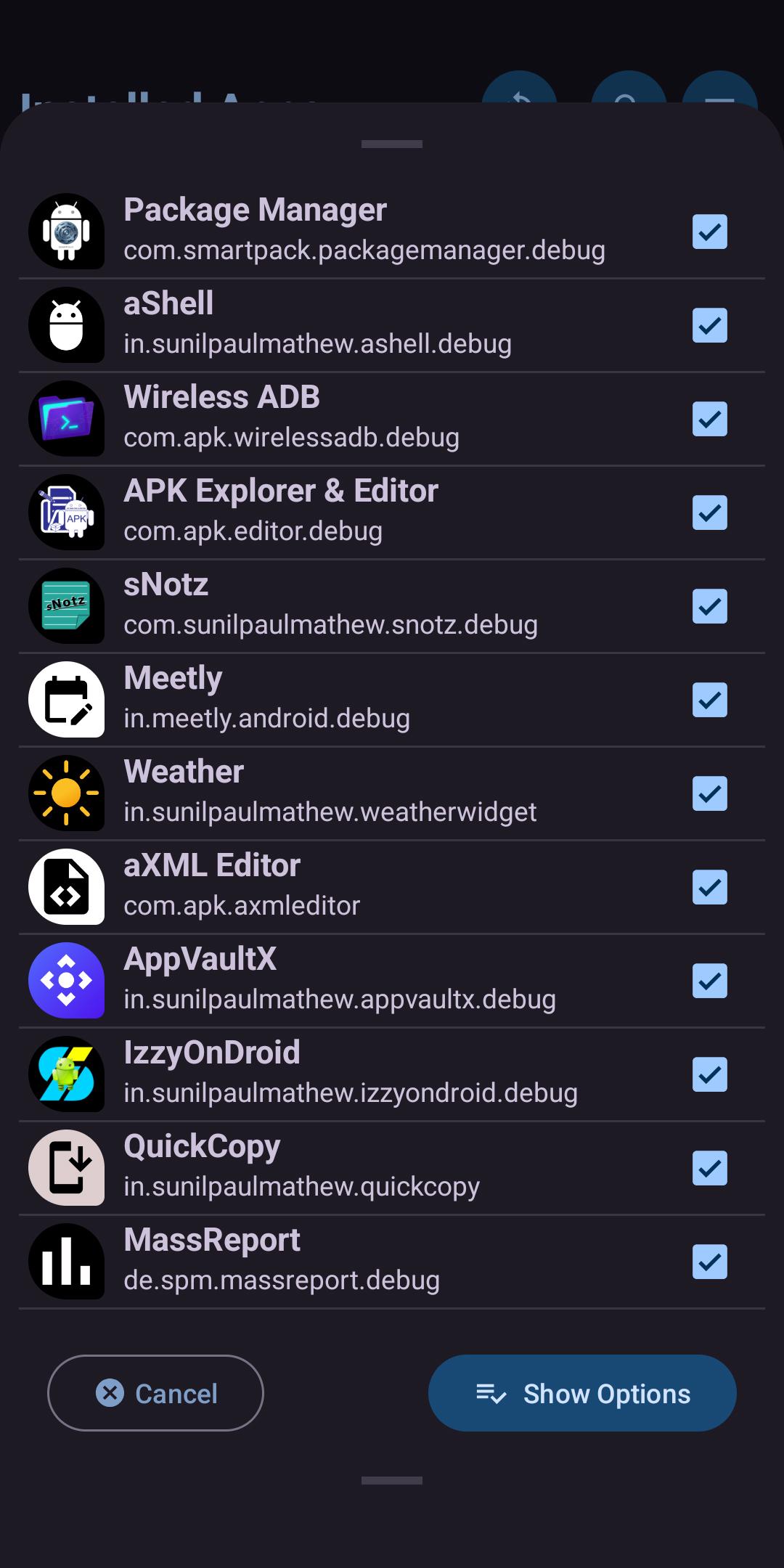
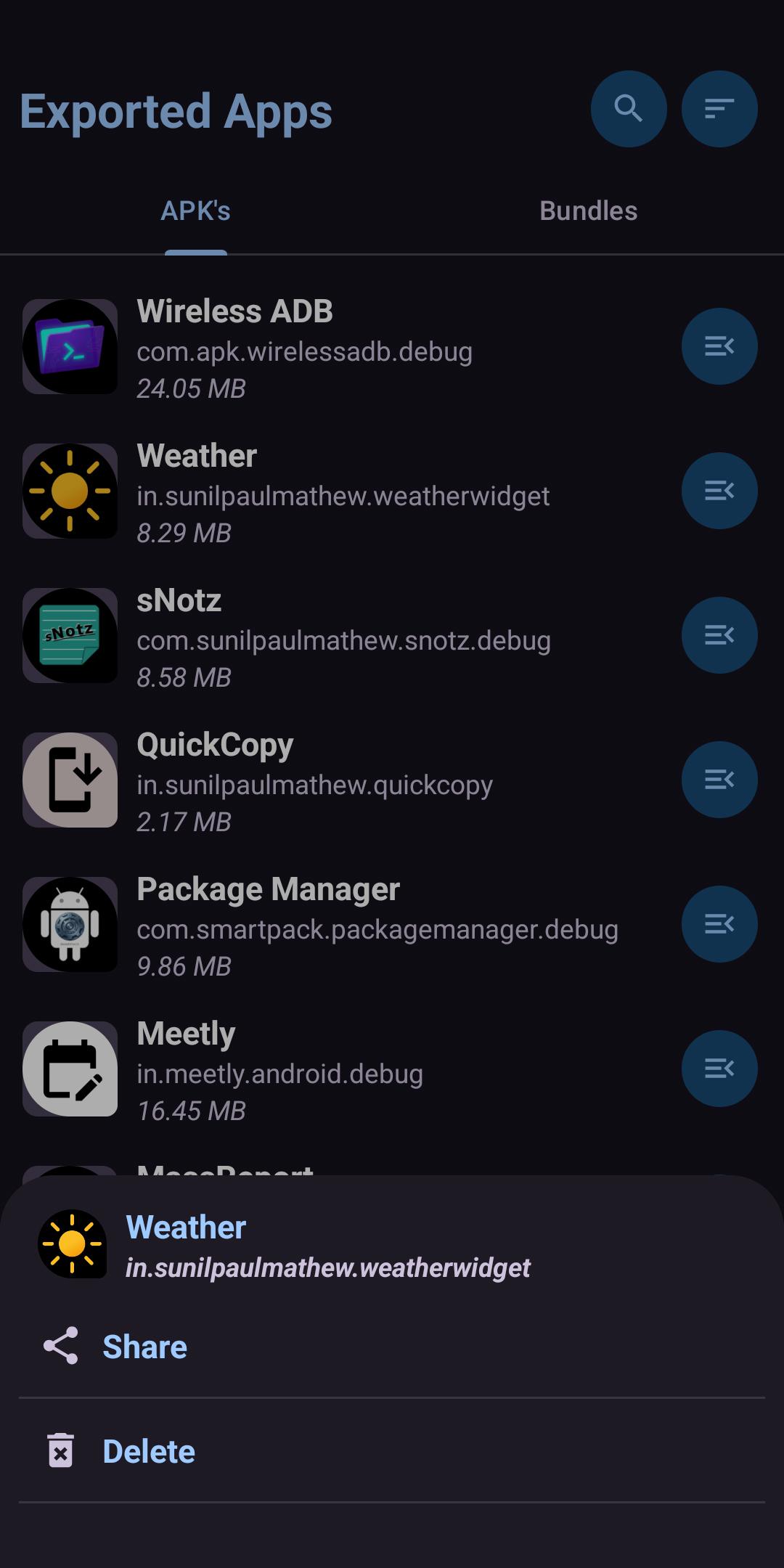
- 📤 Export apps (single or batch)
- 🧹 Debloat (uninstall system apps) - requires root or Shizuku
- 🚫 Disable/enable any app - requires root or Shizuku
💖 Support This Project
Maintaining this project takes time and dedication. If you'd like to help keep it alive:
☕ Donate




🙌 Other Ways to Support
- ⭐ Leave a review or rating on Google Play — it's free and helps visibility!
- 🌐 Contribute to translations
- 📢 Spread the word — share with friends, forums, or on social media
🌍 Translations
Help translate the app into more languages:
- 📝 Join the POEditor project
- 📄 Or edit the strings.xml directly
👥 Contributors
See all contributors who helped build this project.
License
Copyright (C) 2020-2026 sunilpaulmathew <[email protected]>

Package Manager is a free softwares: you can redistribute it and/or
modify it under the terms of the GNU General Public License as published
by the Free Software Foundation, either version 3 of the License, or (at
your option) any later version.

Package Manager is distributed in the hope that it will be useful, but
WITHOUT ANY WARRANTY; without even the implied warranty of MERCHANTABILITY
or FITNESS FOR A PARTICULAR PURPOSE. See the GNU General Public License
for more details.

You should have received a copy of the GNU General Public License along
with Package Manager. If not, see <http://www.gnu.org/licenses/>.
Thank you for using Package Manager!
How Shizuku is used
Can disable, uninstall, restore and clear apps plus manage permissions and app ops via `pm`, `cmd package` and `cmd appops` through Shizuku.
This is an AI-assisted analysis of Shizuku-related usages in the app's public source code. It is best effort, so it may not catch every single usage.
How this app uses Shizuku
Shizuku is used to run privileged package management commands directly, including for system apps.
- Enable or disable apps: turn selected user or system apps on or off for the current user with the
pm disable-userandpm enableshell commands through Shizuku, including batch operations. - Uninstall system apps: remove system apps for the current user with the
pm uninstallshell command through Shizuku, including batch uninstall. - Restore removed apps: bring back previously uninstalled system apps with the
cmd package install-existingshell command through Shizuku, individually or in batches. - Clear app data: reset an app by clearing its data and cache with the
pm clearshell command through Shizuku. - Grant or revoke permissions: allow or deny individual runtime permissions on an installed app with the
pm grantandpm revokeshell commands through Shizuku. - Manage app operations: view privacy and background behaviors with the
cmd appops getshell command through Shizuku and change them between allow, ignore, deny, default and foreground with thecmd appops setshell command through Shizuku.
Android APIs or commands used
pm disable-userpm enablepm uninstallcmd package install-existingpm clearpm grantpm revokecmd appops getcmd appops set
Changelog
What's new for version v8.0
Package Manager is a highly powerful application to manage apps, both system and user, installed on an android device.
WARNING: I Am NOT Responsible for any Damages on Your Device!
ROOT Access is required for some advanced features.
Features
Package Manager is a simple, yet powerful application, offering the following features:
- A beautiful list view of System and User applications, together or separately.
- Helps to do basic tasks such as Open app, show app info, visit PlayStore page, uninstall (User apps), etc.
- Install Split apk's/app bundles (supported bundle formats: .apks, .apkm, and .xapk) from device storage.
- Explore and export contents of an installed app (Experimental).
- Export individual or a batch of apps (including Split apk's) into device storage.
- Do advanced tasks such as (need Root access): • Uninstall an individual or a batch of system apps (de-bloating). • Control Operations (AppOps). • Disable or Enable individual or a batch of apps.
Translations
Please help me to translate this application via POEditor. You may also translate after downloading the original language string available GitHub.


Permissions
8 permissions requested
Sources
2 sources
Sources
2 sources
More from this category
 Canta
Canta
 Buge App Manager
 Hail
Hail
 Thor
Thor
 AppManagerNG
 MKM
MKM
 AppControlX
 DroidUtility
 AppVaultX
 AppDual
 Blocker
 CloneCat