 ShizuStore

Orion Store
2.7.5 · GitHub
Detected trackers (2)
Matched by Exodus Privacy code signatures. Not a complete list.
More about this app
App store for modded apps


A transparent app store built around public releases, inspectable metadata, and automation you can actually follow.
Now fully native.






Sources Supported



🔍 Orion does not have any trackers!
Saw a few people asking about "trackers" flagged in App Manager or TrackerControl, so wanted to clear up what those actually are.
What they actually are:
- Scanners flag library components by name, not active surveillance.
- Everything flagged comes from one library, the Unity Ads SDK behind the optional "Fuel the Code" quest.
- Since 2.4.5 Orion strips everything from it that Fuel the Code does not need: its app-start hook, its background service, and the advertising ID and ad-measurement permissions. What is left is
FullScreenWebViewDisplay, the screen that plays the video you chose to watch.
How it works in Orion:
- Unity only starts when you tap to watch a rewarded video in "Fuel the Code" for XP. It never runs at app start.
- There are zero background services, no banner ads, and no advertising ID. Orion collects and sends no user data.
- If you do not care about the rewarded XP quest, you can block it right there in App Manager. The store will still work completely fine.
 Orion Store 2.0 · Native at last
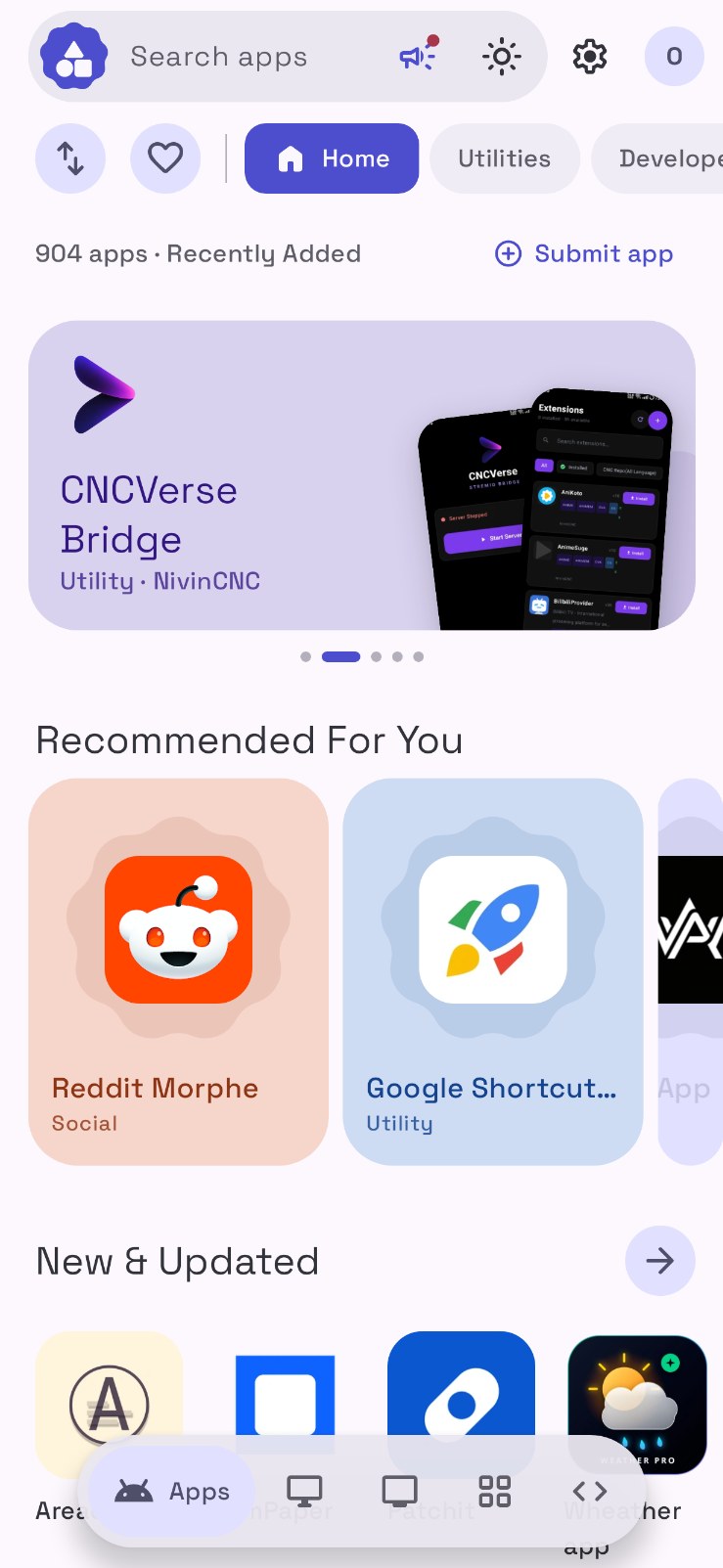
Orion Store has been rebuilt from the ground up as a native Android app. The web app has been rewritten in Kotlin and Jetpack Compose on Material 3 Expressive, with spring motion, shape morphing, a new storefront and features that were never possible before. Updating from 1.x is a normal install over the old app, and your profile, XP, badges, favorites and settings come along.
Read the full 2.0.0 release notes.
 Overview
Orion Store is an Android-first store client that leans on public sources instead of hiding everything behind a private service layer. The app pulls catalog data from public JSON, resolves releases from GitHub, GitLab, and Codeberg, and keeps the delivery path understandable enough that users can see where things come from and how updates are discovered.
This repository is the client application itself. The live catalog, configuration, notices, and release metadata used by the app are maintained separately in RookieEnough/Orion-Data, which keeps the UI and the store data cleanly separated.
Orion is built for people who care where software comes from, not just how quickly it downloads.
At a glance:
- Public JSON catalog with inspectable configuration
- Multi-source releases (GitHub, GitLab, Codeberg)
- Native install, update, and security tooling
- Skip Android's 24-hour unverified-app wait with built-in wireless install
Orbit and Obtainium
Orbit follows an app from the page it is published on and installs the file that page offers. Following a source that way is the same idea as Obtainium by Imran Remtulla. Orion is a separate app. It does not include Obtainium's code. The Obtainium name is used so an Obtainium export, an obtainium:// link, or the public Obtainium apps directory can be brought into Orbit.
 What makes Orion different
The point of Orion is not to pretend infrastructure does not exist. It is to reduce hidden infrastructure and move as much of the important behavior as possible into public, inspectable layers. Catalog entries are plain data. Release sources stay visible. Automation is handled through workflows and workers that can be reviewed, rather than through a black-box backend that users have to trust on faith.
That design carries through the app. Orion tracks installed packages, surfaces updates, manages download state, installs natively, and exposes developer-facing diagnostics for people who want to see what the store is actually doing under the hood.
 Feature atlas
 Release intelligence Orion reads public metadata, resolves upstream releases, and keeps source provenance visible instead of burying it behind a store-owned backend. It reads your device architecture and recommends the right APK. Public JSON Mirrors Multi-source parsing ABI detection
|
 Update center A native download engine with live notifications, a persistent queue, batch updates, and per-app ignore rules you can undo from My Apps. Foreground downloads Queue Ignored updates
|
 Native install flow System installer, a specific installer, Shizuku silent installs, or the built-in wireless ADB installer that skips Android's 24-hour wait for unverified apps. Set it up once through a guided notification. Wireless ADB Shizuku Installer choice
|
 Sentinel security Security tooling is built into the product: malware scans for installed apps and VirusTotal checks for any APK before it is installed. Sentinel VirusTotal Threat database
|
 Guardian power tools Revoke risky permissions, pull the APK out of any app, and remove or restore system apps without root, rated by the Universal Android Debloater database. Permissions APK extraction Debloater
|
 Developer visibility Mirror source, cache state, GitHub API quota, package detective, raw metadata explorer and source switching, all in Settings › Developer. Developer mode Diagnostics Metadata inspection
|
 Orion AI Describe the app you need and Orion AI finds it in the catalog, or ask how any Orion feature works. Bring your own Gemini, ChatGPT or Claude key, or run a model right on the phone, offline. Streaming chat On-device models One-tap installs
|
 Palettes, your way Fourteen tuned palettes plus a palette maker: pick a seed color, a style and preview every tone in Light, Dusk, Dark and OLED before you save it. Material You Palette maker Four themes
|
 Orbit Follow any app from the page it is published on. Paste a repo, a store page or a direct file, and Orion installs it and checks for updates the same way it does for the catalog. Your sources Obtainium import Tokens
|
 Open the file you have Install with Orion opens an APK, XAPK, APKM, APKS or a zip of APKs from a file manager. A bundle is read from the APKs inside it, and only the pieces for this phone are installed. XAPK APKM APKS
|
And a lot more
- Material 3 Expressive design: expressive springs, shape morphs, wavy progress, icon hand-off animations, and Material You colors.
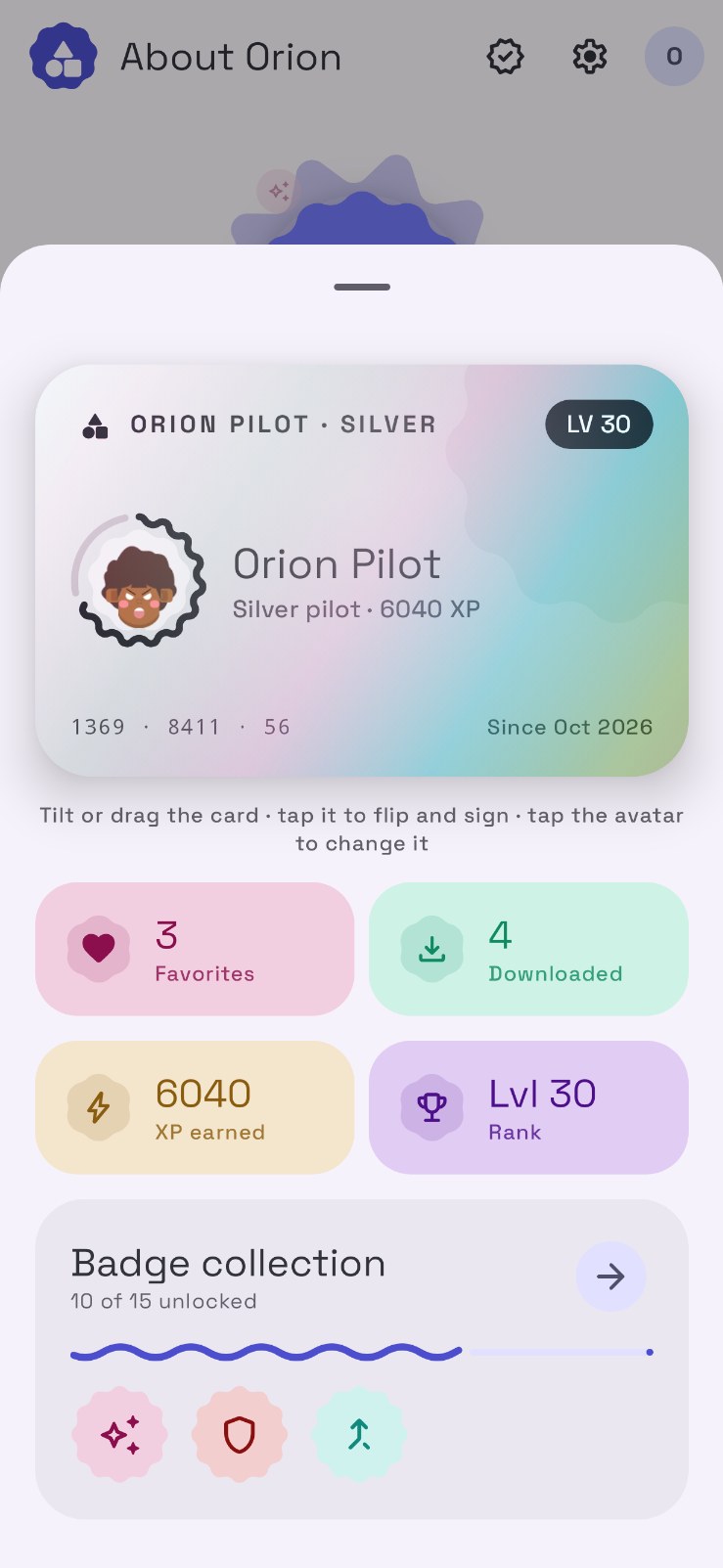
- A real level system: every ad, download, submission and Dino Run earns XP. Pilot cards turn Bronze, Silver and Gold, and you can flip yours to sign it.
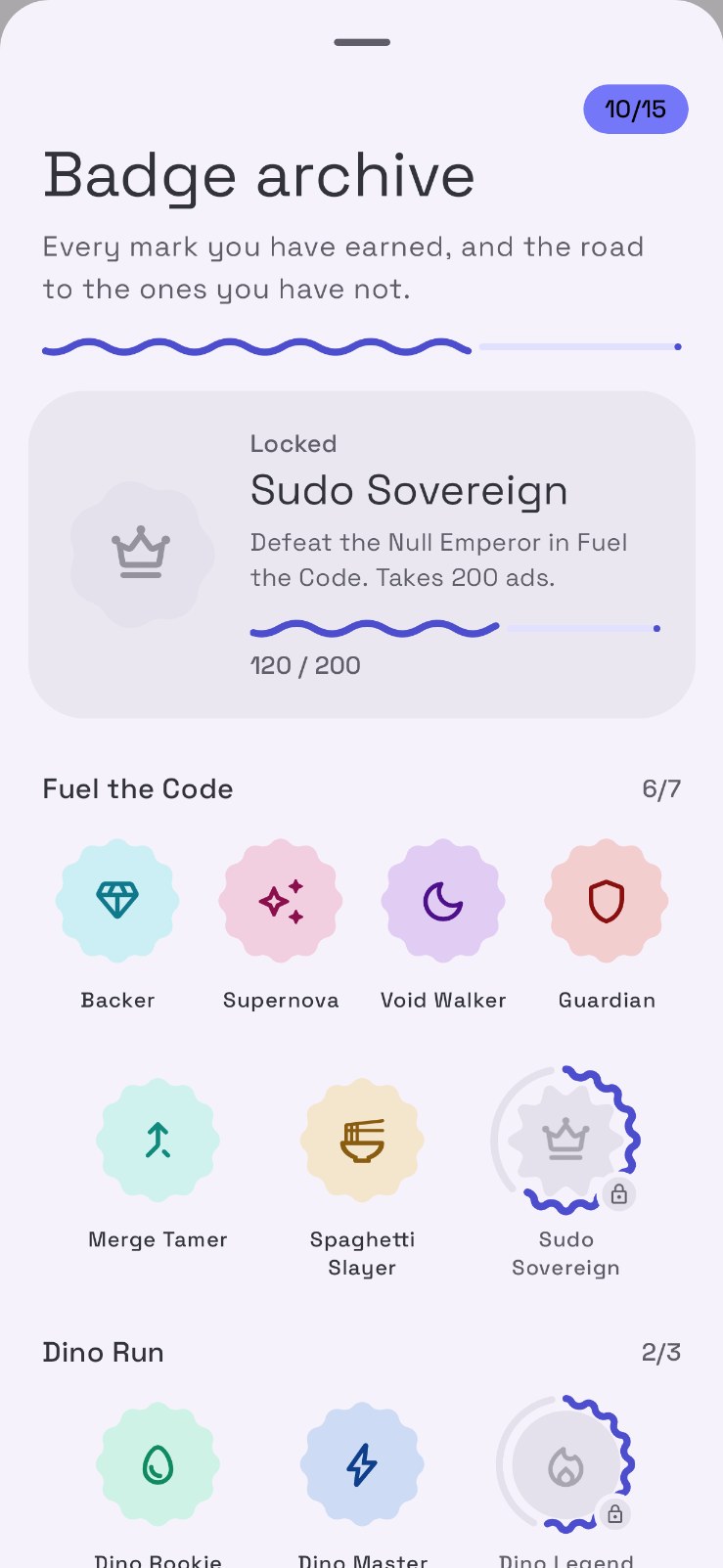
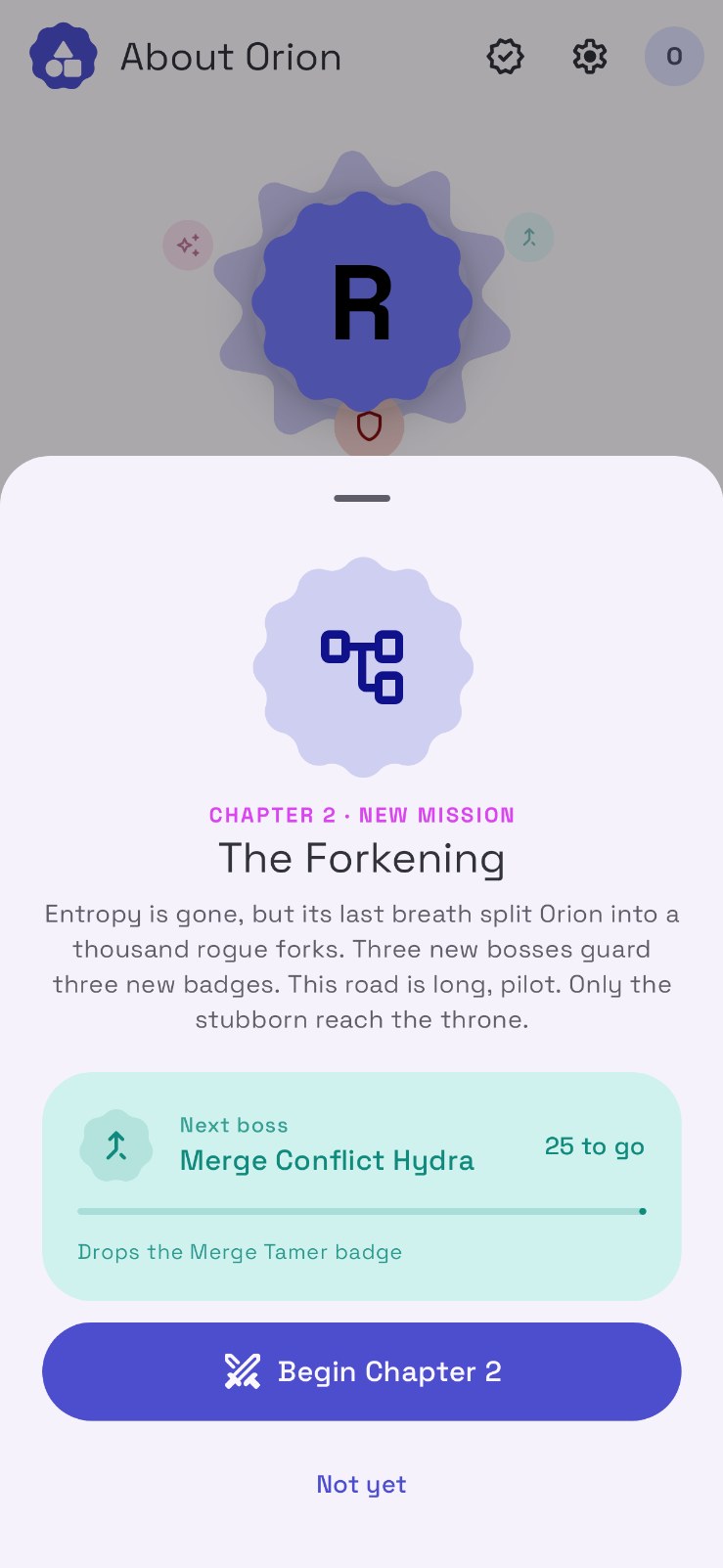
- Fuel the Code: a story-driven support quest, now in Chapter 2 · The Forkening, with bosses and badges to earn.
- Community: submit apps straight from a GitHub, GitLab or Codeberg repo, build custom bundles, and climb the leaderboard.
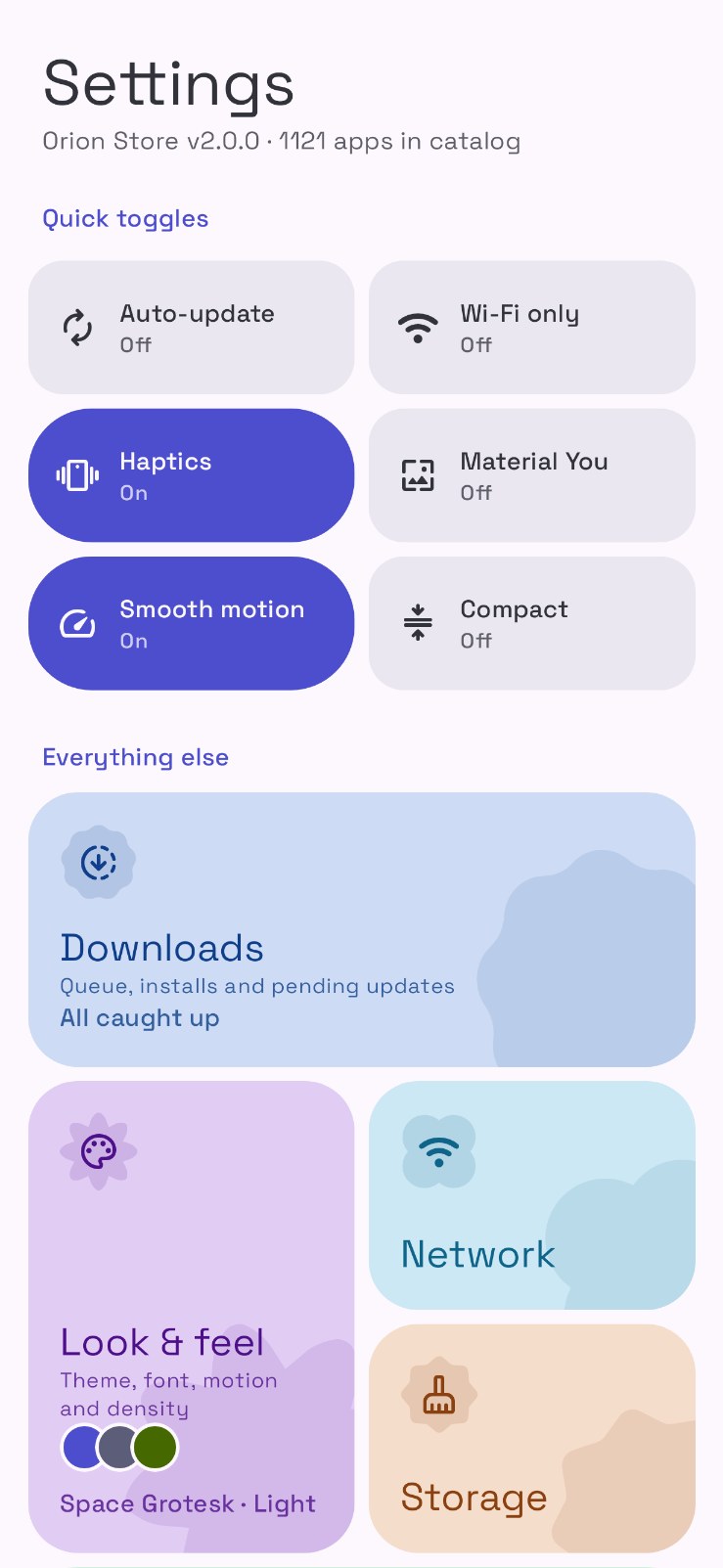
- Personalization: light, dark, dusk and OLED themes, custom fonts, pixel pull-to-refresh characters, layouts and visible tabs.
 Screenshots
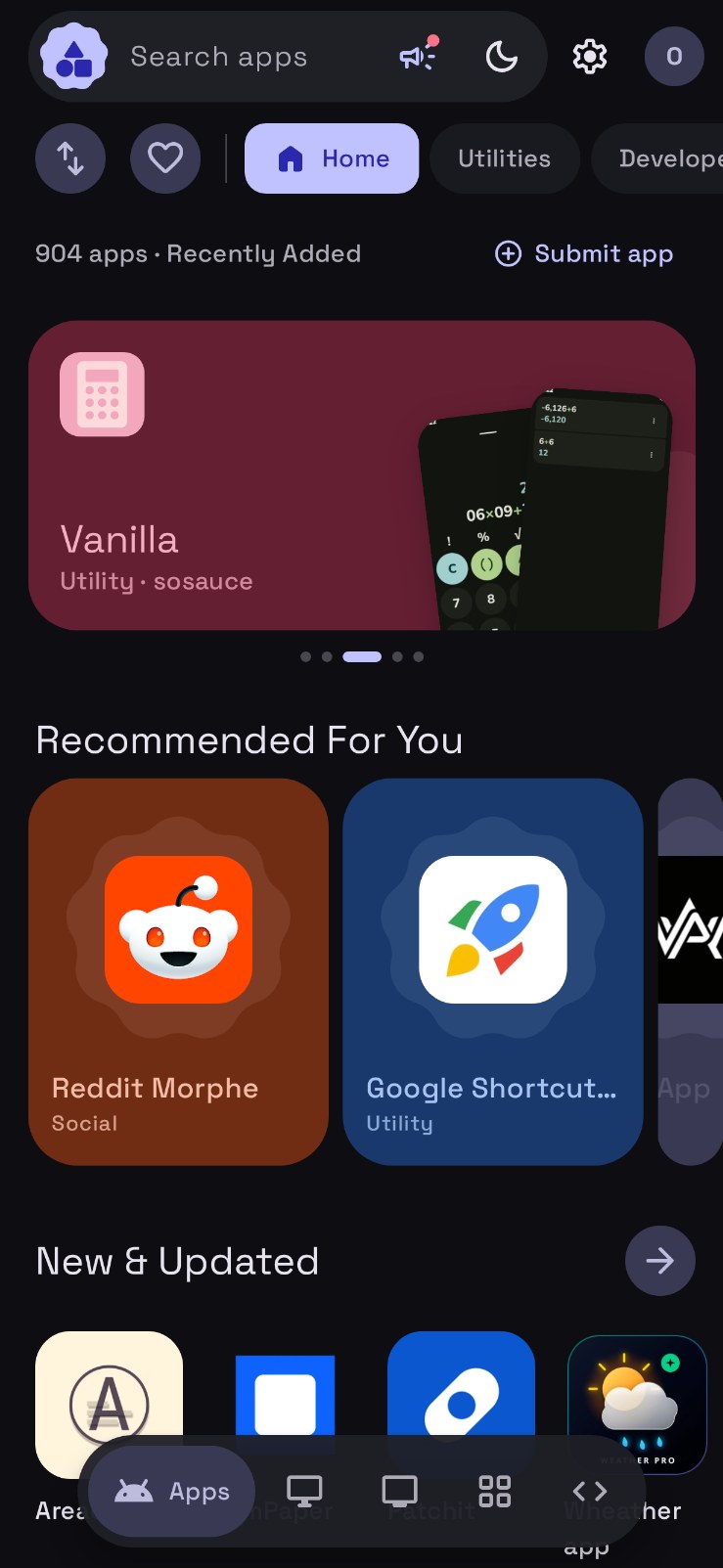
 Storefront |
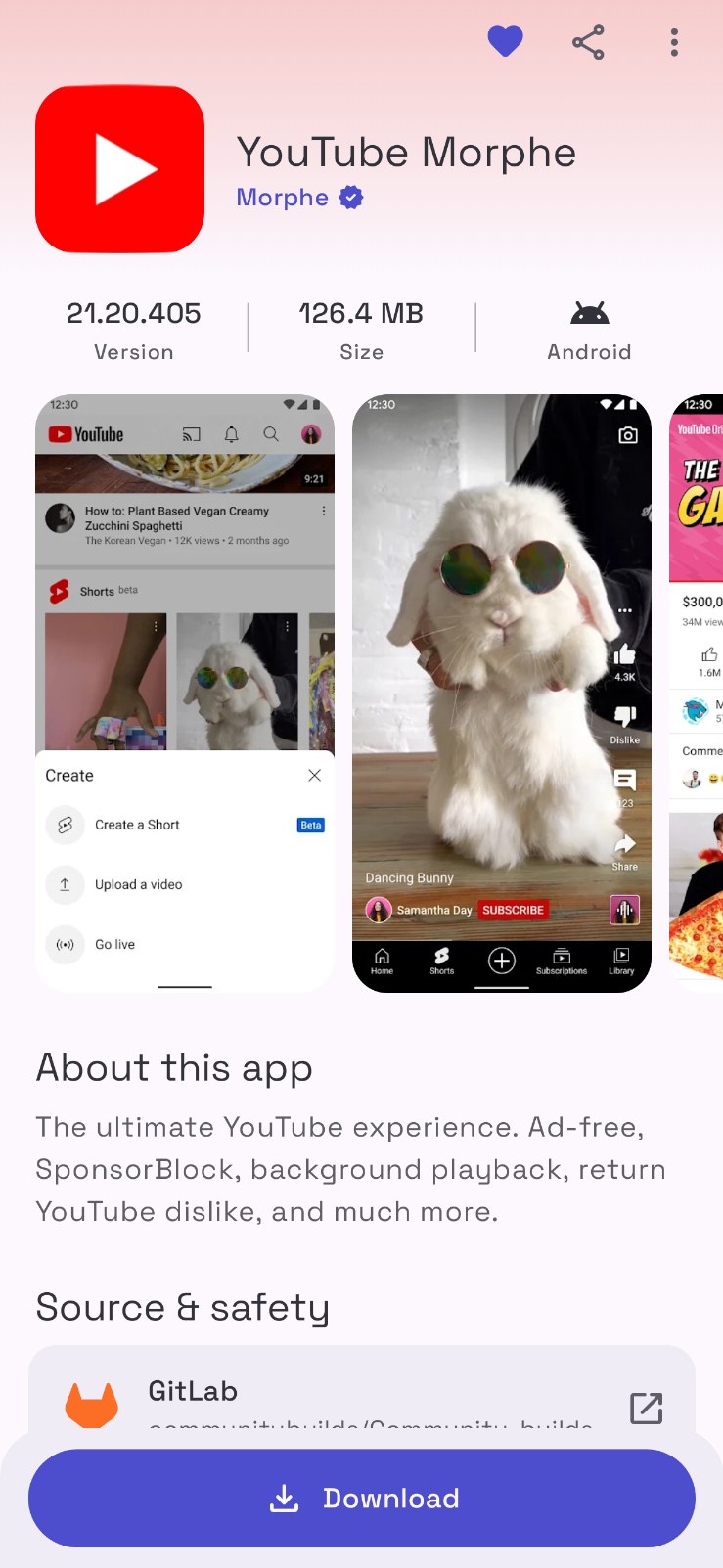
 App details |
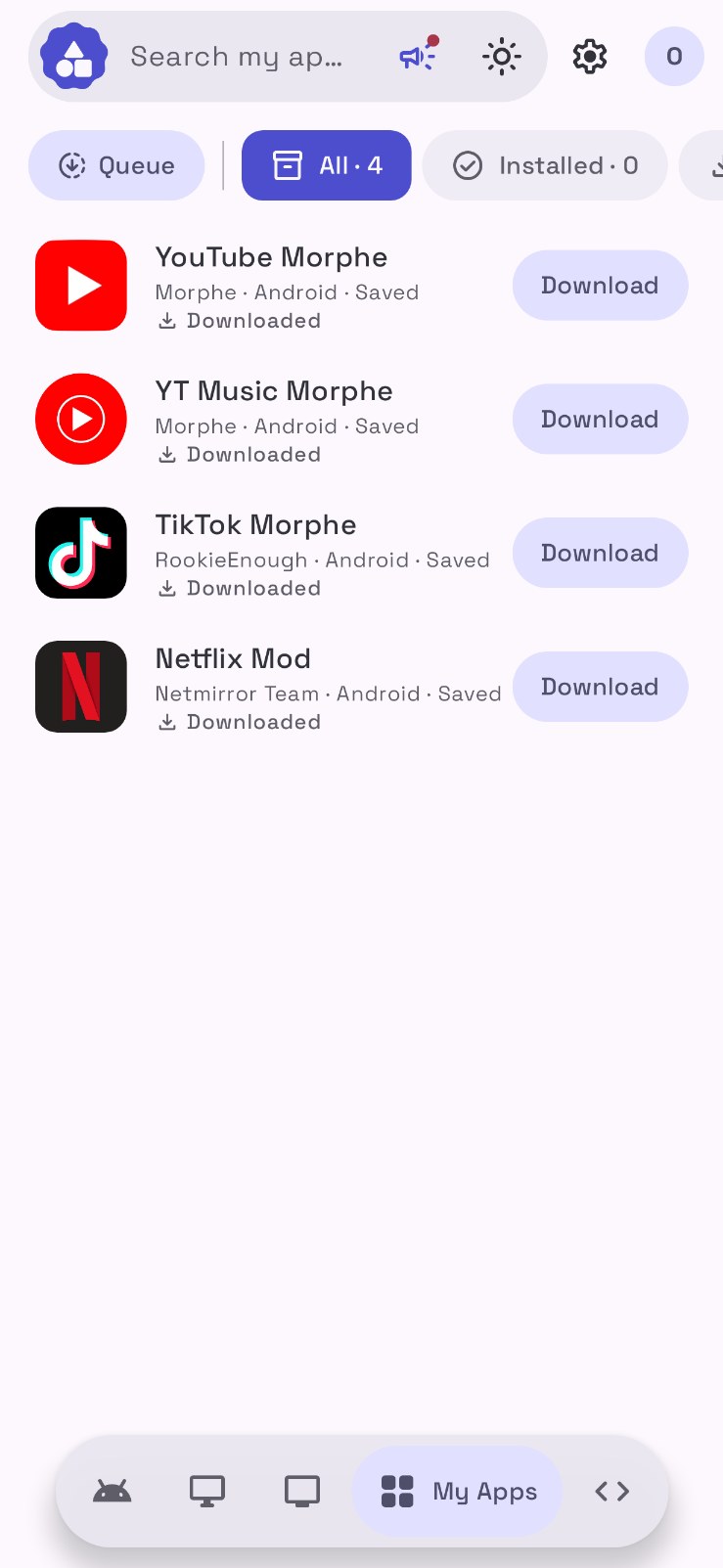
 My Apps |
 Orion Xtra |
 Pilot profile |
 Badge archive |
 Fuel the Code |
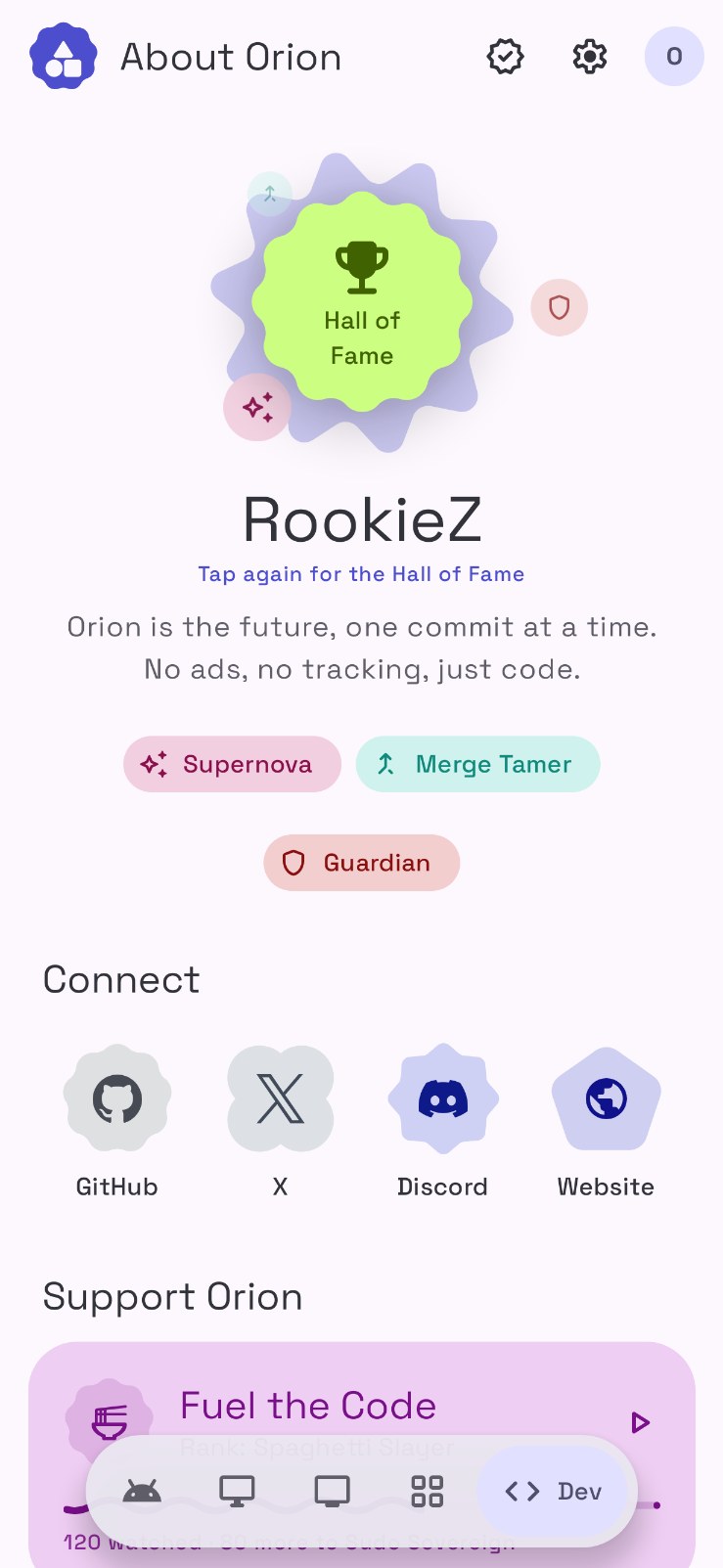
 About |
 Settings |
 Welcome to 2.0 |
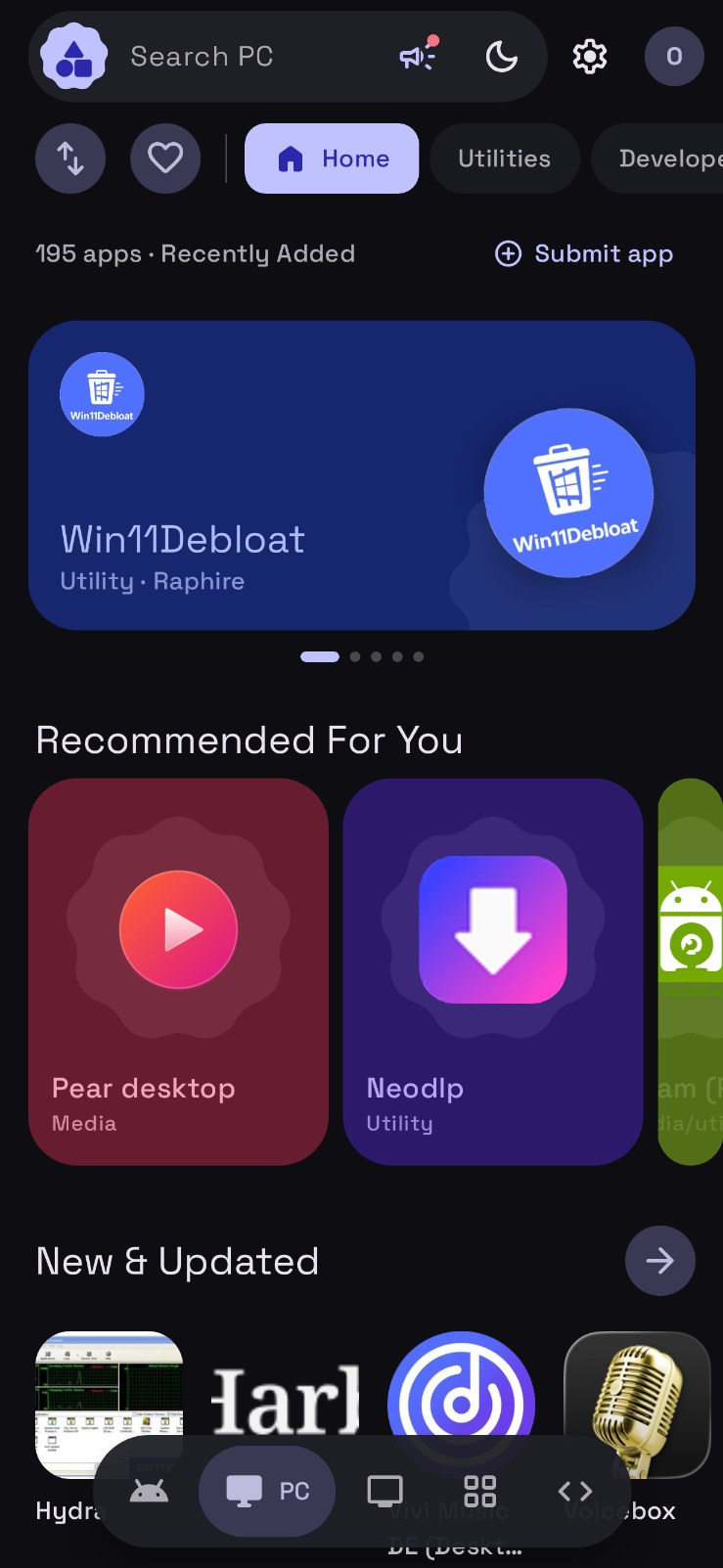
 Dark theme |
 PC catalog |

 Official developer badges
If you are a developer, you can promote that your application is hosted on Orion Store by adding our official badge to your repository's readme or your product website.

How to Get Your Badge Integration Link:
- Submit Your App: Submit your application to the Orion Store via this client or our repository submission form.
- Enable Developer Mode: Once approved and live in the store, open Orion Store and tap the Orion Store title in the header 7 times to unlock Developer Mode.
- Copy Integration Code: Open your app's detail page, expand Developer Deep Links, and copy the Markdown Badge for your repository's README or the HTML Badge for your website.
 How the project is structured
Orion Store 2.0 is a single-activity Jetpack Compose app in MVVM style. A tour of the code lives in ARCHITECTURE.md.
| Area | Responsibility |
app/src/main/java/com/orion/store/ui/ |
Compose screens, the theme and motion system, and MainViewModel, which orchestrates loading, downloads, installs and overlays |
app/src/main/java/com/orion/store/data/ |
Catalog processing, persisted settings and data stores, version logic, XP and levels |
app/src/main/java/com/orion/store/platform/ |
Package tracking, the download service, Shizuku and wireless ADB installs, VirusTotal, and the 1.x data carry-over |
tools/ |
Generators for the Material Symbols icon set and the color schemes |
Orion Legacy/ |
The original React + Capacitor web app (1.x), kept for reference and for the web build |
 Building
You need JDK 21 (the JetBrains Runtime bundled with Android Studio works) and the Android SDK.
./gradlew :app:assembleDebug          # debug APK
./gradlew :app:testDebugUnitTest      # logic tests
Release builds read the signing key from a local keystore.properties (never committed):
storeFile=/path/to/your.keystore
keyAlias=your-alias
storePassword=...
keyPassword=...
./gradlew :app:assembleRelease
Or open the project folder in Android Studio and run the app configuration on a device.
Legacy web app
The 1.x web app lives in Orion Legacy/ and still builds as before:
cd "Orion Legacy"
npm install
npm run dev
 Data, workers and automation
Orion is best understood as backend-light rather than backend-free. The catalog and remote configuration are public, but the project still uses a few narrow pieces of infrastructure where they make sense: Cloudflare worker code for leaderboard relay, image proxying, delta aggregation, submission handling and Sentinel support lives in Orion Legacy/workers/, and automation runs through GitHub Actions here and in Orion-Data.
That split is intentional. The app stays focused on the client, while the data and automation layers remain separately inspectable.
Contributing
Contributions are welcome, especially in the areas that matter most to a store client: installer reliability, release resolution, UI polish, Android behavior, security tooling, and documentation. If you are changing catalog entries or store metadata, that work usually belongs in the data repository or the submission flow rather than in this client codebase.
Start with ARCHITECTURE.md, then ui/MainViewModel.kt, data/CatalogProcessor.kt and platform/AppTracker.kt for how the store loads data, resolves releases and installs apps.
Community
The project lives across a few public surfaces:
Website: orionstore.pages.devOrion-Data: github.com/RookieEnough/Orion-DataDiscord: discord.com/invite/CrM6y4ujnqKo-fi: ko-fi.com/rookie_zPayPal: paypal.me/RookieEnoughUPI ID:rookiez@ptyes
Credits
- Install with Options by Zachary Wander (MIT): Orion's "Install with options" sheet is inspired by its set of install options. Orion's version is its own implementation on top of
pm install. - Dhizuku and the Dhizuku API by iamr0s (MIT): device owner installs and uninstalls.
- Shizuku by RikkaApps: silent installs and the Guardian tools.
- Universal Android Debloater Next Generation: the package notes and removal ratings behind Debloat.
Made with 💜 by RookieZ
How Shizuku is used
Can silently install and uninstall apps, disable system apps, revoke permissions, save APKs, clear caches and turn off install verification via `pm` through Shizuku.
This is an AI-assisted analysis of Shizuku-related usages in the app's public source code. It is best effort, so it may not catch every single usage.
How this app uses Shizuku
Orion Store uses Shizuku to install, remove and maintain apps silently without system prompts.
- Install store apps: downloaded catalog apps and background auto updates install silently without the system prompt by streaming the APK into the
pm installshell command through Shizuku, including installs with chosen install options. - Uninstall apps silently: apps chosen for removal are uninstalled without the system prompt with the
pm uninstallshell command through Shizuku. - Disable system apps: system apps chosen in the debloater list are removed for the current user with the
pm uninstall -k --user 0shell command through Shizuku, and restored later with thecmd package install-existingshell command. - Revoke app permissions: risky permissions granted to an installed app are revoked with the
pm revokeshell command through Shizuku. - Extract installed APKs: the APK file of an installed app is copied to Downloads with the
cpshell command through Shizuku, for saving, sharing or virus scanning. - Clear app caches: caches across all apps are trimmed at once with the
pm trim-cachesshell command through Shizuku. - Turn off install checks: the system package verifier that can slow or block sideloaded installs is turned off with
settings put globalandpm disable-usershell commands through Shizuku, withpm uninstall --user 0as fallback on devices that block the disable.
Android APIs or commands used
pm installpm uninstallpm uninstall -k --user 0cmd package install-existingpm revokecppm trim-cachessettings put globalsettings get globalsettings delete globalpm disable-userpm enable
Notable details
Installs still work without Shizuku through the normal system installer and a PackageInstaller session flow. Uninstalls fall back to the system uninstall prompt, and APK extraction falls back to a normal file copy when Shizuku is unavailable.
Changelog
What's new for version 2.7.5
Orion Store 2.7.5 🚀
Meet Orbit: track any app straight from its source, the way Obtainium does, with one-tap installs and updates built into Orion. Orion also fits every screen now, you can look inside any app before you install it, and forks show where they came from.
🪐 Orbit
- Any App, From Its Source: The new Orbit tab tracks apps Orion's catalog doesn't carry. Paste a GitHub, GitLab, Codeberg, F-Droid, IzzyOnDroid, Uptodown, APKMirror, APKPure, Aptoide, SourceForge or Jenkins link, a direct APK, XAPK or APKM link, or any web page that offers them. Orion reads the name, icon, description, screenshots and releases.
- Tags: Label an Orbit app, then filter the list by that tag or by where it came from. Search stays in the header.
- One Tap Install and Update: Orbit apps install, update and auto-update like store apps, through root, Shizuku, Dhizuku or wireless debugging, and keep updating in the background.
- Any Version: Every recent release shows in the version picker, so going back to an older build is one tap.
- Fine-Tune: Pick which APK counts with a file name filter, include pre-releases, read the version out of the tag with a pattern, and set the icon and screenshots yourself.
- Discover: The Obtainium apps directory lives inside Orbit. Search hundreds of ready-made configs and add one in a tap.
- Obtainium Import and Export: Bring your Obtainium export, JSON or obtainium:// links over, and export your Orbit in Obtainium's format any time. Add to Obtainium links open in Orion too.
- Share With Everyone: Long-press an Orbit app to share it with the Orion library. It opens a ready submission so anyone can find the app, and it counts as a contribution with XP.
- Pause Updates: Hold any Orbit app on the version it has.
📐 Built for Big Screens
- Edge to Edge: On tablets, foldables and TVs, the app page color, Settings headers and the Know Orion header now run across the whole screen. Text and lists stay in a readable column.
- Two Pane App Pages: On wide screens the app page splits in two: icon, stats, source and app info on one side, and larger screenshots, About, What's new and patches on the other.
- Floating Action Card: The Download, Install and Open buttons now sit in a floating card on big screens instead of a bar that runs from one edge to the other.
- No More Stretching: The search bar, quick toggles, the update strip, the loading placeholder and the Orion AI input keep their proportions on wide screens. Cards on the Dev tab line up in the center.
- Big Screen Navigation: A new setting in Look & feel lets you keep the side rail or move the dock to the bottom or top on tablets, foldables, TVs and wide split screens. Phones always keep the dock at the bottom.
- Split Screen Friendly: Orion no longer locks itself to portrait in split screen or a floating window. This fixes multitasking on devices like Huawei tablets.
🔬 Inspect Any Package
- Inspect Before You Install: Every Android app page now has Inspect right after the platform in the stats row. It shows trackers, permissions, native libraries, frameworks, 16 KB page support, compatibility and the signing certificate.
- Reads What You Have: Orion reads the APK you already downloaded or the copy installed on your phone. Otherwise it fetches the build to its cache, reads it on your phone, then deletes it. Nothing gets installed.
- Findings at a Glance: Once an app has been inspected, the stats row shows its tracker count without opening the sheet again.
🌿 Forks
- Know the Original: When an app's repo is a fork, Source and safety shows a Forked from row with the original project and its stars, one tap away. Works for GitHub, GitLab and Codeberg.
📥 Downloads
- Compact Downloads Sheet: The download queue now opens as a sheet over whatever you are doing, the way the profile card does. It has Install, Update and Cancel on each row, plus Install all or Update all.
- Header Shortcut: While something downloads or waits to install, a progress ring in the header opens the queue in one tap.
📝 App Submissions
- Icon and Screenshots Filled In: Submitting an app from a repo now also finds its icon and screenshots, from F-Droid or fastlane metadata, the launcher icon in the source, or the README. Badges and store buttons are skipped, and anything you set yourself is never replaced.
🐛 Fixes
- Orbit Sources: Uptodown, APKMirror, APKPure, Aptoide, SourceForge, Jenkins and other F-Droid repos now find a real package. APKPure reads the version list, and SourceForge reads files that end in /download. F-Droid reads the file size from the APK when the package list leaves it out. GitLab is asked one call at a time, so a check no longer locks the whole site. A web page that only links to a download step is followed once.
- Orbit, the First Time: The first visit explains that Orbit is your own list. You can hide it there, and turn it back on in Settings. The note stays until you tap Hide or Keep.
- Source Tokens: Orbit can send a GitHub, GitLab or Codeberg token so private repos and rate limits are not a wall. Each field says what to paste and opens the page that creates that token. The GitHub token is the one already in Developer tools.
- Navigation: With Orbit in the bar, the dock draws a little smaller so every tab still fits.
- Settings Place: Opening a settings page and coming back leaves you where you were, instead of jumping to the top.
- Share Reminder: After every five apps added to Orbit, Orion asks you to share one with the library. The reminder stays until you choose Share one or Later.
- Split Bundles: XAPK, APKM and APKS install through root, Shizuku, Dhizuku, wireless debugging and Android's installer. Orion keeps the splits that match this phone.
- My Apps Swipe: Swipe the library left or right to move between All, Installed, Downloaded and Updates. The pills still work.
- On-device Models: AI settings can import a LiteRT model from this phone or download one from a Hugging Face link. On-device replies use a shorter prompt so a small model answers sooner.
- Developer Page: Opening every app by one developer no longer crashes on phones where the sheet measured the list with no height.
- Inspect Then Install: Inspect keeps the build it downloaded. Install on that screen uses the same file.
- Split Files Open: An XAPK, APKM, APKS or zip of APKs is read from the APKs inside it, so Install with Orion accepts the bundle.
- Messages: Short notes along the bottom are an expressive card instead of a plain bar.
- New and Updated Follows Your Tab: Switching between Apps, PC and TV while New and Updated is open now shows that platform's apps instead of keeping the previous ones. A collection's full list goes back to the store home when you switch platforms.


Permissions
21 permissions requested
More from this category
 ShizuStore
 Komi Store
 InstallerX Revived
 Universal Installer
 Droid-ify
 APKUpdater
 Vyxel Apps
 Neo Store
 Obtainium
 Aurora Store
 Yuki
 ShizuCoreFetch