 ShizuStore
OpenLoader
1.0.2-beta · GitHub
More about this app
APK installer built for the Android developer verification era, using Shizuku for the privileged install path.
OpenLoader

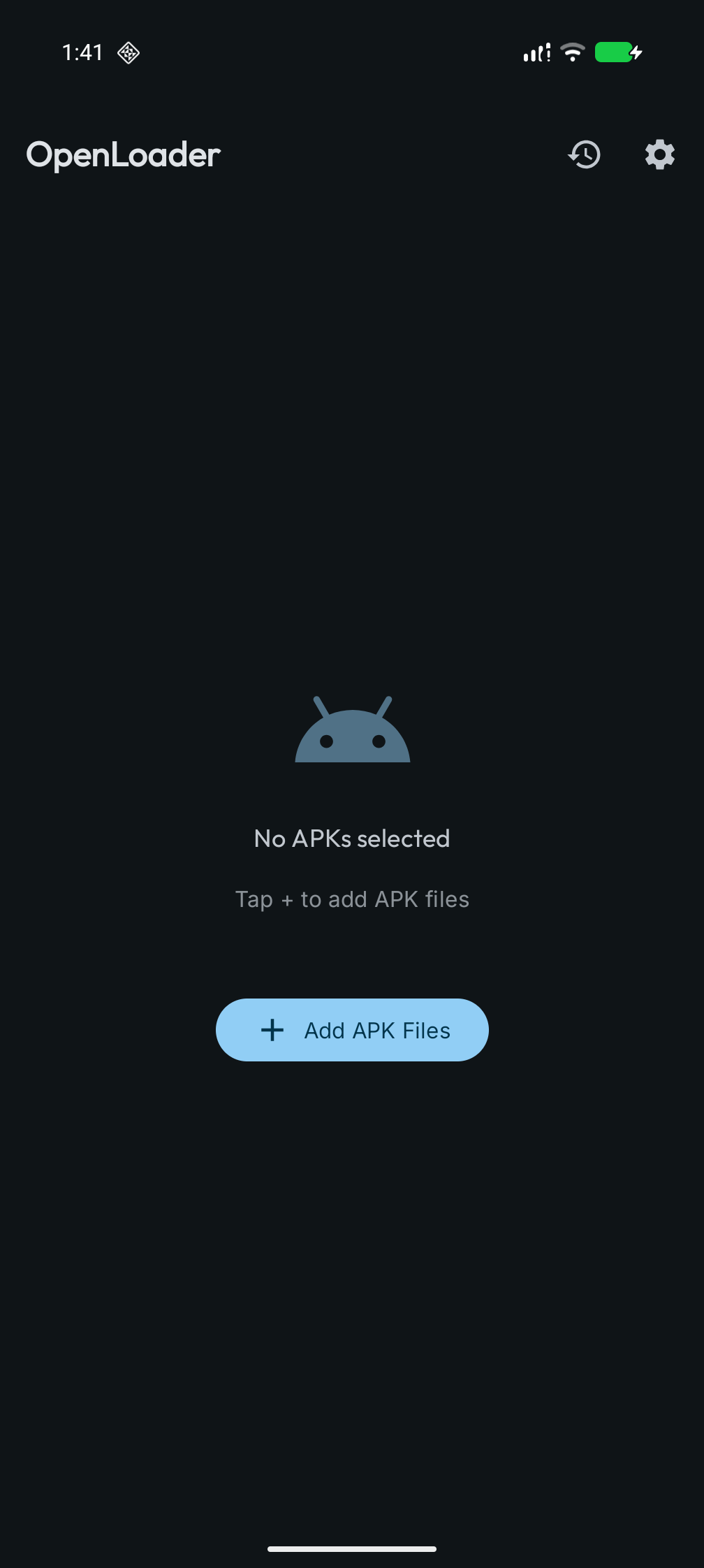
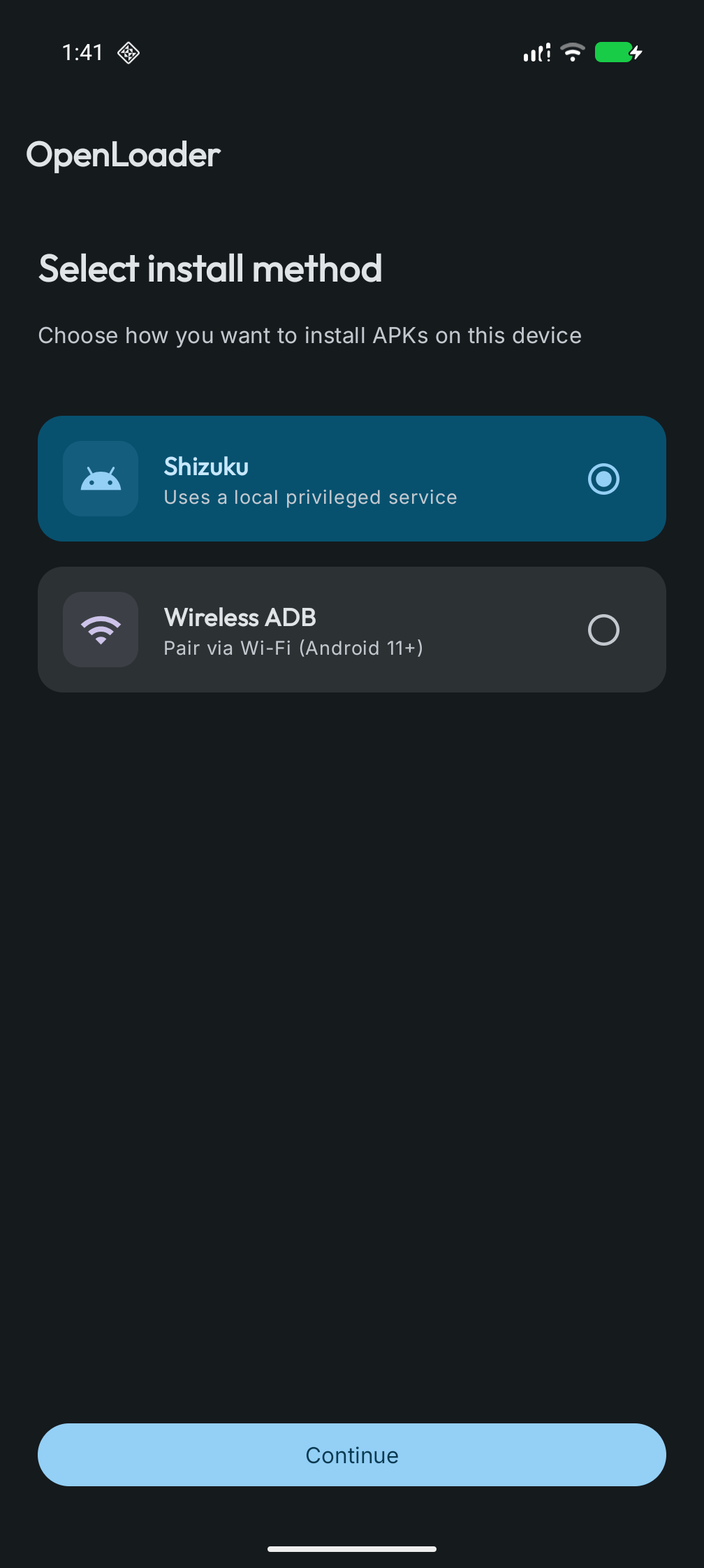
Install APKs on the phone you own. Google is introducing Android developer verification: on many devices, installs will increasingly expect apps from verified, registered developers. OpenLoader helps you sideload APKs you already have, including several in one go, using wireless ADB (Android 11+) and optional Shizuku (privileged install when the Shizuku companion has granted access). Your device, your choice.
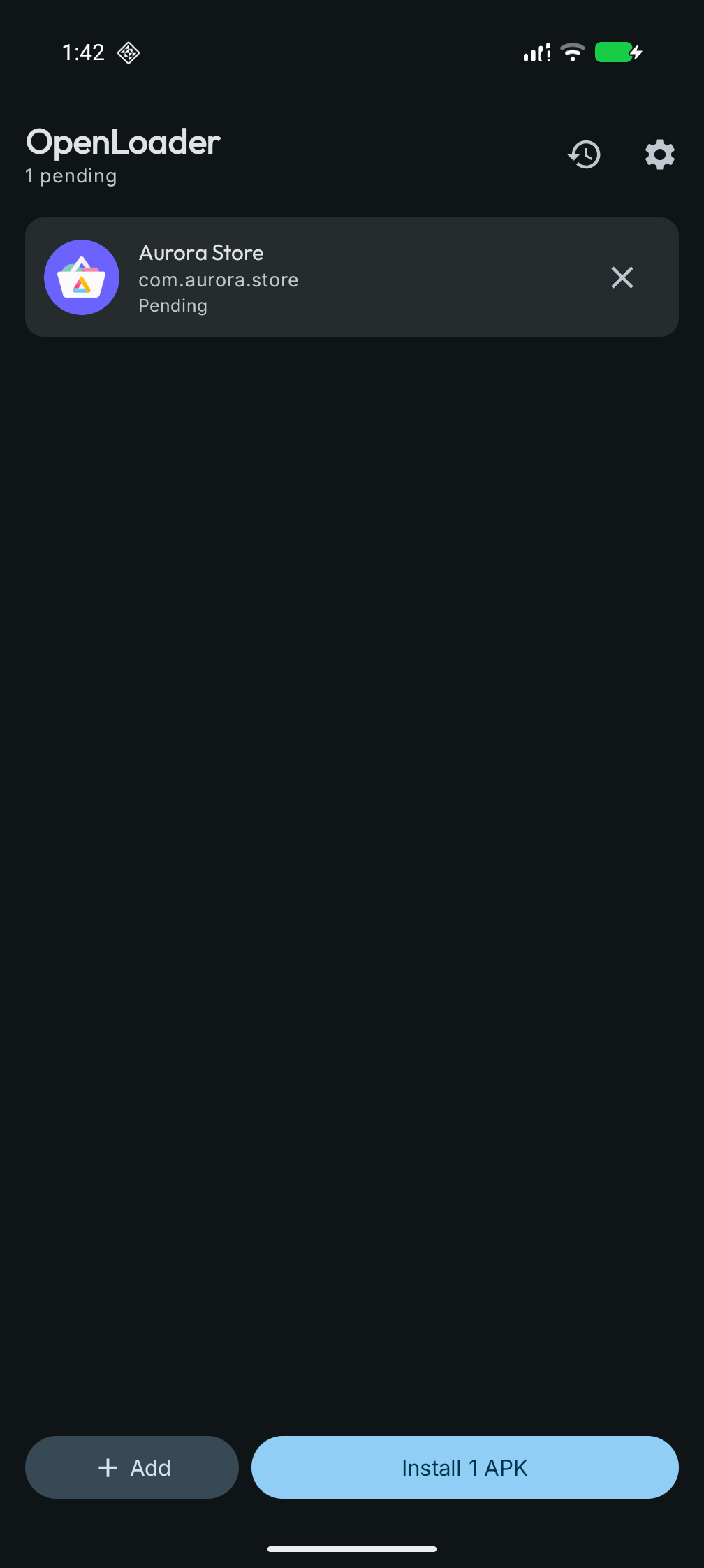
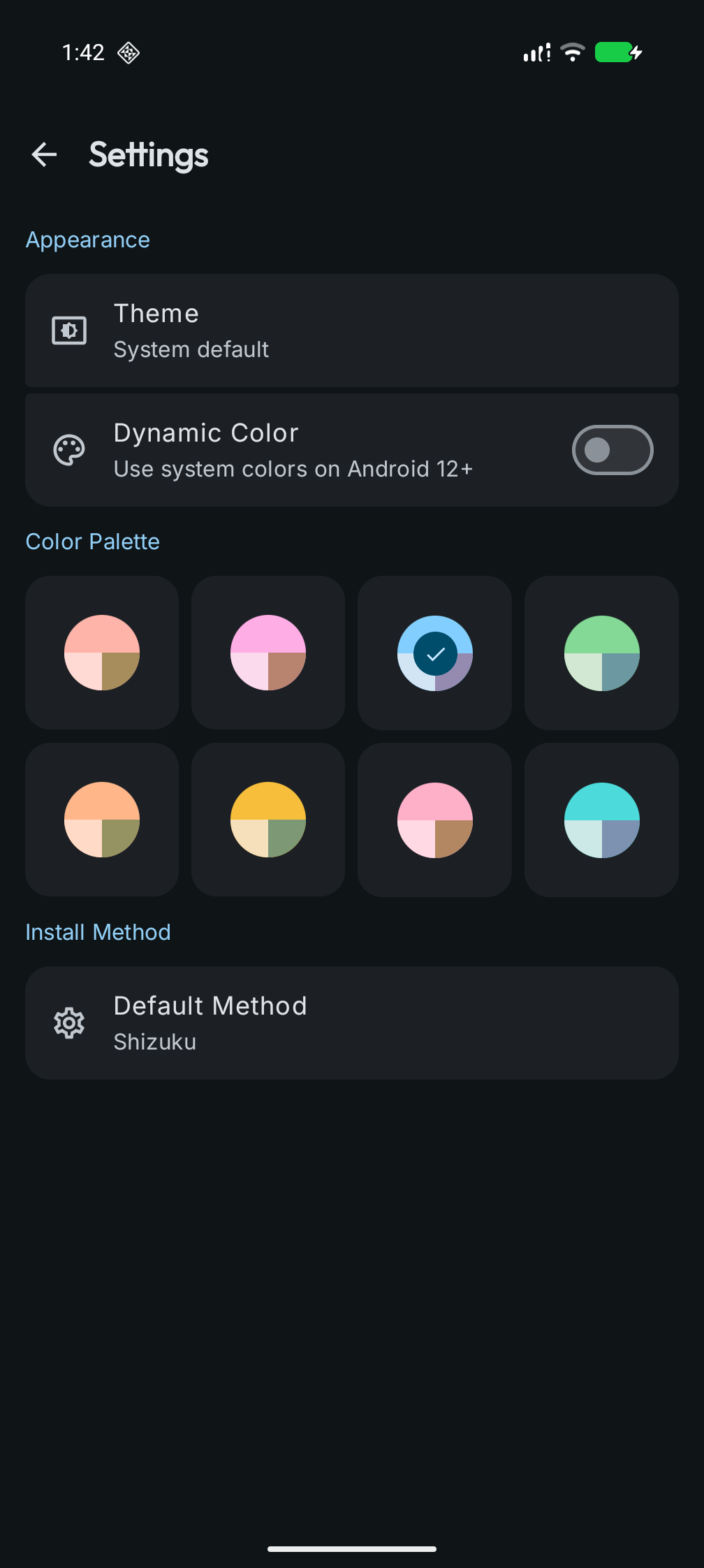
The UI uses Jetpack Compose and Material 3: install queue, install history, and Material You-style theming.
Google Play

Some capabilities:
- Queue multiple APKs and run installs in sequence
- Install history stored locally (survives restarts)
- Wireless debugging pairing helpers and connection checks where applicable
- Settings for install method, appearance, and theme
Contents
- Google Play
- About this repository
- Installation
- Building
- Project layout
- Versioning
- Contributing
- Security policy
- Signing certificate hash
- License
- Authors
- Acknowledgements
- Donation
About this repository
This is the source tree for OpenLoader, published by The Byte Array. Store or website builds are signed with project release keys. Anything you build locally is signed with your own debug or release keystore. When official signing fingerprints are published, they should match Signing certificate hash below.
Installation
These steps get the project building on your machine for development and testing.
Requirements
- Android SDK (via Android Studio or command-line tools)
- JDK 17 or newer
- Git
- Gradle Wrapper included in the repo (
./gradlew)
Kotlin and the Android Gradle Plugin versions are pinned in libs.versions.toml.
Dependencies (libraries)
Notable stack pieces:
- Jetpack Compose, Material 3, Navigation
- Hilt for dependency injection
- DataStore and Protocol Buffers (Kotlin lite) for preferences and install history
- Shizuku API for the privileged install path
- libadb-android for wireless ADB
- Conscrypt for TLS used with ADB transports
- Material Kolor for dynamic theming
- Kotlin coroutines, kotlinx.serialization
Full versions and modules are declared under gradle/ and module build.gradle.kts files.
Building
The :app module uses debug and release build types (no product flavors). Typical commands:
./gradlew :app:assembleDebug
./gradlew :app:assembleRelease
Install a debug build on a connected device or emulator:
./gradlew :app:installDebug
Release builds need your own keystore and signing configuration for the channel you use (Play, sideload, or other).
Project layout
The codebase is split into modules, for example:
| Area | Modules |
|---|---|
| Application | :app |
| Shared UI and design | :core:designsystem, :core:ui |
| Data and domain | :core:datastore, :core:datastore-proto, :core:domain |
| Install backends | :core:adb, :core:shizuku |
| Navigation glue | :core:navigation |
| Installer feature | :feature:installer:api, :feature:installer:impl |
Versioning
Releases follow Semantic Versioning (Major.Minor.Patch):
- Major: incompatible user-facing or integration changes
- Minor: new functionality, backward compatible
- Patch: backward compatible fixes
versionName and versionCode live in build.gradle.kts.
Contributing
See CONTRIBUTING.md. Community expectations are in CODE_OF_CONDUCT.md.
Security policy
Report security issues per SECURITY.md. Do not disclose undisclosed vulnerabilities in public issues.
Signing certificate hash
SHA-256 (release signing certificate fingerprint):
56 bd 4a 46 a9 14 84 23 d3 65 5d 5d c3 28 97 90 ce 73 67 31 8b 94 d0 c4 c1 18 69 f1 94 b4 4d 24
License
OpenLoader is licensed under the GNU General Public License v3.0. See LICENSE.
Authors
Contributor names are listed in AUTHORS.
Acknowledgements
Third-party libraries and notices are summarized in ACKNOWLEDGEMENTS.md.
Donation

If you want to support development, you can send Bitcoin (BTC) to:
bc1qqcfa36sw8fmn8dvrpvewdmjcn75wc6wuys204m
Always verify the address when you copy it. Donations are voluntary and do not buy services or guarantees.
How Shizuku is used
Can install queued APK files via Shizuku using `cmd package install`
This is an AI-assisted analysis of Shizuku-related usages in the app's public source code. It is best effort, so it may not catch every single usage.
How this app uses Shizuku
Shizuku provides the privileged path for installing the APK files the user queues in the app.
- Install queued APKs: the user picks APK files into an install queue and runs the queue, and each file is installed with the
cmd package installshell command run through Shizuku with the file content streamed to the install session.
Android APIs or commands used
cmd package install --user current -S
Notable details
The install queue can also run in a wireless ADB mode, so installation does not require Shizuku when that mode is selected.
Changelog
What's new for version 1.0.2-beta
Permissions
11 permissions requested
More from this category
 ShizuStore
 Droid-ify
 InstallerX Revived
 Universal Installer
 Komi Store
 Vyxel Apps
 APKUpdater
 Neo Store
 Orion Store
 ObtainX
 ShizuCoreFetch
 Aurora Store