 ShizuStore
Omnify Beta
1.0.5-beta.6 · GitHub
More about this app
F-Droid client fork that also installs apps from external sources, with a Shizuku installer and a Works with Shizuku discovery row.









Warning
Free and Open-Source Android is under threat. Google plans to make Android more locked-down, restricting your freedom to install the apps of your choice. Make your voice heard: Keep Android Open.

A clutter-free F-Droid client that also installs apps from anywhere.
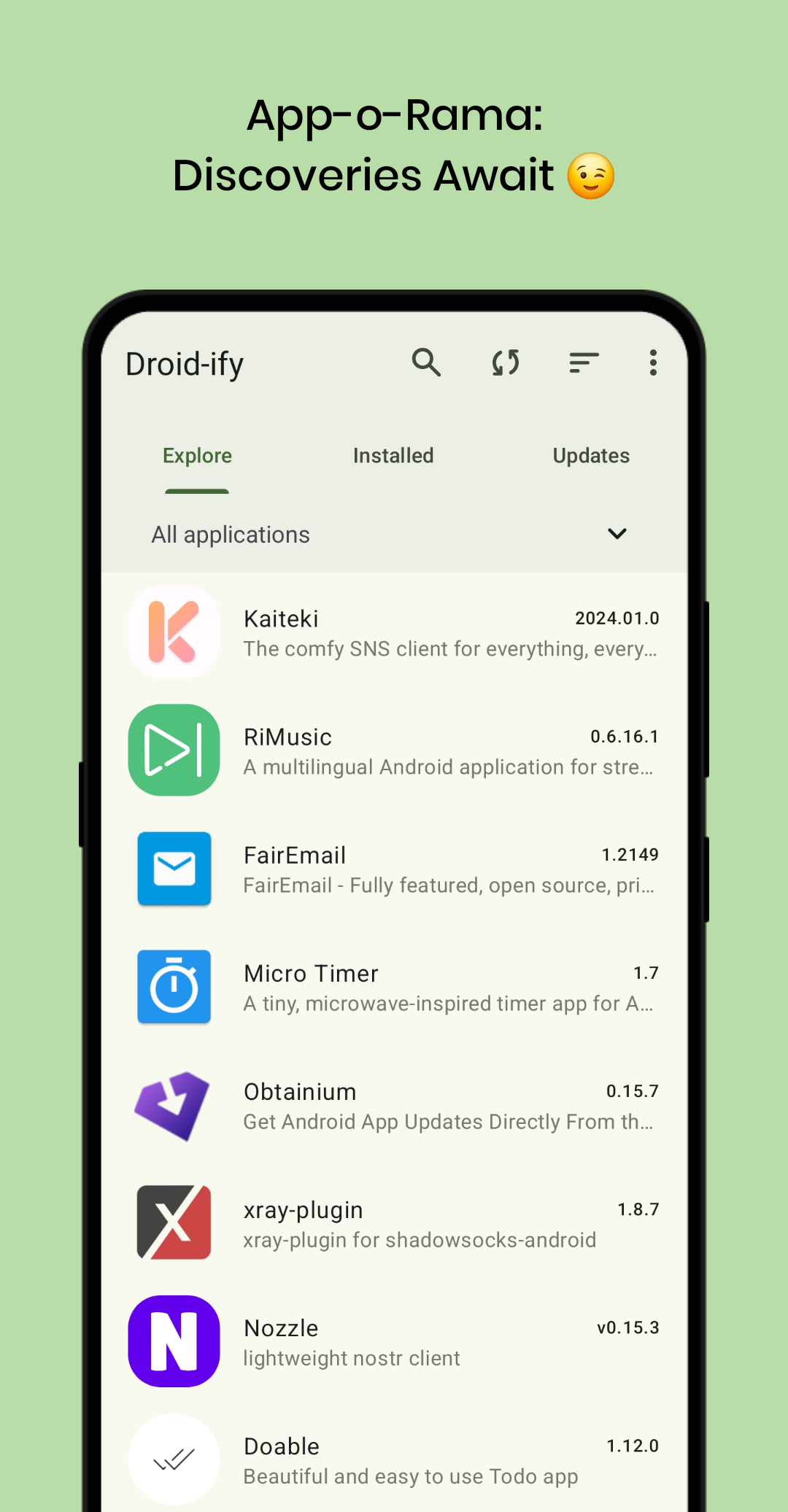
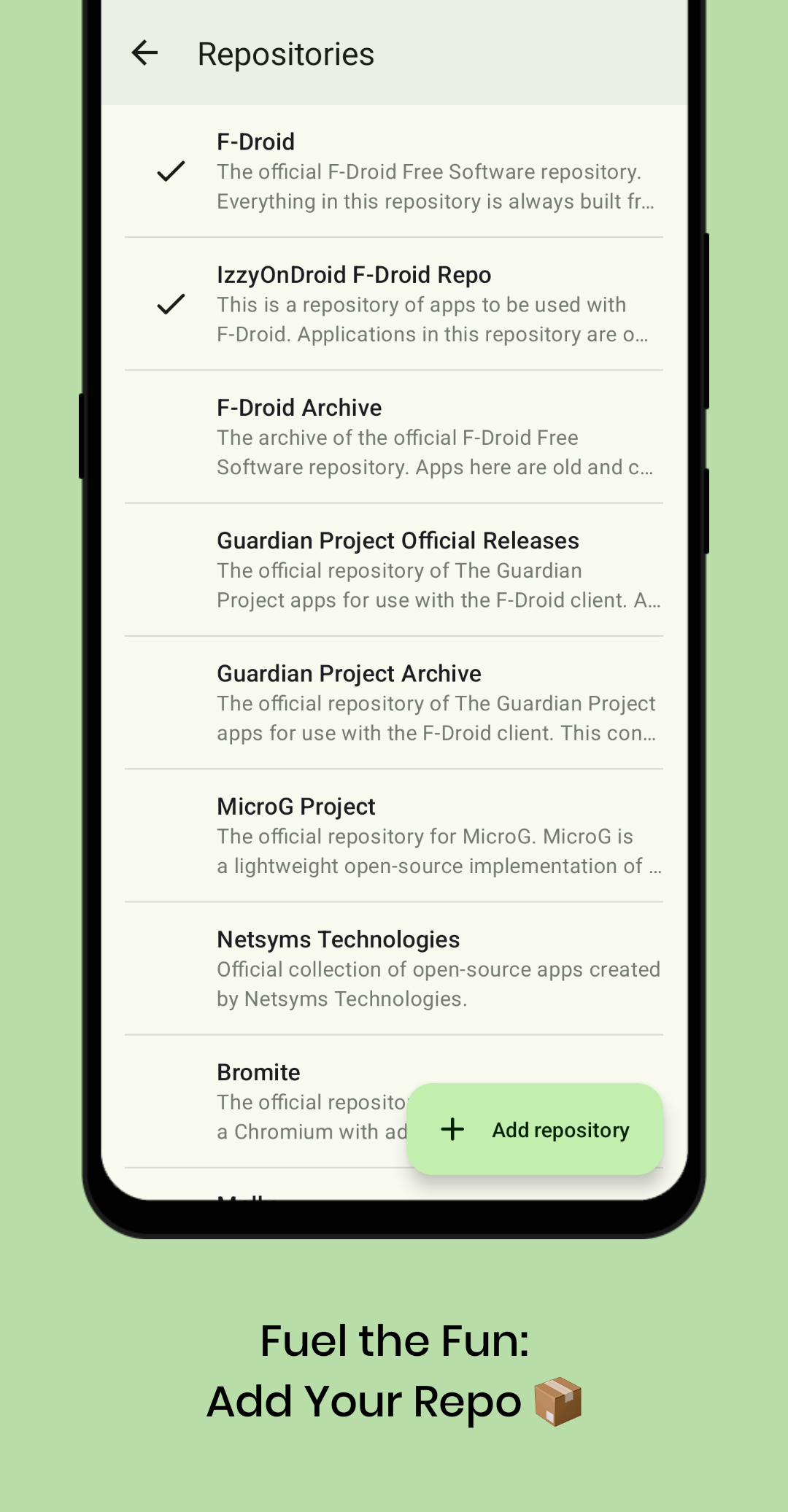
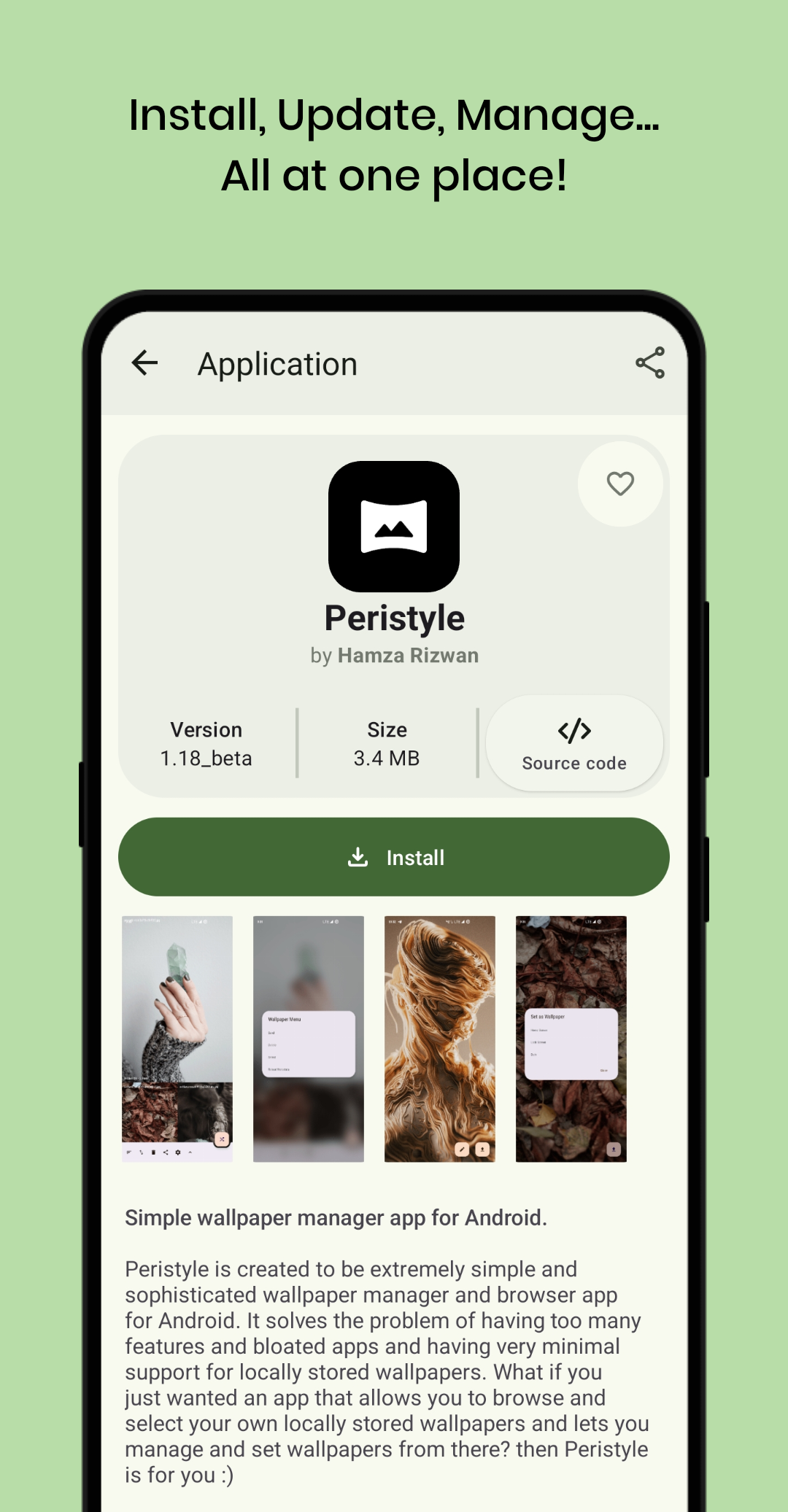
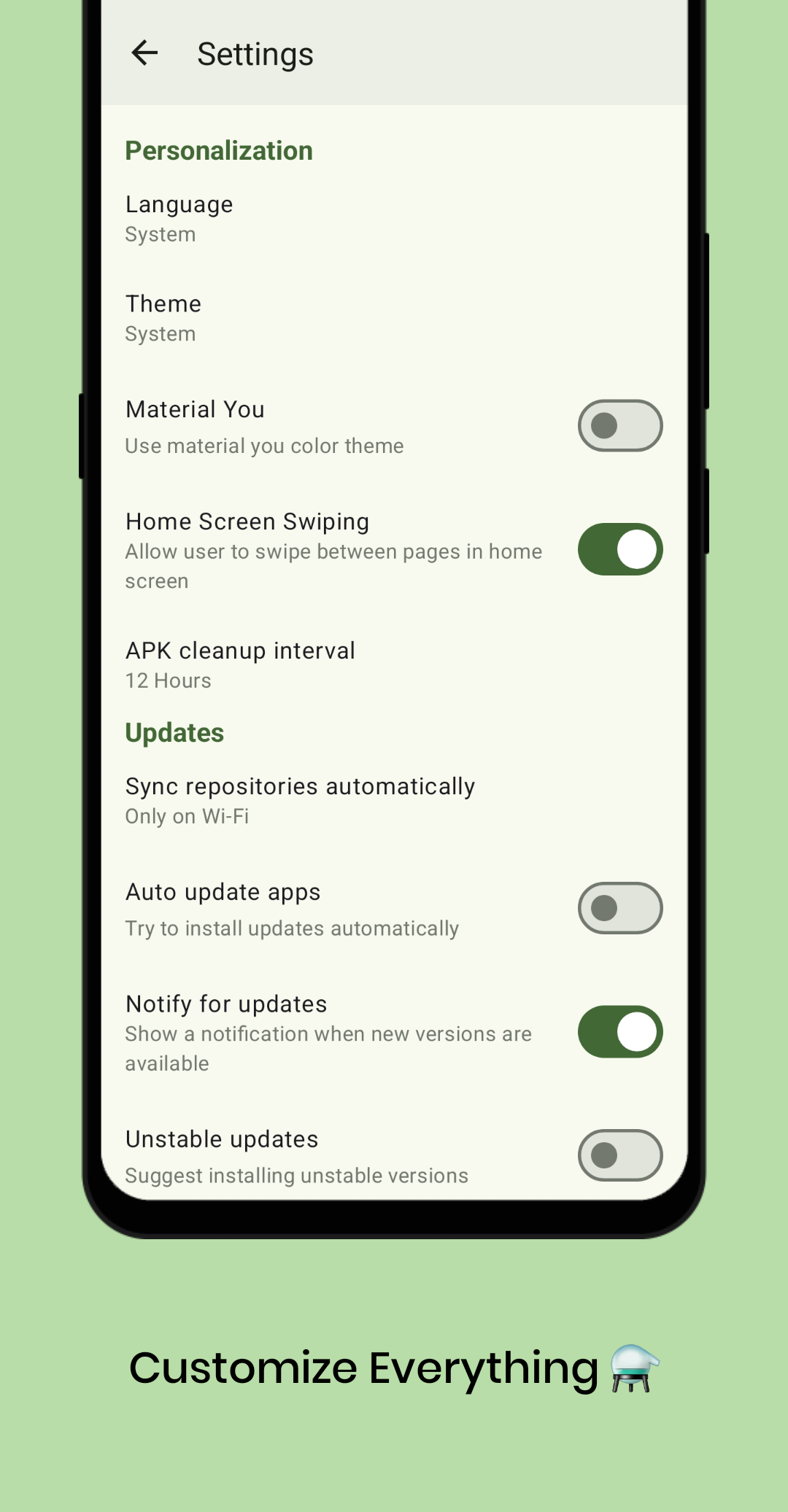
📸 Screenshots
📱 Mobile
📺 Android TV
🧪 This is a beta
Omnify is currently in beta. The core is solid and I use it every day, but might as well say so clearly rather than pretend it's already fully polished. Any problem report is useful and welcome, see the Contributing Guide for how.
External sources deserve the most attention right now. Every GitHub, GitLab, Codeberg or self-hosted Gitea/Forgejo project organizes its releases, descriptions and files a little differently, and Omnify has to figure it out entirely on its own, with no F-Droid index to guide it. Here's what's worth checking on every external source added:
- The app icon and name shown actually match the real app, even before installing
- Tags like root-compatible or an anti-feature are accurate for that specific app
- The version number shown matches what's actually installed
- The supported languages list is correct
- The Google-services badge (and how well microG covers it) reflects what the app actually needs
Projects publish their releases in a huge variety of ways, and a given pattern can only really be made reliable once it's actually been encountered on a real repository. Every mismatch reported on a new source helps make detection a bit more solid for the next one: even a simple "this looks wrong" report is genuinely useful, never just noise.
✨ Highlights
📦 Install apps from anywhere (External sources)
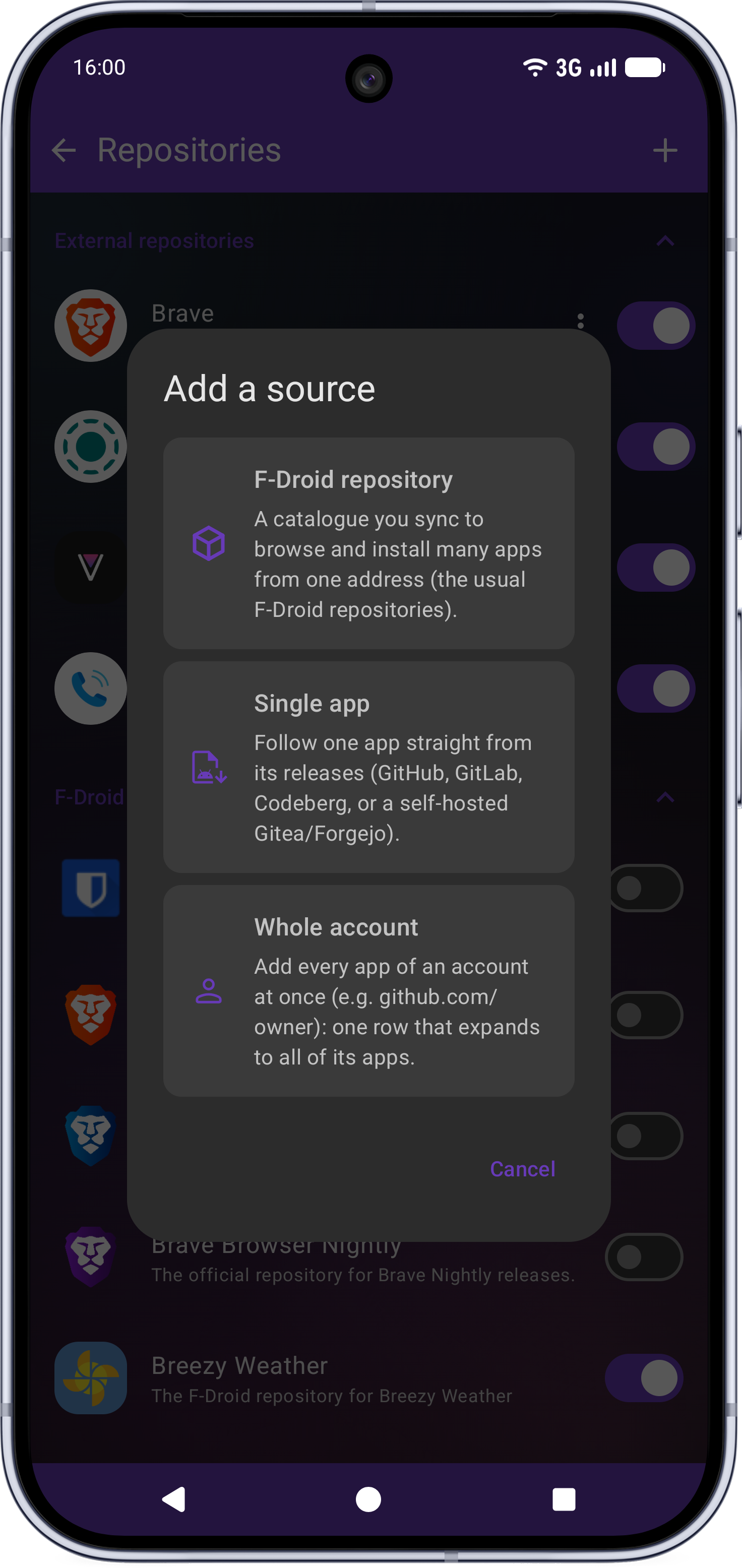
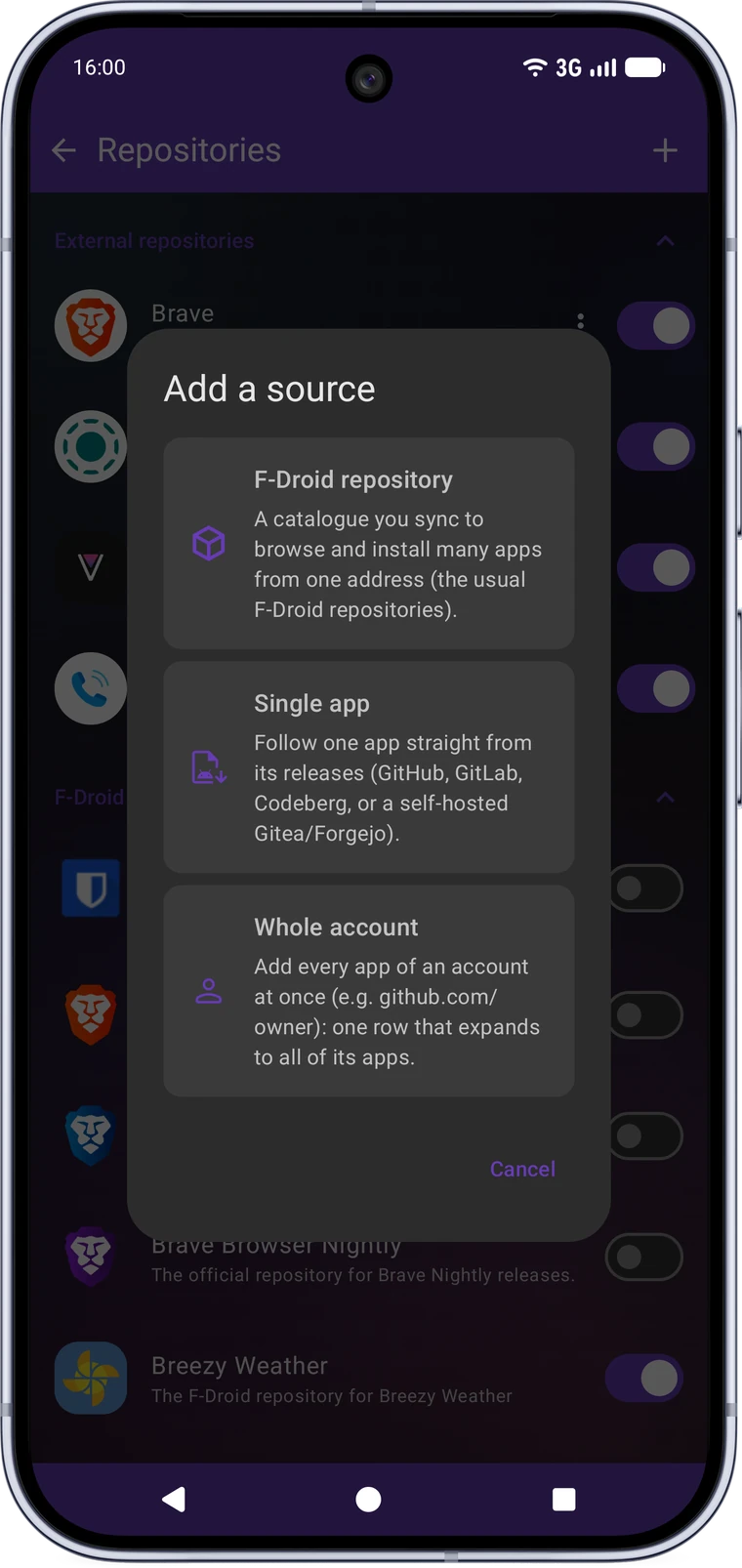
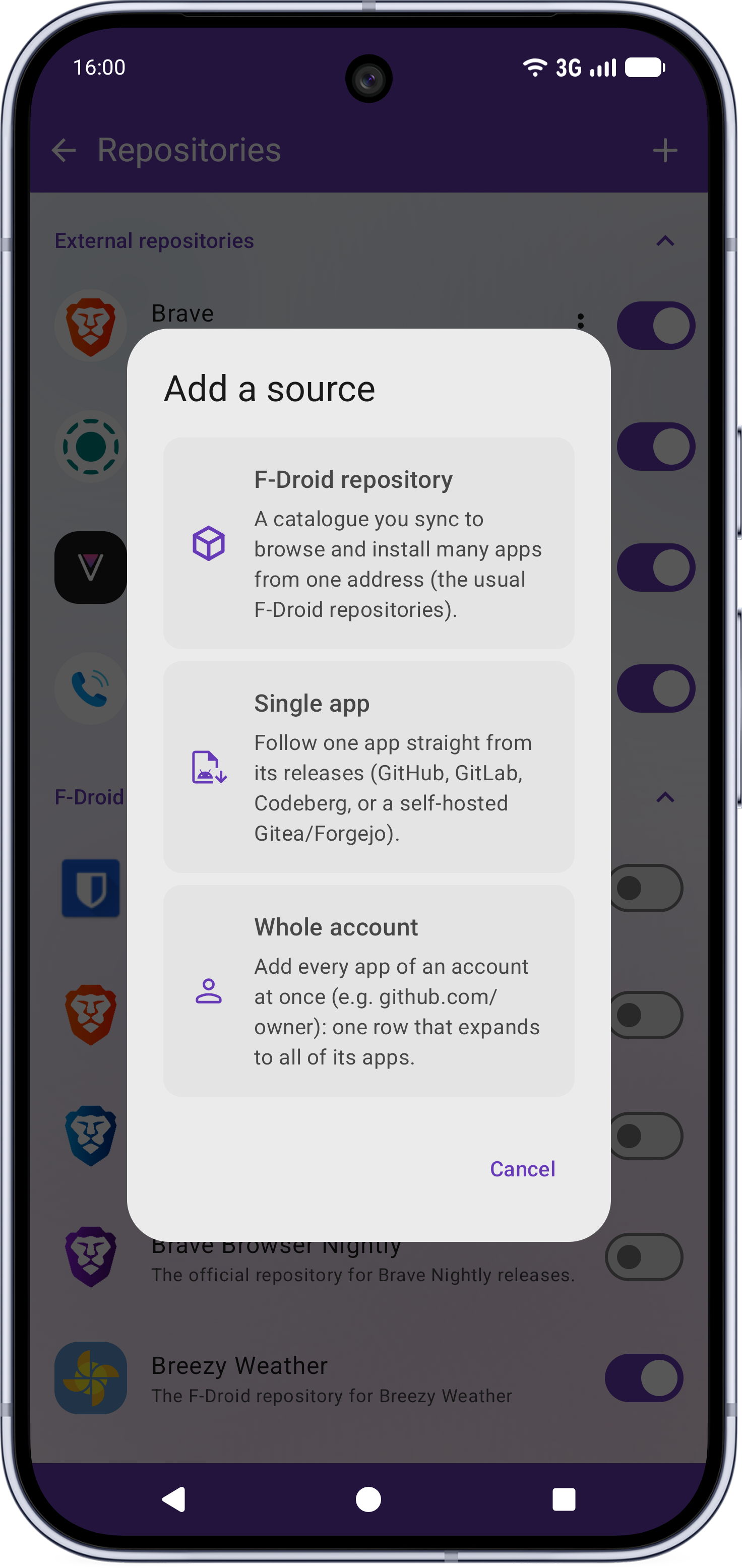
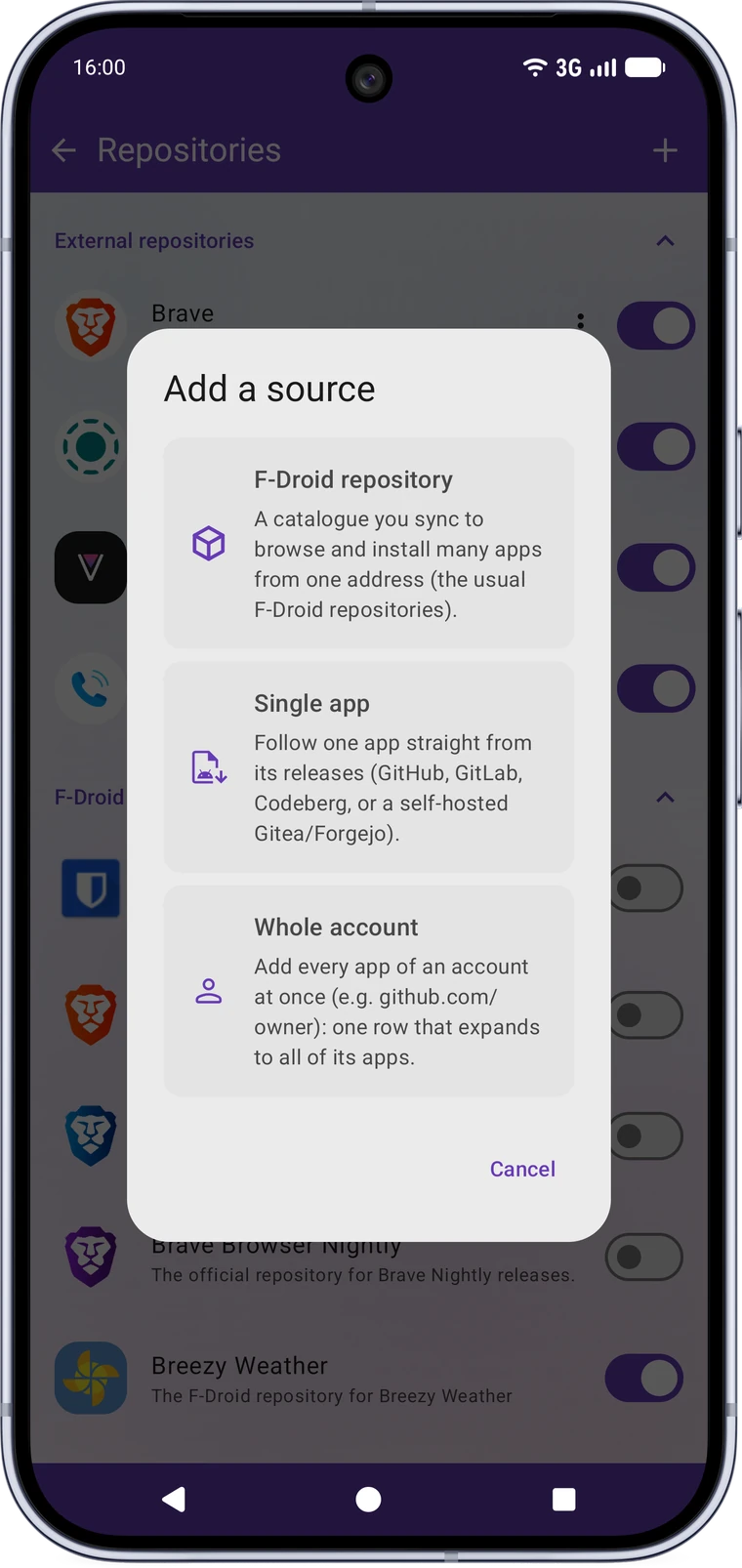
Add a project's GitHub, GitLab, Codeberg, or self-hosted Gitea/Forgejo releases as a source and install & update its app with no F-Droid repository required. Track a whole publisher account at once instead of one project at a time.
- Automatically picks the right APK for your CPU architecture (with an optional name filter), and falls back to an older release if the latest has none compatible.
- Shows the real app name and icon before installing, with a visual icon picker.
- Update notifications in the Updates tab, signature-conflict handling, and the project README rendered in-app.
- Per-source settings (custom name, pre-releases, mute), an optional no-scope GitHub token to lift the API rate limit, and included in your backup.
- Omnify's picks: a curated list of noteworthy sources, disabled by default, one tap away.
🏷️ A badge for your own project
Maintain a project? Put a Get it on Omnify badge in your README and anyone reading it can follow your releases in one tap, without copying an address by hand. Paste your project's address on the badge page and copy the snippet it gives you.

Tapping it opens Omnify on its add-a-source screen, already filled in. Nothing is installed without the reader saying so, and if they don't have Omnify yet the page points them at the download rather than leaving them on a dead link.
📺 Made for Android TV
A proper 10-foot interface, not an afterthought: full D-pad navigation, a scaled-up UI, automatic "Made for TV" detection for both catalogue and external apps, and a curated pack of FOSS TV apps ready to install.
🎨 Modern Material You interface
Rebuilt in Jetpack Compose with Material 3: an accent-colour picker (including a wallpaper-based option, or matching an app's own icon on its detail page), tinted system bars, an edge-to-edge mode, a collapsing header, a two-column grid, animated search and wavy progress indicators.
🧭 Discover home
A curated landing screen with carousels (what's new, recently updated, most downloaded) and a browsable categories section.
👁️ Hide apps you don't need
Hide any app, catalogue or external, from every list (Discover, Installed, Updates) with one tap on its page. Manage what's hidden, or bring an app back, from Settings.
🌍 Built-in translation
Translate an app's summary and description into your language, with a choice of online, self-hosted, or fully offline on-device engines. An optional auto-translate toggle does it for you, and nothing is downloaded until you pick the on-device engine.
💾 Backup & restore
Back up repositories, external sources, settings, favourites and custom buttons independently, all in one file. Restoring only ever adds to what's already there, never wipes it.
🛡️ Security & privacy
- Signing certificate verified against the repository index before any install, with the installed and expected fingerprints viewable and copyable on the detail screen.
- Anti-feature warnings and the full runtime-permission list on the detail screen.
- A badge flags apps that depend on proprietary Google services, and how well microG covers what they actually need.
- Recovers an app's real supported languages even when its own listing doesn't declare them.
- The optional GitHub token is scope-less (it only lifts the rate limit), and translation can run fully offline.
🔧 Stability & bug fixes
Performance
- Unified the data layer on a single Room database, removing the legacy SQLite store, sync service, downloader and index parser.
- Moved list and screen-state work off the main thread, added a baseline profile for faster cold starts, and fixed a freeze (ANR) on the detail screen.
Large catalogues & sync
- Oversized repository rows no longer exceed the SQLite cursor-window limit that could crash the list.
- Reliable sync: auto re-sync after a database reset, no more silent empty-catalogue syncs, a fresh index file each time, and a clear fetching state on first launch. The foreground notification is throttled so it no longer flickers.
Updates & installs
- Hides system-app updates that can't be installed and stops the uninstall-prompt loop for differently-signed system apps.
- Reuses an already-downloaded APK after a signature-conflict uninstall, with no needless re-download.
🚀 Get started
Download: the latest APK from GitHub Releases. Build from source: see the Building Guide.
Requires Android 6.0 (API 23) or newer. See Language support below for translation coverage.
Verify: every release is signed with the same certificate. Compare its
SHA-256 fingerprint (e.g. via apksigner verify --print-certs) against:
F2:2B:D7:B4:63:D8:D8:9C:A1:AC:3B:6C:41:DB:0B:25:AA:C7:7B:86:24:C9:70:E4:52:81:2D:32:19:42:A9:71
🗣️ Language support
Omnify's own interface is fully translated in English, French, German, Russian, Chinese (Simplified), Polish, Portuguese (Brazil), Spanish, Indonesian, Turkish, Italian, Dutch and Japanese. Every other language inherited from upstream Droid-ify only has partial coverage: it's missing everything added in this fork.
If you're a native speaker of any of these languages, a review pass to catch awkward phrasing or mistakes would be very welcome, and adding another language entirely is welcome too. See the Contributing Guide.
🔀 Why this fork?
I use Droid-ify every day, intensively, and over time I ran into bugs and wanted features that really mattered for that kind of daily use. I proposed fixes upstream, but many of them were built with AI assistance, and the Droid-ify project has chosen to stay AI-free. That is entirely their decision to make, so those fixes couldn't be merged. Forking was the only way for me to keep improving the app at my own pace.
To be clear, this is not a fork against Droid-ify. I have deep respect for the original project, its author and its vision for the codebase. Omnify simply serves a different need, my own, and only exists because Droid-ify gave it such a strong foundation.
🙏 Built on the shoulders of giants
- Droid-ify by LooKeR: the base this fork builds on.
- Foxy-Droid by kitsunyan: the client Droid-ify itself grew from.
Huge thanks to both projects and their contributors. Contributions here are welcome too. Start with the Contributing Guide.
📄 License
Omnify, a fork of Droid-ify

Copyright (C) 2025 LooKeR (original Droid-ify)
Copyright (C) 2026 Victor-root (Omnify fork)

This program is free software: you can redistribute it and/or modify
it under the terms of the GNU General Public License as published by
the Free Software Foundation, either version 3 of the License, or
(at your option) any later version.

This program is distributed in the hope that it will be useful,
but WITHOUT ANY WARRANTY; without even the implied warranty of
MERCHANTABILITY or FITNESS FOR A PARTICULAR PURPOSE. See the
GNU General Public License for more details.

You should have received a copy of the GNU General Public License
along with this program. If not, see <http://www.gnu.org/licenses/>.
How Shizuku is used
Can silently install downloaded apps via Shizuku with `pm install-create`, `pm install-write` and `pm install-commit`.
This is an AI-assisted analysis of Shizuku-related usages in the app's public source code. It is best effort, so it may not catch every single usage.
How this app uses Shizuku
Shizuku is used as a silent install method for apps downloaded inside the client, without showing the normal system install prompt.
- Install apps silently: apps the user chooses to install or update are installed in the background through Shizuku by creating a package session, writing the downloaded file into it and committing it with the
pm install-create,pm install-writeandpm install-commitshell commands, including abandoning the session withpm install-abandonif the install fails.
Android APIs or commands used
pm install-createpm install-writepm install-commitpm install-abandon
Notable details
Uninstalls still use the normal system uninstall confirmation, even when the Shizuku install method is selected. The app can also install without Shizuku using the standard system installer methods. The Discover row labeled for Shizuku only lists catalog apps that declare Shizuku support and does not itself use privileged access.
Changelog
What's new for version 1.0.5-beta.6
📋 Changelog
🚀 v1.0.5-beta.6 (2026-09-04)
A follow-up to the downgrade fix in v1.0.4-beta.5, which turned out not to cover every device it was reported from, and a large cut in the requests external sources spend.
🔄 Changed
- External sources use a fraction of the requests they used to. Omnify now remembers each answer and simply asks whether anything has changed since, which costs nothing against GitHub's hourly limit when nothing has. Checking a project that hasn't published is effectively free, and opening an app's page no longer asks the same question three times over.
- The website follows your system's light or dark setting, and its theme button cycles system, light and dark instead of locking onto one for good.
- A repository link opens the add screen already filled in. Send someone an
fdroidrepos://link (or an fdroid.link page) and Omnify fills in whatever it carries: the address, the fingerprint, and the username too if the link names one, leaving them the password to type and nothing else. A link that says less just leaves more of the form to fill in. Omnify already answered these links; it opened an empty form. - A repository you added yourself now sits at the top of the F-Droid list, above the several dozen Omnify ships with.
- A repository keeps the logo it declares. One serving a single app had that app's icon put in its place; this now only happens for a repository that declares no logo at all.
- Adding a repository switches it on and syncs it, so it shows its real name right away instead of the address you typed.
- "Skip" on the add-a-repository screen now reads "Add without checking", which is what it does: it saves a repository that can't answer right now, such as one that is offline or behind a VPN.
- The new repository texts are translated into every language Omnify ships with, rather than showing up in English inside an otherwise translated screen.
🐛 Fixed
- A first launch with no connection says so, and gets going the moment the connection is back. The catalogue cannot load without one, and the home showed a header above an empty page with nothing to say whether anything was coming, which reads as an app that has broken. Turning Wi-Fi on then meant waiting minutes more for Android to get round to noticing. The page now explains itself, and the download starts as soon as the device is online. With a catalogue already downloaded there is no empty page to explain, so a banner under the tabs says it instead: your apps are all still listed, but nothing can be synced or installed until the connection is back.
- Omnify never offers a version older than the one you have, whatever the build numbers say. Two publishers of the same app number their builds on unrelated terms, so the version names you actually see (7.1.0 against 6.0.0) are now compared as well.
- An app installed from its own project is no longer offered an older build from the catalogue, on the app's own page as well as in the Updates tab. The signing key settles who an app belongs to now, since a build the catalogue never signed never came from it. Installing the catalogue's build on purpose is still available under "Show all versions". (#1)
- "Update all" now updates all of them. It counted and installed only the catalogue half of the Updates tab, so the button read "(3)" above a list of four whenever one came from a project you follow. It covers both halves now, as the automatic installer already did.
- An update running from the Updates tab shows on the page of the app it is updating. Apps from a project you follow were the exception: opening one mid-update showed an idle page offering to start the update that was already running. Its progress now shows on the page and on the version being fetched, and Cancel there stops it.
- Android TV announces updates from projects you follow. Its Updates screen and the badge beside it counted repository apps only, so an update from GitHub or GitLab showed up nowhere: the only way to find it was to open the source's own page. Both halves are listed there now, exactly as on the phone.
- A repository address is no longer refused over a character you cannot see. A byte order mark, a stray space, a line ending left on a paste: any one of them meant "invalid address", with both save buttons greyed out and nothing on screen saying why.
- An address pasted with a second line is refused, and says which problem it is. The two lines used to be welded into one address nobody had typed, which was then looked for on a server that had never heard of it. The field shows a single line whatever it holds, so nothing on screen gave the second one away.
- Adding a repository actually adds it. The address was accepted and the check passed, then nothing: the screen stayed open and no repository appeared. It closes on success now, and says so when a save fails.
- The keyboard no longer covers the add-a-repository form, leaving the fields underneath it out of reach with nothing to scroll.
- "Last updated" on a repository's page is translated like the rest of that screen, in every language the app ships with.
- A repository behind a password shows its logo, its apps' icons and their screenshots. All of them were fetched without the login and refused, so nothing was ever shown.
- The same repository can no longer be added twice under its two spellings, with and without
/fdroid/repo. - Adding a source you already follow says so, instead of claiming it was added. A badge link for a project already in your list reported "Added" and added nothing, because the check ran before the list had been read.
- Settings shows the language the app is really in. It still read "System" after a language was chosen in Android's own per-app language screen, which is where Omnify sends you on Android 13 and up. Choosing "System" on older Android now really hands the app back to the device instead of asking for a language called "system".
- A language list no longer turns into the app's own name when a project names its translation files after itself, such as
app_DE.json. - Syncing a repository no longer leaves files open after reading its index or applying an update to it.
🐛Feedback and bug reports matter a lot at this stage, don't hesitate to open an issue.
🛡️Verify: every release is signed with the same certificate. Compare its
SHA-256 fingerprint (e.g. via apksigner verify --print-certs) against:
F2:2B:D7:B4:63:D8:D8:9C:A1:AC:3B:6C:41:DB:0B:25:AA:C7:7B:86:24:C9:70:E4:52:81:2D:32:19:42:A9:71
Permissions
16 permissions requested
More from this category
 ShizuStore
 Droid-ify
 InstallerX Revived
 Universal Installer
 Komi Store
 Vyxel Apps
 APKUpdater
 Neo Store
 Orion Store
 ObtainX
 ShizuCoreFetch
 Aurora Store