 ShizuStore
NBT Editor
1.0.3 · GitHub
More about this app
An Android NBT editor for Minecraft Bedrock, powered by Shizuku for /data access





Tip
It's finally halfway stabilized, and there's still some stuff that will be added later on
Warning
I know there will be problems, but I still have to apologize
This application code is written by deepseek v4
Tip
Do you want to participate in this, add application functions, modify functions, etc.
Please fork and submit a PR, or patch and tidy it up yourself after forking.
Table of contents
directory listing
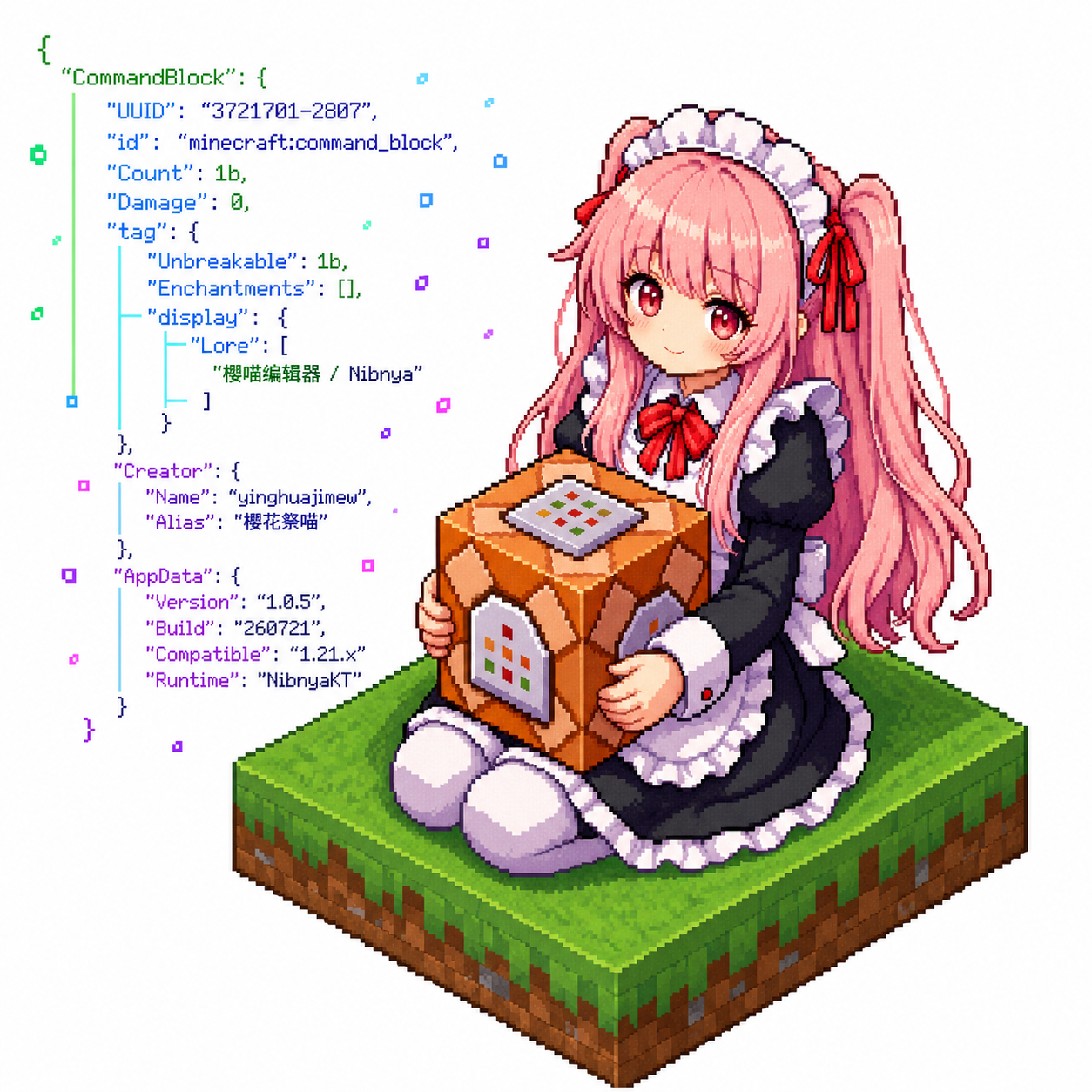
🌸 Project introduction
The imitation Blocktopograph is not directly adapted from him. Just like a tire, a similar
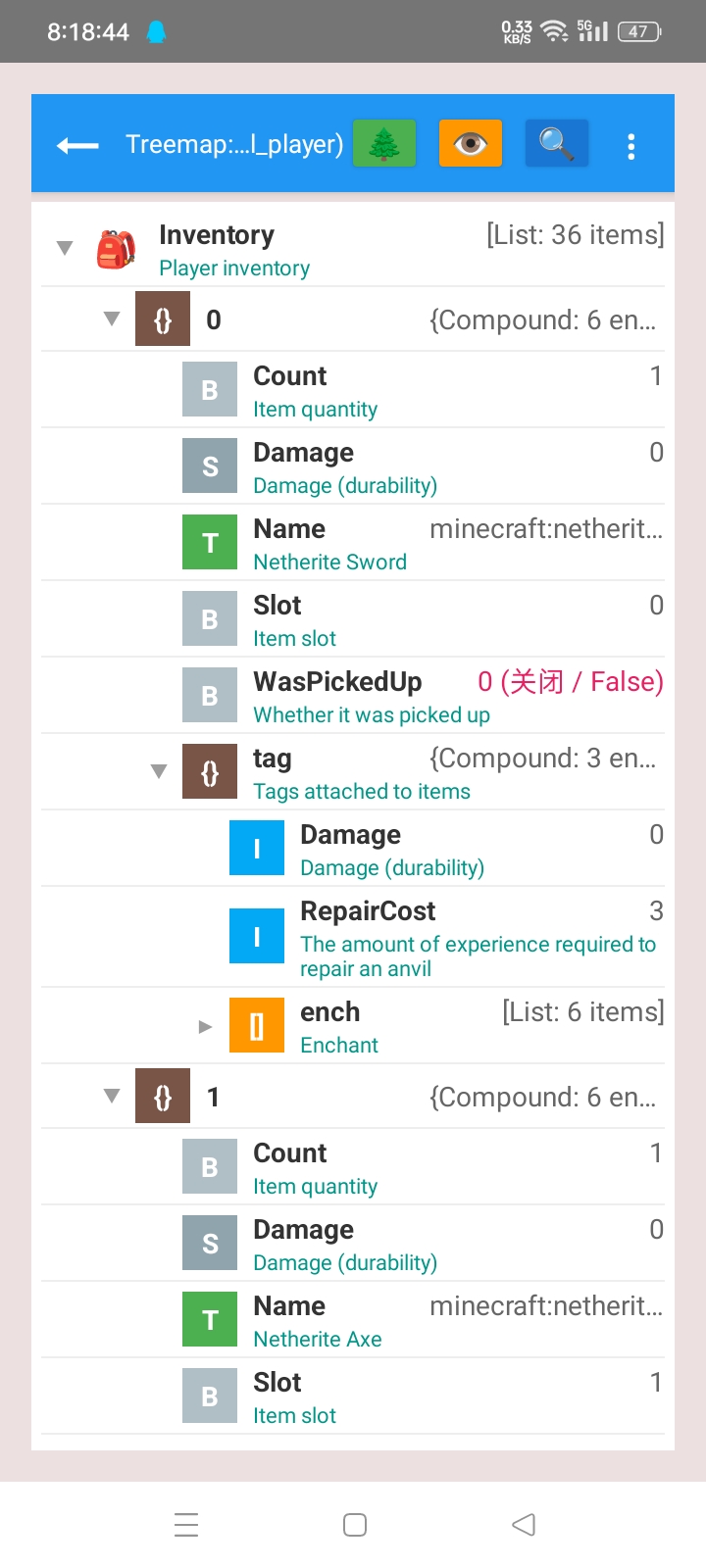
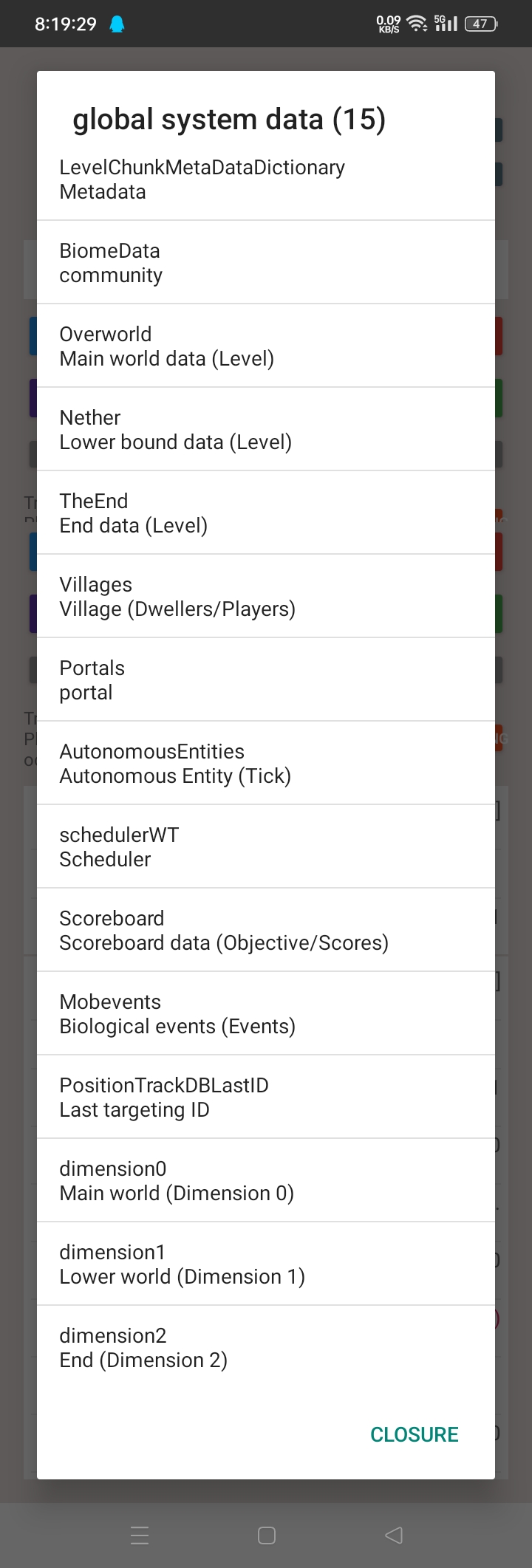
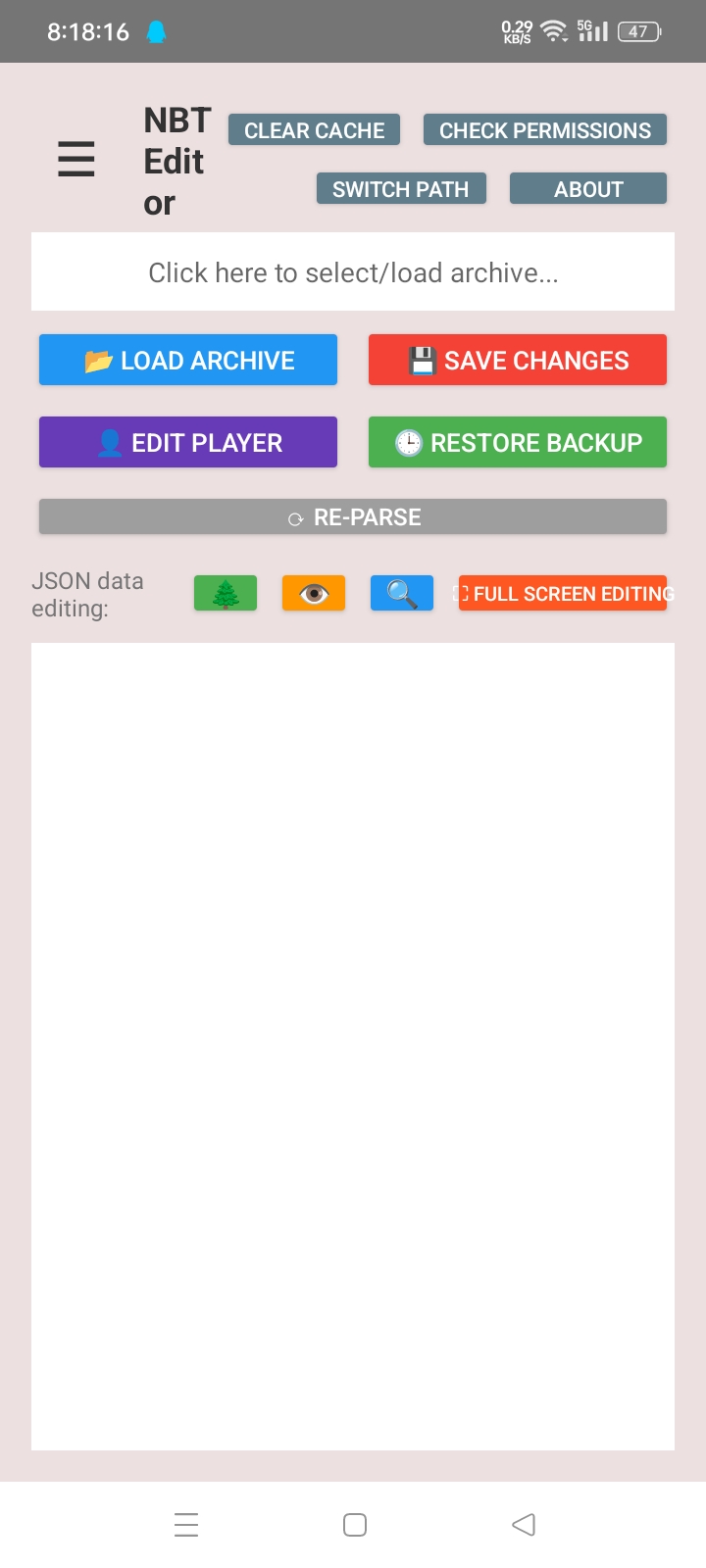
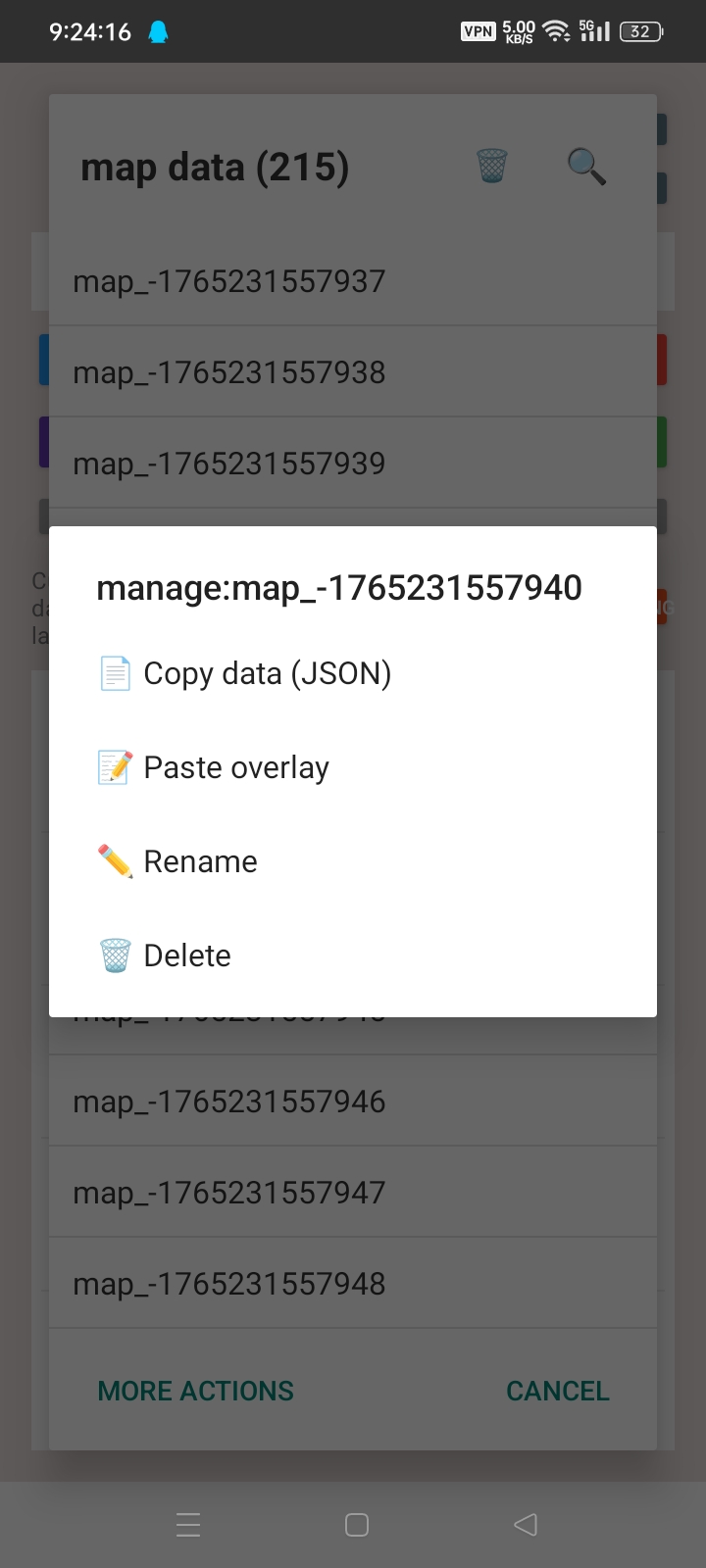
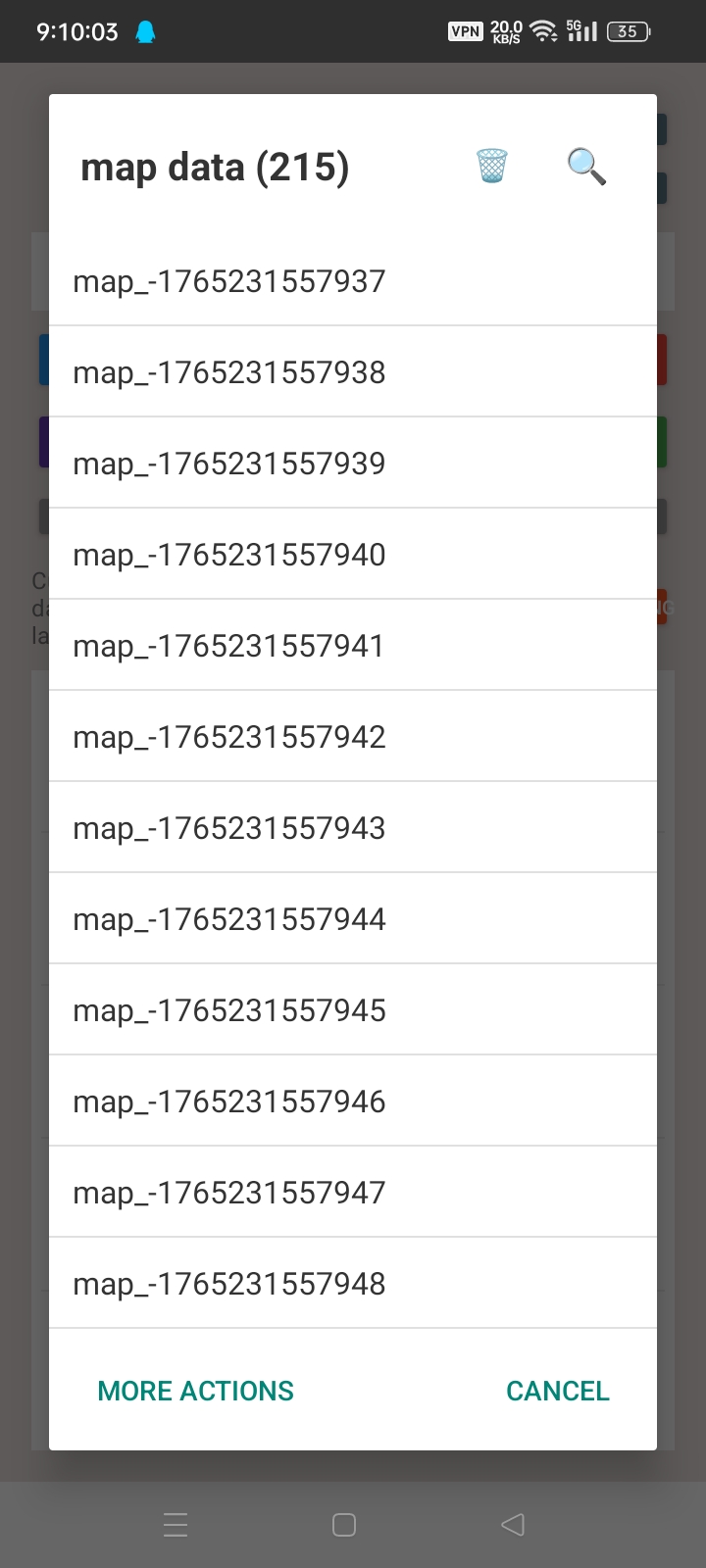
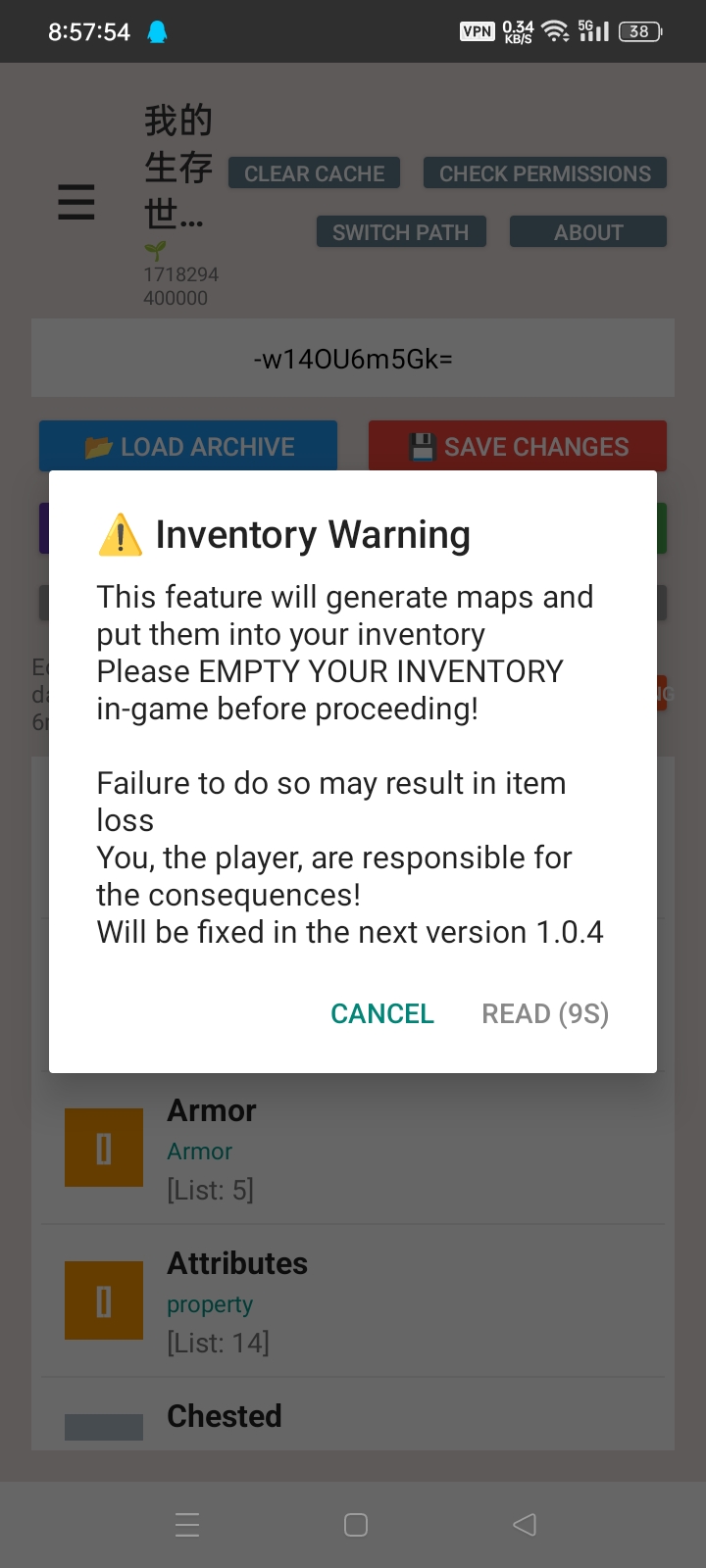
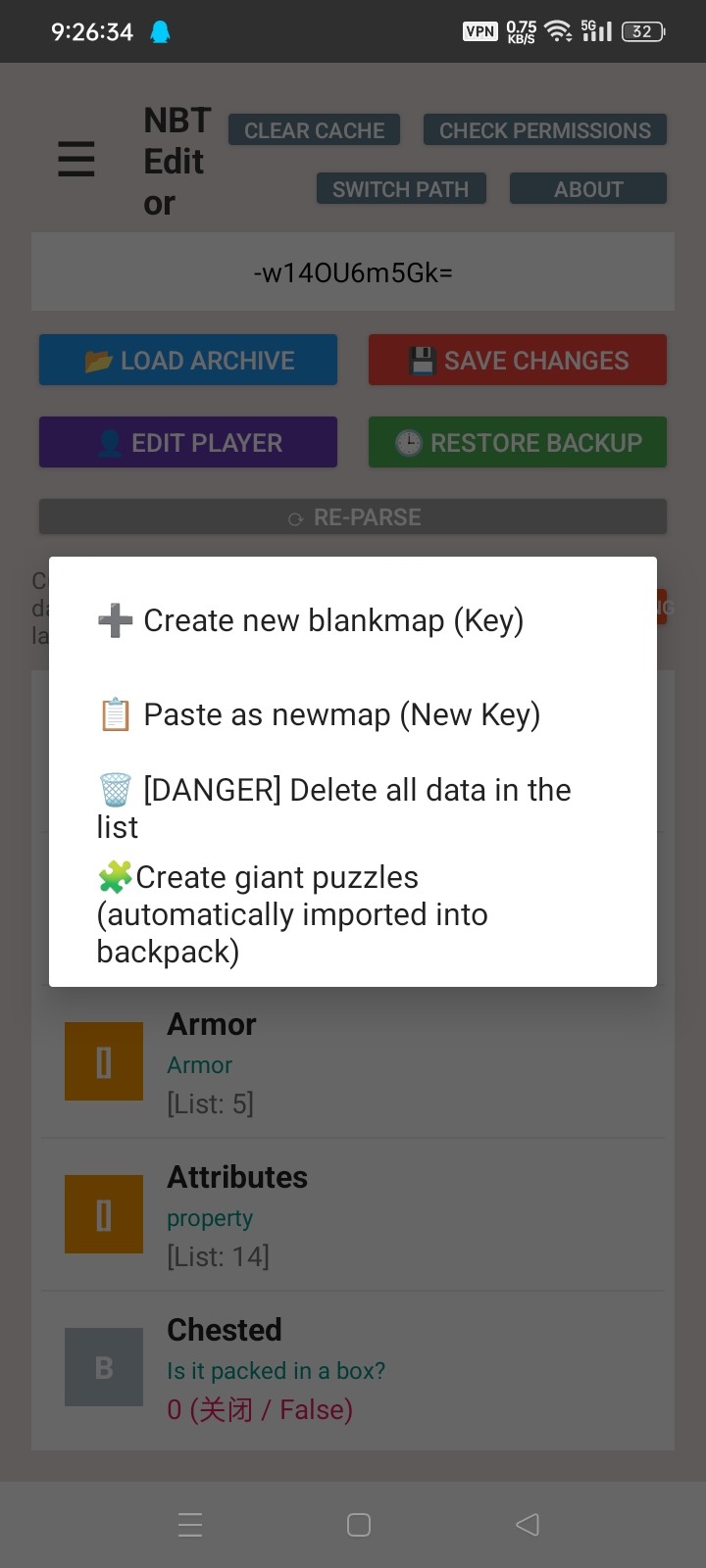
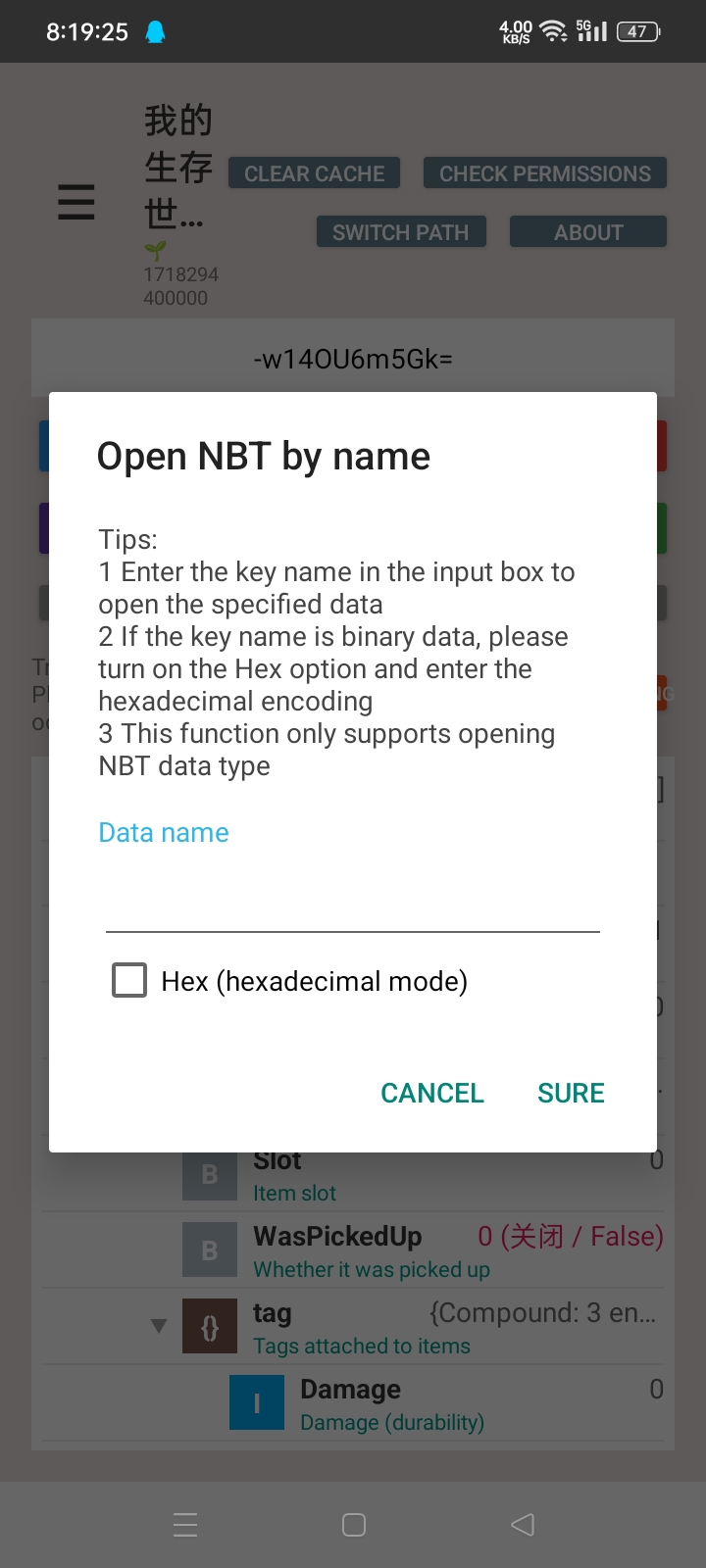
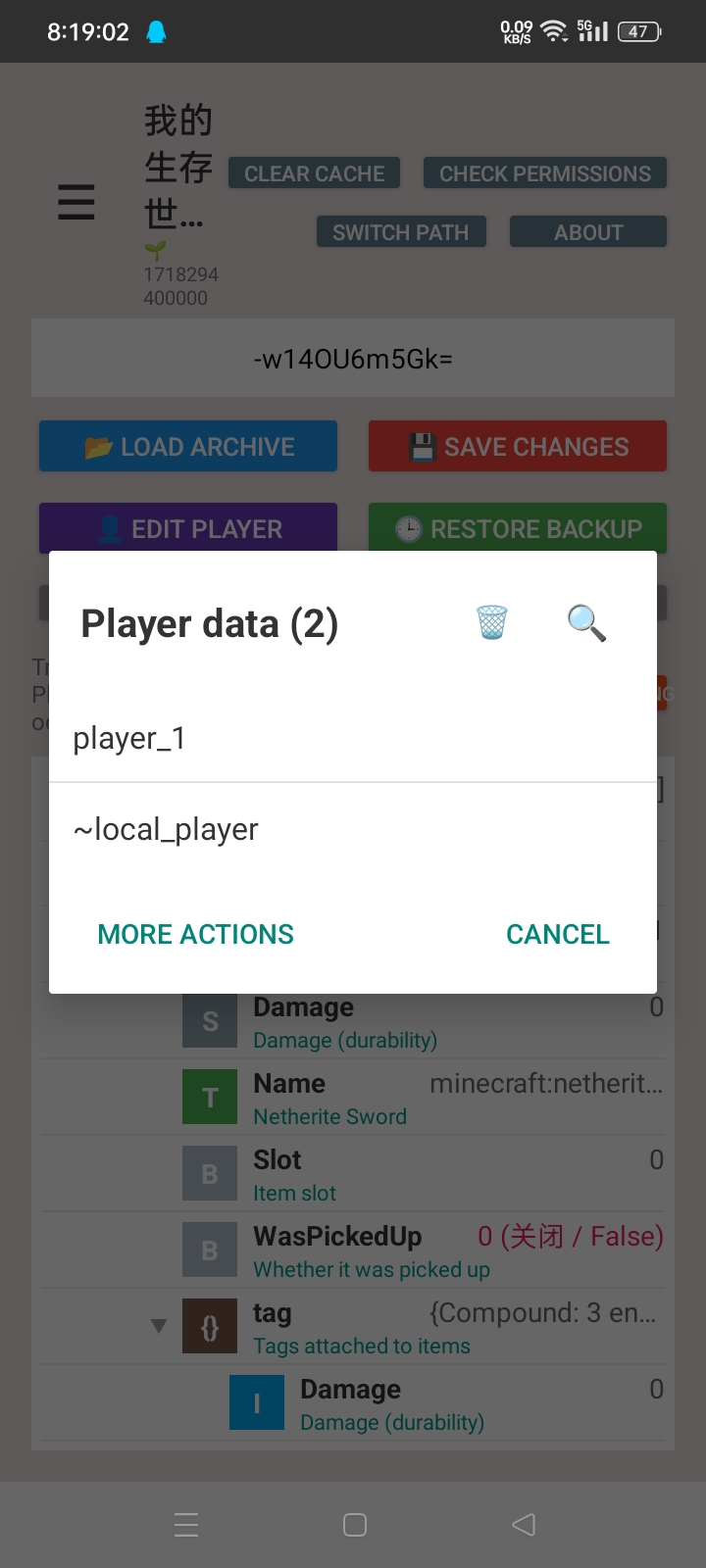
🖼️ App screenshots
🌸 View app interface preview


🚀 Get started quickly
📺 Introduction to use
Introduction and usage tutorial:

Tip
Make sure you have the basicsShizukuuse, the app will ask for
Otherwise, you will be unable to access Android/data Minecraft files.
Currently only supports Android 9 ~ 13
Obtaining all file permissions is for the download directory to read and write to the old directory and the private directory.
📄 Change log
Update catalog
- I need to take some time.
Other ideas and modifications are still being implemented
👥 Thank you list
@Yejdhi Provided me with many methods and modification ideas
@LeviMC Provided me with methods and ideas for modifications
(It is also recommended to take a look at LeviMC’s open source projects)
📜 Open source agreement
This project uses AGPL 3.0 protocol
How Shizuku is used
Can find, open and save Minecraft Bedrock worlds and player data via `sh` commands
This is an AI-assisted analysis of Shizuku-related usages in the app's public source code. It is best effort, so it may not catch every single usage.
How this app uses Shizuku
Shizuku is used to reach protected Minecraft save data so worlds can be listed, opened, edited and written back.
- Find game worlds: the user can list available worlds from protected game storage, checked with the
lsshell command through Shizuku. - Read world names: the display name for each world is read with the
catshell command through Shizuku. - Open world settings: the world settings file is copied out with the
cpshell command and made readable with thechmodshell command through Shizuku so it can be viewed and edited. - Open player data: the player database is copied out with shell copy commands and prepared with create, cleanup and permission commands through Shizuku so player and related entries can be viewed and edited.
- Save edits back: edited world settings and player data are copied back into the game location with shell copy commands through Shizuku.
Android APIs or commands used
lscatcpcp -rfchmodmkdir -prm -frm -rf
Notable details
When the selected game folder is directly readable the app copies files normally and only uses Shizuku for protected locations.
Changelog
What's new for version 1.0.3
Permissions
4 permissions requested
Sources
2 sources
Sources
2 sources
More from this category
 SwiftSense
 AimBuddy
 LAC Tool
 MaaMeow
 BDroid X
 Cinderbox Companion
 神原
神原
 PF Tool
 Stalker
Ascent
Stalker
Ascent
 Okkei Patcher
 CloudSync