 ShizuStore
MultiStore
0.8.0-BETA · GitHub
More about this app
Aggregates third-party app stores into one catalogue to search, compare, download, and update APKs

MultiStore
One search across many Android app stores.
Search them all at once, compare what each one publishes for the same app, and install from the source you choose, through the same verification pipeline every time.







Install
- Download and install the
.apkfrom the latest release. - Open it. Android asks once whether MultiStore may install applications. That is the
REQUEST_INSTALL_PACKAGESpermission, which any app that installs other apps needs. If your device makes that setting hard to find, MultiStore has a shortcut straight to it. - That is all. From then on MultiStore offers its own updates the same way it offers everyone else's, from a signed index it verifies before applying.
Requires Android 8.0 (API 26) or newer.
Verify what you downloaded
Every release is signed with the same key, and that key will not change. Android refuses an update signed by a different one, so a mismatch is worth stopping for.
apksigner verify --print-certs multistore-<version>.apk
Signer #1 certificate SHA-256 digest:
1c55e627f183f0f3d0e16fc67b211f4f1bd7a7b228ee414c4a9e4eaa0da5d506


What it does
One search, many sources. A query fans out to every enabled store in parallel; results stream in as each answers and are grouped into one row per app, with every store that has it listed underneath. Nothing waits for the slowest source, and a store that fails or gets rate-limited is named next to the results instead of silently vanishing.
It says which one to trust. Not every store is the same. Some publish a SHA-256 for each file, some publish the package name, some redistribute modified builds. The app page reports what verification was actually able to prove, and "verified" and "not contradicted" are different sentences. Settings says what to expect from each source.
It admits when it cannot be sure. Stores disagree about package names, and some publish none at all, so "the same app on two stores" often has to be inferred. Below a confidence threshold nothing is merged silently: the second listing shows up as a possible match with the reason, and the choice is yours.
Seven checks before anything is installed. Size, streamed SHA-256, archive read with apksig,
package-name match against the listing (a hard, non-bypassable block), signer comparison against the
already-installed certificate including v3 key rotation, anti-downgrade, and a record of what was
installed from where. The file that is verified and the file that is installed are the same bytes:
the hash is computed while writing into the install session, not before it.
Split containers install properly. XAPK, APKM and APKS bundles are opened, the right ABI and
density splits are chosen for the device, every language split is kept, and base plus splits go into
a single PackageInstaller session.
Updates come from the store the app came from. Changing publisher mid-life breaks the update at the OS level, so each installed app remembers its own update channel. You can change it deliberately and get warned about the signature conflict.
Three ways to install. The standard system confirmation always works; Shizuku and root, where available, install silently. No feature requires a privileged channel. Where one is only available with it, the interface says so.
Everything stays on the device. No telemetry, no accounts, no analytics. The diagnostics log is off by default, lives locally, and is exported by you as a plain-text file you can read before sending it anywhere.
Five languages, light and dark. English, Italian, French, Spanish and German, all complete or the build fails. Every screen has a screenshot baseline in both themes, and each one is run through the Accessibility Test Framework.
What it is not
MultiStore does not host, mirror or rehost anything. It reads publicly reachable pages the way a browser does, on requests a person has just made. It does not solve captchas, forge TLS fingerprints or rotate addresses to get around a block. Where a download genuinely needs a human tap, you make it. See Anti-bot: the line.
Stores
The sources MultiStore reads today:
- AN1
- APKCombo
- APKMirror
- APKMODY
- F-Droid
- LiteAPKs
- MODYOLO
- PDALIFE
- Uptodown
This list grows as adapters are added, and each one can be switched off individually in Settings. What each source publishes, how it is reached and the traps it sets are in REFERENCE.md, all of it measured against the live sites rather than read off documentation.
Building
export JAVA_HOME="/path/to/a/jdk-17-compatible-jdk"   # Android Studio's JBR works
./gradlew :app:installDebug
Requirements: JDK 17 bytecode target, Android SDK with compileSdk 37. The Gradle wrapper is
included.
| Variant | Command | Purpose |
|---|---|---|
debug |
./gradlew :app:installDebug |
day-to-day development |
minified |
./gradlew :app:installMinified |
release with R8, but installable. Use this before trusting a library that resolves by name |
release |
tools/release.sh |
distribution artifact; unsigned unless .secrets/keystore.properties exists |
Full checks:
./gradlew build checkDependencyRules lint verifyRoborazziDebug
Tests and guardrails
A set of executable guardrails enforces the rules the project will not bend on: no hardcoded strings in any language, translation parity across all five, every settings field reachable from the UI and actually drawn, both themes captured for every screen, no backup escape for private folders, and the module dependency rules. They run offline in seconds.
A nightly canary runs the parsers against the real sites and opens an issue when a store changes shape. It is deliberately non-blocking: it is neither offline nor deterministic, so it must not be able to fail a build.
./gradlew :guardrails:test               # the guardrails
./gradlew checkDependencyRules           # module boundaries
./gradlew :store:apkmirror:canaryTest    # one adapter against the live site
More detail
REFERENCE.md covers the architecture, the module graph and its enforced dependency rules, the verification pipeline step by step, the installer channels, split containers, version selection, the signed remote-configuration channel, caching, the anti-bot boundary, and the per-store notes.
Contributing
Adding a store is a checklist that touches no core module: see
REFERENCE.md § Adding a store. If you find yourself needing to change
:core:* to make an adapter fit, the contract in :store:api is incomplete: fix the contract, not
the caller.
License
How Shizuku is used
Can silently install, update and uninstall apps plus place game data via `pm` commands through Shizuku.
This is an AI-assisted analysis of Shizuku-related usages in the app's public source code. It is best effort, so it may not catch every single usage.
How this app uses Shizuku
Shizuku is used for silent app management without system confirmation screens.
- Silent install apps: downloaded APKs and split bundles are installed or updated in the background with the
pm install-create,pm install-writeandpm install-commitshell commands through Shizuku, with failed sessions cleaned up. - Silent uninstall apps: installed apps are removed in the background with the
pm uninstallshell command through Shizuku. - Place game data: extra data files for games that need them are written to their shared storage location with privileged shell file commands through Shizuku after the app installs.
Android APIs or commands used
pm install-createpm install-writepm install-commitpm install-abandonpm uninstallmkdir -pcat >
Notable details
Without Shizuku the app still installs and uninstalls using the normal system installer with user confirmation.
Changelog
What's new for version 0.8.0-BETA
v0.8.0-BETA
New — the comparison table
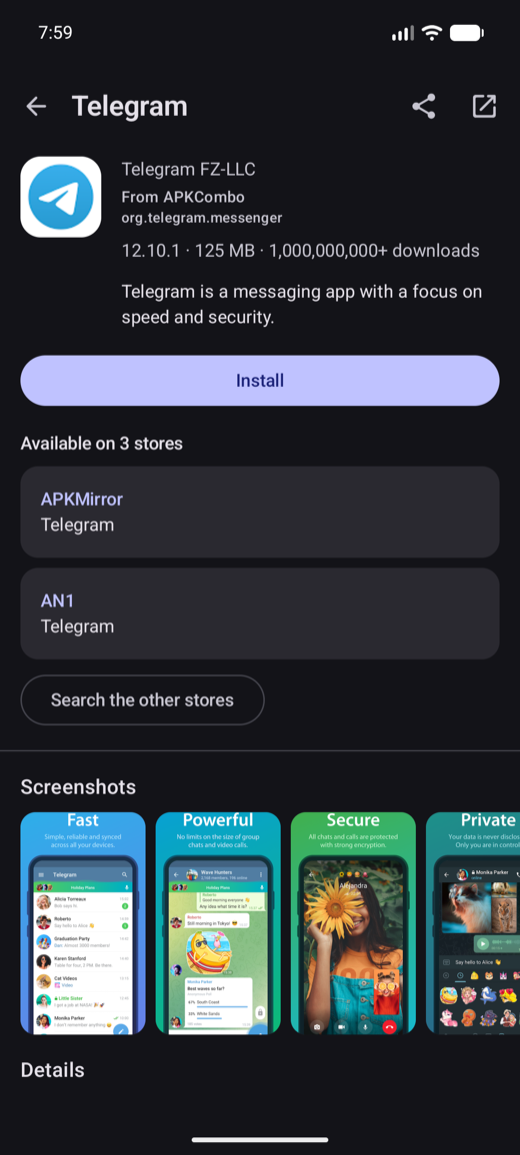
The "available on N stores" block on an app page now opens a table of every store that has it, side by side: version, date, size, whether the store publishes a checksum, whether it declares the package name, and whether the build is a rework. The block itself is now a row of compact cards you swipe through rather than a stack, so nine sources no longer push everything under them off the page, and Compare and Search others sit next to each other on one line.
Possible matches stay out of it. A comparison invites you to pick a row and install from it, and a row that might be a different app is exactly what must never be offered that way: those keep their own section on the app page, where the question is "is this the same app?".
New — "this is a modified build"
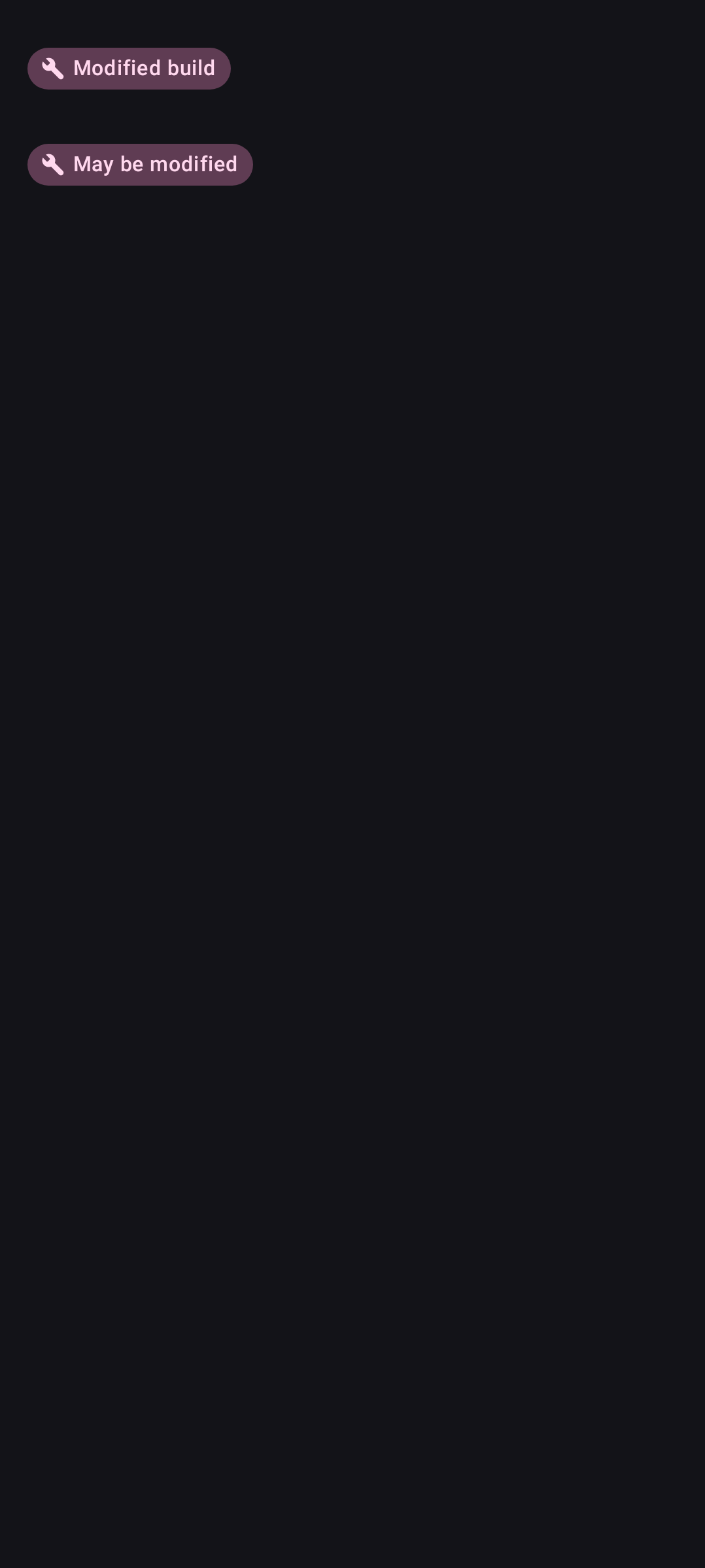
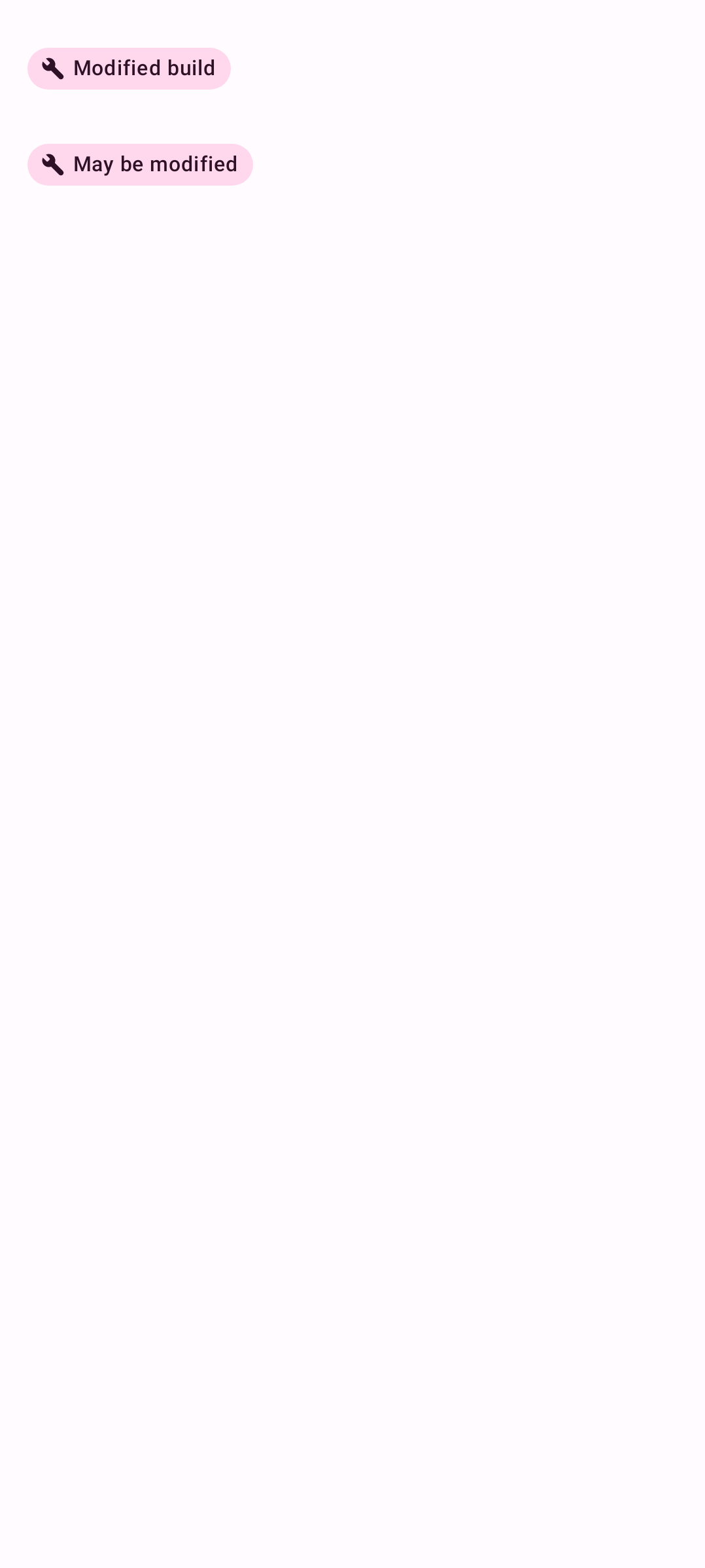
Five of the nine current stores redistribute APKs reworked by somebody other than the developer. Until now the only place that said so was the title, written by the store in whatever words it chose. There is now a badge, and it has three states rather than two, because a store that publishes reworks and says nothing about this listing has not told you the build is clean. Three stores mark individual listings in their own markup (an1, MODYOLO, PDALIFE); the other two never do, so on those every listing says "possible" and none says "clean". Tapping the badge explains what the verification can and cannot prove: for a rework there is no original developer signature to compare against.
New — the permissions an app asks for, before you install it
The app already opens the archive to read its package, version and signers. The permissions were in the same manifest and nobody read them, and the modern system dialog no longer lists them, so there was no moment at all when you could know what an app demanded before it was on your phone.
- On F-Droid, before anything is downloaded. The index publishes them, so the section is there the first time you open the page.
- On the other eight, from the archive, after the file is verified and before it is installed.
Sensitive ones come first, and both the names and the "sensitive" judgement come from Android itself, in your device's language. A permission your Android version no longer asks for is not shown.
New — resume a paused download from the Downloads tab
The tab could cancel a transfer but not restart one: that lived on the app's page, which is the screen you leave the moment you press Install. Resume is now on every paused row, including the ones with no partial file.
It re-resolves the address rather than reusing the stored one: continuing a download paused overnight with the old address is an almost guaranteed failure. Two cases cannot be finished from a one-line row and say so instead of failing: a download needing a human tap, and a signature conflict. Both point you at the app's page.
New — choose which store an app updates from
MultiStore has recorded the update channel separately from the provenance, and no screen could change it. Now the page of any other store that has the app offers "Update it from here". My apps now names the update source only when it differs from where the app came from.
New — your last searches
The last ten sit under the empty search field, in place of the sentence explaining what the screen is for. The row runs the search again; the ✕ forgets that one; Forget them all is at the bottom.
Settings → Search → Keep recent searches, on by default. Turning it off deletes what is already there rather than merely stopping.
New — a store's health, in a sentence
Settings showed one word beside each store: open or degraded. That cannot answer the only question worth asking: is this today, or has it been going on for a week?
Tapping the store in Settings, or the notice search shows next to incomplete results, now gives the whole answer: what kind of fault it was, when it last worked, and how long the current run has lasted, measured from the last success.
New — choosing your stores is a screen
Settings → Stores → Choose the stores was a dialog with nine switches that already did not fit the height a dialog has on a phone. It is now a screen, with the three things the dialog could not hold:
- Tabs by kind: All, Open source, Original, Modified, each carrying how many of its group are on.
- A search field, for finding one store by name or by address.
- Select or deselect a whole tab with one checkbox, and a line at the bottom saying how many sources are being searched in total.
A store is now a full-width card and the whole of it is the switch: tapping anywhere turns it on or off, and the selected state is a tinted fill and a border. There is no more a Save button: the change is written as you tap.





Permissions
12 permissions requested
More from this category
 ShizuStore
 Droid-ify
 InstallerX Revived
 Universal Installer
 Komi Store
 Vyxel Apps
 APKUpdater
 Neo Store
 Orion Store
 ObtainX
 ShizuCoreFetch
 Aurora Store