 ShizuStore
LogCat Live Wallpaper
1.0.0 · GitHub
More about this app
Live wallpaper that displays Logcat output on screen with customizable colors, fonts and scrolling; uses Shizuku or root for the full log.
LogCat Live Wallpaper


What is LogCat Live Wallpaper
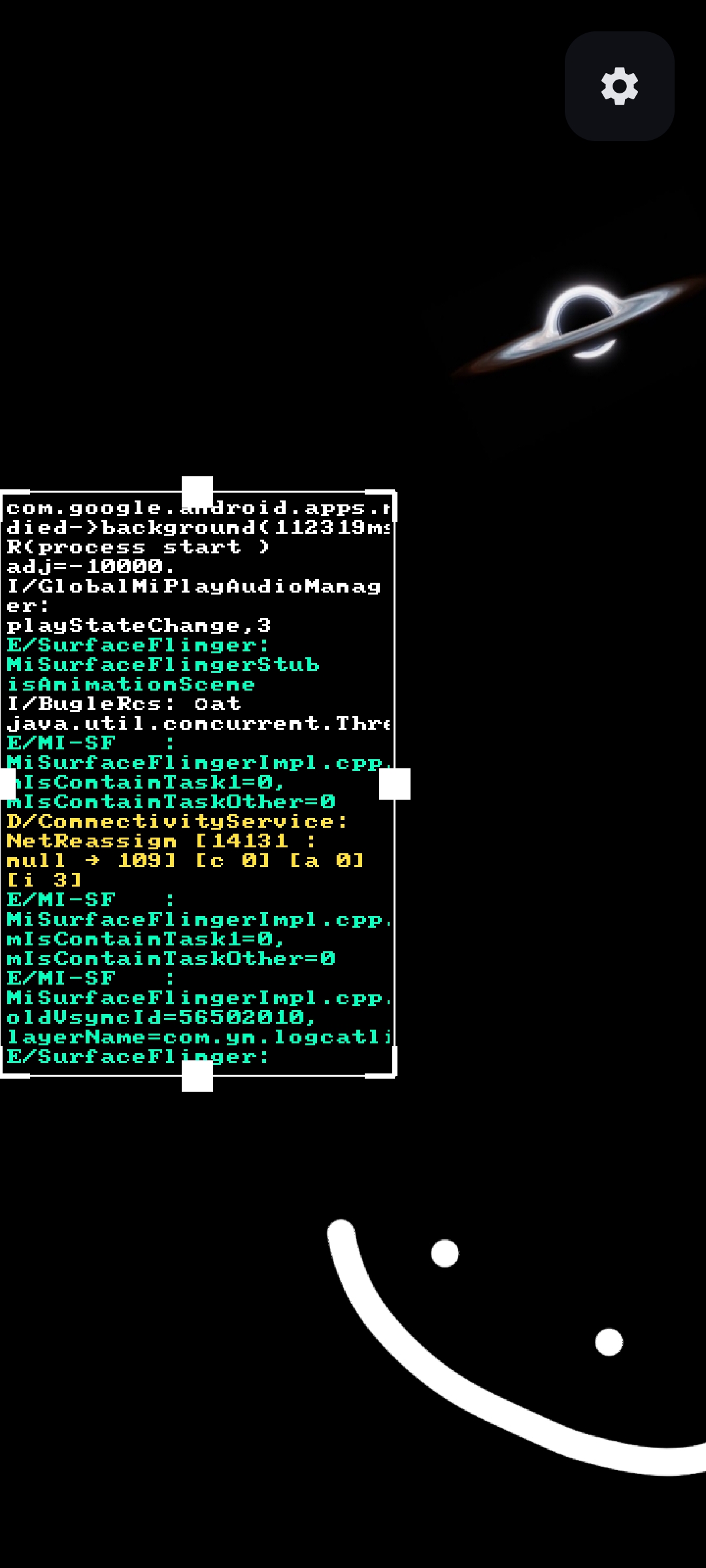
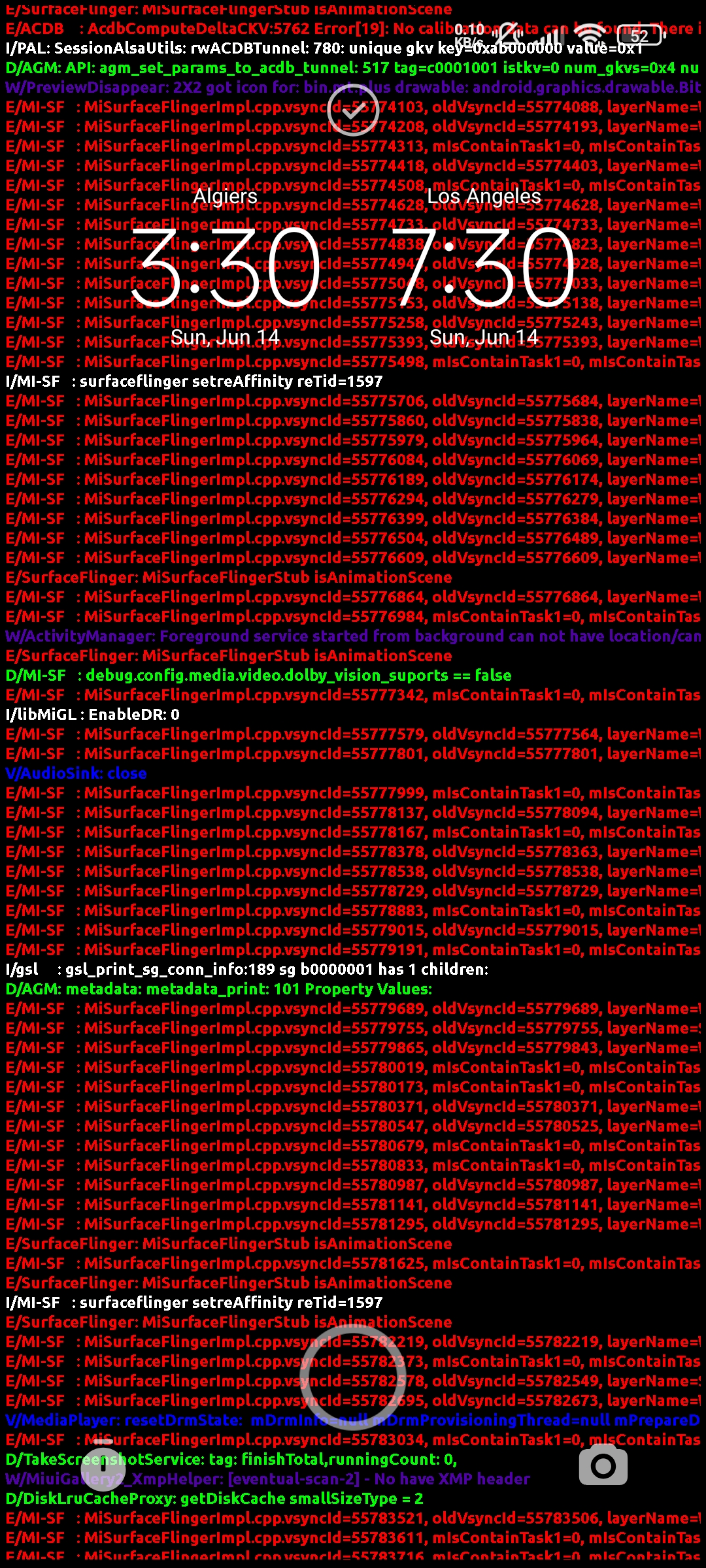
LogCat Live Wallpaper is a live wallpaper app that displays Logcat output on your screen with extensive customization options.
Features
- Flexible Permissions: Works with Shizuku, Root, or even without any special permissions.
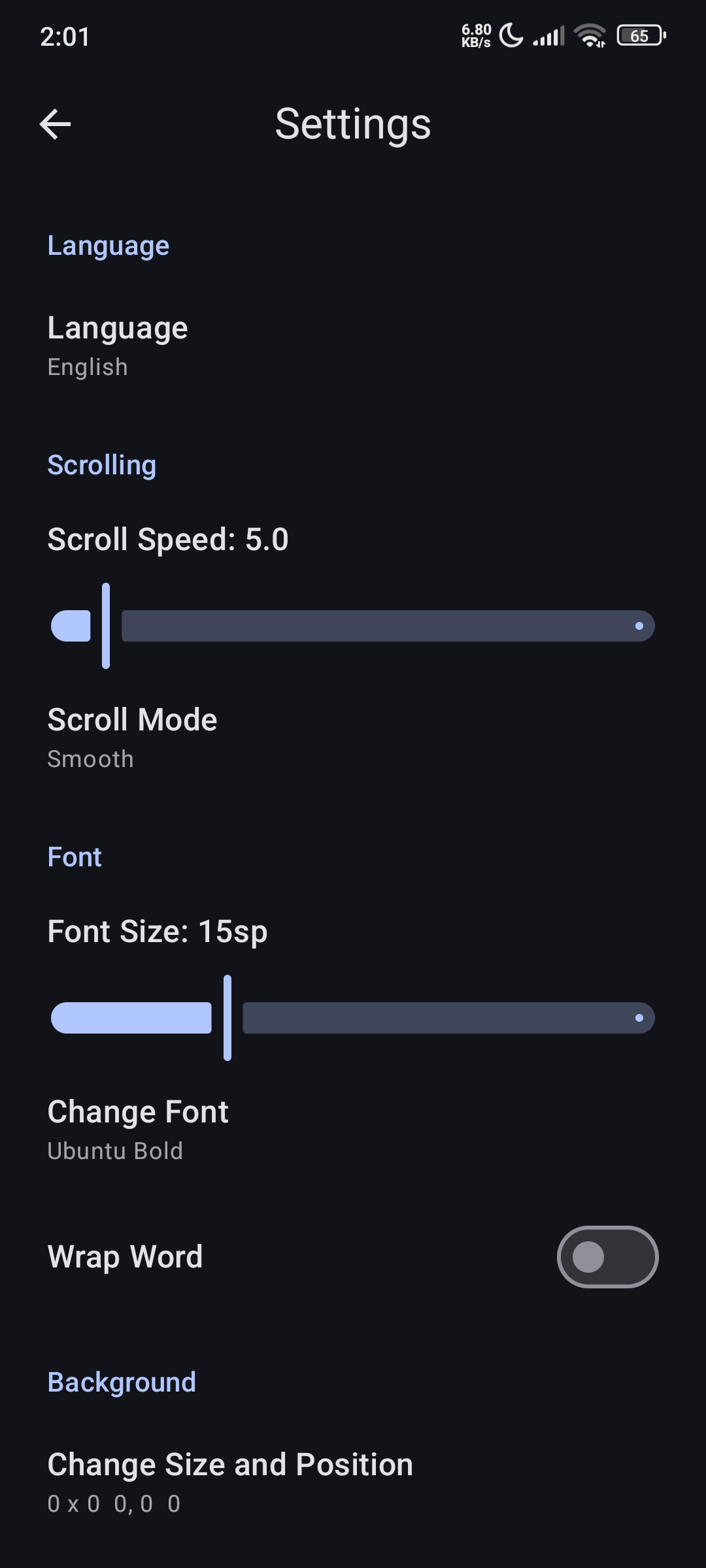
- Highly Customizable: Customize the background color or use a background image, choose where Logcat is displayed, change the font, adjust the text size, select the scrolling style and speed, customize text colors, and even fully customize the Logcat command (it can be replaced with any other command).
- Optimized Performance: The wallpaper automatically pauses when the screen is turned off or when you're using another app, helping reduce battery and memory usage.
Screenshots


Usage Tips
Lock Screen
It’s better to use this wallpaper only on the lock screen, since using it on the home screen may cause visual clutter while using the device.
Text Size
Use a larger text size. Smaller text shows more characters and lines on the screen, which can make the wallpaper look more cluttered.
Scroll Speed
Use a low scroll speed, around 0.1 to 5, because fast-moving text can make the wallpaper more distracting.
Requirements
- Android Version:
6.0or higher. - Shizuku or Root: LogCat Live Wallpaper needs Shizuku or Root permission to access the full Logcat output, but they are optional. The app will still work without them with limited log access.
Installation
You can download and install Shappky via one of the following methods: GitHub Releases: Download the latest APK from the Releases page.
License
LogCat Live Wallpaper is licensed under the GNU General Public License v3.0.
Donate
If you want to support me, I would be very grateful.
How Shizuku is used
Can show live logcat output as wallpaper and run custom log commands via Shizuku with `logcat` and `sh -c`.
This is an AI-assisted analysis of Shizuku-related usages in the app's public source code. It is best effort, so it may not catch every single usage.
How this app uses Shizuku
Shizuku is used to run the wallpaper log feed with elevated privileges so the full system log is visible on screen.
- Show live log wallpaper: the wallpaper and its previews continuously stream the output of the configured log command and scroll it across the home screen, launched as a shell process through Shizuku.
- Run custom log commands: text the user types in the custom command field is saved as the log command and later run with
sh -cthrough Shizuku, so edited filters and options change what the wallpaper shows.
Android APIs or commands used
sh -clogcat -clogcat
Notable details
Without Shizuku the same log command is run directly with normal app privileges, which shows only limited output.
Changelog
What's new for version 1.0.0
First release.
Permissions
2 permissions requested
More apps from this developer
 Shappky
More from this category
 Essentials
 Extendroid
 ShizuTools
 Smart Island
 Dragon Launcher
 Expressive Cutout
 Tap, Tap
 GAMA
GAMA
 SystemUI Tuner
 Ambient Music Mod
 ColorBlendr
 SetEdit+