 ShizuStore
Widgets Anywhere (Lockscreen Widgets)
4.7.1 · GitHub
Detected trackers (1)
Matched by Exodus Privacy code signatures. Not a complete list.
More about this app
Display widgets on the lockscreen. Shizuku is only required on Android 13 and later

Widgets Anywhere
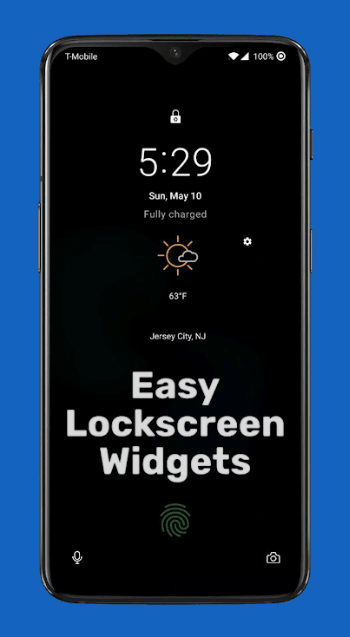
Widgets Anywhere gives you the ability to use your home screen widgets (nearly) everywhere.
Features:
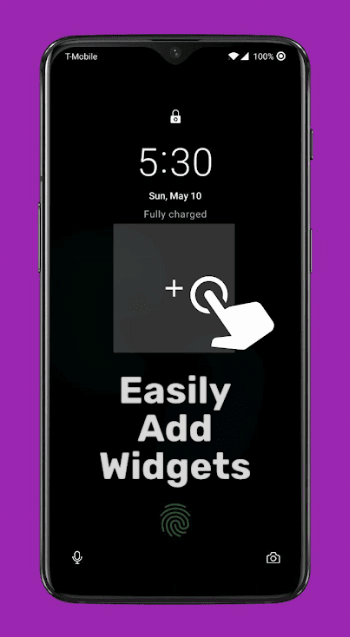
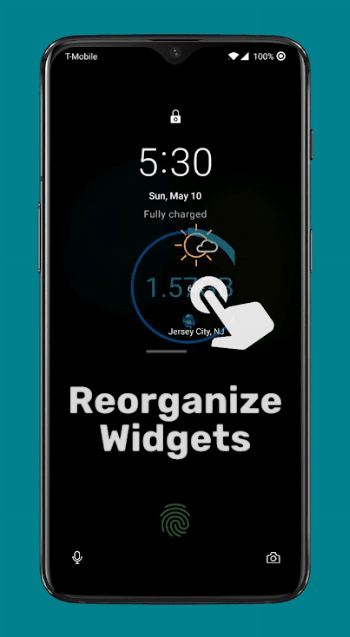
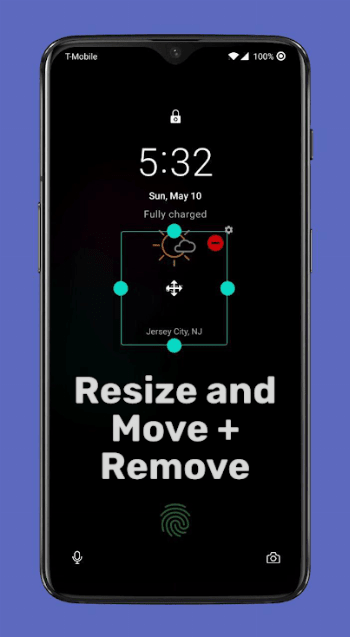
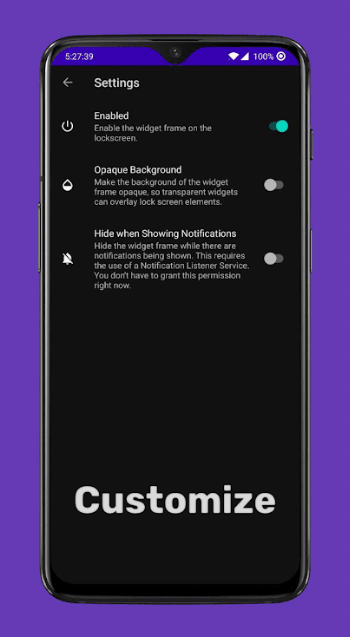
- Customizable and moveable frames that show above the lock screen and can host one or more widgets each.
- A widget drawer you can access with a swipe or Tasker shortcut.
- A widget stack widget for your home screen that allows you to put multiple widgets in one space and flip through them.
- QS tiles on Samsung devices that can expand to display a chosen widget.
Note that Widgets Anywhere is not designed to work on the Always-On Display.
Downloads
Widgets Anywhere is available as a paid app on the Google Play Store.
You can also download it for free from the Releases page here on GitHub.
The two versions are identical.
Building
Widgets Anywhere makes use of some hidden APIs. Since reflection gets tedious, I use a modified android.jar that exposes the hidden APIs so they can be used like normal.
If you want to build Widgets Anywhere for yourself, make sure you use the android.jar from the following repo: https://github.com/Reginer/aosp-android-jar.
Widgets Anywhere is currently built against API 37. Download the android-37 JAR from the above repo and copy it to YOUR-SDK-LOCATION/platforms/android-37.0/android.jar.
Make sure to back the original version up in case something goes wrong.
Translating

Widgets Anywhere uses Crowdin for translations. You can view the project and contribute using the following link.
https://crowdin.com/project/lockscreen-widgets
Error Reporting
Widgets Anywhere uses Bugsnag for error reporting as of version 2.7.5. Previous versions use Firebase Crashlytics.

Acknowledgements
Thank you to @tallshmo for the redesigned icon!
How Shizuku is used
No Shizuku usage was found in the current source.
This is an AI-assisted analysis of Shizuku-related usages in the app's public source code. It is best effort, so it may not catch every single usage.
How this app uses Shizuku
No Shizuku-enabled capabilities were found in the current source.
Changelog
What's new for version 4.7.1
- Fix flicker when dragging in drawer.
- Restrict widget stack image sizes.
- Work on accessibility event handling performance.
- Properly restrict widget stack updates.
- Update translations.
Permissions
20 permissions requested
More apps from this developer
 SystemUI Tuner
 Install with Options
 Lemmy Redirect
Mastodon Redirect
Lemmy Redirect
Mastodon Redirect
More from this category
 Essentials
 Extendroid
 ShizuTools
 Dragon Launcher
 Smart Island
 GAMA
GAMA
 Tap, Tap
 Expressive Cutout
SystemUI Tuner
Expressive Cutout
SystemUI Tuner
 Ambient Music Mod
 ColorBlendr
 SetEdit+