 ShizuStore

LibChecker
2.5.5.1.2a0850a · GitHub
More about this app
An app to view libraries used in apps on your device. Uses Shizuku to determine the installation source of other apps.
LibChecker


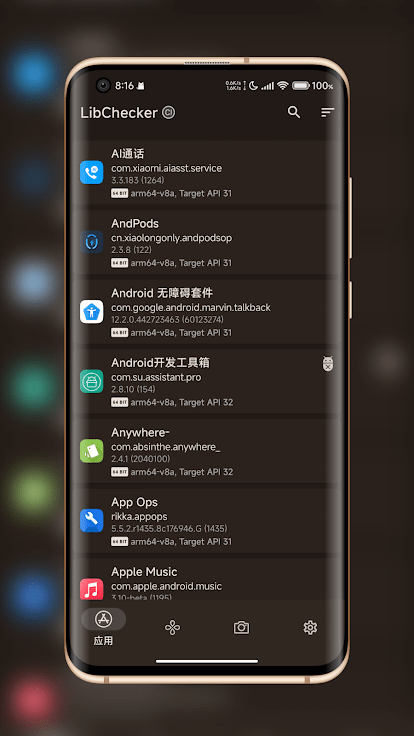
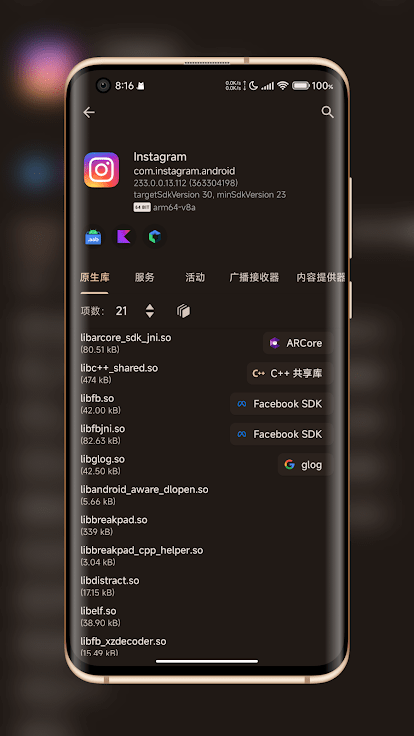
LibChecker helps you inspect libraries and package details used by Android apps. It can analyze installed apps, APK files, split packages, and app snapshots, then present LibChecker rule matches, native library metadata, signing information, permissions, components, and package changes in a readable interface.
Features
- Inspect installed apps and APK/APKS-style packages, including split APKs and large APK download links shared to LibChecker.
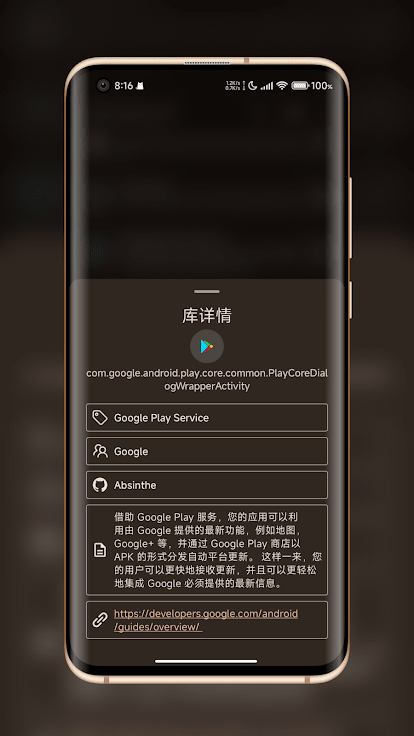
- Detect well-known SDKs and libraries with LibChecker-Rules, covering native libraries, components, permissions, metadata, package names, shared UIDs, signatures, and intent actions.
- View ABI and native library details, including 32-bit/64-bit architecture, multi-architecture packages, 16 KB page-size readiness, ZIP alignment, stripped symbol tables, and native library extraction.
- Review app package details such as manifest entries, permissions, signing schemes, installation source, DEX optimization status, alternative launch icons, themed icons, Overlay apps, and Modern Xposed API module information.
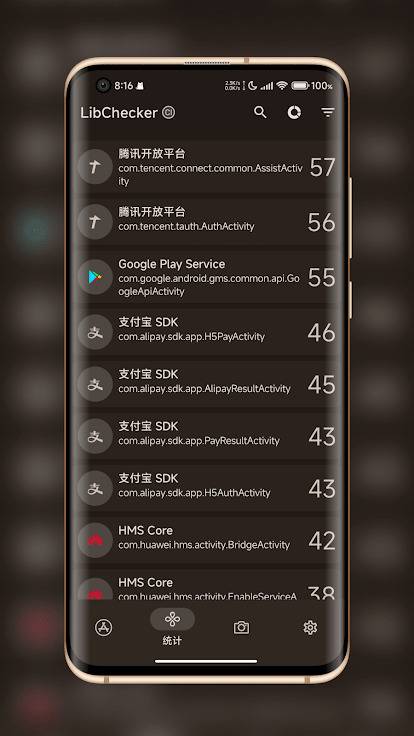
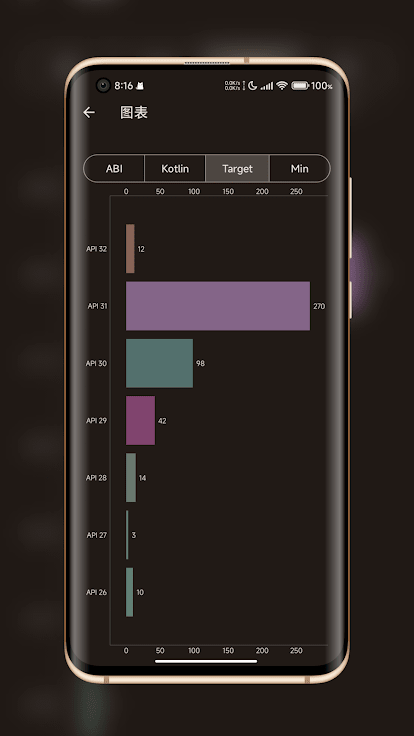
- Explore statistics for ABI distribution, Android version distribution, and library references across apps.
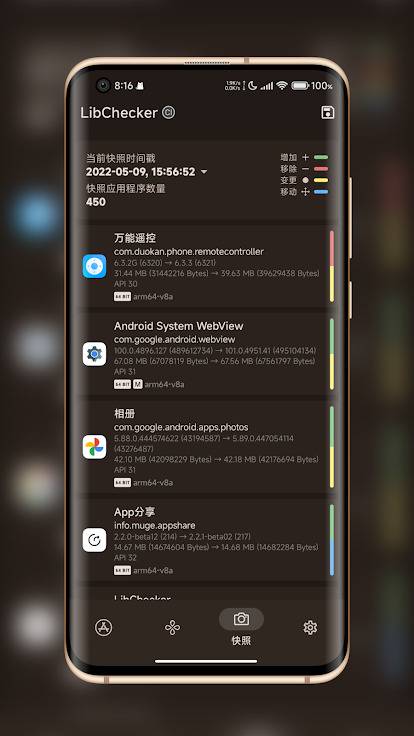
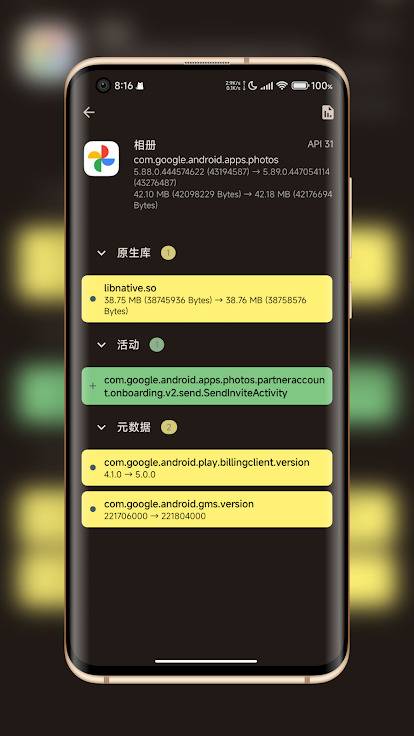
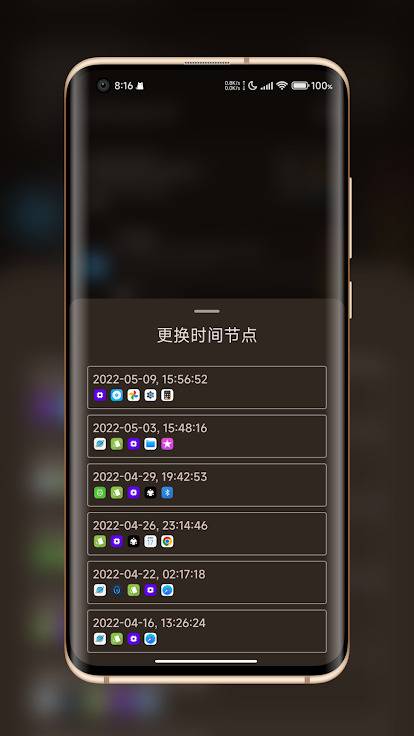
- Capture snapshots of installed apps, compare changes over time, back up or restore snapshots, and compare saved packages with the current installation.
- Export app information from Settings and open the exported file in WebUI for a visual report.
WebUI
LibChecker also has a browser-based companion WebUI at lc.absinthe.life. It is developed in the LibChecker/tgbot project together with the Telegram bot and shared JavaScript analyzer.
The WebUI can analyze and compare Android packages in the browser with local processing, and it can open app information exported by LibChecker.
Supported Versions
- Android 8.0 ~ 17
- Android 7 Nougat users can use the nougat branch
- Android 6 Marshmallow users can use the marshmallow branch
Downloads



Documentation
Community


How Shizuku is used
Can reveal true install source and dex optimization status via `IPackageManager` and package service dump through Shizuku.
This is an AI-assisted analysis of Shizuku-related usages in the app's public source code. It is best effort, so it may not catch every single usage.
How this app uses Shizuku
LibChecker uses Shizuku to reveal hidden system details about installed apps in the install source sheet.
- Reveal install source: shows the originating, installing and initiating packages for an installed app by querying the privileged package manager through Shizuku, including the caller identity on newer Android versions.
- Show dex optimization status: shows the dex optimization status, reason and instruction set for an app by dumping the privileged package service through Shizuku and parsing its dexopt state section.
Android APIs or commands used
IPackageManager.getInstallSourceInfoIBinder.DUMP_TRANSACTION
Notable details
Both features have a non Shizuku path: install source falls back to the normal package manager result, and dex optimization status falls back to a local dex file query when Shizuku is unavailable.
Changelog
What's new for version 2.5.5.1.2a0850a
Removed self-update functionality from the FOSS stable version. No other changes.
Permissions
6 permissions requested
Sources
3 sources
Sources
3 sources
More from this category
 ADB Captain
 Activity Manager
 80bee
 FPS Meter
 ActivityLauncherShizukuPlugin
 Android Code Studio
 FrameX
 LogFox
 DSU Sideloader
 DroidPerf
 Roamer
 开发助手