 ShizuStore

Key Mapper
4.7.0-foss · GitHub
More about this app
An Android app that changes what the buttons do on your devices!





Unleash your keys!
Make custom macros on your keyboard or gamepad, make on-screen buttons in any app, and unlock new functionality from your volume buttons!
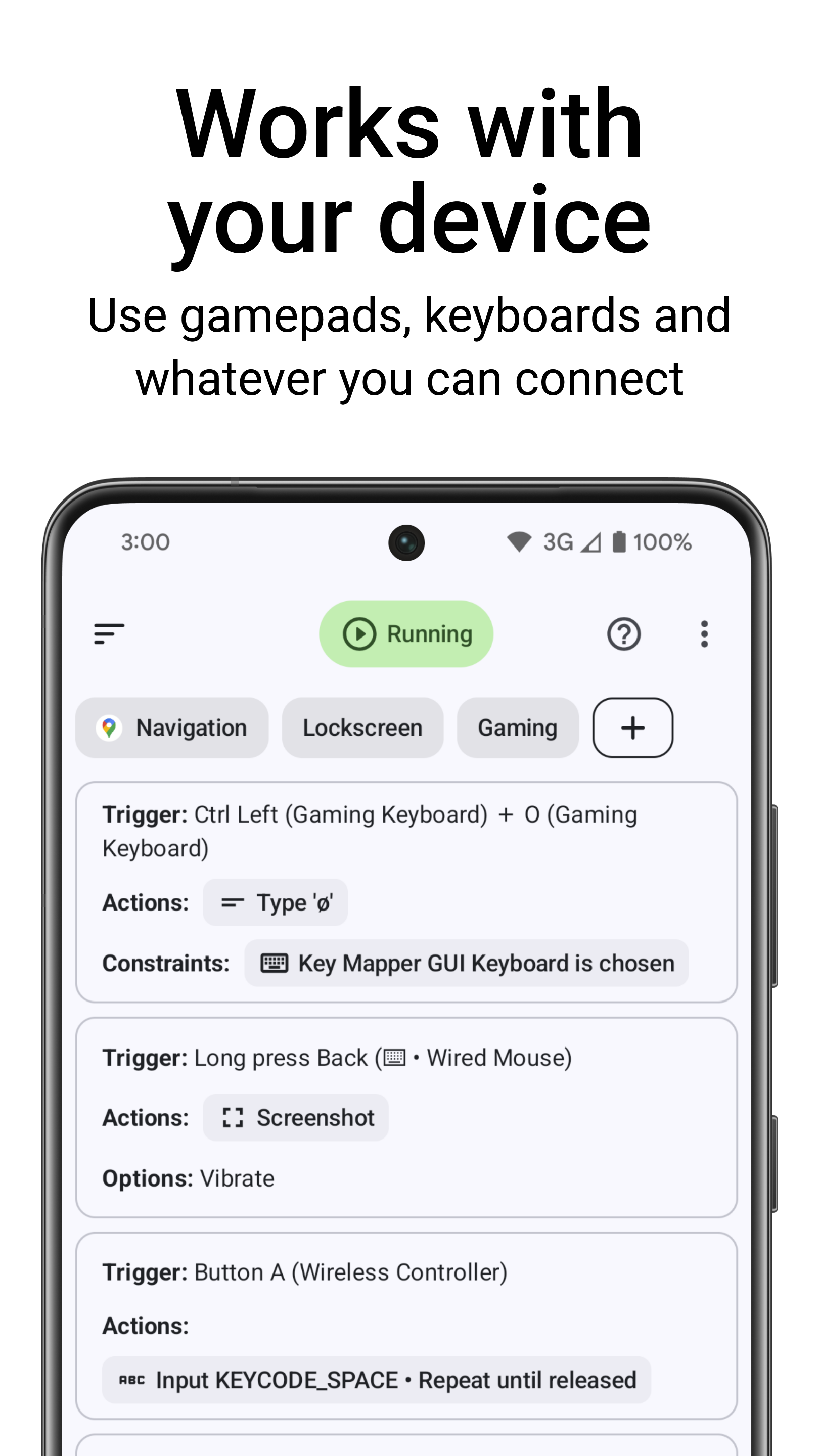
Key Mapper supports a huge variety of buttons and keys:
- ALL your phone buttons (volume AND side key)
- Game controllers (D-pad, ABXY, and most others)
- Keyboards
- Mouse buttons
- Headsets and headphones
- Fingerprint sensor
Most devices are already supported, with new devices being added over time. Let us know if it's not working for you and we can prioritize your device.
Not currently supported:
- Joysticks and triggers (LT,RT) on gamepads
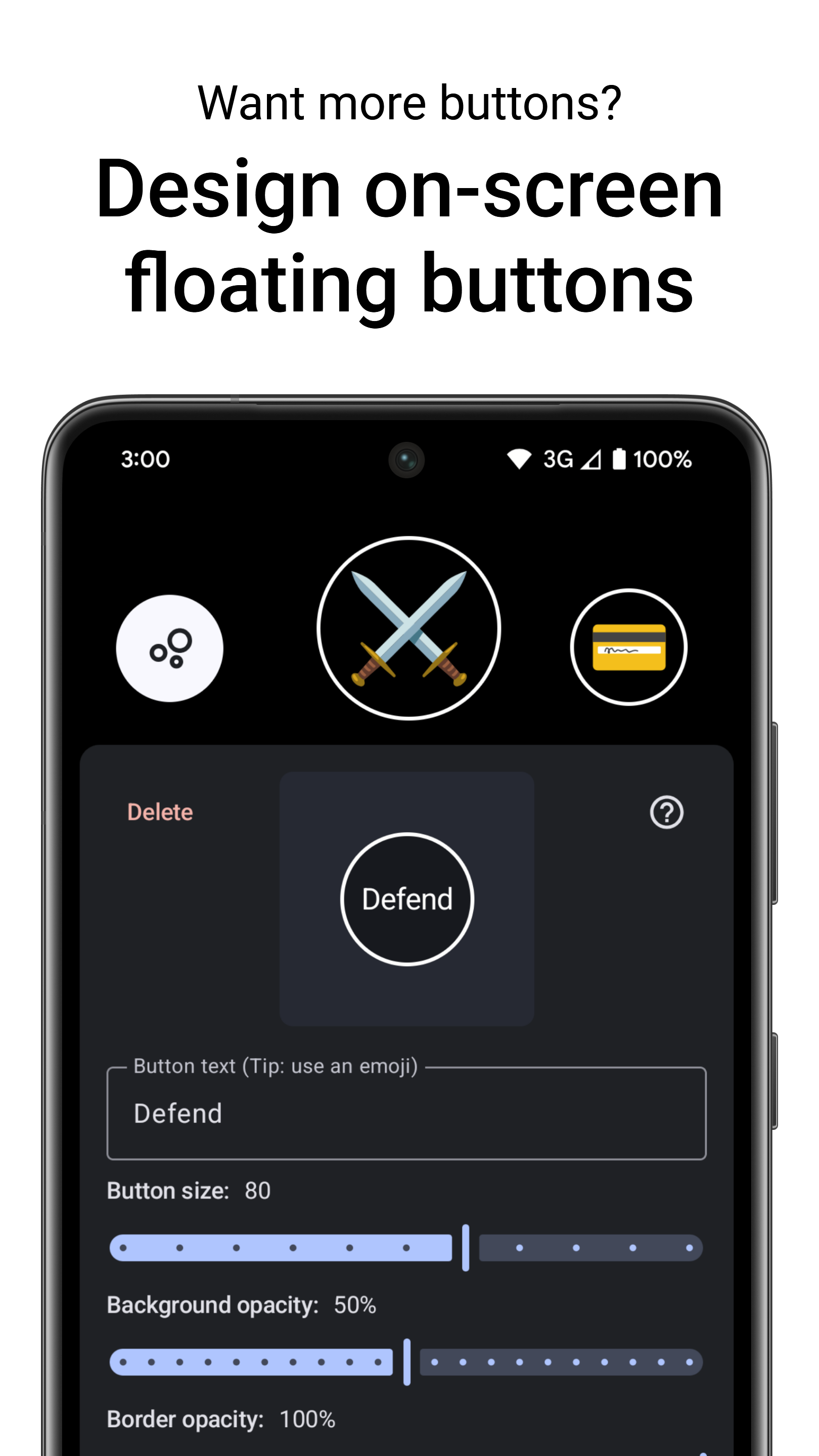
Not enough keys? Design your own on-screen button layouts and remap those just like real keys!
What shortcuts can I make?
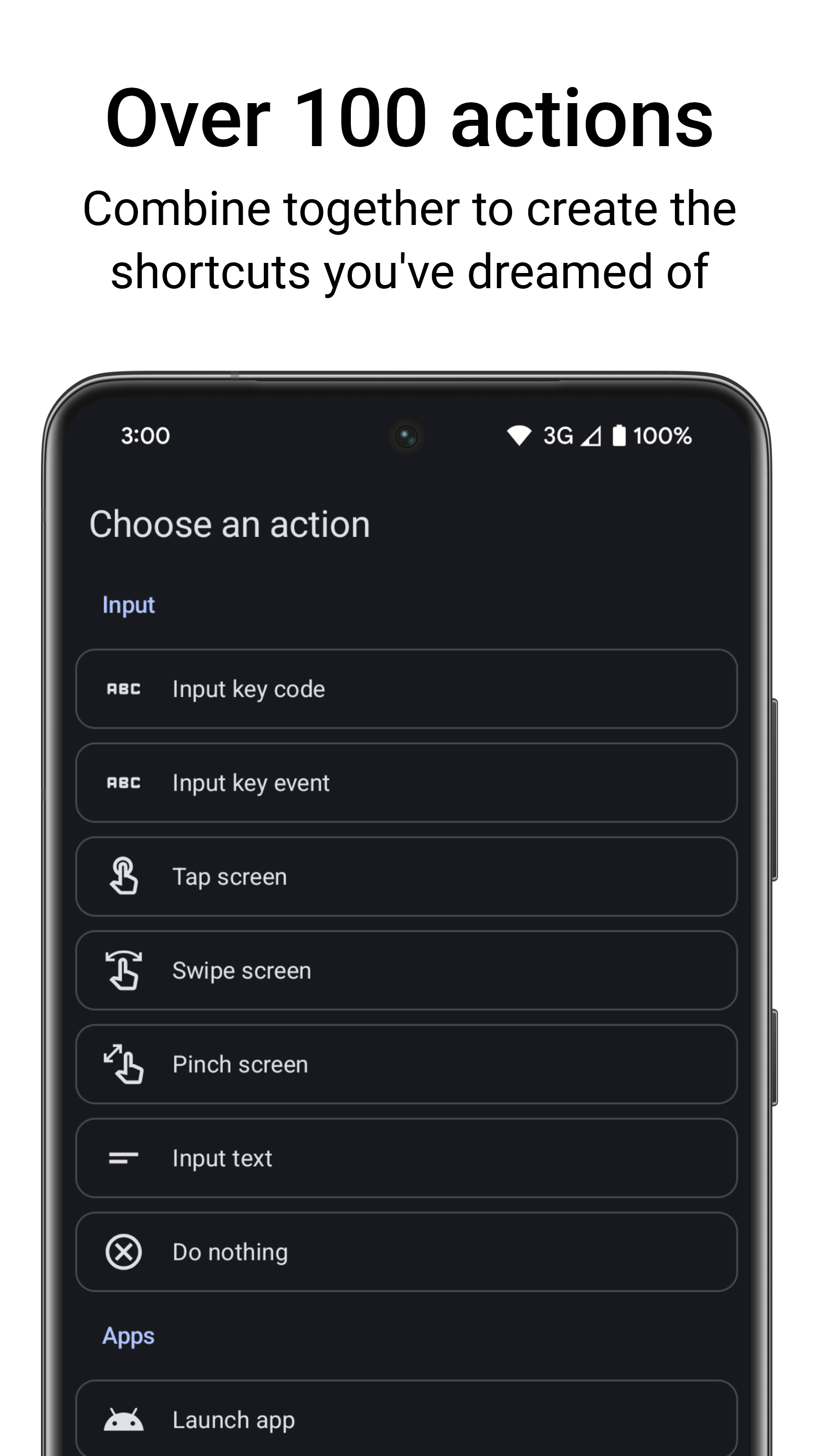
With over 100 individual actions, the sky is the limit.
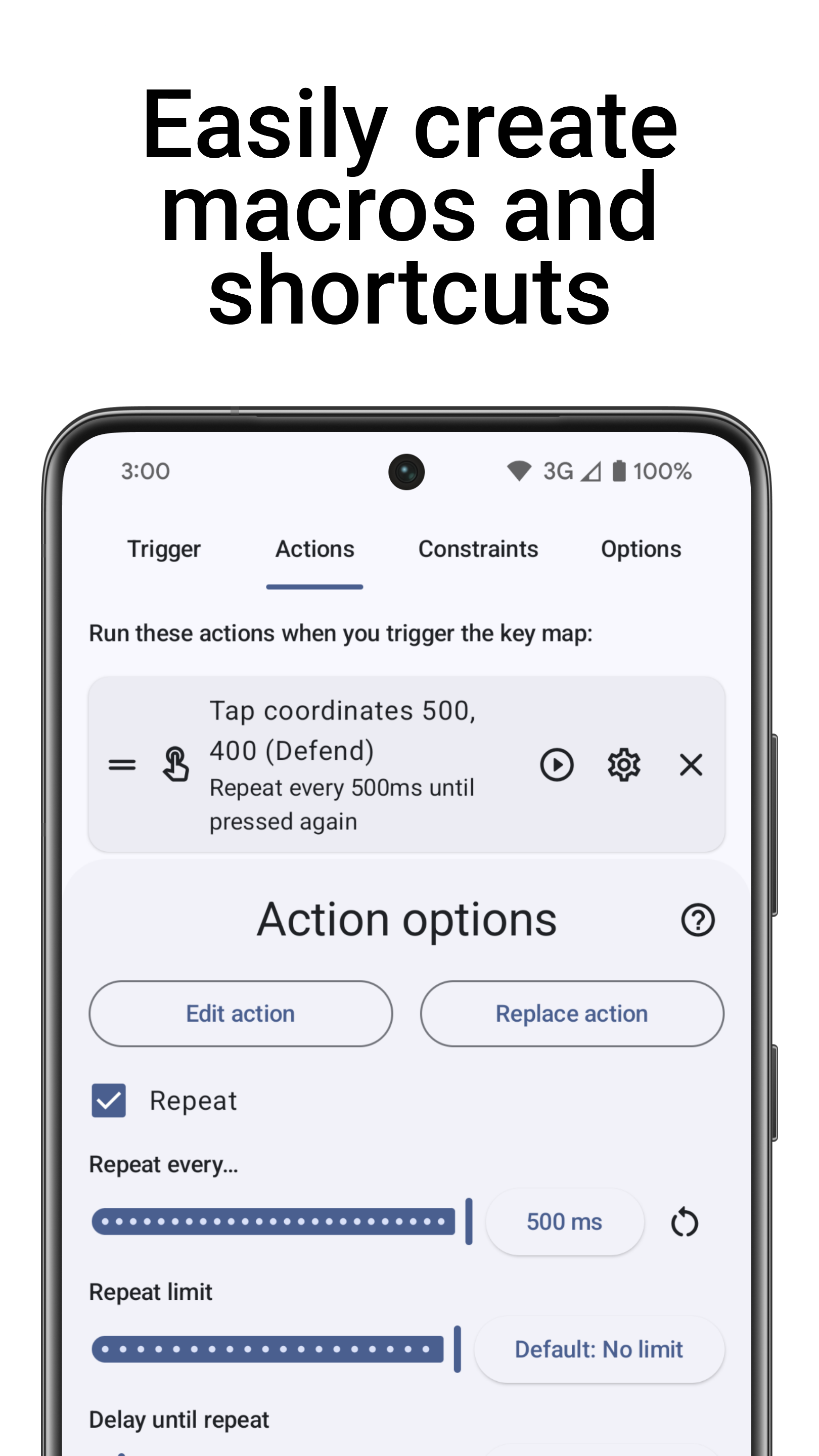
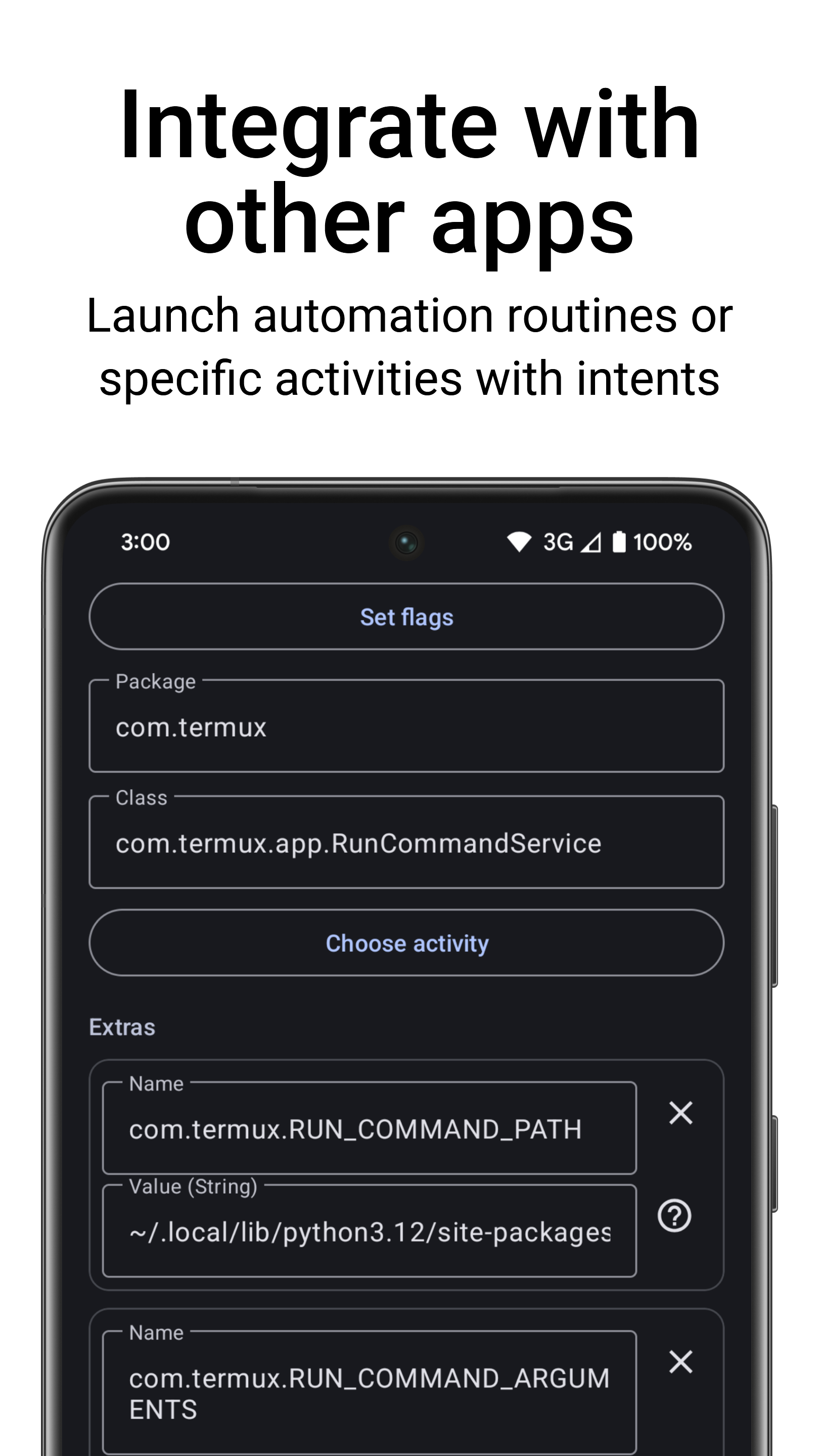
Build complex macros with screen taps and gestures, keyboard inputs, open apps, control media, and even send intents directly to other apps.
How much control do I have?
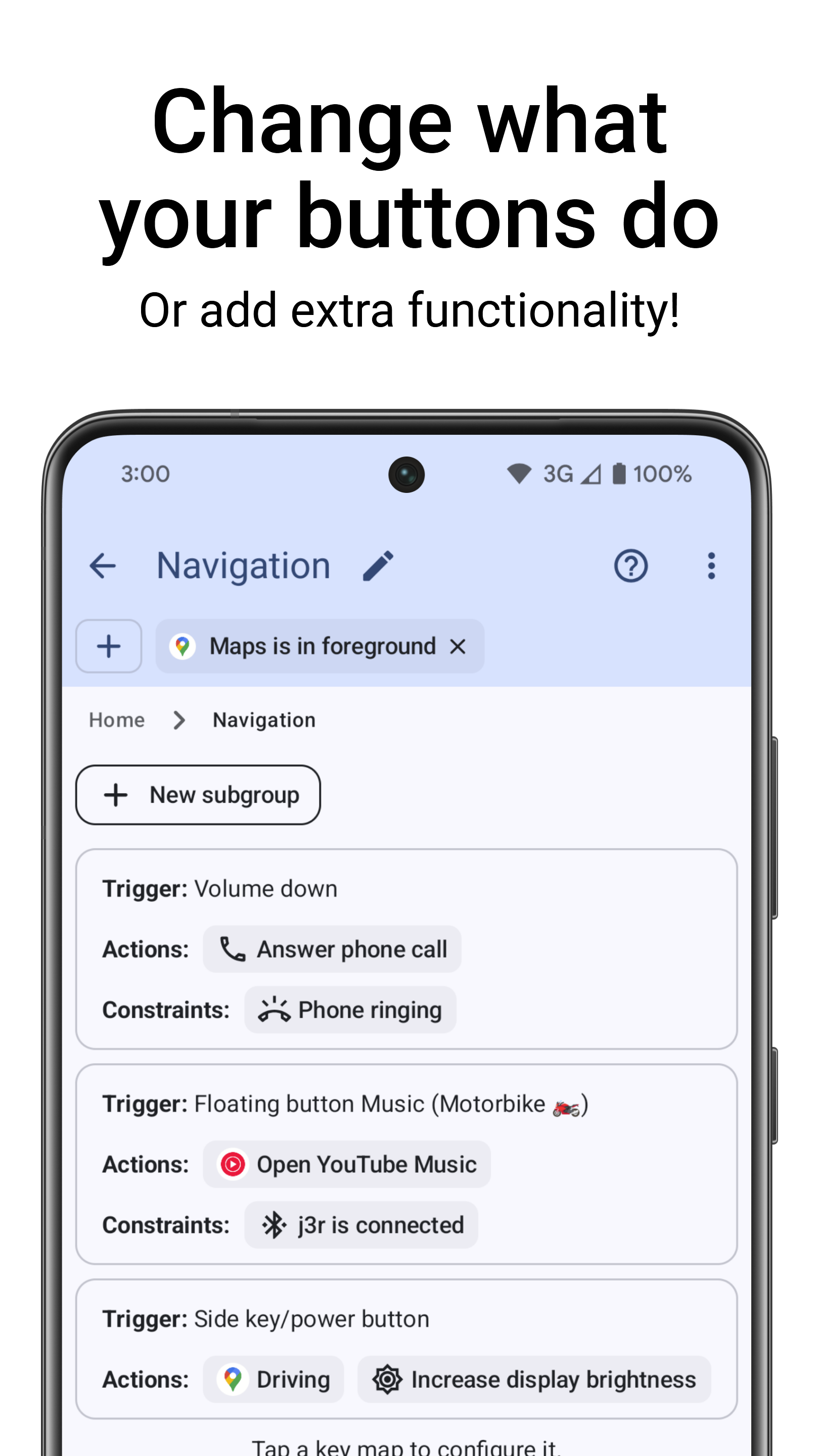
TRIGGERS: You decide how to trigger a key map. Long press, double press, press as many times as you like! Combine keys on different devices, and even include your on-screen buttons.
ACTIONS: Design specific macros for what you want to do. Combine over 100 actions, and choose the delay between each one. Set repeating actions to automate and speed up slow tasks.
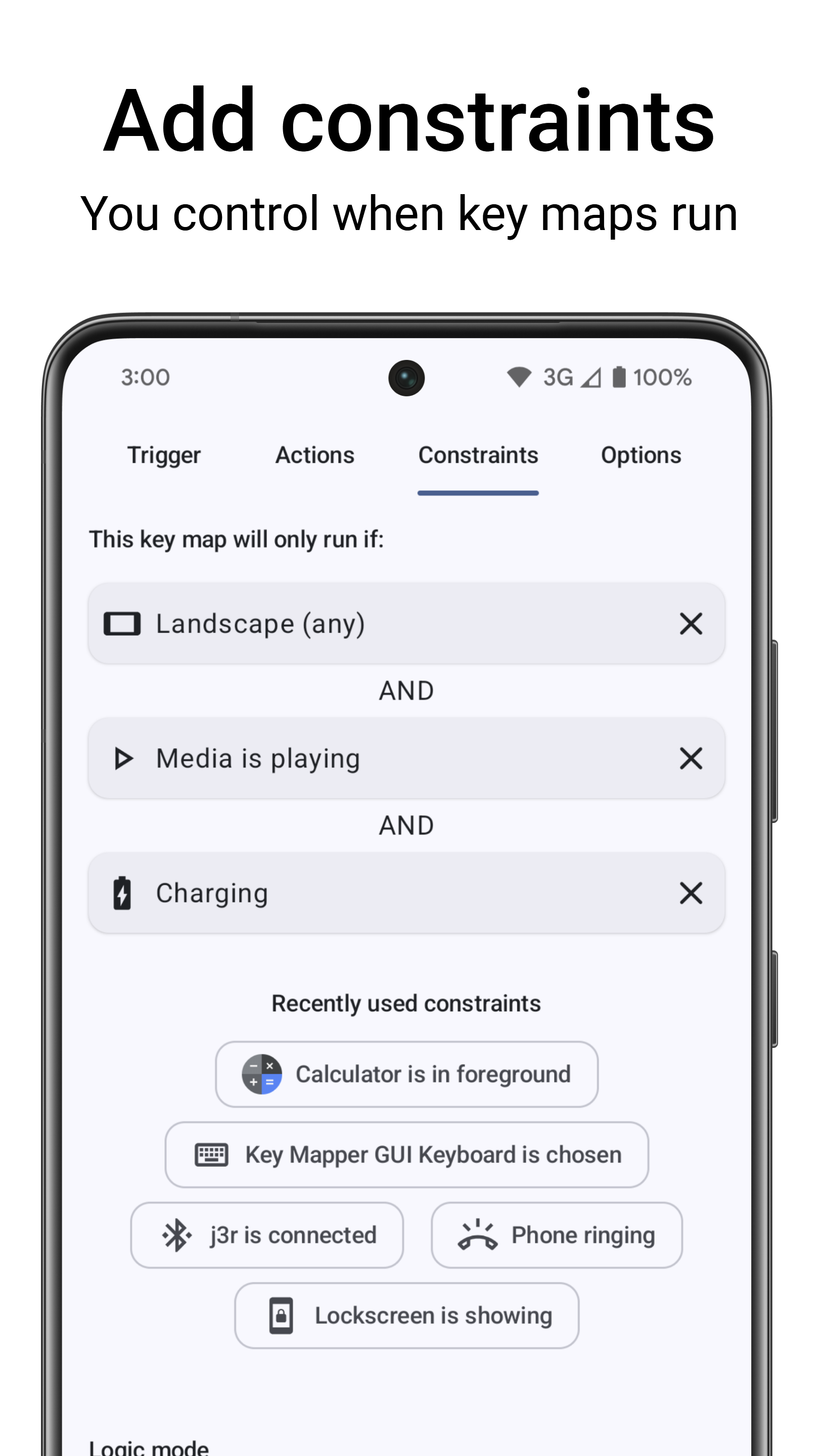
CONSTRAINTS: You choose when key maps should run and when they shouldn't. Only need it in one specific app? Or when media is playing? On your lockscreen? Constrain your key maps for maximum control.
Links
Come say hi in our Discord community!
Read the documentation!
Translations


Contributing
There are many ways to help with this project. 😃 Check out the contributing guide in the documentation.
How Shizuku is used
Can remap buttons, run typed shell commands, toggle radios, control apps and power via `sh` and system services.
This is an AI-assisted analysis of Shizuku-related usages in the app's public source code. It is best effort, so it may not catch every single usage.
How this app uses Shizuku
Key Mapper uses Shizuku to start a privileged helper that runs with shell rights and carries out remapping and automation actions for key maps.
- Remap physical buttons: Grab connected keyboards, gamepads and other input devices at Linux input level, read their events and rewrite or block them so pressed buttons trigger different actions.
- Inject key input: Send remapped key and motion events into Android through the system input service when a key map triggers.
- Run custom commands: Run a shell script the user types as a key map action with shell privileges through
sh, plus built in automation such as expanding notifications and quick settings and pressing power. - Toggle wireless radios: Turn WiFi, Bluetooth, NFC, mobile data, airplane mode and WiFi hotspot on or off as key map actions through system services.
- Change ringer mode: Switch between normal, vibrate and silent as a key map action through the audio service.
- Manage foreground apps: Force stop the current app or remove it from recents as a key map action through the activity services.
- Reboot or shutdown: Restart or power off the device as a key map action through the power service.
- Grant app permissions: Self grant permissions such as write secure settings and read logs needed for settings and system actions through elevated permission services.
- Browse system settings: List system, secure and global settings values with elevated rights to help choose a setting action to automate.
Android APIs or commands used
IInputManager.injectInputEventIWifiManager.setWifiEnabledIBluetoothManager.enableIBluetoothManager.disableINfcAdapter.enableINfcAdapter.disableITelephony.setDataEnabledForReasonITelephony.setUserDataEnabledIConnectivityManager.setAirplaneModeIActivityManager.forceStopPackageIActivityManager.removeTaskIAudioService.setRingerModeInternalITetheringConnector.startTetheringITetheringConnector.stopTetheringITetheringConnector.registerTetheringEventCallbackITetheringConnector.unregisterTetheringEventCallbackIPermissionManager.grantRuntimePermissionIPackageManager.grantRuntimePermissionIPowerManager.rebootIPowerManager.shutdownIContentProvider.queryshsettings get globalcmd statusbar expand-notificationscmd statusbar expand-settingsinput keyevent
Notable details
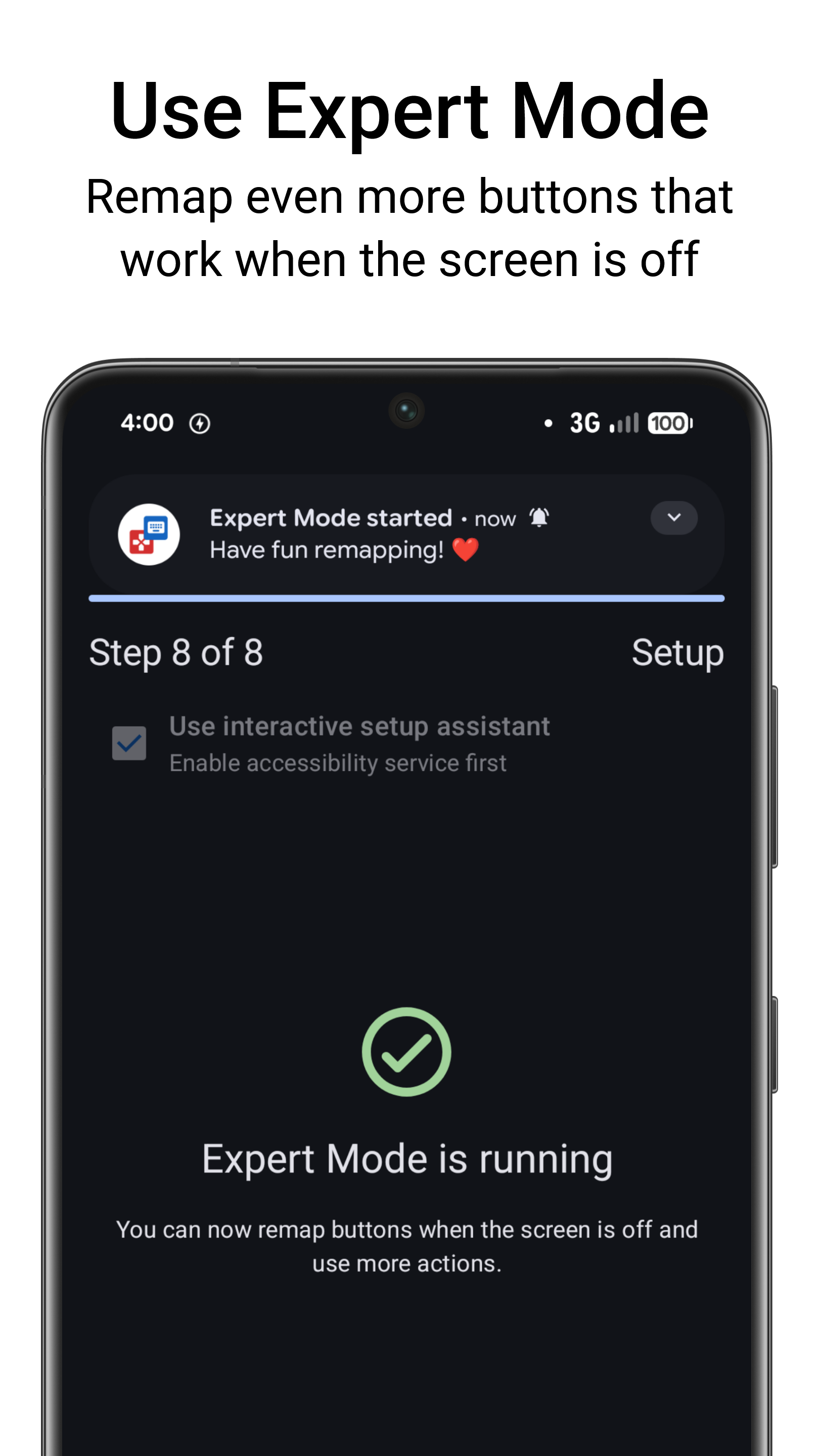
Shell actions have Standard and ADB style modes, so some commands work without the privileged helper. Permission self grants prefer the helper and can use Shizuku directly when the helper is not connected. Bluetooth on and off through the helper requires Android 12 or higher.
Changelog
What's new for version 4.7.0-foss
• Variables: add to, subtract from or set variables • Custom key map names and sort key maps by name • Do Not Disturb constraint • Broadcast whether mappings are paused so other apps can respond • Undo and redo changes when configuring a key map • Expert Mode and floating button fixes • Many other bug fixes and improvements
📖 View the complete changelog at: http://keymapper.app/changelog
Permissions
33 permissions requested
Sources
2 sources
Sources
2 sources
More from this category
 BiBi Keyboard
 OpenMapper
 GameShift
 XtMapper
 Joycon2Android
 Steam Controller
 Key Sync
 GIP Bridge
 Button Silencer
 TitanPad
 C9
 Pastiera Nightly (pastiera)