 ShizuStore
Inure
build107.2.3 · GitHub
More about this app
Android app manager for both rooted and non-rooted devices

Inure App Manager
An elegant Android app manager.
Stats

&logo=github&logoColor=white)
)



-839192?logo=android&logoColor=white)
-566573?logo=android&logoColor=white)



Download





Buy (Full Version)
-Purchase-23a094?logo=gumroad&logoColor=white)
-Purchase-ea4335?logo=googleplay)
-Purchase-ffffff?logo=github)
-Purchase-FF5E5B?logo=kofi&logoColor=white)
Featured
- Android Weekly Issue #465
- "Inure, a beautifully animated Android App Manager." - Android Dev Notes
- Top 5 Android Apps of the Week - NextPit
- 5 Super Useful OPENSOURCE Apps for Android - TechDoc
- Best Android Apps - February 2023 - HowToMen
- 5 Magnificent Open Source Android Apps To Download Right NOW! - Anubhav Roy
- Top Android Apps! (May 2023) - Sam Beckman
- 8 Legendary Android Apps You Must INSTALL NOW - May 2023! - Mr Android FHD
- Apps that Will LEVEL Up Your Smartphone Experience in 2023! - Sam Beckman
- The Most Functional App Ever! - Sam Beckman
- Top 10 Android Apps! (October 2023) - Matt Robb
- The Best Apps of 2023! - Sam Beckman
- Coolest Open Source projects of the week 🔥 - Ana Mogul
- 10 Reasons to Root Your Phone in 2024! - Sam Beckman
- 20 Android Apps I CAN'T Live Without in 2024! - Sam Beckman
About
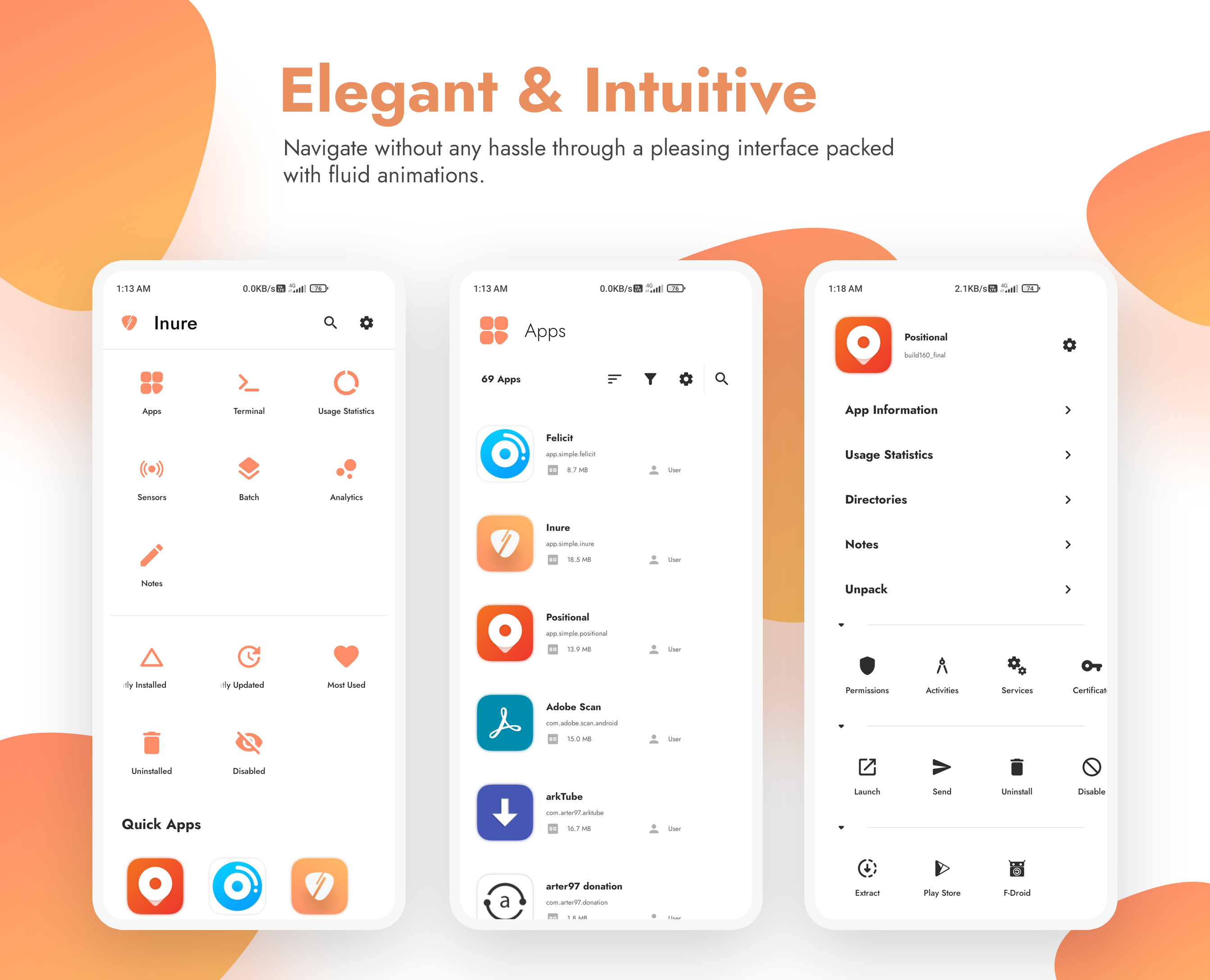
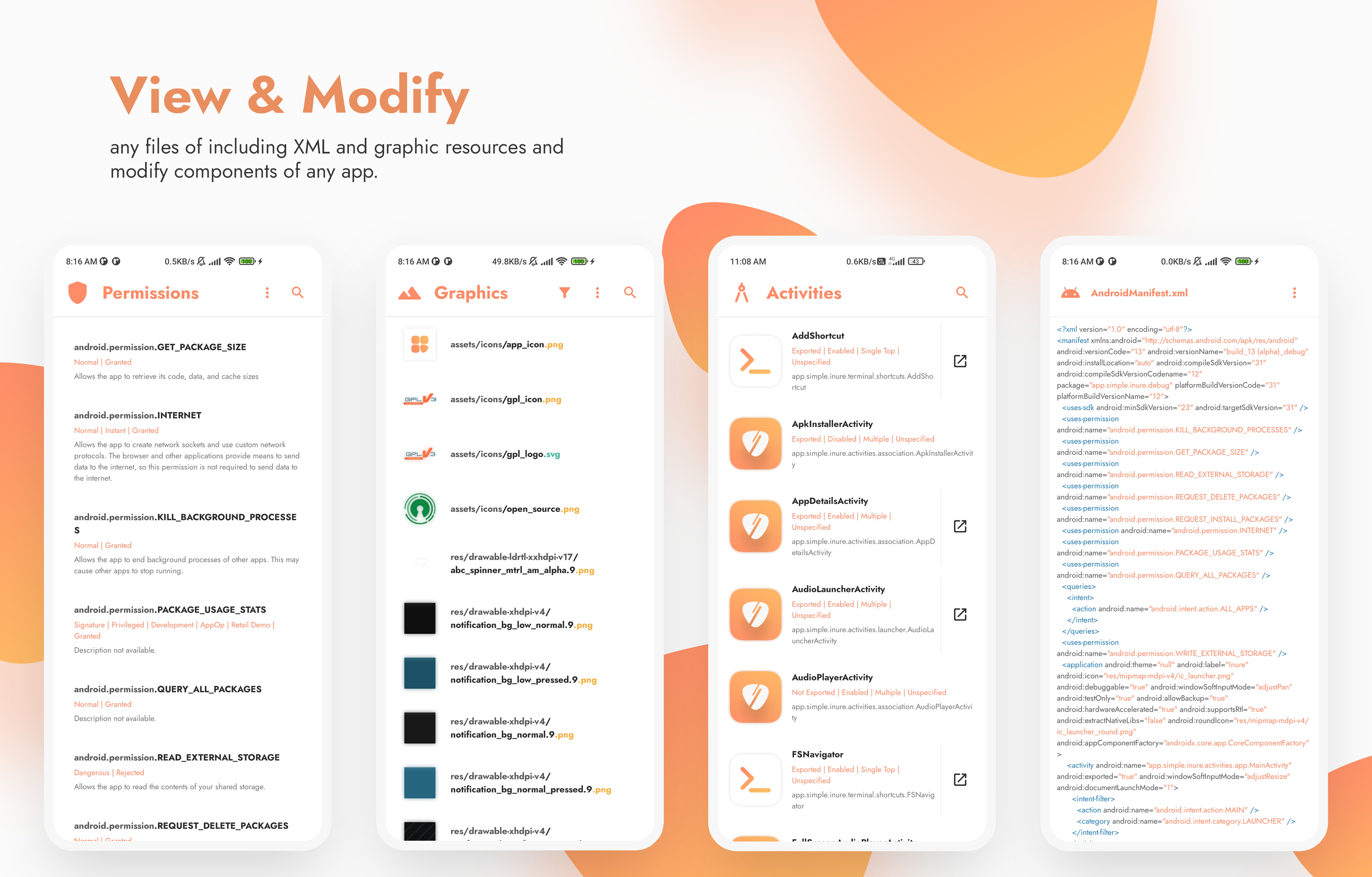
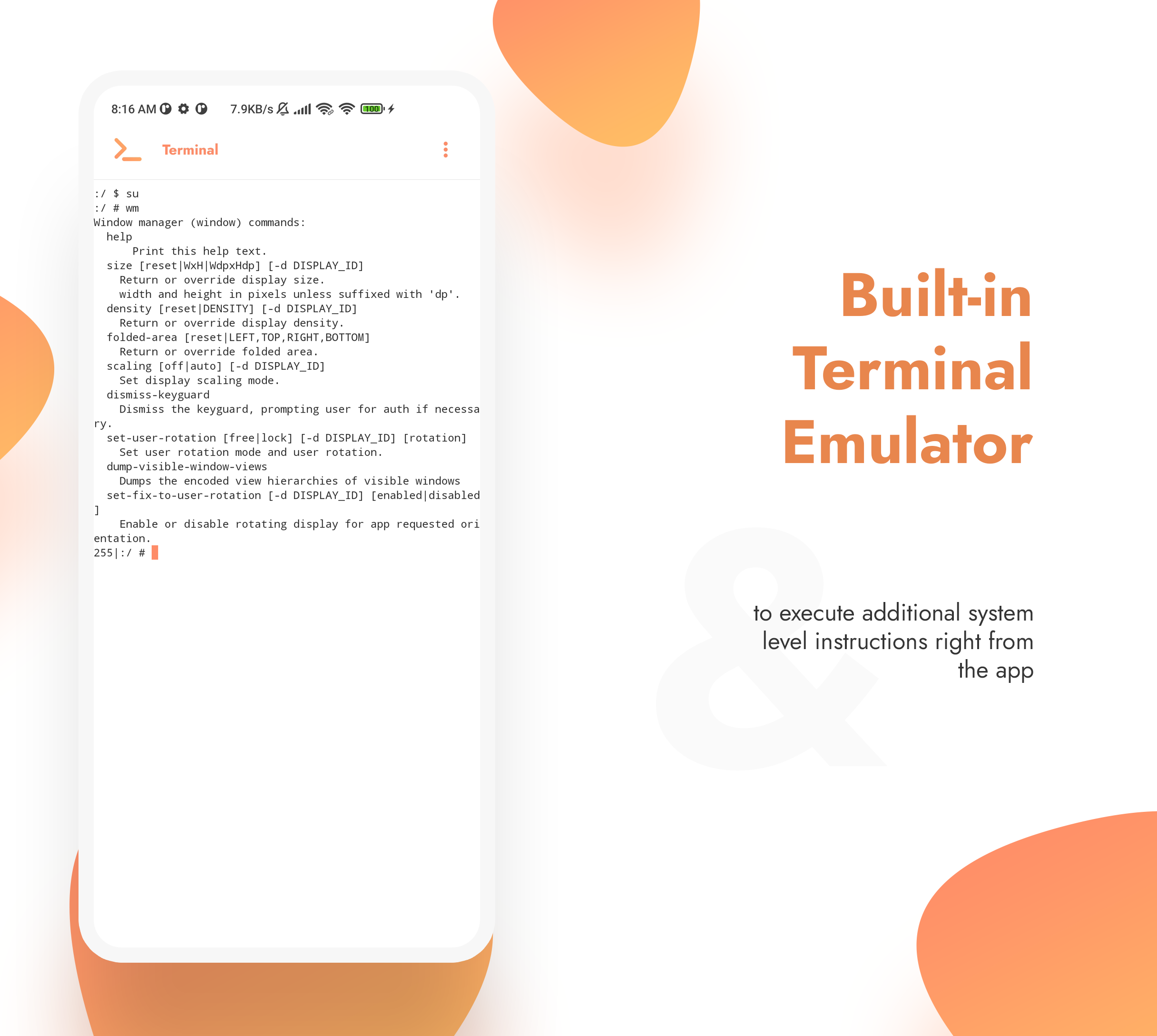
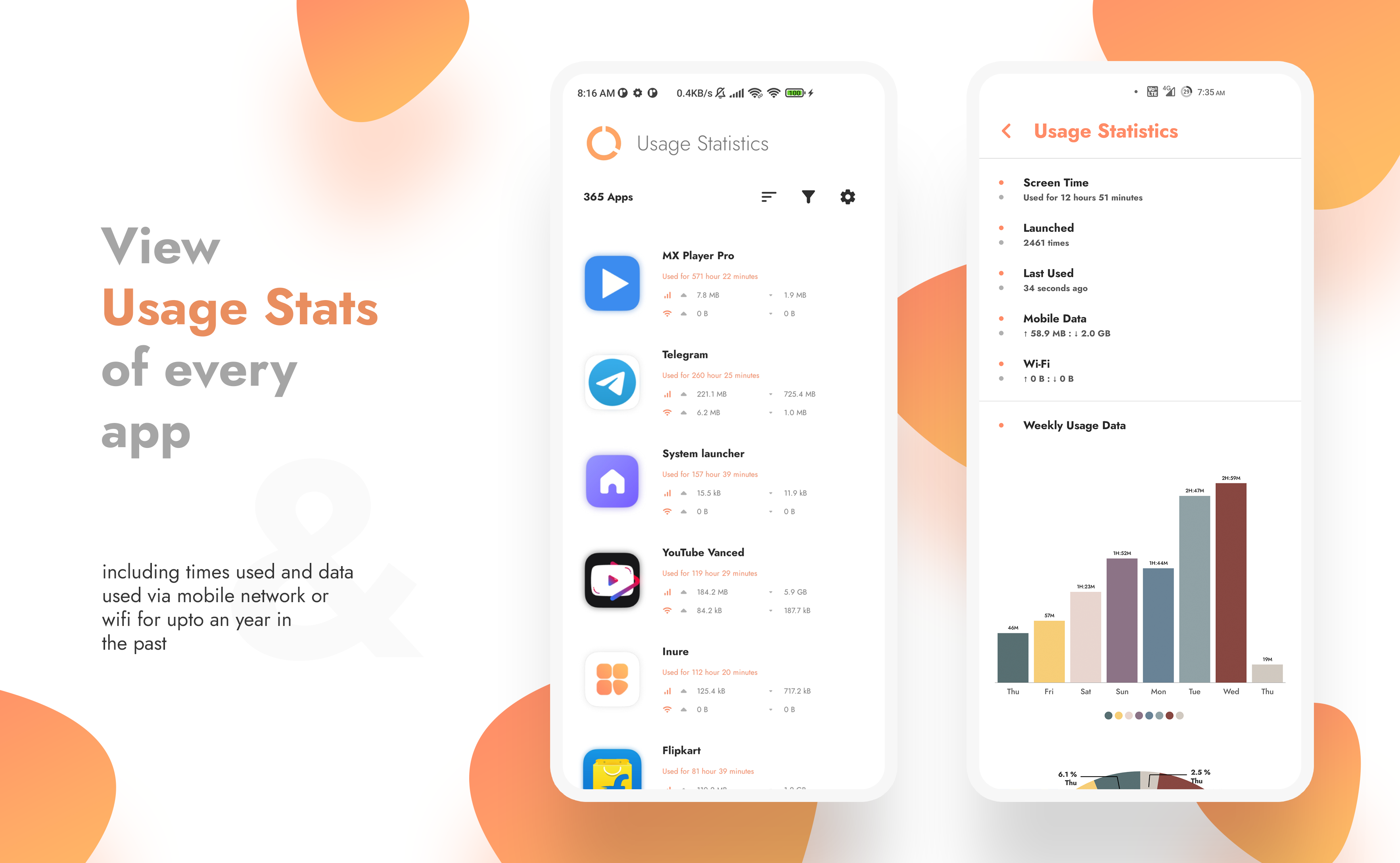
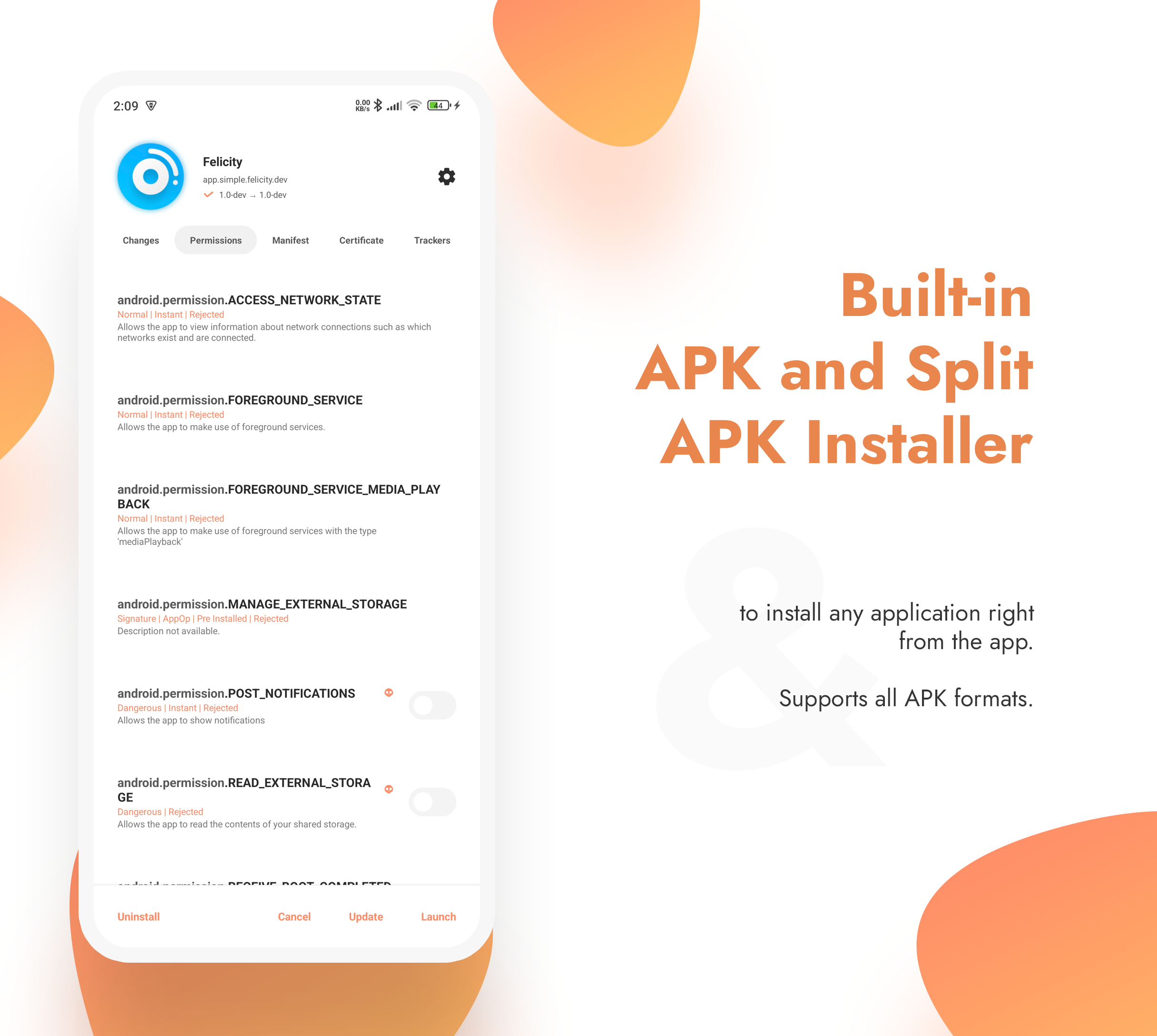
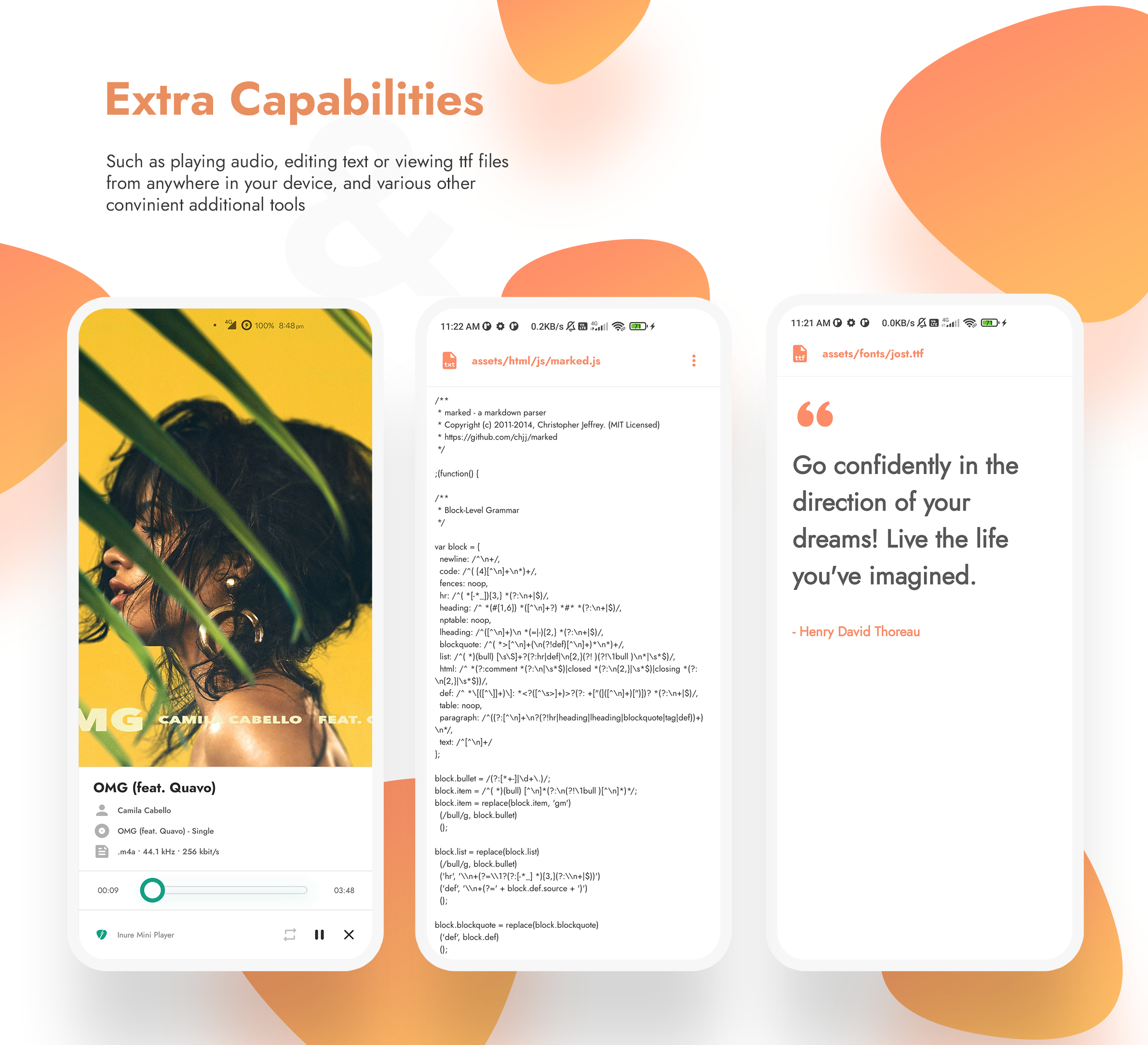
Inure is an Android application package manager irrespective of whether they're installed or not, it can scan through any app's internal components and modify them on the go. It also packs a nice looking Terminal Emulator, Usage Stats, Split/APK Installer and various other tools and many of them are waiting to be implemented as well. On top of that, Inure's all functionalities been made to work with both Root and Shizuku modes.
Inure's development was started as an independent learning project which later has become one of the most ambitious and intuitive Android apps developed by a single person and is based 100% on custom UI APIs developed to be used only in this app with its own native theme engine, crash handler, image renderer and a beautiful animation framework.
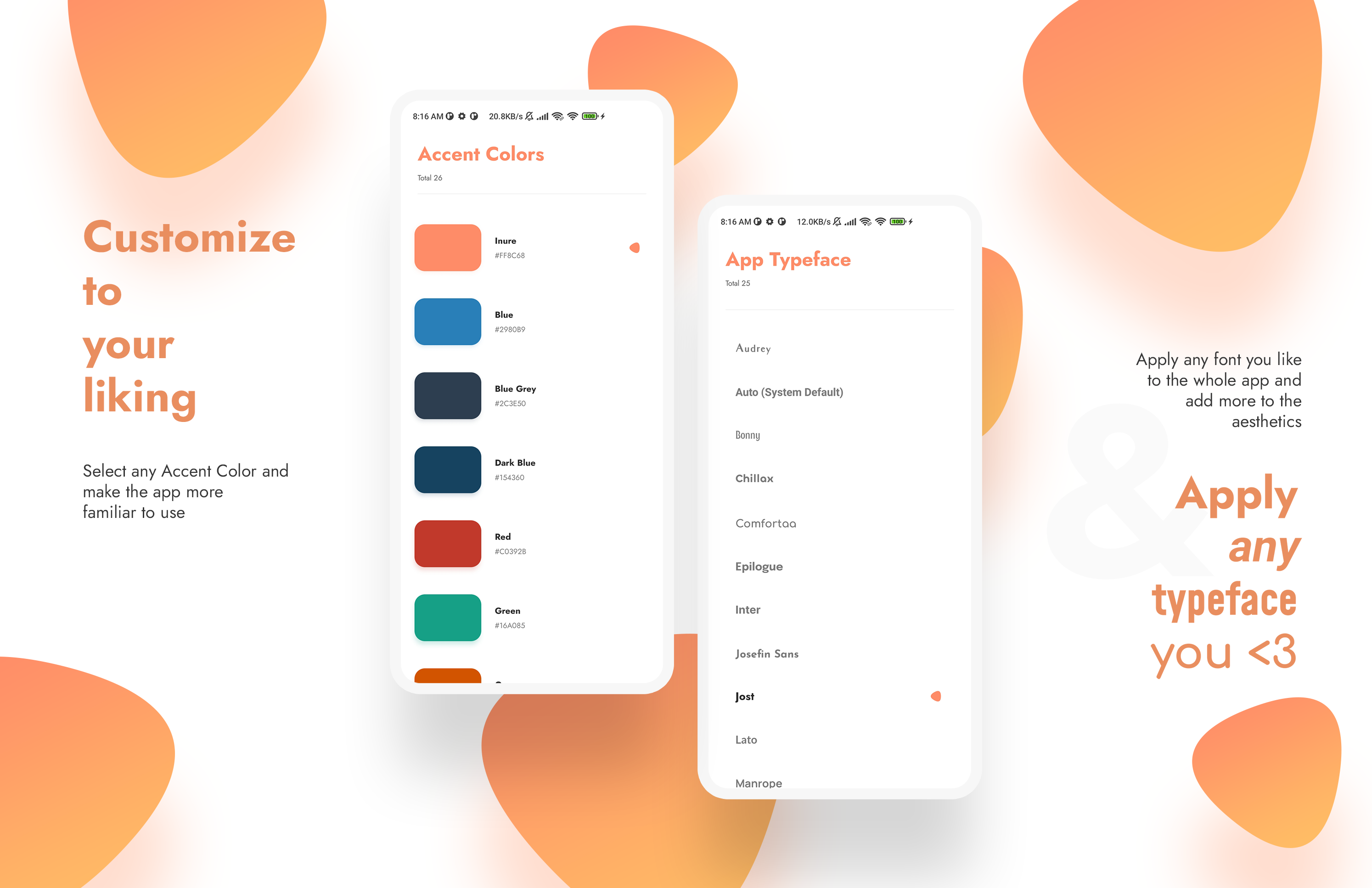
Along with it own UI perks, Inure also supports dynamic Material You colors with dedicated accent and theme color modes.
The app is in stable testing stage. You can join app's Telegram Group and get development related updates.
Inure also supports fully reproducible builds
Features
See the concise list of features of the app here.
Screenshots
App's Interface
 |
 |
 |
|---|---|---|
| 0x01 | 0x02 | 0x03 |
 |
 |
 |
|---|---|---|
| 0x04 | 0x05 | 0x06 |
 |
 |
 |
|---|---|---|
| 0x07 | 0x08 | 0x09 |
 |
 |
 |
|---|---|---|
| 0x00 | 0x0A | 0x0B |
 |
 |
 |
|---|---|---|
| 0x0C | 0x0D | 0x0E |
 |
 |
 |
|---|---|---|
| 0x0F | 0x11 | 0x12 |
 |
 |
 |
|---|---|---|
| 0x13 | 0x14 | 0x15 |
 |
 |
 |
|---|---|---|
| 0x16 | 0x17 | 0x18 |
 |
 |
 |
|---|---|---|
| 0x19 | 0x1A | 0x1B |
 |
 |
 |
|---|---|---|
| 0x1C | 0x1D | 0x1E |
 |
 |
 |
|---|---|---|
| 0x1F | 0x20 | 0x21 |
Accessibility
Various accessibility features to make the app more accessible to users. Inure also supports an option to add more colors to interface of various types including Pastel, Coffee (soothing) and Retro (color blocked) for users who don't prefer monochromatic interface or have difficulty using it.
Including that, Inure also supports highlighting clickable elements and divider for users who have difficulty in differentiating spaces between interface elements.
Further more, it's also possible to disable all animations to reduce excessive motion in the app. Inure has options to adjust animation requirements over multiple levels from all animations to no animations with fine granularity.
 |
 |
 |
|---|---|---|
| 0x00 | 0x01 | 0x02 |
Menus and Dialogs
Inure has 3 different styles of Menu and Dialogs type depending on how they're required, the popup type used for quick actions follows the user thumb on the screen, the modal dialog is used to adjust panel level preferences and chip style dialog for managing filter flags and tags. These three work together to refine a good level of UX and UI without overloading the user with a lot of options.
 |
 |
 |
|---|---|---|
| 0x00 | 0x01 | 0x02 |
Visually Challenged Users
Inure is designed to be as user friendly as possible despite its complexities. For users with visual difficulties, it come across to cause really low confusion while browsing through its interface and processing the displayed information through a screen reader. A user with such difficulty has demoonstrated the ease of use of the app here.
If you've any questions or suggestions for design, please initiate a discussion or create an issue.
Contribute
Include your app in Inure's FOSS panel
If you are a developer and want your app to be listed in the FOSS panel of Inure and show a FOSS indicator alongside your app, there are two ways this can be done.
- You can publish your app on F-Droid. Inure automatically marks the app as FOSS if it's available on F-Droid.
- You can add
open_sourceandopen_source_licensetag in your app's manifest file and Inure will fetch this info during the runtime and will include your app based on the flag.
<application
   .....
   >

   <!-- Set to true to indicate the app is open source -->
   <meta-data
      android:name="open_source"
      android:value="true" />

   <!-- License of your app -->
   <meta-data
      android:name="open_source_license"
      android:value="GNU GENERAL PUBLIC LICENSE Version 3" />

</application>
Participate in Community Permission Descriptions
Community permissions descriptions of some OEM or Developer defined permissions for native framework or system apps whose details Android doesn't or cannot provide. You can read the complete guidelines here on how to contribute.
Developers
Inure's repo doesn't require any special setup, clone/fork the repo and run in Android Studio and let the initial setup finish automatically and you'll be good to go.
Want to show you were here?
You cannot do the above still wanna show your support? hit the star and let me know you were here and appreciate the project.
Translation/Localization
You can take participation in app's translation on Crowdin and watch Inure work in your language and make the app more user friendly to everyone speaking your tongue.
Alternatively, you can also edit/upload your locale's strings
from app/src/main/res/values-locale-code directory.
License
Inure App Manager Copyright © 2023 - Hamza Rizwan
Inure App Manager is released as open source software under the GPL v3 license, see the LICENSE file in the project root for the full license text.
Facts
- Inure comprises over 250K lines of code, written entirely by a single person.
- Despite its size, Inure has zero memory leaks and does not use
WeakReferenceanywhere in the project.- my first Android project was full of them :’)
- Inure is fully reproducible (#400).
- Inure is the first-ever Android app to implement both panel-level and app-level preferences architecture.
- All preferences provide real-time feedback with no loading screens.
- Inure is accessible to visually challenged users.
- The concept of Inure was first envisioned in 2018, however the development only began properly in the third quarter of 2021.
- During the interim, I developed three mini apps to test and validate its potential:
- Positional
- Flaner
- Beatz (private)
- During the interim, I developed three mini apps to test and validate its potential:
Behind The Scenes
 |
|---|
| Designing of interface skeletons for Inure |
 |
|---|
| Audio Player interface design (later removed) |
 |
|---|
| Presentation design for Batch interface |
How Shizuku is used
Can install, uninstall, freeze, force stop and debloat apps plus manage permissions and battery rules via `Shizuku`.
This is an AI-assisted analysis of Shizuku-related usages in the app's public source code. It is best effort, so it may not catch every single usage.
How this app uses Shizuku
Inure uses Shizuku to manage apps without system signatures, running privileged package, activity and device commands through its Shizuku service.
- Install apps silently: APKs chosen for single or batch install are written to a system install session and committed through Shizuku, with options for replacing existing apps, granting permissions and allowing downgrades.
- Uninstall apps fully: single apps and batch selections are removed with the
pm uninstallshell command through Shizuku, including system apps kept with data. - Freeze and unfreeze apps: single or batch enable and disable toggles are applied with
pm enableandpm disableshell commands and the system package manager enable setting through Shizuku. - Debloat system apps: bloatware lists can be uninstalled, disabled or restored with
pm uninstall,pm disableandpm install-existingplus enable through Shizuku. - Force stop apps: single and batch force stop actions run
am force-stopthrough Shizuku. - Clear app cache: cache for a selected app is cleared with the
pm clear --cache-onlyshell command through Shizuku. - Control battery optimization: adding or removing apps from Doze whitelists uses the
dumpsys deviceidle whitelistshell command through Shizuku. - Manage app operations: privacy and system operations are read with
appops getand changed withappops setthrough Shizuku. - Grant and revoke permissions: runtime permission switches are applied with the
pm grantandpm revokeshell commands through Shizuku. - Launch activities: hidden or exported app components are started with the
am startshell command through Shizuku. - View system users: the user list for install and uninstall targeting is read with
pm list usersthrough Shizuku.
Android APIs or commands used
IPackageManager.setApplicationEnabledSettingIPackageManager.getPackageInstallerIPackageInstaller.openSessionIPackageInstallerSessionandroid.content.pm.PackageInstaller.Sessionpm uninstallpm enablepm disablepm install-existingpm clear --cache-onlypm list userspm grantpm revokeam force-stopam startam get-current-userappops setappops getdumpsys deviceidle whitelist
Notable details
Installs fall back to the normal package installer flow when Shizuku is denied or unavailable. Cache clearing through Shizuku warns and fails unless Shizuku is running with elevated privileges.
Changelog
What's new for version build107.2.3
Security Fixes
- Fixed a vulnerability in the Image Viewer that allowed unauthorized access to app-private files. (Reported by @arbor-s in GHSA-wc49-6f34-hjrg)
Translations
- Updated French translations.
- Updated Chinese (Traditional) translations.
Full Changelog: https://github.com/Hamza417/Inure/compare/build107.2.2...build107.2.3
Permissions
25 permissions requested
Sources
2 sources
Sources
2 sources
More from this category
 Canta
Canta
 Buge App Manager
 Hail
Hail
 Thor
Thor
 AppManagerNG
 MKM
MKM
 AppControlX
 DroidUtility
 AppVaultX
 AppDual
 Blocker
 CloneCat