 ShizuStore
HyperOS MTZ Studio
5.2.3 · GitHub
More about this app
MTZ theme workspace for Xiaomi HyperOS; imports, composes, translates and applies themes, using Shizuku or Shevery for rootless theme application.
HyperOS MTZ Studio

An open-source MTZ workspace for Xiaomi HyperOS.
Import, translate, convert, compose and apply themes on compatible devices.
🇹🇷 Türkçe · 🇬🇧 English



Download v5.0.0 APK · Release notes · Compatibility · Report an issue
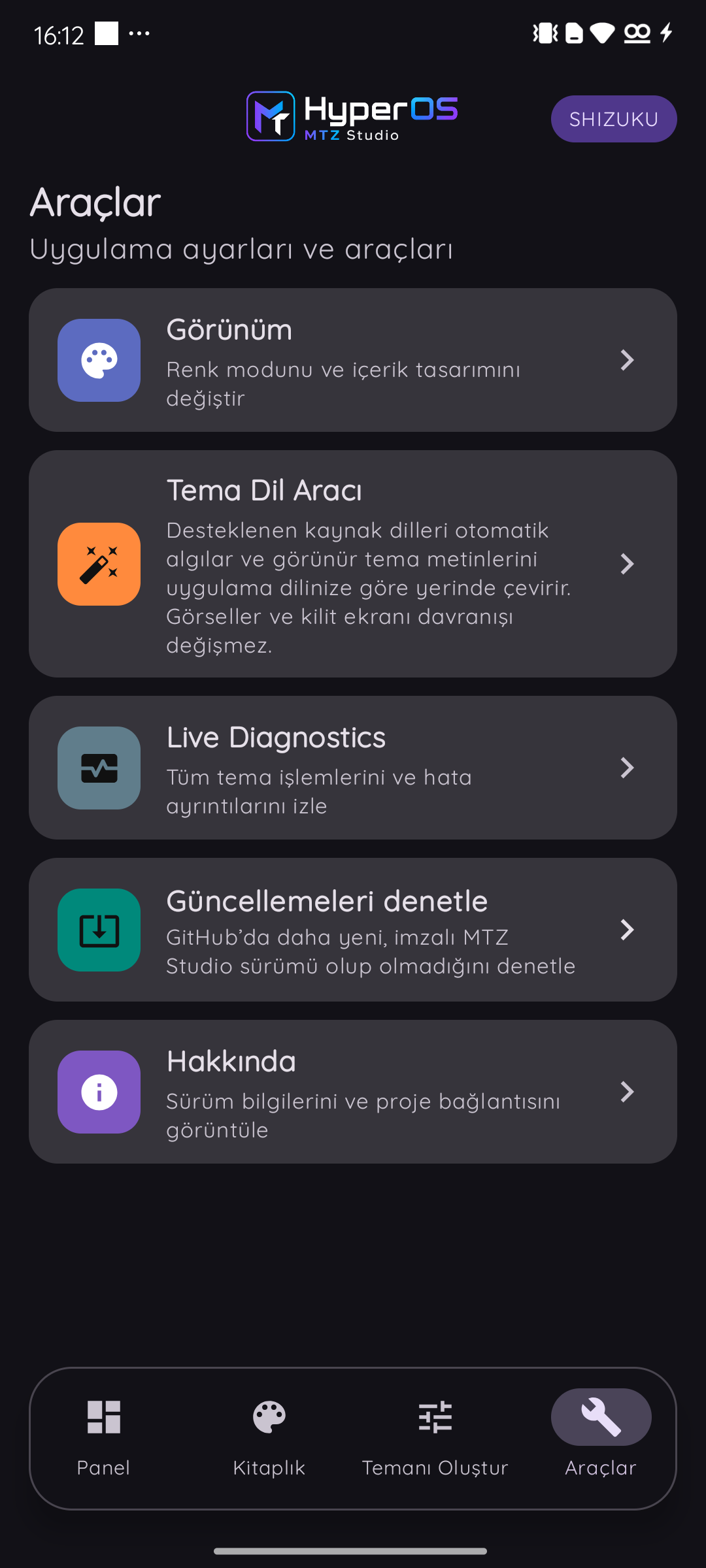
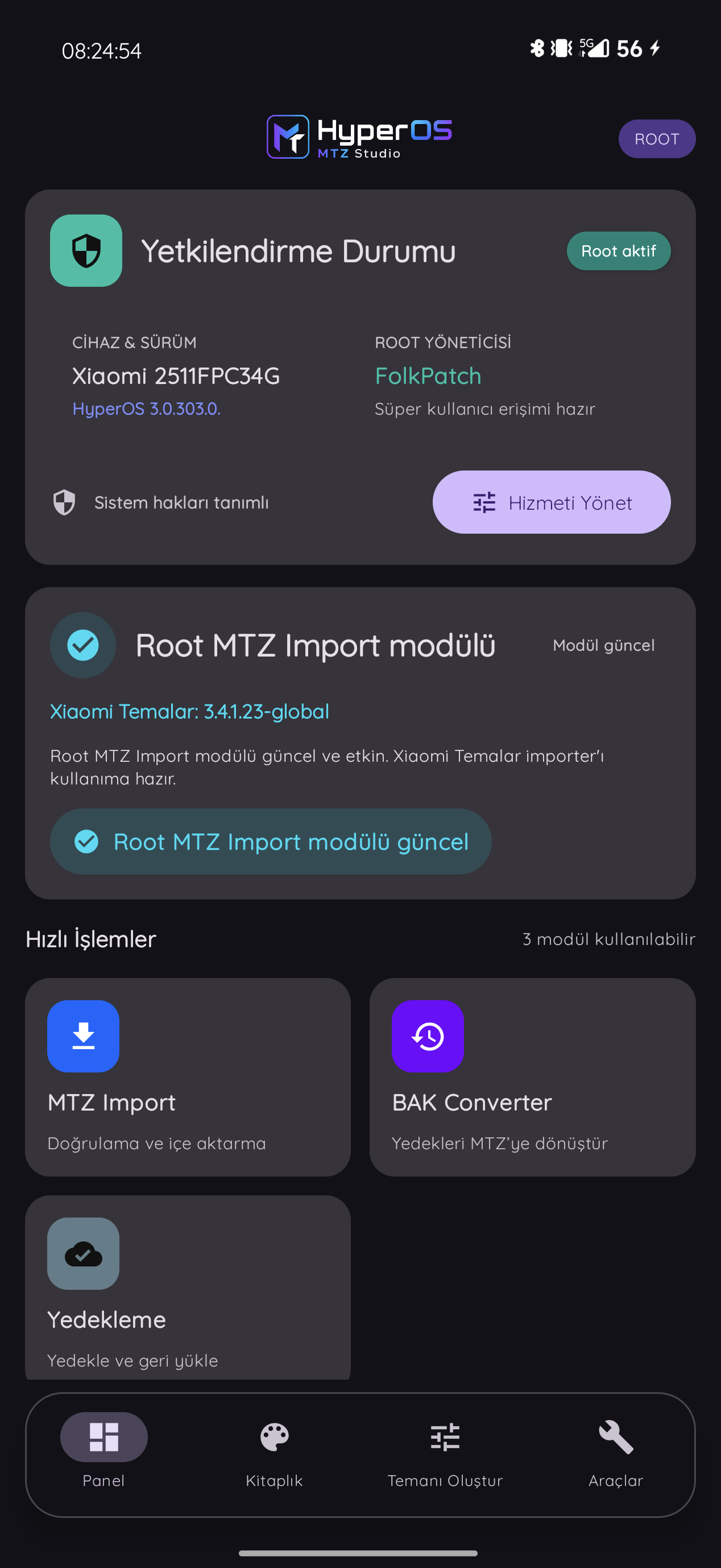
v5 interface


What it does
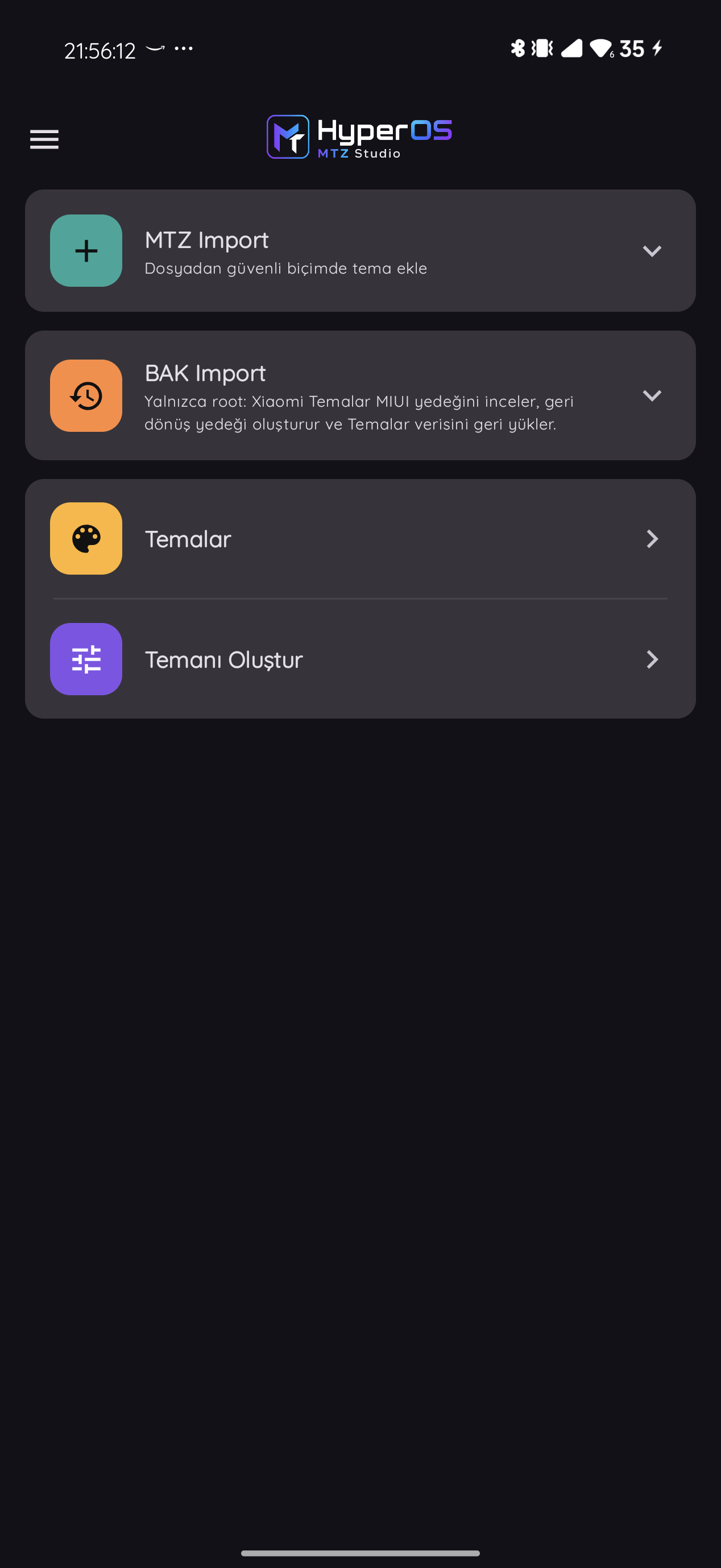
- MTZ Import: validates MTZ packages, adds them to the private library and produces preview data. Choose one file or batch-import up to five files. On supported modern Xiaomi Themes builds, the theme is also mirrored into Xiaomi's local library.
- BAK Converter: converts supported Xiaomi Themes
.bakbackups into MTZ packages and adds the result directly to the library. - Theme Language Tool: translates visible theme text into the app language. It supports XML, JSON and safe MAML content with translation memory and optional API providers. When translation finishes, Studio invalidates the stale Xiaomi-library copy and re-syncs the updated MTZ through a supported Shizuku/Shevery flow.
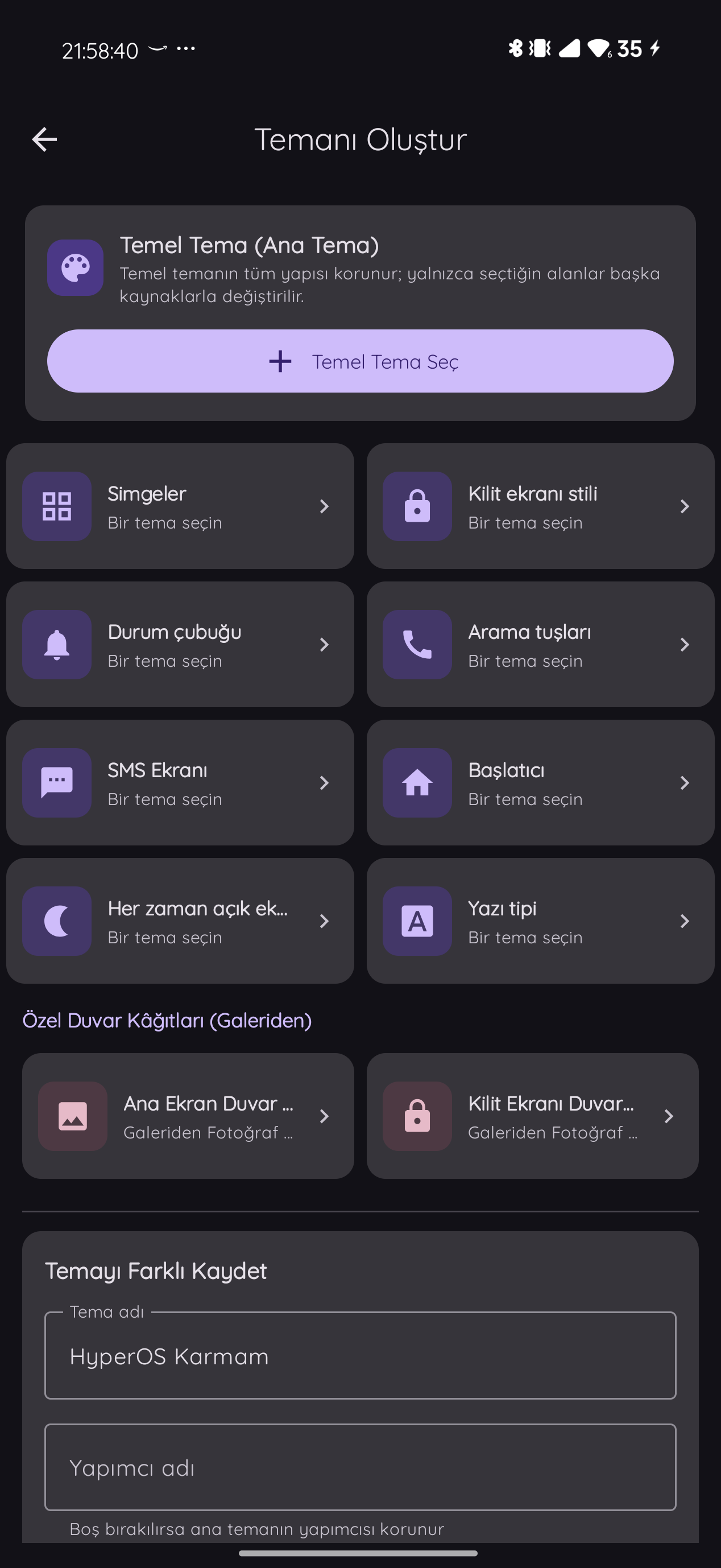
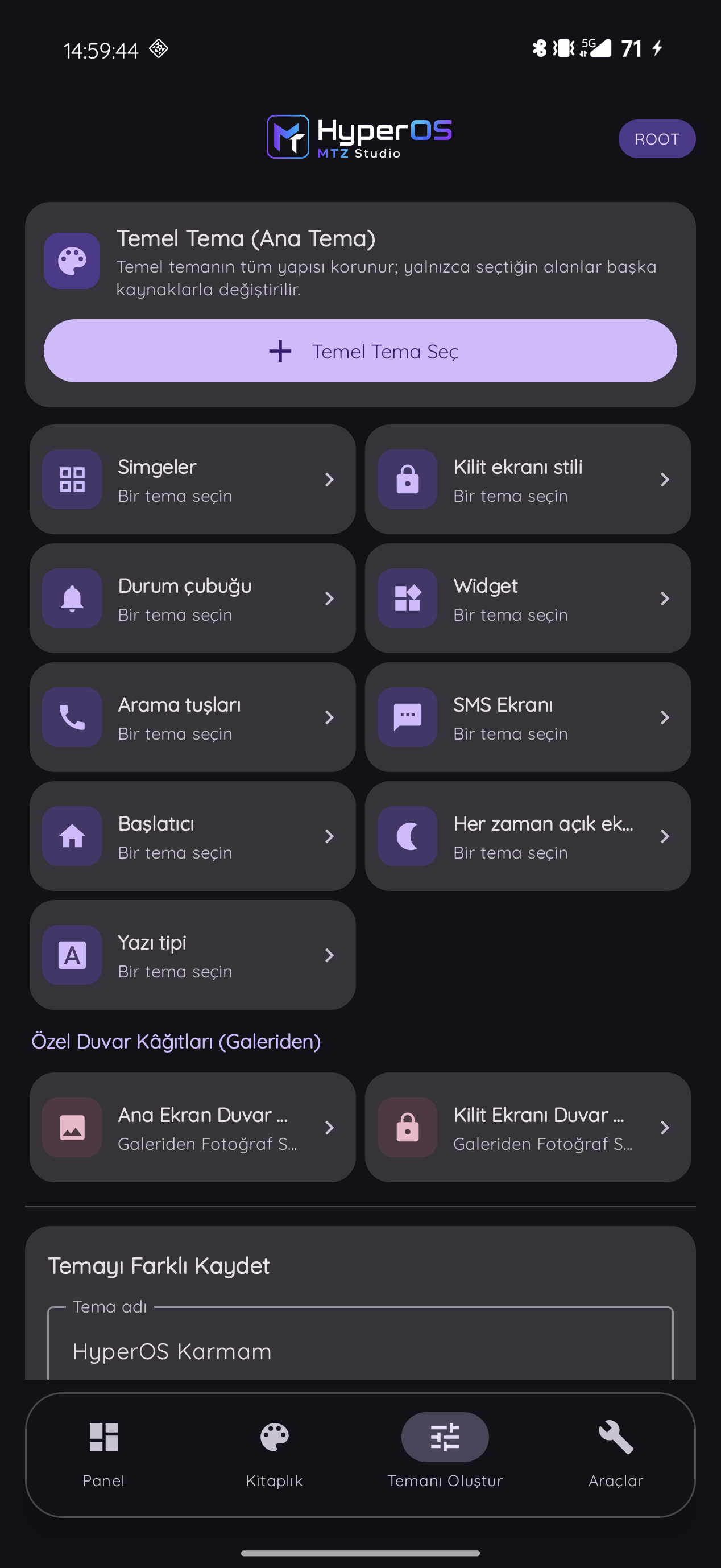
- Create Your Theme: creates a new MTZ by combining selected lock screen, icon, status bar,
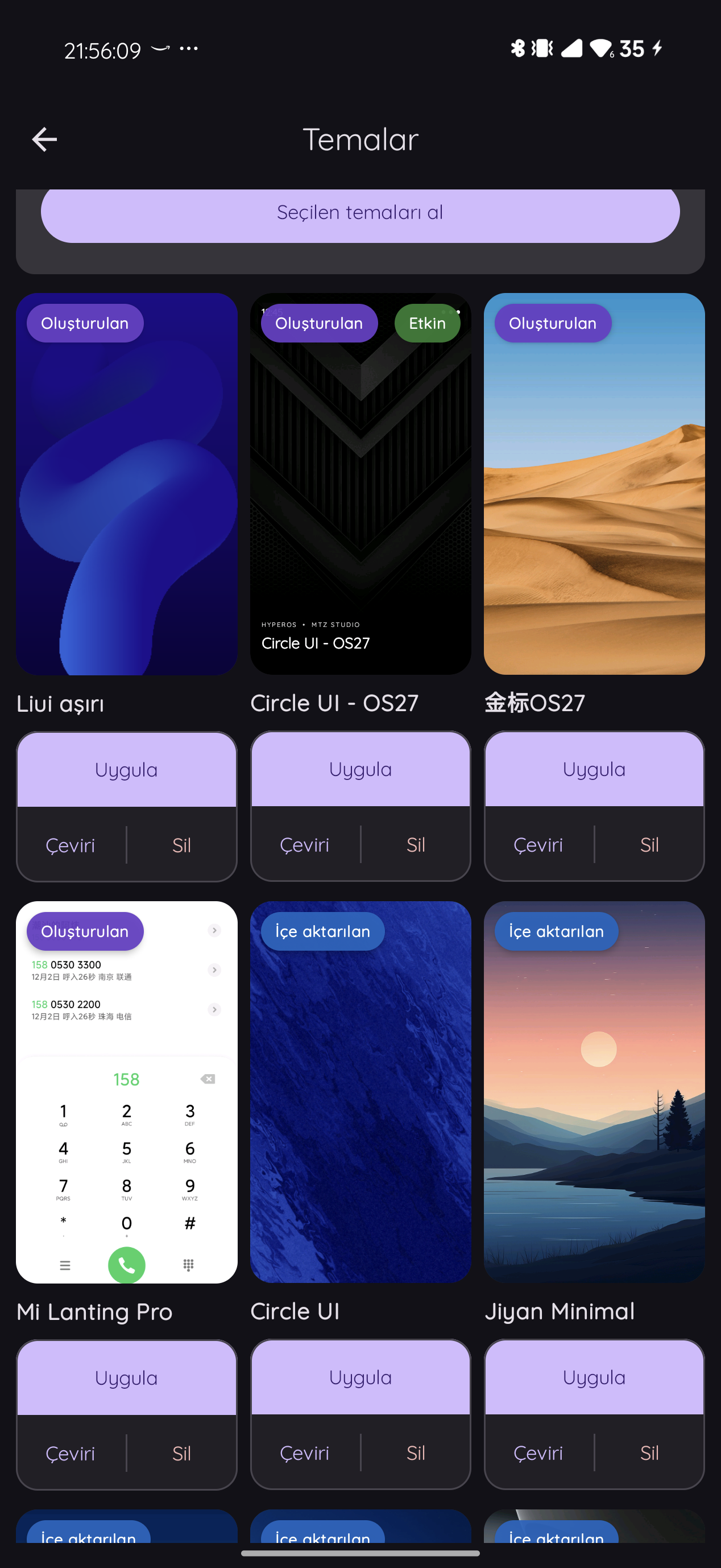
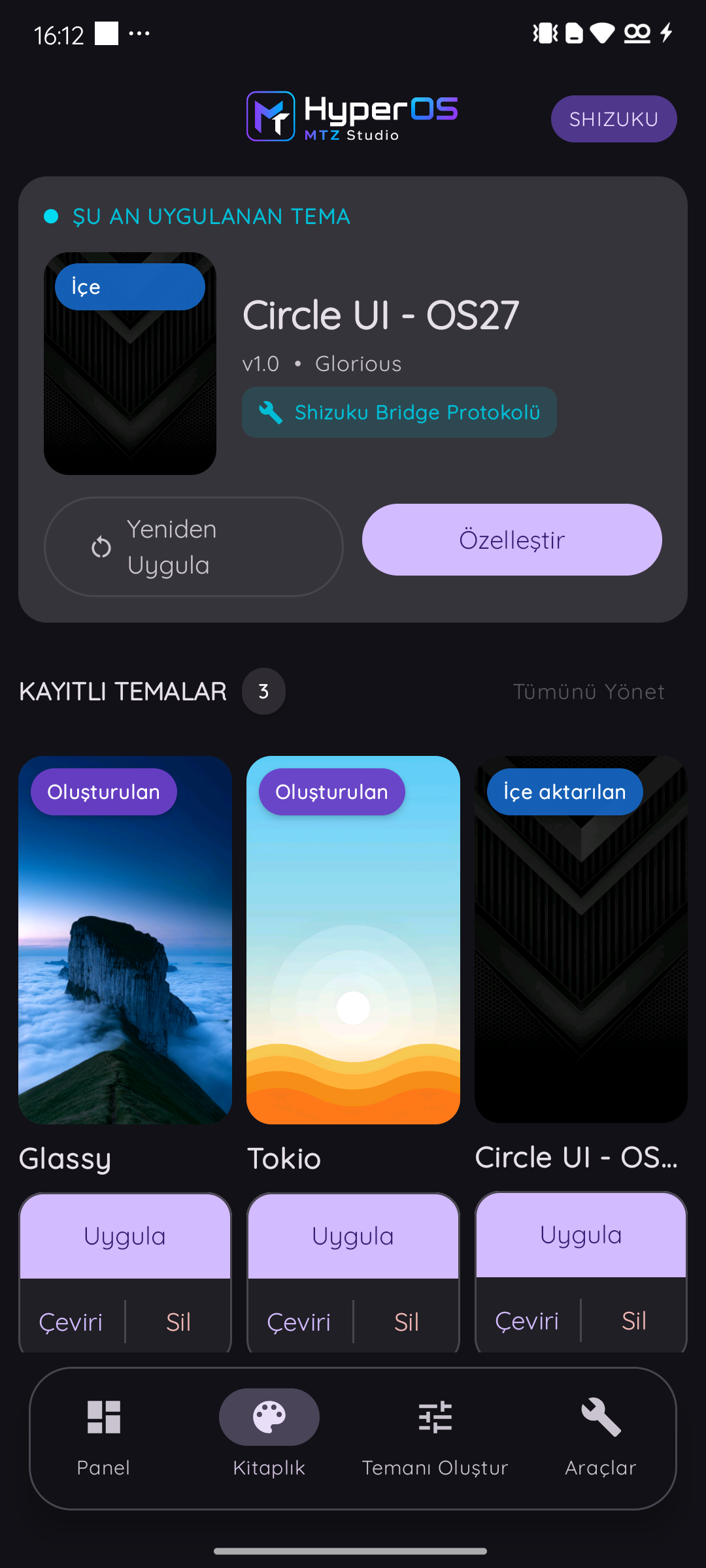
clock_2x4widget, font, wallpaper and other components from different themes. Each picker shows only themes that actually contain the requested component, and cards retain a fixed height with or without previews. On supported modern Xiaomi Themes builds, the created theme is also prepared in Xiaomi's local library. - Library: presents the currently applied theme plus imported and created themes separately from font-only packages. Manage Library supports multi-select removal and, on supported devices, importing local themes from Xiaomi Themes.
- Backup and updates: provides cloud/WebDAV backup and restore for the Studio library. Every foreground entry checks GitHub in the background, announces a new version and shows verified APK download progress as a percentage.
- Live Diagnostics: records import, conversion, translation and application stages to make Theme Manager issues easier to diagnose.
Root MTZ Import Module 1.0.0
On rooted devices without Xiaomi Themes' local MTZ import route, Studio can install or update the GloriousApps Root MTZ Import Module directly in the app. The module never replaces or resigns the APK; it enables Xiaomi Themes' own local import and apply flow. A reboot is required after installation. The 3.0.5.6, 3.0.6.8 and 3.4.x Global Themes families are supported.
Access modes
| Mode | Available workflow |
|---|---|
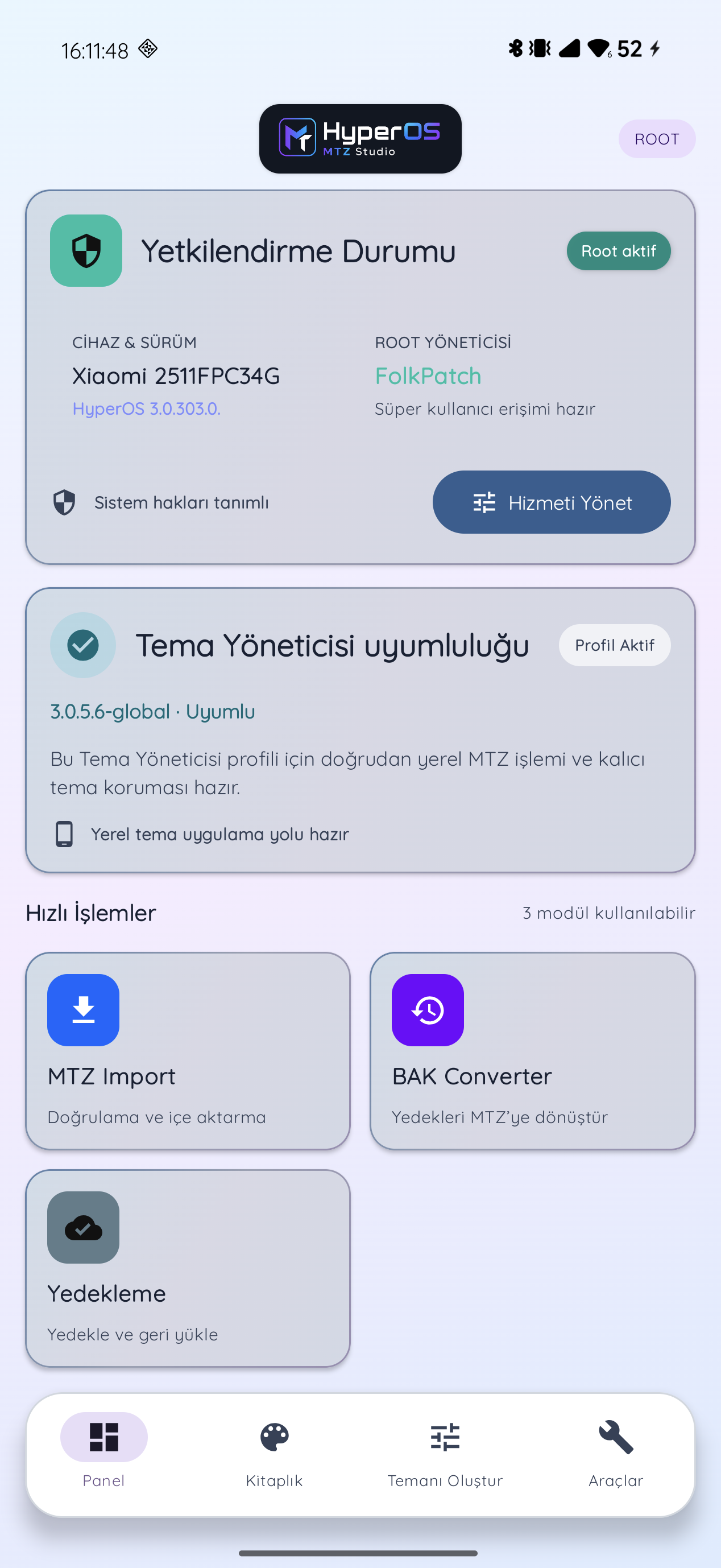
| Root | Advanced Theme Manager operations, compatible apply flows and diagnostics through the detected root manager. |
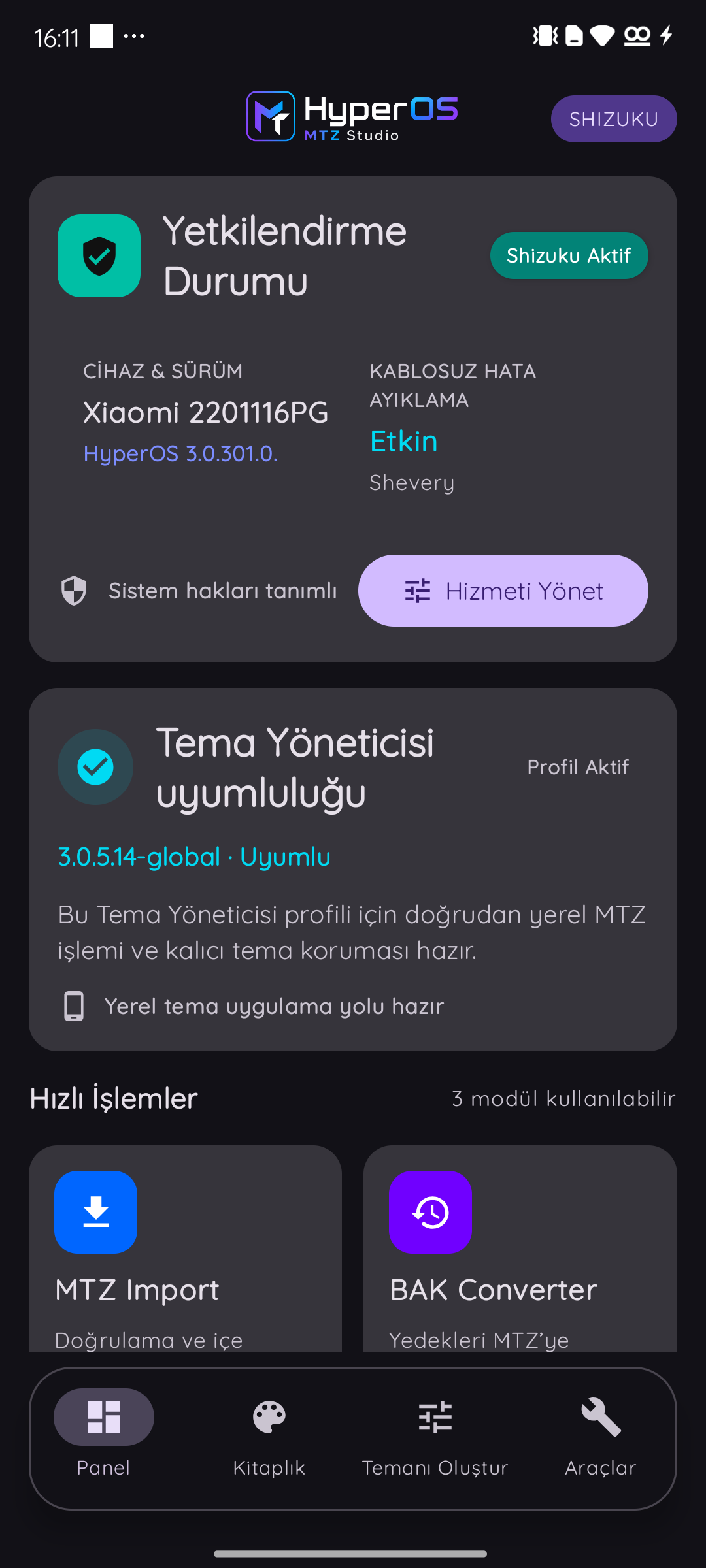
| Shizuku / Shevery | BAK Converter, local MTZ operations, theme protection and supported application flows without root. |
| No authorization service | The MTZ library, preview, translation, composer, export and backup remain available. Applying a theme requires Shizuku or Shevery. |
On non-rooted devices, install and start Shizuku or Shevery with Wireless debugging, then grant MTZ Studio permission. The app automatically detects an installed compatible manager.
Theme Manager compatibility
Studio does not rely only on a fixed Xiaomi Themes version allowlist. At runtime it verifies ApplyThemeForScreenshot on legacy Global builds and the native local-theme library on modern 10.8.7.6+ builds. If either route is available, the profile is shown as Compatible. If neither is available, Studio shows an explicit incompatibility notice and recovery option.
The recovery action downloads the verified Xiaomi Themes 3.0.5.6-global package directly through Android Download Manager:
Xiaomi can change the final application screen and theme-acceptance behaviour depending on the ROM. Studio verifies capabilities and outcomes at runtime whenever possible, but a Xiaomi confirmation screen may still appear.
Install
- Download
MTZ_Studio_v5.0.0.apkfrom the v5.0.0 release. - Back up an important Studio library before upgrading from an older build.
- Install the APK, open Studio and let it detect the available access mode.
- On non-rooted devices, grant the requested Shizuku/Shevery authorization before applying themes.
Official releases from v2.1.0 onward use the same signing key and normally update an existing installation. Android always requires your final confirmation before installing an APK.
Build
Requirements: JDK 17, Android SDK API 36 and Android 8.0 / API 26 or newer.
.\gradlew.bat test assembleDebug
Release signing uses MTZ_RELEASE_STORE_FILE, MTZ_RELEASE_STORE_PASSWORD, MTZ_RELEASE_KEY_ALIAS and MTZ_RELEASE_KEY_PASSWORD.
Documentation
Responsible use
Use themes, fonts, icons and artwork only when you own them or have permission from their creators. Xiaomi and HyperOS are trademarks of their respective owners. This independent project is not affiliated with or endorsed by Xiaomi.
Built for HyperOS users and theme makers by GloriousApps.
How Shizuku is used
Can import, stage and apply Xiaomi themes via Shizuku using `MiuiBackup` restore and shell commands.
This is an AI-assisted analysis of Shizuku-related usages in the app's public source code. It is best effort, so it may not catch every single usage.
How this app uses Shizuku
Shizuku is used to import, stage, apply, maintain and diagnose Xiaomi themes without manual system steps.
- Import themes into library: a chosen MTZ is converted to a backup package and restored into the Xiaomi Themes library through the HyperOS backup service via Shizuku.
- Stage theme files: prepared MTZ files are copied into Themes app storage with
mkdir,cpandchmod, verified withsha256sum, and cleaned up afterward withrmthrough the Shizuku shell service. - Open Themes apply screens: Xiaomi Themes detail and apply screens are launched for the staged theme or saved theme identity with
am startthrough Shizuku, including automatic reapply when a revert is detected. - Install Themes app version: a verified compatible Xiaomi Themes package is installed from Downloads with the
pm installcommand through Shizuku. - Read installed themes: installed Themes metadata, component and preview files are copied into the app with
cp,chownandchmodthrough the privileged service for library import, and old records are removed withrmandsync. - Watch applied theme: installed theme component files are checksummed on a schedule through Shizuku, and the saved apply screen is relaunched or offered again when a change is detected.
- Collect failure diagnostics: recent crash and import logs are read with
logcat,grepandtailthrough Shizuku to explain a failed import or apply.
Android APIs or commands used
miui.app.backup.IBackupManagerandroid.os.IBinder.transactandroid.os.Process.myUidam startam force-stoppm installcmd package resolve-activitymkdircpchmodchownrmmvsynclogcatgreptailsha256sumcutid
Notable details
Without Shizuku the app can still save the theme file to shared Downloads and open Xiaomi Themes or a file manager for manual import, but automatic library import, staged apply and background theme watching stay unavailable.
Changelog
What's new for version 5.2.3
HyperOS MTZ Studio v5.2.3
Fixes
- Root bridge readiness now follows the in-process Xiaomi Themes marker instead of treating an installed module as automatically active.
- When a Global Themes build does not expose an importer compatible with the installed root bridge, MTZ Studio uses the HyperOS BAK restore path instead of submitting a request that fails with a local-theme-directory error.
Notes
- The BAK restore path adds the theme back to Xiaomi Themes' local catalog and opens Themes. Select the restored theme there to apply it.
Full Changelog: https://github.com/GloriousApps/HyperOS-MTZ-Studio/compare/v5.2.2...v5.2.3
Permissions
13 permissions requested
More from this category
 HyperOSUnf*cker
 FxxkMIUIAd
 Island Recorder
 Aura
Aura
 HyperOS FCM Fix
 MixFlipTool
Navigation Switcher
MixFlipTool
Navigation Switcher
 壁纸设置器
壁纸设置器
 音质助手
音质助手
 FiveGSwitcher
 FpsSwitcher