 ShizuStore
Agent
0.13.159 · GitHub
More about this app
Hermes Agent port for Android with a Shizuku privileged shell bridge for on-device actions.
Agent
An independent Android app for local AI models and practical device tools.
Agent is maintained by MobileFork. It is not an official Nous Research product and is not endorsed by Nous Research or Teknium. Upstream authorship and open-source licenses are retained.
Choose a model first
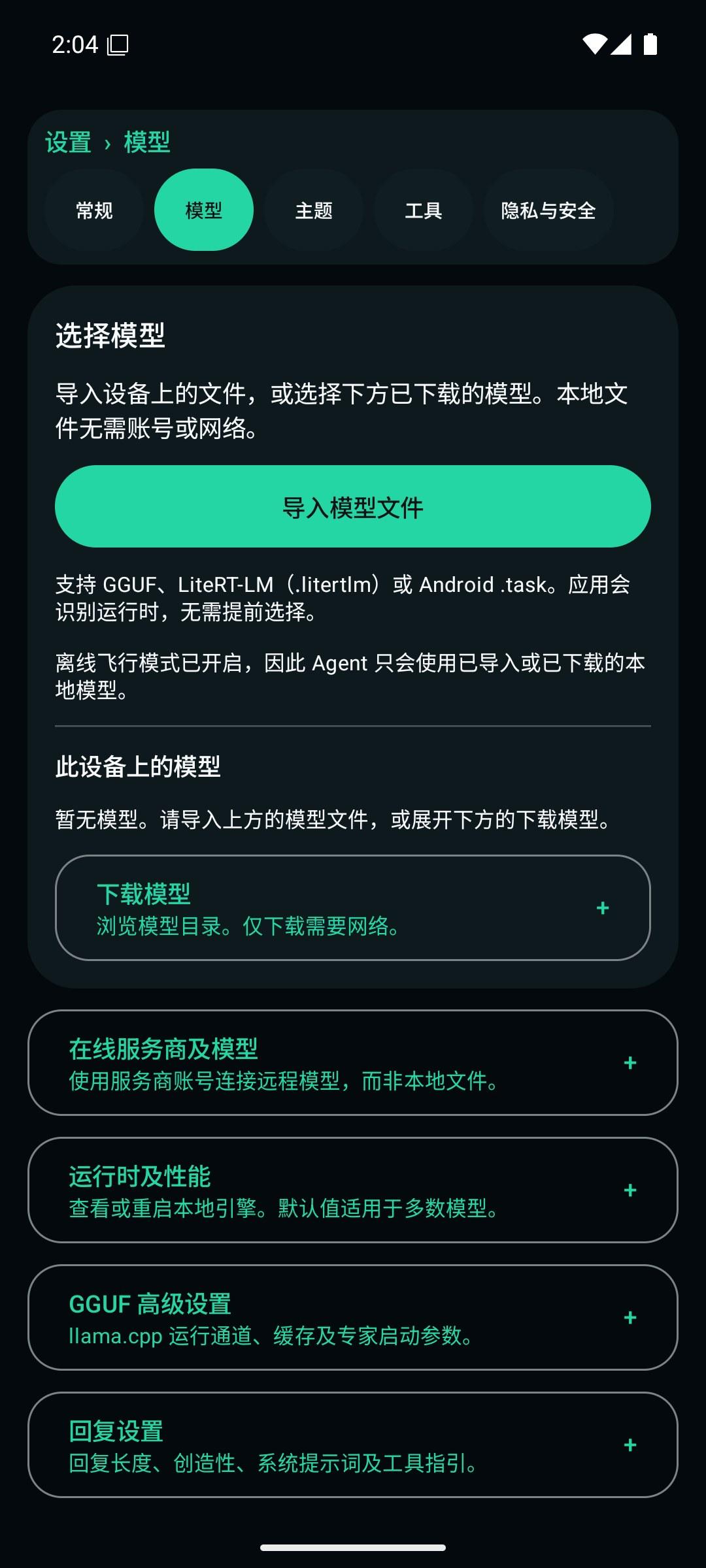
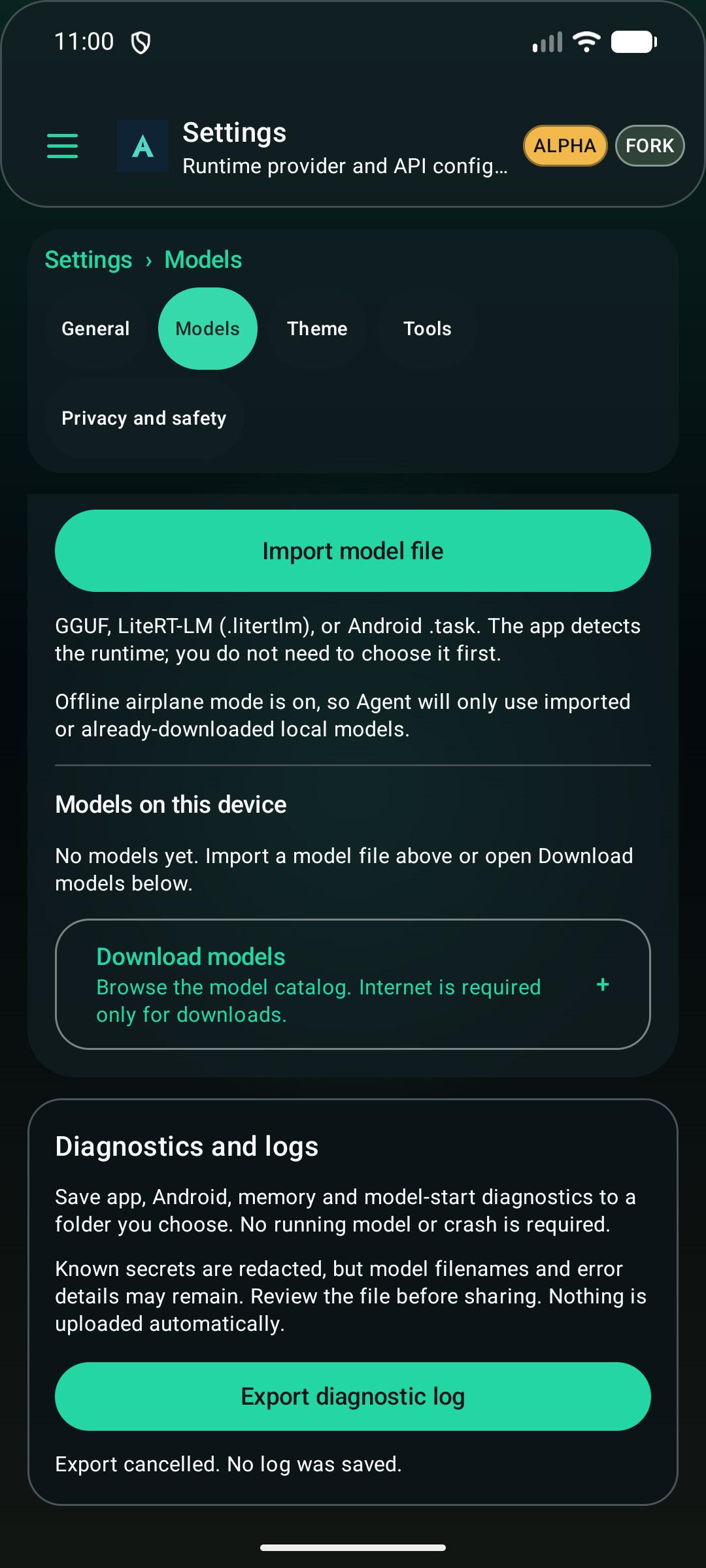
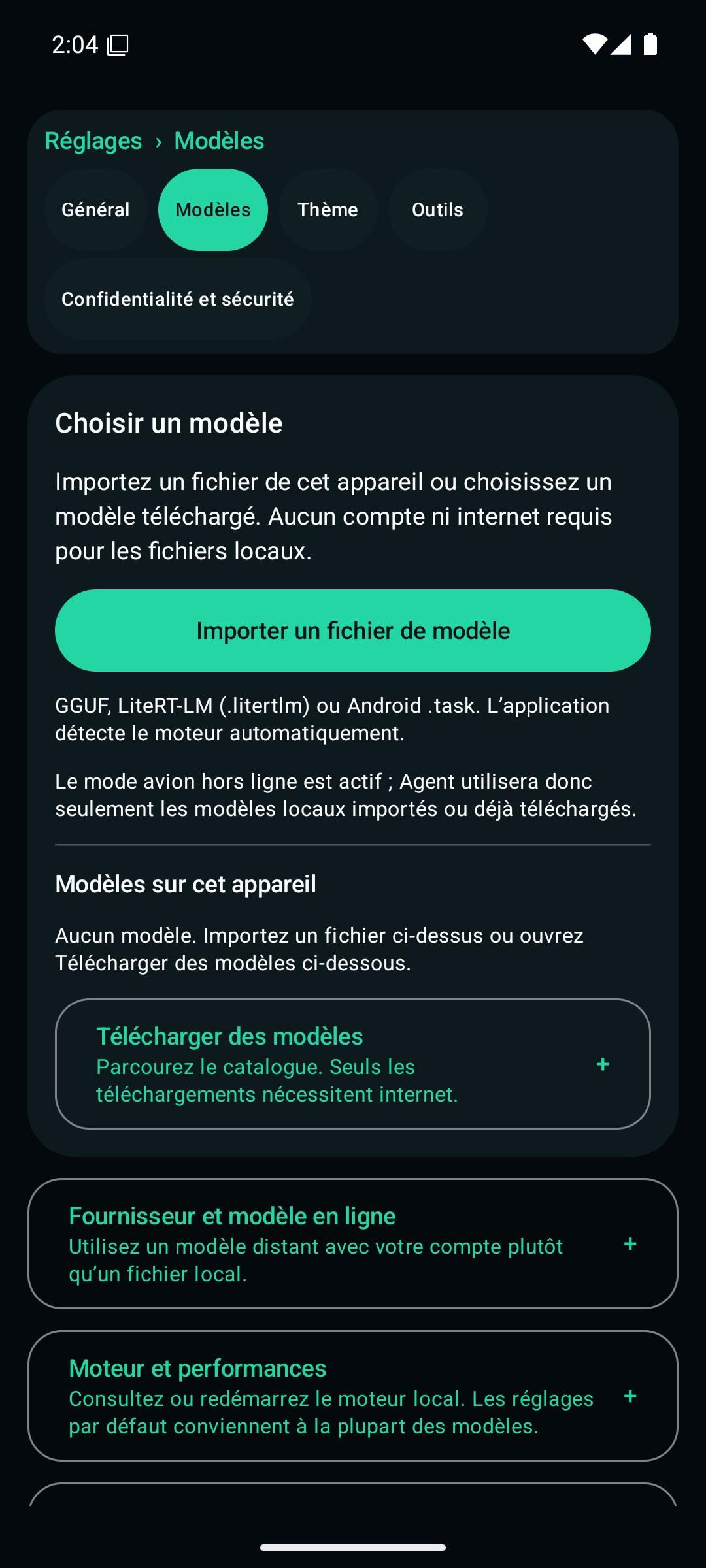
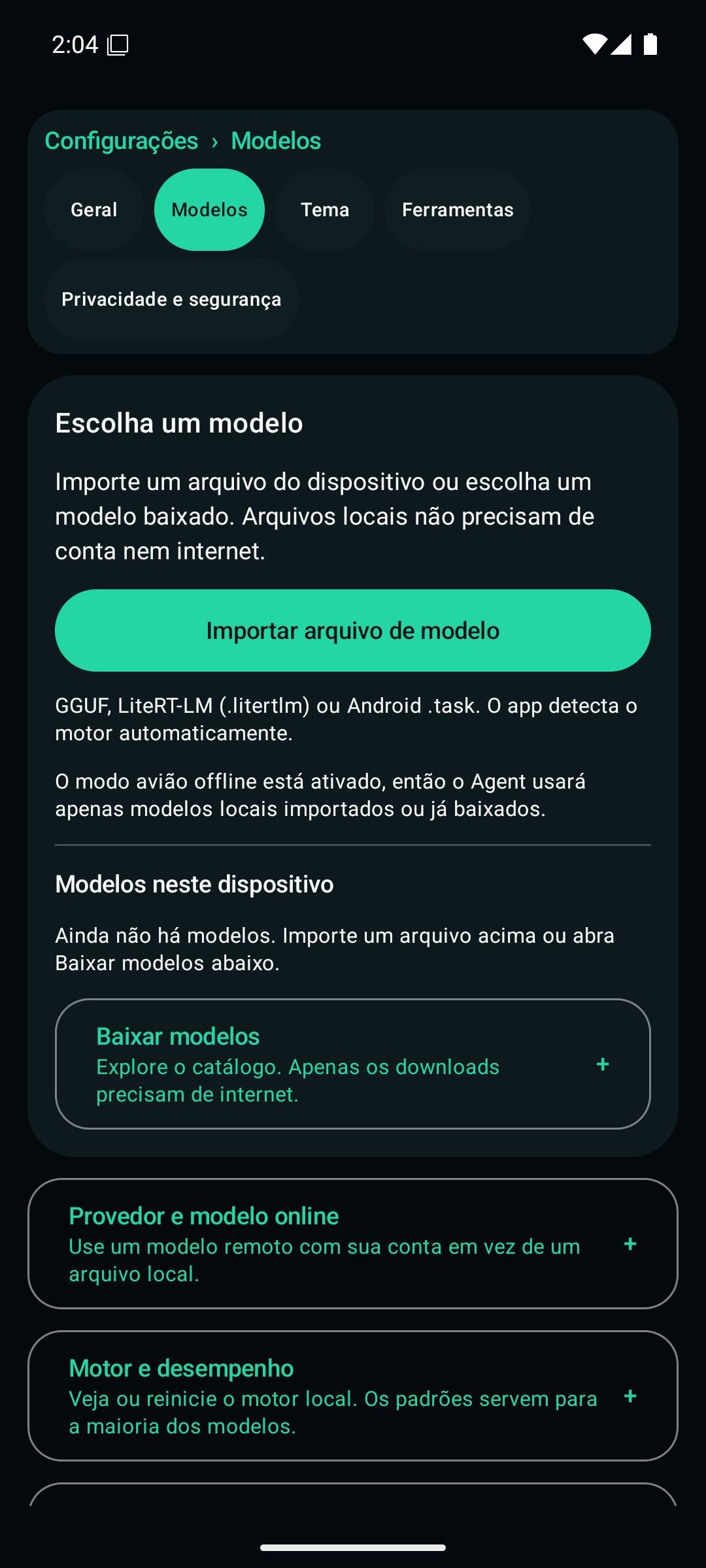
Open Settings > Models. Import an existing GGUF, LiteRT-LM (.litertlm), or Android .task file with the system file picker, or choose a model already downloaded to the device. Local import needs no account or internet connection. Use the model's Use & Start action to select its matching engine and run compatibility and memory checks.
Online downloads and remote providers are optional, separate choices. Response preferences, runtime controls, advanced GGUF settings, and local API sharing are grouped under expandable headings rather than placed before the model picker.
Android application
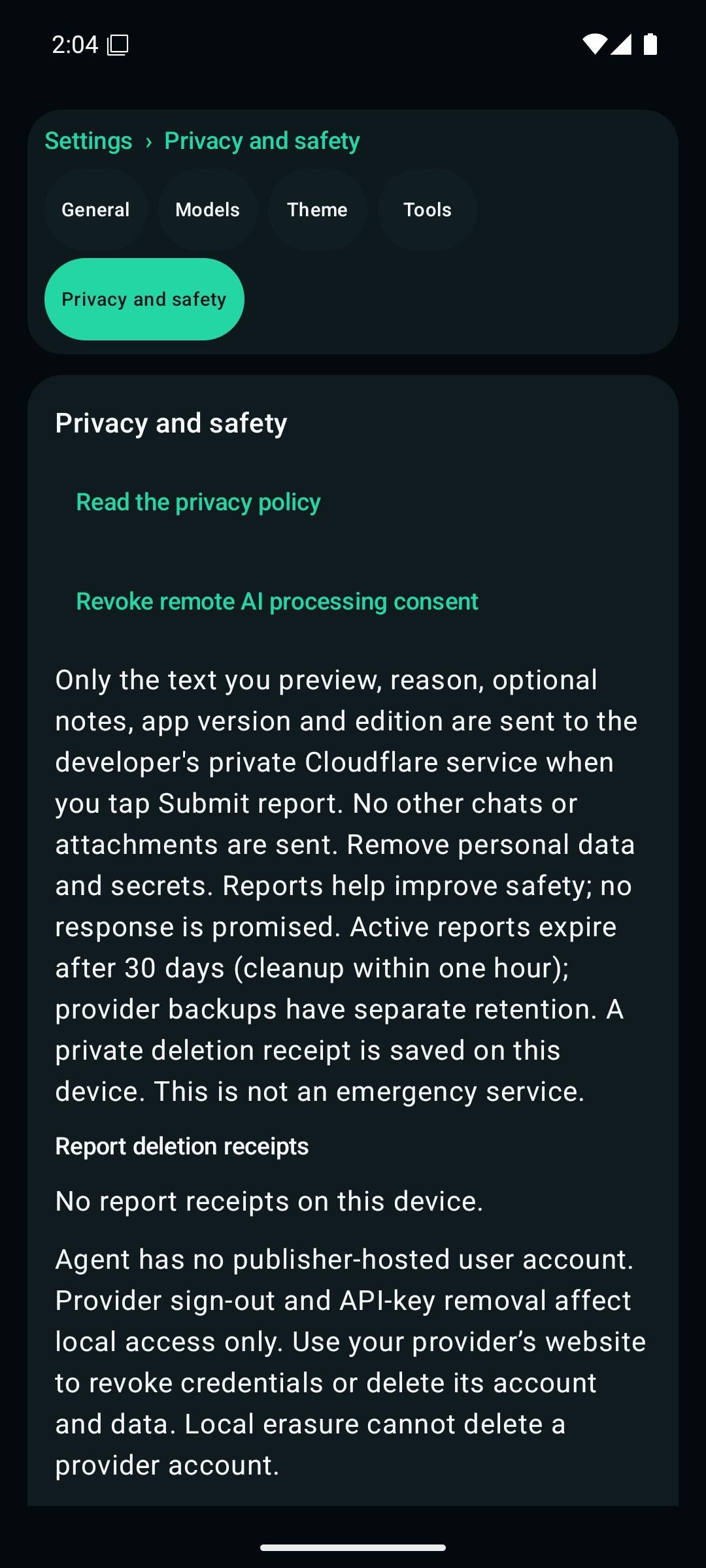
The interface supports English, Chinese, Spanish, German, Portuguese, and French, with phone/tablet layouts, conversation history, local model management, and explicit permission and remote-processing controls. The Full edition also exposes Android workflow tools; the Play edition intentionally restricts the available tools.
Read the Android guide for installation, model constraints, settings, builds, and tests. Read the Python runtime guide for verified source-built dependencies and the compatibility policy for upgrade identifiers and credits.
Development and validation
The Android runtime uses an exact stable LiteRT-LM dependency, checked against Google Maven by scripts/check_android_litertlm_version.py. Build inputs and genuine Python dependencies are verified before Gradle consumes them; a successful compile is not a model/device certification.
This repository also retains the upstream-derived CLI and desktop sources. Their established module, command, protocol, and storage identifiers have not been globally renamed as part of the Android presentation change. See the contributor instructions and MIT license.
For the retained Windows command-line tooling, use the PowerShell installer. This is separate from installing the Android APK.
A candidate branch or debug build is not a new public store release. Release publication, signed upgrades, and device/model qualification use the repository's separate release gates.
How Shizuku is used
Can run saved shell commands and manage apps, connectivity, settings and logcat via `sh -c` through Shizuku
This is an AI-assisted analysis of Shizuku-related usages in the app's public source code. It is best effort, so it may not catch every single usage.
How this app uses Shizuku
Shizuku is used to run a privileged shell that executes saved automation commands and device control actions with shell privileges.
- Run privileged shell: a saved automation command marked for Shizuku is executed with
/system/bin/sh -cinside the Shizuku user service and its output, error and exit code are returned. - Manage installed apps: grant or revoke runtime permissions with
pm grantandpm revoke, force stop apps witham force-stop, clear app data withpm clear, and enable or disable apps withpm enableandpm disable-user. - Toggle connectivity: switch Wi-Fi with
svc wifi, Bluetooth withcmd bluetooth_manager, mobile data withsvc data, airplane mode withcmd connectivity airplane-mode(with settings and broadcast fallback), and Wi-Fi hotspot withcmd connectivity tether. - Control interruptions and power: set Do Not Disturb with
cmd notification set_dndand battery saver withcmd power set-mode. - Press keys and panels: turn the screen off, end calls, and send back, home and recents keys with
input keyevent, and expand or collapse notifications and quick settings withcmd statusbar. - Manage users and networks: start, stop or switch user profiles with
am start-user,am stop-userandam switch-user, and set allowed network types withcmd phone set-allowed-network-types-for-users. - Read and change settings: read, write and delete
system,secureandglobalsettings values with thesettings get,settings putandsettings deleteshell commands. - Watch system logs: collect recent logs with
logcat -dand resolve log UIDs to packages withcmd package list packages --uidto trigger log based automations.
Android APIs or commands used
/system/bin/sh -cpm grantpm revokeam force-stoppm clearpm enablepm disable-usersvc wifi enablesvc wifi disablecmd bluetooth_manager enablecmd bluetooth_manager disablesvc data enablesvc data disablecmd connectivity airplane-mode enablecmd connectivity airplane-mode disablesettings put global airplane_mode_onam broadcast -a android.intent.action.AIRPLANE_MODEcmd connectivity tether start wificmd connectivity tether stop wificmd notification set_dndcmd power set-modeinput keyevent KEYCODE_SLEEPinput keyevent KEYCODE_ENDCALLinput keyevent KEYCODE_BACKinput keyevent KEYCODE_HOMEinput keyevent KEYCODE_APP_SWITCHcmd statusbar expand-notificationscmd statusbar expand-settingscmd statusbar collapsecmd phone set-allowed-network-types-for-usersam start-useram stop-useram switch-usersettings putsettings getsettings deletelogcat -d -v threadtime,uidcmd package list packages --uid
Notable details
Chat-owned requests block the privileged shell and structured privileged actions because the remote shell cannot be cancelled safely. Those actions run from the manual or background automation surface instead.
Changelog
What's new for version 0.13.159
What's Changed
- Agent v0.13.159: visible diagnostic log export, Android fixes and security updates by @adybag14-cyber in https://github.com/adybag14-cyber/hermes-agent/pull/25
Full Changelog: https://github.com/adybag14-cyber/hermes-agent/compare/v0.13.158...v0.13.159



Permissions
7 permissions requested
More from this category
 Operit AI
 AndroidHarness
 Minis
Minis
 OpenDroid
 XiaoEr
 Aether
 ClawGUI
 rish-mcp
 Zafiro
 小万
小万
 Ruto
Ruto
 OpenCyvis