 ShizuStore
Flywheel
1.1.1 · GitHub
More about this app
Free and open source alternative to Android Auto aimed at de-googled phones, compatible with existing headunits; Shizuku is used for app embedding and call-audio capture.
Flywheel
Caution
- Flywheel is experimental software.
- Use it at your own risk.
- I am not responsible for bricked headunits.
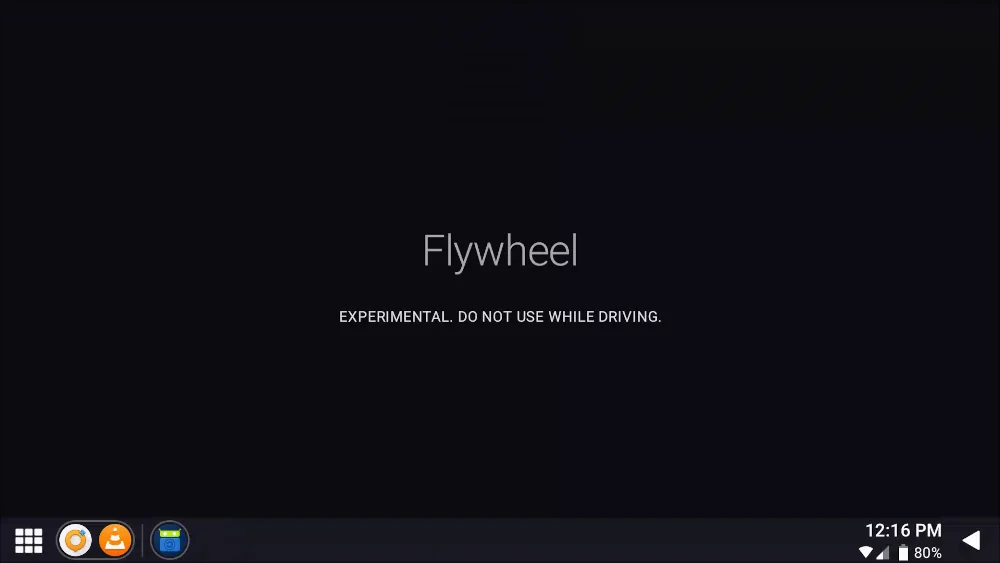
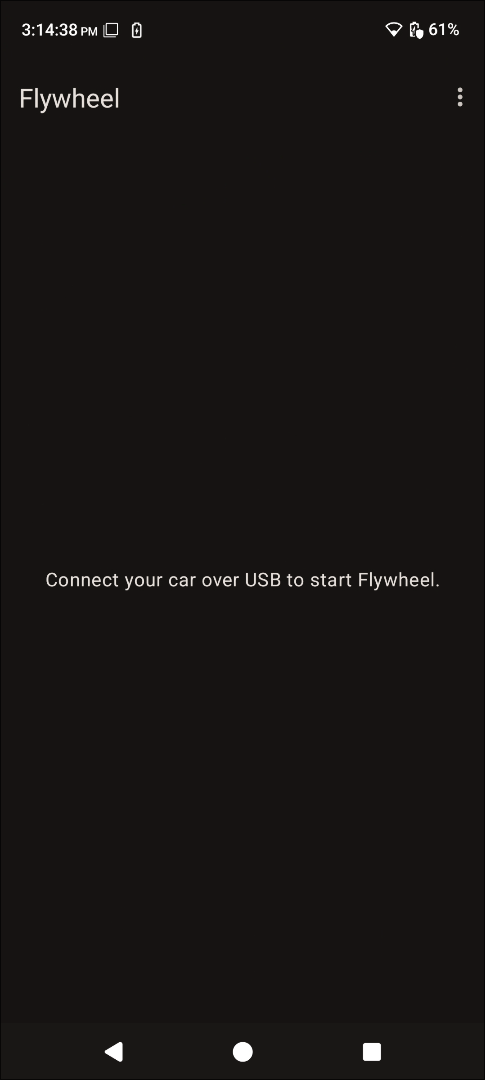
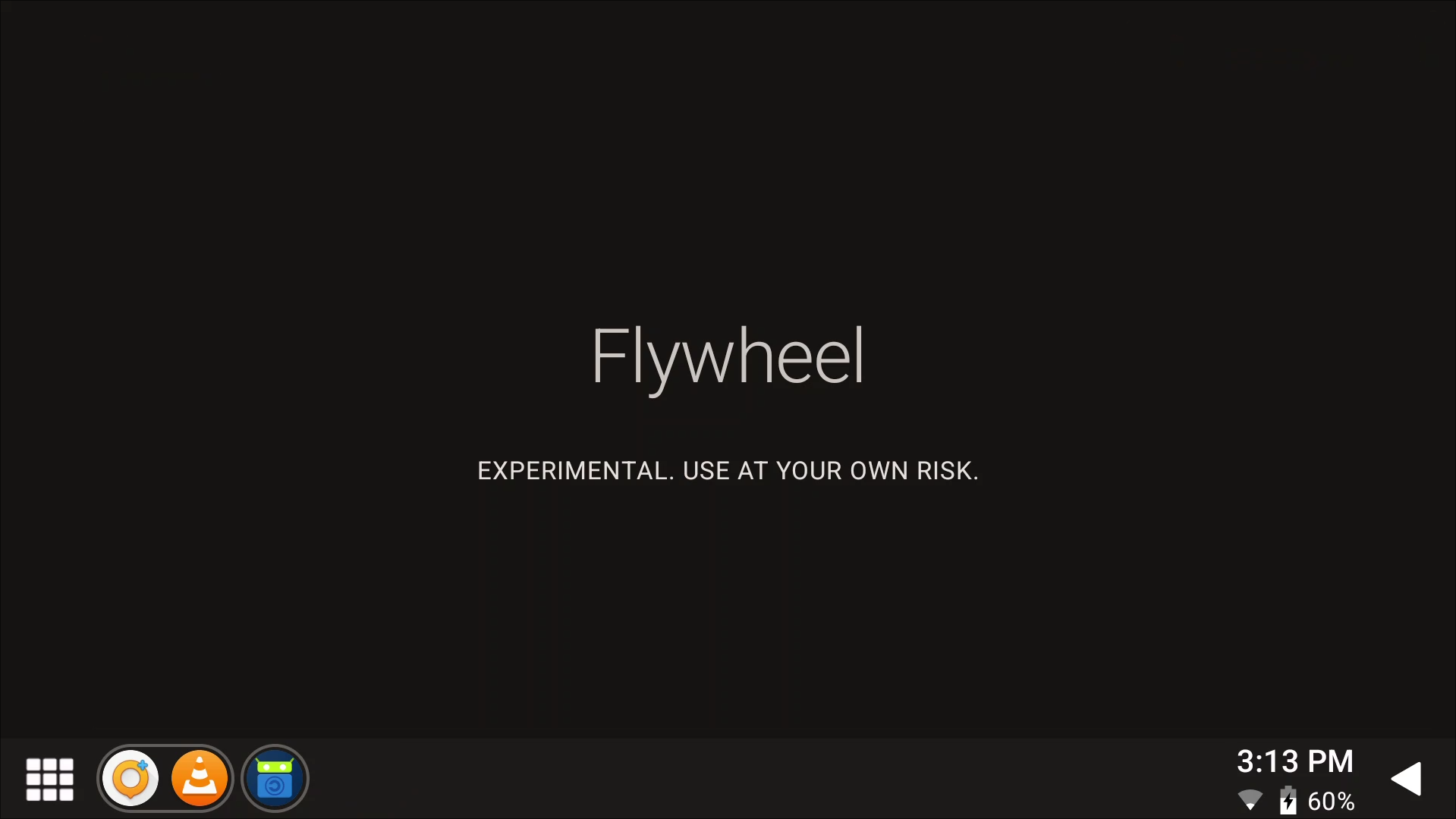
Flywheel is a free and open source alternative to Android Auto intended for users of de-googled phones, aiming to be compatible with existing headunits.
Documentation
For user documentation, visit the wiki tab.
Quick links
Bug reporting
If you encounter any issues, please visit the troubleshooting wiki page first. If you can't resolve the issue, please submit a bug report.
Contributing
Feel free to look for or open a new issue for something you want to work on, and say that you'll work on it. Other contributors may provide helpful information or warn you of upcoming churn, so please pay attention to new comments on the issue.
Please note that contributions may not always be accepted, but are always appreciated!
Thanks
Non-code contributions:
- Nick for helping test on his car during early development
- Zelemar Electronics for helping me diagnose an OEM headunit for bench testing
Other projects of great help during development:
How Shizuku is used
Can show phone apps on a car headunit and forward touch and call audio via `Shizuku` privileged daemon
This is an AI-assisted analysis of Shizuku-related usages in the app's public source code. It is best effort, so it may not catch every single usage.
How this app uses Shizuku
Shizuku is used to start a privileged helper that lets the phone project its apps to a car headunit like Android Auto.
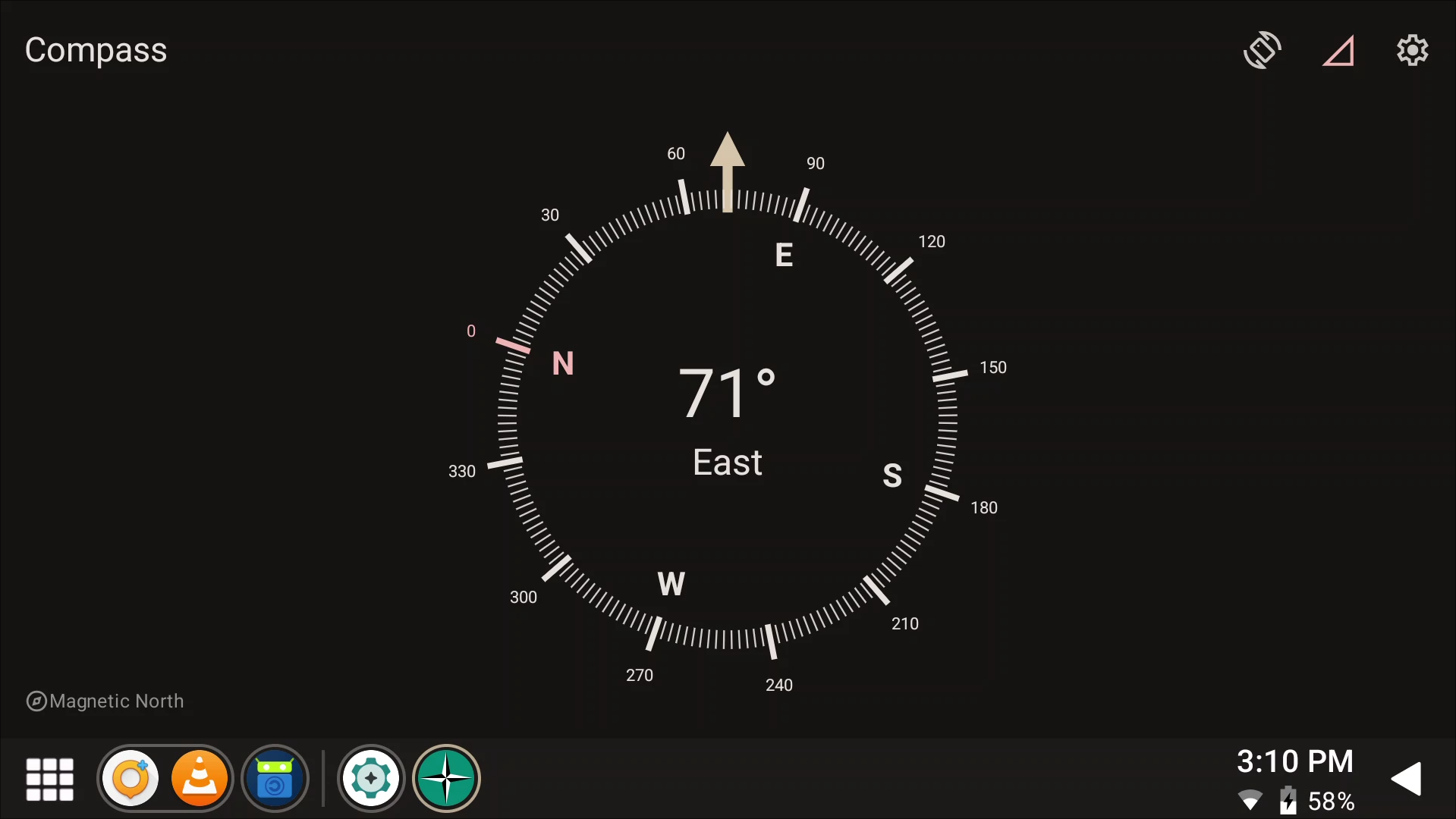
- Show projection display: creates a dedicated virtual display for the car screen so phone content can be rendered for the headunit and resized or reattached when the video output changes.
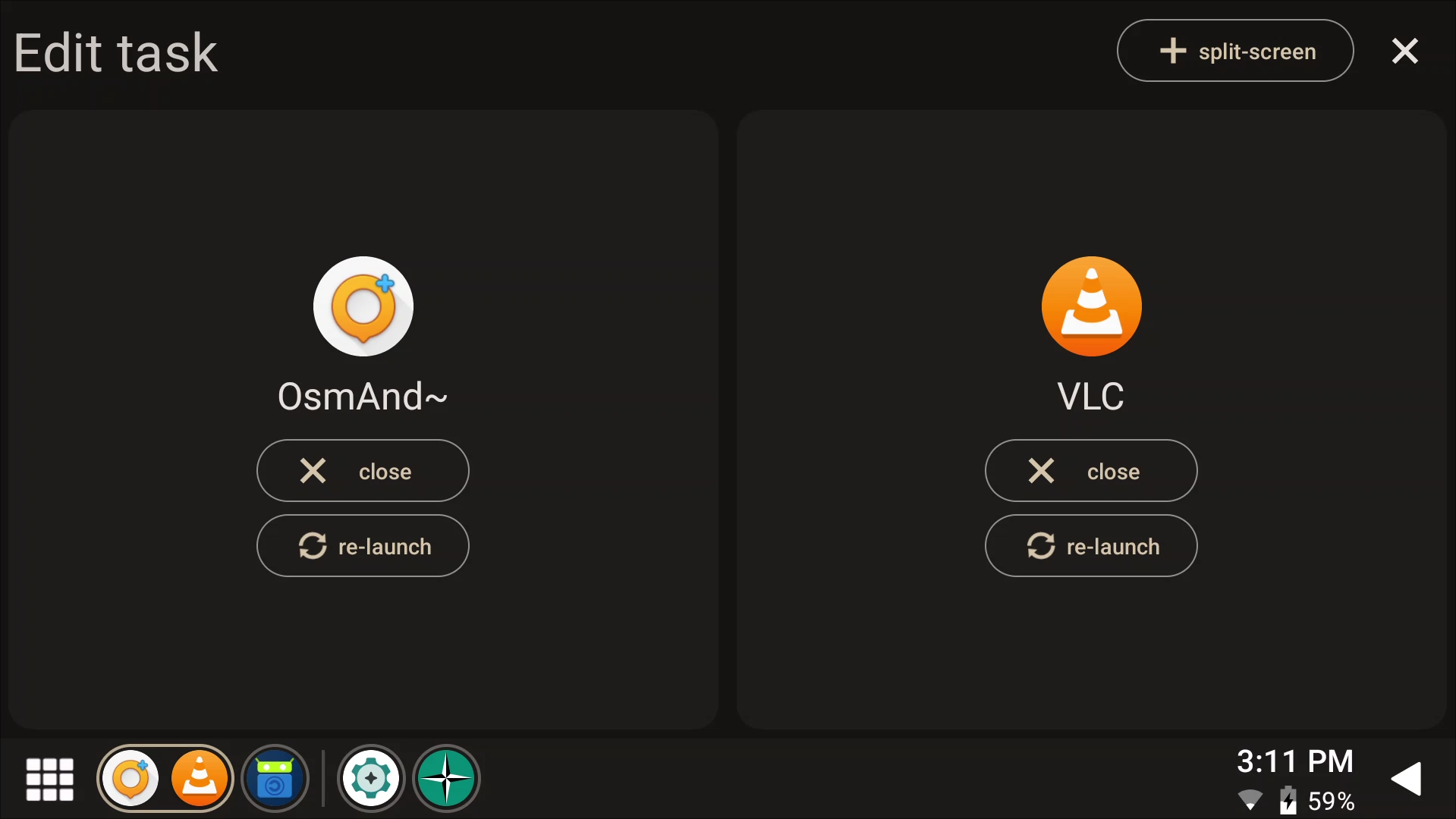
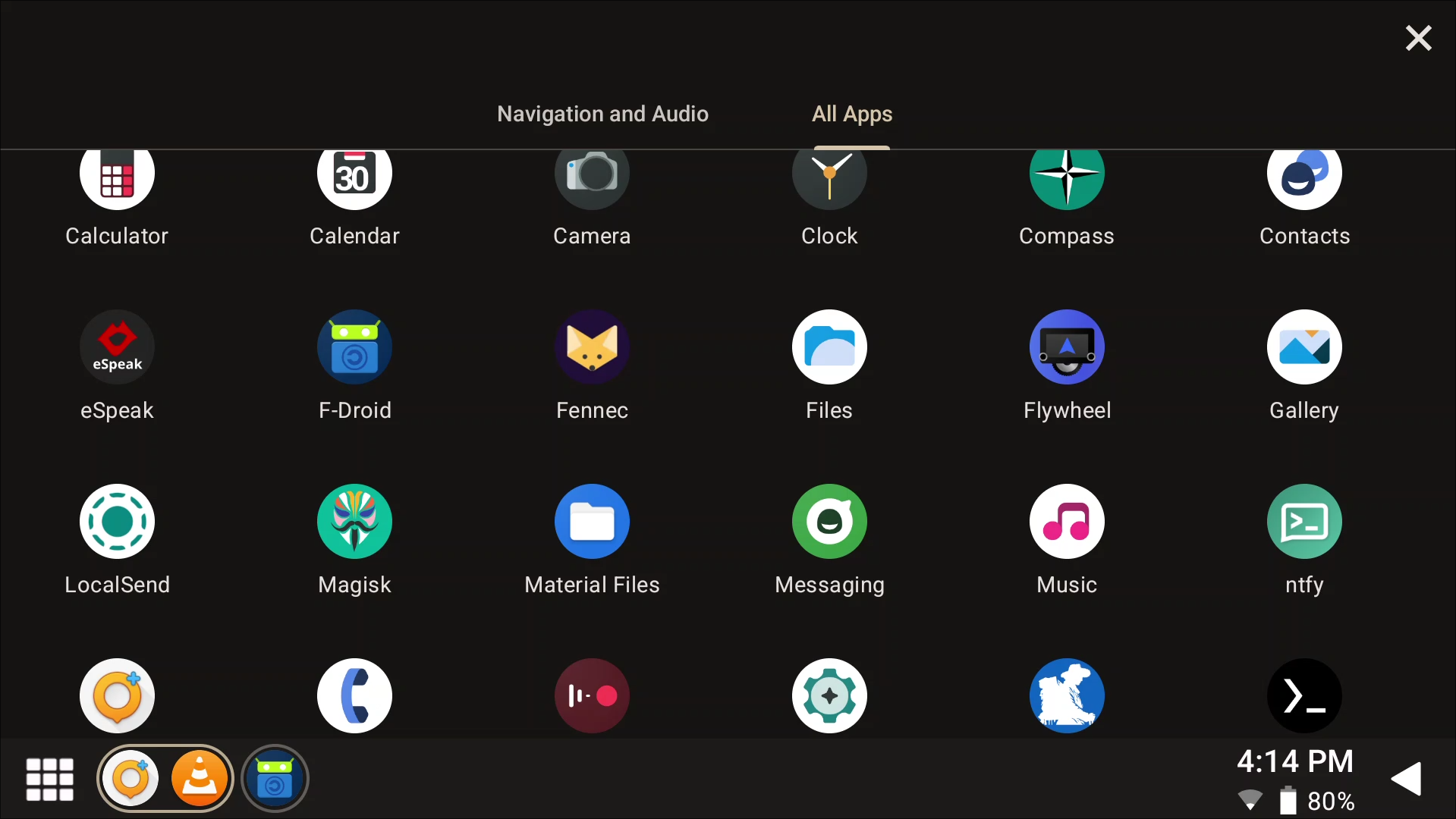
- Open phone apps on car: launches the phone app the user picks onto the car display, including the main projection UI and individual embedded apps, so they appear on the headunit.
- Control apps from car: sends touch, button and back actions received from the car to the app shown on the car display, so the headunit controls the phone app.
- Hear media and calls: captures phone media output and phone call downlink audio for streaming to the headunit, so music and calls play through the car.
Android APIs or commands used
DisplayManager.createVirtualDisplayVirtualDisplay.getDisplayVirtualDisplay.resizeVirtualDisplay.setSurfaceVirtualDisplay.releaseActivityOptions.setLaunchDisplayIdIActivityManager.startActivityAsUserInputManager.injectInputEventAudioRecordwithMediaRecorder.AudioSource.REMOTE_SUBMIXAudioRecordwithMediaRecorder.AudioSource.VOICE_DOWNLINKam start-activity
Notable details
If the privileged helper cannot create its display, the app falls back to a local virtual display with reduced behavior (new app screens may appear on the phone instead of staying on the car display).
Changelog
What's new for version 1.1.1
Updated fastlane description
no functional changes
Permissions
21 permissions requested