 ShizuStore

Essentials
21.2 · GitHub
Detected trackers (1)
Matched by Exodus Privacy code signatures. Not a complete list.
More about this app
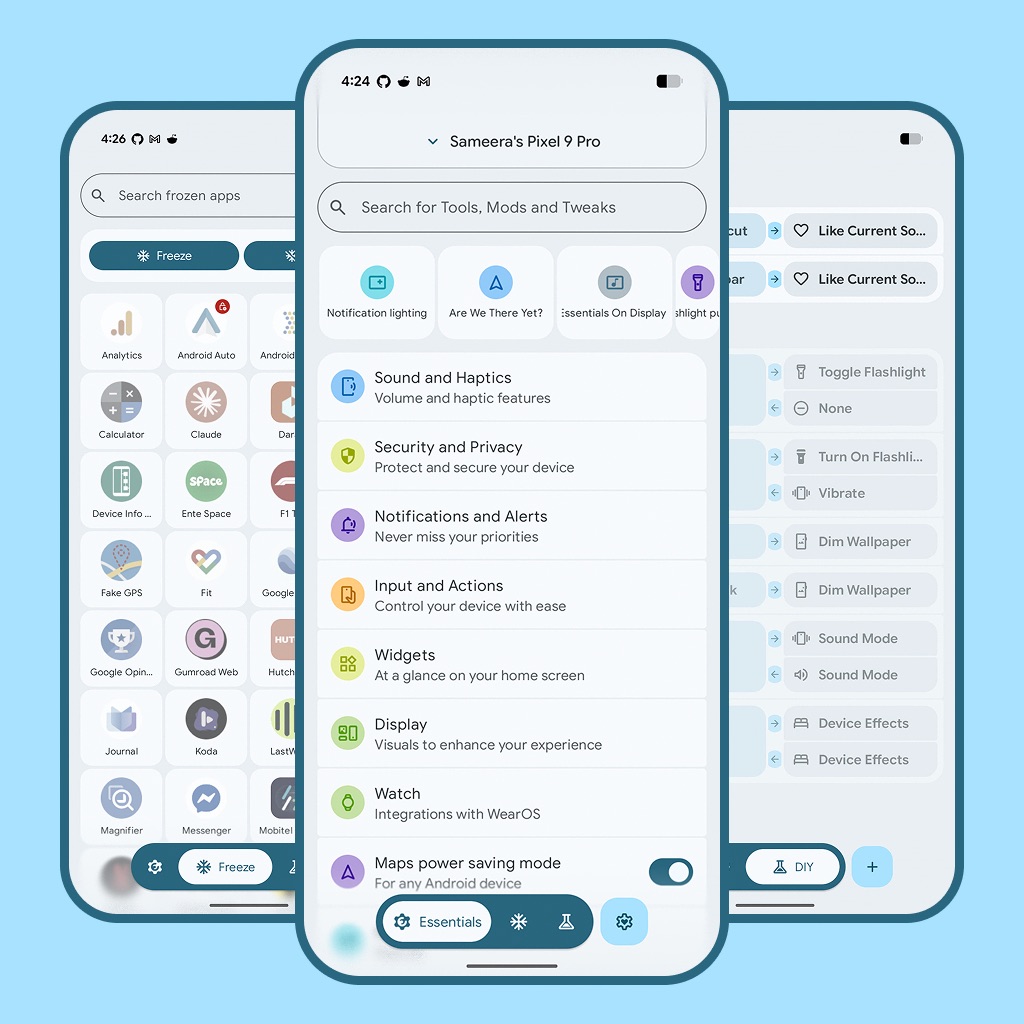
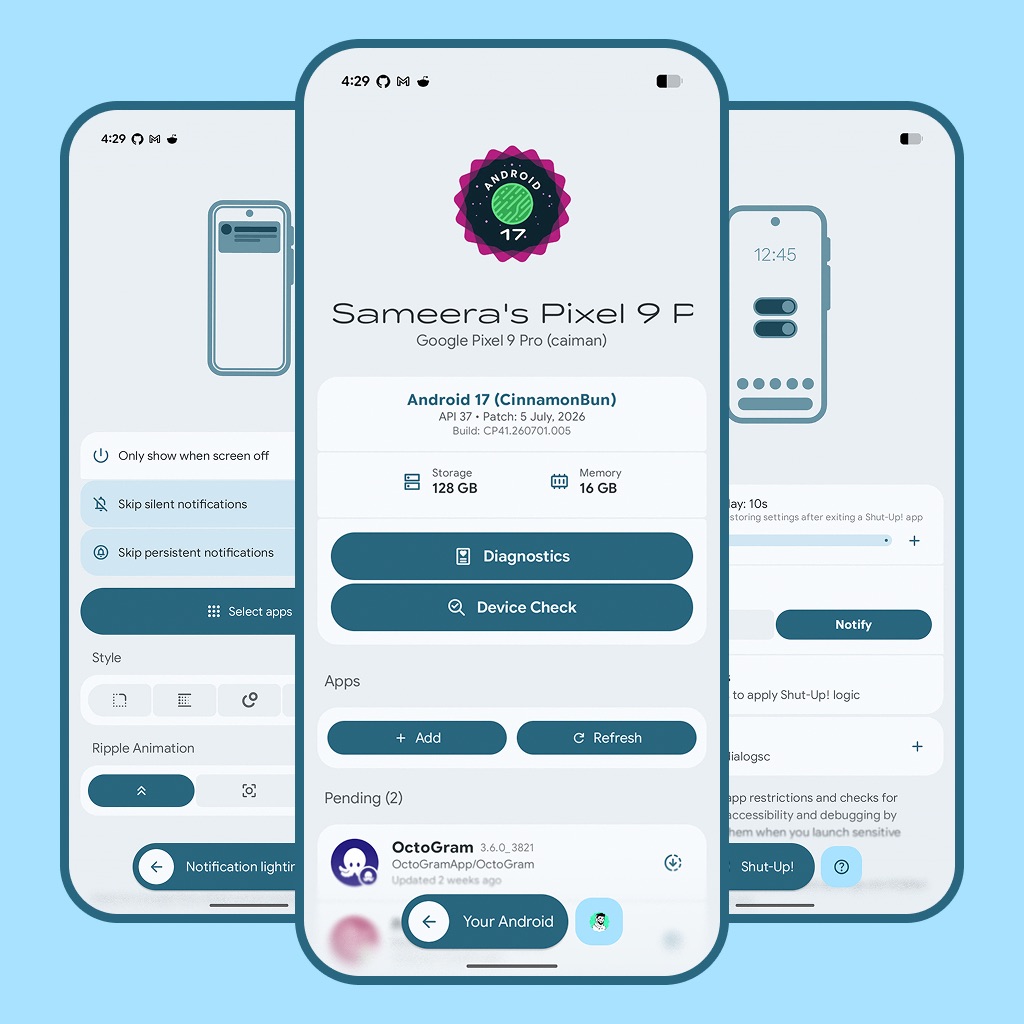
Essential tools, mods and workarounds for Pixels. Also compatible with other devices
Essentials
Essential tools, mods and workarounds for Pixels and other Androids
Featuring Essentials


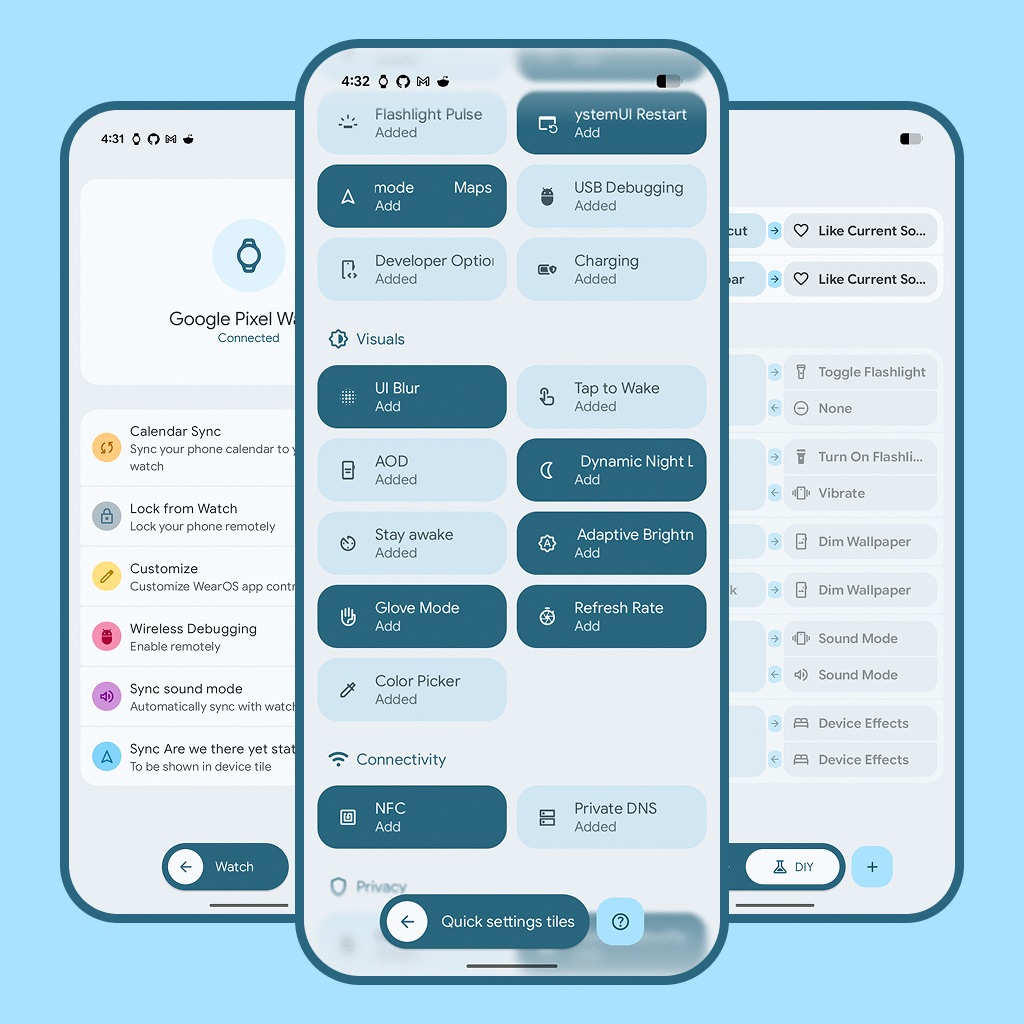
Essentials WearOS
Navigation
- Features
- Requirements
- Screenshots
- Installation
- Shell Providers (Shizuku & Root)
- Accessibility Permissions
- Localization
- Contributing
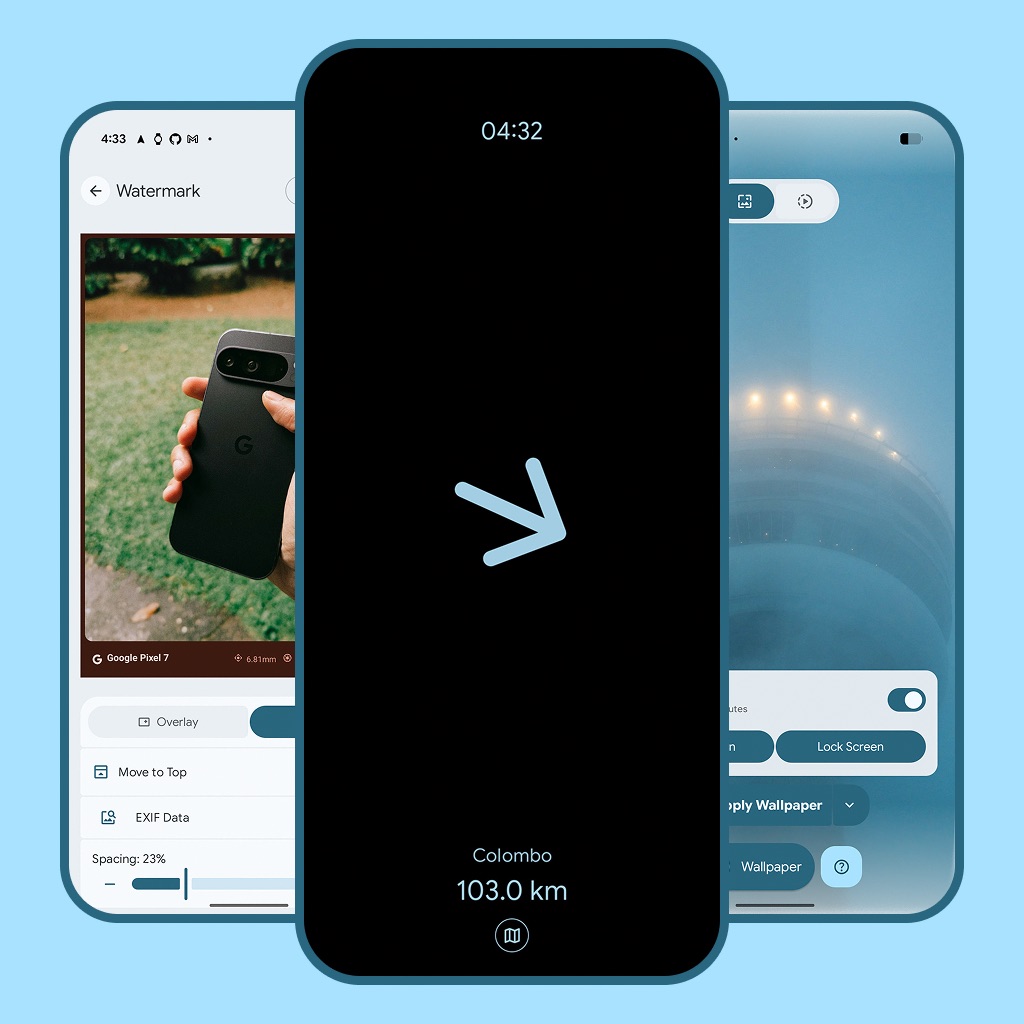
Screenshots
Installation
During the installation, you probably will see a warning similar to this claiming that the app is blocked during installation with no way to continue at all.
This is a new restriction on Android with sideloaded apps that can receive sensitive permissions such as Accessibility or Notification Listener, which Essentials both may utilize.
- You can still proceed avoiding this, but you will have to temporarily disable Google Play Protect during the installation.
- But then again, you may notice the toggle for Play Protect in the Play Store being enabled and grayed out, not allowing to be disabled. This is due to the "Advanced protection" feature in Pixels that entirely blocks sideloading. So you will have to disable "Advanced Protection" as well.
- Follow below steps to avoid it during the installation.
IMPORTANT: Yes, this is very annoying, but I understand the need of such prevention to avoid users installing potentially harmful apps from unknown sources. Well I hope you trust me to install my app but anyways, you should always verify the trusted source before installing any APK file from the internet. ʅ(°_°)ʃ
Shell Providers (Shizuku & Root)
- Essentials supports both Shizuku and Root as shell providers for executing advanced system-level commands.
- Shizuku: Make sure to get the latest version of Shizuku preferably from a fork such as rushiranpise/Shizuku-Next or other not from the Google Play as it is no longer well supported.
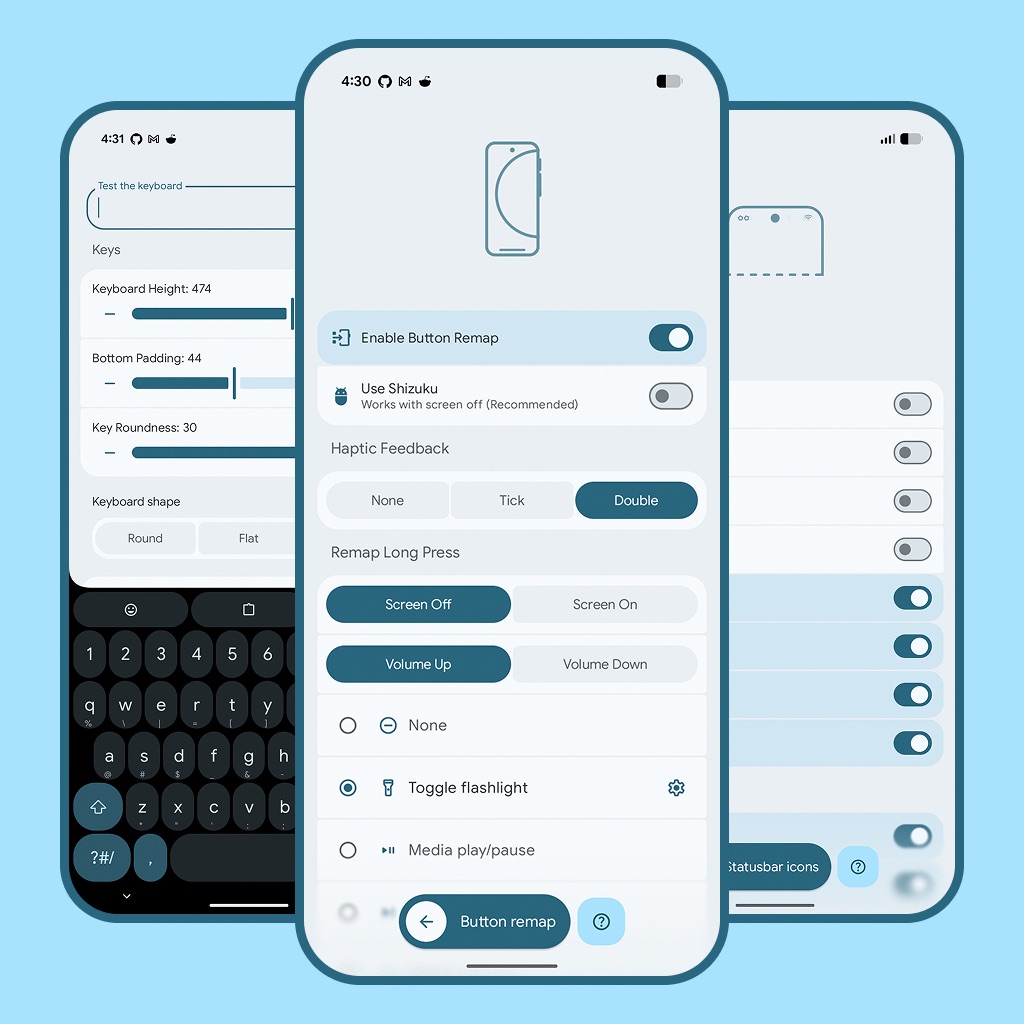
- Root: If your device is rooted, Essentials can bypass Shizuku and use root privileges directly for features like Button Remap and App Freezing.
How to grant accessibility permissions
Localization
How to translate?
https://github.com/user-attachments/assets/22ea02cd-1276-4088-8537-c41bd2c4a3fc
Help us bring Essentials to more people around the world! If you're fluent in another language, you can contribute by translating the strings in-app.
Validating Translations
Before submitting translation PRs, validate your changes using the local validation script to ensure proper formatting and XML syntax:
# Validate all translation files for syntax, escaping & placeholder errors
python3 scripts/validate_strings.py

# Auto-fix quote and percent escaping issues automatically
python3 scripts/validate_strings.py --fix
Contributing
We welcome contributions from the community! Whether you're fixing a bug, adding a new feature, or improving documentation, your help is appreciated.
Please read our CONTRIBUTING.md for details on our code of conduct, and the process for submitting pull requests to us.
Thanks
- chalda-pnuzig/emojis.json - Keyboard emojis
- xav-ie/generate-kaomoji - Keyboard kaomojis
- TebbeUbben/ChargeQuickTile - Pixel charging QS
- Link shortener by @Balajitechlabs
Stars <3
Last updated: 2026-08-08
How Shizuku is used
Can control hotspot, data SIM, voice trigger, frozen apps, buttons, settings and system actions via `Shizuku`
This is an AI-assisted analysis of Shizuku-related usages in the app's public source code. It is best effort, so it may not catch every single usage.
How this app uses Shizuku
Essentials uses Shizuku to apply privileged automation and customization across the system.
- Control hotspot: turn Wi-Fi tethering on or off on demand and from automations using tethering service calls through Shizuku, with a shell fallback.
- Switch mobile data SIM: change the default data subscription and enable mobile data from tiles and automations with telephony service calls and
svccommands through Shizuku. - Trigger voice assistant: launch the system voice session for Circle to Search style actions with voice interaction service calls through Shizuku.
- Freeze and stop apps: suspend, disable and force stop selected apps to hide them or save battery using package and activity controls through Shizuku.
- Detect button presses: find input devices and read volume and power key presses while the screen is off with
ls,geteventandcatcommands through Shizuku to trigger custom actions. - Change system settings: read and write secure, global and system settings such as smallest width, refresh rate, haptics and status bar options with
settingscommands through Shizuku. - Control sound and display: change ringer mode, dim wallpaper, trigger notification lighting, manage overlays and standby buckets, reset battery stats and restart System UI with
cmd audio,cmd wallpaper,cmd statusbar,cmd overlay,cmd battery,amandservice callcommands through Shizuku. - Send key presses: inject Home and other keys with the
input keyeventcommand through Shizuku. - Tune app operations: check and set app operations with
appopscommands through Shizuku.
Android APIs or commands used
ITetheringConnector.startTetheringITetheringConnector.stopTetheringISub.setDefaultDataSubIdITelephony.setDataEnabledForReasonIVoiceInteractionManagerService.showSessionFromSessionIPackageManager.setPackagesSuspendedAsUserIPackageManager.setApplicationEnabledSettingIPackageManager.getPackageUidIActivityManager.forceStopPackageIAppOpsService.setModels /dev/inputgetevent -plcat /dev/input/event*settings put securesettings put globalsettings put systemsettings get securesettings get globalcmd audio set-ringer-modecmd wallpaper set-dim-amountcmd statusbar charging-ripplecmd statusbar auth-ripplecmd statusbar send-disable-flagcmd statusbar expand-notificationscmd statusbar expand-settingscmd statusbar collapsecmd notification allow_listenercmd notification allow_dndcmd deviceidle whitelistcmd battery resetcmd wifi start-softapcmd wifi stop-softappm suspendpm unsuspendpm disable-userpm enablepm grantappops getappops setsvc wifi enablesvc wifi disablesvc data enablesvc data disableinput keyeventam startam crash com.android.systemuiservice call SurfaceFlinger 1008service call SurfaceFlinger 1010service call isubdumpsys tetheringdumpsys bluetooth_manager
Notable details
App updates can install through the normal system installer without Shizuku. Many privileged actions also work through the normal Android settings APIs when permission is available, with Shizuku used as the elevated path.
Changelog
What's new for version 21.2
What's Fixed
- Overcast will no longer be blurred when expanded in island
- Develop - fix island blur for plugin apps by @sameerasw in https://github.com/sameerasw/essentials/pull/1759
Full Changelog: https://github.com/sameerasw/essentials/compare/v21.1...v21.2
Visit the website: sameerasw.com/essentials About Essentials: README More projects: sameerasw.com Show some love:


Permissions
57 permissions requested
More from this category
 Smart Island
 ShizuTools
 ColorBlendr
 Extendroid
 SetEdit+
 SystemUI Tuner
 Expressive Cutout
 Dragon Launcher
 Droidtools
 BlackOut
 Tap, Tap
 Ambient Music Mod