 ShizuStore
Display Toggle
0.1.0 · GitHub
More about this app
Provides quick settings tile and shortcuts to turn off the display without locking the screen or stopping foreground running apps

Display Toggle
An Android app that uses Shizuku to toggle the physical/internal/built-in display on and off without locking the screen or stopping foreground running apps.
There are app shortcuts and Quick Settings tiles to use to toggle the display, too.
Installation


Screenshots
Build
./gradlew build
License and credits
MIT.
Core code adapted from here (very short code snippet without a license).
Shortcut icons and Quick Settings tiles icons adapted from Material Symbols & Icons, licensed under Apache-2.0.
How Shizuku is used
Can turn the display off and back on without locking via `SurfaceControl.setDisplayPowerMode` through Shizuku.
This is an AI-assisted analysis of Shizuku-related usages in the app's public source code. It is best effort, so it may not catch every single usage.
How this app uses Shizuku
Shizuku is used to change the display power state without locking the screen or stopping foreground apps.
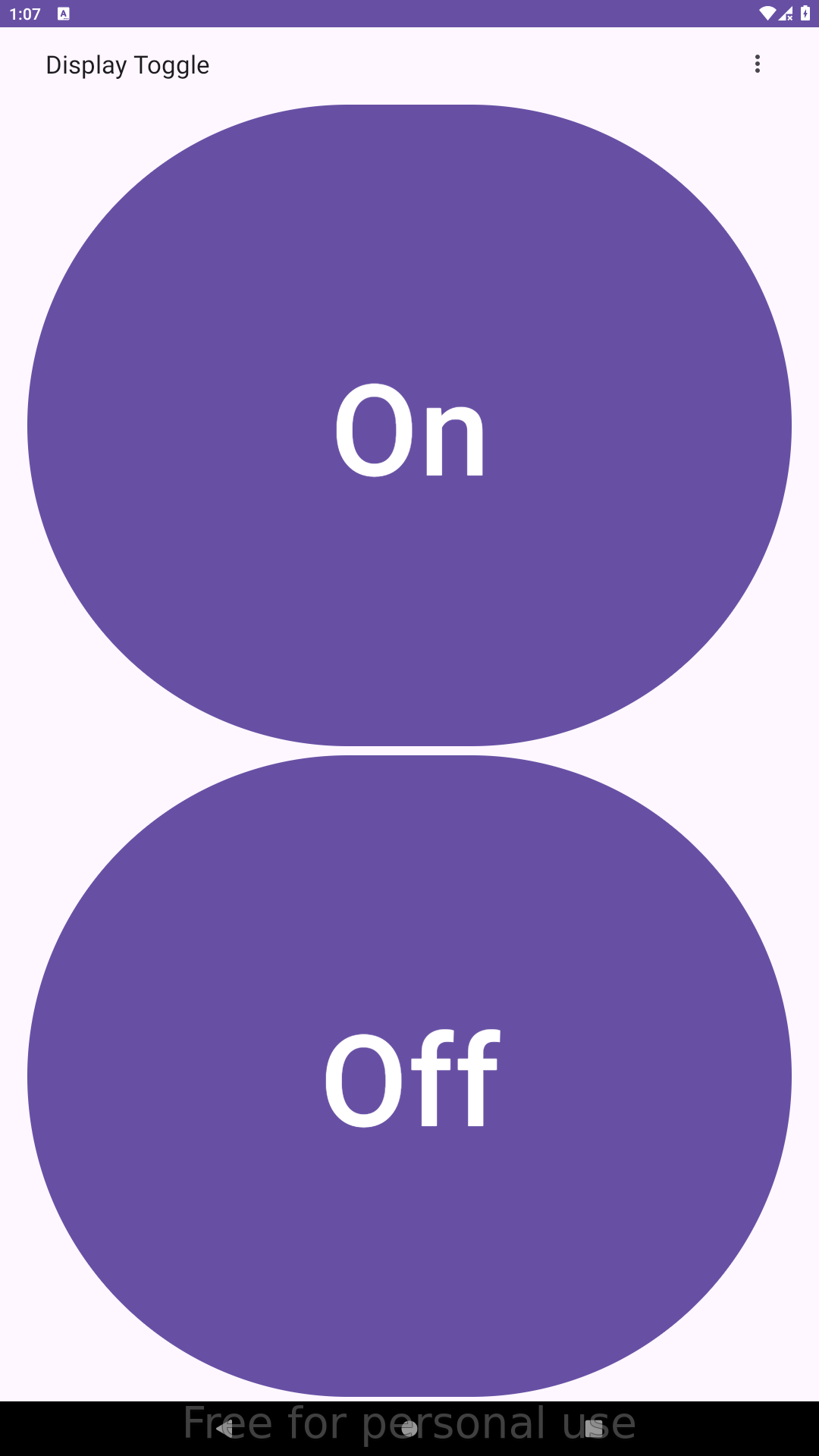
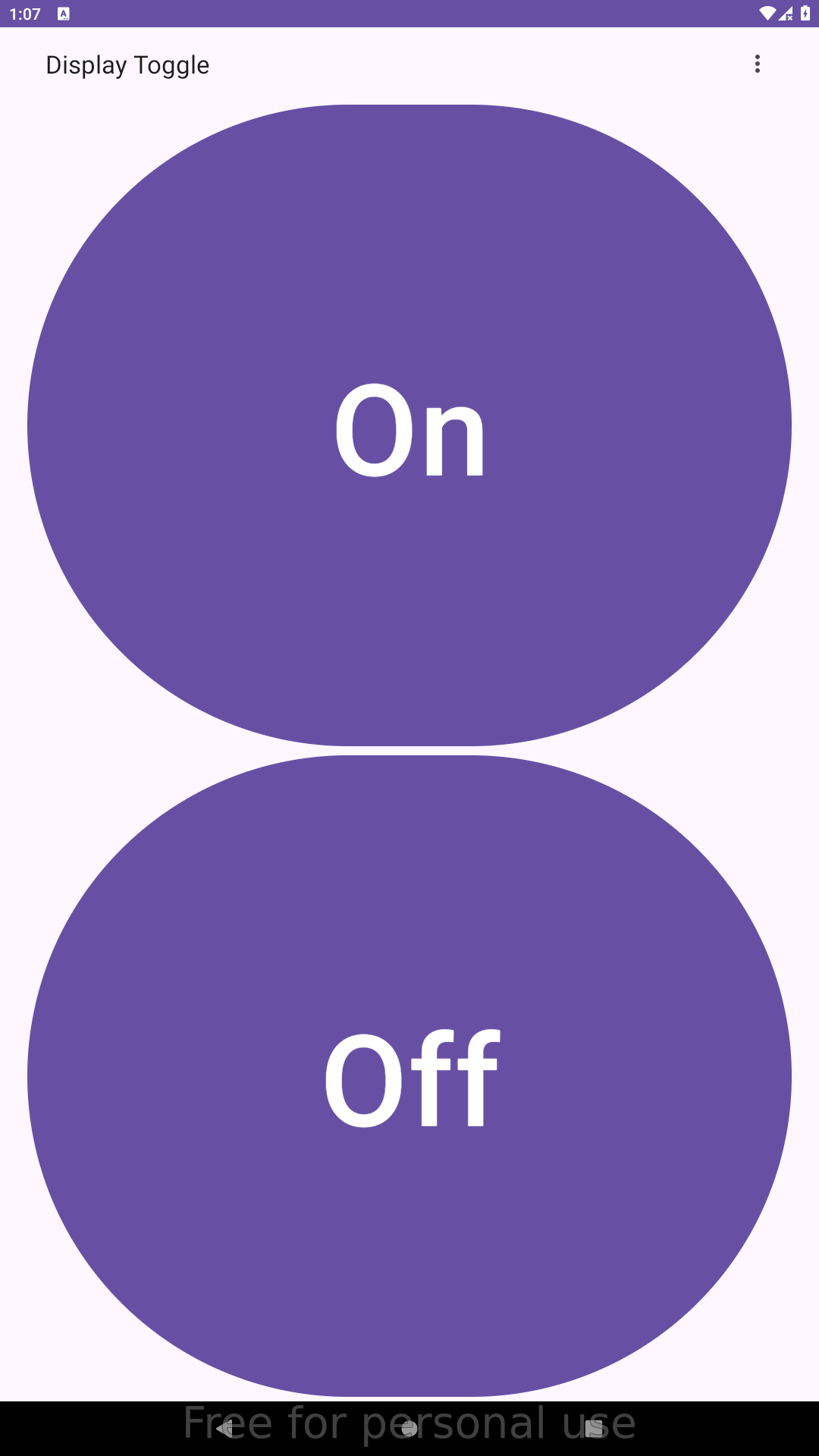
- Turn display off and on: the user can switch the screen off and back to normal from buttons in the app, and the chosen mode is applied through a privileged Shizuku user service that calls the system display power control.
- Quick tiles and shortcuts: the same off and on actions are available from Quick Settings tiles and app shortcuts, which forward the selected mode to the privileged Shizuku user service.
Android APIs or commands used
android.view.SurfaceControl#setDisplayPowerModeandroid.view.SurfaceControl#getInternalDisplayTokenandroid.view.SurfaceControl#getBuiltInDisplaycom.android.server.display.DisplayControl#getPhysicalDisplayIdscom.android.server.display.DisplayControl#getPhysicalDisplayToken
Changelog
What's new for version 0.1.0
Permissions
2 permissions requested
Sources
2 sources
Sources
2 sources
More from this category
 Private DNS Quick Setting
 QuickTile Settings
 Tooler
 DNS Toggle
 Data SIM
 Better Internet Tiles
 SensorsOff
 ManualRotate
 Private DNS Quick Toggle
 Always on display toggle
 Ultimate Settings
 Ultimate Settings PRO