 ShizuStore

CaptureCap
3.9.8.8 · GitHub
More about this app
Screen and audio recording and streaming app, no root required

CaptureCap
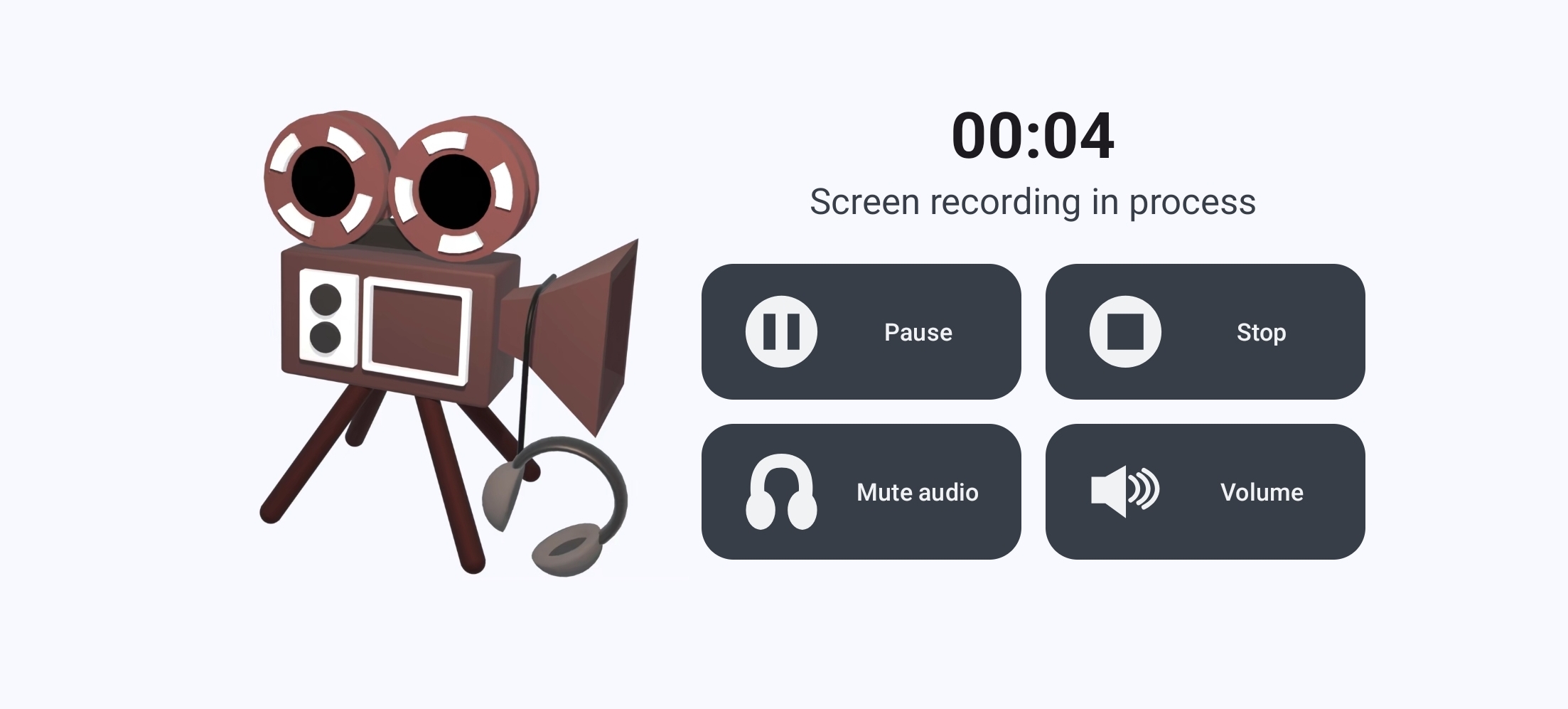
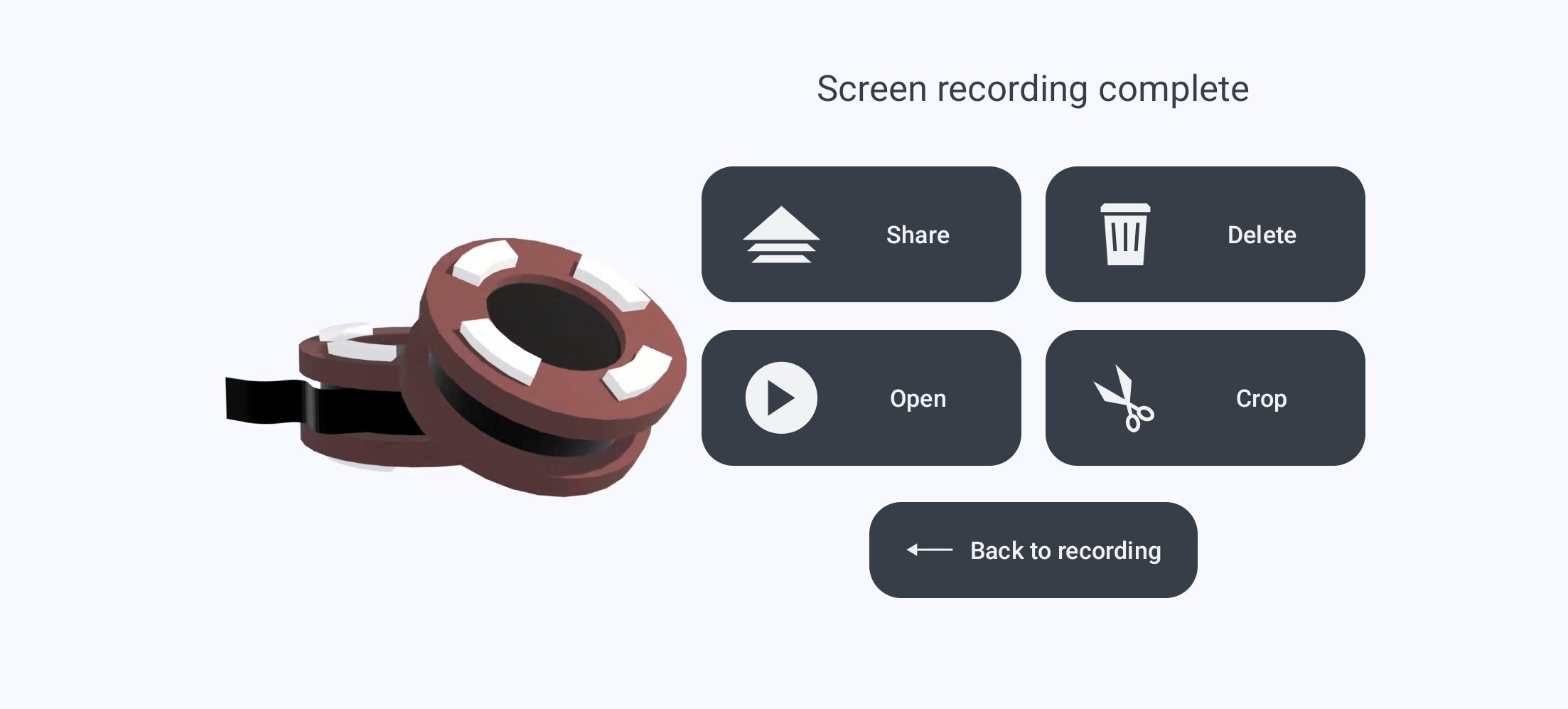
Capture and Stream Android Screen and/or Audio.


| :construction: Maintenance-Only Mode |
|---|
| This program has entered the Maintenance-Only Mode. For more information, please see MAINTENANCE.md |
| :robot: AI Notice |
|---|
| This program has code assisted/written by the AI. For more information, please see AI.md |
Audio Playback recording requires Android 10 or later. No Root needed
(WARNING: Some device vendors may not allow recording certain Audio Playback sources, or even recording applications' audio at all)
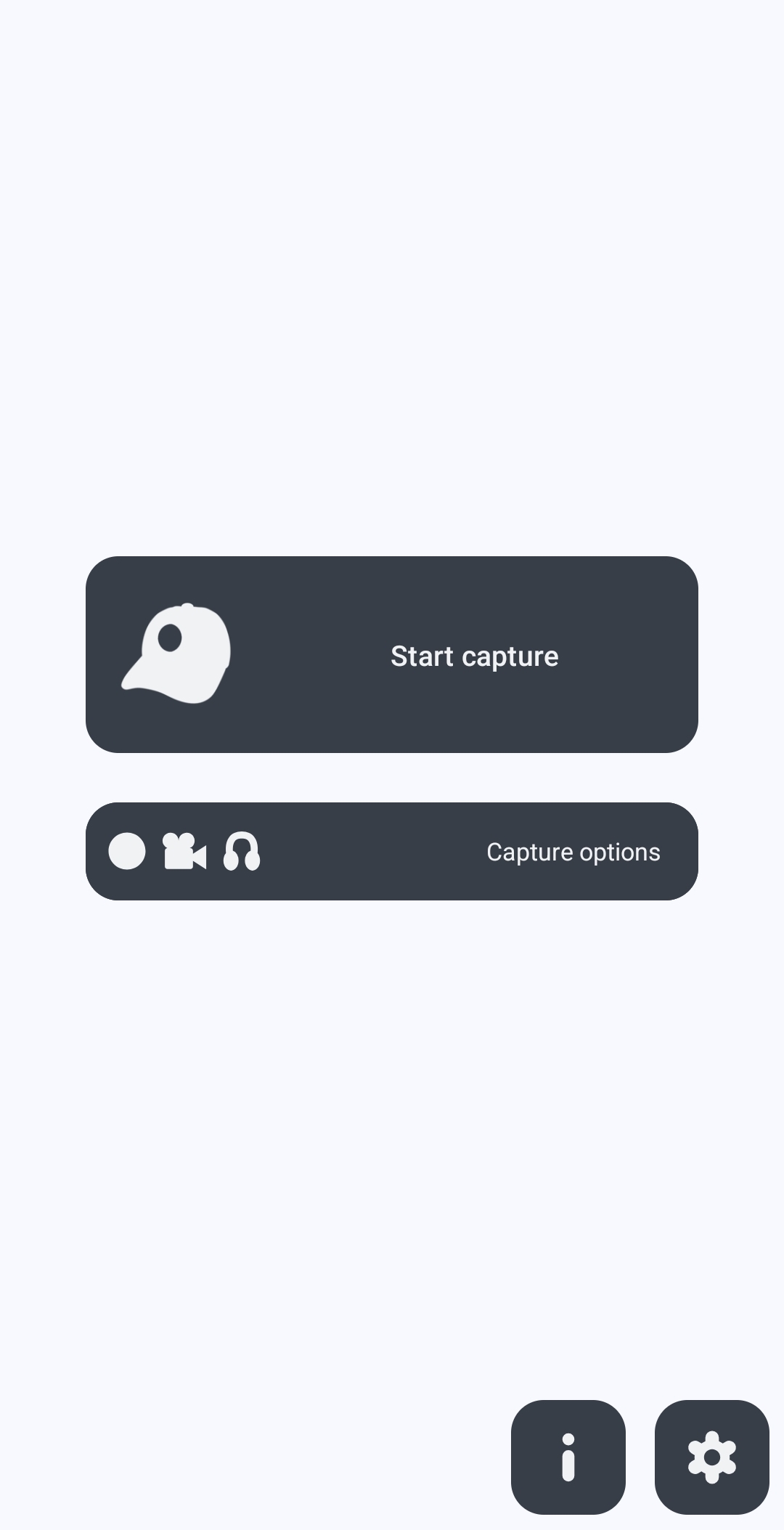
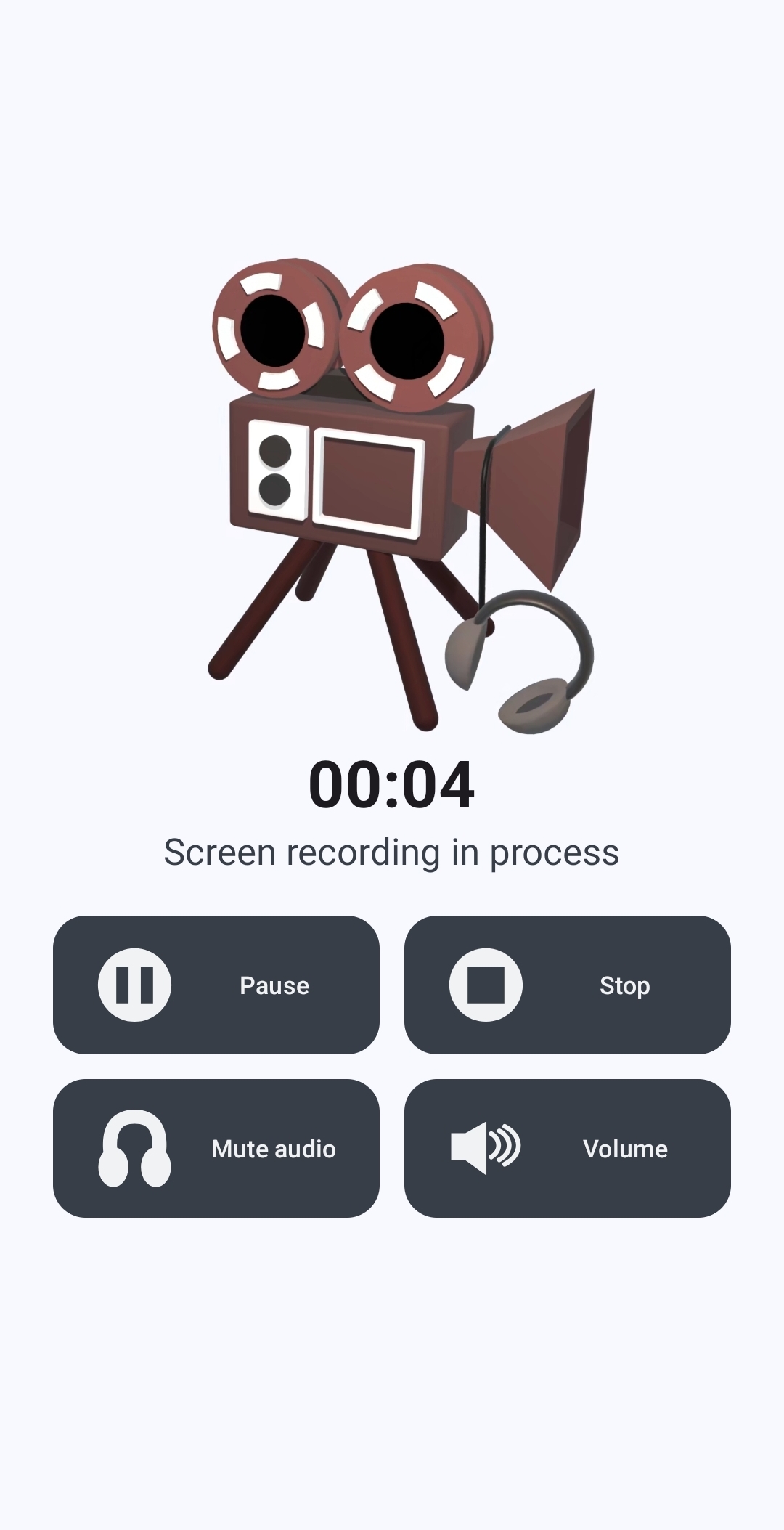
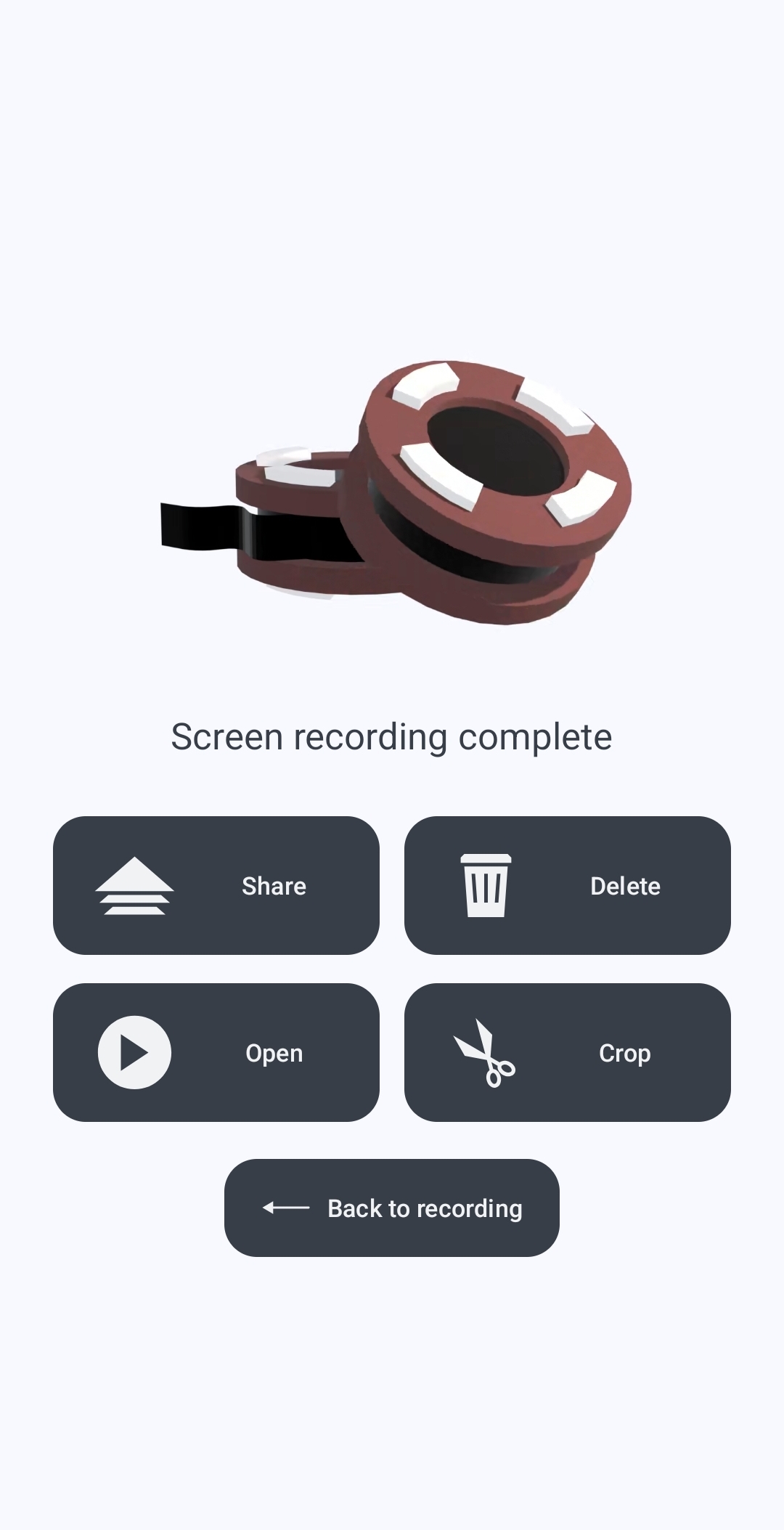
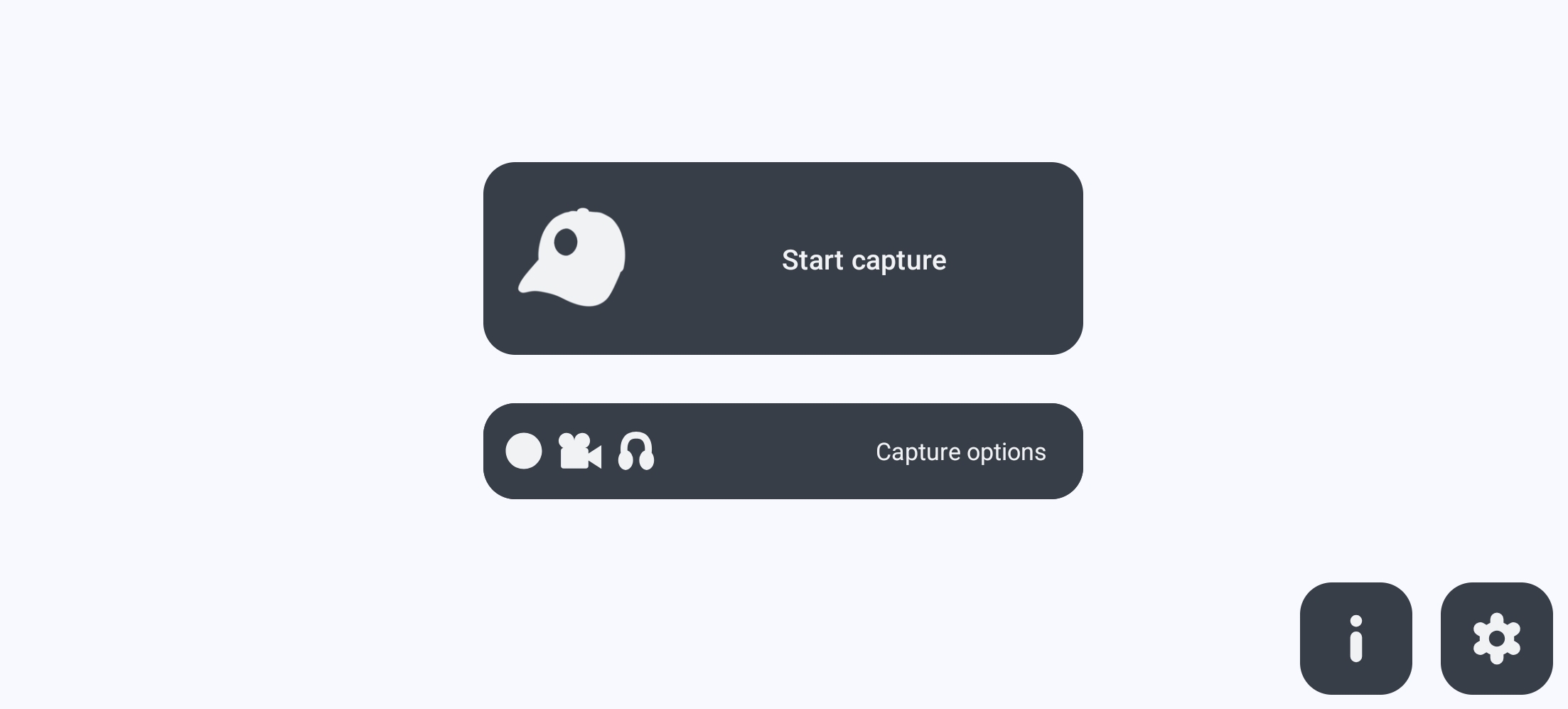
Screenshots


How Shizuku is used
Can include phone call audio in screen recordings via a Shizuku-hosted `app_process` scrcpy audio server.
This is an AI-assisted analysis of Shizuku-related usages in the app's public source code. It is best effort, so it may not catch every single usage.
How this app uses Shizuku
Shizuku is used to capture phone call audio for screen recordings by running a privileged audio server that the normal app cannot run itself.
- Record phone call audio: when the phone call audio option is enabled, the app starts a scrcpy audio server with elevated privileges through Shizuku and pipes its audio back into the recording, mixing it with playback and microphone sound. Users can choose full voice call, uplink only, or downlink only capture.
Android APIs or commands used
app_process / com.genymobile.scrcpy.ServerParcelFileDescriptor.createPipeandroid.net.LocalServerSocket
Notable details
Phone call audio capture needs Shizuku and Android 11 or later; other recording sources such as playback and microphone do not need Shizuku.
Changelog
What's new for version 3.9.8.8
Fixed audio and video timestamps having different base.
Added an option to skip the amount of audio in milliseconds.
Permissions
17 permissions requested
More from this category
 TinyKit
 GhostLock
 VineOS
 OptiDroid
 Screen Translator
 abCheck Device & System
 Phone Diagnostic
 FluxLinux
 Device Watch
 Screen Recorder
 Fern
 雨晴截屏