 ShizuStore
C9
3.0.4 · GitHub
More about this app
Efficient grid-based cursor provided alongside a traditional cursor. Shizuku is only required on Android 11.

C9: Click on 9 keys






C9 is a dual-cursor application that takes inspiration from T9 to provide gestures on Android feature phones and Android TV devices. Features of the application include:
- 🌎 Universal Android 7.0+ support via Shizuku as needed
- ⚡ Introduction of a grid cursor focused on efficiency
- 🖱️ Standard cursor to provide a traditional proxy for touchscreen gestures
- ⚙️ Remappable cursor activation keys and integration with button mappers
- 🔀 Translation of key presses into near-native taps, double taps, long press (and drag), scrolling, and zoom
- ✨ Additional quality-of-life features such as cursor auto-hide and restore, clickable detection, and landscape orientation support
Table of Contents
Installation
The latest version can be found under releases.
Option 1
Install using the standard package installer. Allow the accessibility service using the banner in the application.
Option 2
Install using adb:
>> adb install path/to/apk
>> adb shell settings put secure enabled_accessibility_services com.austinauyeung.nyuma.c9/com.austinauyeung.nyuma.c9.accessibility.AppAccessibilityService
Additional installation for certain Android versions
Refer to the following table to determine if you will need to install Shizuku to use this application:
| Android Version | Shizuku Required | Notes |
|---|---|---|
| 7 | Maybe | Shizuku is needed specifically to support features such as long press and drag. This requirement can be overridden, but gestures will be restricted to just clicks. |
| 8-10 | Maybe | If you are experiencing poor ("blocky") scroll and zoom performance, first try C9 > Developer Options > Improve Non-Shizuku Gestures, which will attempt to dispatch smoother gestures but may stutter. For the most optimal gestures, Shizuku is needed. |
| 11-12 | Maybe | Shizuku is needed if the application does not work as-is (i.e. no gestures can be dispatched) and/or you have had trouble in the past with other cursor apps. This may happen on Android 11 phones and Android 12 for TV. |
| 13+ | No |
Once installed, navigate to, and enable, C9 > Developer Options > Enable Shizuku Integration.
Unless your device is rooted, you will need to manually restart the Shizuku service upon reboot. Alternatively, you can install Shizuku forks, such as thedjchi/Shizuku or thejaustin/ShiuzkuPlus, which automatically start the service on boot.
Acknowledgments
As the package name would suggest, this application is dedicated to my late cat, Nyuma.

- Allegra and Arlie for their support
- Everyone on the releases page for their feature suggestions and bug reports
sam-clubfor extensive testingDev-in-the-BMfor testing and the Shizuku suggestionanonymousfliphonesfor testing

Overview
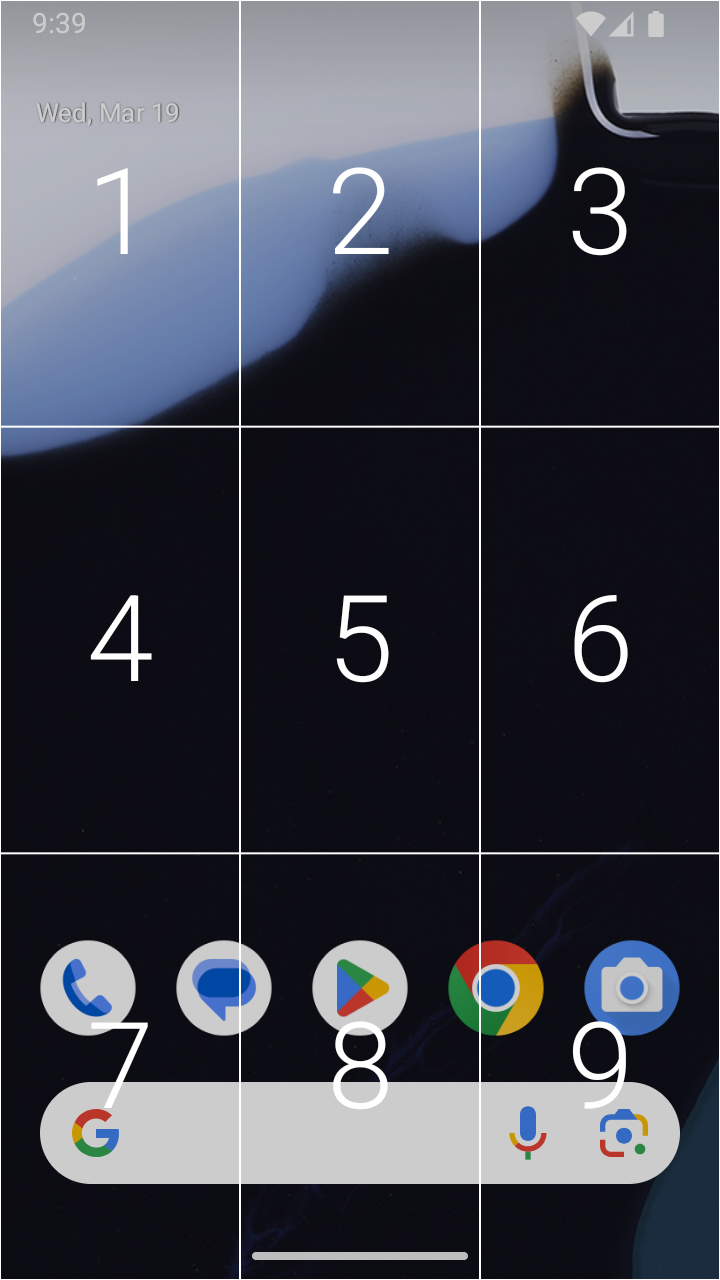
The majority of modern applications are touch-oriented. The goal of C9 is to mimic the touchscreen gestures required of these applications as closely as possible by adapting button presses in each of the two cursor modes.
Both modes can be enabled simultaneously (by mapping their activation key or shortcut), but only one cursor can be active at a time. Note that while a cursor is active, all numpad and D-pad buttons are intercepted by the application.
For more instructions on using each cursor, see the wiki.
Grid Cursor

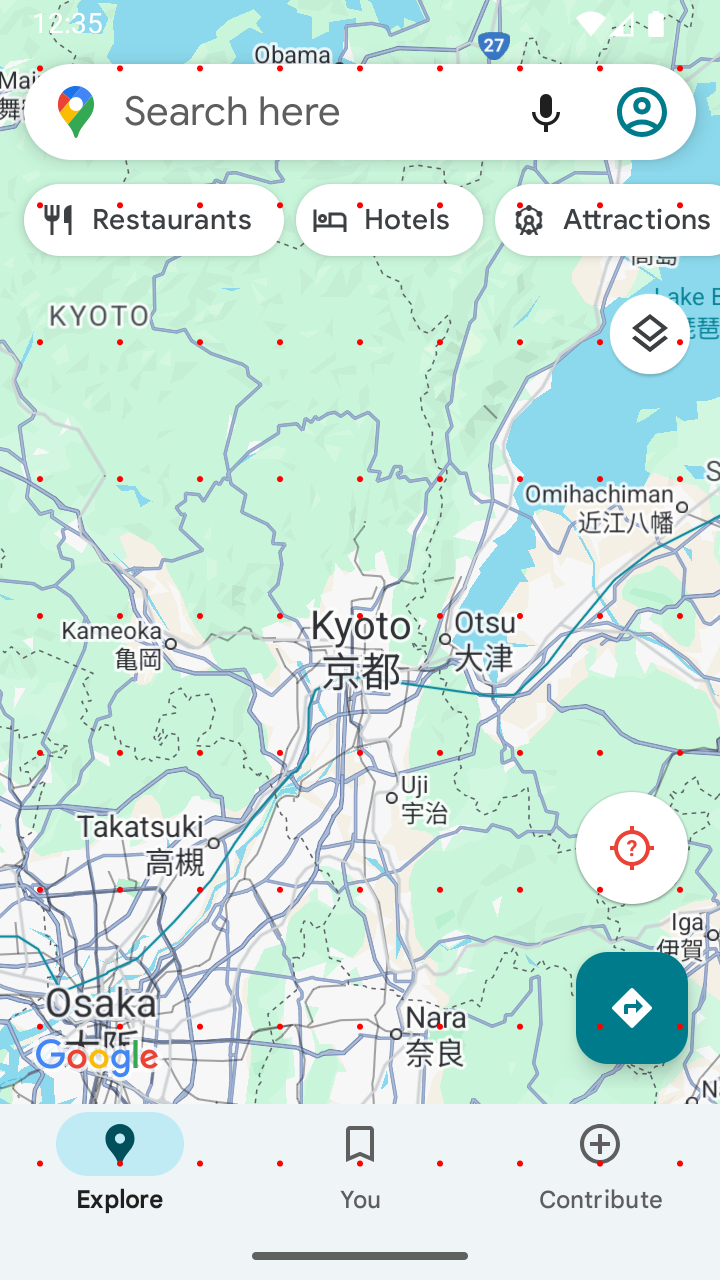
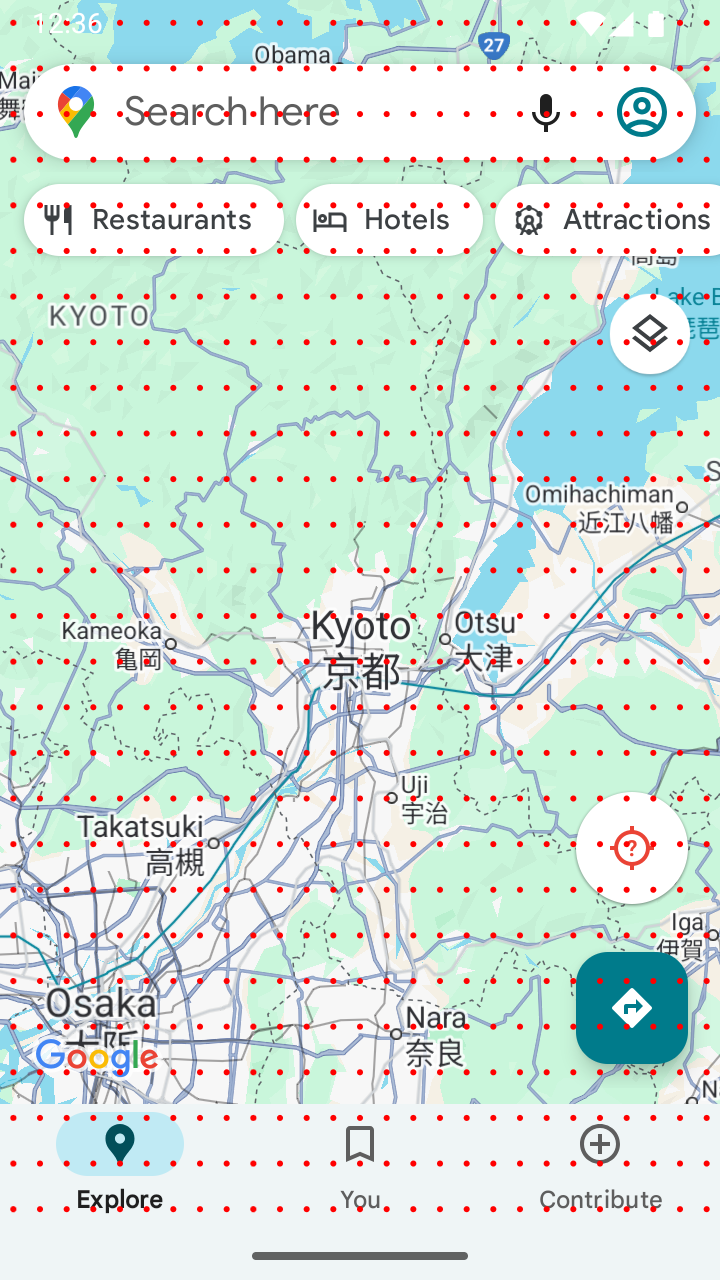
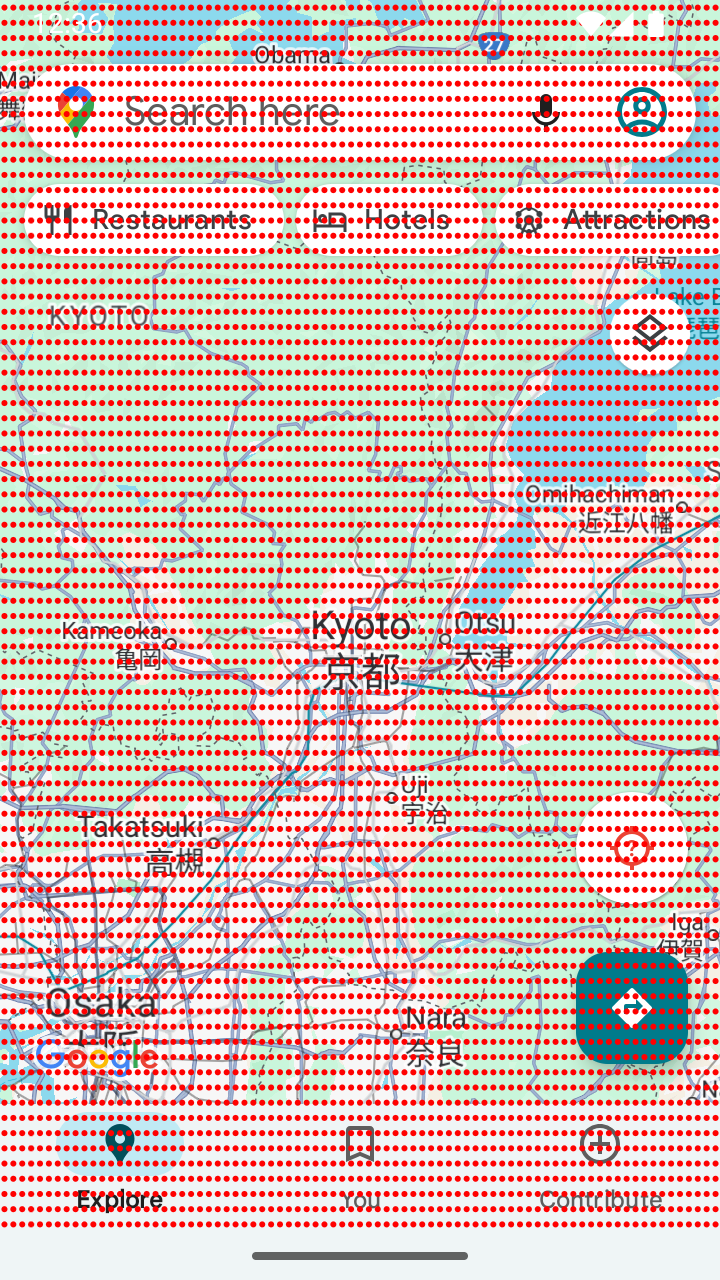
The grid cursor trades precision for efficiency, taking advantage of the fact that many interactions with UI elements do not require pixel-by-pixel precision. n grid levels produce 9^n points onscreen that can be reached with at most n numpad clicks. The visualizations below show the points that can be reached with two grid levels/clicks (81 points), three grid levels/clicks (729 points), and four grid levels/clicks (6561 points).


Standard Cursor

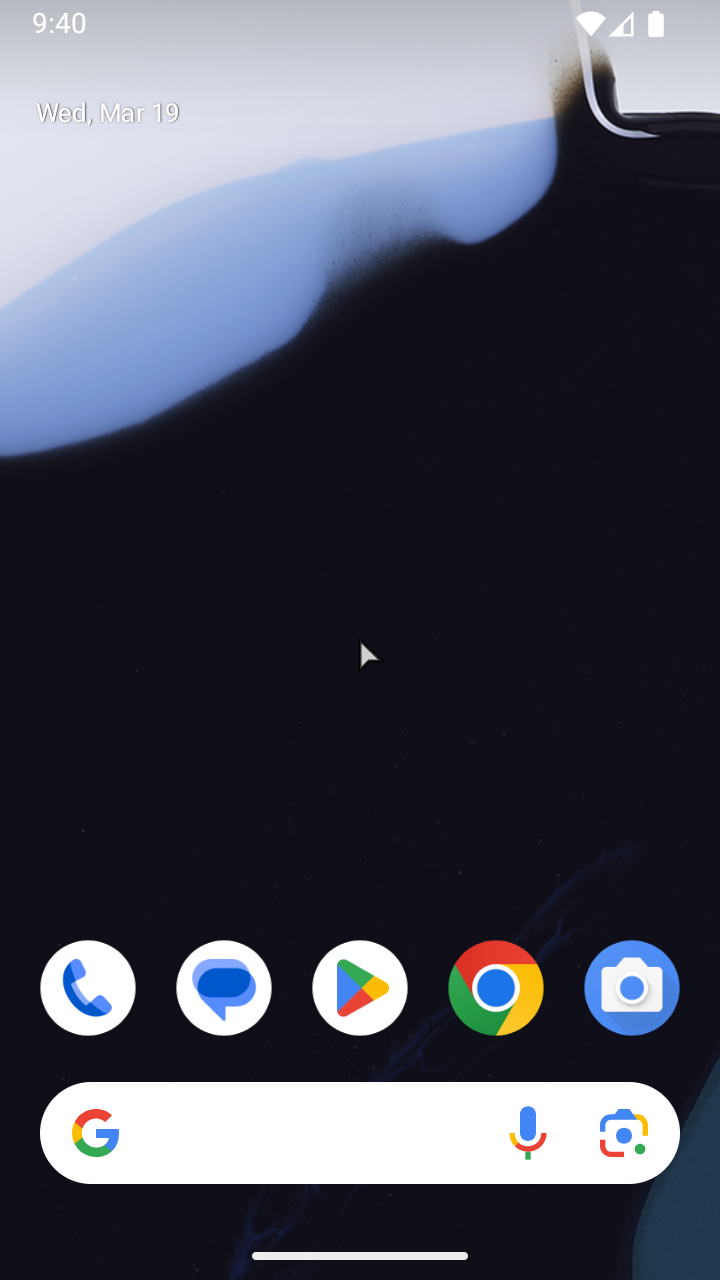
A standard cursor is included for actions requiring more precision and for those who strictly prefer a traditional pointer. The demo above shows auto-hiding in text fields as well as long press and drag.
Troubleshooting
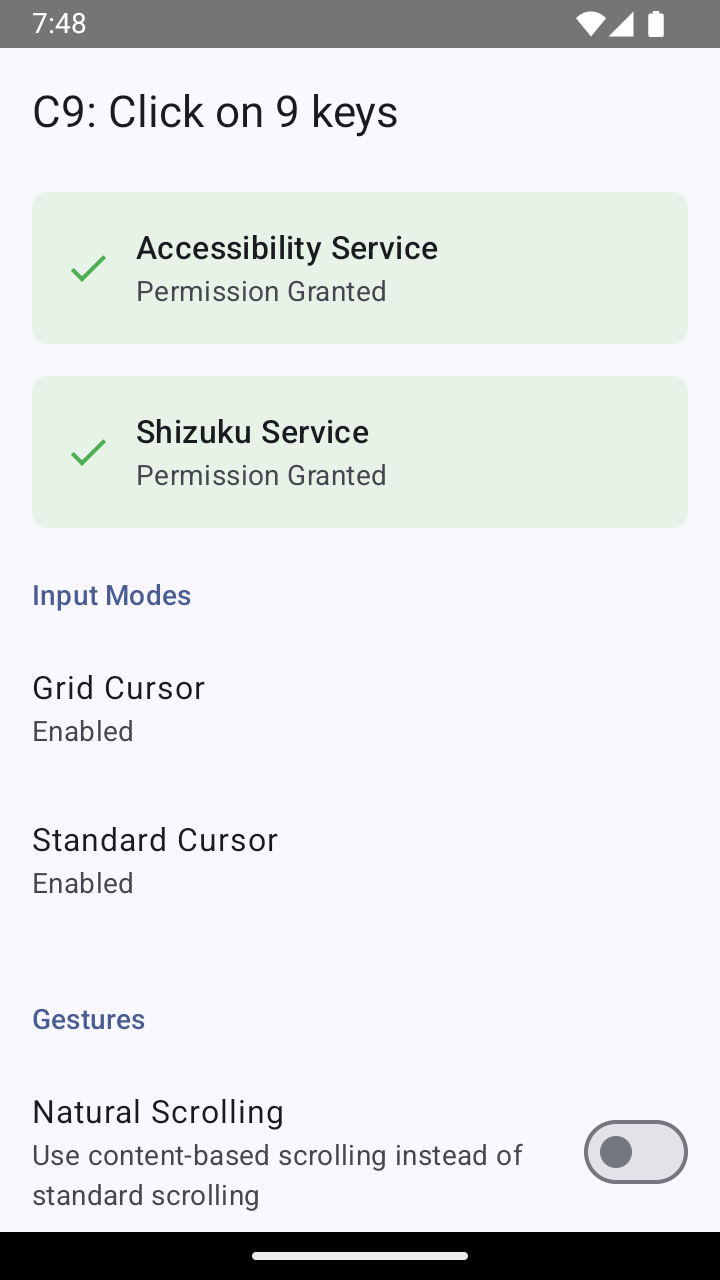
Verifying Shizuku authorization
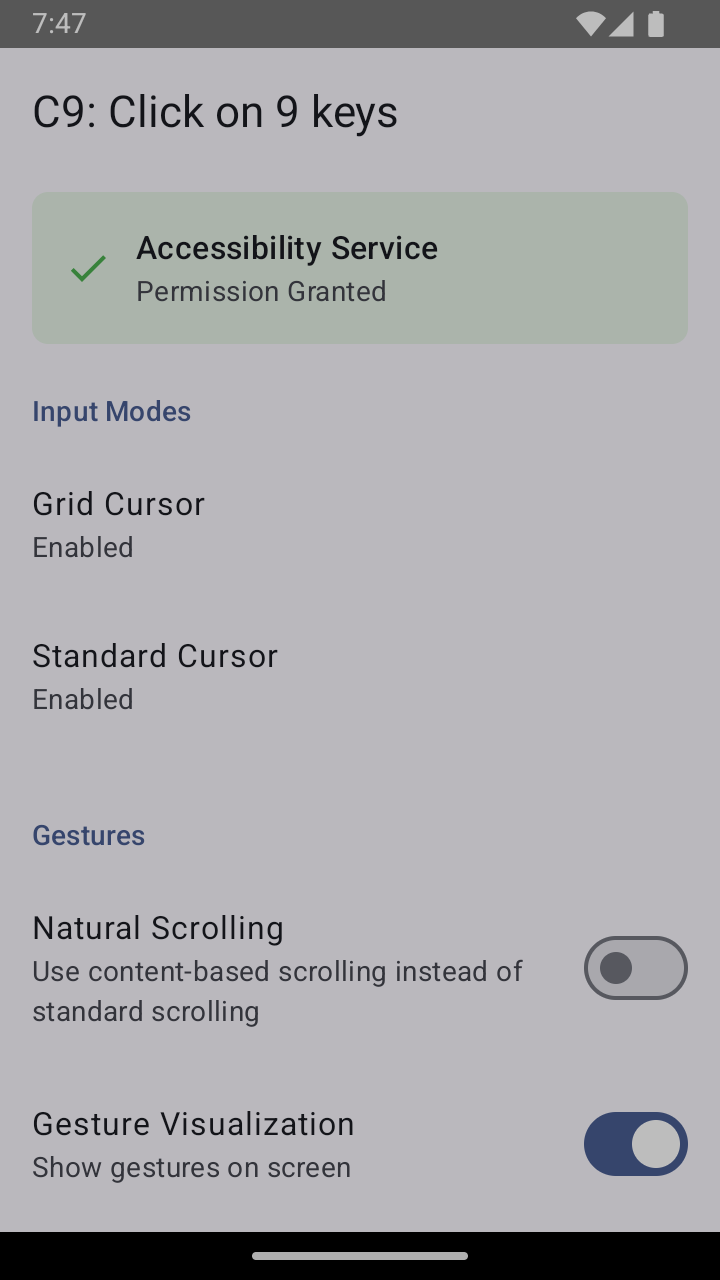
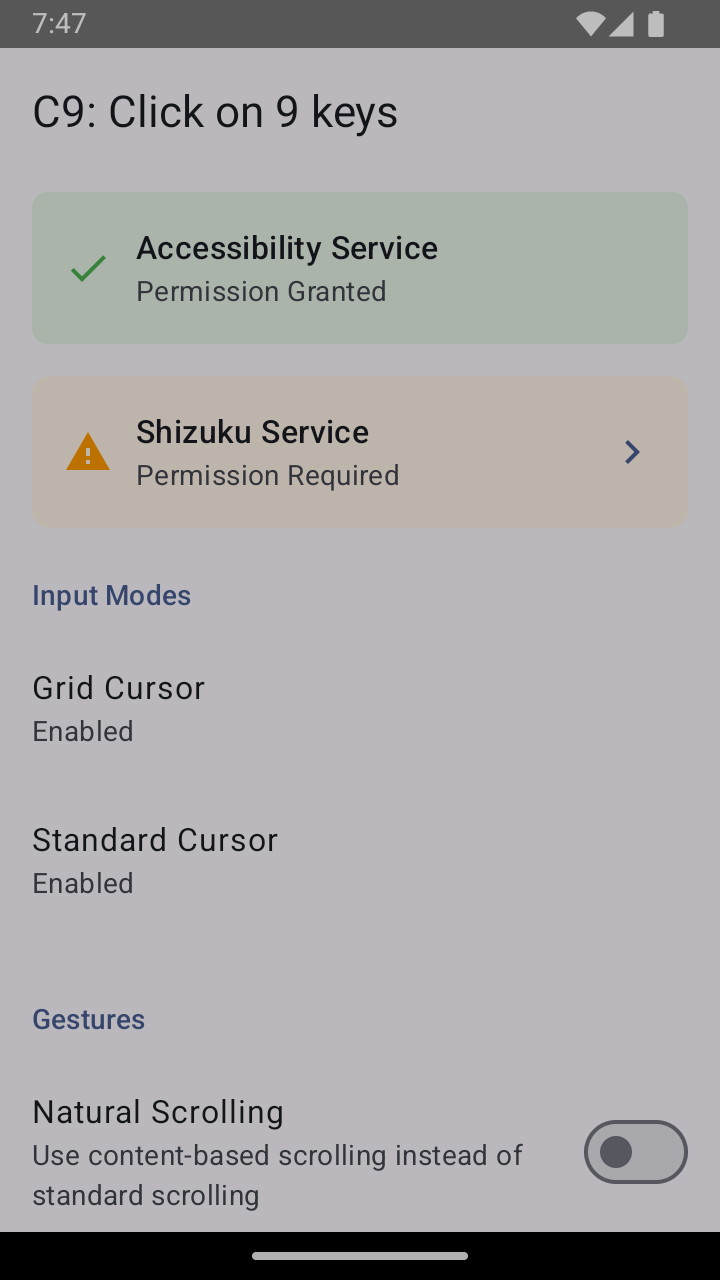
A green banner on the main page indicates that Shizuku authorization has been granted to C9. Only the third screenshot below indicates successful authorization.


Cursor does not deactivate
If you are unable to deactivate the cursor, clear the internal activation key, which unmaps that cursor and hides any active cursor, even if it was activated using a button mapper.
FAQs
Where can I make feature suggestions or report bugs?
You can use the issues tab for both.
What is Shizuku?
Shizuku allows applications in general to perform actions that require elevated privileges. In C9, it is required to dispatch gestures on Android 7 and 11 using InputManager instead of the standard dispatch using AccessibilityService.
License
How Shizuku is used
Can perform taps, scrolls and pinch zoom gestures via `IInputManager.injectInputEvent` through Shizuku
This is an AI-assisted analysis of Shizuku-related usages in the app's public source code. It is best effort, so it may not catch every single usage.
How this app uses Shizuku
Shizuku provides an alternate way to perform the app's cursor and grid gestures by injecting touch input at the system level.
- Perform tap gestures: press down, drag across the screen and lift or cancel the touch through Shizuku, used for the grid and cursor tap controls.
- Scroll in any direction: swipe from the cursor or grid position with configurable distance and duration through Shizuku, used for scrolling content up, down, left or right.
- Pinch to zoom: place and move two touch points closer together or farther apart through Shizuku, used for zoom in and zoom out actions.
Android APIs or commands used
android.hardware.input.IInputManager.injectInputEventandroid.hardware.input.IInputManager$Stub.asInterface
Notable details
Works without Shizuku using the standard gesture path; Shizuku is used only when its integration setting is enabled and Shizuku is ready, otherwise the app uses the default strategy.
Changelog
What's new for version 3.0.4
Changelog:
- @mohamed-ramadan-96: Fix accessibility service configuration to improve general app performance and to prevent forced TTS in YouTube for Android TV.
- Fix D-pad center missing as an action key for the
Swappedcontrol scheme and numpad 5 missing as an action key for theStandardcontrol scheme.
Notes:
- If you use Shizuku, see here for Shizuku forks that automatically start Shizuku on boot (thanks
u/theouchbrothers). - If you are using the standard cursor with the
StandardorSwappedcontrol scheme, note that both control schemes allow you to initiate a long press and drag by holding either D-pad center or numpad 5. For example, in theStandardcontrol scheme, it may be easier to press numpad 5 instead of D-pad center and then drag with the D-pad direction keys.
Permissions
5 permissions requested
More from this category
 Key Mapper
 BiBi Keyboard
 GameShift
 OpenMapper
 Joycon2Android
 Steam Controller
 XtMapper
 Key Sync
 Button Silencer
 GIP Bridge
 Pastiera Nightly (pastiera)
 TitanPad