 ShizuStore
Buge App Manager
12.73.132 · GitHub
More about this app
An app manager focusing on permission management






Buge App Manager is a powerful Android utility application designed for advanced app and permission management. Built with Material Design 3 Expressive, it offers a modern and intuitive interface for granular control over your device.
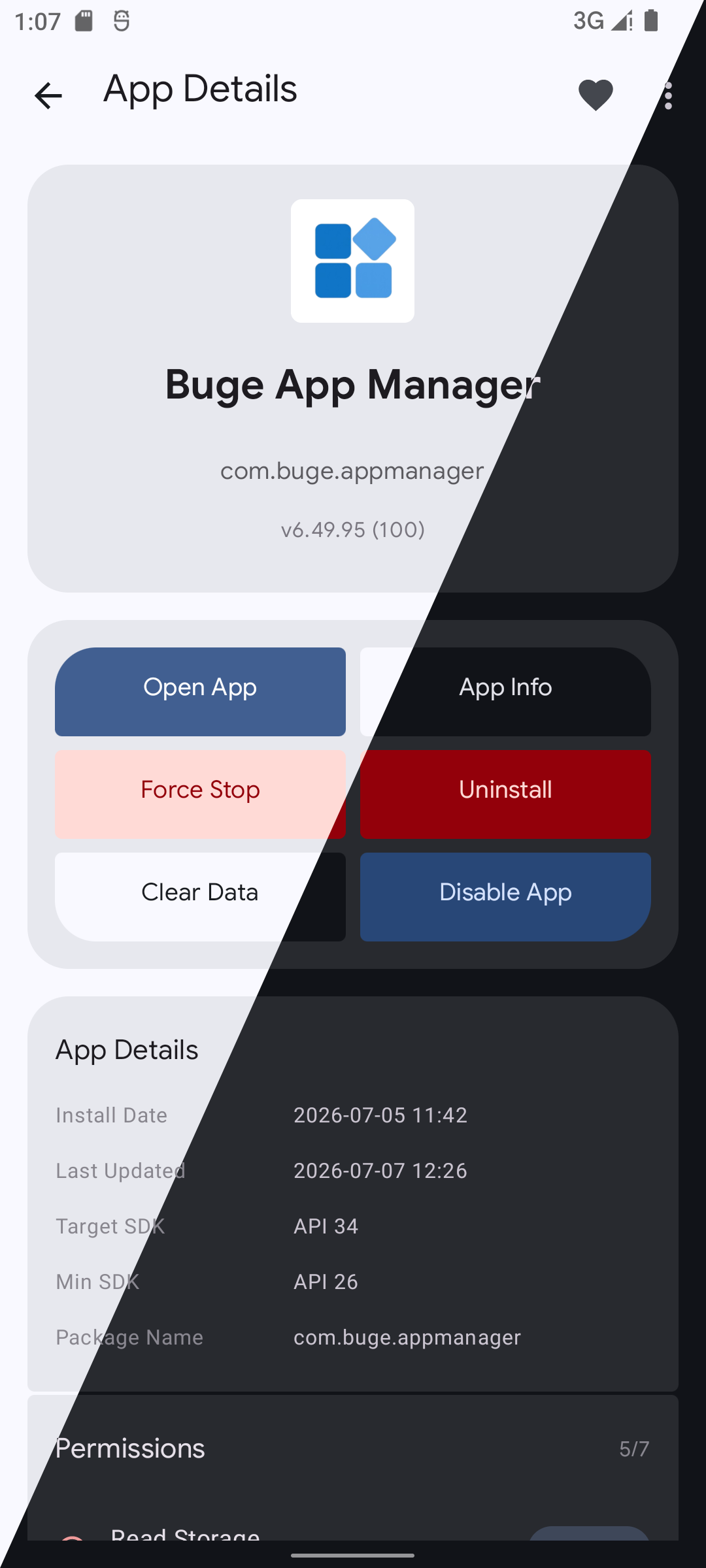
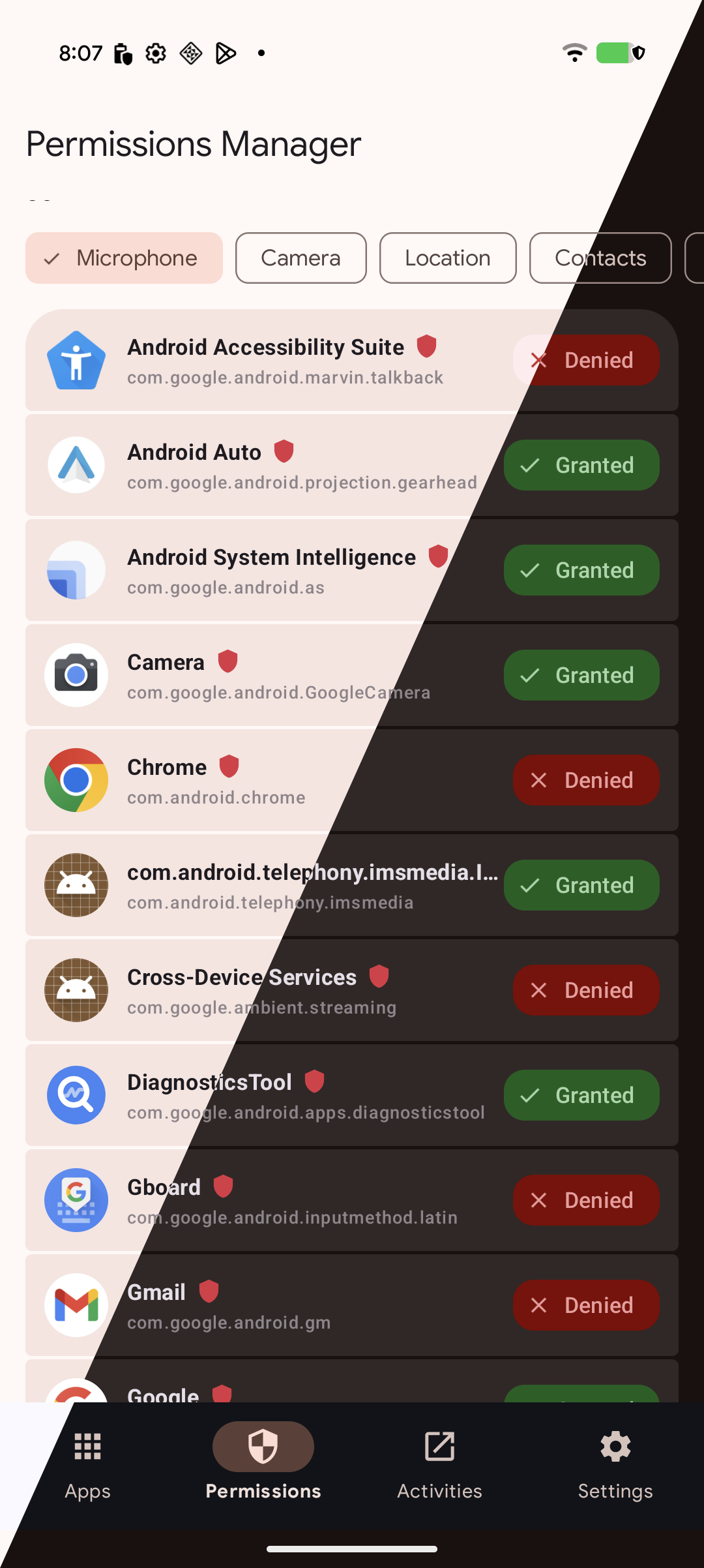
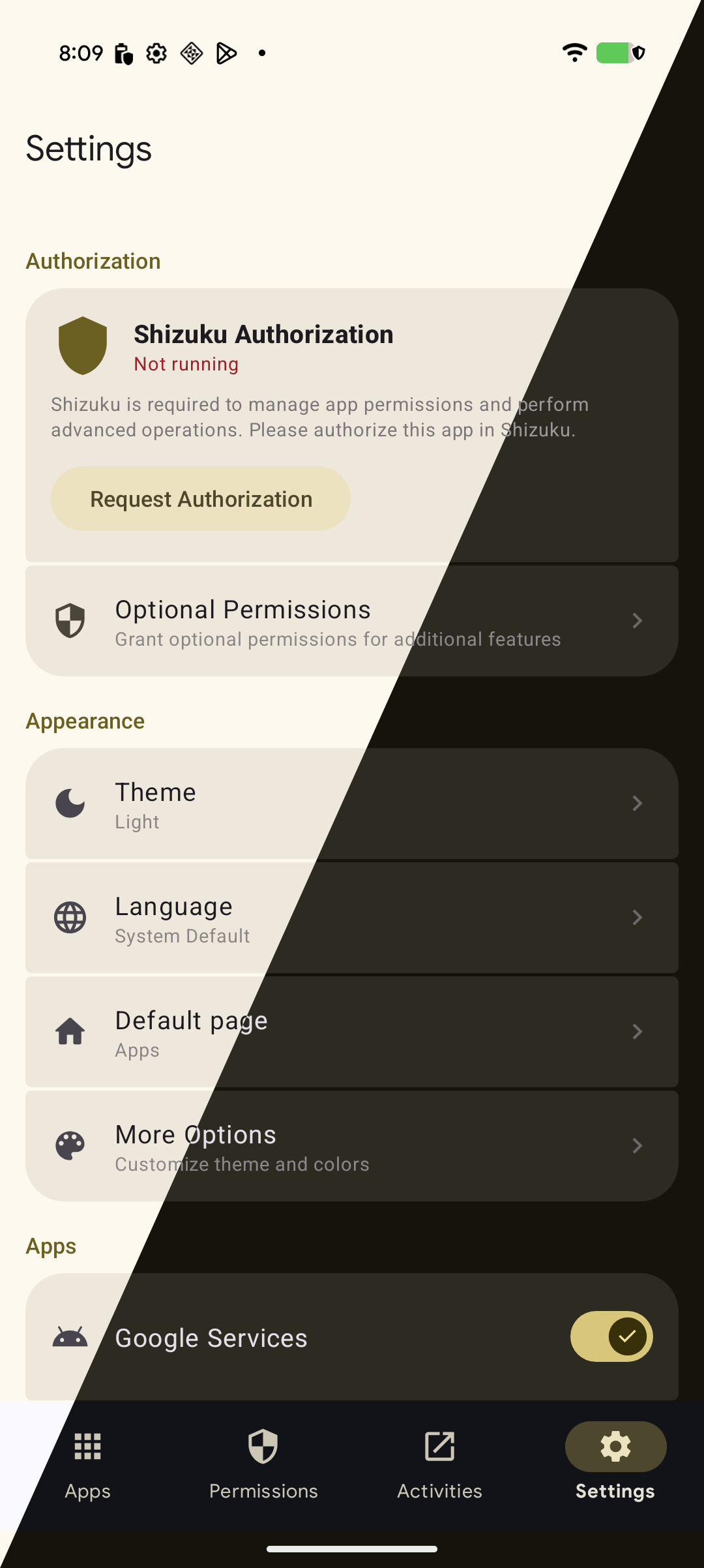
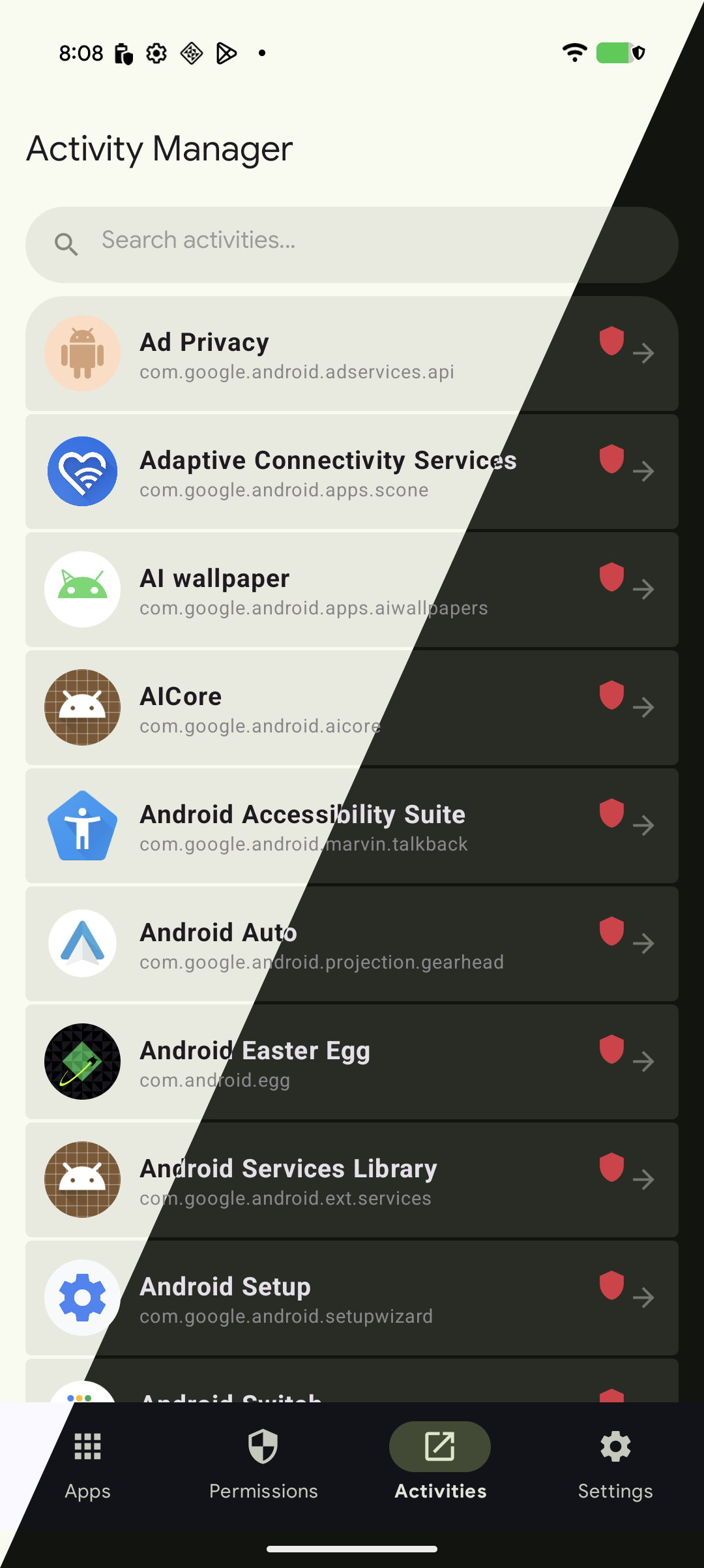
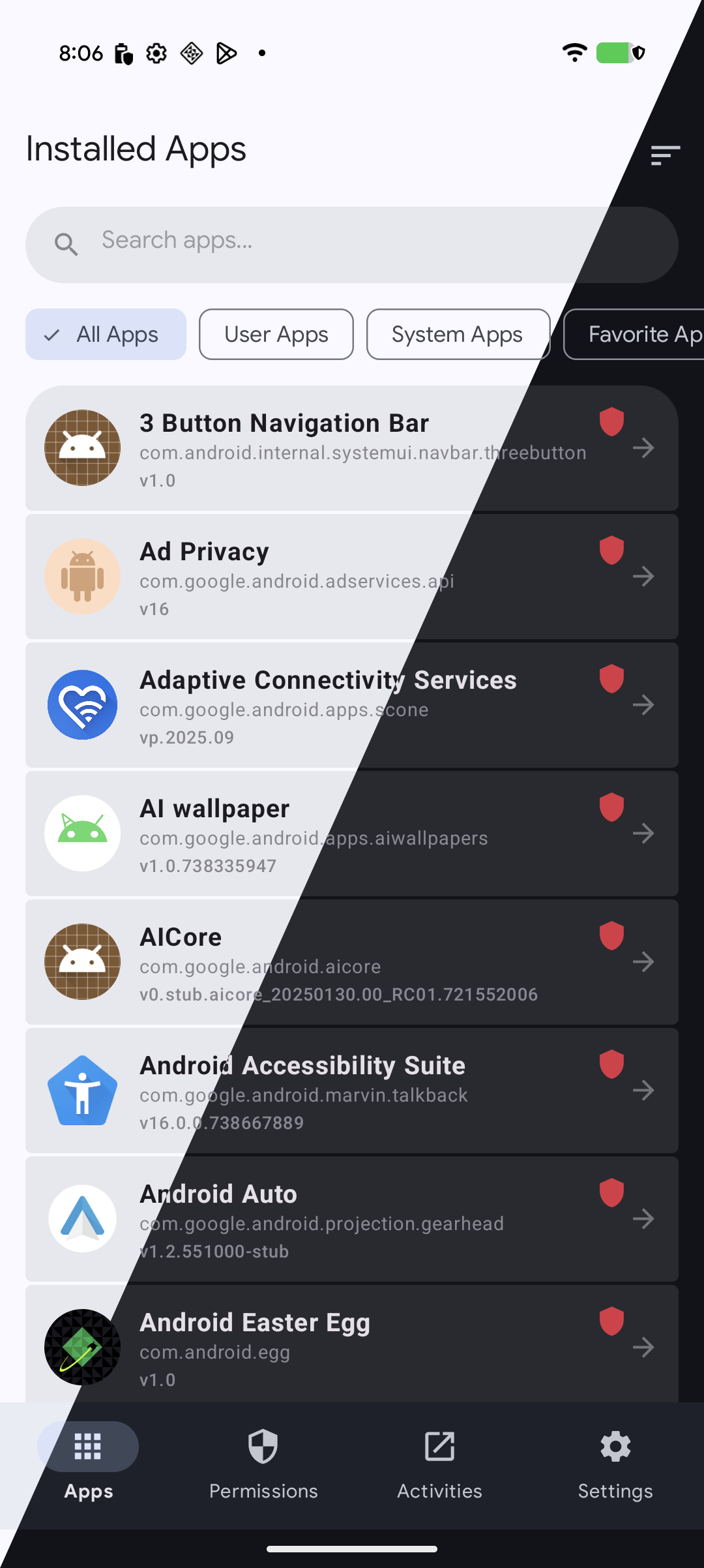
📸 Screenshots
✨ Features
🚀 Core Capabilities
| Feature | Description |
|---|---|
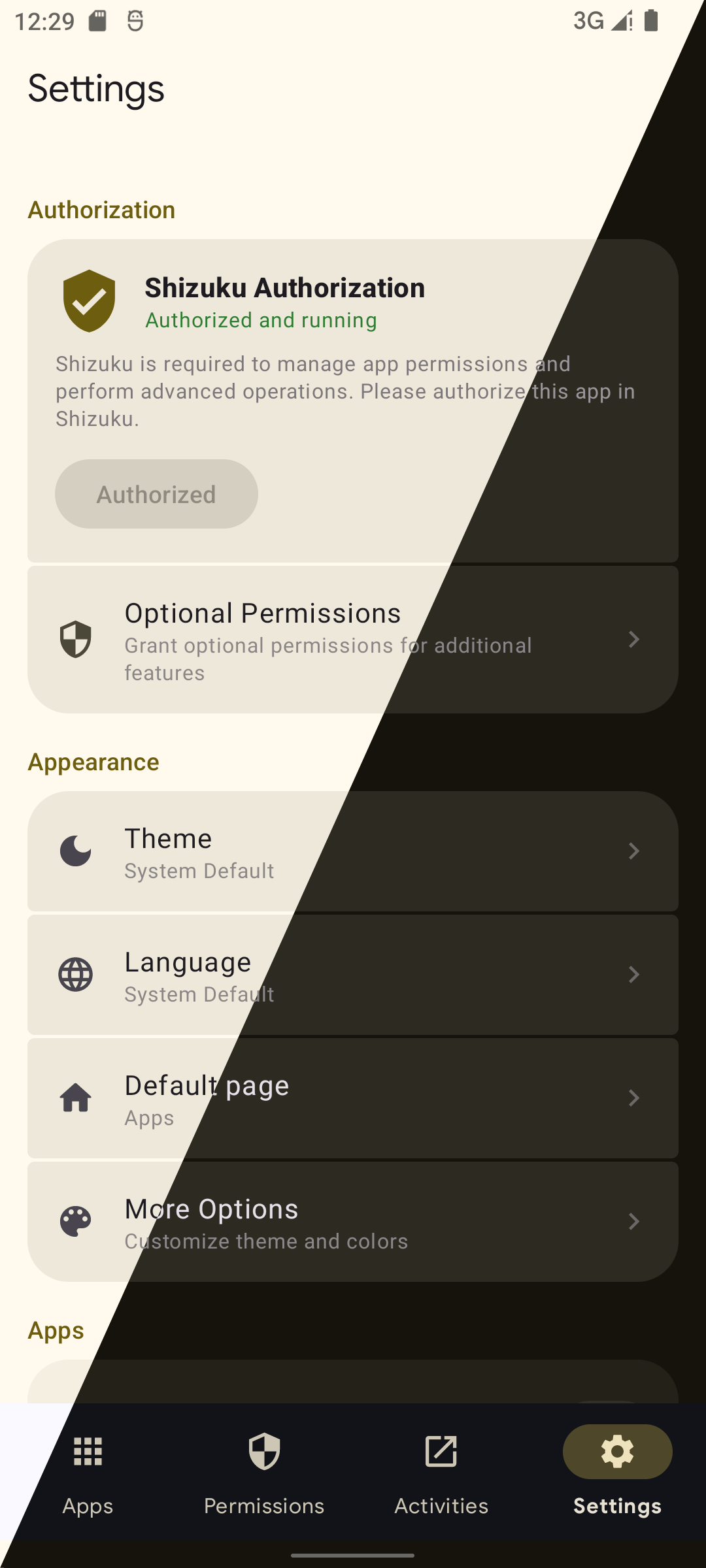
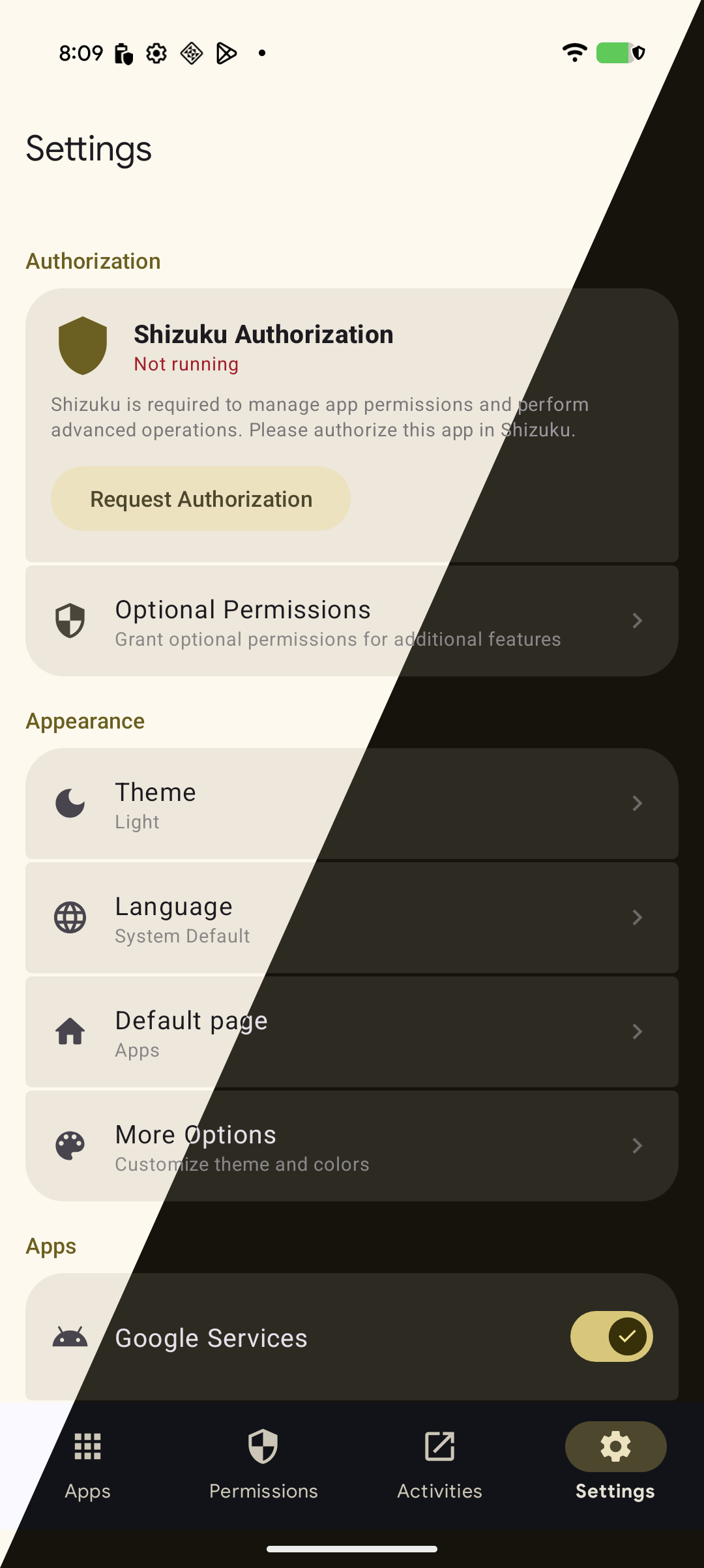
| Shizuku Integration | Operates with Shizuku authorization for elevated control without requiring root |
| ROOT Integration | Operates with ROOT authorization for elevated control |
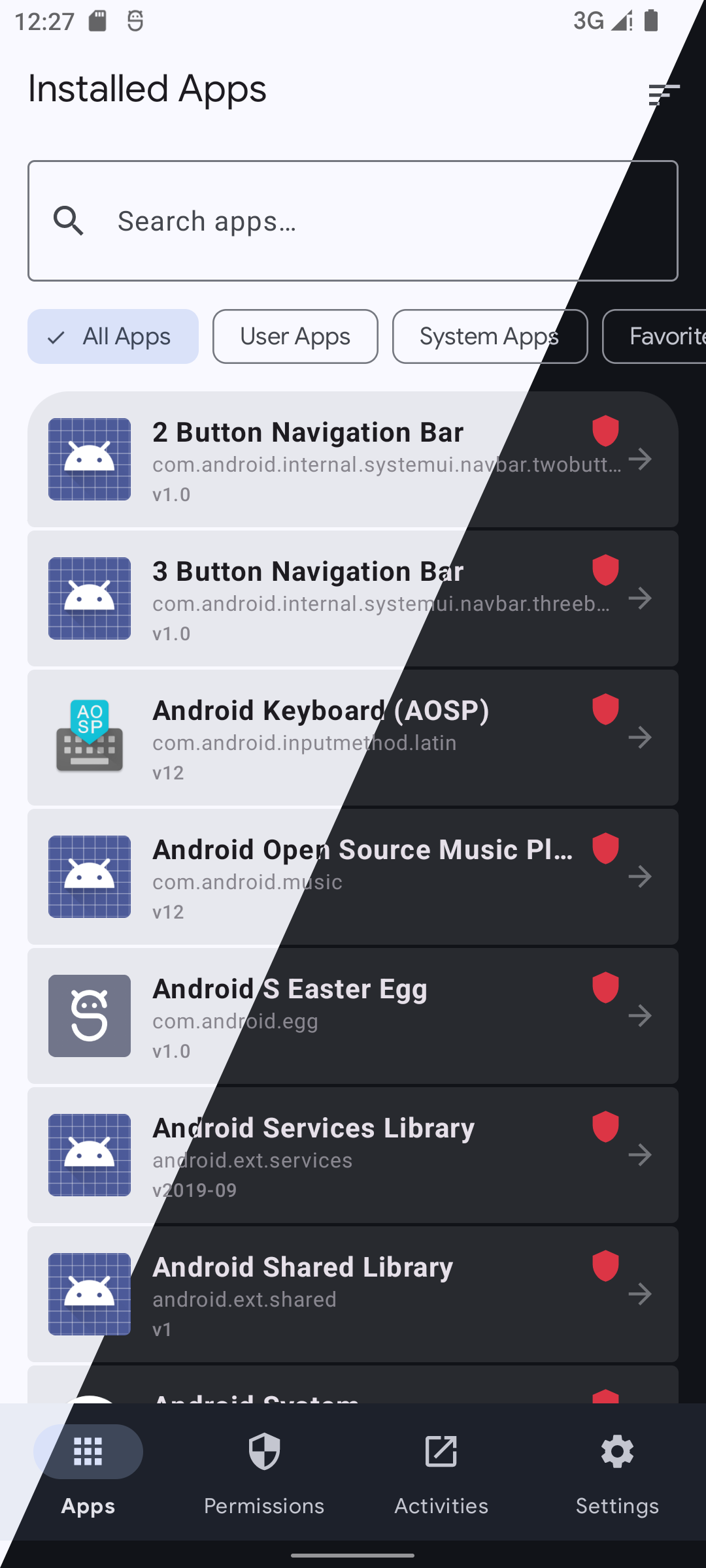
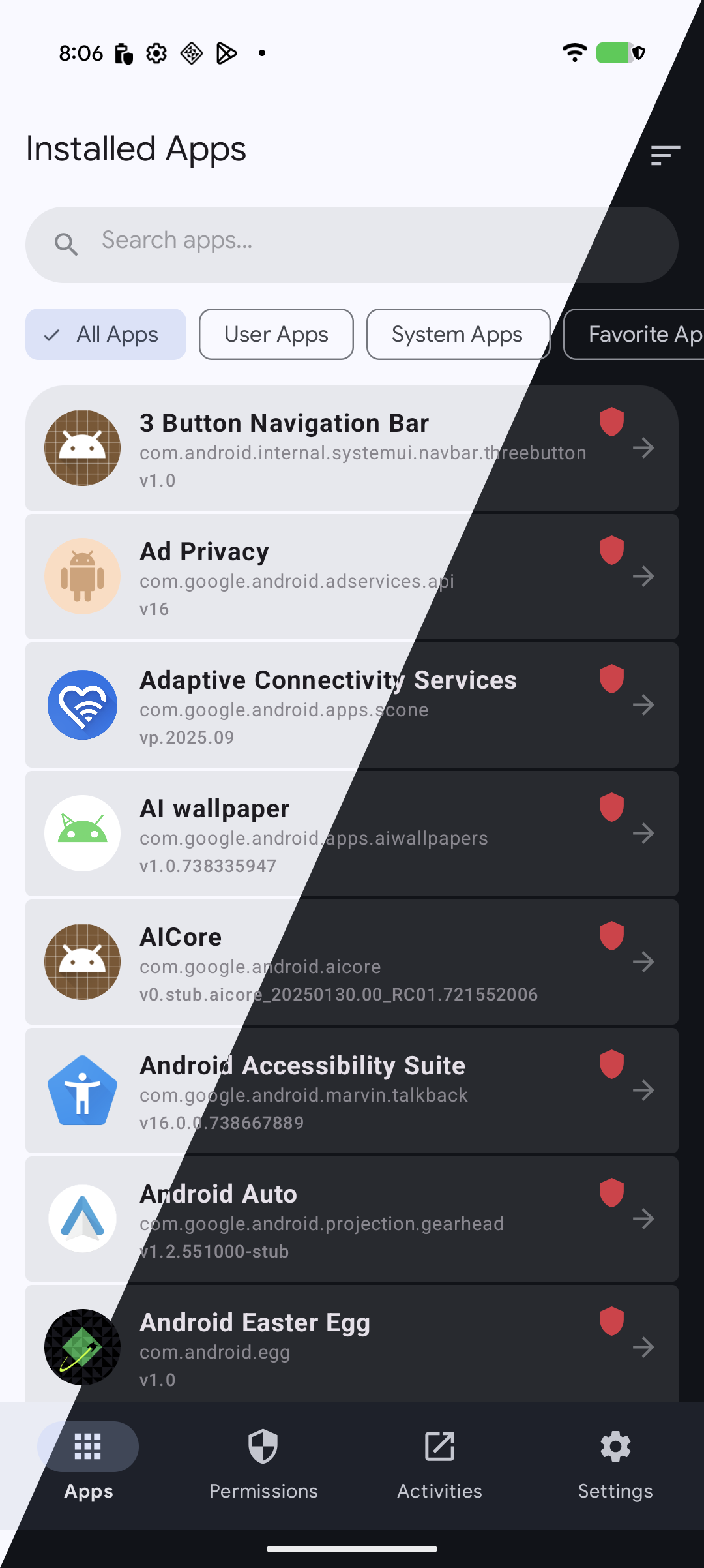
| App Management | Browse and manage both user-installed and system applications with ease |
| Material Design 3 Expressive UI | Clean, system-themed interface that follows the latest Android design guidelines |
📱 Apps Manager
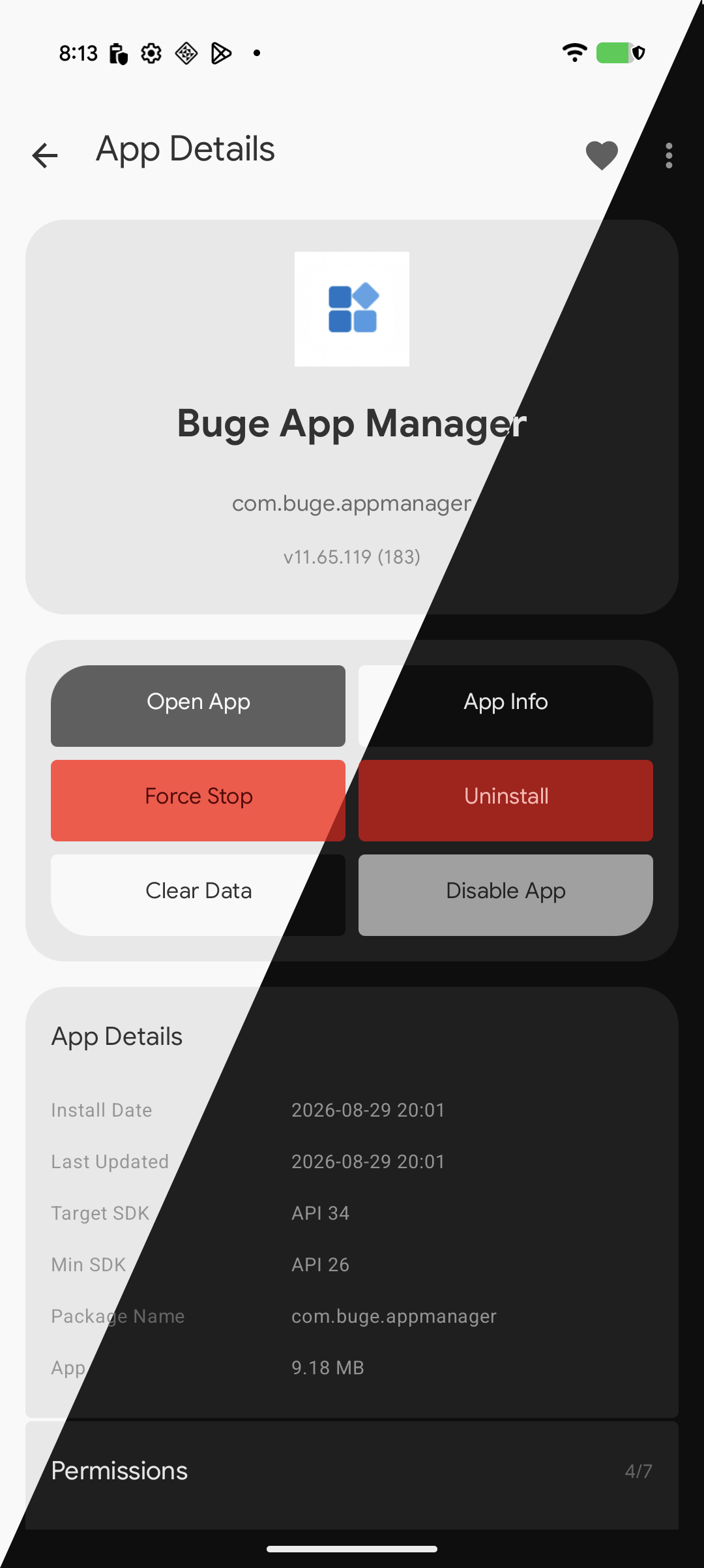
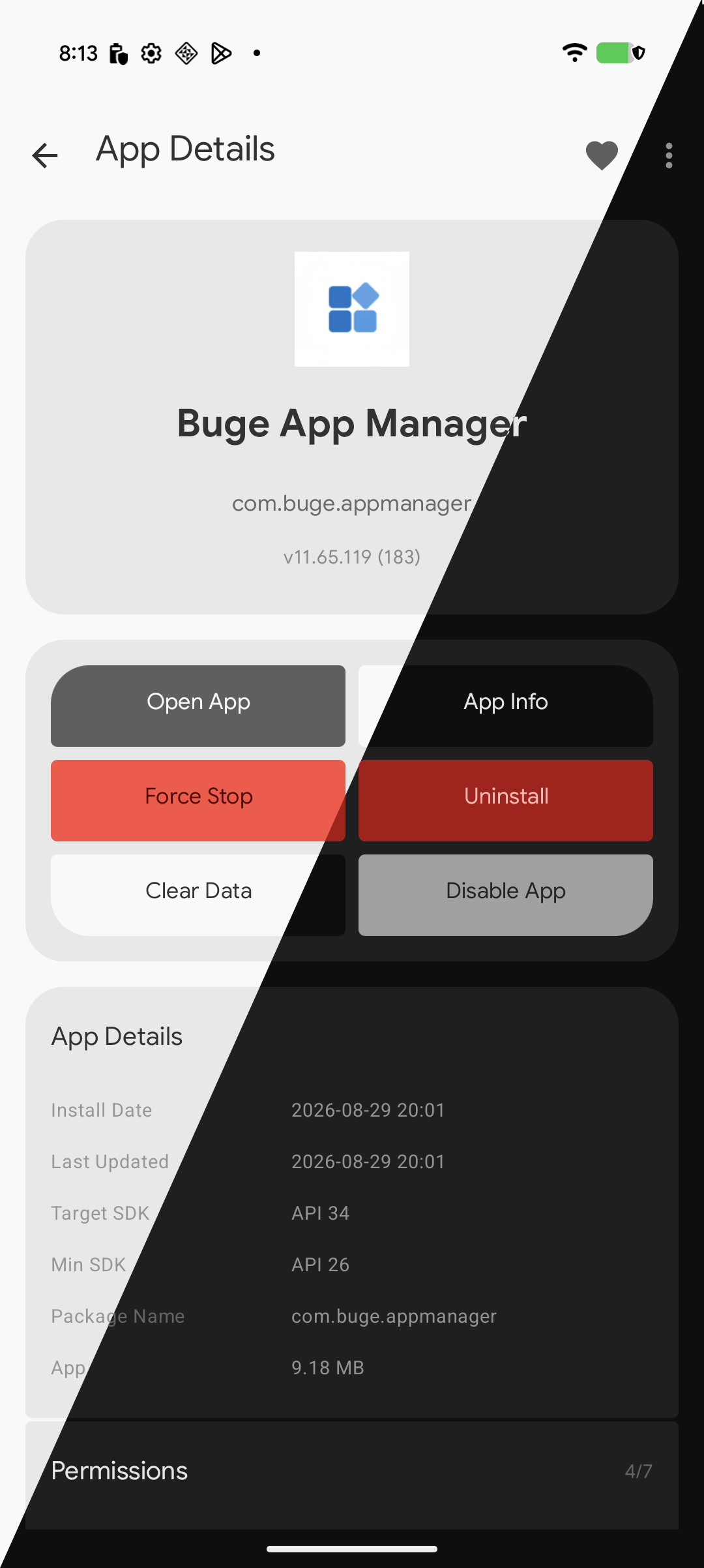
Manage any apps, including system apps
Allow advanced operations such as Uninstall, Disable, Force Stop, etc.
Allow restoring uninstalled system apps
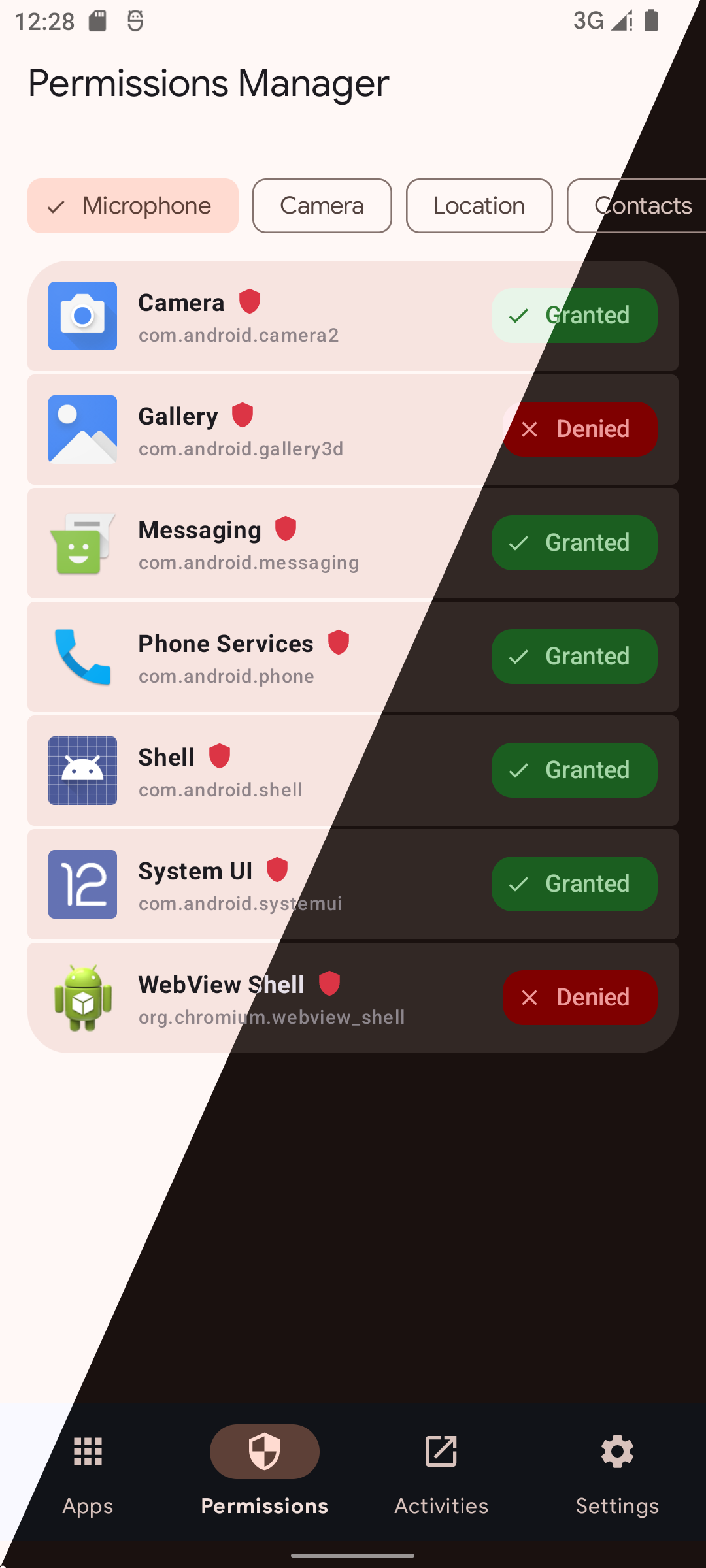
🔐 Permission Manager
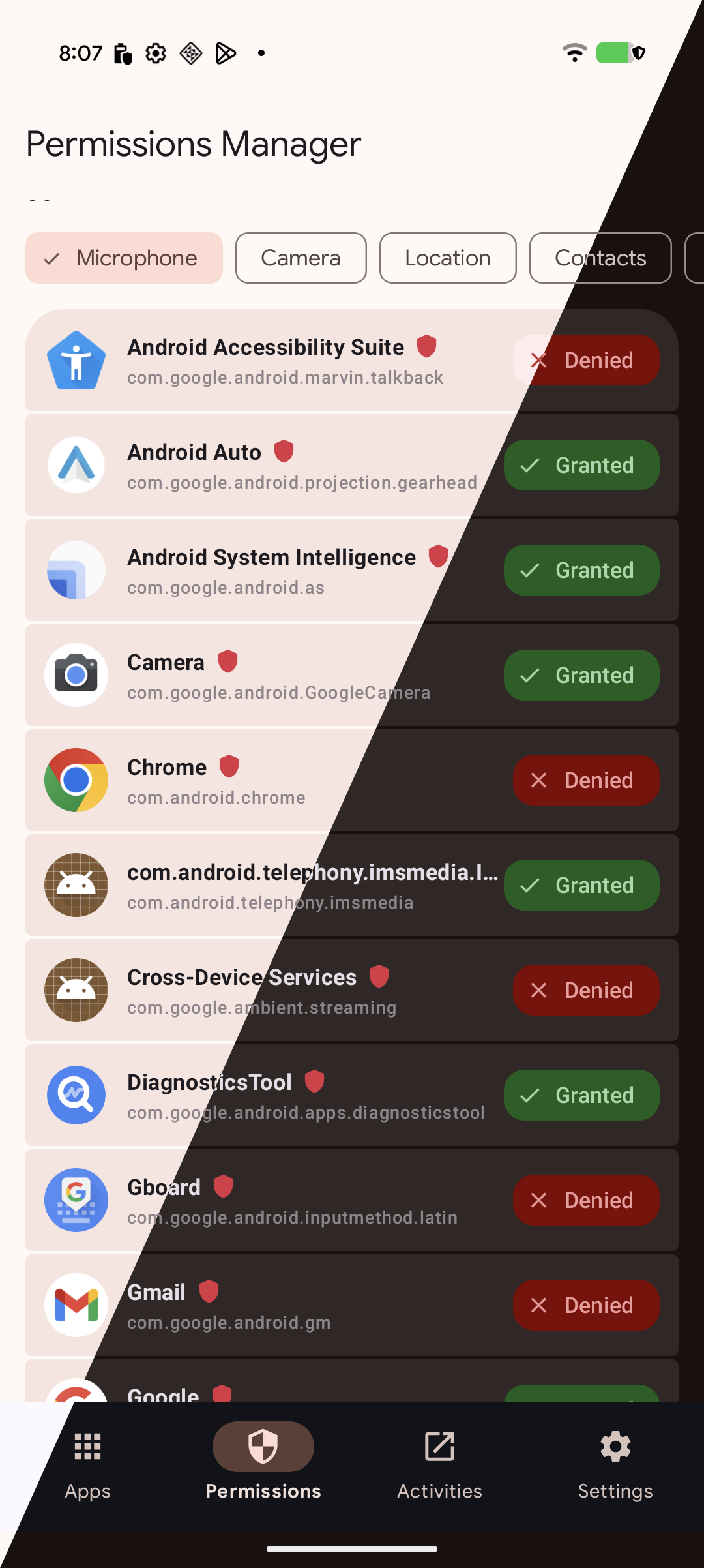
- View and modify app permissions by category
- Supported categories include: Microphone, Camera, Location access, Notifications, Phone & Contacts, Storage and other
- Filter permissions by granted or denied status
- Batch permission operations for multiple apps
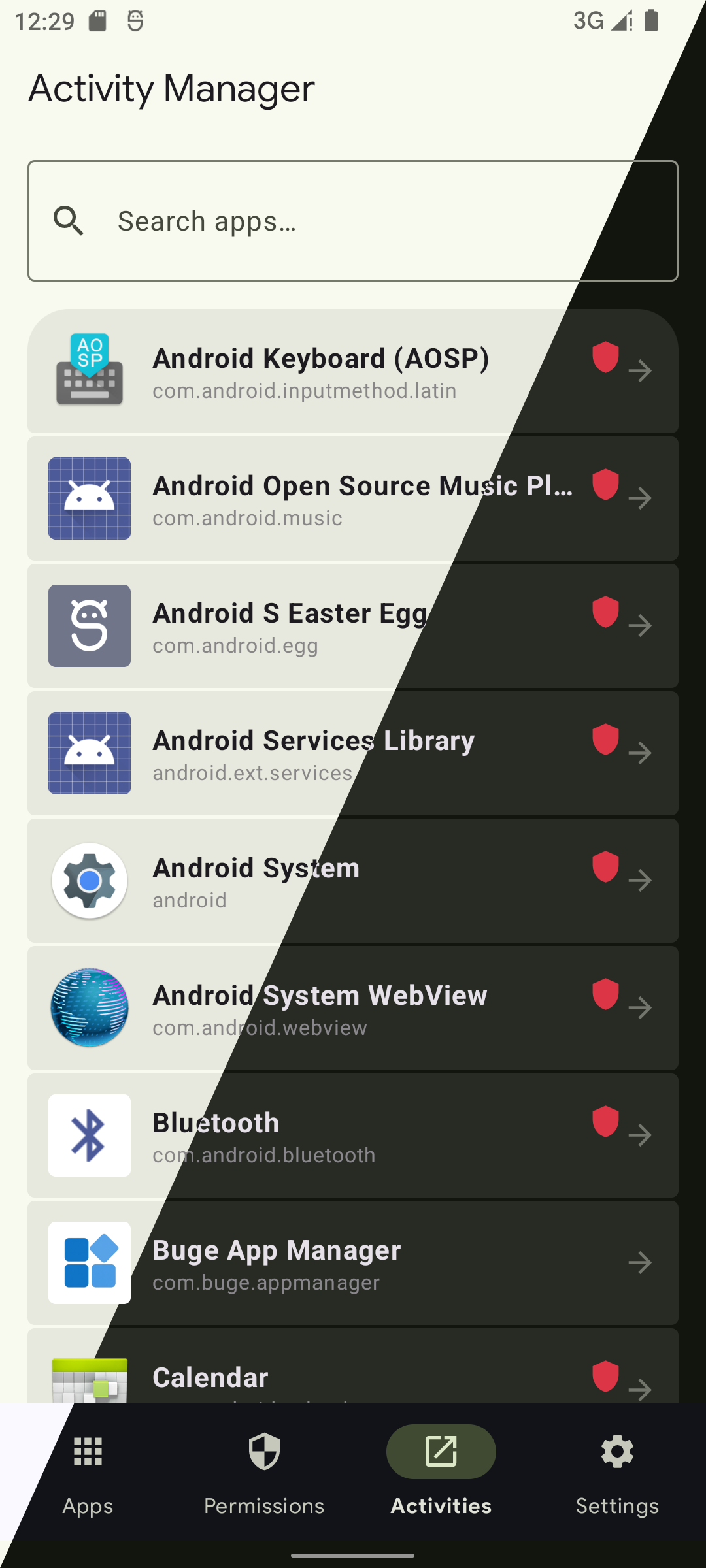
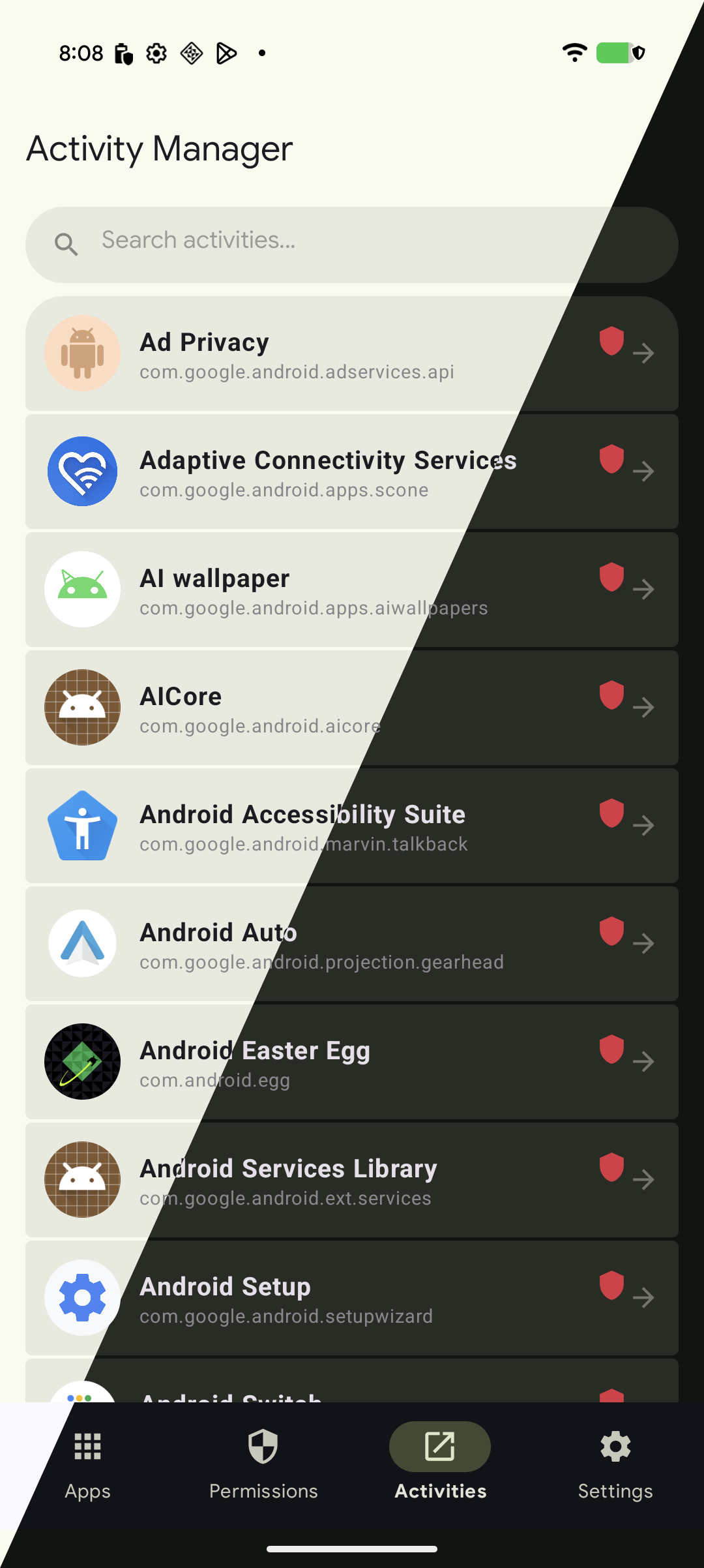
🧩 Activities Launcher
- Browse and launch any activity
- View unexported activities
🛡️ Privacy & Security
- Quickly identify which apps have access to sensitive permissions
- Optimize your device's security posture with clear permission insights
📋 Requirements
| Requirement | Minimum Version |
|---|---|
| Android OS | 8.0 (API 26) or higher |
| Shizuku | Installed and authorized |
| ROOT | Device has been rooted and authorized |
Choose between Shizuku or ROOT authorization.
Note: Shizuku is required for advanced permission management features.
🎓 Tutorial: How to Perform Batch Permission Operations for Your Apps
Follow this step-by-step guide to manage the same permission type across multiple applications simultaneously.
📹 Video Tutorial
🌐 Supported languages
English - en
Français - fr
Deutsch - de
Русский - ru
Português - pt
Português (Brasil) - pt-rBR
Español - es
中文 (简体) - zh
中文 (繁体) - zh-rTW
العربية - ar
日本語 - ja
한국어 - ko
If you'd like to request support for a specific language, please open an issue and let us know
📦 Installation


⭐ Star History
📄 License
This project is licensed under the GNU General Public License v3.0.
How Shizuku is used
Can manage permissions, stop, clear, disable, uninstall, install, restore, export and launch apps via `pm`, `appops`, `am` and `dumpsys` commands.
This is an AI-assisted analysis of Shizuku-related usages in the app's public source code. It is best effort, so it may not catch every single usage.
How this app uses Shizuku
Through Shizuku the app manages other apps and their permissions beyond normal Android limits.
- Grant and revoke permissions: turn runtime permissions on or off for any app with
pm grant,pm revokeandappops set, including special access for modifying system settings, drawing over other apps, installing unknown apps and full file access, and check their current state withappops get. - Force stop apps: immediately stop a running app with the
am force-stopshell command through Shizuku. - Clear app data: wipe an app's stored data and reset it with the
pm clearshell command through Shizuku. - Disable and enable apps: freeze single apps, batches of apps or built in Google services with
pm disable-user, and re-enable them withpm enable. - Uninstall apps: remove single apps or batches of selected apps with the
pm uninstallshell command through Shizuku. - Install apps from APKs: install APK files the user picks by staging them and running
pm installwith reinstall, downgrade, test and user options through Shizuku. - Restore uninstalled apps: list present, uninstalled and system packages with
pm list packagesand bring back an uninstalled package withpm install-existing. - Export split app packages: look up installed APK locations with
pm pathto export or share split apps as a bundle. - Launch hidden activities: open app screens that are normally not launchable by temporarily setting them as the assistant in system settings and sending the assist key with the
input keyeventshell command, then restoring the prior setting. - Inspect storage and status: measure app data size and check permission and package details with privileged shell lookups.
Android APIs or commands used
pm grantpm revokepm clearpm disable-userpm enablepm uninstallpm installpm pathpm list packagespm install-existingappops setappops getcmd appops setam force-stopinput keyeventdumpsys packagedu -sSettings.Secure.getStringSettings.Secure.putString
Changelog
What's new for version 12.73.132
12.73.132
Changed 🔧
- Transparent build (no impact on app usage)
Contributors of this version: None
Permissions
8 permissions requested
More apps from this developer
 Buge Files
More from this category
 Canta
Canta
 Hail
Hail
 Thor
Thor
 AppManagerNG
 MKM
MKM
 AppControlX
 DroidUtility
 AppVaultX
 AppDual
 Blocker
 CloneCat
 AppSlim Analyzer