 ShizuStore
Blocker
2.0.5839 · GitHub
Detected trackers (2)
Matched by Exodus Privacy code signatures. Not a complete list.
More about this app
Enable/disable Android components such as activities, services, receivers, and providers
Blocker




Blocker is a component controller for Android applications that currently supports using
PackageManager and Intent Firewall to manage the state of components. For bloated applications, many
components within the application are redundant. Blocker provides a convenient control button to
manage the corresponding components, enabling the disabling of unnecessary functions and saving
application runtime resources.
Blocker can be seamlessly switched between these controllers, and for application rules, you can
export and import them. Additionally, it is compatible with backup files generated by
MyAndroidTools, and you can effortlessly convert them to Intent Firewall rules. The application also
has the potential to be extended in the future.


Advantages
- Lightweight, don't burden the system
- Easy to use
- Supports multiple control types
Introduction to different component controllers
Package Manager
The Android system provides a tool called PackageManager, which is used for managing installed
applications or obtaining information about them. One of its
methods, setComponentEnabledSetting(ComponentName, int, int), allows an application to control
the state of its own components. If attempting to use this method to control components in other
applications, a signature permission is required, or the call will fail.
Fortunately, Android provides another tool called pm that allows users to control component states in command-line mode. However, the pm tool requires root permission to run. The following command can be used to disable a specific package or component:
pm disable [PackageName/ComponentName]
Whether using PackageManager in the code or pm in command-line mode, the configurations will be written to /data/system/users/0/package_restrictions.xml.
Intent Firewall Mode
Intent Firewall was introduced in Android 4.4.2 (API 19) and is still effective in the latest Android systems. It is integrated into the Android Framework to filter the intents sent by applications or systems.
What Intent Firewall can do
Each intent sent by an application is filtered by the Intent Firewall, with rules stored in XML files. The Intent Firewall updates rules immediately if changes occur in the configuration file.
Limitations of Intent Firewall
Only system applications can read and write the directory where the configuration file is stored, and third-party applications do not have permission to access it.
Differences between Intent Firewall and Package Manager
Intent Firewall, indeed it is a firewall, it has no impact on component status. The application detects the component is on, but it just cannot start the component.
For the components disabled by PackageManager, if an application starts it, an exception will be thrown. Developers can catch this exception to know whether the component is disabled or not, so they could re-enable this component. That's the reason why the components will be enabled unexpectedly. If you are using an Intent Firewall controller, there will be no problems.
References
Shizuku/Sui Mode
Shizuku is an application developed by Rikka, RikkaApps/Shizuku
Starting from Android O, if we install a Test-Only application, users could use pm command to control the command status. We could modify the install package to set it into Test-Only mode, using APIs provided by Shizuku to control the component status.
Tutorial for modifying APKs (Chinese Only) [实验性功能] [开发者向]如何免Root控制应用程序组件
Please note: For normal applications, the Shell permission in Shizuku mode is not sufficient to
change the switch status of components. In other words, unmodified APKs do not support non-root
modification. If you want to use Shizuku to modify the component status of normal applications,
please start Shizuku with Root privileges.
Implementation of this restriction in
AOSP: frameworks/base/services/core/java/com/android/server/pm/PackageManagerService.java
Screenshot tests
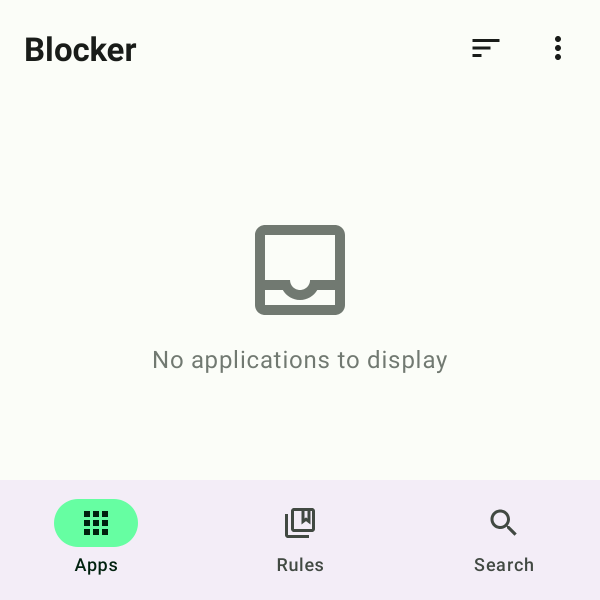
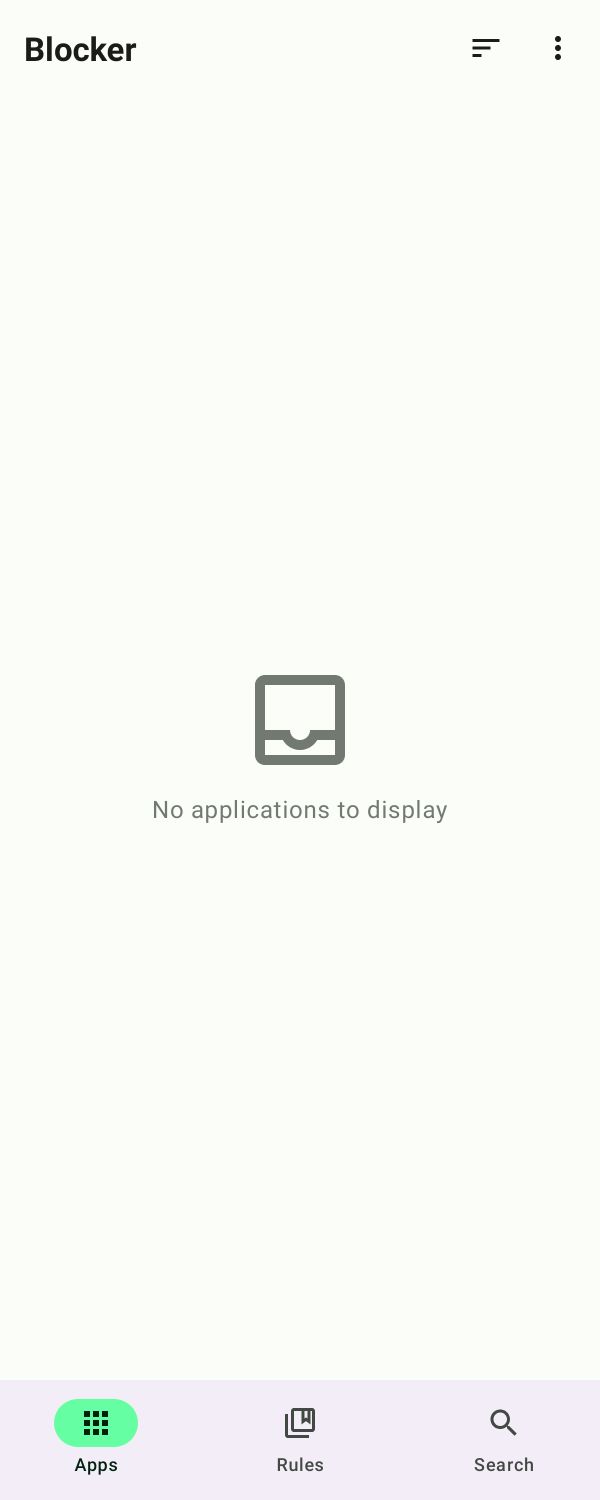
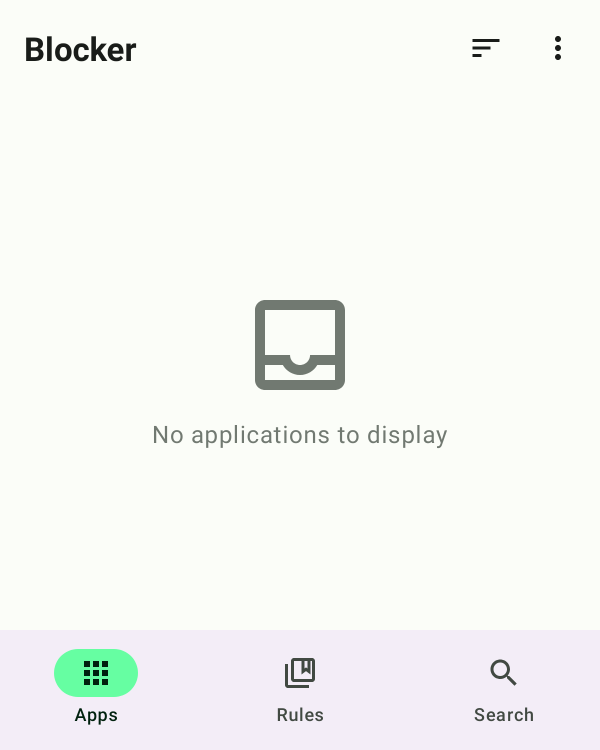
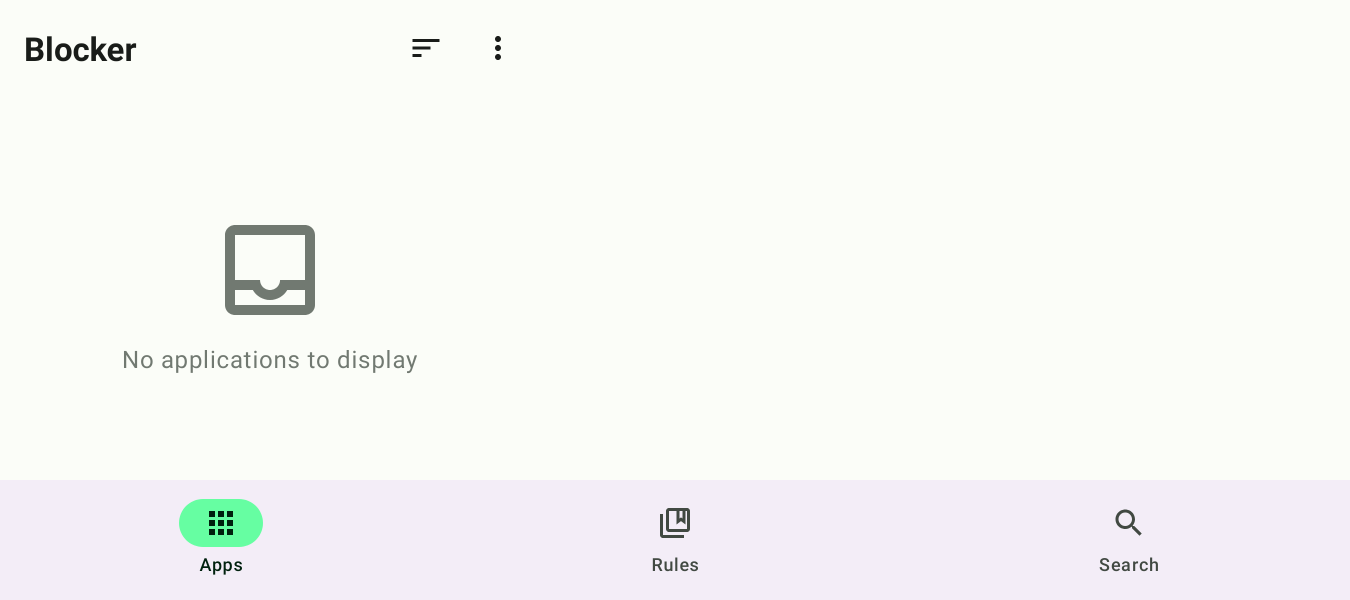
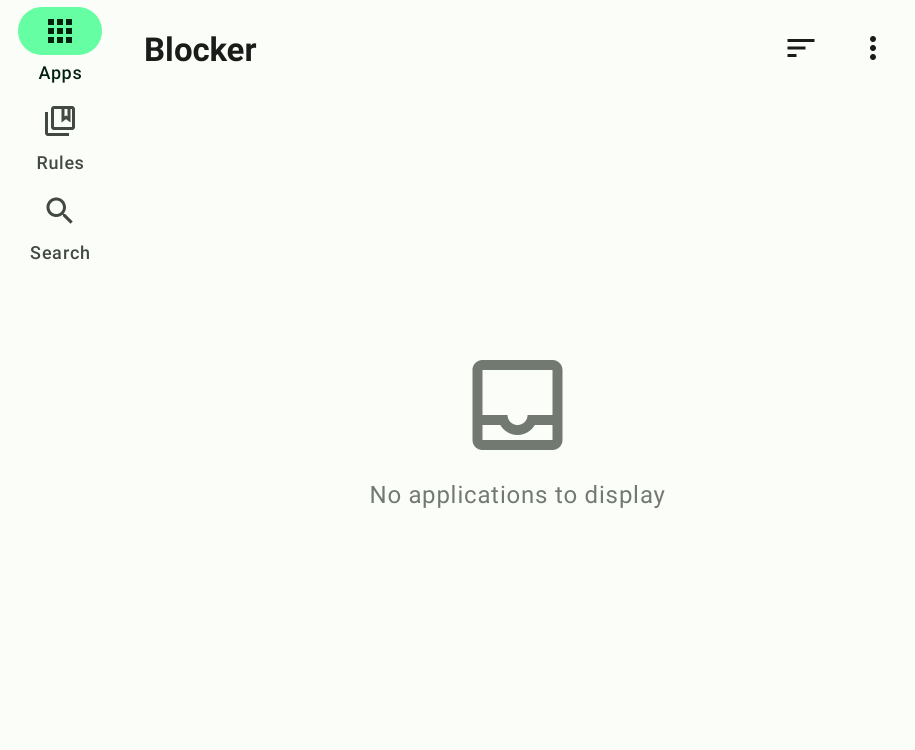
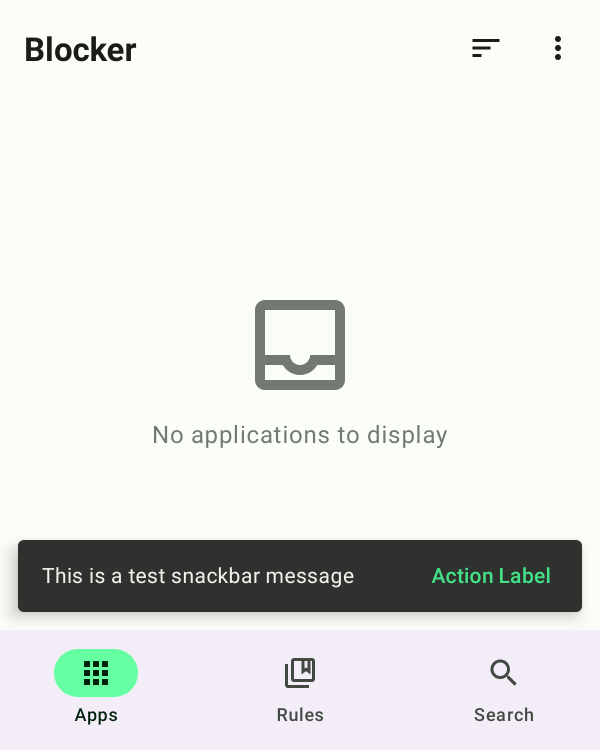
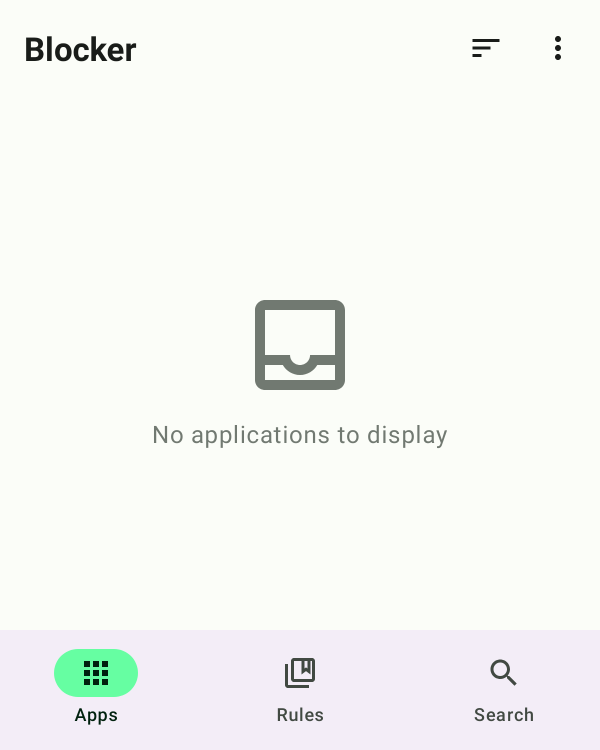
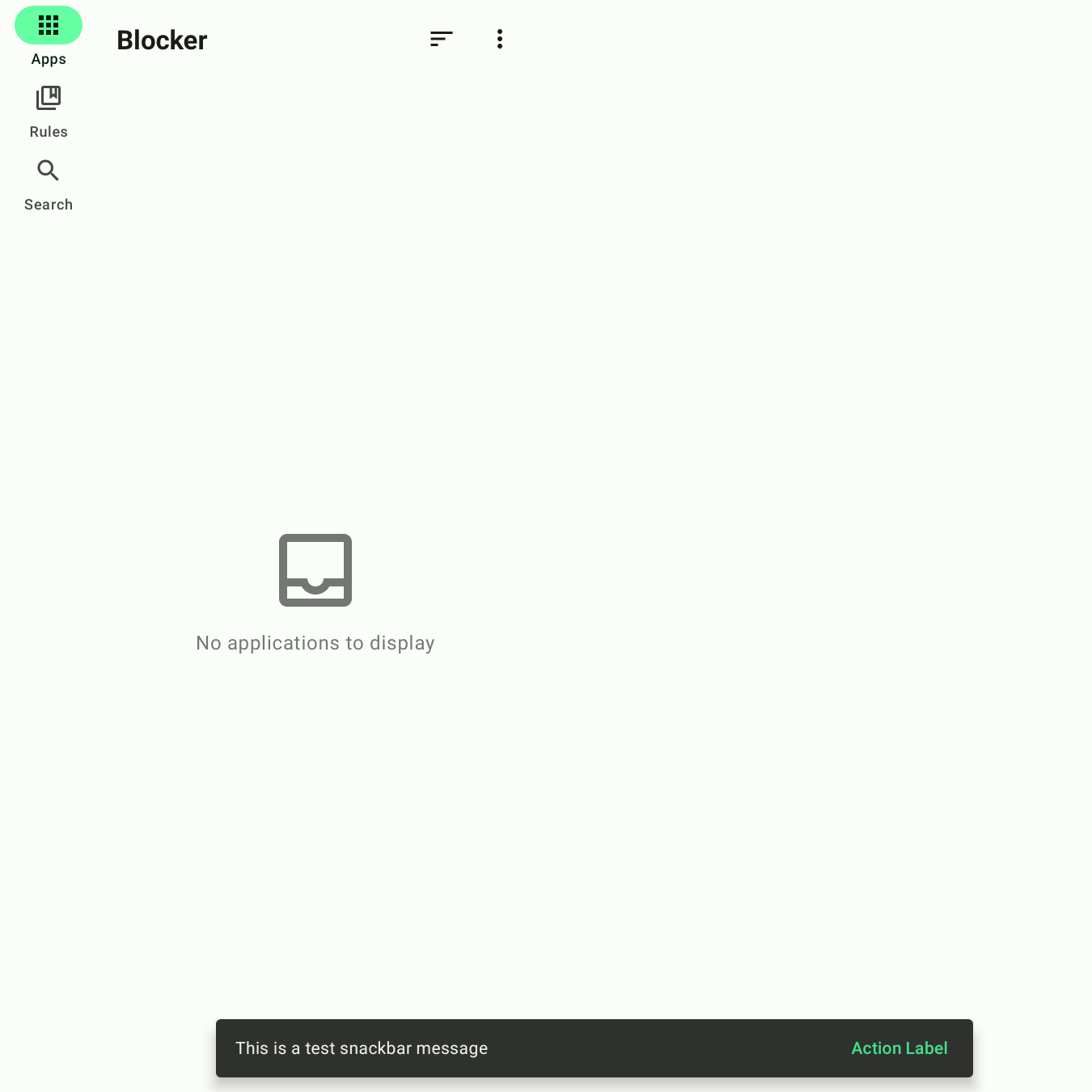
Blocker uses Roborazzi to do screenshot tests
of certain screens and components. To run these tests, run the verifyRoborazziFossDebug or
recordRoborazziFossDebug tasks. Note that screenshots are recorded on CI, using Linux, and other
platforms might generate slightly different images, making the tests fail.
Architecture
The architecture of the Blocker app is based on the architecture described in Now in Android, and it also adheres to the official architecture guidance.
For information on modularization, please refer to this article: Modularization Learning Journey.
UI
The app was designed using Material 3 guidelines. Learn more about the design process and obtain the design files in Figma.
Huge thanks to our UI designer: @COPtimer
The Screens and UI elements are built entirely using Jetpack Compose.
The app has two themes:
- Dynamic color - uses colors based on the user's current color theme (if supported)
- Default theme - uses predefined colors when dynamic color is not supported
Each theme also supports dark mode.
Translation Contributions
Default string resources for the Blocker app are located here:
app-compose/src/main/res/values/strings.xml
core/[module]/src/main/res/values/strings.xml
sync/[module]/src/main/res/values/strings.xml
feature/[module]/src/main/res/values/strings.xml
Translate each and place them in the respective locations ([module]/src/main/res/values-[lang]/strings.xml).
Alternatively, you can use Weblate to translate this project. (Thanks @SanmerDev for providing the service)
Frequently Asked Questions
- When clicking the button in Shizuku mode, the component state cannot be controlled, and an error pops up: SecurityException: Shell cannot change component state for 'xx' to state 'xx'.
- The Shell permission of Shizuku cannot disable unmodified application components. Please restart Shizuku with Root privileges or try modifying the APK.
- What's the difference between the
fossversion and themarketversion?
- You can view the detailed changes in #619 Build & Check F-Droid version. The
fossversion eliminates closed-source libraries such as Firebase and GMS. Conversely, themarketversion integrates Firebase Crashlytics and Firebase Analytics services, enabling the developer to receive crash reports and usage data. This feedback makes it easier for developers to address issues or adjust features based on their usage. The version available on Google Play is the market version. If you prefer not to use analytics services, you can download thefossversion from the GitHub release page or F-Droid.
How Shizuku is used
Can enable or disable apps and components, clear cache and data, uninstall, force stop and manage services via `IPackageManager` and `IActivityManager` through Shizuku.
This is an AI-assisted analysis of Shizuku-related usages in the app's public source code. It is best effort, so it may not catch every single usage.
How this app uses Shizuku
Through Shizuku, Blocker applies system level app and component changes that normal app permissions cannot perform.
- Toggle app components: turn activities, services, receivers and providers on or off from detail and search screens using system package controls through Shizuku.
- Enable or disable apps: turn whole apps on or off from the app list using system package controls through Shizuku.
- Clear cache and data: wipe the cache or user data for a selected app using system package controls through Shizuku.
- Uninstall apps: remove selected user or system apps using the system package installer through Shizuku.
- Force stop apps: immediately stop a selected app using system activity controls through Shizuku.
- See running apps: show which apps are currently running by reading the running process list through Shizuku.
- Manage running services: show running services and start or stop a selected service using system activity controls through Shizuku.
Android APIs or commands used
IPackageManager.setComponentEnabledSettingIPackageManager.setApplicationEnabledSettingIPackageManager.deleteApplicationCacheFilesIPackageManager.clearApplicationUserDataIPackageInstaller.uninstallIActivityManager.forceStopPackageIActivityManager.getRunningAppProcessesIActivityManager.getServicesIActivityManager.startServiceIActivityManager.stopService
Notable details
When clearing cache or data while Shizuku is running with shell identity, Blocker opens the system app details screen for that app instead of clearing directly, so the user completes the action there.
Changelog
What's new for version 2.0.5839
What's Changed
- Bump androidx.compose.runtime:runtime-tracing from 1.9.1 to 1.9.2 by @dependabot[bot] in https://github.com/lihenggui/blocker/pull/1300
- Bump androidxWork from 2.10.4 to 2.10.5 by @dependabot[bot] in https://github.com/lihenggui/blocker/pull/1303
- Bump gradle/actions from 4 to 5 by @dependabot[bot] in https://github.com/lihenggui/blocker/pull/1307
- Bump androidx.compose.material:material-navigation from 1.9.1 to 1.9.2 by @dependabot[bot] in https://github.com/lihenggui/blocker/pull/1306
- Bump hilt from 2.57.1 to 2.57.2 by @dependabot[bot] in https://github.com/lihenggui/blocker/pull/1305
- Bump androidx.window:window-core from 1.4.0 to 1.5.0 by @dependabot[bot] in https://github.com/lihenggui/blocker/pull/1309
- Bump androidx.compose:compose-bom-alpha from 2025.09.00 to 2025.09.01 by @dependabot[bot] in https://github.com/lihenggui/blocker/pull/1310
- Bump org.mockito.kotlin:mockito-kotlin from 6.0.0 to 6.1.0 by @dependabot[bot] in https://github.com/lihenggui/blocker/pull/1308
- Bump room from 2.8.0 to 2.8.1 by @dependabot[bot] in https://github.com/lihenggui/blocker/pull/1302
- Bump androidxNavigation from 2.9.4 to 2.9.5 by @dependabot[bot] in https://github.com/lihenggui/blocker/pull/1301
- Bump com.squareup.okhttp3:logging-interceptor from 5.1.0 to 5.2.0 by @dependabot[bot] in https://github.com/lihenggui/blocker/pull/1316
- Bump ksp from 2.2.20-2.0.3 to 2.2.20-2.0.4 by @dependabot[bot] in https://github.com/lihenggui/blocker/pull/1315
- Bump androidx.metrics:metrics-performance from 1.0.0-beta04 to 1.0.0 by @dependabot[bot] in https://github.com/lihenggui/blocker/pull/1319
- Bump gmsPlugin from 4.4.3 to 4.4.4 by @dependabot[bot] in https://github.com/lihenggui/blocker/pull/1320
- Bump androidx.compose:compose-bom-alpha from 2025.09.01 to 2025.10.00 by @dependabot[bot] in https://github.com/lihenggui/blocker/pull/1321
- Revert "Bump androidx.compose:compose-bom-alpha from 2025.09.01 to 2025.10.00" by @lihenggui in https://github.com/lihenggui/blocker/pull/1323
- Bump github/codeql-action from 3 to 4 by @dependabot[bot] in https://github.com/lihenggui/blocker/pull/1313
- Bump org.eclipse.jgit:org.eclipse.jgit from 7.3.0.202506031305-r to 7.4.0.202509020913-r by @dependabot[bot] in https://github.com/lihenggui/blocker/pull/1312
- Bump licensee from 1.13.0 to 1.14.1 by @dependabot[bot] in https://github.com/lihenggui/blocker/pull/1325
- Bump stefanzweifel/git-auto-commit-action from 6 to 7 by @dependabot[bot] in https://github.com/lihenggui/blocker/pull/1322
- Bump androidx.compose.runtime:runtime-tracing from 1.9.2 to 1.9.3 by @dependabot[bot] in https://github.com/lihenggui/blocker/pull/1318
- Bump ch.qos.logback:logback-classic from 1.5.18 to 1.5.19 by @dependabot[bot] in https://github.com/lihenggui/blocker/pull/1311
- Bump androidx.compose:compose-bom-alpha from 2025.09.01 to 2025.10.00 by @dependabot[bot] in https://github.com/lihenggui/blocker/pull/1324
- Bump protobuf from 4.32.1 to 4.33.0 by @dependabot[bot] in https://github.com/lihenggui/blocker/pull/1326
- Bump room from 2.8.1 to 2.8.2 by @dependabot[bot] in https://github.com/lihenggui/blocker/pull/1317
- Bump com.google.firebase:firebase-bom from 34.3.0 to 34.4.0 by @dependabot[bot] in https://github.com/lihenggui/blocker/pull/1327
- Bump androidx.compose.material:material-navigation from 1.9.2 to 1.9.3 by @dependabot[bot] in https://github.com/lihenggui/blocker/pull/1328
- Bump com.squareup.okhttp3:logging-interceptor from 5.2.0 to 5.2.1 by @dependabot[bot] in https://github.com/lihenggui/blocker/pull/1329
Full Changelog: https://github.com/lihenggui/blocker/compare/v2.0.5753...v2.0.5839
Permissions
15 permissions requested
Sources
3 sources
Sources
3 sources
More from this category
 Canta
Canta
 Buge App Manager
 Hail
Hail
 Thor
Thor
 AppManagerNG
 MKM
MKM
 AppControlX
 DroidUtility
 AppVaultX
 AppDual
 CloneCat
 AppSlim Analyzer