 ShizuStore
Better Night Light
1.0.4 · GitHub
More about this app
Grants advanced control over Android's native Night Light: scheduling, boost phases and precise colour temperature through Shizuku or root secure-settings access.
Better Night Light

Installation


Requirements
- Android 10 (API 29) or higher
- One of the following options to grant the app the permissions required to control Night Light:
- ADB
- Shizuku (or compatible alternatives)
- Root access
Warning
This app has only been tested on emulators and a Pixel 10 Pro. Use it at your own risk.
Screenshots


Features
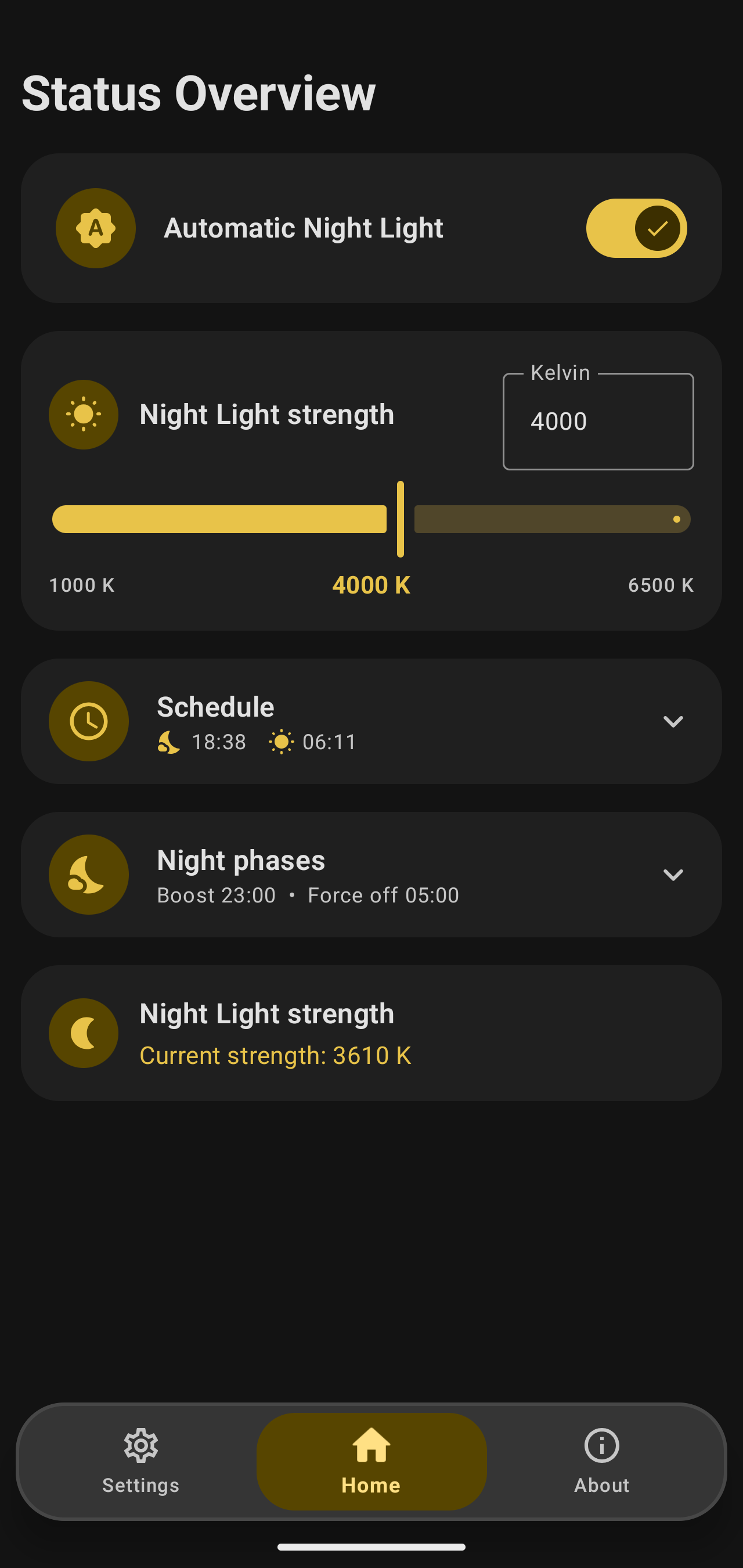
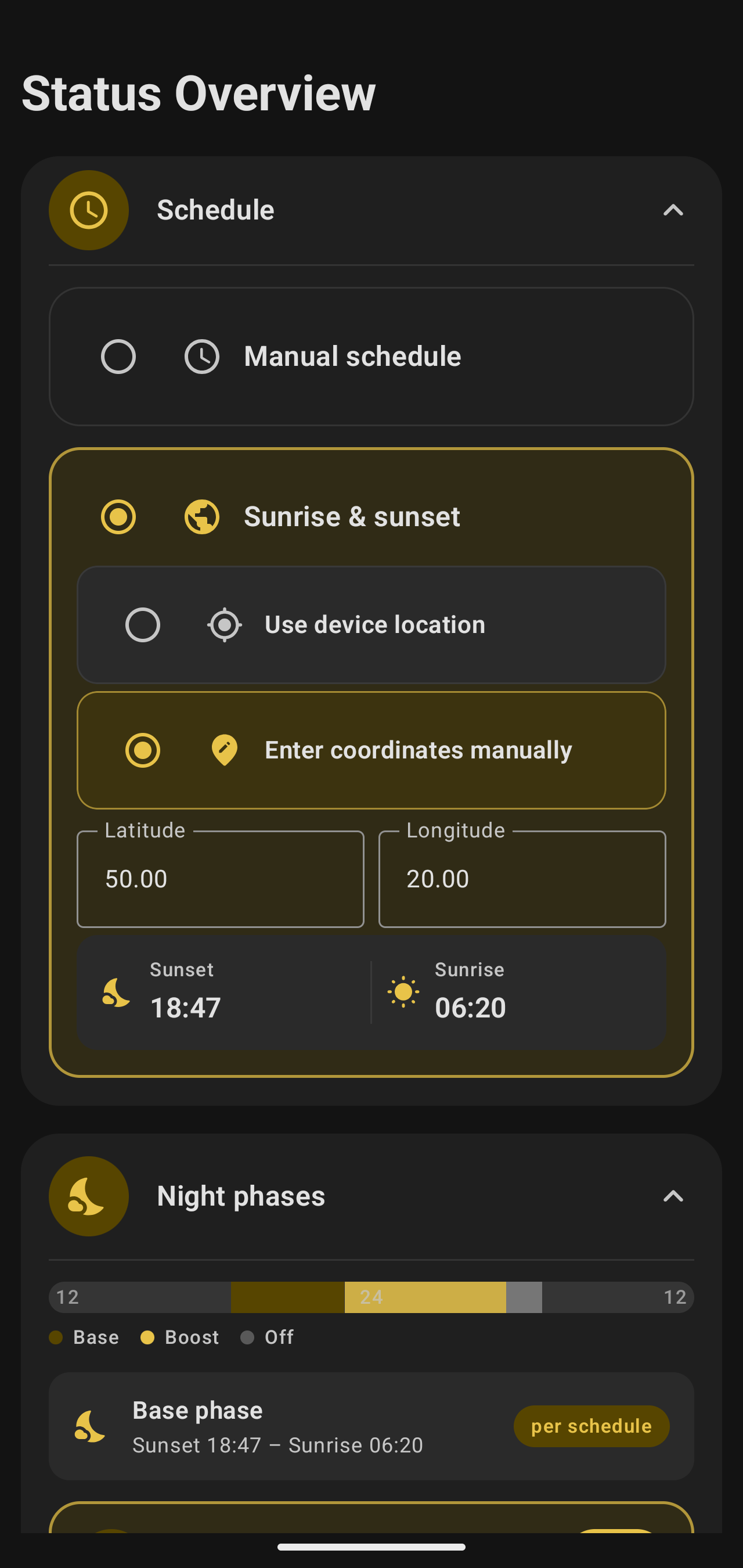
- Flexible scheduling - manual start/end times or automatic sunrise & sunset based on your location (auto-detected or entered manually).
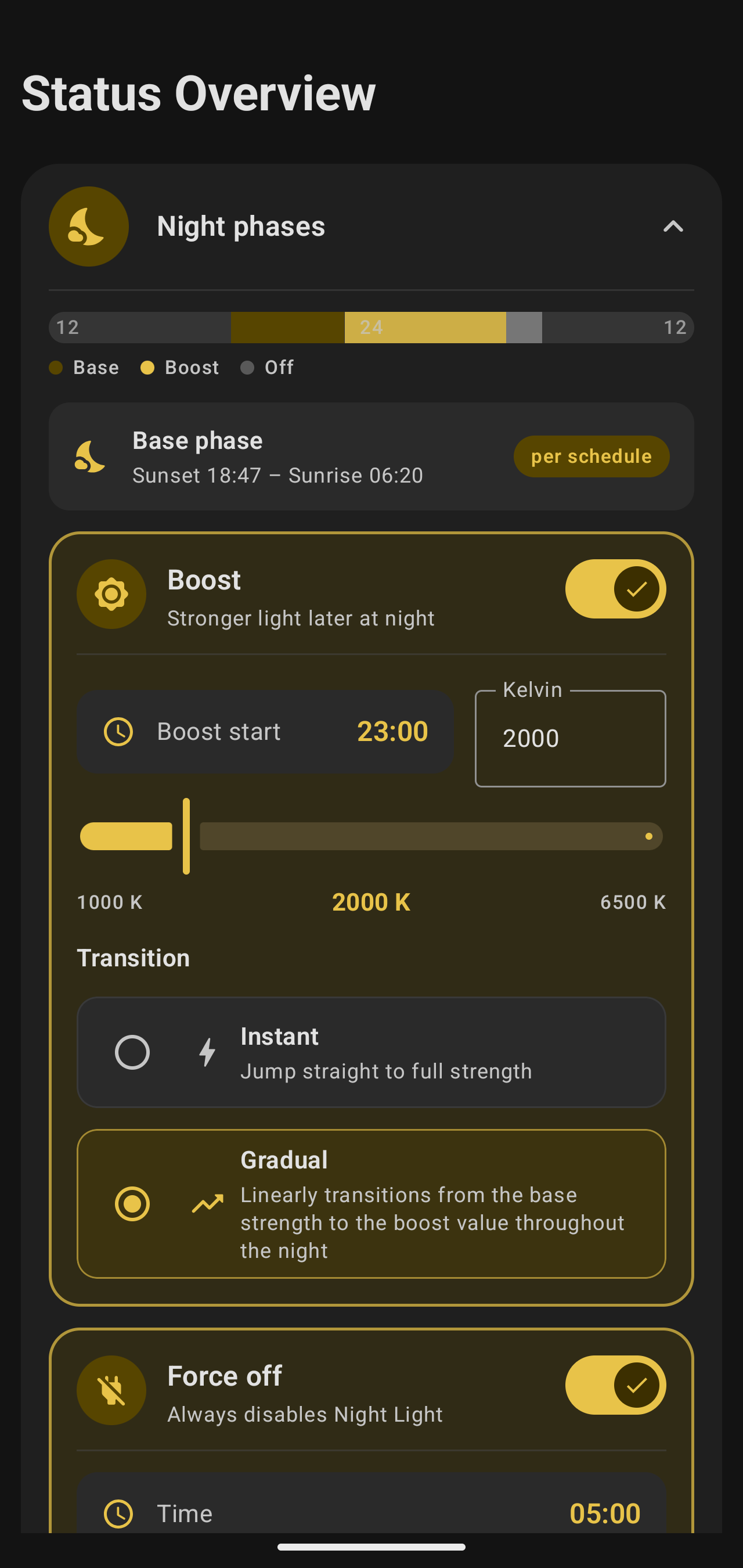
- Night phases - go beyond a simple on/off schedule:
- Base phase covering the main part of the night,
- Boost phase with a stronger filter later at night,
- Force off phase after which the filter stays off.
- Adjustable strength - set the color temperature anywhere from 1000 K to 6500 K, for each phase separately.
- Smooth transitions - apply changes instantly or ramp gradually across the night.
- Reliable automation - a foreground service keeps the schedule up to date, backed by periodic work as a safety net. Everything restarts automatically after a reboot.
Why?
Not all ROMs expose advanced Night Light scheduling, and the built-in options are often limited to a simple sunset-to-sunrise toggle. Better Night Light fills that gap by controlling the system's native Night Light directly.
Why use the native Night Light instead of overlay apps?
- True color transformation. Native Night Light adjusts each pixel's R, G, and B values directly in the GPU rendering pipeline, before the image is displayed. Overlay apps simply draw a semi-transparent layer on top of the already-rendered image, which washes out contrast and mutes saturation.
- Zero performance cost. The system-level approach adds no extra GPU or battery load, whereas an overlay layer must be rendered every single frame.
- Complete coverage. Night Light applies its transform at the final display pipeline stage, so it uniformly covers every visible pixel - including privileged system UI like the notification shade and lock screen, above which overlay apps cannot render.
License
Licensed under the GNU GPL v3 or any later version.
How Shizuku is used
Can grant itself secure settings access via `pm grant` to control Night Light activation, temperature and schedule mode.
This is an AI-assisted analysis of Shizuku-related usages in the app's public source code. It is best effort, so it may not catch every single usage.
How this app uses Shizuku
Shizuku is used to give the app itself the system permission it needs for advanced Night Light control.
- Grant settings permission: the app runs a privileged worker through Shizuku that executes the
pm grantandcmd package grantshell commands to grant itself write access to system secure settings. - Control Night Light settings: once that access is granted, the app can turn Night Light on or off, set a precise color temperature and change the automatic schedule mode by updating the system Night Light settings.
Android APIs or commands used
pm grantcmd package grantSettings.Secure.putInt
Changelog
What's new for version 1.0.4
Permissions
13 permissions requested
More from this category
 Extend
 Adaptive Hz
 Mirror
 akiHz
akiHz
 Dextop
 MagicDesk
 Tideo Auto Brightness
 SecondScreen
 Grayscaler
 DeskControl
 PortalPad
 Fold Switcher