 ShizuStore
Better Internet Tiles
3.1.2-github · GitHub
Detected trackers (1)
Matched by Exodus Privacy code signatures. Not a complete list.
More about this app
Bring back Wi-Fi and mobile data tiles on Android 12 or higher + a better-unified internet tile
Better Internet Tiles






About
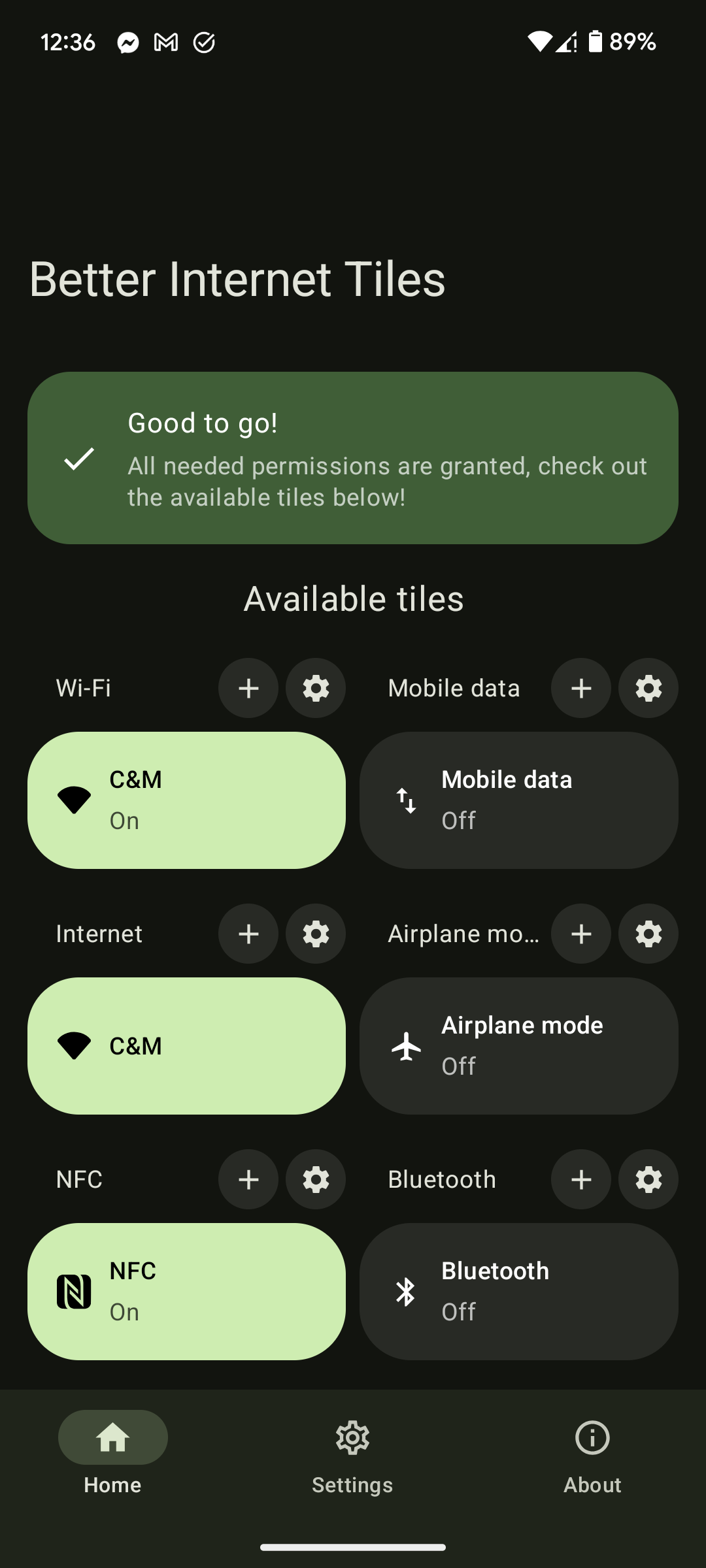
This application aims to create a unified internet quick-settings tile, which is actually useful (I'm looking at you, Android 12). Next to this, separate Wi-Fi and mobile data tiles are also available if you just want to go back to the behaviour of Android 11 or lower.
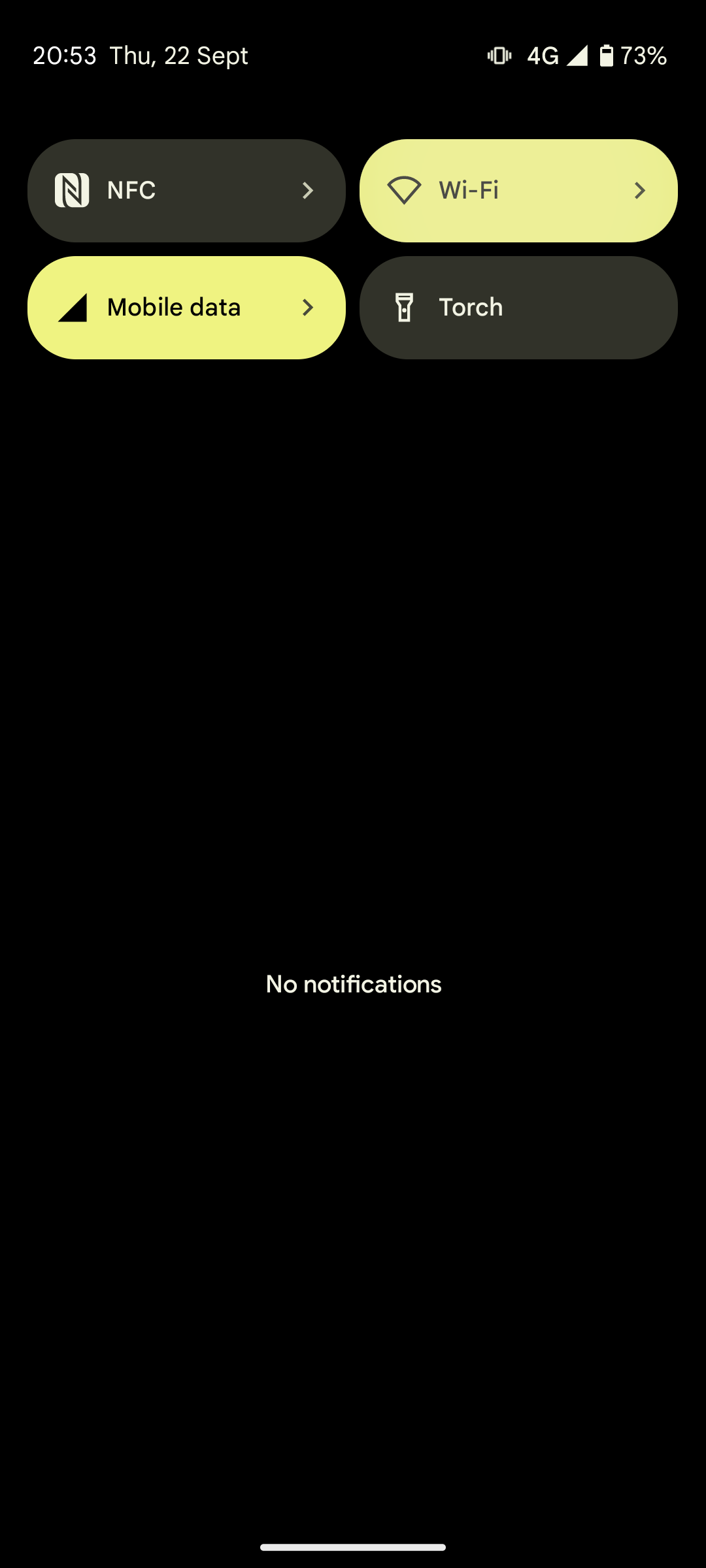
Tapping the new unified internet tile will simply toggle between Wi-Fi and mobile data, which is exactly what I want it to do most of the time. This reduces the amount of taps needed from 3 (tap tile, disable wifi, enable data) to just 1 quick tap. In situations where you still want more control, long pressing the tile will redirect you to the relevant settings page.
This has been tested and confirmed working on Pixel devices running Android 12 and 13, but other devices will probably work too.
Shell access required
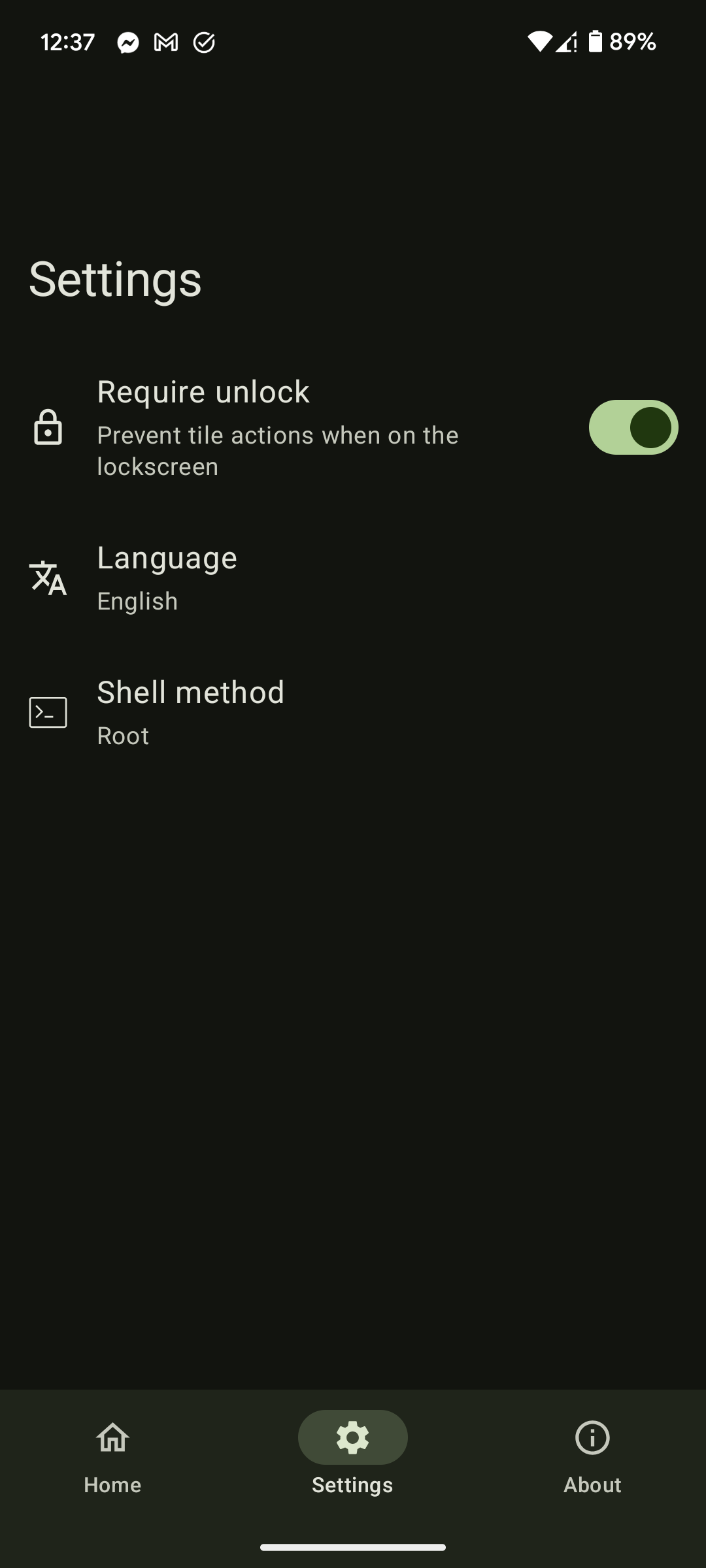
Shell access is required to enable/disable Wi-Fi and mobile data, as well as for reading the SSID of the current Wi-Fi network. This can be granted using regular root, or by using the Shizuku application. Shizuku can be started using either adb or wireless debugging (or root, but then you might as wel use direct root access instead). The Sui and Riru magisk modules can also be used as an alternative to the Shizuku application.
Beware that if you do use Shizuku without root, you will need to start the Shizuku server each time you reboot the device. You can do this without a PC using the wireless debugging method, so it is not that big of an issue, but it is something to keep in mind.
Features
- An improved unified Internet tile where you can tap to toggle between Wi-Fi and mobile data (visually very similar to the stock Android 12 tile, but more functional)
- Separate Wi-Fi and mobile data tiles if you just want to go back to behaviour before Android 12
- NFC tile which was apparently also removed 🤷
- Ability to configure access to the tiles while the phone is locked
How to install
- Download and install the app using either the Google Play Store, the F-Droid app store, or by getting the 'app-release.apk' file from the the latest release in the GitHub repository.
- Open the app, and click on the 'Request Shizuku access' or 'Request root access' button, depending on which method of Shell access you prefer.
- Only if you are using Shizuku:
- You must start the Shizuku server each time the device is booted. Follow the instructions in the Shizuku application.
- There is a persistent notification to allow a foreground service to start, so Shizuku can detect the process without having to manually open the 'Better Internet Tiles' application. You can just hide this notification without any issue.
- Edit your quicksettings layout, drag your desired tile to the top and remove the original internet tile. If you are on Android 13 or higher, you can also add them using the shortcut buttons within the app.
- Enjoy easier switching between mobile data and WiFi with just a single tap!
Contribute
Feel free to check out the source code and create an issue or pull request if you want to see more features added. Less tech savvy but also want to contribute? Check out this project on Weblate to help out with translations!

How Shizuku is used
Can toggle Wi-Fi, mobile data, Bluetooth, NFC and airplane mode via `svc` and `cmd connectivity` shell commands.
This is an AI-assisted analysis of Shizuku-related usages in the app's public source code. It is best effort, so it may not catch every single usage.
How this app uses Shizuku
Shizuku is used to run privileged connectivity commands that power the app's Quick Settings tiles.
- Toggle Wi-Fi: turn Wi-Fi on or off from its tile using the
svc wifi enableandsvc wifi disableshell commands through Shizuku. - Toggle mobile data: turn mobile data on or off from its tile using the
svc data enableandsvc data disableshell commands through Shizuku. - Switch internet mode: cycle between Wi-Fi and mobile data from the unified internet tile by combining the
svc wifiandsvc datacommands through Shizuku. - Toggle Bluetooth: turn Bluetooth on or off from its tile using the
svc bluetooth enableandsvc bluetooth disableshell commands through Shizuku. - Toggle NFC: turn NFC on or off from its tile using the
svc nfc enableandsvc nfc disableshell commands through Shizuku. - Toggle airplane mode: turn airplane mode on or off from its tile using the
cmd connectivity airplane-mode enableandcmd connectivity airplane-mode disableshell commands through Shizuku. - Show Wi-Fi name: read the connected Wi-Fi network name for tile display using the
dumpsys netstatsshell command through Shizuku.
Android APIs or commands used
svc wifi enablesvc wifi disablesvc data enablesvc data disablesvc bluetooth enablesvc bluetooth disablesvc nfc enablesvc nfc disablecmd connectivity airplane-mode enablecmd connectivity airplane-mode disabledumpsys netstats
Changelog
What's new for version 3.1.2-github
Fixed
- Fixed crash on app start (#62)
Permissions
12 permissions requested
Sources
3 sources
Sources
3 sources
More from this category
 Private DNS Quick Setting
 QuickTile Settings
 Tooler
 DNS Toggle
 Data SIM
 SensorsOff
 ManualRotate
 Private DNS Quick Toggle
 Display Toggle
 Always on display toggle
 Ultimate Settings
 Ultimate Settings PRO