 ShizuStore
AvarionX
4.1.5 · GitHub
More about this app
On-device antivirus with local malware/APK scanning, download monitoring and DNS filtering; Shizuku powers ransomware-style behaviour monitoring

AvarionX Security
Android malware protection without ads, tracking, or locked core features.
AvarionX combines local malware scanning, optional hash-based cloud intelligence, download monitoring, DNS filtering, APK analysis, and Guardian Mode for ransomware-style behaviour detection.




What is AvarionX?
AvarionX Security is an Android antivirus built around user privacy.
It can scan files and APKs directly on your device, monitor new downloads, check known malicious domains, and use optional cloud intelligence for hash lookups. The app does not use ads, analytics, or paid protection tiers.
Cloud checks are optional. When enabled, AvarionX sends file hashes for lookup, not the file contents.
Protection layers
| Layer | What it does |
|---|---|
| VX-TITANIUM | Local malware scanning engine for files and APKs. |
| VTTI Cloud | Also known as Titanium Cloud. A proprietary cloud Intelligence Platform, including hash checking for AvarionX, and sample analysis for full files |
| Real-Time Protection | Monitors new downloads and recently added files. |
| Guardian Mode | Watches for ransomware-style file behaviour. |
| APK analysis | Checks installed or selected APKs for suspicious indicators. and creates a detailed report |
The Engine's Architecture
AvarionX Antivirus (CS Security) operates through a multi-layered detection pipeline powered by VX-Titanium.
- Cloud Hash Layer: A fast check on an extremely large historical and current corpus of over 200 million unique malware hashes
- Hash Layer: Comparing both SHA256 and MD5 fingerprints against known malware lists
- Signature Layer: Custom byte signitures checked against apk containers, dex and native libraries.
- Heuristic Layer: Machine learning based behaviour analysis for APKs
Machine Learning (ML+)
AvarionX Security includes a dual ML system named ML+
- Legacy MUniverse Tag: Suspicious applications that meet the scoring system's requirements are dubbed with a MUniverse (Malware Universe) tag in app versions 4.0.8x and below
- Current versions use an upgraded heuristics model, with the tag: Andr/VXgen2
Guardian Mode
By utilizing shizuku, Guardian Mode can monitor app behaviour that android would normally keep out of reach. When an app starts changing files, AvarionX monitors it, assessing the likelihood on destructive behaviour. Guardian Mode is currently focused on ransomware-style behaviour. More behaviour categories will be added in future updates.
Screenshots
 Home screen |
 Features list |
 Scanning mode |
 APK Analyser |
Scanning mode |
APK Analyser |
 Settings Screen |
Privacy model
AvarionX is designed to avoid unnecessary data collection.
- No advertisements
- No tracking or analytics
- No HTTPS traffic decryption
- No content inspection
- No file uploads for cloud checks (unless 'Share Malicious APKs' is turned on)
- Hash-only cloud lookups when VTTI is enabled
- Local scanning works offline
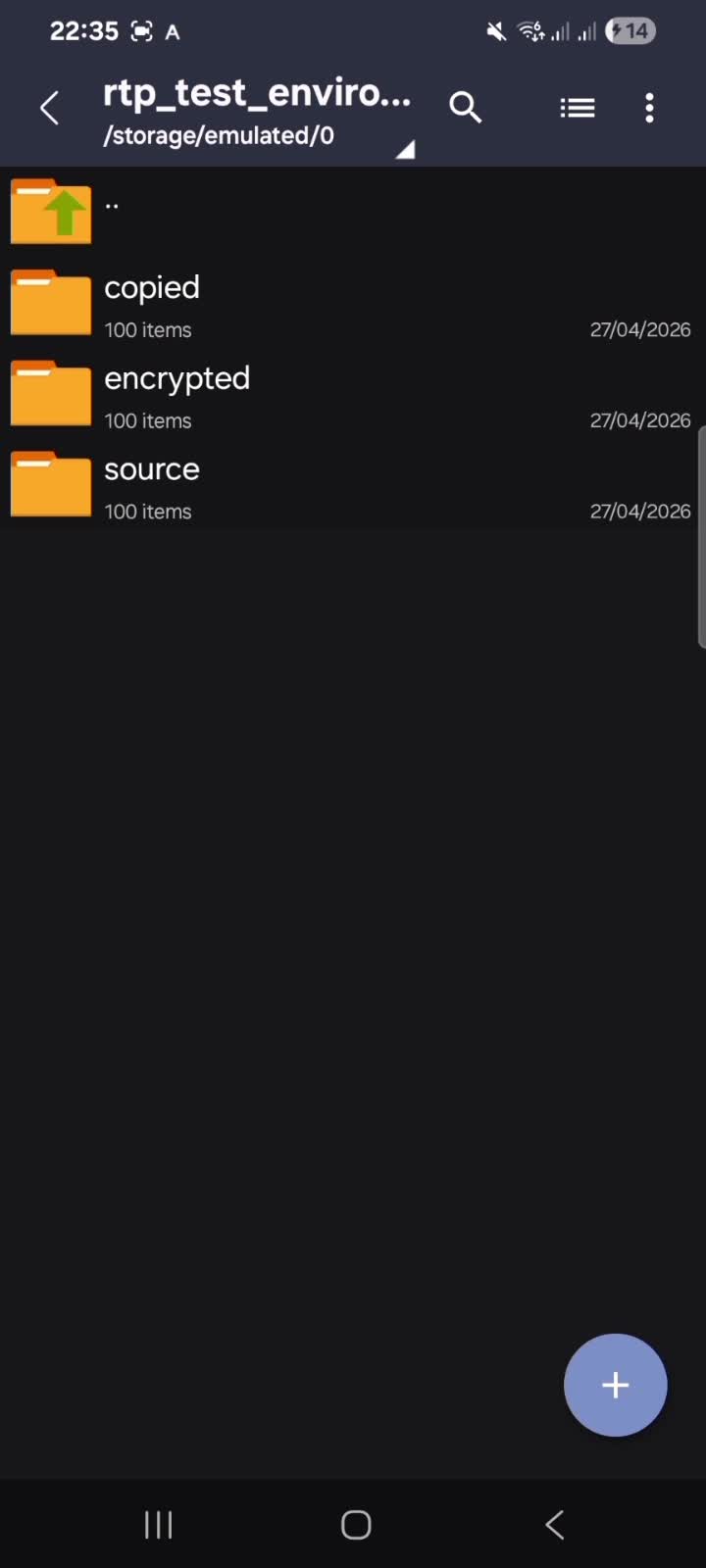
Guardian Mode Demo
How Shizuku is used
Can monitor ransomware behavior, manage apps and run terminal Linux via Shizuku with `pm`, `am` and `/proc` reads
This is an AI-assisted analysis of Shizuku-related usages in the app's public source code. It is best effort, so it may not catch every single usage.
How this app uses Shizuku
Shizuku powers background threat monitoring plus cleaner and terminal features.
- Detect ransomware behavior: background monitoring polls running processes, per process I/O and CPU use, file creates, modifies and deletes in shared storage, and open files holding storage paths, then scores them for encryption like activity and automatically stops the offending app with a threat notification.
- Check device context: the monitor reads lock screen state with
dumpsys windowand device admin apps withdumpsys device_policyto factor into its threat scoring. - Uninstall apps: a package chosen in the app manager is removed silently with the
pm uninstall --user 0shell command through Shizuku. - Force stop threats and apps: a package chosen in the app manager, or a process flagged as a threat by the monitor, is stopped with the
am force-stopshell command through Shizuku (withkill -9as the monitor fallback). - Clear app data and caches: a package chosen in the app manager is wiped with
pm clear, and all app caches can be trimmed at once withpm trim-caches 999Gthrough Shizuku. - Set up terminal Linux: the Alpine environment for the in app terminal is extracted to shared temporary storage with shell privilege, creating symlinks and fixing permissions through Shizuku, and new terminal sessions run as shell through Shizuku.
Android APIs or commands used
ps -A -o PID,UID,NAME/proc/[pid]/io/proc/[pid]/stat/proc/[pid]/status/proc/[pid]/fdpm uninstall --user 0pm clearpm trim-caches 999Gam force-stopkill -9dumpsys windowdumpsys device_policyln -sfchmod -R 777
Notable details
Without Shizuku, batch uninstall falls back to the normal system uninstall flow where each app needs separate confirmation, and the terminal Alpine setup can still install locally without elevated privilege. The unknown sources entry only opens the system settings screen and performs no privileged action.
Changelog
What's new for version 4.1.5
AvarionX Antivirus v4.1.5
- Ported part of AvarionX VPN. Now, you can connect to a VPN node within the Antivirus suite.
- Fixed the infinite cancellation bug from scanning.
- Backend changes to the engine including database size, now shrunk from 9mb to 1mb (ish)

Permissions
19 permissions requested
Sources
2 sources
Sources
2 sources
More from this category
 AppOpsNext
 Privacy Flip
 App Lock
 Amarok
 Privacify
 Anubis
 Shelter
 Monica