 ShizuStore
aShell You
v7.4.0 · GitHub
More about this app
Material You Redesign of aShell app.

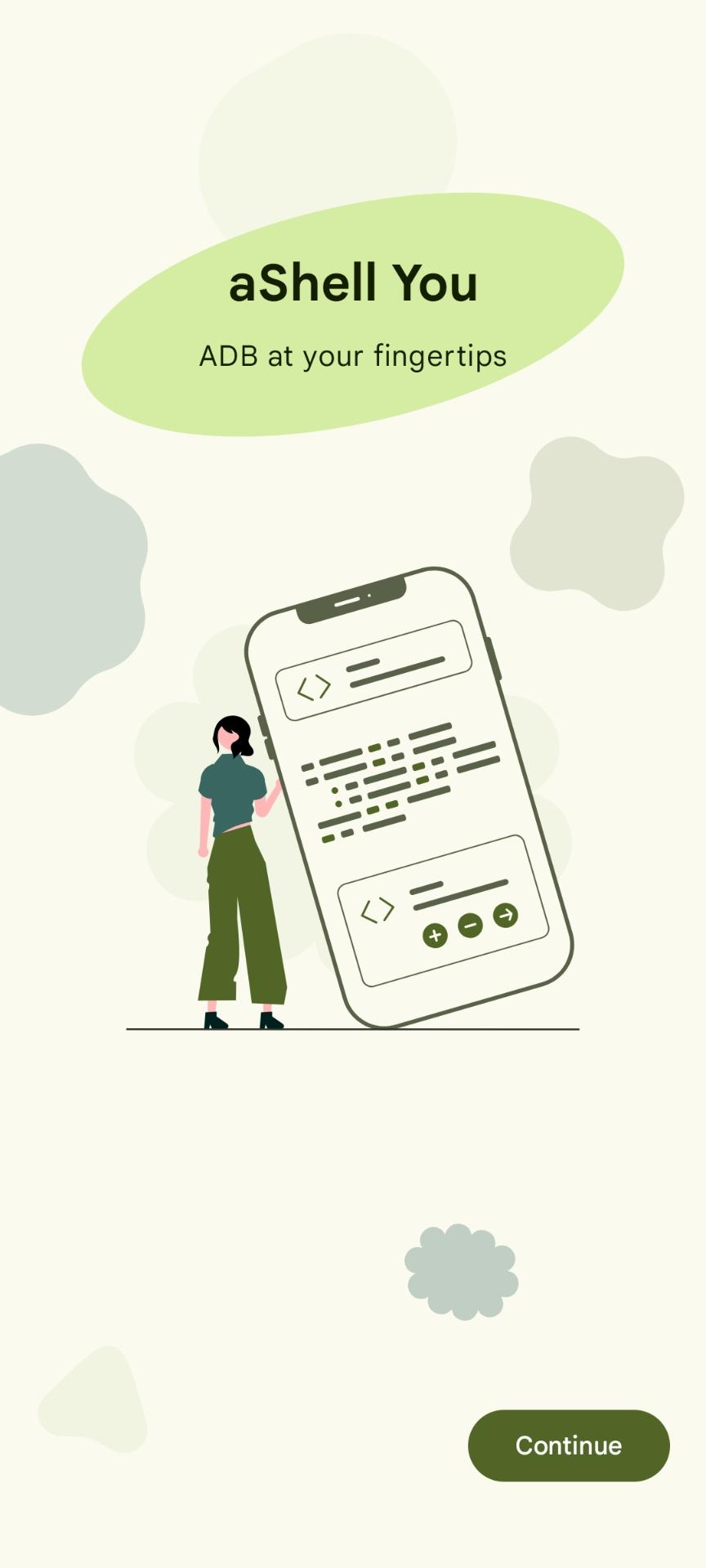
aShell You is a fully-featured Android shell utility app with Material Design 3 UI, letting you run ADB, root and shell commands on your device or others via OTG/wireless, packed in a beautiful and smart interface
















Screenshots


Features
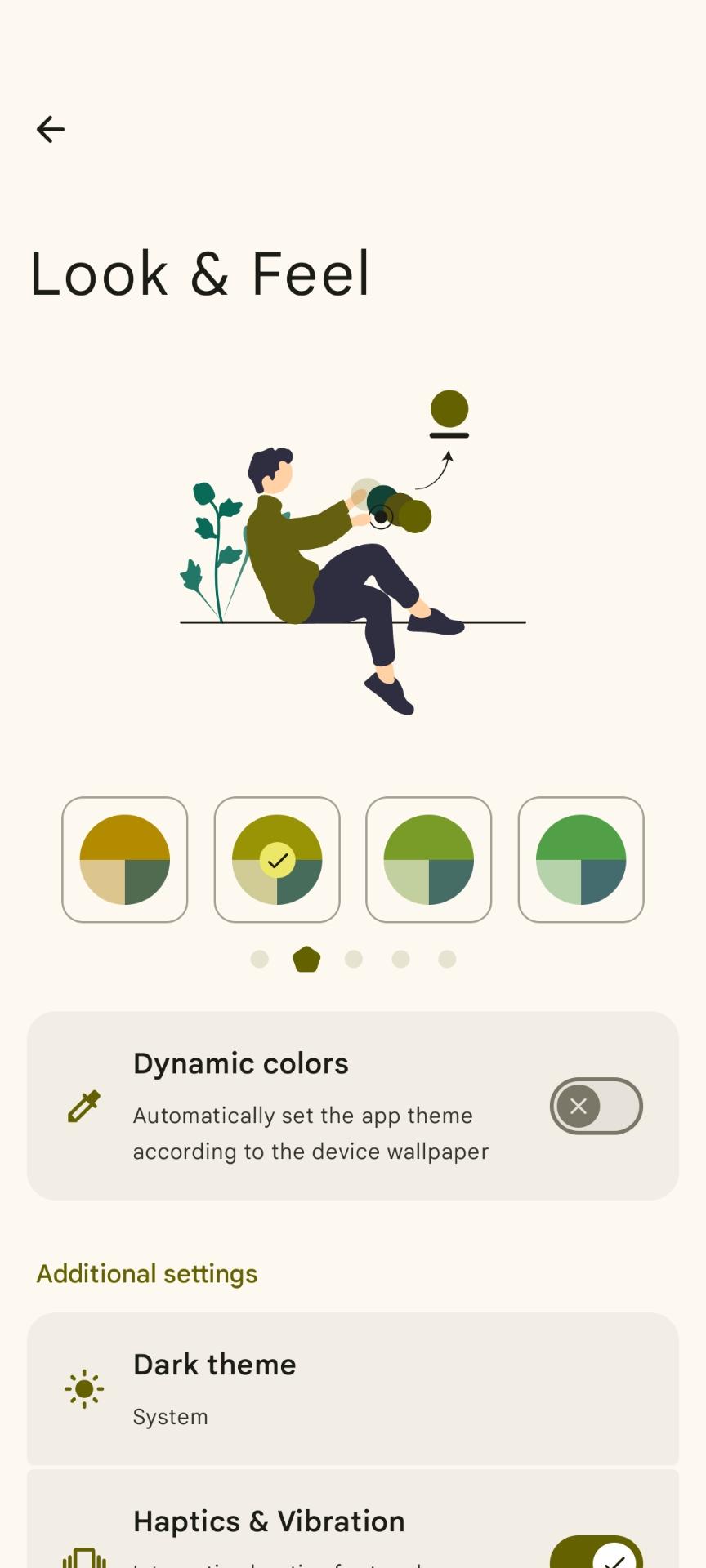
🎨 Modern Material Design 3 UI
Experience a clean, smooth, and responsive user interface built with Material You design. Explore different color palettes in theme settings!
📲 Execute Commands with Ease
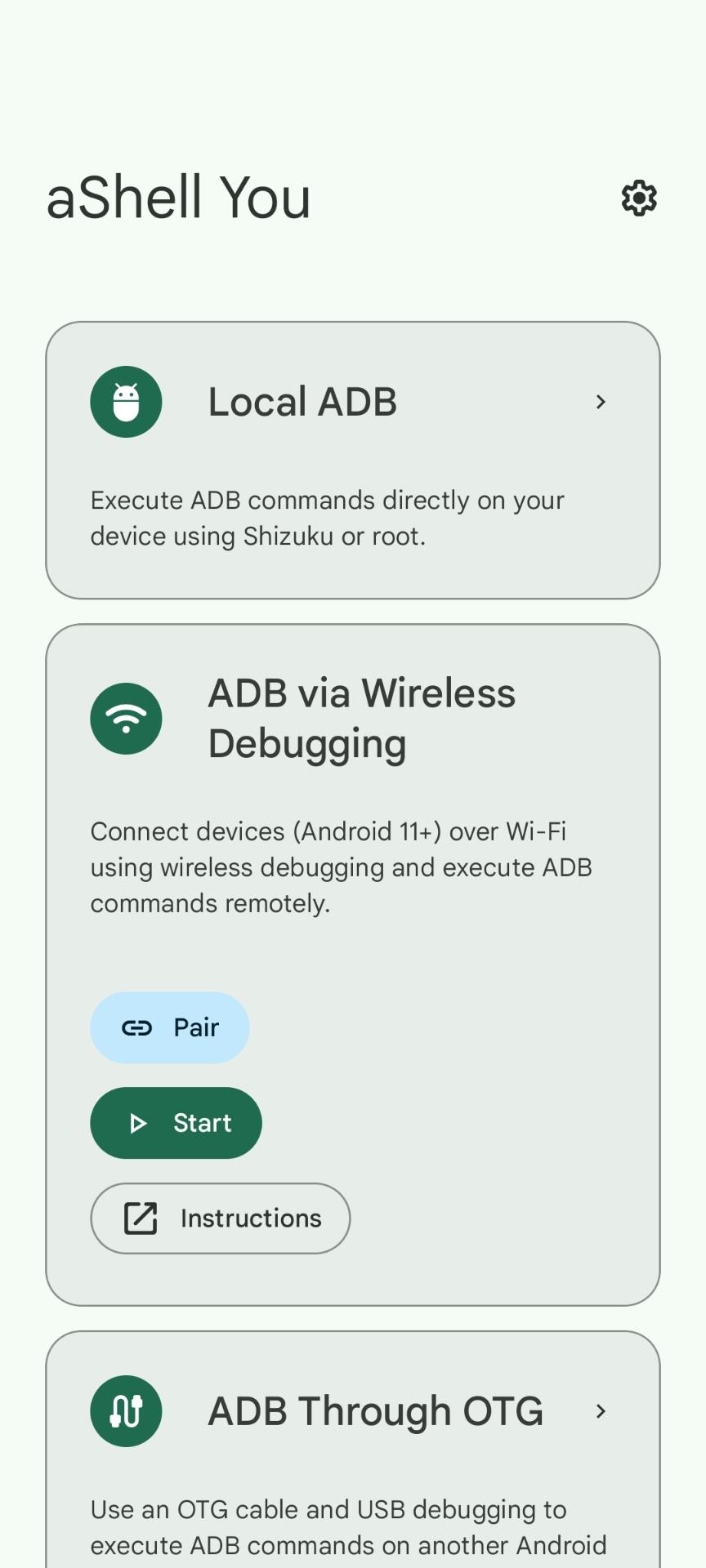
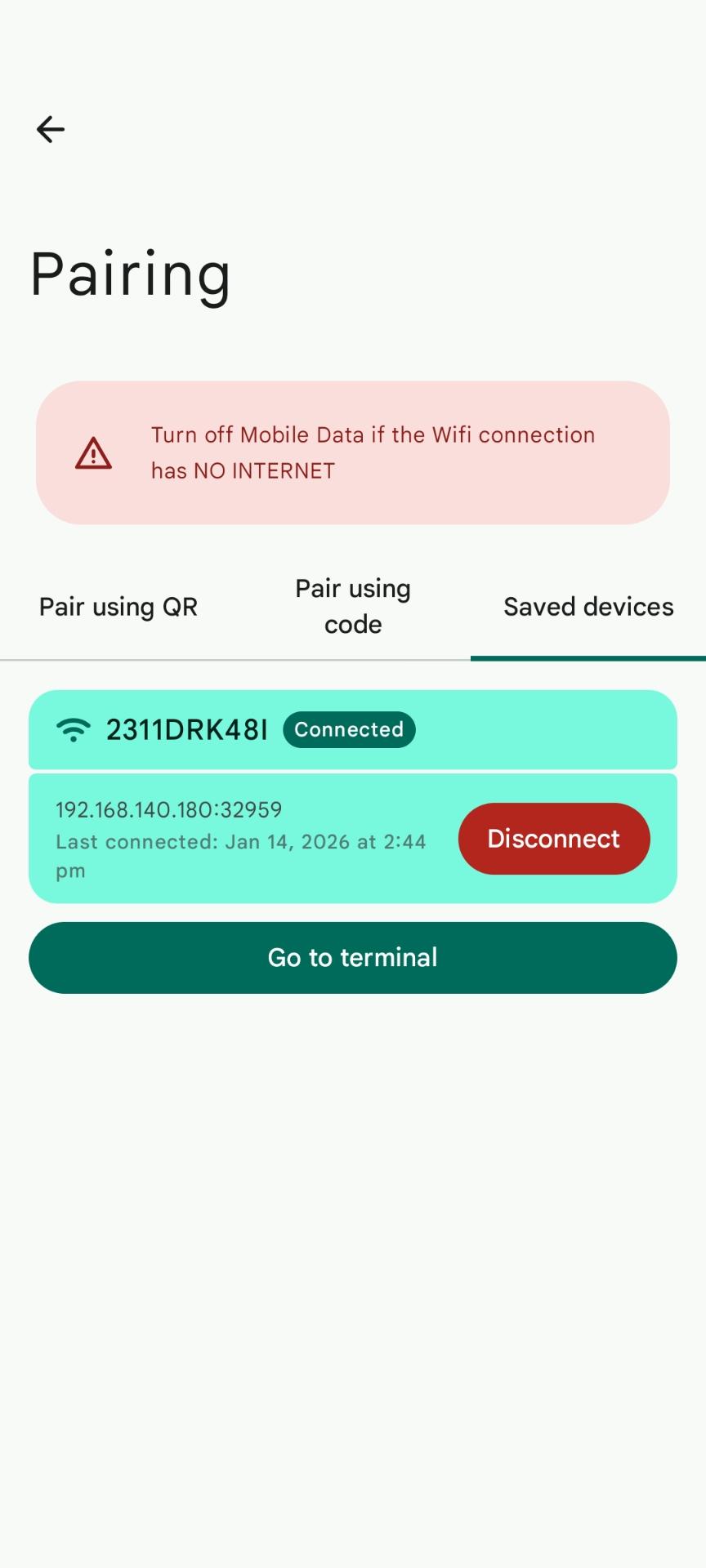
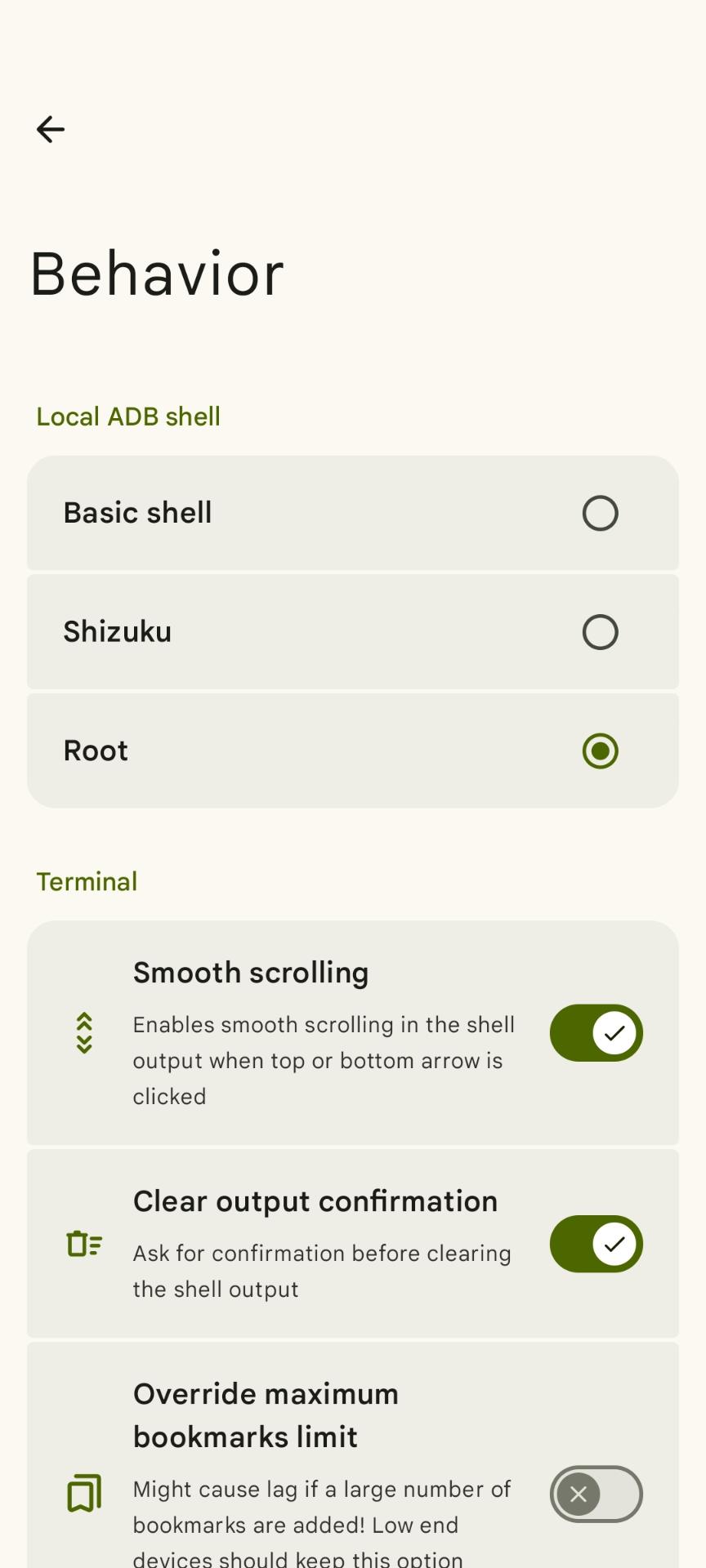
Run ADB shell commands directly on your device using Shizuku, root access, or Wireless Debugging — all without needing a PC.
🔌 Control Other Devices
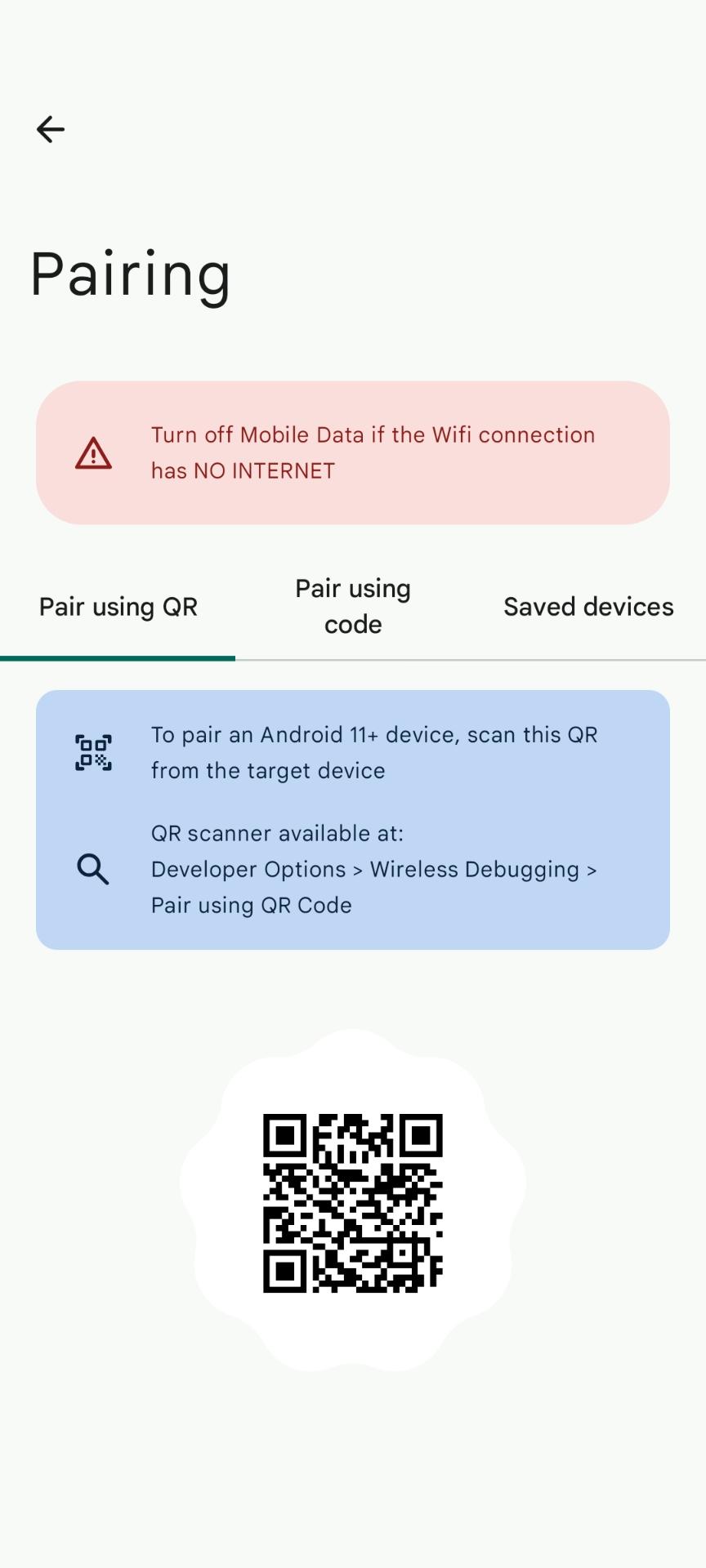
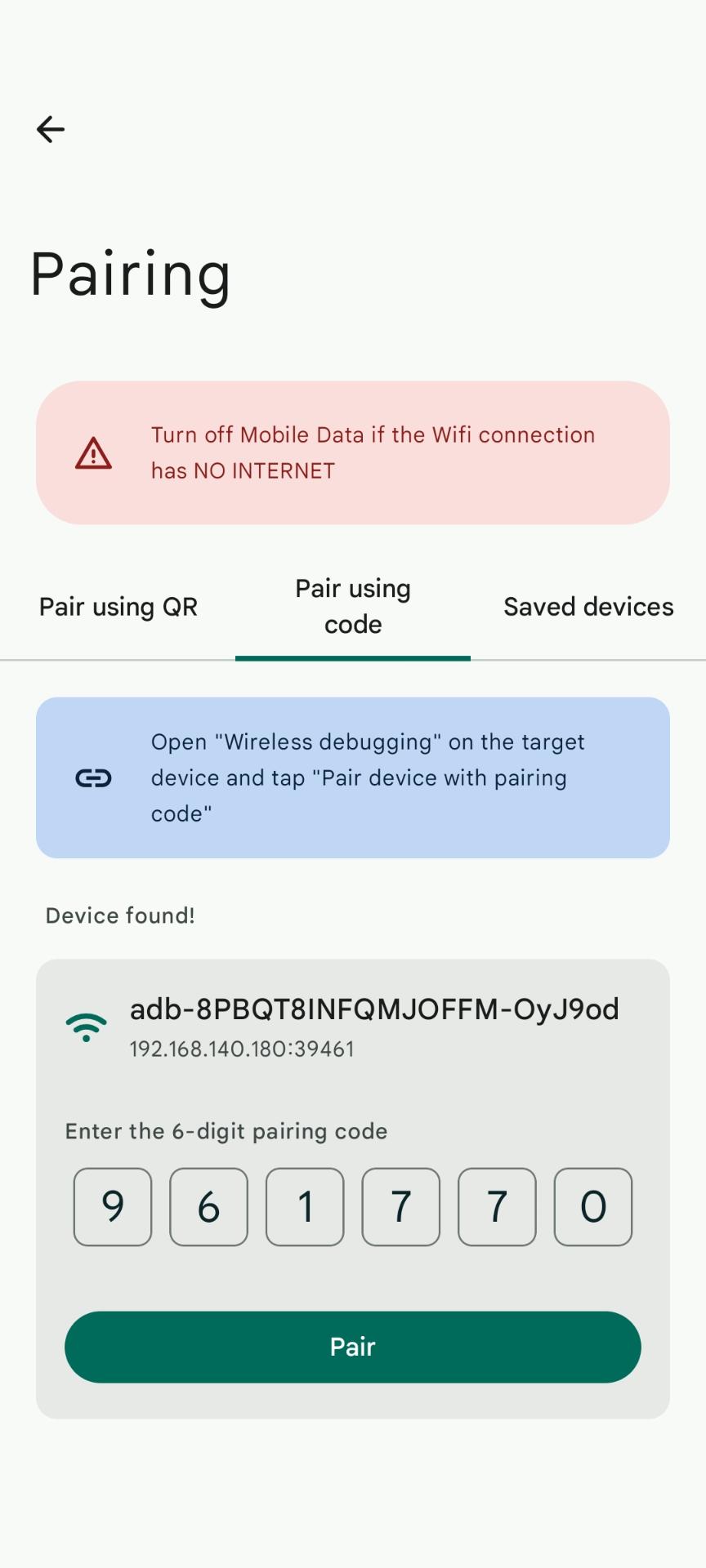
Send ADB commands to other Android devices using OTG cable or Wireless Debugging — perfect for developers and tinkerers.
📚 Common ADB Command Examples
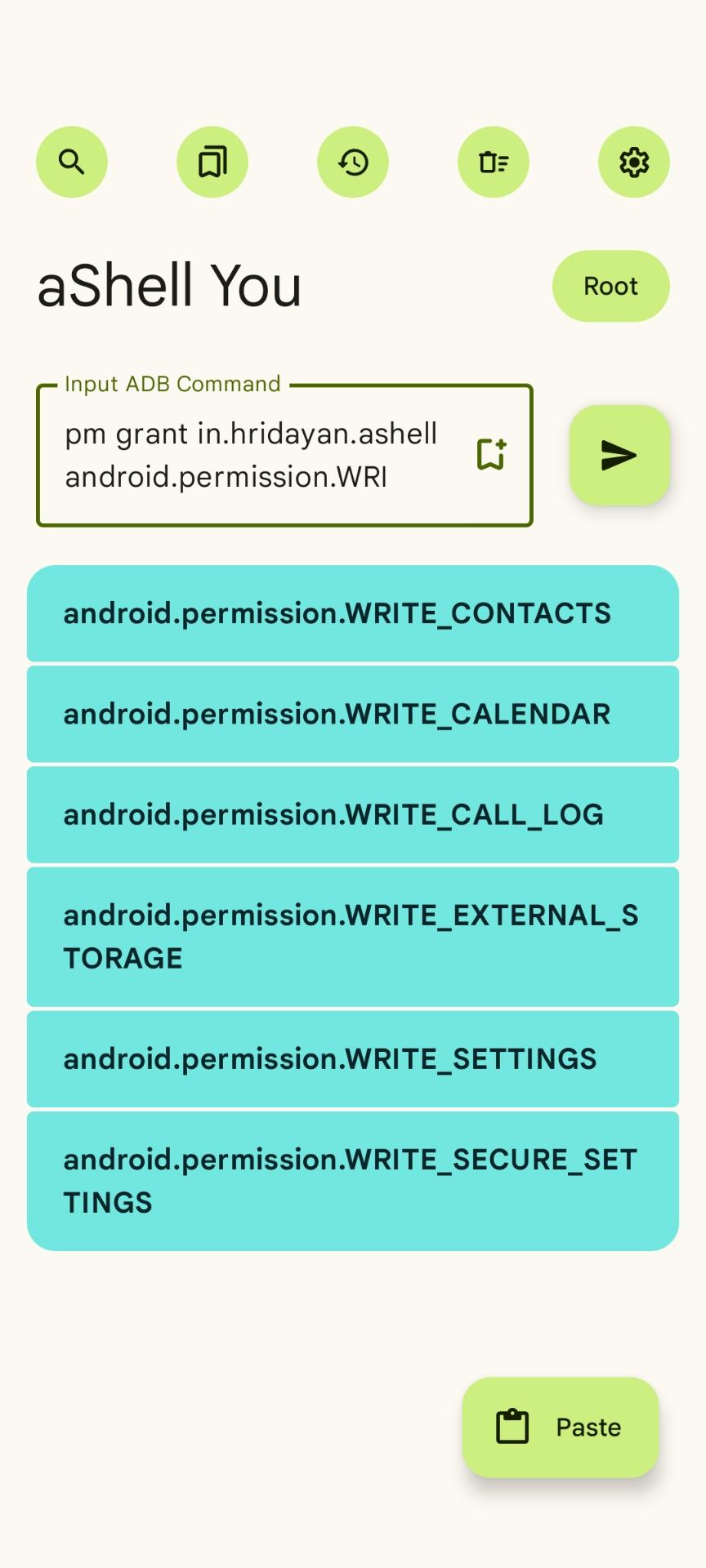
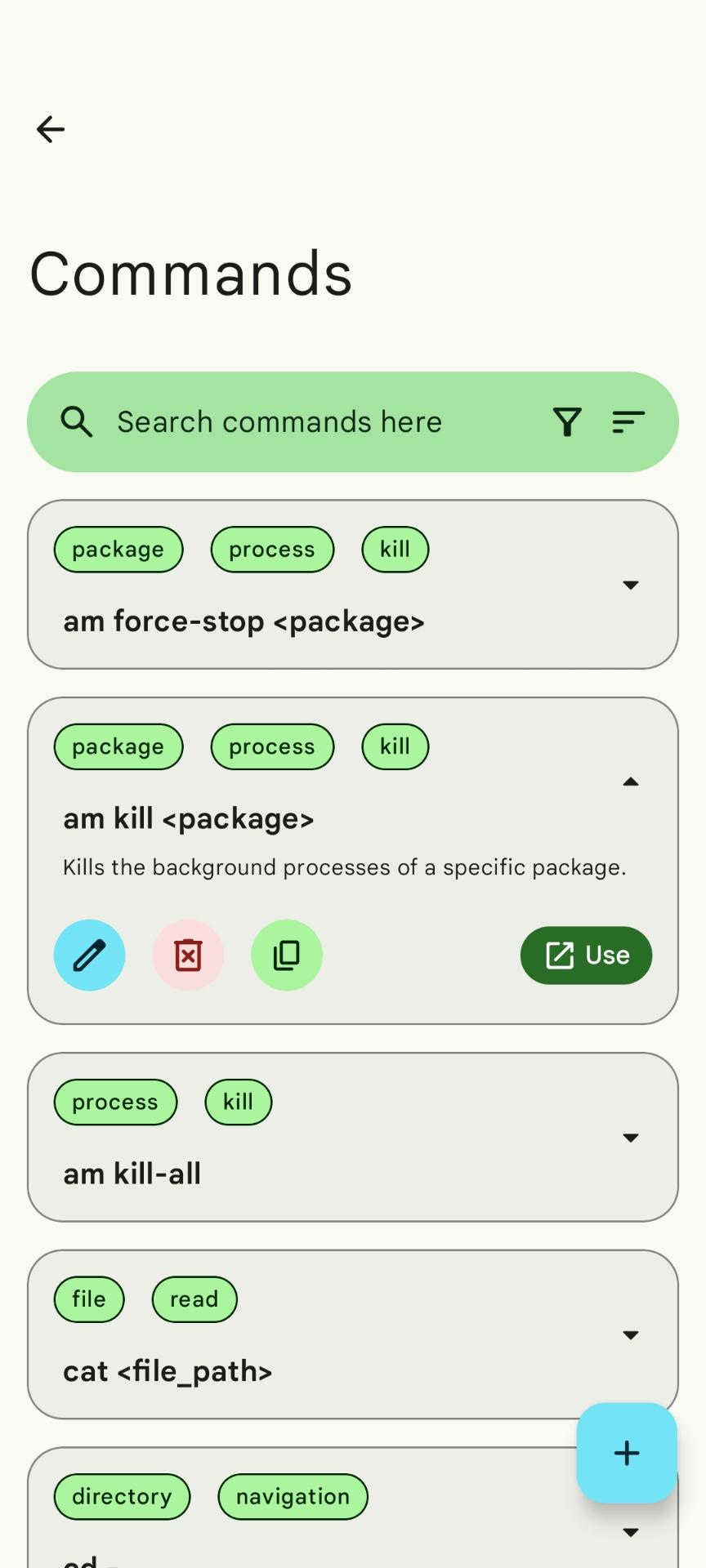
Built-in examples help you understand and run useful commands instantly without memorizing syntax.
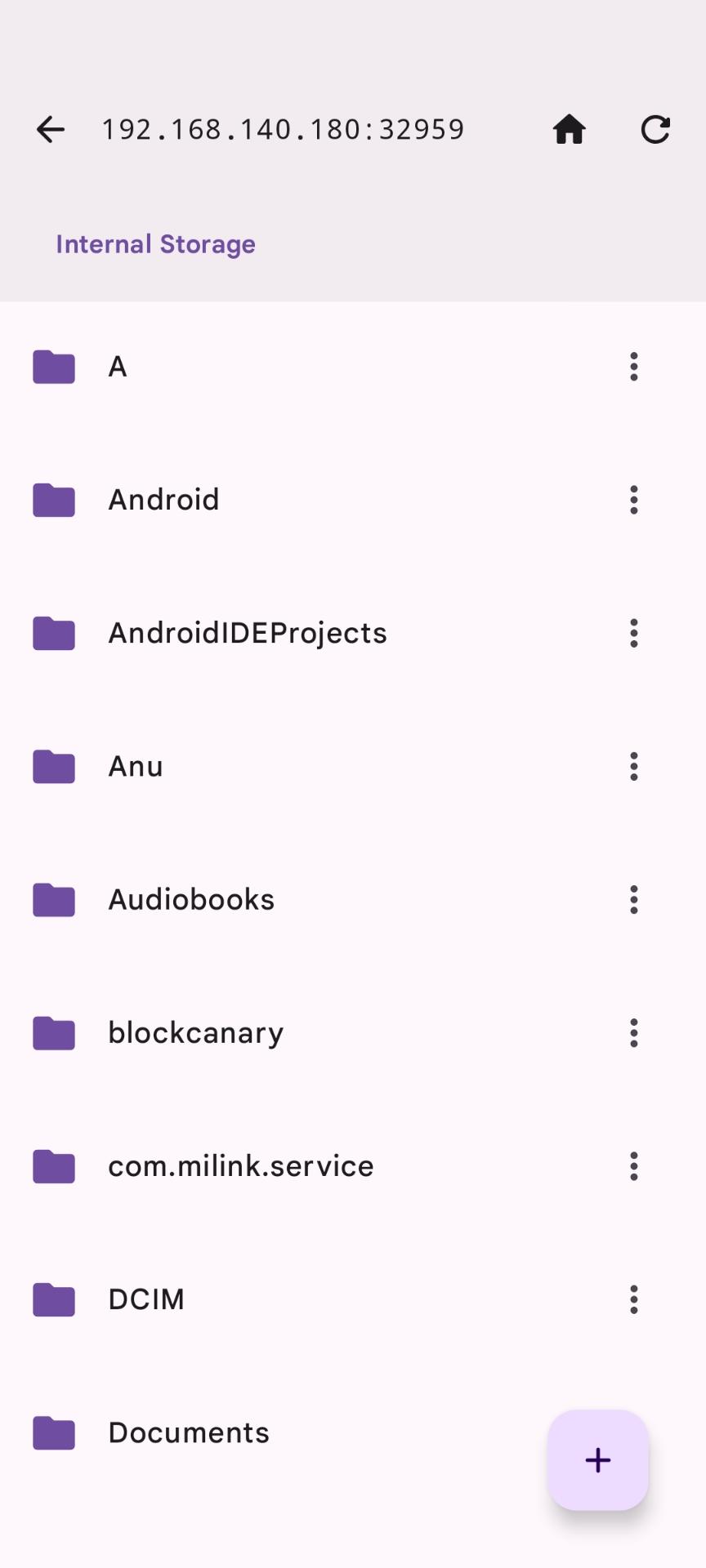
📁 ADB based File Explorer for connected devices
ADB push/pull based file manager will help you perform file operations such as delete, copy, move, etc. on the connected device.
🛠️ Support for Continuous Commands
Seamlessly run long or continuous shell commands like
logcat,top, orwatchand view live updates without interruptions.
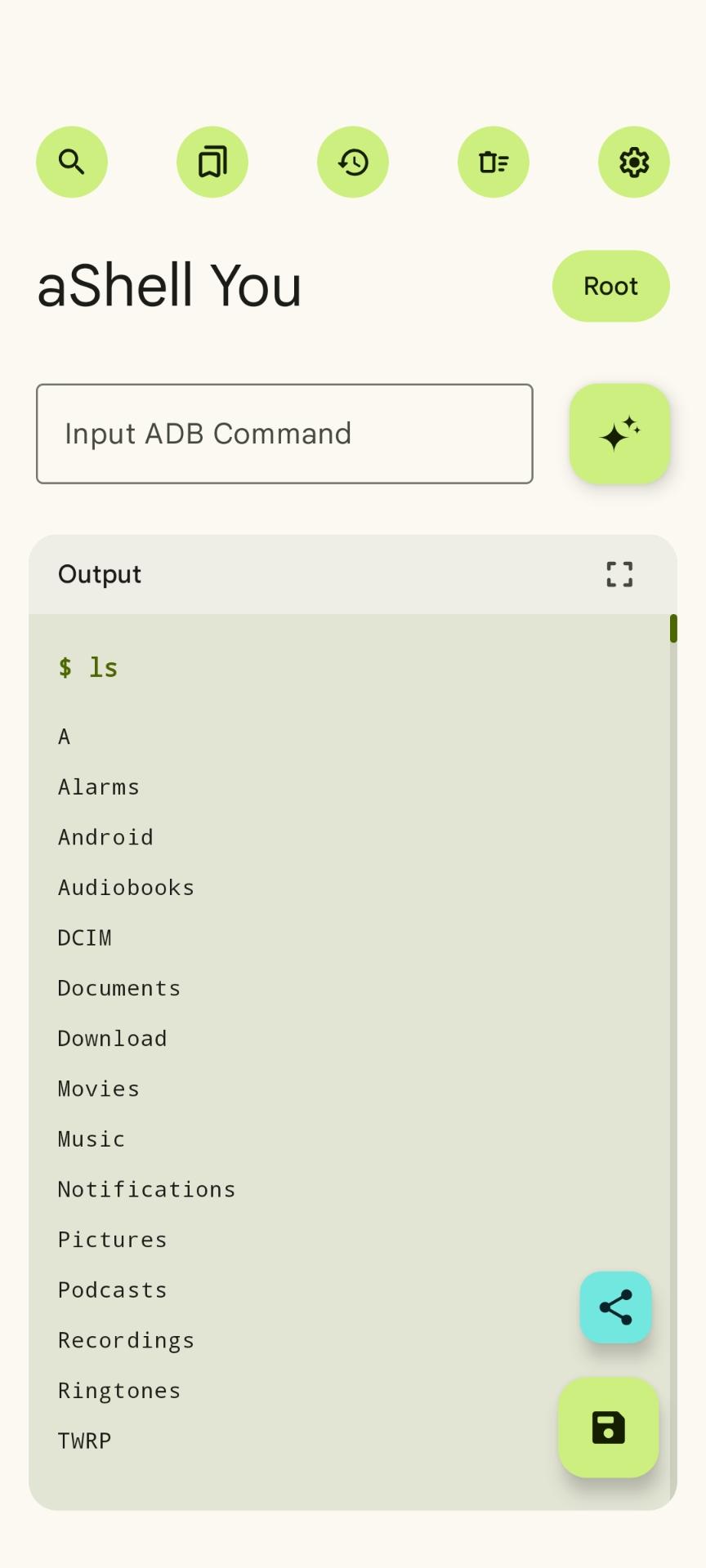
🔍 Search in Command Output
Quickly find what you're looking for in the output of your command using the integrated search functionality.
📝 Save Output to File
Save the output of any command to a
.txtfile for future reference or sharing — handy for logs and debugging.
📤 Share Output Instantly
One-tap sharing lets you send your output to other apps like Notes, Gmail, or Telegram.
📑 Bookmark Commands
Save frequently used commands to bookmarks so you can run them again with a single tap.
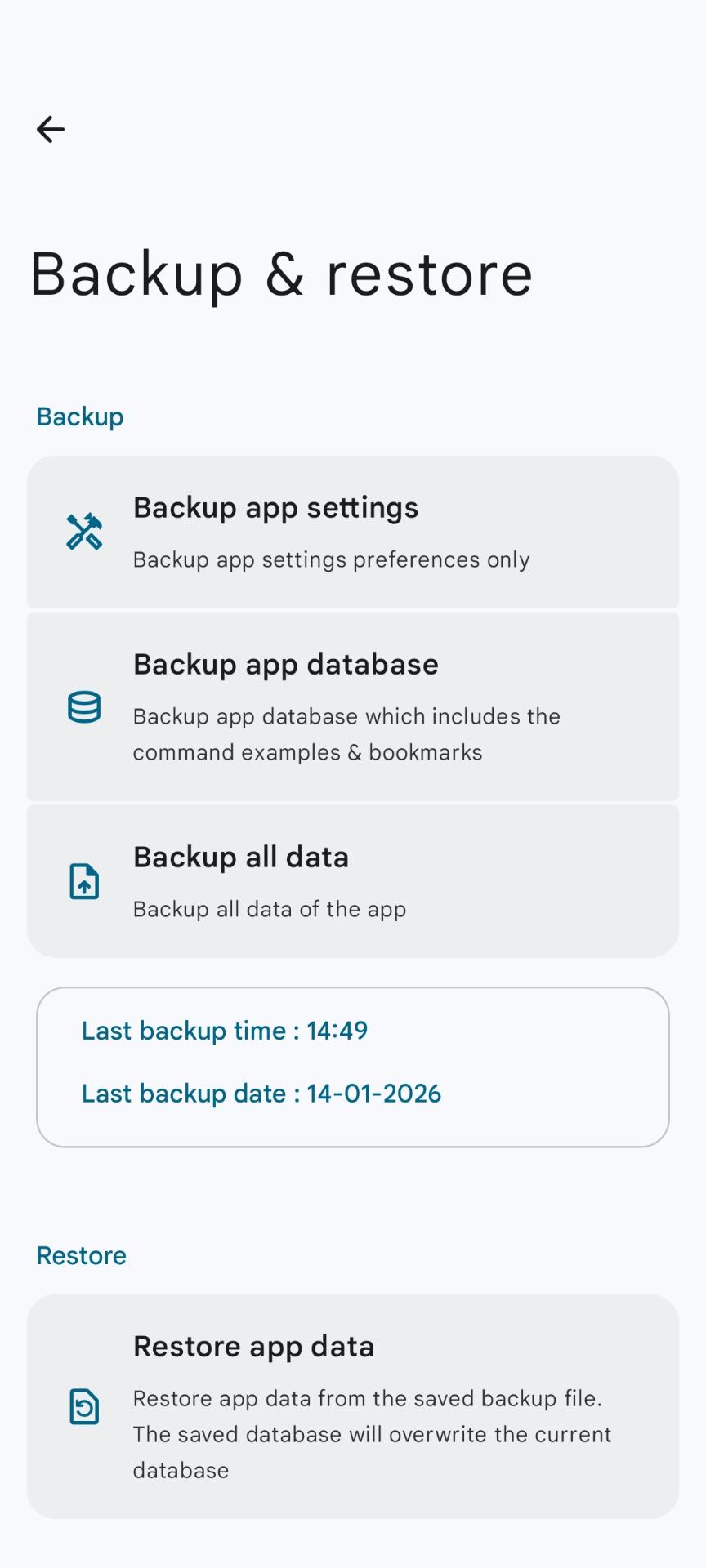
🔃 Backup and restore app settings and database locally
aShell You lets you have the option to backup app settings and database for restore later.
🌑 AMOLED-Friendly Dark Theme
Includes a sleek dark mode designed to save battery and look great on AMOLED screens.
🎉 Packed with Extras
Tons of small but useful features to enhance your productivity and make ADB power-user workflows smoother.
Requirements
- A working Shizuku environment or root access
- Shizuku/Root access is not required when executing ADB commands on other devices using OTG or Wireless Debugging
Caution
Using aShell You requires basic knowledge of ADB/Linux commands.
aShell You is not responsible for any harm caused to your device by improper use of ADB commands
Tip
Please visit our Wiki for instructions/setup-guides
Resources & Links


Translations
Note
Help us make this project accessible to more people by contributing translations on Crowdin
Thanks to our Crowdin translators
Task list
| Task | Status |
|---|---|
| Wi-Fi ADB Feature | ✅ Done |
| Migrate to Kotlin | ✅ Done |
| Proper localization | ✅ Done |
| Fix scripts execution | ⬜ To Do |
| Add Fastboot | ⏺️ In progress |
| Add Interactive shell | ⬜ To Do |
Star History
License
Designed and developed by DP Hridayan @2024
This project is licensed under the GNU General Public License v3.0
Note
Full license copy here
Privacy Policy
Privacy Policy here
Terms of Service
Terms of Service here
Contributors
How Shizuku is used
Can run any typed terminal command and saved tile commands via `sh -c` through Shizuku.
This is an AI-assisted analysis of Shizuku-related usages in the app's public source code. It is best effort, so it may not catch every single usage.
How this app uses Shizuku
aShell You uses Shizuku to run shell commands with elevated privileges in the terminal and for custom tiles.
- Run terminal commands: anything you type in the terminal is executed with elevated rights through Shizuku using the
sh -cshell command, with output shown in the terminal. - Run Quick Settings tiles: commands you save when creating a tile are executed with elevated rights through Shizuku using the
sh -cshell command when you tap the tile, including separate on and off commands for toggleable tiles.
Android APIs or commands used
sh -c
Changelog
What's new for version v7.4.0
Changelog
- You can now search Sub-settings inside Settings screens
- Added Palette Styles for color schemes
- Added option to set app language directly in-app
What's Changed
- New Crowdin translations by GitHub Action by @DP-Hridayan in https://github.com/DP-Hridayan/aShellYou/pull/379
- New Crowdin translations by GitHub Action by @DP-Hridayan in https://github.com/DP-Hridayan/aShellYou/pull/380
- Update GitHub contributors by @github-actions[bot] in https://github.com/DP-Hridayan/aShellYou/pull/381
- Update GitHub contributors by @github-actions[bot] in https://github.com/DP-Hridayan/aShellYou/pull/382
- New Crowdin translations by GitHub Action by @DP-Hridayan in https://github.com/DP-Hridayan/aShellYou/pull/383
- New Crowdin translations by GitHub Action by @DP-Hridayan in https://github.com/DP-Hridayan/aShellYou/pull/384
- New Crowdin translations by GitHub Action by @DP-Hridayan in https://github.com/DP-Hridayan/aShellYou/pull/385
- New Crowdin translations by GitHub Action by @DP-Hridayan in https://github.com/DP-Hridayan/aShellYou/pull/386
- Update GitHub contributors by @github-actions[bot] in https://github.com/DP-Hridayan/aShellYou/pull/387
- New Crowdin translations by GitHub Action by @DP-Hridayan in https://github.com/DP-Hridayan/aShellYou/pull/389
- New Crowdin translations by GitHub Action by @DP-Hridayan in https://github.com/DP-Hridayan/aShellYou/pull/390
New Contributors
- @github-actions[bot] made their first contribution in https://github.com/DP-Hridayan/aShellYou/pull/381
Full Changelog: https://github.com/DP-Hridayan/aShellYou/compare/v7.3.0...v7.4.0
Note
Fdroid flavor apk doesn't support Google Drive sign-in for Backup & Restore feature!
Permissions
20 permissions requested
Sources
2 sources
Sources
2 sources
More from this category
 aShell
 Haven
Haven
 ShizuShell