 ShizuStore
abCheck Device & System
1.3.0 · GitHub
More about this app
Device and system diagnostics with hardware info, tests, live monitors and battery tools; Shizuku unlocks additional read-only diagnostics
abCheck
Device & System diagnostics for Android
Formerly ABattery / Battery Health & Cycles




abCheck brings device information, hardware tests, live monitoring and battery diagnostics into one open-source Android app. No ads, analytics or account required. Core diagnostics work without root; optional Shizuku tools need a separate setup.
Version 1.3.0: A redesigned interface with Dashboard, Device, Tests and Tools navigation. Download the latest build from GitHub Releases, or get the currently available version on Google Play. Play updates become available after Google review.
Google Play · Report a bug · Request a feature · Privacy policy
What you can check
| Area | Tools and information |
|---|---|
| Dashboard | CPU cores and available frequencies, RAM, storage and battery overview |
| Hardware & system | Chipset, display, Android build, memory and device properties |
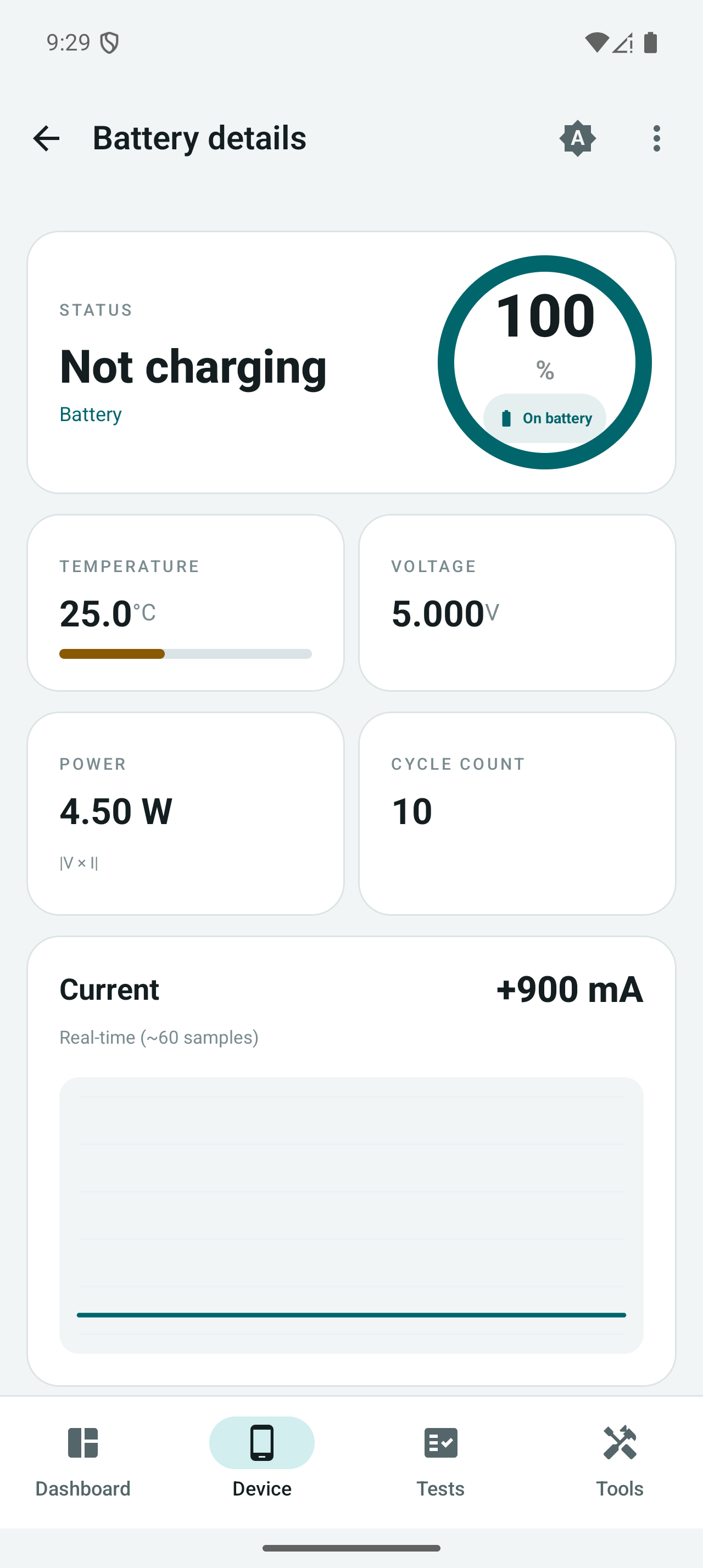
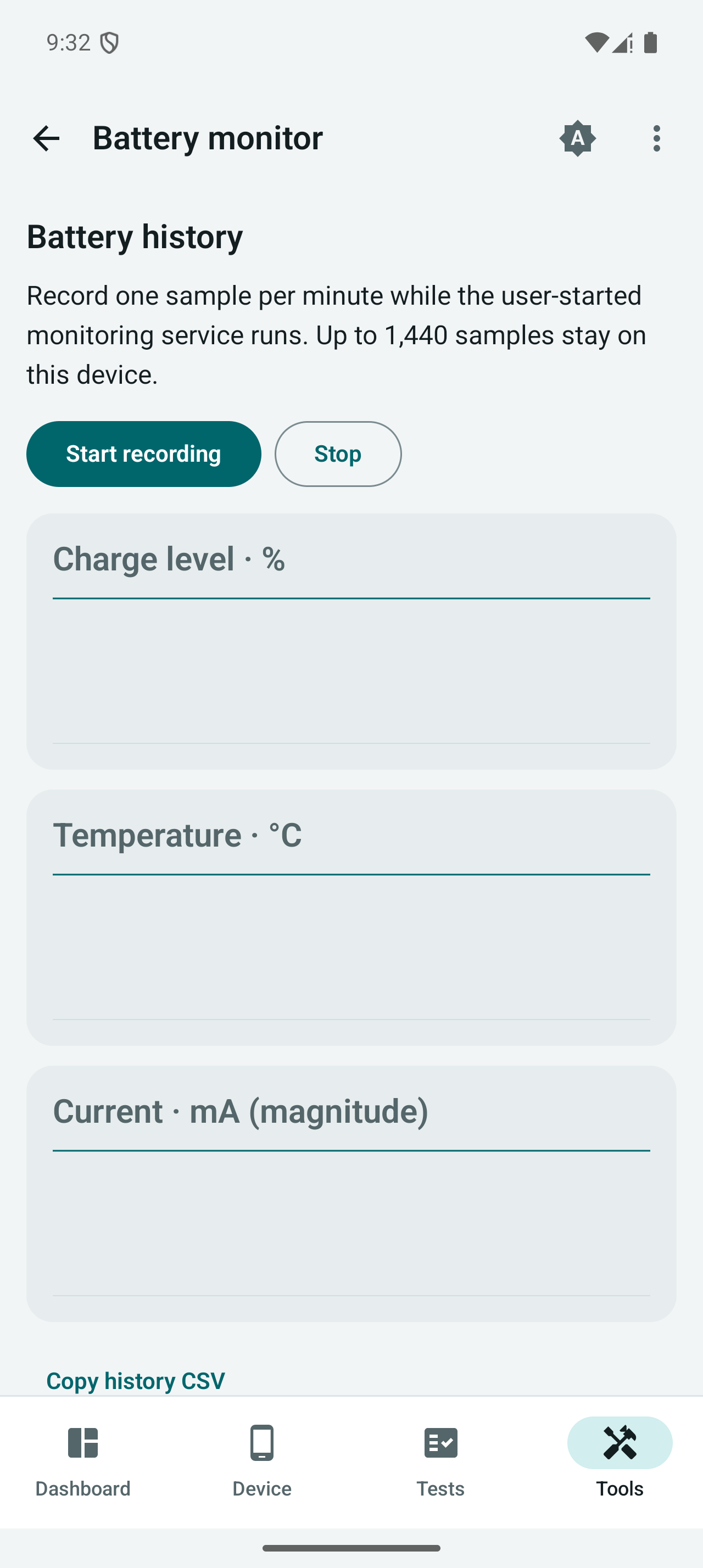
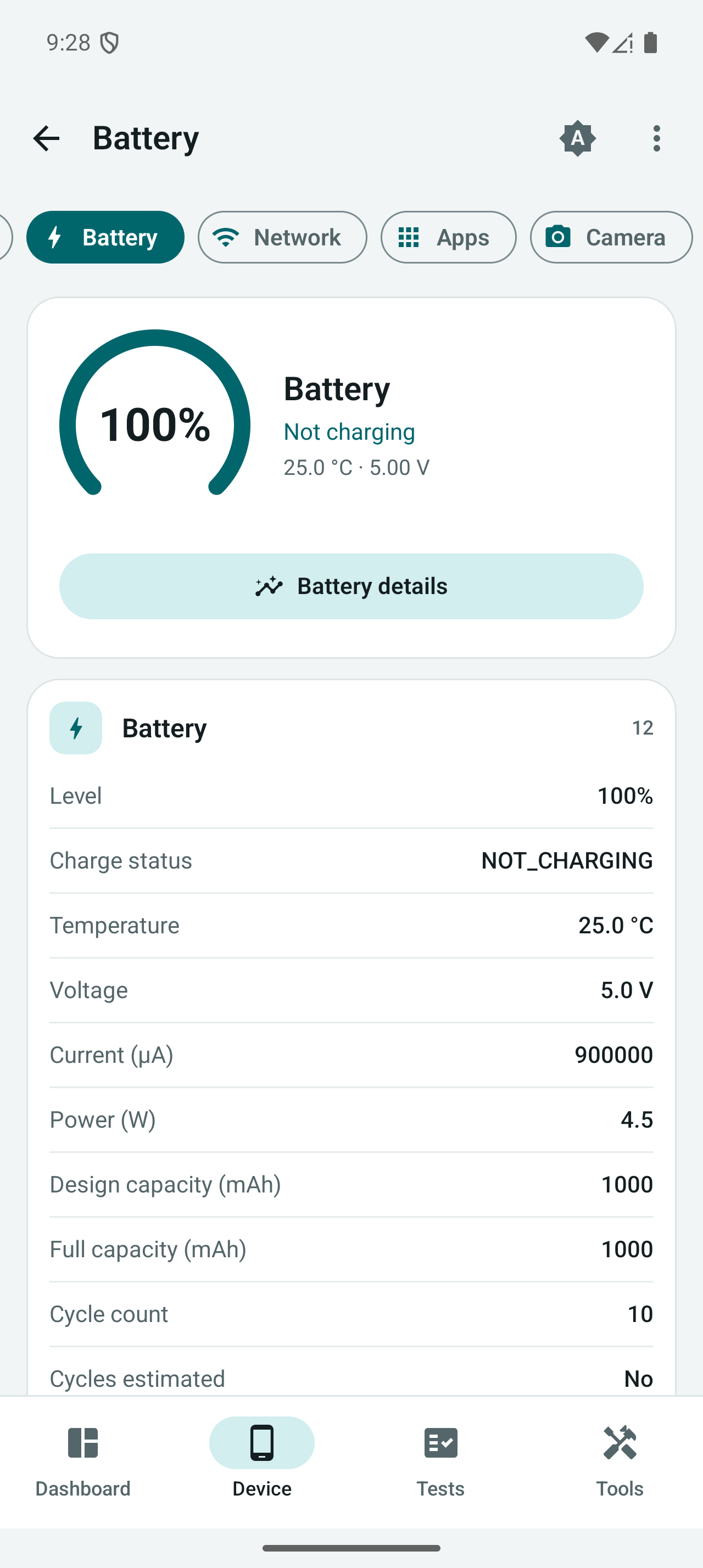
| Battery | Level, temperature, voltage, current, power, available capacity and cycle signals, current chart and local recording |
| Network | Connection information, user-started DNS/TCP connectivity tools, Wi-Fi, Bluetooth, GPS and USB diagnostics |
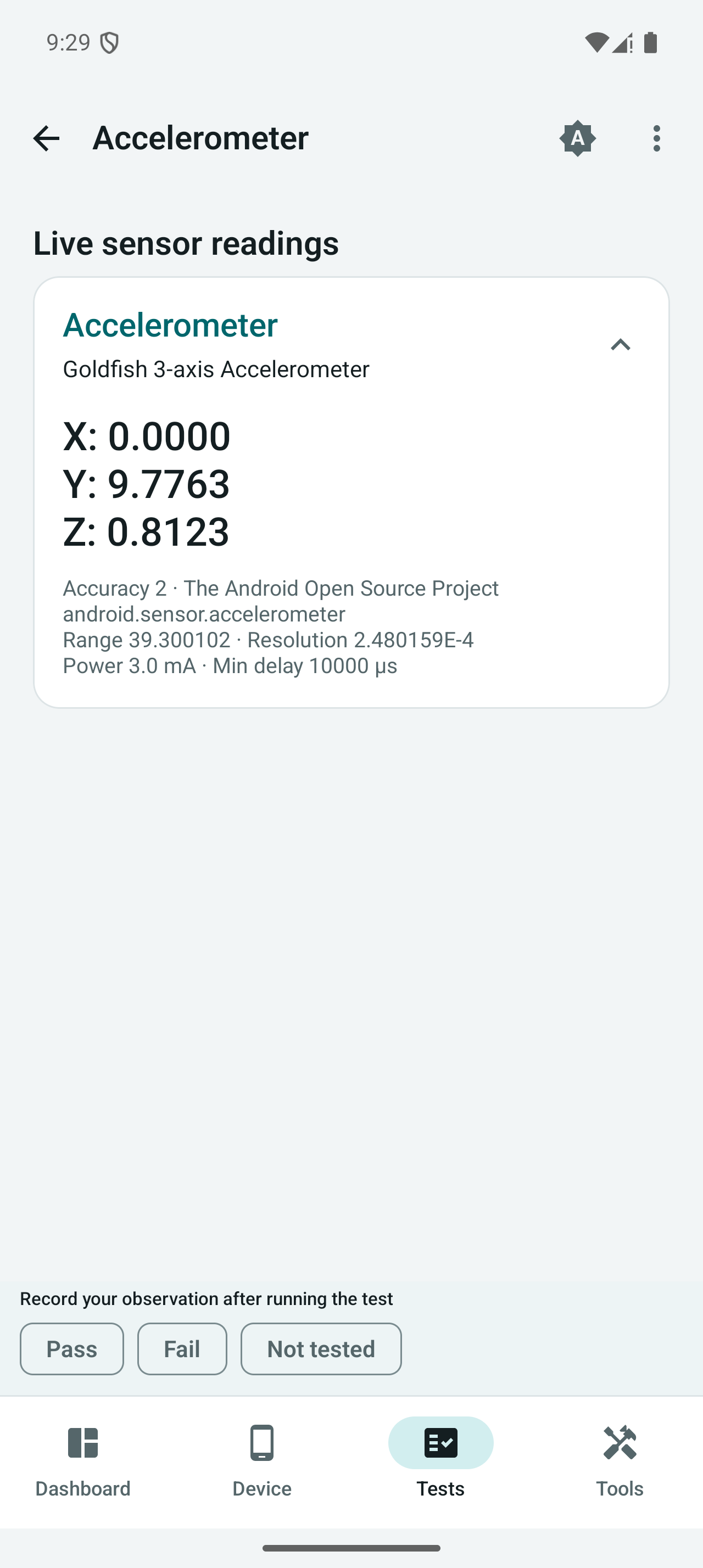
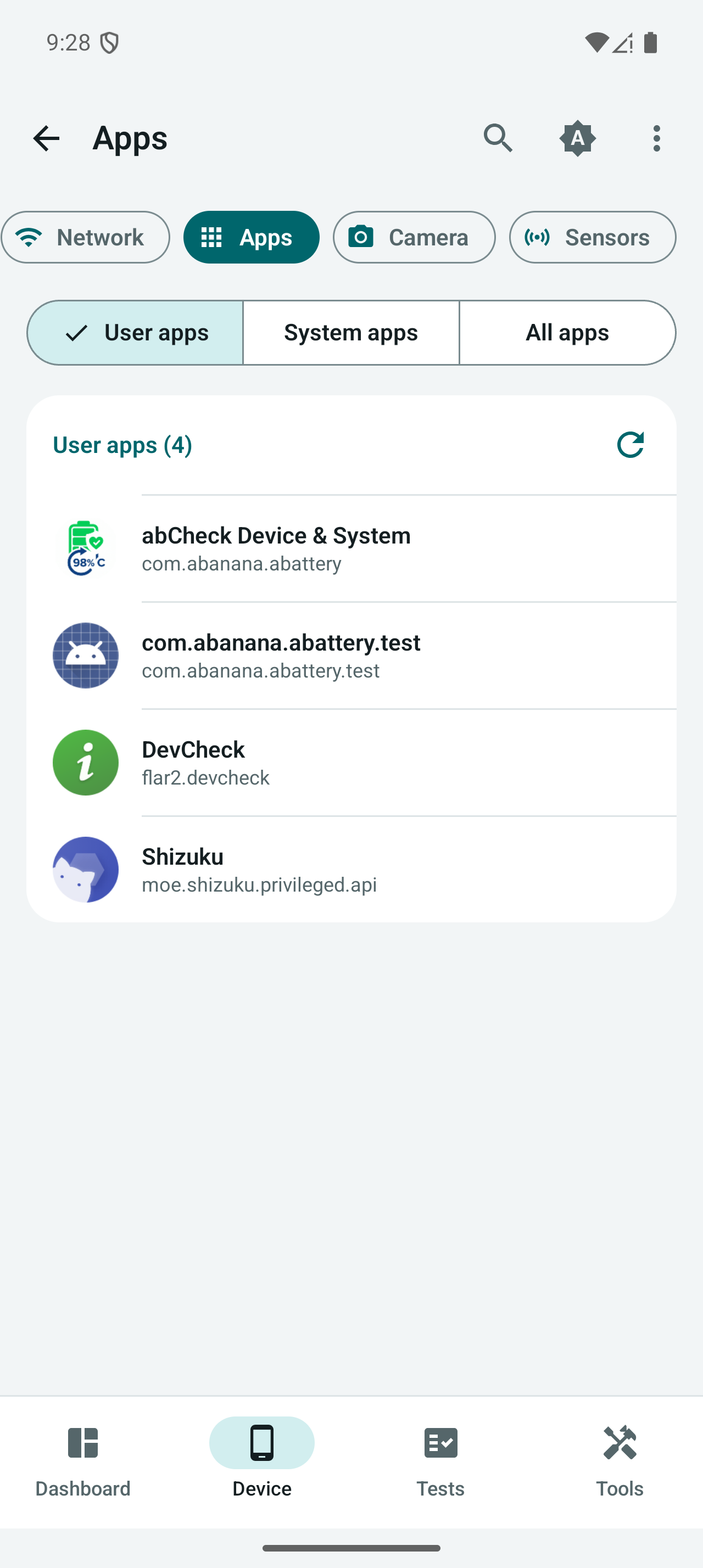
| Apps, camera & sensors | Android-visible packages, camera capabilities, sensor details and live readings |
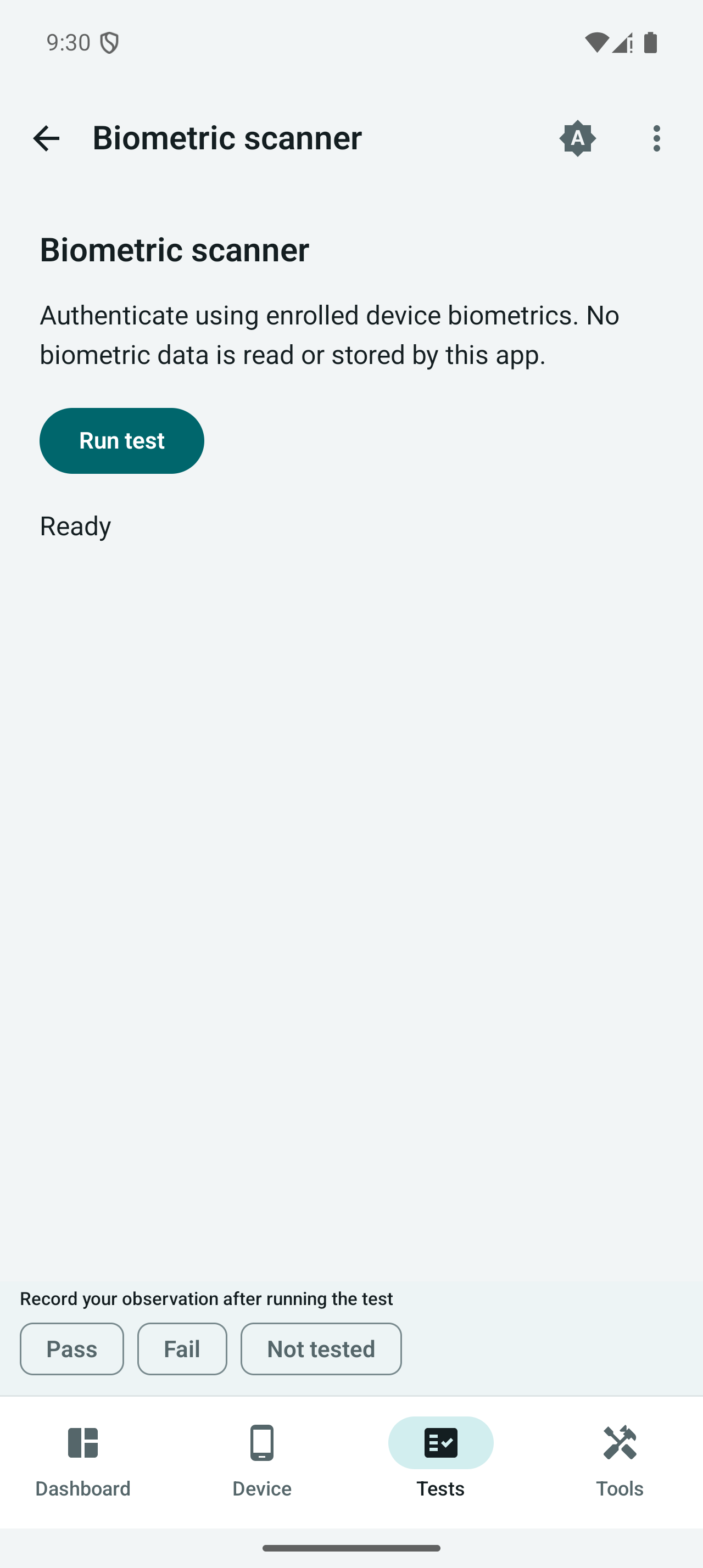
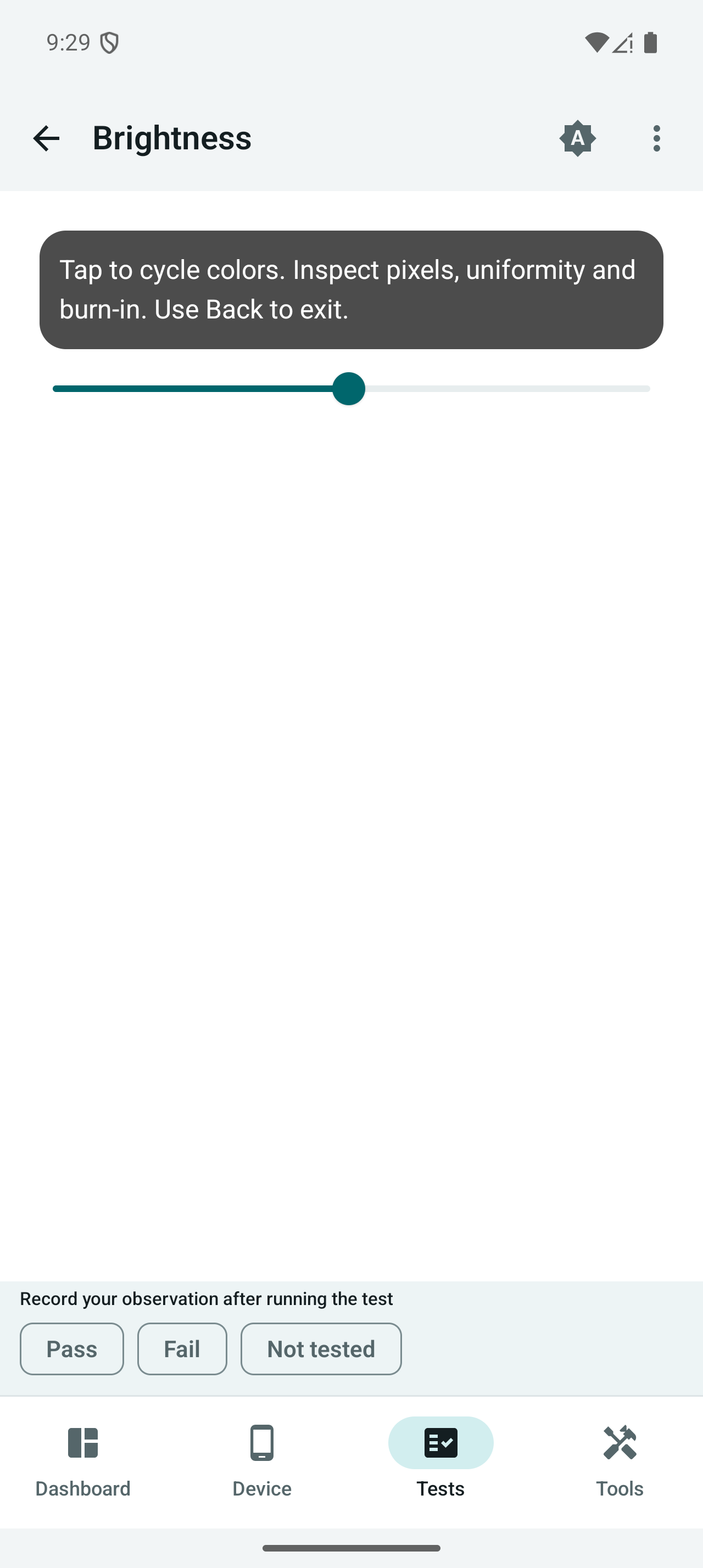
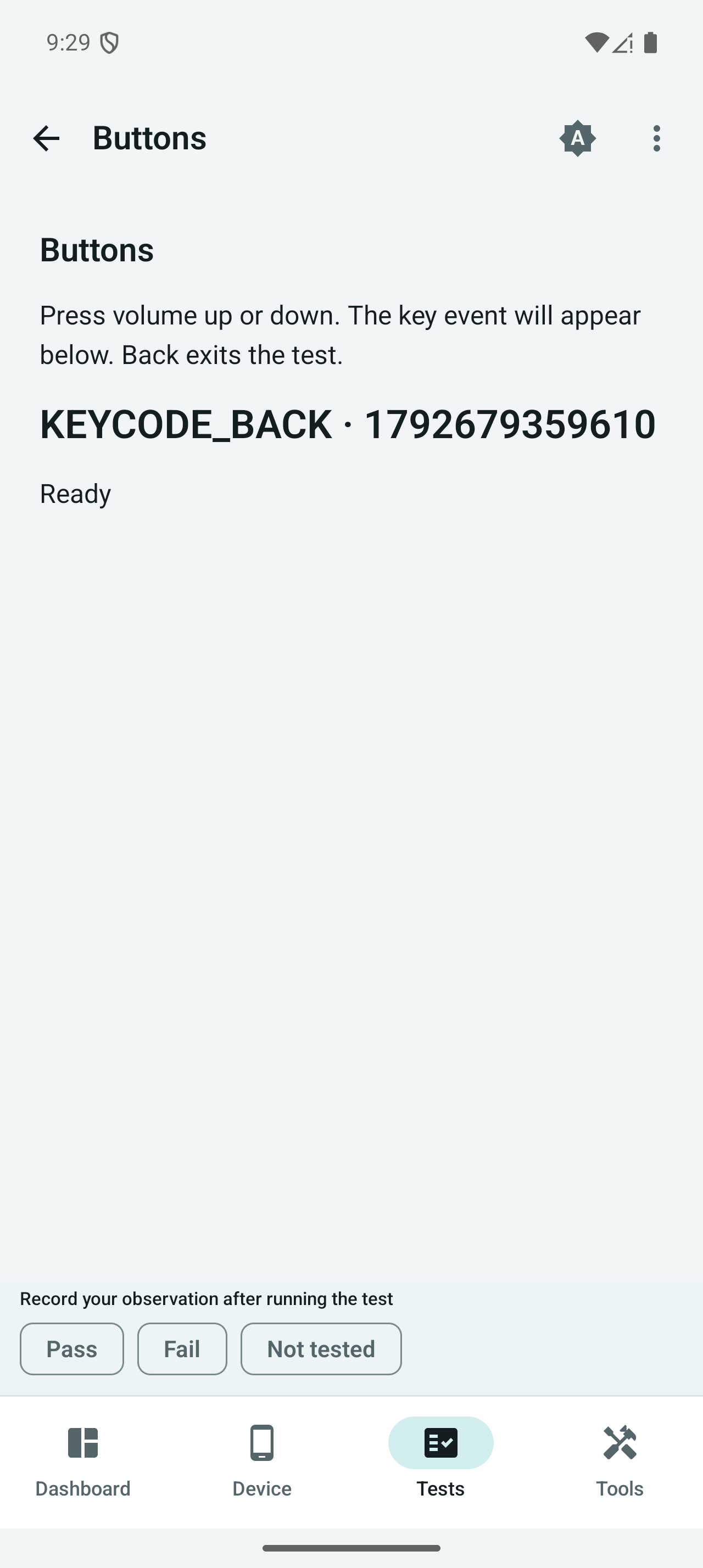
| Interactive tests | Screen, multitouch, keys, audio, microphone, camera and sensor checks |
| Monitoring & reports | Floating monitor, graphs, home-screen widgets and Text/JSON/HTML/PDF/PNG reports |
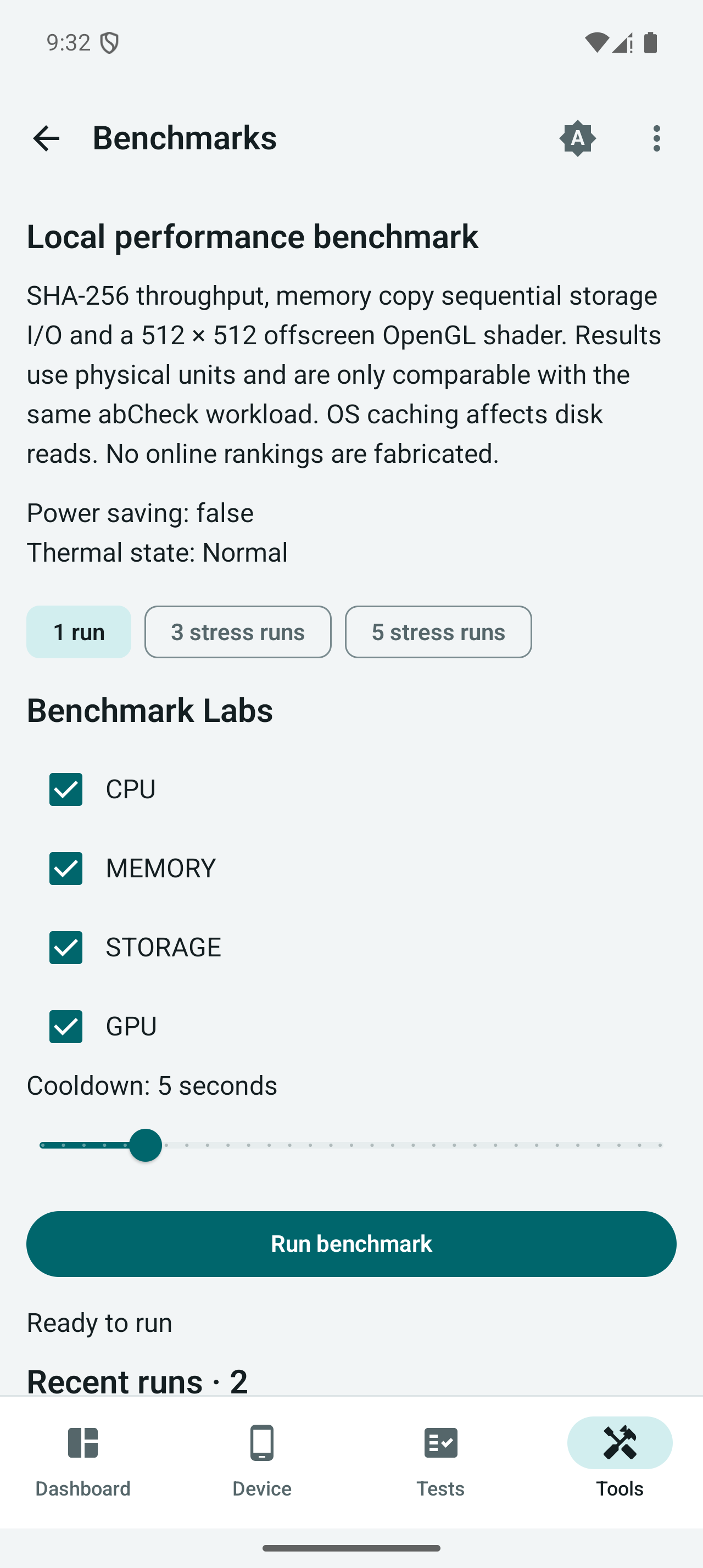
| Local benchmarks | CPU, memory, storage and GPU workloads, repeated runs and saved history |
Light, dark and system themes are supported. Existing battery screens retain 16 languages; the expanded diagnostic interface has English and Vietnamese labels, with English fallbacks where translations are missing.
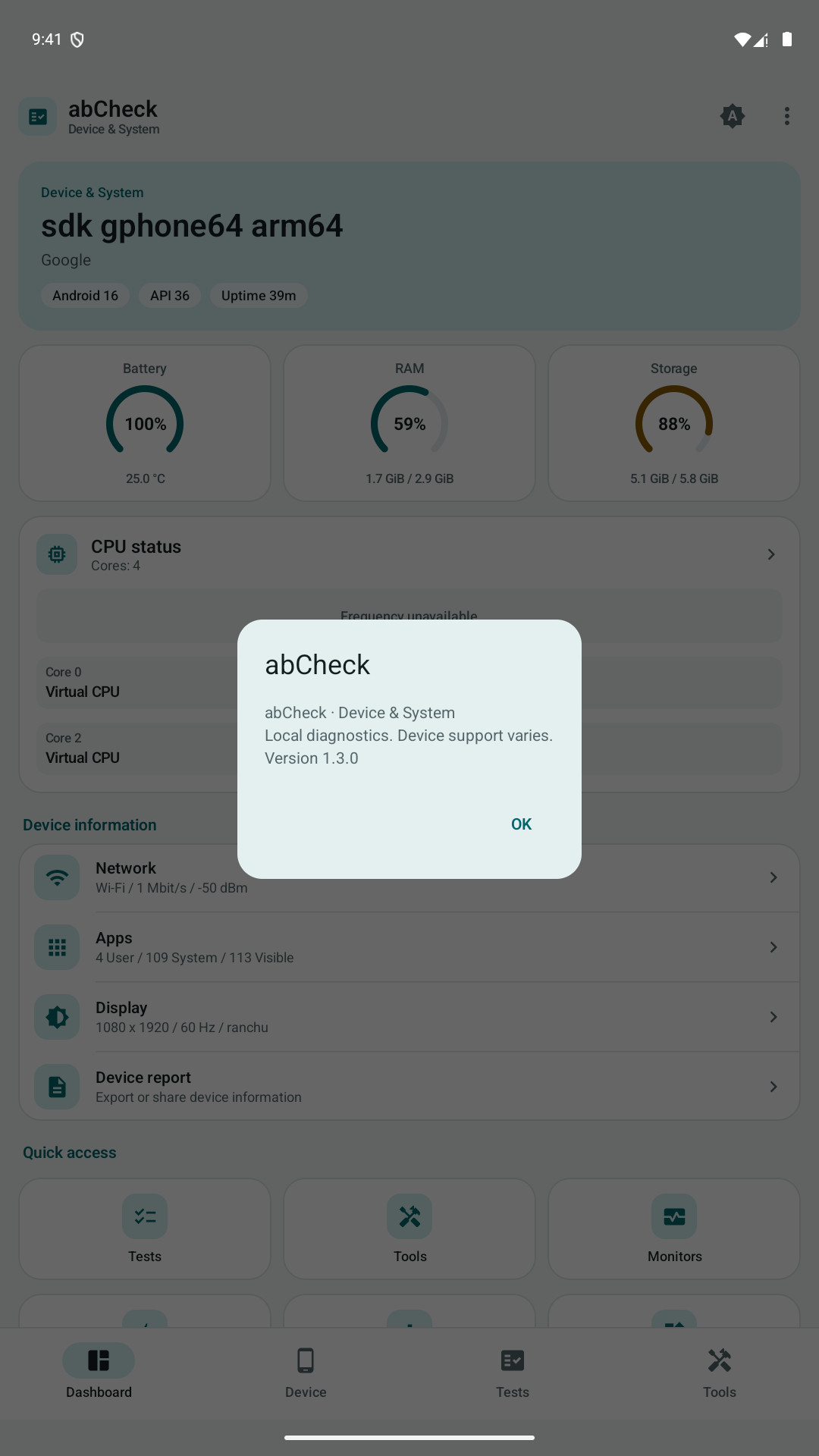
Screenshots of 1.3.0
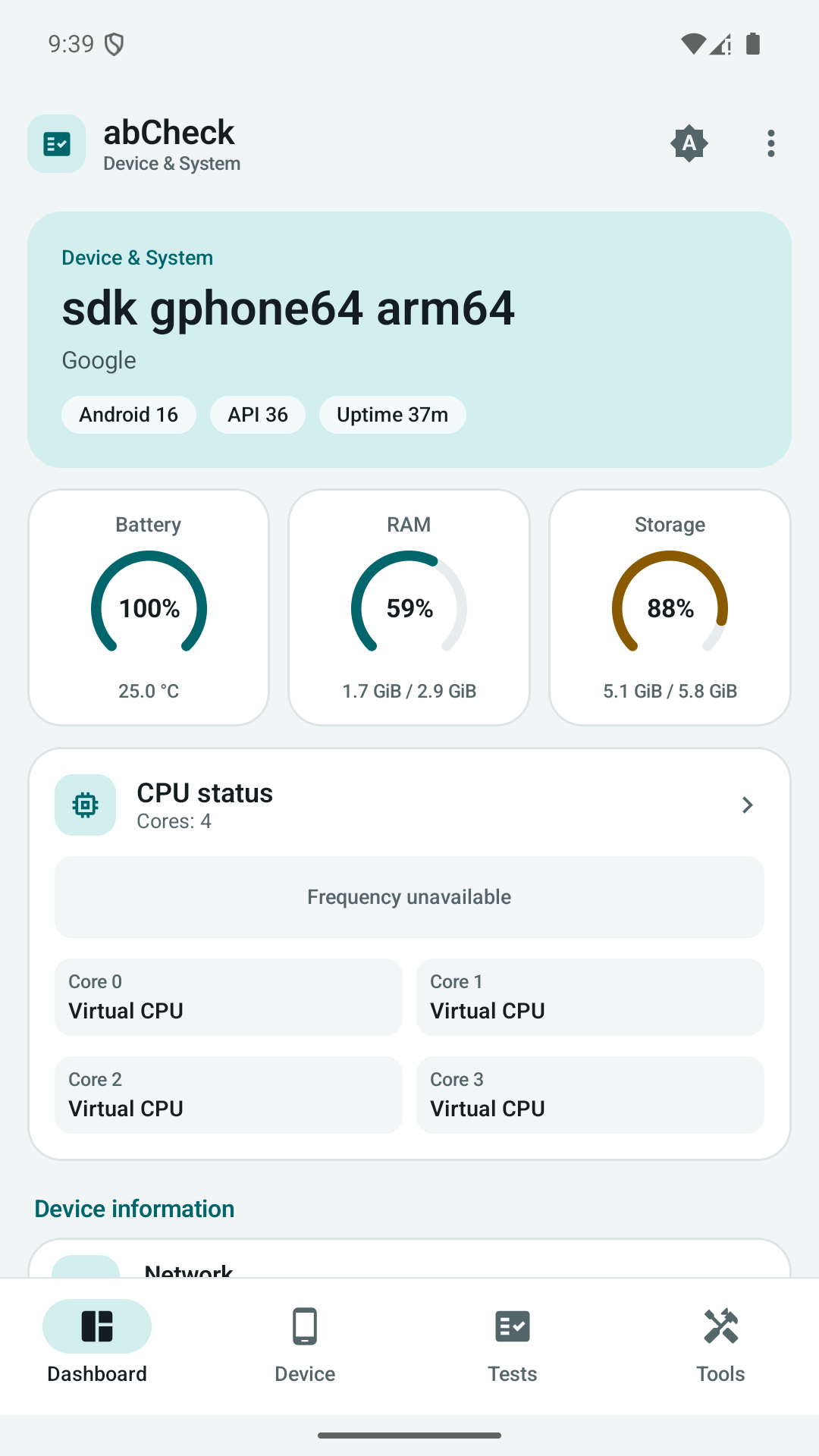
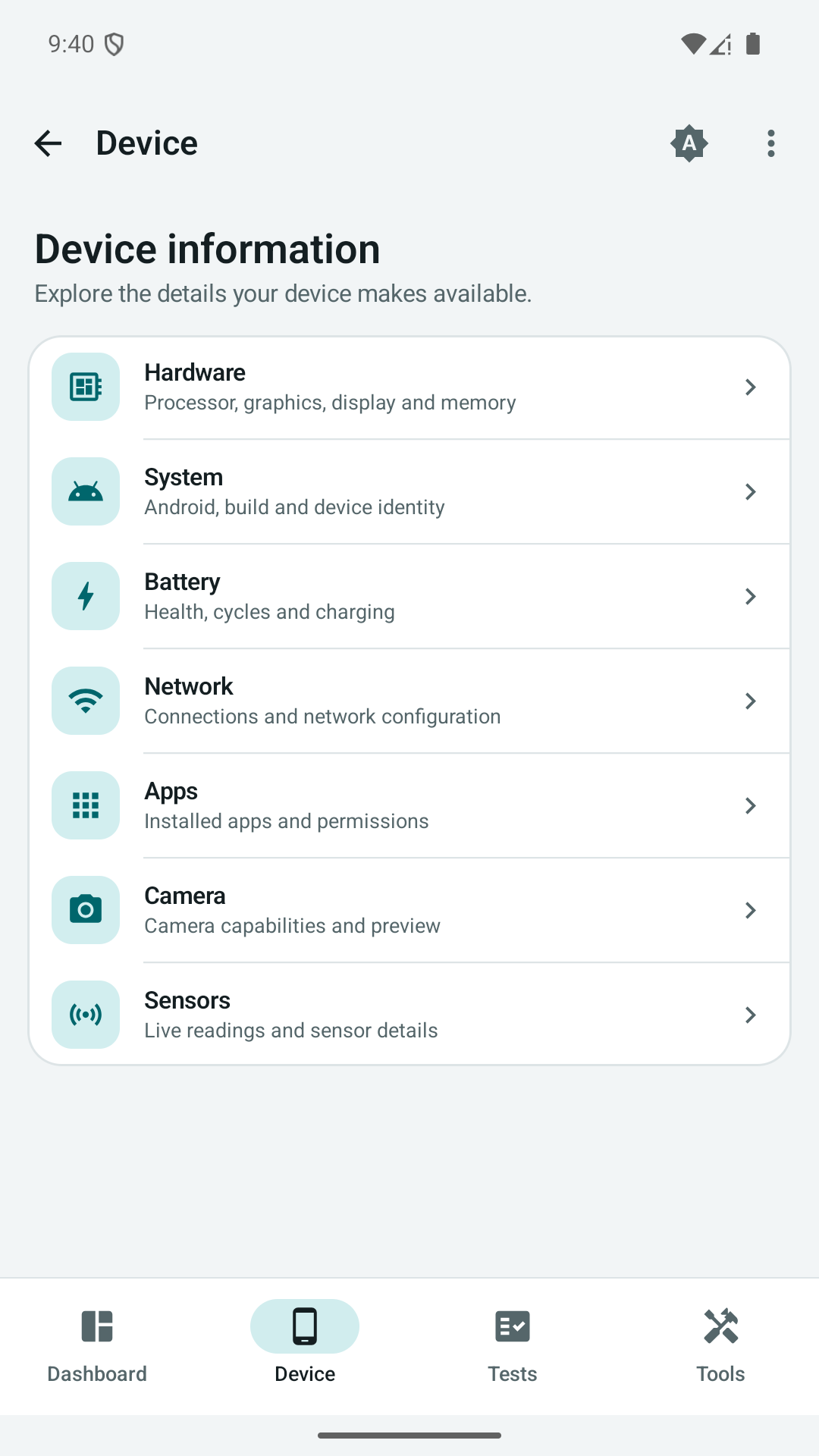
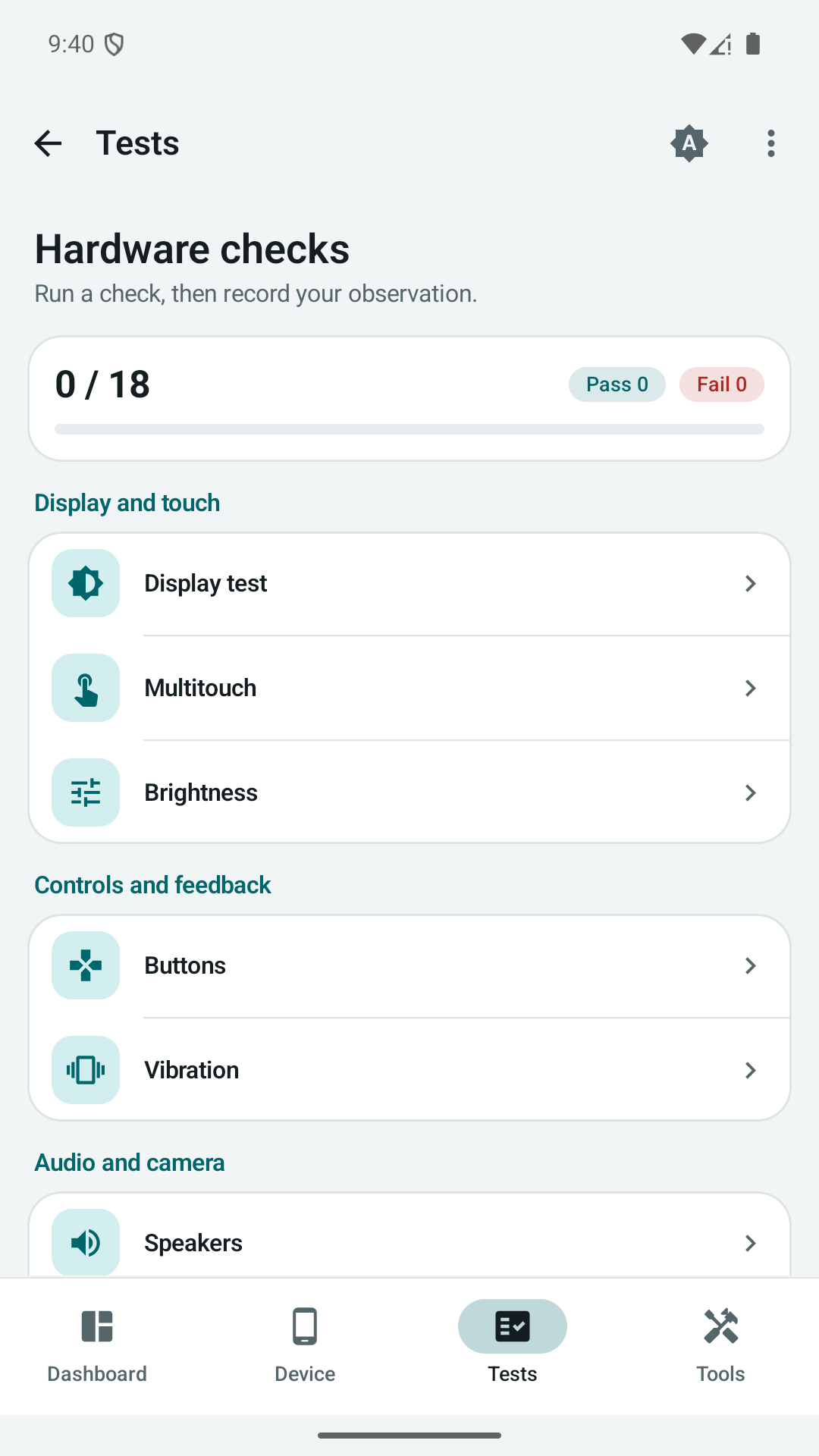
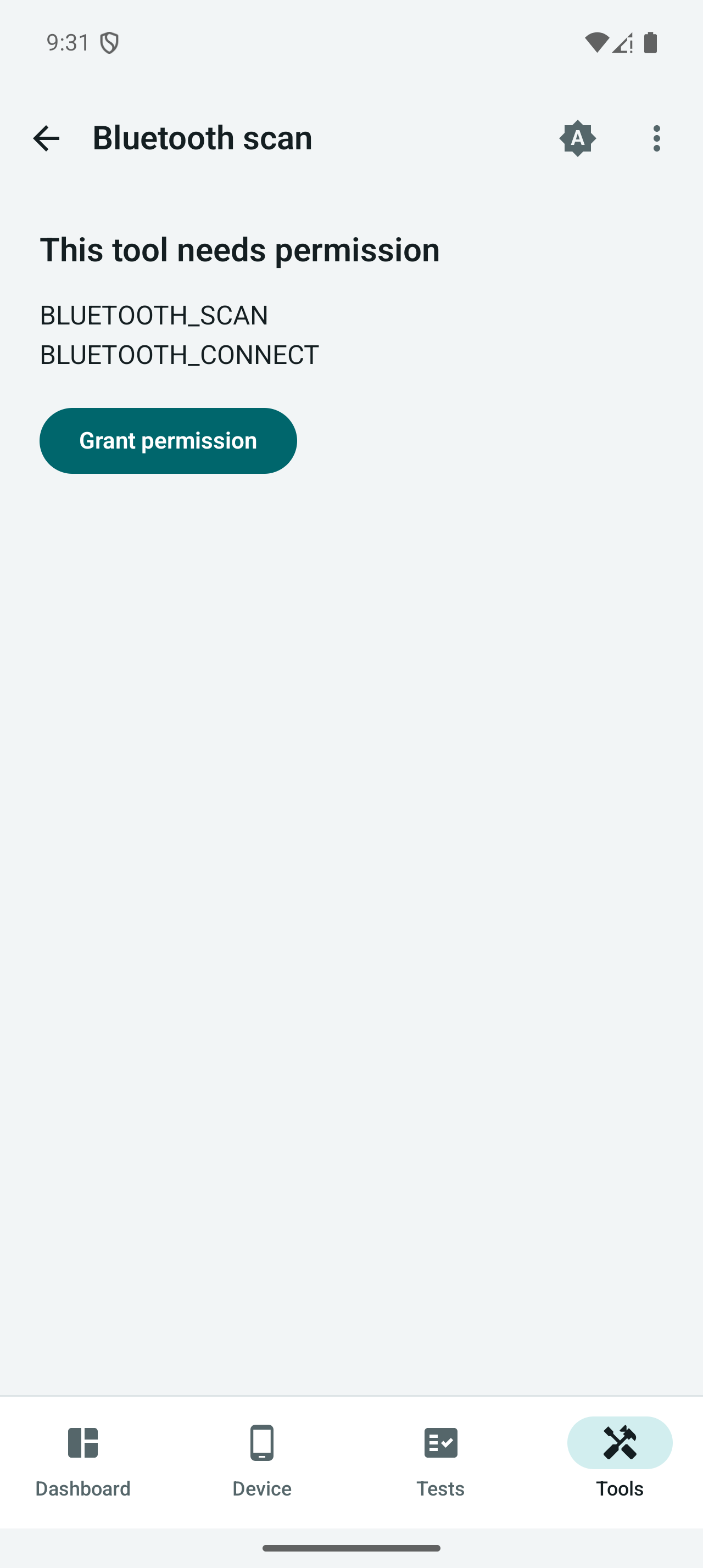
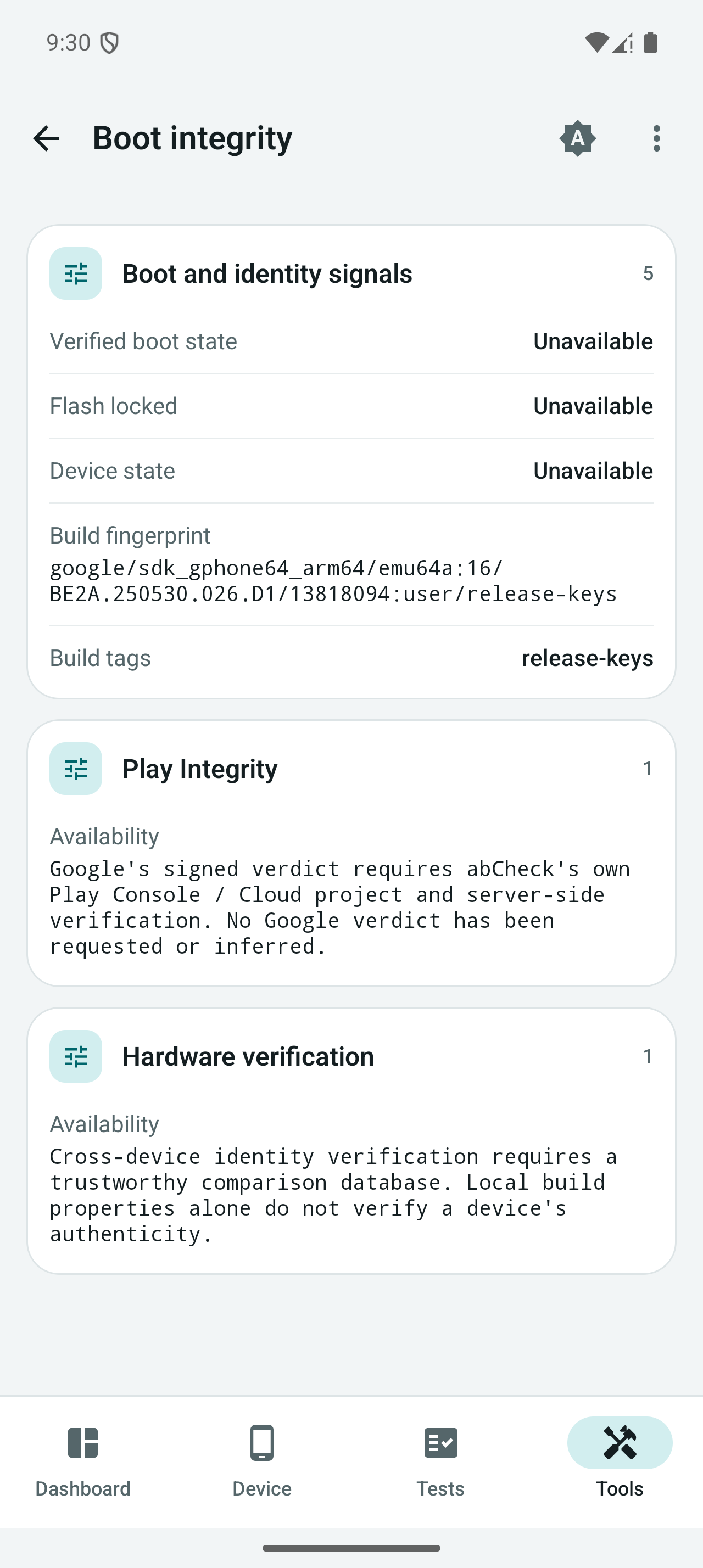
Captured from the app on an Android emulator. Hardware values describe that emulator, not a physical phone.


The complete screen gallery covers device pages, all hardware checks and diagnostic tools. A downloadable screenshot archive is also attached to release 1.3.0.
Honest measurements and device limits
Android and manufacturers restrict access to some hardware data. Unavailable readings remain N/A; estimates are labeled. Emulator CPU frequencies are identified as virtual rather than presented as measured MHz. Historical battery cycles before installation cannot be reconstructed when the device does not expose them.
Local benchmark scores describe abCheck workloads; they are not interchangeable with other benchmark apps. Physical hardware tests, OEM-specific readings and behavior across Android versions still need real-device verification. There are no online rankings or signed Play Integrity verdicts in this version.
The community-tested device list records reports about earlier battery-focused versions. Those reports do not validate every tool introduced in 1.2.0. Read how Android battery data works for details about APIs and fallbacks.
Privacy and permissions
Diagnostics and history are processed locally. Camera, microphone, location, Bluetooth, usage access, notifications and overlay access are used by the corresponding tools. The floating monitor and battery recorder are user-started sessions with a visible notification and Stop action.
Version 1.2.0 includes Internet permission for connectivity tools you choose to run. It does not include advertising or analytics SDKs. Reports leave the app only when you choose to export or share them. See the privacy policy for the full permission and data-use details.
Build from source
Requirements: JDK 17, Android SDK 36, and Android 8.0 (API 26) or newer on the target device.
git clone https://github.com/abanana84/abCheck.git
cd abCheck
./gradlew testDebugUnitTest lintDebug assembleDebug
The debug APK is generated at app/build/outputs/apk/debug/app-debug.apk. For device integration checks with an attached emulator or phone:
./gradlew connectedDebugAndroidTest
The Android package remains com.abanana.abattery so this update continues the existing app. Renaming the GitHub project does not change the installed package or Play URL.
Development and contributing
Built with Kotlin, Jetpack Compose, Material 3, Hilt, coroutines and StateFlow. See the source architecture, changelog and contribution guide.
Device reports, translations and focused fixes are welcome. Include the model, Android version, app version and steps to reproduce; remove device identifiers and unrelated personal information from screenshots or logs.
License
How Shizuku is used
Can read thermal sensors, running processes, device logs and battery service via `Shizuku` privileged service
This is an AI-assisted analysis of Shizuku-related usages in the app's public source code. It is best effort, so it may not catch every single usage.
How this app uses Shizuku
Shizuku is used for an extra read-only diagnostics screen that runs fixed system tools with elevated privileges.
- View thermal sensors: see thermal service output collected with the
dumpsys thermalservicesystem tool through Shizuku. - List running processes: see all processes with PID, UID and name collected with the
pssystem tool through Shizuku. - View recent device logs: see the latest buffered system log lines collected with the
logcatsystem tool through Shizuku. - View battery service details: see full battery service output collected with the
dumpsys batterysystem tool through Shizuku.
Android APIs or commands used
dumpsys thermalserviceps -A -o PID,UID,NAMElogcat -d -t 150dumpsys battery
Notable details
The main battery and device info screens work without Shizuku. The Shizuku screen only adds the four extra read-only outputs above, all with fixed arguments and no way to enter custom commands.
Changelog
What's new for version 1.3.0
A redesigned abCheck interface for exploring your Android device, checking components and following system readings.
What changed
- Four main destinations: Dashboard, Device, Tests and Tools.
- Dashboard with battery, RAM, storage and CPU status.
- Grouped hardware information, component checks and diagnostic tools.
- Consistent light and dark themes, local fonts and clearer reading cards.
- Existing battery details, recording, monitors, widgets, benchmarks and exports retained.
- Updated screenshots, store description and documentation.
Screenshots
Downloads
abCheck-1.3.0.apk: signed, minified Android APK for direct installation.abCheck-1.3.0-code10-signed.aab: Google Play upload bundle, not directly installable.abCheck-1.3.0-screenshots.zip: full screen inventory captured from the running app on an Android emulator.SHA256SUMS: download integrity hashes.
Android 8.0+ (API 26), target API 36. Package: com.abanana.abattery. Version code: 10.
The GitHub APK uses the project's current upload certificate. Its certificate differs from Google Play's app-signing certificate and may differ from older GitHub builds. Keep using the same installation channel; Android will reject an in-place update across different signing certificates. Export any needed local history before changing installation channels.
Google Play publication requires Google review. This GitHub release does not mean the Play update is already available.
Screenshots show actual emulator readings. Physical hardware accuracy and OEM-specific data still require real-device testing. Unavailable readings are not replaced with invented values.
Permissions
21 permissions requested
More from this category
 TinyKit
 GhostLock
 VineOS
 OptiDroid
 Screen Translator
 Phone Diagnostic
 Device Watch
 Screen Recorder
 FluxLinux
 Fern
 雨晴截屏
 CaptureCap